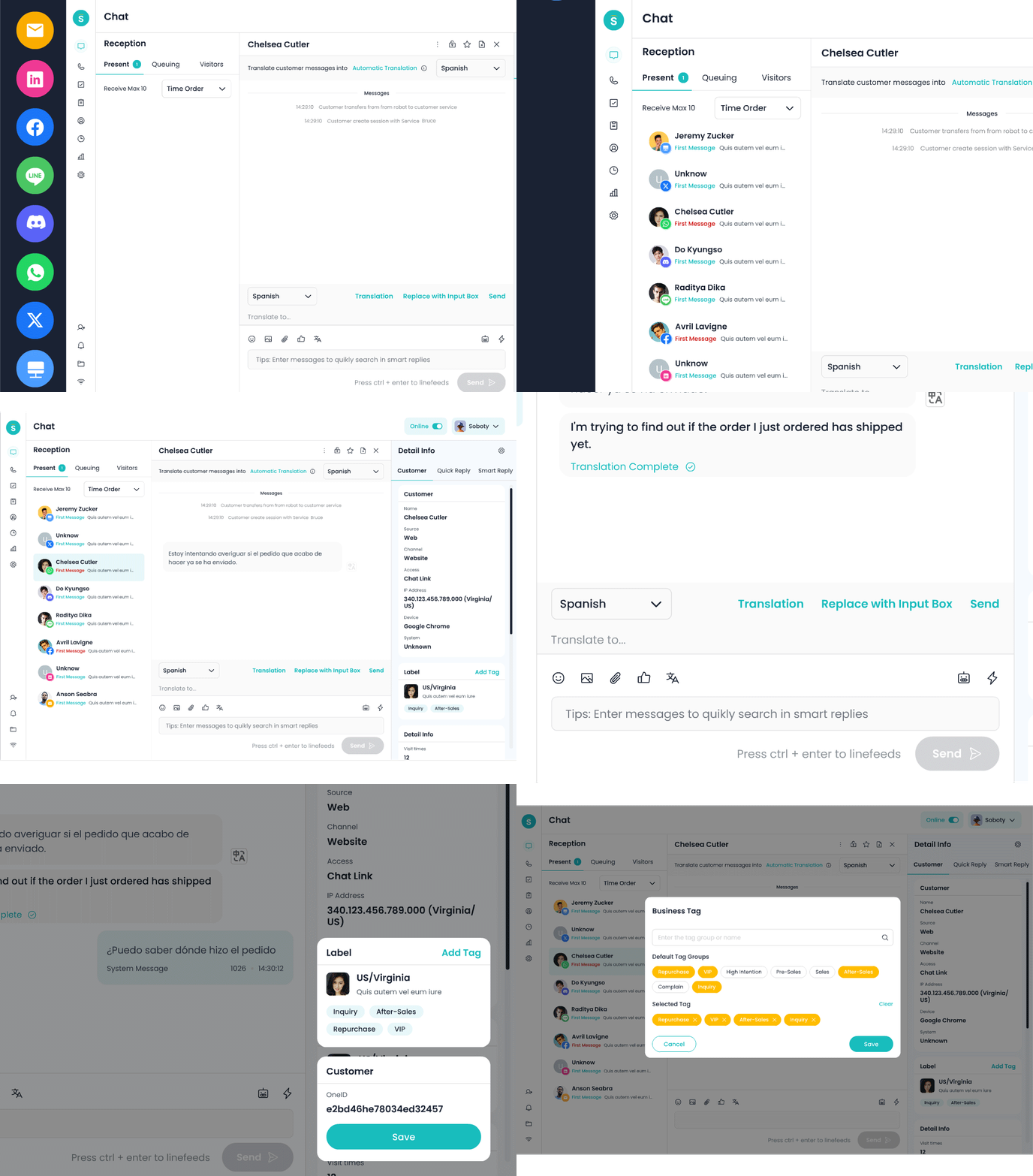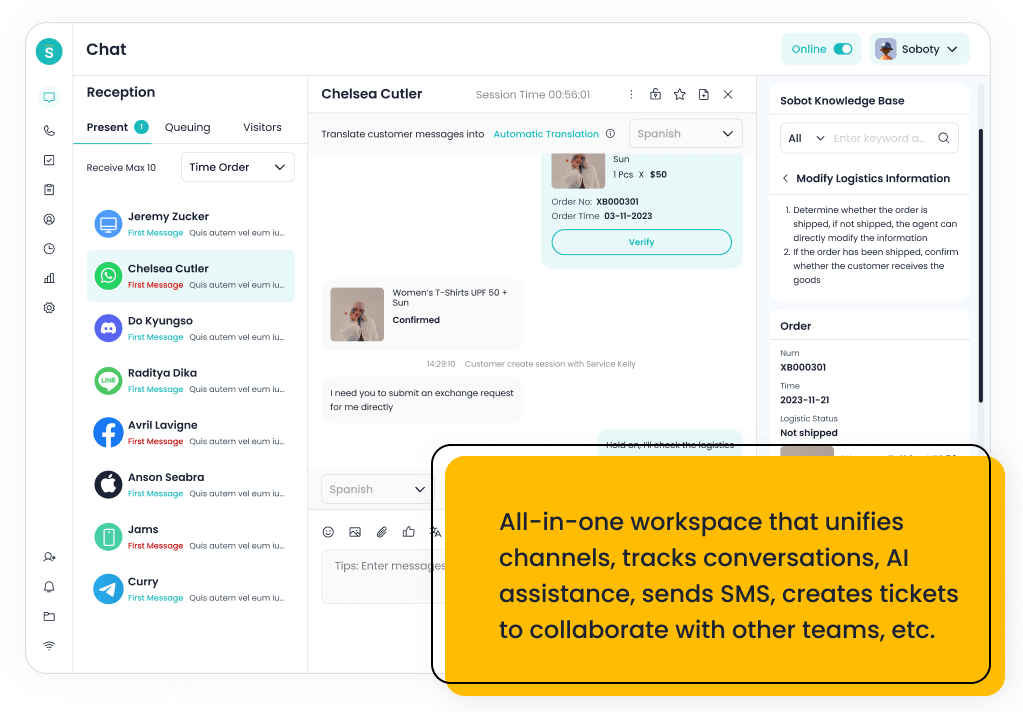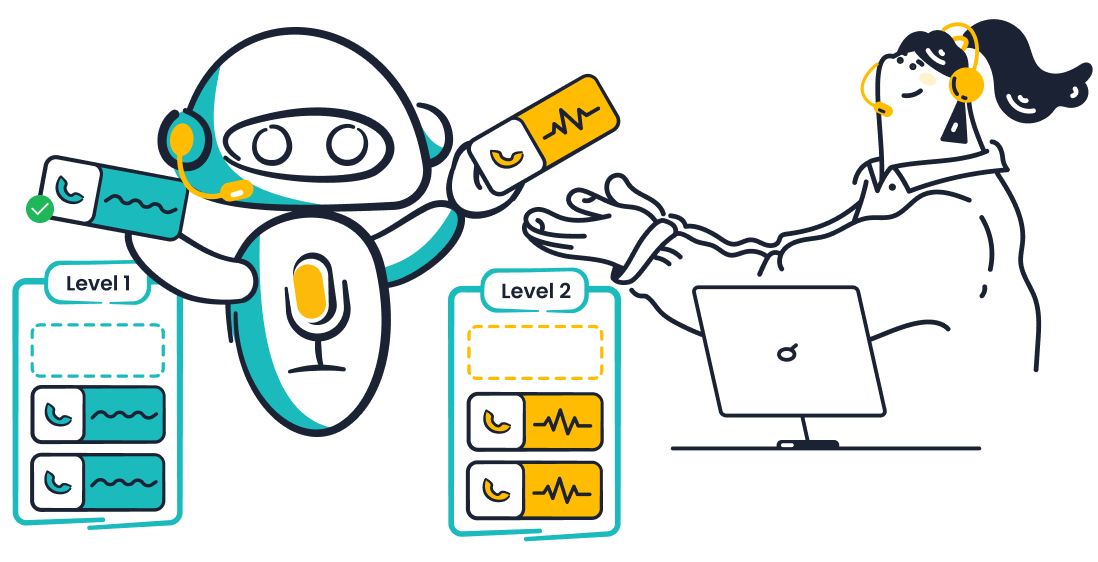
AI customer service uses artificial intelligence to answer questions, resolve requests and support human agents across chat, email and other channels. Done well, it cuts response times, handles routine volume around the clock, and frees your team for the conversations that need a person. Done badly, it frustrates customers and erodes trust.
This guide explains how AI customer service works, where to use it, how to choose software and how to measure results. Start with the overview below, then jump to the section that matches your question. For a full definition of the category, read What Is AI Customer Service? A Complete Guide to Software, Platforms & Solutions.
On this page
- The three types of AI in customer service
- What to automate, assist or keep human
- How AI customer service automation works
- How to get started: a six-step rollout
- Channels: chat and email
- Use cases and real examples
- AI customer service by industry
- AI agents, agent assist and AI customer care
- Preparing your team
- Choosing software and providers
- How to measure AI customer service
- Benefits, challenges and common mistakes
- The future of AI in customer service
- Your next step
- Frequently asked questions
AI Customer Service at a Glance
| Decision | Practical starting point |
|---|---|
| What can AI handle? | Repeated questions and permitted tasks backed by current knowledge and connected systems |
| Where can it help people? | Reply drafting, knowledge lookup, conversation summaries and ticket triage |
| Where should people take over? | Sensitive decisions, disputed policies, failed actions and requests outside the AI’s authority |
| What should you measure? | Verified resolution, answer quality, customer satisfaction, repeat contacts and total cost |
| How should you begin? | Pilot one well-defined request type, review exceptions and expand after measuring results |
The Three Types of AI in Customer Service
Three terms come up constantly, and they describe different capabilities rather than competing products.
- Conversational AI understands and replies in natural language, so customers can type or speak a question instead of navigating menus.
- Generative AI writes new responses from your knowledge base and past conversations, rather than choosing from pre-written scripts.
- Agentic AI goes further by taking actions, such as checking an order, issuing a refund or updating an account, within limits you set.
| Type | What it does | Typical task | Main risk |
|---|---|---|---|
| Conversational AI | Understands natural language and replies in a dialogue | Answering a question in chat or by voice | Misreading what the customer actually wants |
| Generative AI | Writes original answers from your knowledge sources | Drafting a reply or summarizing a long thread | Confident but wrong answers when the knowledge base is thin |
| Agentic AI | Plans steps and takes actions in connected systems | Checking an order and issuing a refund | A wrong action, so it needs spending and permission limits |
Most modern platforms combine all three. The practical question is how much autonomy you give the AI and which actions still need human approval. Our guide Generative, Conversational & Agentic AI in Customer Service: What’s the Difference compares them side by side, and AI Agents for Customer Service: What They Are & How They Work covers the agentic end in depth.
What to Automate, Assist or Keep Human
The most useful decision you will make is which requests the AI handles alone. A simple rule is to sort requests by how complex they are and how much damage a wrong answer could do.
| Request type | Examples | Recommended approach |
|---|---|---|
| Simple, repetitive, low risk | Order status, opening hours, password resets | Automate fully with an AI agent |
| Routine but account-specific | Returns, address changes, rescheduling | Automate with identity checks and limits, and escalate exceptions |
| Complex or multi-step | Billing disputes, technical troubleshooting | Keep a person in charge, with AI drafting replies and surfacing answers |
| Sensitive or high stakes | Angry complaints, medical questions, denied claims, legal issues | Route to a person, with AI only summarizing the context |
Start in the top row, prove the results, and move down the table one step at a time. Review the boundaries when policies, connected systems or performance change. Expand permissions only after testing the additional work.
How AI Customer Service Automation Works
AI customer service automation follows a simple loop: the AI receives a customer message, works out what the customer wants, finds the answer in your knowledge sources or connected systems, responds or acts, and hands the conversation to a person when it is unsure or the issue is sensitive.
The benefits that matter most to support teams are faster first responses, 24/7 coverage, lower cost per resolved conversation, consistent answers, and more time for agents to handle complex cases. How much you gain depends on the quality of your knowledge base and on how clearly you define when the AI should escalate.
Read AI Customer Service Automation: How It Works & Key Benefits for the step-by-step breakdown, and AI in Customer Service: Benefits, Challenges & Common Mistakes for the trade-offs.
How to Get Started: a Six-Step Rollout
Teams that succeed with AI customer service tend to follow the same path, and the scope should match the task, integrations and review capacity available.
- Audit your conversations. Export three to six months of tickets and chats, group them by topic, and count how many fall into each group. Use the counts to identify the largest groups rather than assuming which topics dominate.
- Pick two or three starting use cases. Choose topics that are frequent, repetitive and low risk, using the table above.
- Prepare your knowledge. Fix outdated help articles, fill gaps, and write down policies the AI will need, such as refund windows and escalation rules. The quality of this content sets the ceiling on the quality of the answers.
- Select and connect a tool. Compare options against your starting use cases (see “Choosing software and providers” below), then connect it to your helpdesk and, if needed, your order or account systems.
- Pilot with guardrails. Launch to a small share of traffic or a single channel, make the handoff to a person easy, and have agents review a sample of conversations every week. Prepare the team as described in AI Customer Service Training: How to Prepare Your Team to Work with AI.
- Measure, then expand. Track the metrics in the section below, fix the gaps the reviews reveal, and add the next group of request types only when results hold.
Channels: Chat and Email
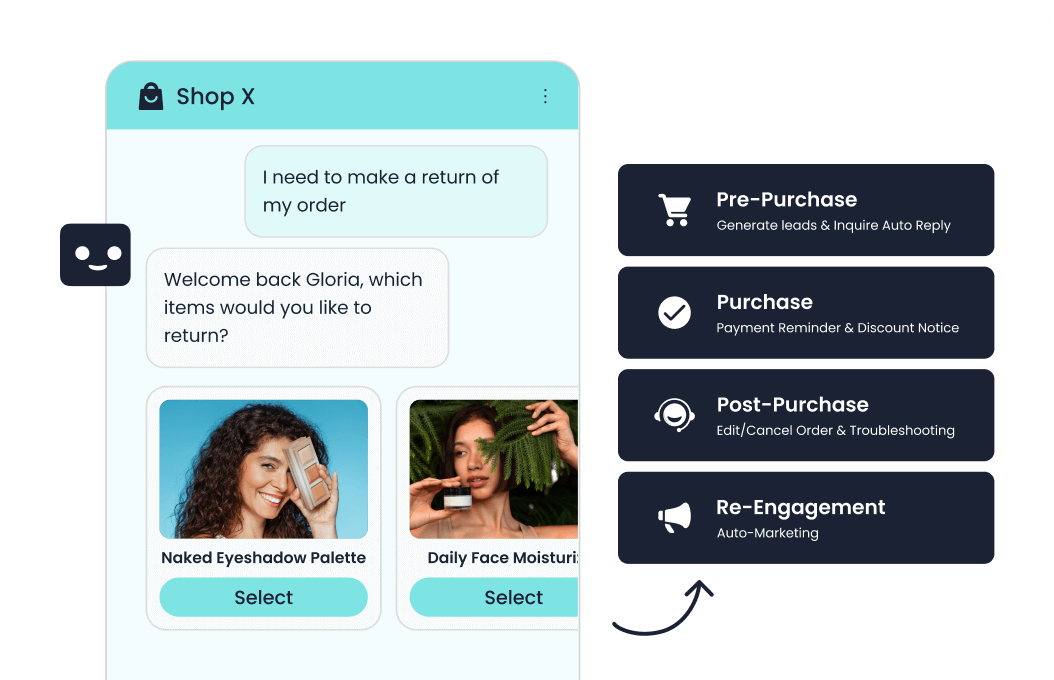
The channel changes what good AI support looks like. Live chat rewards speed and short, conversational answers, so AI can resolve many questions on the spot. Email allows longer, more careful replies, which suits AI drafting a response for an agent to review or sending fully automated replies for simple requests.
Whichever channel you start with, keep the customer’s context consistent: they should not have to repeat themselves when a conversation moves from AI to a person, or from chat to email.
Our channel-by-channel walkthrough, AI Customer Service for Chat and Email: A Channel-by-Channel Guide, covers setup, tone and escalation rules for each. For a broader introduction to chat-based support, read our AI chatbots for customer service guide.
Which Channel Should You Automate First?
Start with the channel where a frequent request has a dependable answer, the necessary customer data is accessible and a human can take over. High volume helps identify an opportunity, but it does not establish that the request is ready for automation.
| Your support pattern | A practical first pilot | What to verify |
|---|---|---|
| Repetitive website questions | Chat answers from approved support content | The answer is grounded and a person is reachable |
| Detailed email requests | AI drafts reviewed by an agent | The draft addresses every question and preserves policy exceptions |
| Repeated order-status contacts | Authenticated status lookup in the busiest supported channel | The correct order is retrieved and failed lookups reach a person |
| Customers switch channels | One request continued between chat and email | Identity, conversation history and ownership remain intact |
Run the pilot on one request type before expanding channel coverage. Compare completed resolutions, repeat contacts and review effort with the previous process. A fast reply is useful only if it helps the customer finish the task.
Use Cases and Real Examples
The most common uses of AI in customer service are answering frequently asked questions, tracking orders, handling returns and refunds, booking and rescheduling appointments, qualifying leads, triaging and routing tickets, and drafting replies for agents. These work well because they are high-volume, repetitive and based on information the AI can look up.
See where teams apply AI day to day in AI Customer Service Use Cases: Where It’s Actually Being Used, and learn from specific implementations in 10 Real AI Customer Service Examples You Can Learn From.
Customer Example: Renogy
Renogy, a global renewable-energy company, supported customers through a 24/7 AI assistant, live chat, email, phone and ecommerce channels. Its service teams had to switch between systems and its previous chatbot frequently handed routine questions to people. After deploying Sobot’s unified omnichannel platform and a knowledge-base-connected chatbot, Renogy reported a 45% increase in resolution rate, a 35% increase in chatbot direct-answering rate, more than 80% independent chatbot reception, and 95% CSAT. The example shows why AI works best when self-service, human handoff and customer context operate together, rather than as separate tools. Read the Renogy customer story.
AI Customer Service by Industry
The right setup depends on what your customers ask, how regulated your field is, and how much risk a wrong answer carries.
| Industry | What matters most | Read next |
|---|---|---|
| Ecommerce | Order status, returns, product questions and peak-season volume | AI Customer Service for Ecommerce |
| Healthcare | Patient privacy, scheduling, and clear escalation for anything clinical | AI Customer Service for Healthcare |
| Enterprise | Security review, integrations, scale and multi-team governance | AI Customer Service for Enterprise |
| Insurance | Claims status, policy questions, compliance and accurate wording | AI Customer Service for Insurance |
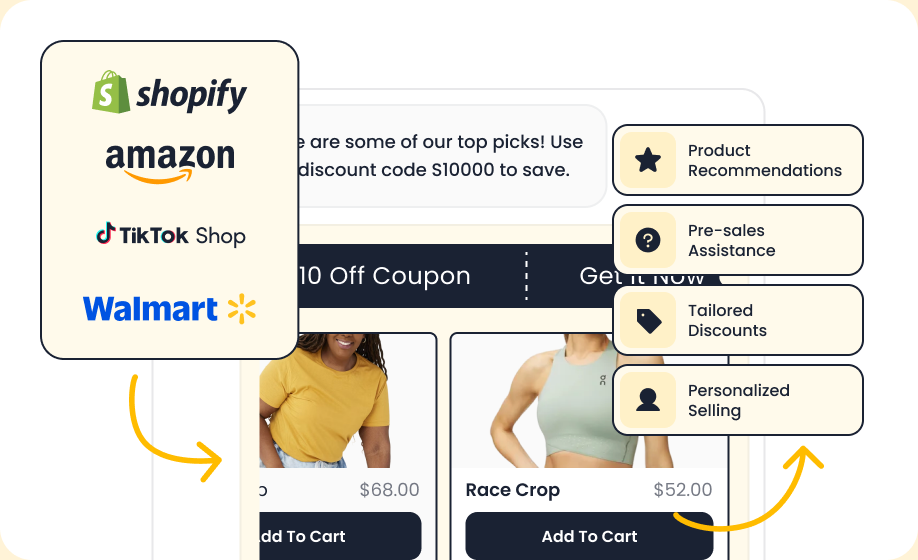
Ecommerce. Support questions cluster around where an order is, how to return it and whether a product fits. AI that connects to your store and shipping data can answer these with real order details rather than generic replies, which matters most during sales peaks when ticket volume spikes.
Healthcare. Scheduling, billing questions and general information are good candidates, but anything involving symptoms or treatment should go to a clinician. Patient data rules apply, so check how a vendor stores and processes conversations before you connect any records.
Enterprise. Large organizations need single sign-on, audit logs, role-based access, data residency options and a way to manage the AI consistently across regions and brands. Security and procurement review often takes longer than the technical setup.
Insurance. Customers ask about claim status, coverage and policy changes. The AI must give accurate, approved wording, because a loosely worded answer about coverage can create compliance and legal exposure.
AI Agents, Agent Assist and AI Customer Care
AI can work in two positions. It can face the customer directly, as an AI agent that resolves requests on its own. Or it can sit beside your team as an assistant, suggesting replies, summarizing conversations and surfacing the right article while a person stays in control.
- AI agents handle conversations end to end and take actions in your systems. See AI Agents for Customer Service: What They Are & How They Work.
- Agent assist supports human agents in real time. See AI Assistant for Customer Service: How Agent Assist Helps Your Support Team.
- AI customer care emphasizes maintaining trust and continuity across the customer relationship. It includes how customers are supported before, during and after an individual service request. See What Is AI Customer Care? (And How It Differs from AI Customer Service).
Many teams start with agent assist because it carries less risk, then expand to AI agents for the simplest request types.
Preparing Your Team
The technology is only half of a successful rollout. Agents need to know what the AI handles, how to take over a conversation smoothly, how to correct the AI’s mistakes, and how their own role shifts toward complex and emotionally sensitive cases.
A practical training plan covers four things: what the AI can and cannot do, the handoff process, how to review and improve AI answers, and how to give feedback that improves the knowledge base. Our guide AI Customer Service Training: How to Prepare Your Team to Work with AI lays out the plan in detail.
If your team is worried about job security, address it directly. Our analysis in The Future of AI in Customer Service: Trends & Will It Replace Jobs? covers what is changing and what is not.
Choosing Software and Providers
Start by deciding what you need the AI to do, then compare tools against that list rather than against feature counts. The questions that separate good fits from poor ones are how well it connects to your helpdesk and order systems, how it learns from your content, how easily it hands off to a person, what reporting it provides, and what it costs at your volume.
- Compare current tools in Best AI Customer Service Software in 2026: Top Picks Compared.
- Look at the vendors behind them in Top AI Customer Service Companies & Providers to Consider.
- If you run a smaller team, see Best AI Customer Service Solutions for Small Business.
Ten Questions to Ask any Vendor
- Which of our channels does it support, and is the conversation history shared across them?
- Which helpdesk, CRM and order systems does it connect to, and are those integrations native or custom?
- How does it learn from our help center, documents and past tickets, and how quickly do content updates take effect?
- Can it take actions such as refunds or account changes, and can we limit what it is allowed to do?
- How does the handoff to a person work, and does the agent see the full conversation?
- How do we review, correct and test its answers before and after launch?
- What happens to our customer data, who can access it, and is it used to train models?
- What languages does it support, and how well does it handle them in practice?
- What reporting does it provide on resolution, escalation and customer satisfaction?
- How is it priced (per seat, per conversation or per resolution), and what does the bill look like at twice our current volume?
Budget for the Full Cost of AI Customer Service
AI customer service software may charge by seat, conversation, automated resolution or usage credits. Compare those units against the same monthly workload, including contacts that require a human after AI has already done some work. Add integration, channel, implementation, knowledge maintenance and answer-review costs.
Track both cost and service quality during the pilot. Time saved represents additional capacity; it becomes a cash saving only when an actual expense falls. Use the AI customer service statistics guide to explore the relationship between resolution rates, labor costs and ROI.
For chat-based tools, the AI chatbots for customer service guide provides a starting point before you compare individual platforms.
How to Measure AI Customer Service
Track a small set of metrics, and always compare AI-handled conversations with human-handled ones for the same request types.
| Metric | What it tells you | Watch out for |
|---|---|---|
| Resolution rate | Share of conversations the AI fully resolves | Counting abandoned chats as resolved |
| Escalation rate | How often the AI hands off to a person | A very low rate can mean customers cannot reach a human |
| Customer satisfaction (CSAT) | How customers rate AI-handled conversations | Compare it with human-handled results, not with an overall average |
| First response time | Speed of the first reply | Fast replies that are wrong do not help |
| Answer accuracy | Share of sampled answers that are correct and on policy | Needs a regular manual review, because it is not captured automatically |
| Cost per resolution | Total support cost divided by resolved issues | Include tool fees and the time spent maintaining content |
| Repeat contact rate | Customers who come back about the same issue | A rise suggests the AI closes conversations without solving the problem |
Benefits, Challenges and Common Mistakes
The upside is real, but so are the risks. The common failure points are a thin or outdated knowledge base, no clear route to a human, automating sensitive issues too early, and measuring only deflection rather than customer satisfaction and resolution quality.
Weigh both sides in AI in Customer Service: Benefits, Challenges & Common Mistakes.
If you need numbers for a business case, our AI Customer Service Statistics: The Data Behind the Trend (2026) collects adoption, satisfaction and market data in one place.
Key Figures at a Glance
- Adoption is rising fast. A Salesforce survey of 3,075 service professionals in 2026 found that 66% of service organizations now use AI agents, up from 39% a year earlier (source).
- Pressure to adopt is high. Gartner reported in February 2026 that 91% of customer service leaders feel pressure from executives to implement AI (source).
- Customers want a human option. A 2026 Gartner survey of 3,566 customers found that 87% say companies using generative AI for service must offer a way to reach a human agent (source).
- Results are not guaranteed. Gartner data found that only 24% of service and support leaders had demonstrated positive financial returns from AI use cases (source).
The Future of AI in Customer Service
The next stage of AI customer service connects answers to permitted actions, preserves context across channels and makes outcomes easier to evaluate. Buyers should assess these capabilities through completed customer tasks, rather than treating an “agentic” label as proof of reliability.
From answers to actions. An assistant may explain a returns policy, while an integrated agent can check eligibility and submit a permitted request. Those actions require identity checks, authorization and confirmation from the system that records the result. When an action fails, the customer needs an accurate status and a clear next step.
From isolated conversations to continuity. Support can span chat, email, messaging and voice. The useful capability is carrying the unresolved request, verified customer details and completed steps to the next responder. Sharing one interface alone does not establish that continuity.
From launch to ongoing evaluation. Policies and customer needs change after deployment. Teams need an owner for knowledge updates, representative test cases and regular review of incorrect answers, failed actions and repeat contacts. Human agents remain responsible for exceptions and decisions beyond the AI’s authority. Expand the scope when those checks demonstrate that the next task can be handled reliably.
For the trends worth watching and a balanced answer on jobs, read The Future of AI in Customer Service: Trends & Will It Replace Jobs?.
Your Next Step
Choose a recurring customer request, identify the knowledge and systems it needs, and define what a successful resolution means. Use the linked guides to prepare your team, compare software and plan a pilot with measurable outcomes.
To explore an implementation, review Sobot AI Agents and bring the request, its exceptions and your human handoff requirements to the evaluation. The Renogy example above illustrates the value of connecting automation with the wider service operation; its results are specific to that deployment.
Frequently Asked Questions
What is AI customer service?
AI customer service is the use of AI to answer questions, resolve requests and assist human agents across support channels. It ranges from simple automated replies to systems that complete tasks in your business tools. See What Is AI Customer Service? A Complete Guide to Software, Platforms & Solutions.
Will AI replace customer service agents?
AI is taking over routine, repetitive requests, while people remain essential for complex, sensitive and high-value conversations. Most teams see roles shift rather than disappear. See The Future of AI in Customer Service: Trends & Will It Replace Jobs?
How is AI customer service different from AI customer care?
AI customer service focuses on resolving requests efficiently, while AI customer care puts more weight on the ongoing relationship and experience. The two overlap heavily in practice. Read What Is AI Customer Care? (And How It Differs from AI Customer Service) for a closer comparison.
What is the best AI customer service software?
The best choice depends on your channels, volume, existing tools and budget. Compare current options in Best AI Customer Service Software in 2026: Top Picks Compared.
Can small businesses use AI customer service?
Yes. Many tools are built for small teams and can be set up without developers. See Best AI Customer Service Solutions for Small Business.
How much does AI customer service cost?
The total depends on the pricing unit, contact volume, connected systems and the work people still handle. Include software, usage, channel fees, implementation and ongoing review, then compare cost per verified resolution using the same workload for each option.
Is AI customer service safe for regulated industries?
It can be, if you control what data the AI sees, set clear escalation rules and review its answers. Read the industry guides before you decide: AI Customer Service for Healthcare and AI Customer Service for Insurance.