For healthcare customer service teams, AI can help patients change appointments, find visit instructions, and understand billing processes. Start with approved administrative tasks, connect actions to reliable system confirmations, and give patients a clear route to staff when the request needs judgment.
Where healthcare support AI helps
Prioritize requests that have a clear answer or completion state and a team responsible for exceptions:
- Use approved information for routine questions; send individualized clinical questions to the care team.
- Distinguish a submitted request from a confirmed appointment change.
- Evaluate data handling, vendor agreements, and human handoff before expanding access to patient information.
What is AI customer service for healthcare?
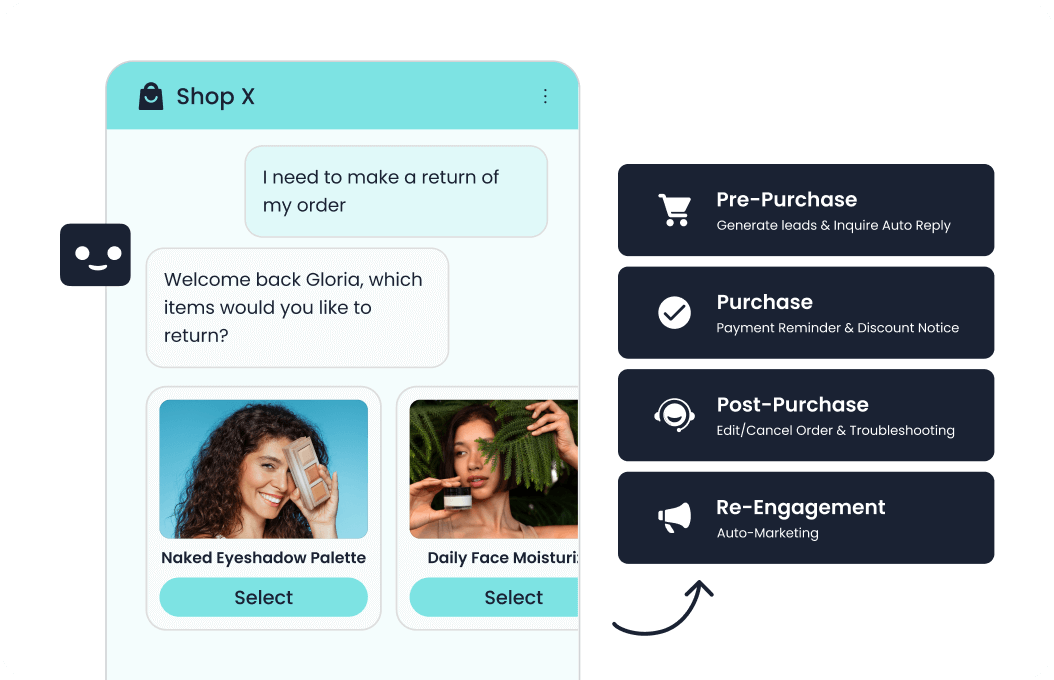
AI customer service for healthcare uses conversational software to answer administrative questions and carry out permitted service actions using an organization’s approved information and connected systems. It can support tasks such as finding a clinic, explaining appointment policies, retrieving visit preparation instructions, or directing a billing question. Using AI in customer service for healthcare requires a defined service scope: an assistant may explain an administrative process, while a clinician handles individual medical decisions. Its useful output is a correct answer, a confirmed action, or a well-routed handoff that lets the patient continue without starting over.
Quick Comparison Table
| Service approach | Potential fit | Cost to evaluate |
|---|---|---|
| Sobot | Candidate for configured administrative support; healthcare data handling and agreement scope require review | Request a quote for the proposed scope |
| Existing patient portal | Booking and forms already supported by the organization’s system | Current licensing plus any configuration work |
| Trained staff | Exceptions, disputed accounts, and clinical routing | Staffing, training, and coverage hours |
Start with three patient service workflows
Choose repeatable administrative requests whose answers, permitted actions, and completion states the service team can verify.
Appointment changes: confirm the actual booking
An appointment change is confirmed only after the scheduling system accepts it. A request captured in a conversation is still a request. Design the assistant to show the correct state, including when an update fails or a slot disappears before confirmation.
Illustrative example: a patient asks to move a visit to Friday. After the organization’s identity checks, the assistant offers eligible slots through an authorized connection. If the selected slot is unavailable, it should offer another permitted option or route the request to scheduling staff. It should preserve the existing booking unless the approved workflow explicitly changes it. That distinction prevents a friendly confirmation message from concealing unfinished work.
Visit preparation: deliver the approved instructions
Deliver the current provider-approved instructions for the correct visit type and location. Directions, arrival procedures, documents to bring, and the location of existing preparation materials are useful starting points. Assign a content owner so a changed clinic entrance or outdated attachment does not remain the default answer.
Questions about changing medication, interpreting a symptom, or adapting fasting instructions need the care team. The assistant can locate the approved material and explain how to contact that team; it should not improvise a personalized answer from general information. Missing or conflicting instructions should trigger review rather than a guessed response.
Billing and insurance: explain, then route exceptions
AI can explain billing terminology, but document types matter. CMS explains that an explanation of benefits is not a bill and does not show whether the patient has already paid. Treating it as an outstanding balance would create an avoidable service error.
Use approved answers to explain where patients can find statements, which team handles insurance questions, and how to submit an inquiry securely. Route disputed charges, denied claims, and individual coverage determinations to authorized billing staff or the insurer. A general description of benefits should never become a guarantee that a particular service will be covered.
Make human handoff part of the service
Route clinical judgment, unresolved identity checks, and contested account issues to the designated staff. The handoff should carry the patient’s request, relevant verified details, actions attempted, and current status through the approved channel. Staff then know whether they are answering a question, completing a failed change, or investigating an exception.
Build separate routes for scheduling, billing, and clinical questions. If a patient raises a potentially urgent concern, follow the provider’s approved escalation instructions without asking the AI to assess severity or make a diagnosis. A routine callback queue should not silently become the destination for every request.
Also test the patient’s ability to ask for a person. When nobody is available, explain the actual service hours and continuation option. Do not imply that a clinician is monitoring the chat unless that service is genuinely staffed.
Check HIPAA applicability and the actual vendor agreement
In the United States, HIPAA applies to covered entities and business associates. Determine the organization’s status and the proposed data flow before selecting a deployment. Healthcare privacy obligations elsewhere require their own jurisdiction-specific assessment.
Under HHS cloud guidance, a provider handling electronic protected health information on a regulated entity’s behalf is a business associate, even when it only stores encrypted information without the key. The relevant parties need a HIPAA-compliant business associate agreement, or BAA. The regulated entity also needs its own risk analysis and risk management; signing the agreement does not complete compliance.
Ask which services and subcontractors are included, what data each receives, and what uses are permitted. Resolve these questions for the proposed configuration before sending patient information into it.
Control access and assign retention by record type
The HIPAA Security Rule summary describes access controls that limit electronic protected health information to authorized people and audit controls that record and examine system activity. Translate those obligations into roles for staff, administrators, and vendor support. A scheduling assistant’s permissions should match its approved task, rather than inherit broad account access.
Review what enters conversation history, exported files, analytics, and troubleshooting logs. Include identity verification, staff access removal, and the ability to investigate an inappropriate lookup in the deployment review.
There is no single HIPAA Privacy Rule retention period for medical records. HHS says state laws generally govern medical record retention, while privacy safeguards continue through disposal. Do not apply a blanket medical-record schedule to every support transcript or confuse it with separate compliance-documentation duties.
Have privacy and records teams classify conversation logs, clinical records, and compliance documents, then approve a schedule for each. Confirm deletion behavior for backups and exports, any legal holds, and whether vendor terms permit model training or other secondary uses. Record who can verify that the agreed policy is actually applied.
Where Sobot can enter the evaluation
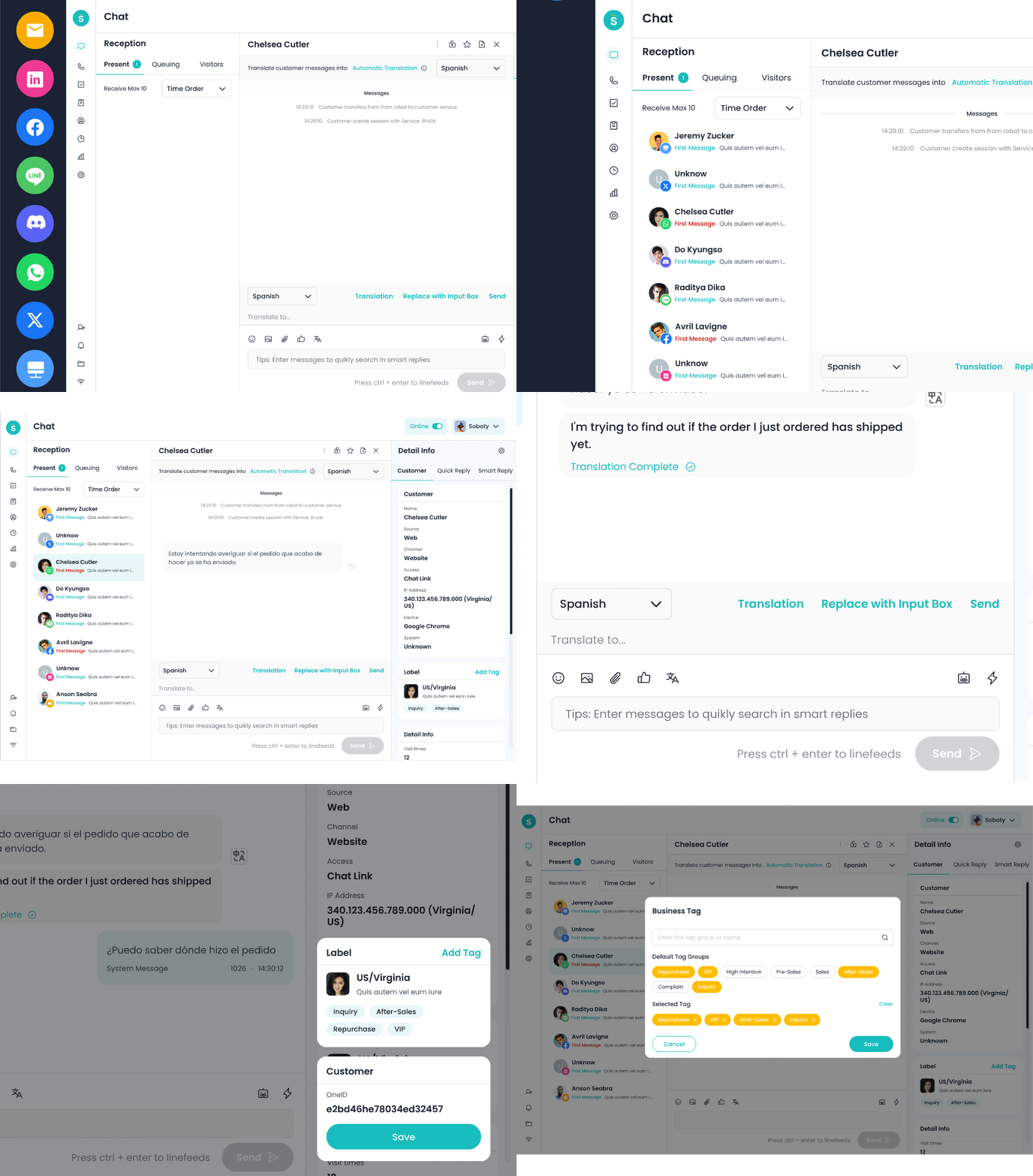
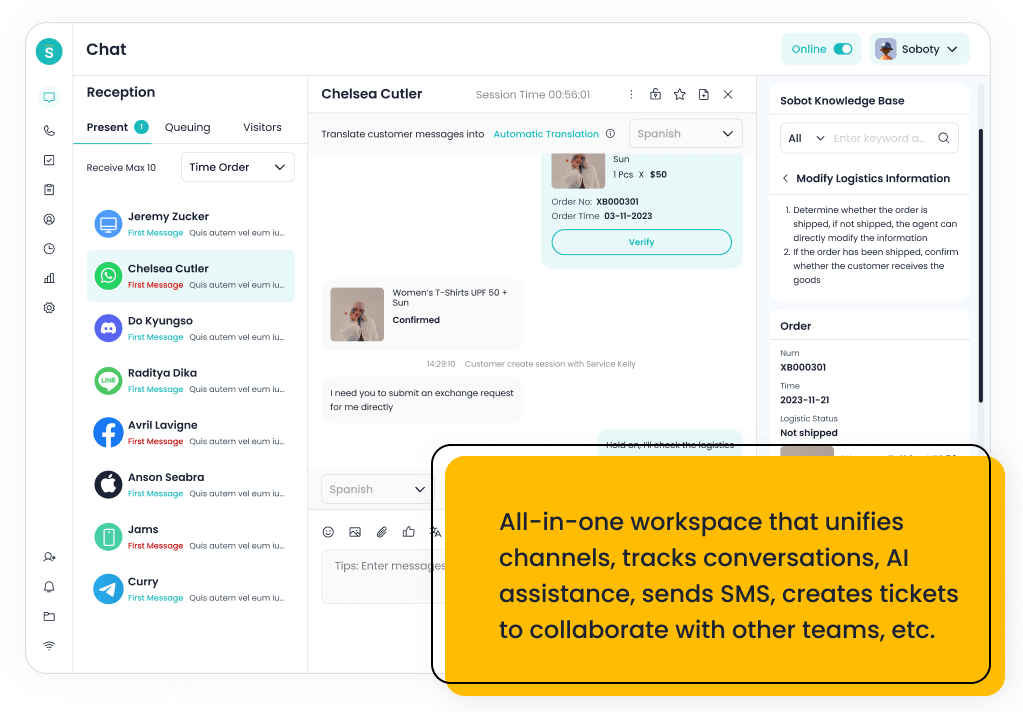
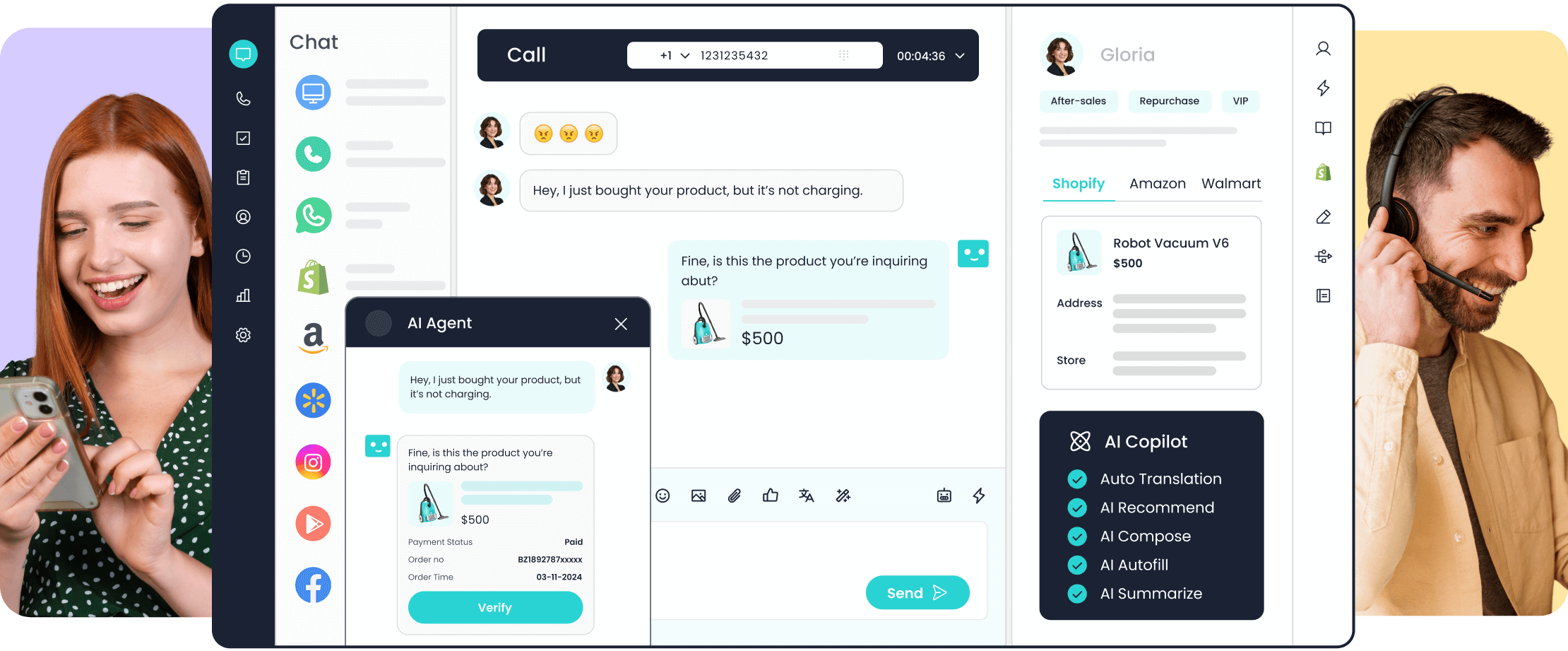
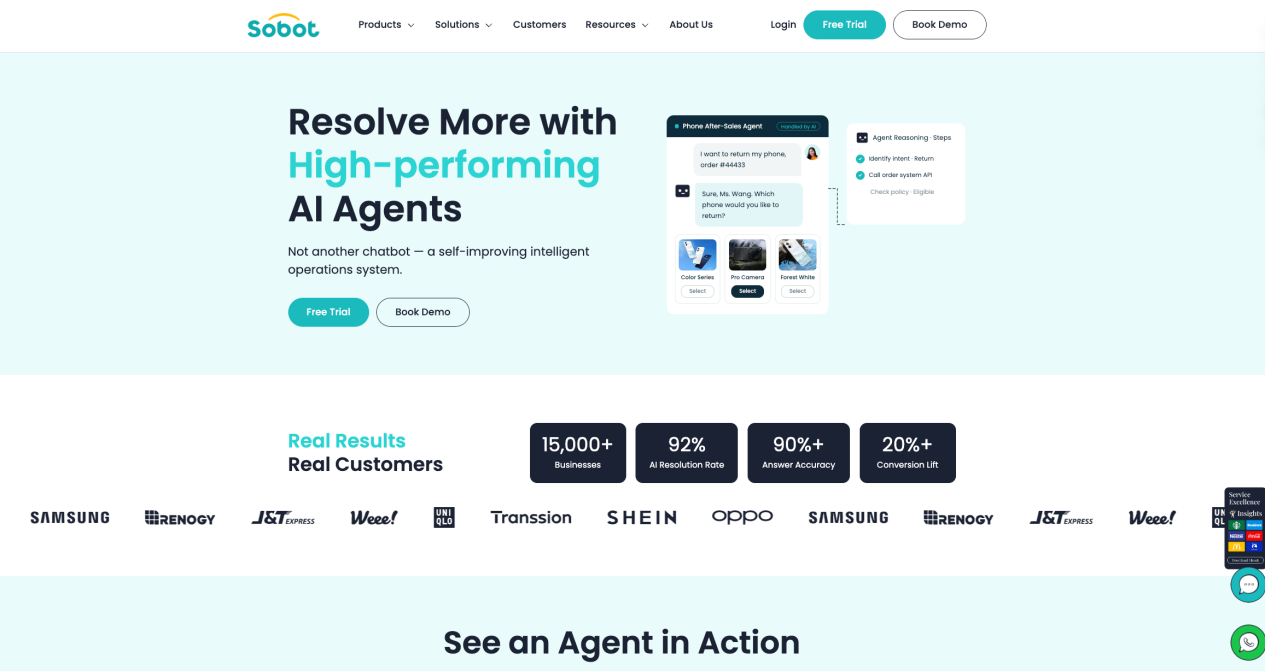
Sobot Agents provides knowledge and tools for configured customer service workflows. Sobot Nexus brings conversations and customer context into human support. These generic capabilities are relevant when evaluating approved answers, permitted administrative actions, and continuity after a handoff.
For a healthcare evaluation, ask Sobot to demonstrate the selected workflow with synthetic data. Verify the available connection to your scheduling system, action permissions, and failure handling. Public product descriptions alone do not establish that your proposed deployment is suitable for protected health information, that a required BAA is available, or that a particular health-record integration exists. Those points need direct confirmation and review of the actual terms.
Use a small pilot with observable acceptance checks
Start with one administrative workflow and define what completion means before opening access. Use the table below as a pilot acceptance sheet. Add the observed result, responsible team, and follow-up action for each test.
| Test | Accept when |
|---|---|
| Requested slot disappears | No false confirmation; existing booking remains correctly represented |
| Identity check fails | No account detail is exposed; approved recovery route appears |
| Patient asks for individual medical guidance | Clinical question reaches the designated route without an improvised answer |
| Instructions are missing or conflicting | Assistant stops guessing and sends the issue for review |
| Human team is offline | Actual availability and approved continuation option are clear |
Track confirmed changes, repeat contacts, completed handoffs, and unsupported clinical replies alongside response speed. Set acceptance thresholds with the teams who own the workflow, then examine failures before expanding.
Book a Sobot demo to discuss the proposed administrative workflow and available configuration. Use synthetic examples while deployment terms and data handling are being assessed.
Healthcare customer service AI FAQ
Can AI send appointment reminders without HIPAA authorization?
Appointment reminders are considered treatment and can be made without a HIPAA authorization, according to HHS guidance. That permission does not waive privacy safeguards or other applicable requirements. Review message content, destination checks, communication preferences, and any other relevant laws before enabling an automated reminder channel.
Does healthcare support AI need access to the entire medical record?
A basic administrative workflow should start with the specific information needed for its approved task. For example, finding the clinic entrance needs no individual medical record. An authenticated appointment change requires a different data flow and permissions. Map each field to a purpose, and review any proposed expansion before granting broader system access.
How should after-hours requests work?
Show the actual service hours and the approved continuation route when staff are unavailable. Routine requests can enter a queue with a clear status and the organization’s approved response expectation. Requests covered by urgent escalation instructions need their designated route. Test both paths so accepting a message never falsely suggests that someone is reviewing it immediately.