Key takeaways
- Automation can handle individual service steps or complete a bounded request.
- Measure useful responses, resolved requests and customer satisfaction together.
- People still own policies, exceptions and unresolved cases.
What Is AI Customer Service Automation?
AI customer service automation is the use of artificial intelligence to interpret customer requests and complete or assist the work needed to address them, including classifying messages, finding information, drafting responses and preparing a human handoff. It reduces manual searching and data entry across customer-facing conversations and internal support tasks. Within the broader category of AI customer service, modern systems can also connect language understanding to business records and permitted actions, so a conversation can advance a request beyond an answer. Fixed rules may control routing or approvals within that process; automation does not require AI at every step.
How a Customer Request Moves Through Automation
A request passes through several jobs before it is resolved. Salesforce’s service automation guidance describes case classification, routing, knowledge recommendations and collecting details for a human handoff. These components help explain where automation fits:
| Service step | What can be automated | What it depends on |
|---|---|---|
| Understand and classify | Identify the request type and extract relevant details from the message. | Clear categories and clarification when information is missing. |
| Find and explain | Retrieve approved knowledge or account information and prepare a response. | Current policies and authorized access to the correct records. |
| Take action | Create a ticket or submit an allowed change through a connected system. | Working integrations, permission limits and confirmation of the result. |
| Route and record | Assign unresolved work and summarize what has already happened. | A responsible team, preserved context and a clear outstanding task. |
Example: Handling a Damaged-Order Request
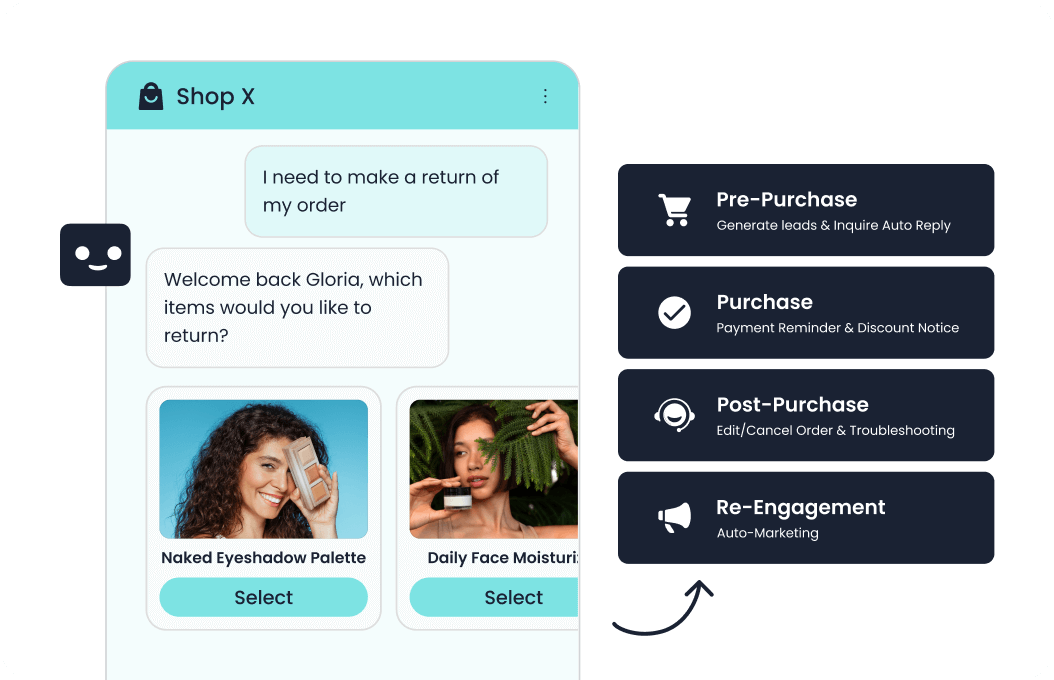
Consider an illustrative request: “My lamp arrived broken.” The assistant classifies it as delivery damage, asks for the missing order details and retrieves the applicable policy. After the configured identity checks, a connected order system can supply the purchase record. If company rules permit it, the workflow creates a replacement request and returns its reference number. That confirms the request was created; it does not prove a replacement has shipped.
If the order falls outside the policy, the assistant should send the purchase details and damage description to the team authorized to decide the exception. The customer avoids repeating the story, while the unresolved decision has a named owner.
How Sobot Supports the Service Workflow
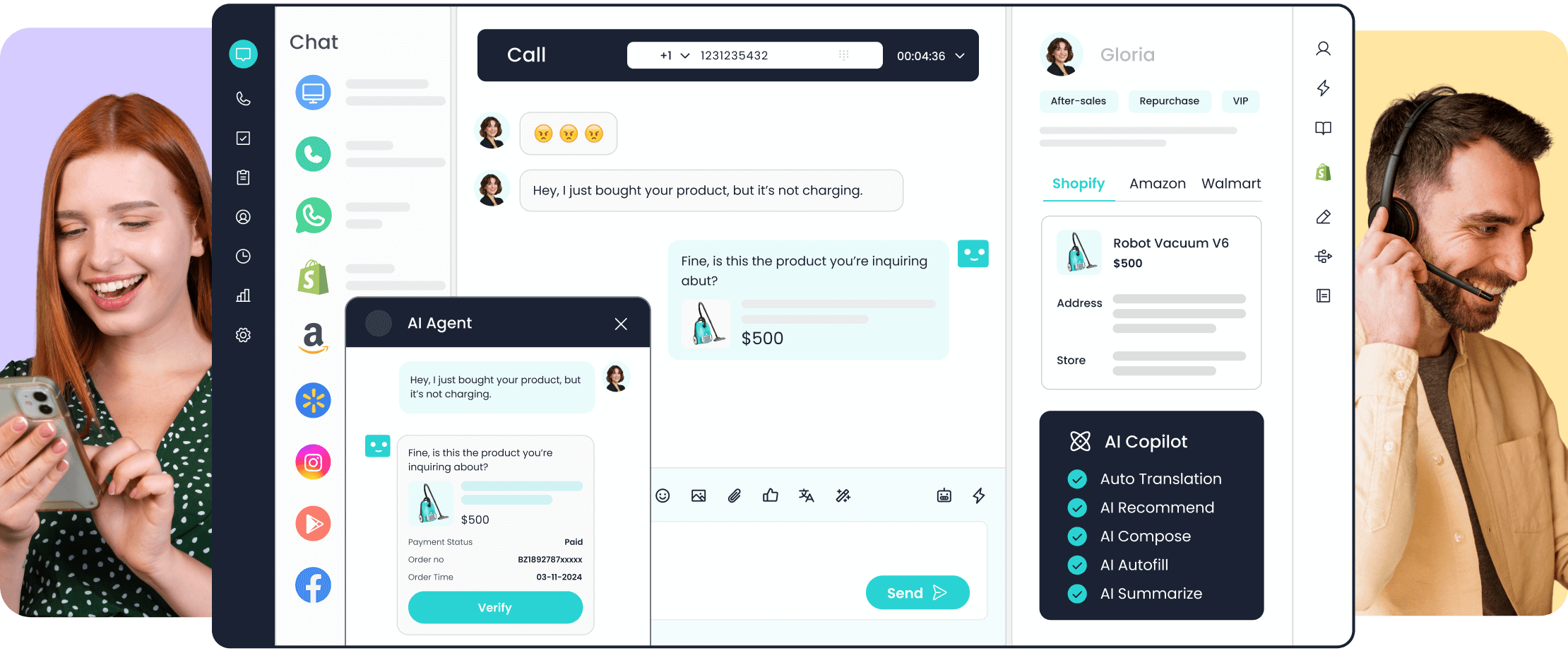
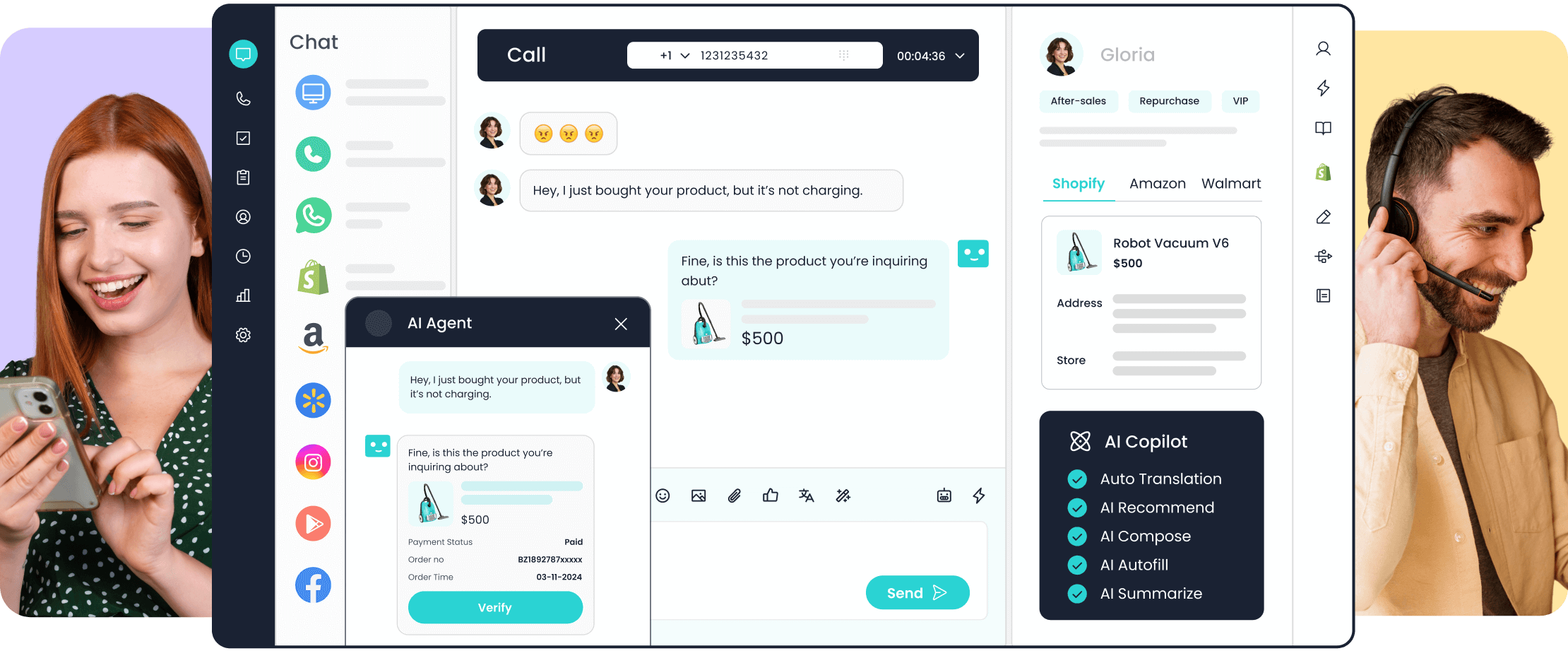
Sobot Agents illustrates how automation can move beyond summaries and ticket preparation. Sobot describes an agentic customer contact platform in which Agents handle interactions and permitted tasks, Nexus connects channels and customer context, and Experts support implementation and improvement. An Agent can retrieve maintained knowledge and use configured tools to look up an order or submit an allowed request. That depends on working integrations, identity checks and granted permissions; a product capability does not establish that a particular replacement or refund was completed.

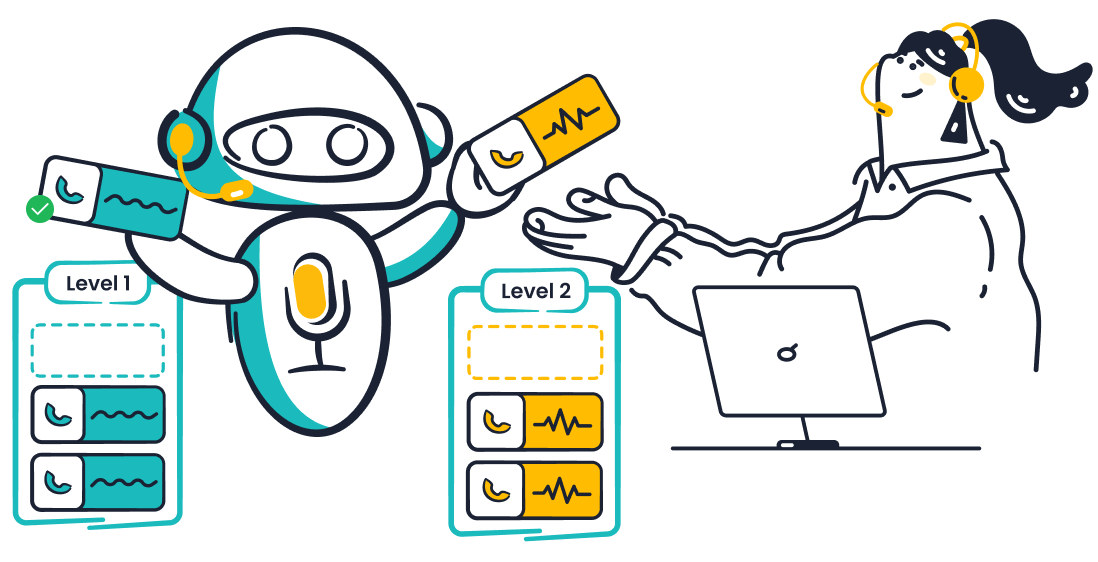
Sobot’s assignment illustration shows configurable conditions and destinations for routing inquiries.
Sobot’s Resource Center separates Knowledge, Skills, Workflows, Tools, Memory and Variables. In the damaged-order example, knowledge supplies policy, a Skill guides handling decisions, a Workflow controls fixed steps, and a Tool connects the order system. Variables carry task state; Memory can retain permitted customer context under configured rules. The assignment illustration shows one narrower component: rules directing work to a destination. Test the business action and the information received at handoff as well as the routing rule. A correct destination alone does not demonstrate resolution.
Key Benefits—and How to Measure Them
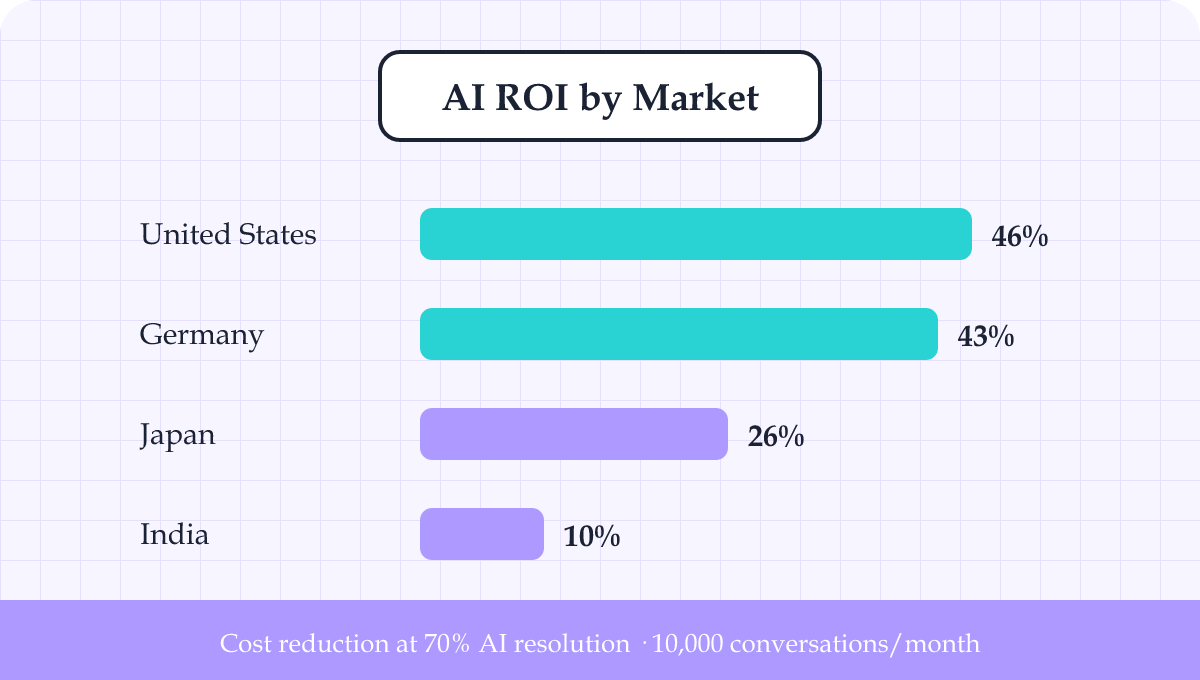
AI customer service automation benefits should show up in useful response time, cost per resolved request and customer satisfaction. Count repeat contacts as well: instant acknowledgements or closed chat sessions can conceal unfinished work. A customer who returns for the same problem may consume the capacity that automation appeared to save.
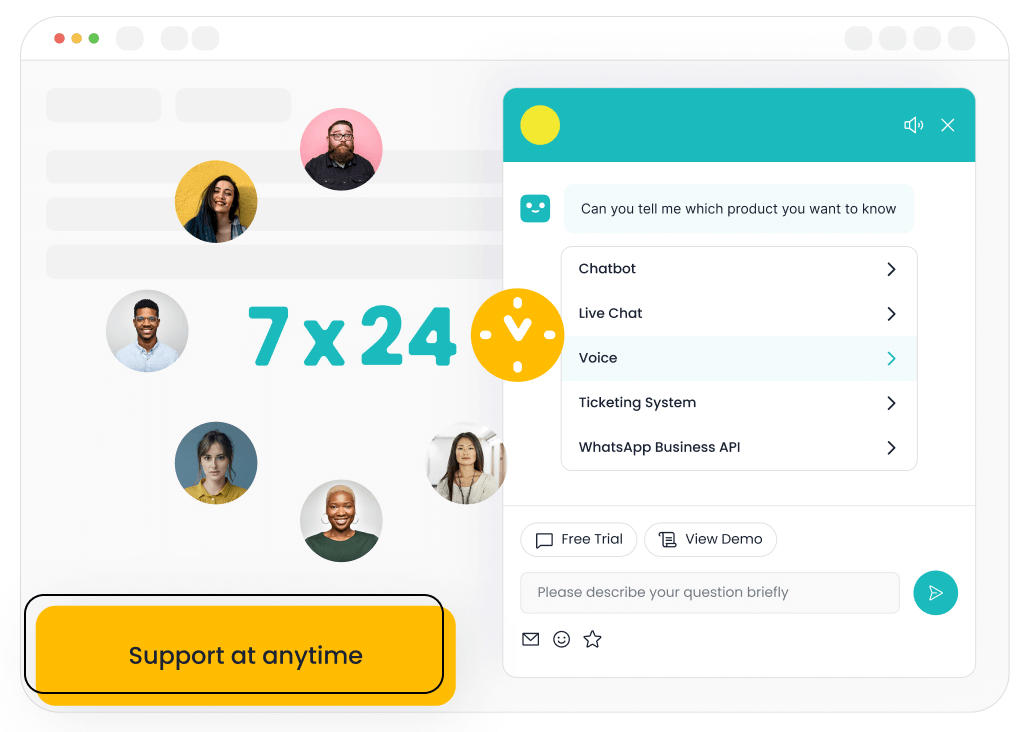
Faster useful responses. Automatic retrieval and classification can reduce time spent waiting for someone to read a message and find the answer. For supported requests, this can extend service beyond staffed hours. Measure the time to the first response that advances the issue, separately from an automatic acknowledgement, and also track total time to resolution. Otherwise, a fast greeting can disguise a slow service process.
Less effort per resolved request. Drafting, summarization and data extraction can remove repetitive work from an agent’s day. To assess cost, divide the relevant service costs by resolved requests for the same period and workload. Include AI usage, software, integration, maintenance and human review, allocating setup costs consistently. Avoid comparing easy automated questions with the most difficult human cases.
There is measured evidence for assisted work. A 2025 study in the Quarterly Journal of Economics examined 5,172 customer-support agents at a business-process software firm. AI assistance increased issues resolved per hour by 15% on average. Human agents remained responsible for conversations and could edit or ignore suggestions. This was a productivity finding at one firm, not a matching cost-saving guarantee or a Sobot performance result.
A smoother customer experience. Relevant answers and context-preserving handoffs can reduce repeated explanations. Check customer satisfaction (CSAT) through post-interaction surveys alongside repeat contacts and reopened cases. Use consistent survey wording and timing, and check who responds; a higher score from a smaller, different respondent group may mislead. Review unsuccessful conversations too, so apparent efficiency does not come from customers abandoning the process.
Does Automation Replace Human Customer Service?
It can take over routine steps and some complete requests, but it does not remove human responsibility for service. People still maintain policies, decide exceptions and own unresolved cases. Whether a business changes staffing depends on demand, the work automated and the service level it intends to offer; a productivity gain alone does not settle that decision.
Give customers a clear route to a person when automation cannot help or they request human support. For example, Microsoft’s Copilot Studio handoff documentation describes sharing conversation history and relevant variables with a live agent through a connected engagement hub. If no agent is available, explain the next contact option and preserve the conversation. Review failed handoffs with the receiving team: an unmonitored queue does not provide support.
Choose One Workflow to Explore with Sobot
Choose a recurring request your team can already resolve consistently. Note the information it needs, the action that completes it and the point where a person must decide. Then book a Sobot demo to explore the product. Use that request to guide your questions about data access, completed actions and handoff. Before a pilot, agree on the baseline measures that will show whether the workflow improves service.
Frequently Asked Questions
What happens when a policy changes?
The knowledge source and affected action rules both need updating. Changing a help-center answer does not necessarily change an eligibility rule in another system. Assign an owner, retire conflicting versions and test requests near the changed boundary. Sobot describes a Build → Evaluate → Tune → Observe loop, with an Evaluation Center for test datasets and scoring. Those capabilities support the update process; teams still need to maintain the resources and judge the results.
Is AI automation worthwhile for a small support team?
It can be, but low request volume may make full transaction automation hard to justify. Estimate the recurring effort a particular task consumes, then compare that with setup and ongoing maintenance. Agent assistance or better knowledge retrieval may be a more proportionate starting point when exceptions are frequent or the same request rarely occurs twice.