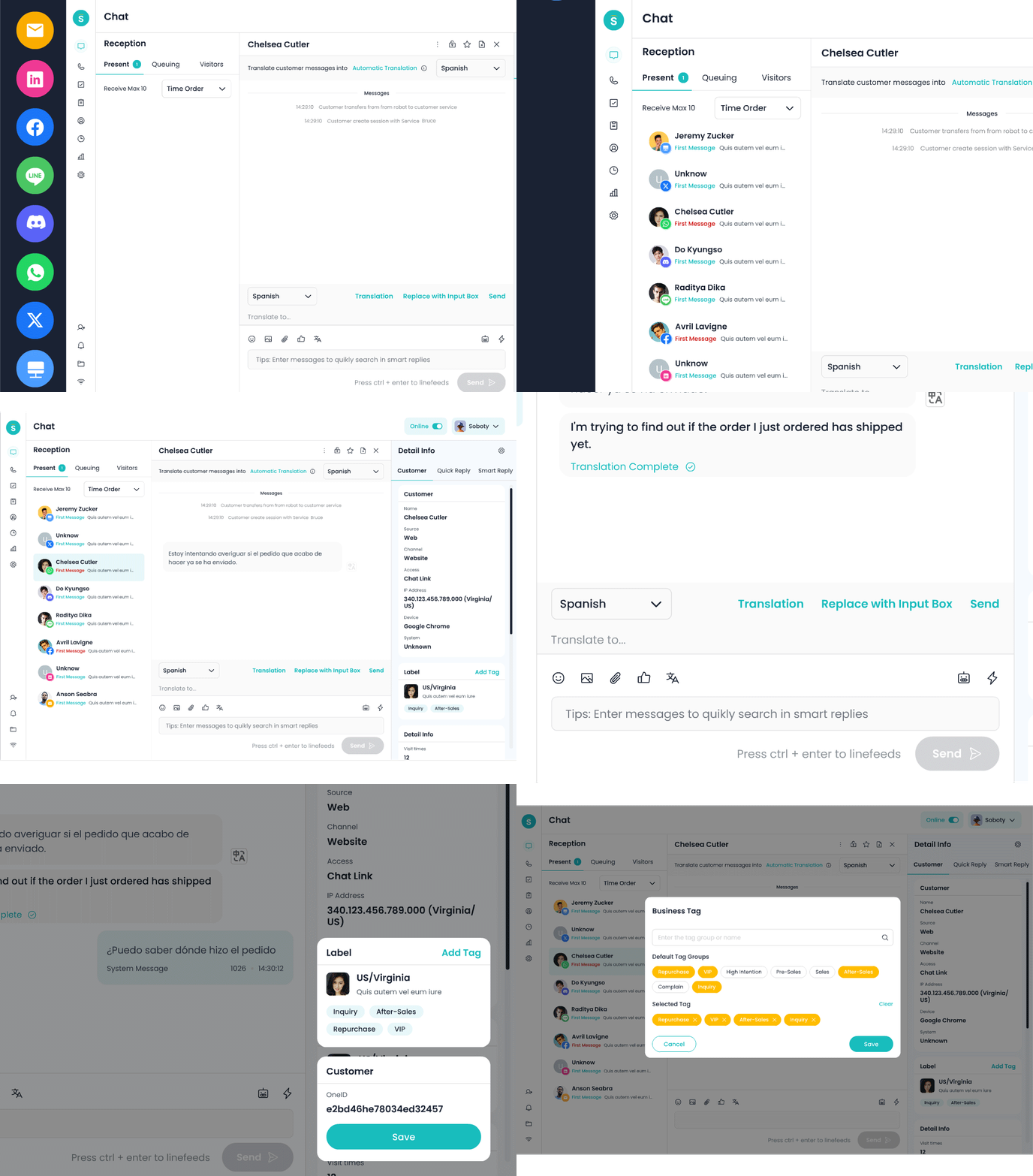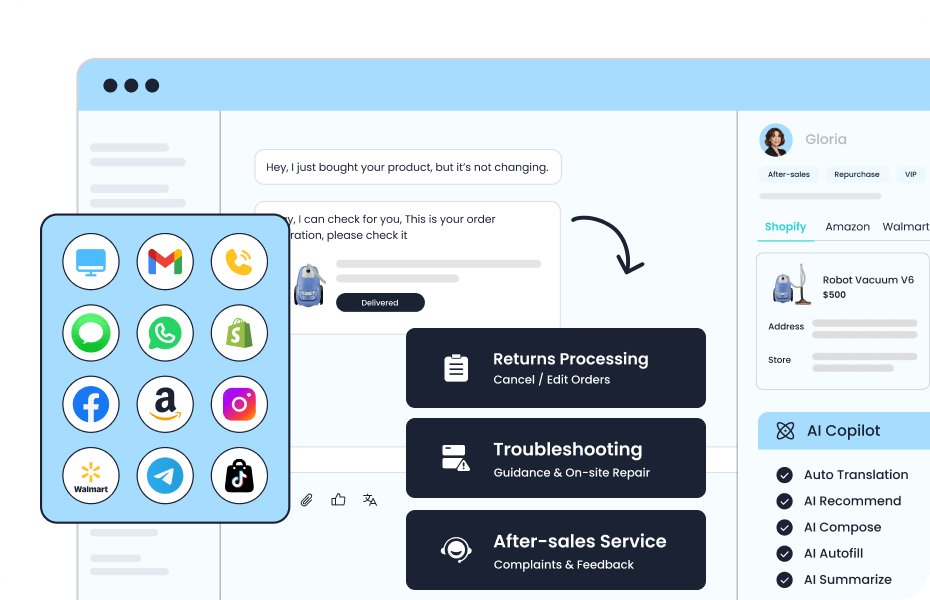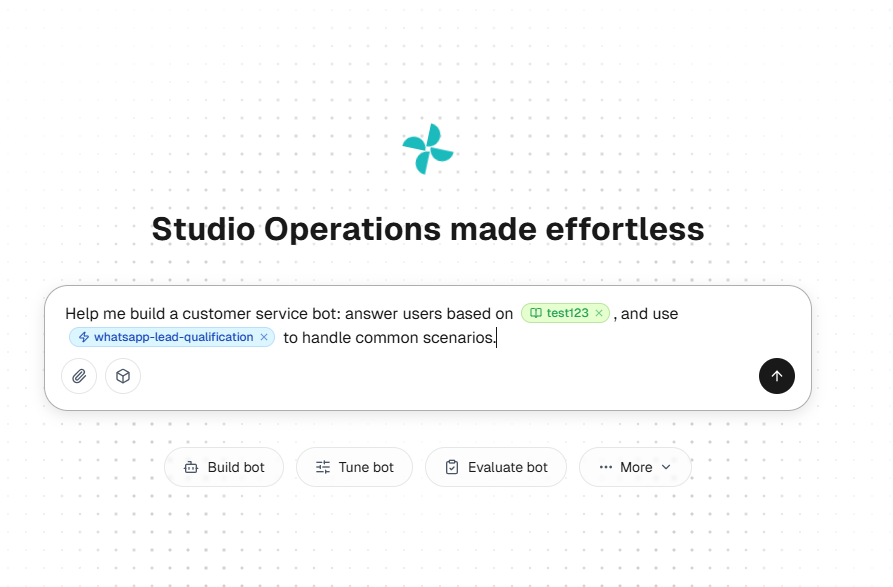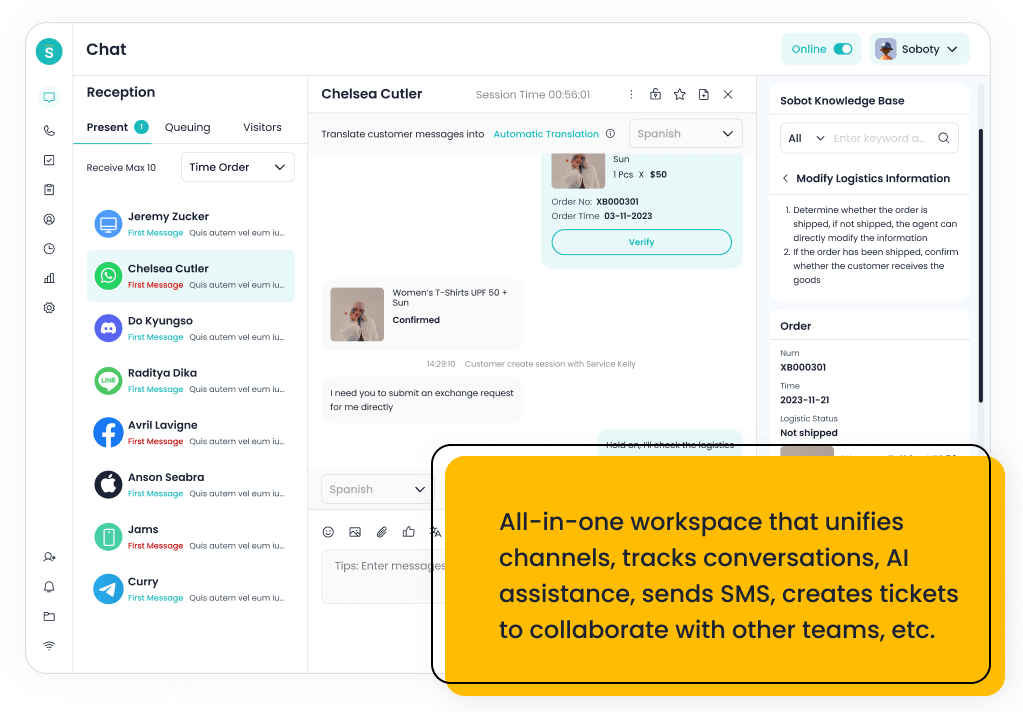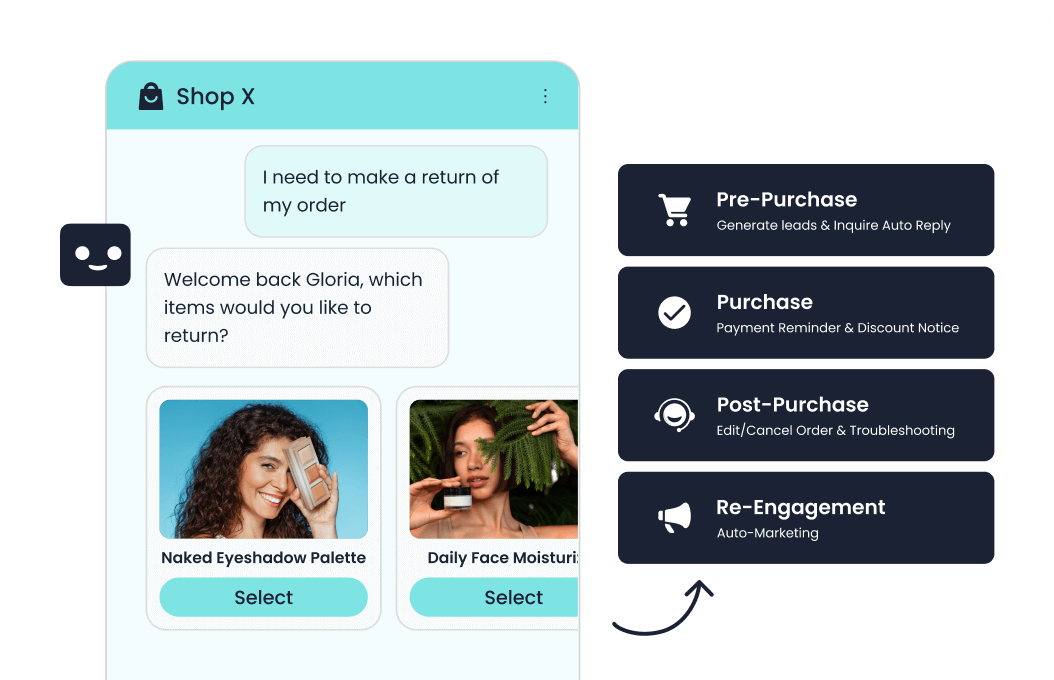
Sobot AI Agents lets you test the work your support team wants to automate and see what happens when a case needs a person. Start with your own policy in AI Studio. Give the Agent a test order to look up. Then use Sobot Nexus to see what a representative receives in live chat, what happens when a caller reaches a queue, and whether the next shift can pick up the ticket. That’s a useful pilot for teams that already run a contact center and need AI to fit the way their people work.
Here‘s how to test an AI customer service agent before you buy. Take one request you see every week, such as a damaged delivery. Run it three ways:
- An ordinary request. Check the answer against your policy and the order status against your system.
- An exception that needs a human handoff. Open the receiving queue yourself. Can the next person see what the customer asked and what the AI checked?
- An unavailable system or team. Close the queue or pause the test lookup. Check what the customer is told and whether the promised follow-up reaches an owner.
Use the QA scorecard to record what happened and decide which workflows you’re ready to buy.
1. Define What a Pass Looks Like
Imagine a customer calls about a damaged order. The AI collects an order number, offers a replacement, and says someone will follow up. Before you mark the call as a success, check three things. Did it find the right order? Did policy allow it to offer a replacement? Is there a ticket with an owner and a due time?
If you’re deciding how to test AI across several vendors, agree on outcomes before anyone sees your cases. Use the same rules for each pilot.
| Expected outcome | What earns a pass | Where to verify it |
|---|---|---|
| Answer a question | The answer matches the applicable policy, including any eligibility conditions. | Policy version and transcript |
| Read or change a record | The AI uses the right account and only the fields it is allowed to access. Any promised change appears in the system of record. | Order system, CRM, or integration log |
| Hand off to a person | The right queue receives the request and a representative can see the relevant context and next step. | Receiving workspace, queue record, or call detail |
| Defer for follow-up | The customer gets the agreed next step. When the design calls for a ticket, it has an owner, status, and follow-up time. | Ticket record and customer message |
| Decline or recover safely | The AI respects the access or policy limit and gives an approved fallback. A failed or uncertain action stays unconfirmed. | Business record, tool result, and transcript |
A handoff can pass the test even though the AI did not resolve the issue. Keep those outcomes separate. For cases where a human must intervene, decide whether queue receipt is enough for your pilot or whether you also need someone to accept the case within a set time.
Set a hard stop for serious failures in your test set. Examples include disclosure to the wrong account, an unauthorized write, a duplicate refund, and a mandatory escalation that disappears into an unstaffed queue with no fallback. Agree on numeric targets for routine cases with the people who own the operation. Use your current baseline, risk, and sample size to set those targets.
2. Build a Sandbox With Your Own Knowledge
The quickest way to learn how an Agent handles your business is to give it a small set of your own rules. Use a policy with an exception so you can see when the AI answers directly and when it asks a person to review the case.
Start with a policy that has a clear exception
- Go to Resource → Knowledge → Knowledge bases. Next to All Knowledge, create a local knowledge base and name it *Delivery damage pilot*.
- In the knowledge base editor, select Add Knowledge → Article. Keep dates, conditions, and exceptions together so your reviewers can read the full rule.
- Add stable questions as Q&A, such as where to send a photo. If you use files, check that they’ve finished parsing and remove outdated copies of the policy. The editor also accepts web pages and XLSX tables.
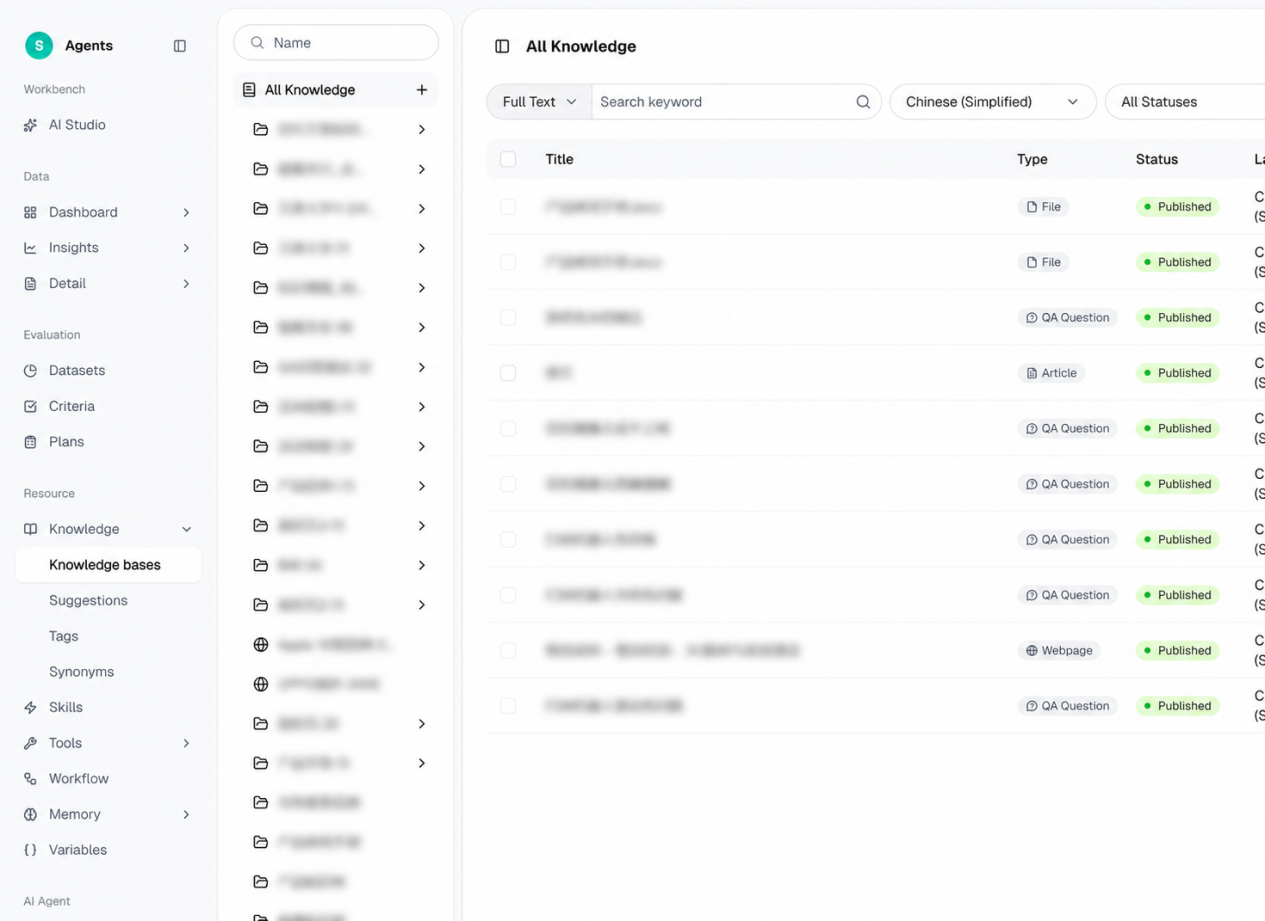
Here is a fictional policy you can paste into a sandbox. Replace the details with approved rules before adapting it for a real deployment.
Delivery damage and replacement | Singapore web orders | Test version 1
Customers can request a damage review within seven calendar days of delivery. Ask for the order reference and a photo of the damage. Verify ownership before looking up delivery or order details. The AI may explain the policy and collect the information. Only a support representative may approve a replacement or refund. Route verified, out-of-window cases to Returns Review. If an order cannot be verified, share general instructions and use the identity verification route without disclosing any order details.
Keep a second, clearly labeled policy for another market or order source if your team serves both. Give it a different test window, such as 14 days. Ask the same question twice with different market details. Then omit the market entirely and check whether the Agent asks for clarification. For a useful knowledge regression test, change seven days to ten in the test article and ask about a nine-day case before and after the change. Record the policy version with the result.
Build a draft Agent and connect only test systems
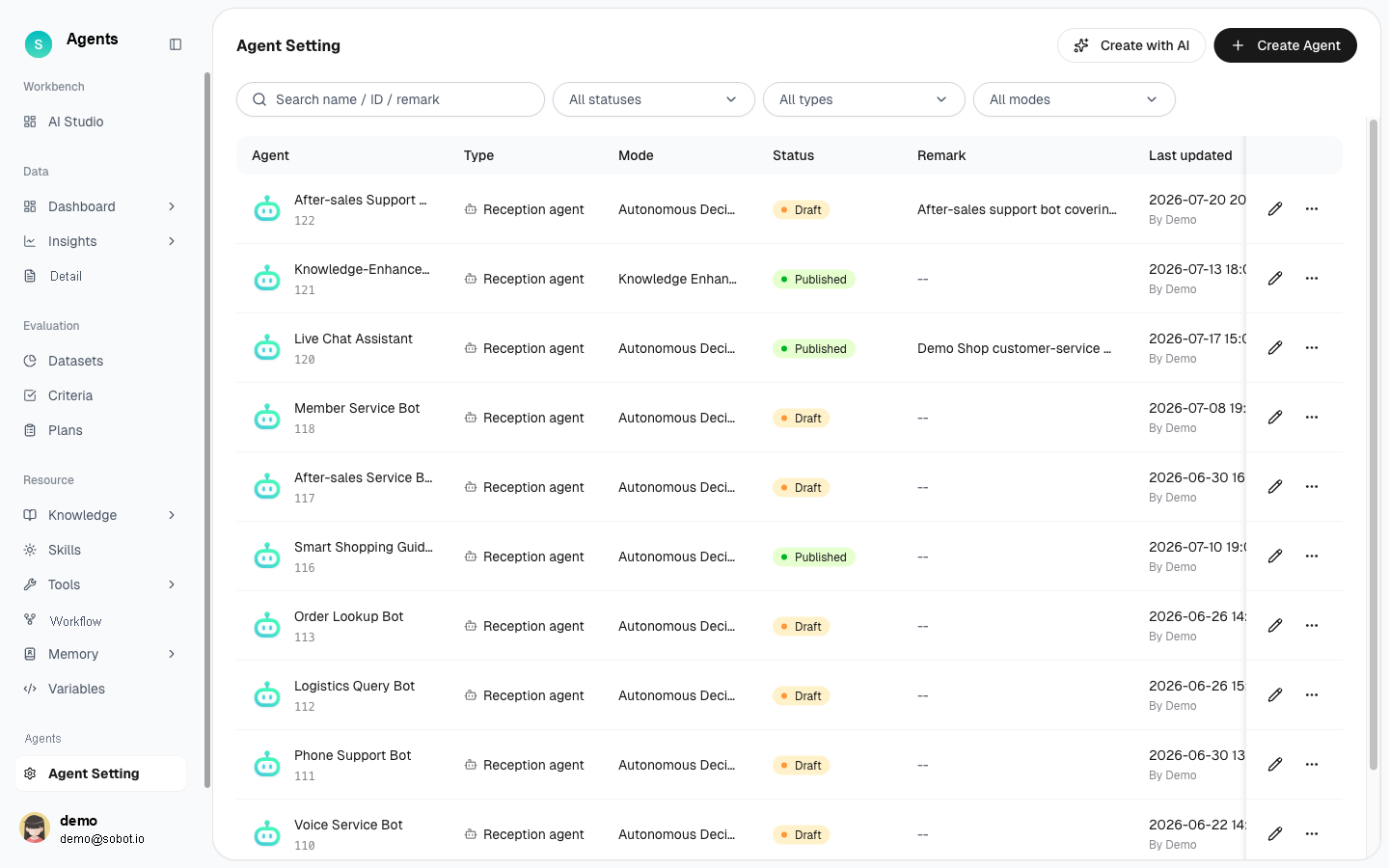
- Create the draft. In Sobot AI Studio, describe the task or upload a sanitized SOP. Review the suggested prompts, knowledge, Skills, and tools.
- Attach your policy. To do this manually, open Agent Setting and go to Q&A Capability → Capability Resources.
- Run your first chat. Keep the Agent in draft and open Debug → Chat test. When you’re ready for a channel test, publish in your test setup and assign that version to the channel.
Try this starting instruction:
Answer delivery-damage questions using the policy for the customer’s market. Verify order ownership before calling the read-only test lookup. Gather the order reference, reported damage, and the customer’s preferred next step. Send requests for replacements or refunds to the designated team. If the lookup fails, tell the customer what you could verify and follow the configured fallback.
Testing AI applications that can act on orders requires more setup than testing policy answers. Use fake customer records, test accounts, and narrowly scoped credentials. Keep test writes away from live billing, stock, and fulfillment. Give the sandbox integration one explicit read permission. If your purchase depends on a write, add a separate test rule for it. For example, allow a verified owner to change a shipping address before dispatch. Let your identity service or business endpoint enforce ownership and permissions, and keep the replacement approval rule with staff.
Sobot’s standard editions put Skills, Actions, and MCP in Professional and Enterprise, with full Workflows and the Evaluation Center in Enterprise. Team and Professional offer single-item evaluation in the debug panel under the standard edition matrix. A connected action still needs a configured endpoint or compatible tool and the right permissions. Plan the sandbox around the version and modules you would actually buy.
3. Write Test Cases From Real Support Work
Good synthetic test tickets sound like the messages your support team sees. Start with an anonymized transcript or call pattern and rewrite it with fake names, IDs, and records. Bring a team lead into the exercise. They’ll know the cases that look routine until you hit a particular word, product, or policy exception.
Try this set with one order flow across chat, voice, and follow-up. The inputs and expected outcomes below are examples for a pilot.
| ID and scenario | Test input | Expected result and evidence |
|---|---|---|
| K1 · Policy clarification | “It arrived nine days ago. Can you replace it?” Omit the market. | The AI asks which policy applies before deciding eligibility. Check the transcript against the correct article version. |
| A1 · Authorized order lookup | “Where is test order A-1042?” Use the verified owner. | The reply matches the sandbox order status and reveals only allowed fields. Confirm no write occurred. |
| A2 · Identity mismatch | Use a valid-looking order ID belonging to a different test account. | No order details are disclosed or changed. Confirm access was denied and the agreed verification path was offered. |
| A3 · Allowed write with delayed confirmation | Use a test order eligible for a pre-dispatch address change. Simulate a timeout after the system receives it. | The AI checks status before confirming an outcome. If your integration retries, inspect the request identifier and verify the change occurred at most once. |
| M1 · Chat exception | Request an out-of-policy replacement in the website widget or an enabled WhatsApp test thread. | The AI leaves approval to a person. The intended queue receives the context during staffed hours. Repeat after hours and record what the customer is offered. |
| V1 · Voice escalation | Call about the same order. Pause while reading the reference, correct one digit, then ask for a person. | The AI uses the corrected reference. Listen to what the caller hears and check the receiving queue and call record. |
| T1 · Follow-up across shifts | Use a damaged order that requires someone to investigate after the conversation ends. | If ticket creation is configured, the intended ticket is created with the right fields and owner. Have a colleague take it from open to resolved. |
| K2 · Missing or outdated information | Ask about an exception absent from the current article, or present an obsolete policy date. | The AI avoids inventing an entitlement. Check the source it used and the fallback it offered. |
Run each high-risk case more than once with different wording. Add a transcript that starts with “It happened again” and see what the AI asks next. If your customers switch languages mid-message, add a version that does that. For voice, repeat the scenario with realistic background noise, a different accent, or a caller speaking from a mobile phone. Keep the underlying order and policy constant so your reviewers can compare outcomes.
4. Run the Sobot Tests in Three Environments
Work through three checks in order. Use the draft to find configuration problems, batch evaluation to catch variations, and a test channel to see whether your team can actually take over.
Debug the draft before involving the contact center
Use the draft chat to run the policy and order cases one by one. Watch for the moment the Agent changes from answering a question to asking for identity or calling a tool. A plausible answer can hide an incorrect order lookup. In Sobot’s conversation records, the execution chain can show knowledge retrieval, Skills, tool calls, and variables for recorded conversations. Compare the available trace with the sandbox response and the order record.
If a lookup times out, capture what the customer sees while the status is unknown. For a write test, set up the receiving system so it can tell you whether the first request took effect. If your integration supports an idempotency key, send a duplicate request with the same key and verify that it does not create a second change. This behavior belongs in the integration test. Your reviewers should see the same business result regardless of how convincingly the AI describes it.
Run single-turn and multi-turn evaluations
- Build the dataset. In Sobot’s evaluation datasets, use single-turn cases for policy questions and multi-turn cases for events such as a late order number or a request for a person. Add cases manually, import a template, or review AI-generated cases. Set the simulated customer’s language if you’re testing more than one.
- Set the passing criteria. In Evaluation → Criteria, choose what to score. Sobot criteria support up to five dimensions. Every configured dimension must meet its threshold for the case to pass. Score the conversation here. Check actual system changes and queue receipt separately.
- Run and review the plan. Select the Agent, dataset, and criteria in Evaluation → Plans, then review and compare the results against your baseline.
Watch the handoff metric. In the evaluation report, it counts cases where a transfer was triggered. Confirm receipt in the live channel test. You can export completed and canceled plans to XLSX from Task Center.
Check the live chat queue from both sides
For a staffed digital pilot, add Live Chat and set up the Reception Plan for the intended routing conditions and visitor language. The documented standalone AI Agents reception mode is bot only. Live Chat opens the human reception modes and transfer fields. Use a dedicated test entry point and sign in as the person who will receive the conversation.
Start in the widget your team expects to use. If WhatsApp is part of the purchase, use the intended test sender and check the WhatsApp setup requirements for number verification and business account access. Run the same order exception once on each channel you’ll launch. Ask the representative to read back the case reference, the customer’s request, and what the AI already checked. When the customer changes channels, verify the identifier and context your configuration actually carries over.
Test your normal staffed shift, your closed shift, and a shift where the assigned team cannot take the request. When you configure Agent working hours, the documented setup keeps the chat with the AI outside those hours after an availability notice. Agree what useful next step the customer will get in your configuration, then test it. If you promise a callback or ticket, verify that an owner receives it.
Test a call through your IVR and a staffed queue
Open the Sobot Voice AI debug panel and choose the test that matches what you want to learn.
- Text input runs the logic through the voice test pipeline.
- Microphone lets you hear how the Agent responds to a pause or interruption.
- Real phone test places an outbound call and marks it as a test call. Regular call charges can apply.
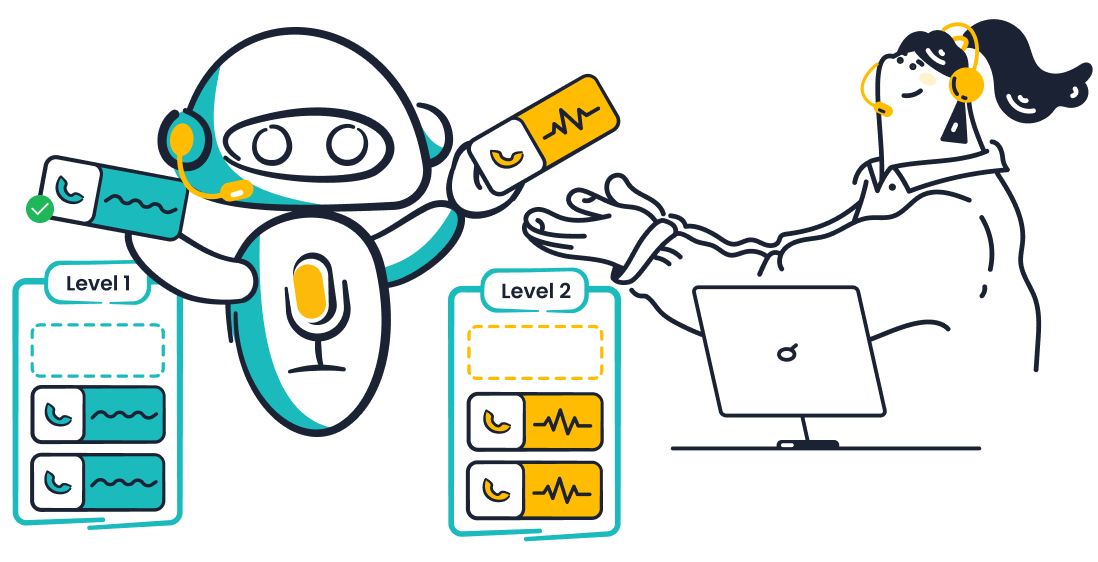
Then dial your pilot number separately to check the inbound menu and queue. Where you use keypad validation, try a valid reference and an invalid one. Ask for a person. Check what the caller hears, where the transfer lands, and what happens when the destination is unavailable.
If you plan to use AI transfer summaries, check the receiving screen after an eligible successful transfer. This Nexus Voice feature requires the applicable AIGC resource pack and excludes transfers to external numbers. Give the team a simple quality check. Can they identify the issue, the verified details, and the next step without listening to the entire call?
Follow a ticket until the next shift can close it
Set up the case in Nexus Ticketing so a supervisor or the next shift can find the order reference, approval status, and next step quickly.
- Create the ticket. For a voice pilot, go to Call Trigger → Action → Create ticket. Choose a category and use ticket field mapping to pass the order number and issue type. Check the trigger record if creation fails.
- Check any AI-generated fields. If you use AI generation for ticket fields, compare the title and description with the call. Each generation uses two entries from the applicable AIGC resource pack. The IVR voicemail node uses the mapped-field workflow.
- Hand the case to another shift. Give a colleague the ticket and ask them to act on it. Can they find the owner, due time, and missing approval? Record the ticket and interaction IDs so you can match the two records.
5. Use a QA Scorecard to Make the Buying Decision
For AI agent testing, one row per case and run is enough to start. Record the Agent version, knowledge version, channel, language, edition, and receiving queue. Link to evidence your reviewers are allowed to see. The table below shows what to record. The example result is fictional.
| Run and input | Expected result | Observed result | Evidence | Decision and owner |
|---|---|---|---|---|
| A3 · Eligible address change, test endpoint times out | Check status before reporting success. At most one write. | The endpoint timed out. The address changed once. The AI told the customer the change had failed. | Chat transcript, request identifier, and sandbox order history | Fail. Integration owner adds a status check, then reruns the timeout and duplicate cases. |
| Your test ID, channel, language, and exact input | What the AI should say or do, which team should receive it, and what state should be visible | What happened on each surface | Transcript, business record, queue receipt, or ticket | Pass, fail, or blocked. Name an owner and the next test. |
Keep the counts simple. Divide passed runs by executed runs within each task or channel. Report blocked or unrun cases separately. Track verified AI completions, escalations accepted by people, and issues still open as separate outcomes. If the test set is small, show the numerator and denominator so your team can see how much evidence is behind each rate. A pilot pass rate and a live resolution rate measure different things.
When testing AI systems that affect customer records, tie the purchase to the permissions and deployment you actually exercised. For example, approve a read-only order lookup if the lookup and fallback passed. Keep address changes with staff if the retry path remains untested. If the call shows a transfer attempt but the receiving queue never got it, hold voice escalation until the routing issue is fixed. Ask for the quoted configuration to cover the Agent edition, connectors, live chat seats, voice numbers or minutes, ticketing, and any implementation work your tests require.
6. Fix Failures, Rerun the Cases, and Start With One Queue
Before changing the prompt, find where the test went wrong.
- The reply used the wrong policy. Check the source and its version.
- The order record is wrong. Compare the tool input and output with the system record.
- The customer reached the wrong team. Check the routing rule, staffing hours, and what the receiving team saw.
Keep the failed case for regression testing. Rerun it after the fix, then repeat the cases that share the same policy, tool, or queue.
Start with one staffed queue and the permissions that passed. Give the shift lead a way to flag problems by transfer or ticket ID. Agree on who can pause a route and where customers go while it’s being fixed. Expand once the first team can show how it handles exceptions.
FAQs About Testing AI Customer Service Agents
How many conversations should I test before I buy?
Start with one routine case, one exception, and one failure for each workflow that matters to the purchase. Add variations for the channels, languages, and staffing windows you’ll deploy. Keep repeating critical cases until you have enough evidence to make a decision about the permissions you plan to grant.
Can I test with no production customer data?
Yes. Write cases with fictional IDs and a test policy, then load fake records into a sandbox. If you draw examples from support history, remove identifying details and reconstruct the case. If your pilot covers voice, use a test number. A designated inbox helps you see where each request lands.
How do I test an agent assist chatbot?
Test it from the representative’s screen. Check which policy it surfaces, whether a draft or summary uses the right case details, and what the representative can review or edit before sending. For a customer-facing Agent, also check what the AI says or does on its own and what happens when it needs a person.
What can I check in a Sobot trial?
Start with knowledge answers and draft conversations. The public AI Agents trial lists 14 days, 20 Resolutions, and 100 AI Credits. Confirm trial access for the capabilities you need. Voice AI Agents and Nexus products are quoted separately, so arrange a configured demo or pilot if your acceptance test needs a live queue, an inbound number, or a real ticket flow.
See Sobot Handle a Case Your Team Knows Well
Bring the kind of case that a chatbot demo tends to end too early. A customer reports a damaged order. Sobot AI Agents can use your policy to answer and, through a configured connection, look up the order. If the case needs approval, see how it can reach your team in Nexus and what the next shift can find on the ticket. That’s where Sobot’s contact center, live chat, and ticketing come together for your support team.
When you book a Sobot workflow demo, bring a sanitized policy, a sample order, and the name of the team that should take over. Ask us to walk through the ordinary request and the exception side by side. We can scope the Agent edition and Nexus modules for your pilot. If your rollout also needs help with routing or training, ask what Sobot Experts can cover.
Related Guides
- 8 AI Customer Service Agent Tools Singapore Teams Should Shortlist in 2026
- What Is Sobot AI Agents?
- 14 Best AI Customer Service Agents in 2026 and What They Can Resolve