Key takeaways
- Use chat for short exchanges; make each email a complete next step.
- Chat can support asynchronous messaging, and email replies can be immediate.
- Keep case history and ownership intact when customers switch channels.
What Is AI Customer Service for Chat and Email?
AI customer service for chat and email uses artificial intelligence to understand written requests, retrieve relevant information and prepare or deliver responses through messaging interfaces and inboxes. It covers customer-facing assistants as well as tools that help human agents draft, summarize and organize support work. These applications belong to the broader category of AI customer service, but their delivery differs: chat usually advances through short turns, while an email needs enough context to remain useful when read later. Whether AI sends a reply directly or prepares it for review depends on the configured workflow and permissions.
Chat vs. Email: Timing and Format at a Glance
| Requirement | Chat | |
|---|---|---|
| Response timing | Live exchanges need prompt turns; persistent messaging can resume later. | Replies may be immediate or delayed; the customer need not stay online. |
| Reply format | Short messages, focused questions and the next useful action. | Clear subject, brief context, complete answer and explicit next step. |
| Missing information | Ask the next relevant question as the conversation develops. | Group necessary questions to avoid multiple avoidable reply cycles. |
| Continuation | Preserve the conversation when transferring or resuming. | Keep the thread, case reference and unresolved question together. |
The distinction is not simply “chat is live, email is slow.” Salesforce’s Enhanced Chat guidance describes asynchronous, persistent messaging: customers can pause and resume without losing context. Check the actual channel behavior before setting expectations about availability or response speed.
How to Use AI in Customer Service Chat
AI chat can answer a question from approved knowledge, clarify an incomplete request or help an agent compose a reply. Keep each turn focused on what the customer needs next. A long policy explanation is rarely useful when one missing detail determines which policy applies.
Define when clarification ends and human support begins. Repeated misunderstanding, an unsupported request or an explicit request for a person should lead to a workable handoff.
For example, Microsoft’s Copilot Studio documentation describes sharing conversation history and relevant variables with a live agent through a connected engagement hub. The practical test is whether the receiving person can continue without asking the customer to start over. If nobody is available, explain the next contact option instead of leaving the customer waiting indefinitely.
How to Use AI in Customer Service Email
AI email support can help identify the request, summarize a thread and draft a response using approved information. Start with the latest message and relevant history: the customer may already have supplied the detail an earlier agent requested. Address each outstanding question, then state what happens next and who needs to act.
Drafting and sending are separate operations. Microsoft’s service-email guidance includes drafting from prompts and tells representatives to review the generated response before sending it. That is agent assistance, rather than proof that the system sends replies autonomously.
For a useful review, check the recipient, case facts, promised actions and referenced documents—not just grammar. Use short paragraphs or numbered steps when several actions are necessary. A polished email still fails if it ignores part of the request or asks for information already in the thread.
Keep Chat and Email Connected
A move from chat to email should preserve the case history, completed steps and unresolved question. Keep a responsible owner and link the correct conversation using verified identity or a case reference. Similar names or wording alone are not enough to merge customer records.
How Sobot Applies AI Across Chat and Email
Sobot Agents describes Messaging Agents for text conversations across websites, apps, email and other channels. Its Nexus infrastructure connects channels and customer context, while Copilot assists human representatives with drafts, summaries and ticket work. This gives teams two operating choices: an Agent handles eligible interactions within its authority, or a person reviews AI-assisted work. For chat and email, verify which mode is available in the selected product and which rules govern sending, escalation and access to customer information.
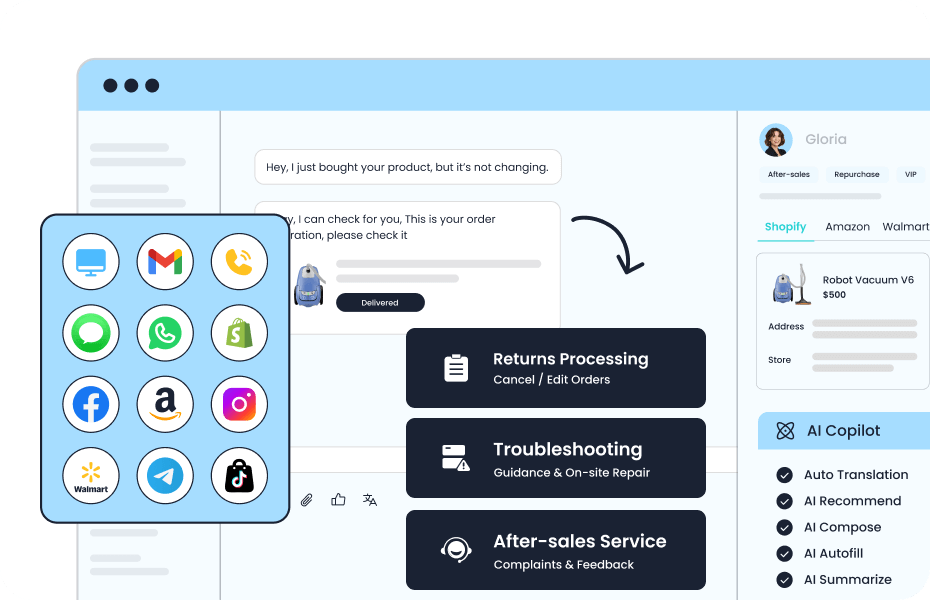
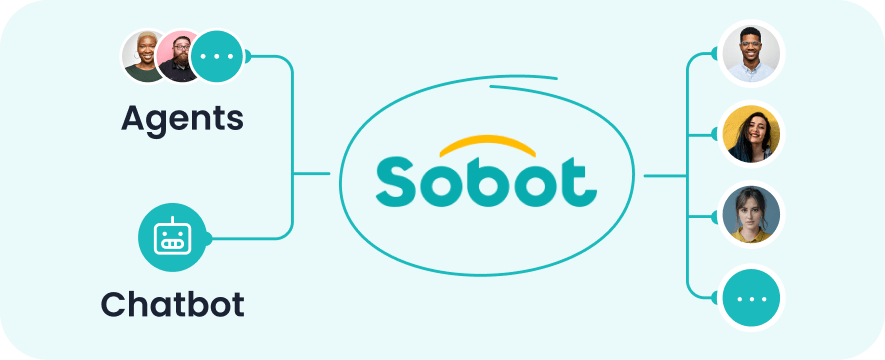
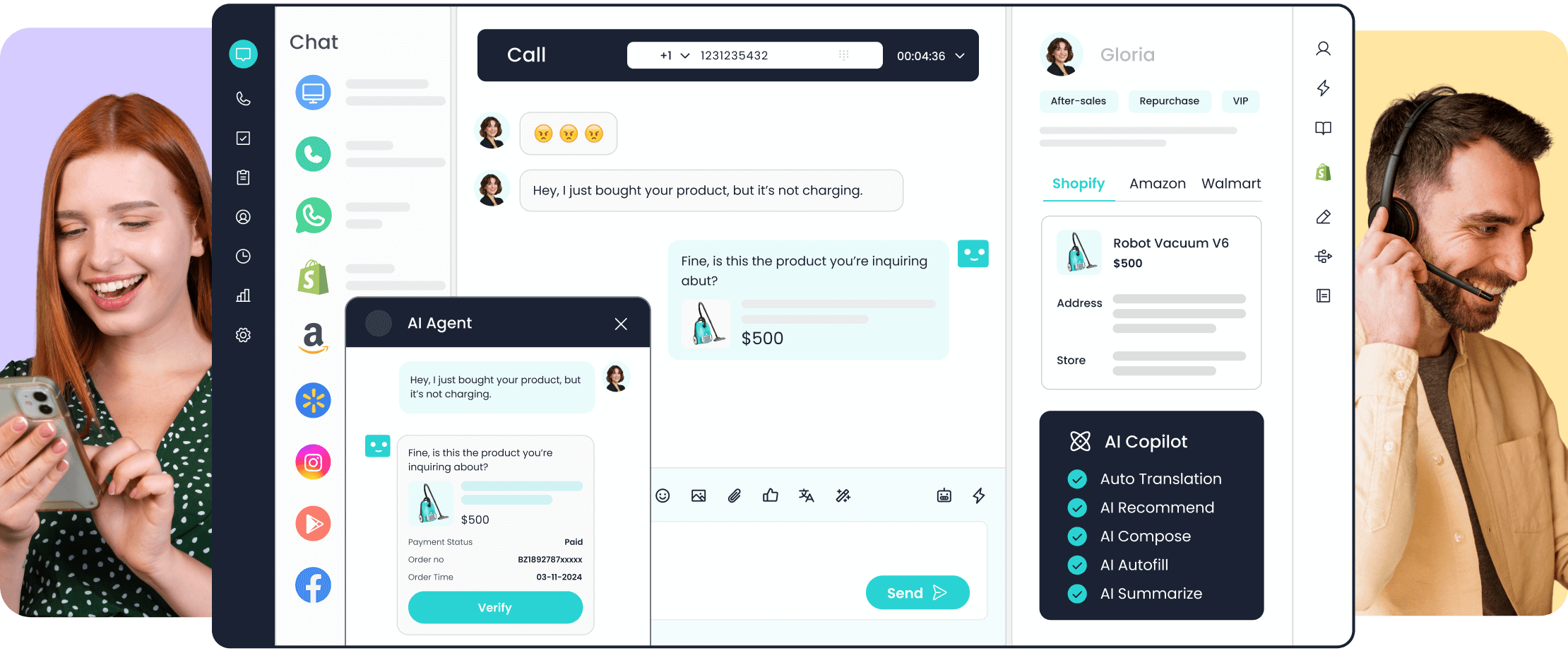
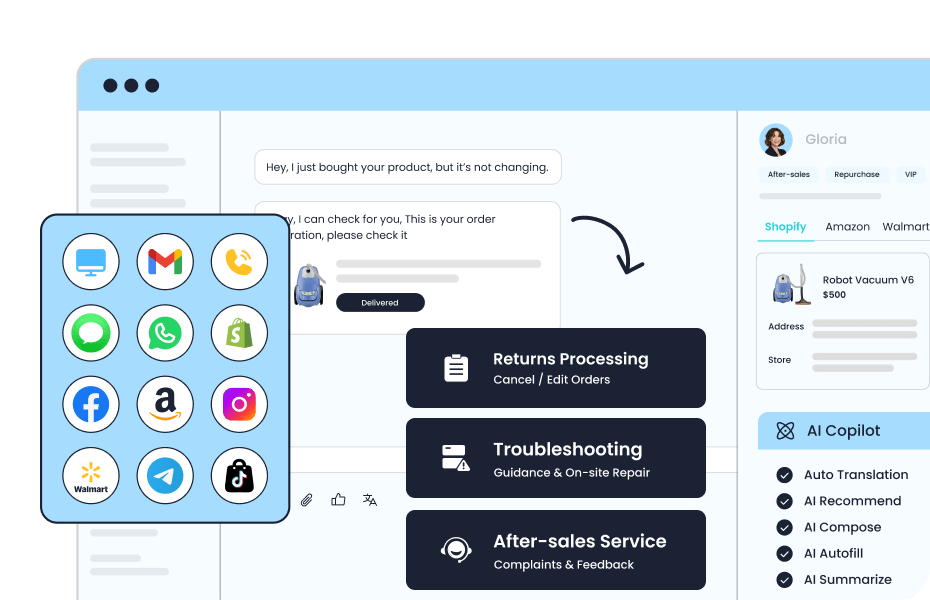
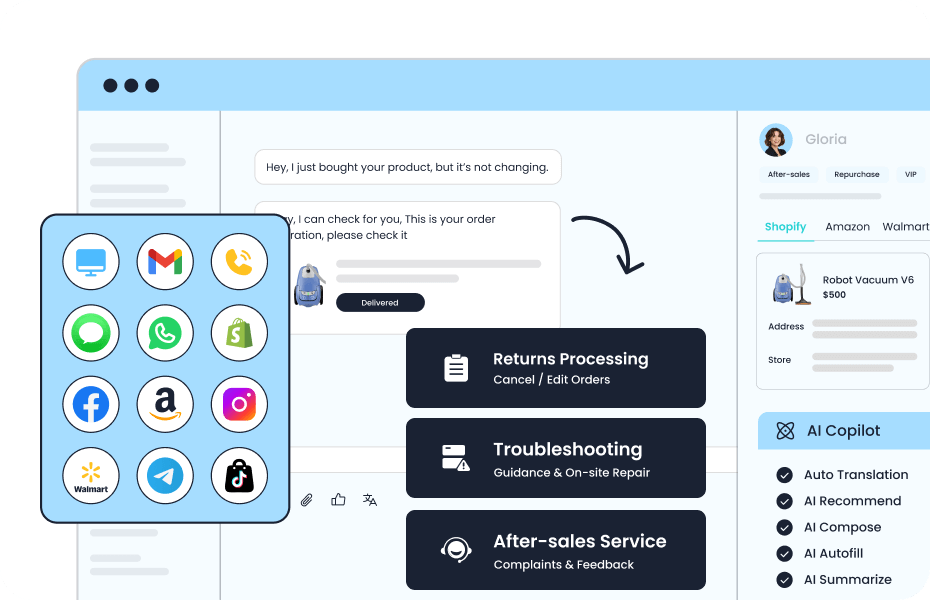
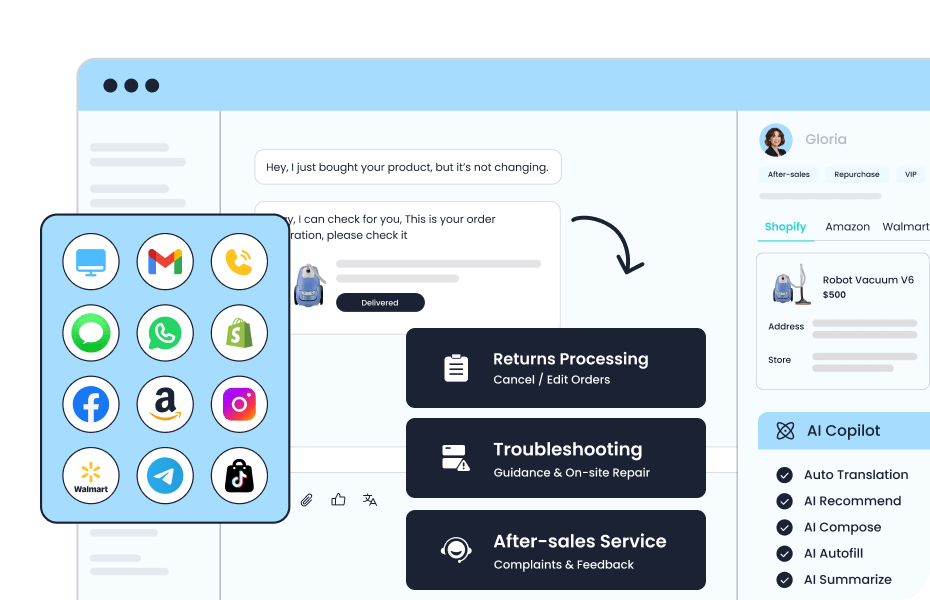
Sobot’s supplied illustration brings messaging, email and other touchpoints into a service workspace.
Shared resources can keep policy information consistent across Agents, but shared knowledge is not the same as a correctly linked customer history. When reviewing the product, ask which conversation records the next responder receives and how identity is matched. Test one request that moves from chat to email, including an exception and a request for a person. The relevant test is whether the case continues accurately in the new format, within the configured permissions.
One Support Problem, Two Different Exchanges
Consider an illustrative printer Wi-Fi problem. Both channels use approved support knowledge, but the exchange changes with the information available.
In Chat: Ask, Check and Continue
The customer writes, “My printer will not connect to Wi-Fi.” The assistant asks which model they have, then checks the displayed error before selecting an approved guide. It presents the relevant next step and waits for the result instead of sending an entire troubleshooting manual. If the customer says they already tried that step, the assistant uses the answer to choose what follows. When the request exceeds available guidance, it transfers the model, error and attempted steps with the conversation. The sequence is illustrative; actual instructions must come from the manufacturer’s documentation.
In Email: Send a Complete Next Step
Suppose the same customer emails the model, the error message and what they already tried. The AI draft should acknowledge those details, explain the relevant next step from the approved guide and group any remaining questions in one reply. Asking only for the model would waste a round trip. An agent checks that the instructions match the supplied information before sending. If the customer later opens chat, the case should show what that email asked them to do, so support can ask about the result instead of repeating the original instructions.
Explore a Chat and Email Workflow with Sobot
Choose one frequent support request and book a Sobot demo to explore the product. Use the request to compare an Agent-handled interaction with a Copilot-assisted reply, then ask how the case continues between chat and email. Check sending permissions, the history available to the next responder and ownership of unfinished work. These details determine whether a shared platform produces a coherent service experience.
Frequently Asked Questions
How quickly should AI reply in each channel?
Set response targets around urgency, staffed coverage and the promise customers see, rather than one universal benchmark. Separate an automatic acknowledgement from a useful answer. For chat, check waiting and abandonment; for email, check time to a substantive reply and repeat contacts. Review unresolved requests so fast initial replies do not hide slow resolution.
Can chat and email use the same AI instructions?
They can share factual knowledge and company policies, but they need different instructions for message structure and follow-up. Specify how the assistant asks questions, uses previous messages and signals uncertainty in each channel. Test a request with missing details in both formats; the facts should agree while the way information is collected can differ.
Can an AI email assistant read customer attachments?
Only if the deployed system supports the file type and can access and interpret its contents reliably. Receiving an attachment does not prove that AI read it. Test the formats customers actually send, including scanned documents. If a file is unreadable, ask for an accessible version or route it to a person rather than inferring its contents.