A support chatbot can end a conversation without resolving the customer’s issue. For an order, payment, or booking question, a useful bot moves the request toward a reliable answer, completed task, or informed human handoff. The team needs to know what the bot can understand, access, and do.
What Support Teams Should Check First
- An AI chatbot for customer service interprets a customer’s request and uses approved knowledge or connected systems to respond; its ability to act depends on its configuration and permissions.
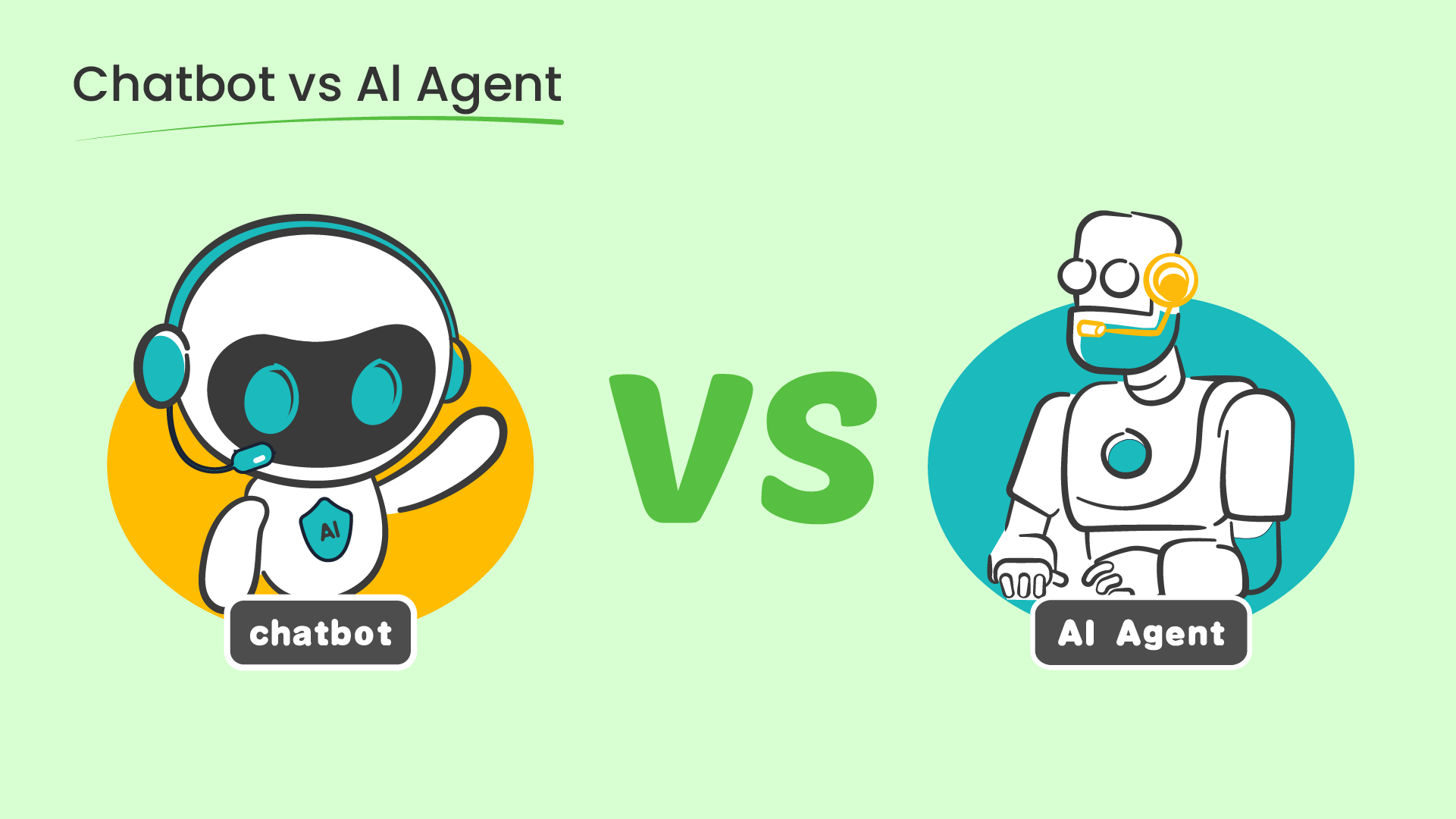
- Rule-based, intent-based, generative, and agentic approaches solve different problems. A more capable model does not remove the need for current knowledge, clear limits, and human escalation.
- Measure a resolved customer issue, a useful handoff, and the quality of the answer separately. A conversation that ends without an agent is not automatically a successful resolution.
What Is an AI Chatbot for Customer Service?
An AI chatbot for customer service is a conversational interface that helps customers get support through text and, in some products, voice. It interprets a question, selects relevant information or a permitted workflow, and returns an answer, next step, or human handoff. It may sit on a website, in an app, or in a messaging channel. The term covers several designs, from intent classification to systems that generate grounded answers and use connected tools. What matters to a service buyer is the scope of the task the chatbot can complete, not whether a vendor calls every automated conversation “AI.”
A basic chatbot can present a menu or match a phrase to a prepared answer. An AI-powered customer service chatbot can handle more varied wording and use conversation context. Some can consult a knowledge base; others can retrieve an order or create a ticket after the necessary identity and permission checks. Those are separate capabilities. A fluent answer alone does not prove that the underlying request was fulfilled. AWS describes conversational AI as software that processes and responds to human voice or text conversations, including informational and transactional uses. AWS’s conversational AI overview provides the broader technical context.
How Does an AI Customer Service Chatbot Work?
The customer sees one conversation. Behind it, a useful support system has to make several distinct decisions. Consider a customer who writes, “My parcel says delivered, but I cannot find it.” A good response requires more than recognizing the word delivered.
- Understand the request and context. The system identifies the likely issue, language, prior messages, and any ambiguity. “Where is my order?” and “It says delivered but is missing” should not trigger the same next step.
- Find an authorized basis for the answer. It may retrieve a current delivery policy, look up an order after verifying identity, or ask for missing details. A generated response should stay tied to information the business is willing to rely on.
- Answer, act, or escalate. The chatbot may explain the carrier’s process, open a case through an approved integration, or transfer the customer to a person. Its available actions depend on connected systems and granted permissions.
- Record the outcome for review. The team checks whether the customer’s issue was resolved, whether the answer was correct, and whether the handoff contained enough context for the agent to continue.
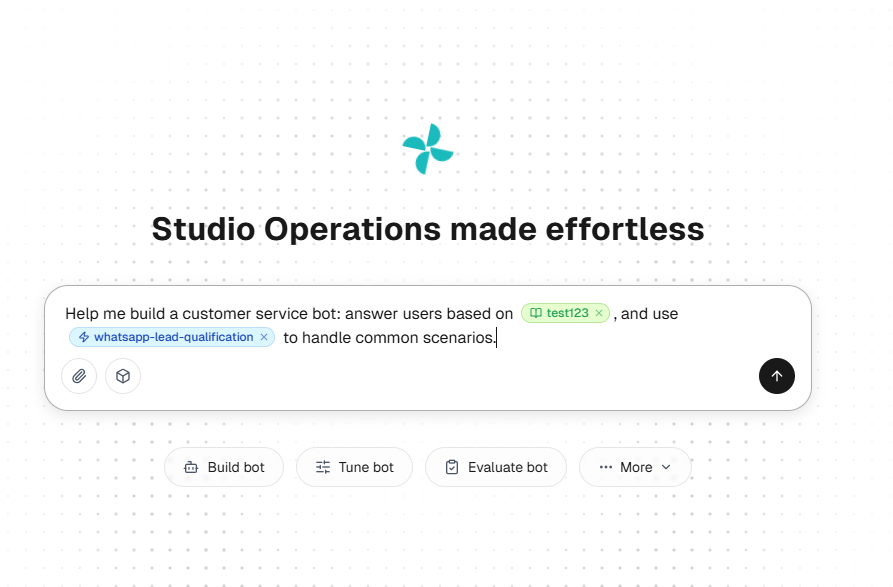
This is a workflow description, not a promise that every product performs every step. Sobot’s Resource Center description identifies Knowledge, Skills, Workflows, Tools, Memory, and Variables as resources that can support a configured Agent.
Types of AI Chatbots Used in Customer Support
Teams often use “AI chatbot” for systems with very different limits. The practical distinction is how each system decides what to say or do when a customer leaves the happy path.
| Approach | How it responds | Useful fit | Main limit to test |
|---|---|---|---|
| Rule-based | Follows a defined menu or branching flow | Stable, narrow tasks with predictable choices | Unrecognized wording and exceptions |
| NLP or intent-based | Classifies the request and selects a prepared answer or flow | Recurring questions expressed in varied ways | Overlapping intents and missing context |
| Generative | Forms an answer from a model, ideally using approved knowledge | Questions that need a synthesized explanation | Unsupported or outdated answers |
| Agentic | Chooses permitted steps and uses connected tools to pursue a task | Multi-step service requests with clear permissions | Unauthorized actions, failures between systems, and unclear ownership |
These are design patterns rather than mutually exclusive product categories. A support platform might use a fixed flow for identity verification, retrieval for policy answers, and tool use for an eligible order action. Anthropic’s engineering guidance distinguishes predefined workflows from agents that dynamically direct their own process and tool use; that distinction helps buyers ask what is actually automated. Read the workflow-versus-agent explanation.
For the generative row, AWS defines generative AI by its ability to create new content. In support, the useful distinction is whether that content is grounded in current, approved information.
Choose from the service task backward. A password reset with fixed checks may need a controlled flow. A nuanced warranty question may need current policy retrieval. An order change may need verified identity, a system connection, and a transaction record. The best architecture is the one that completes the eligible task reliably and makes failures visible. Salesforce’s agent overview likewise distinguishes flexible reasoning from fixed rules for consequential steps.
Where AI Chatbots Help Customer Service Teams
Choose the support task first, then decide whether the chatbot should answer, collect context, complete an action, or assist a human agent.
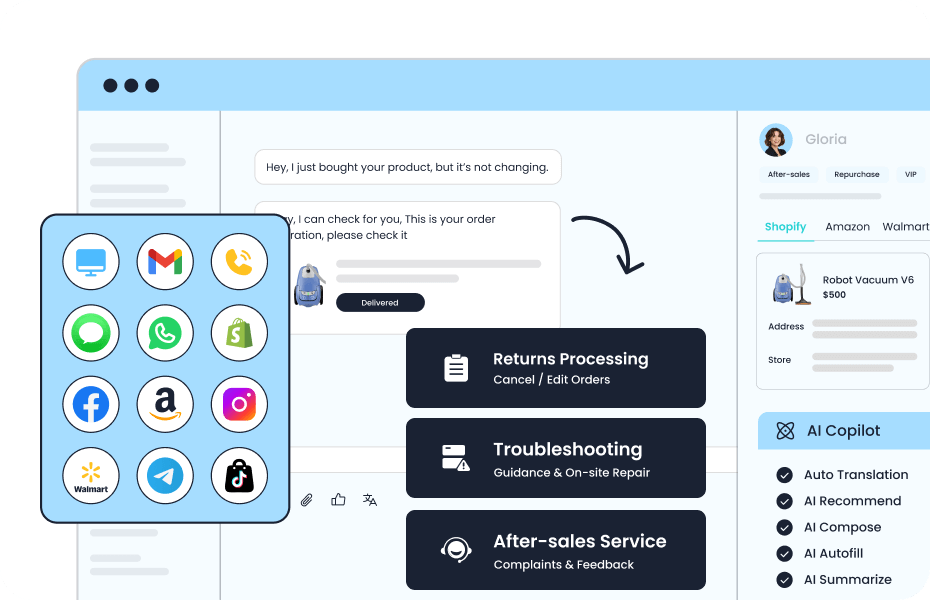
Answer recurring questions
Customers ask about delivery windows, eligibility, account access, and returns at all hours. A chatbot can give a consistent first response when the underlying policy is maintained and the question falls within its scope. The team should check whether the answer uses the current version of the policy and tells the customer what to do if their situation is an exception.
Collect context before a person joins
A customer support AI chatbot can ask for an order reference, problem category, preferred contact method, or a short description of what has already been tried. This reduces repetition only if that context reaches the human workspace and is presented in a usable form. Sensitive details should be requested only when the workflow needs them.
Guide an eligible action
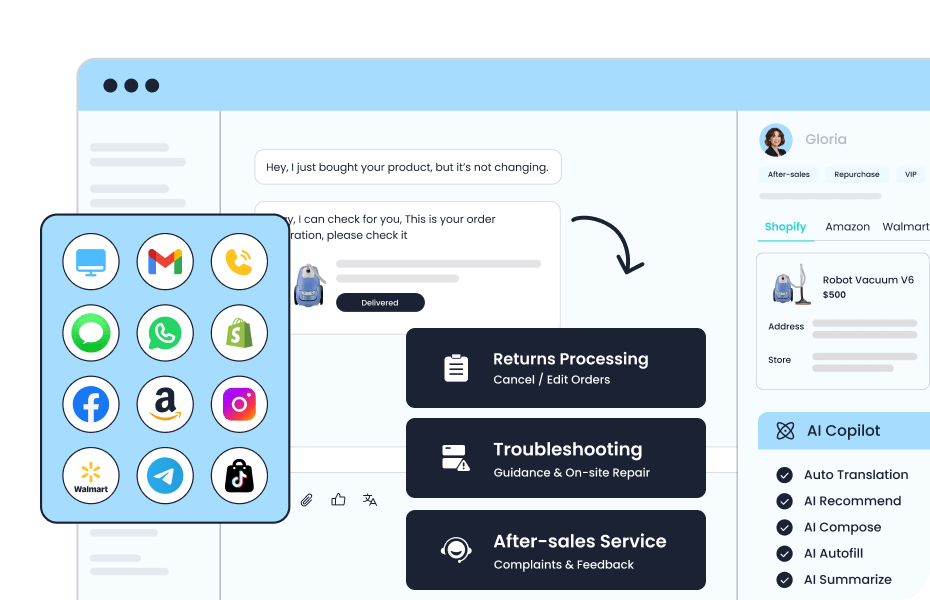
With the right integration, a chatbot may check an order state, start a return, schedule a callback, or open a ticket. These are implementation-dependent examples, not universal capabilities. A team should specify the allowed action, identity check, confirmation step, failure path, and audit record for each workflow. The broader question of connecting support systems belongs in an integration review.
Support agents during and after the conversation
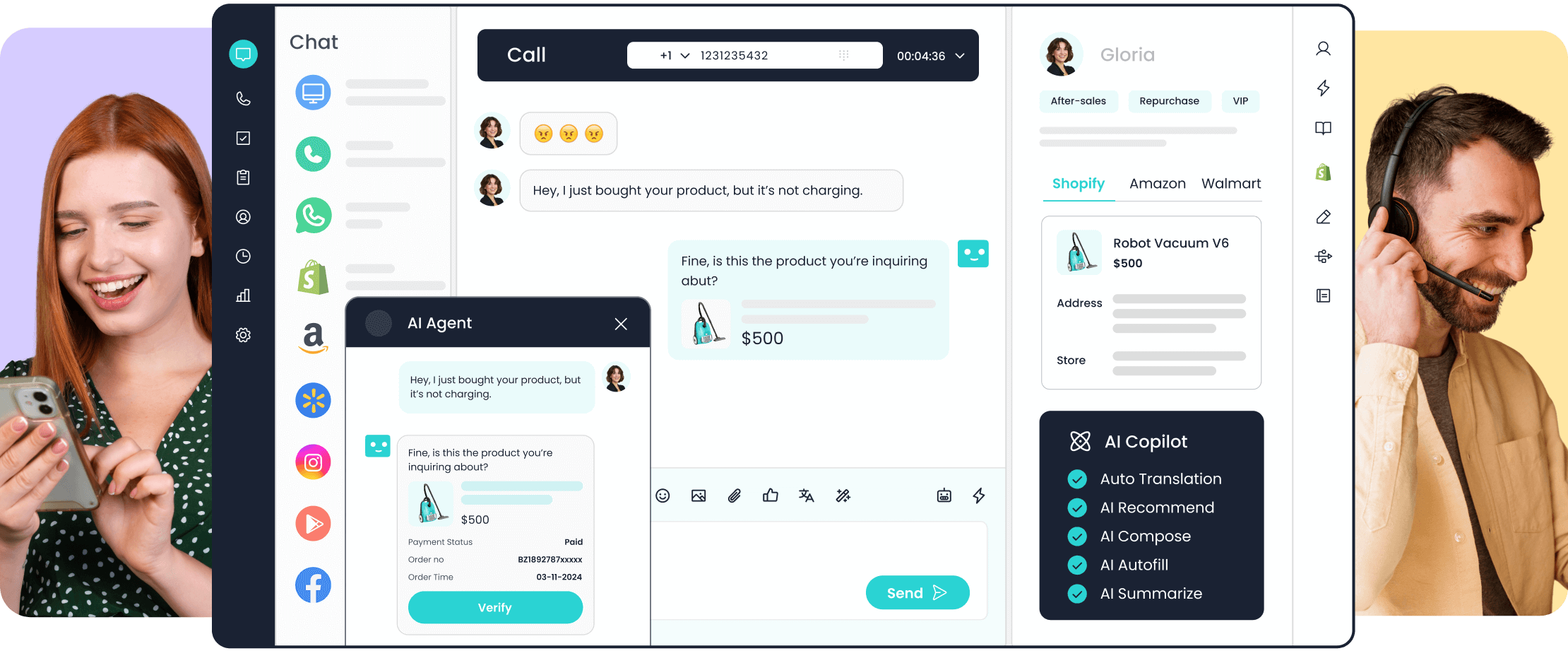
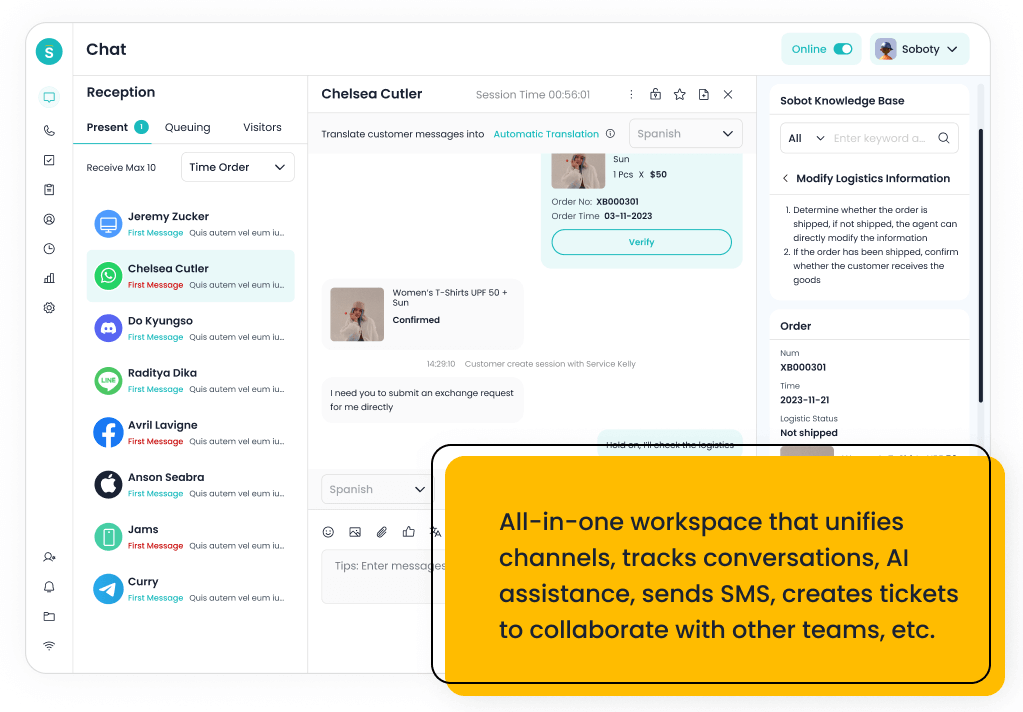
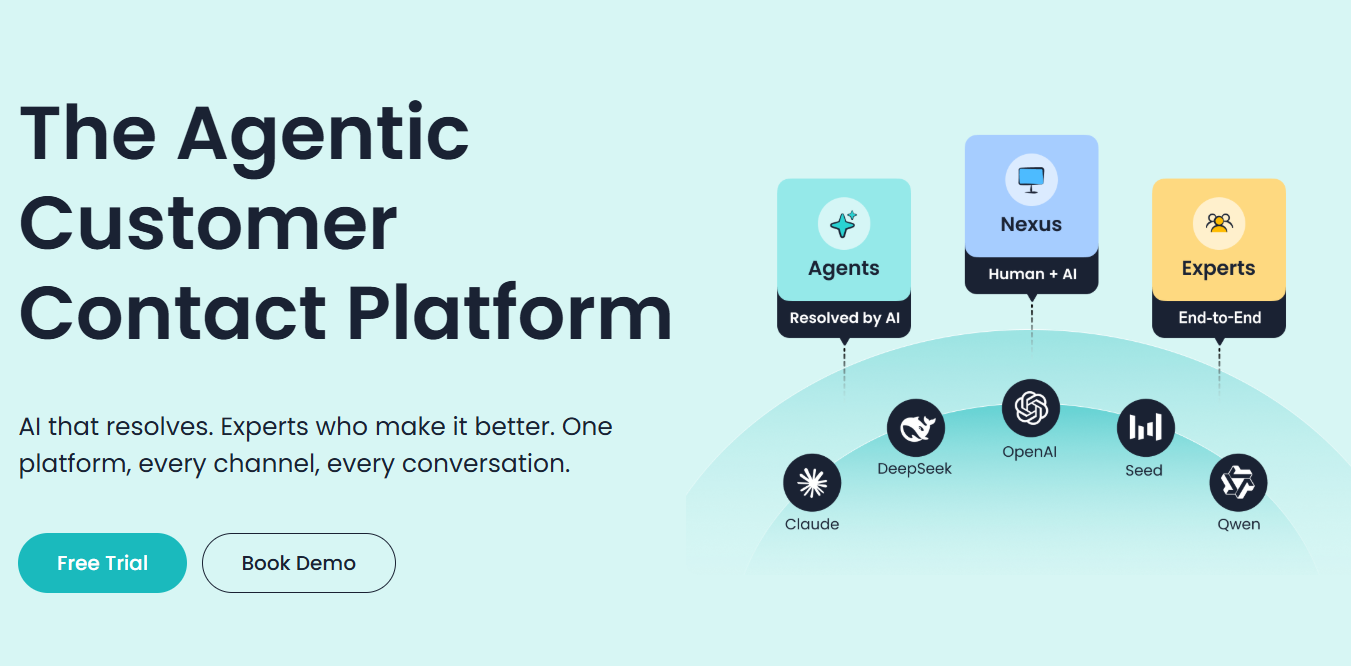
AI can summarize a conversation, suggest a reply, retrieve a relevant article, or help categorize a case for a human agent. That is different from letting a customer-facing bot resolve an issue autonomously. In both cases, the agent needs enough source and context to judge whether a suggestion is safe to use. Sobot describes draft replies, knowledge lookup, summaries, and tagging in its Nexus workspace.
What Benefits Are Realistic, and What Can Go Wrong?
The most plausible benefits are faster first responses to eligible questions, support outside staffed hours, and less agent time spent on repetitive information requests. Better consistency is possible when answers come from maintained sources. More complex gains, such as lower operating cost or higher satisfaction, depend on implementation, demand mix, and measurement. They should be demonstrated in a deployment rather than assumed from a feature list.
The common failure is a plausible answer to the wrong question. A model may misread intent, use an old policy, or produce an explanation that sounds certain without enough evidence. A connected system can fail after the bot has promised an action. Customers may also be trapped in a loop when escalation is hidden or a human receives no context. These risks call for a maintained knowledge owner, tested boundaries, visible escalation, and regular review of failed conversations. NIST’s voluntary AI Risk Management Framework offers a broader way to organize risk review across design, use, and evaluation.
Start with a narrow set of intents. Test ordinary wording, ambiguous requests, missing data, policy exceptions, and a customer explicitly asking for a person. Keep separate measures for answer accuracy, completed tasks, repeat contact, transfer quality, and customer feedback. A low transfer rate can conceal unresolved issues; a useful escalation can be the correct outcome.
When Should the Chatbot Hand Off to a Human?
Handoff is appropriate when the bot cannot establish a reliable answer, the request is outside its authority, an action fails, or the customer asks for a person. It is also sensible for sensitive or unusual cases where the business requires human judgment. Define these conditions before launch; do not make the customer prove repeatedly that the bot has failed.
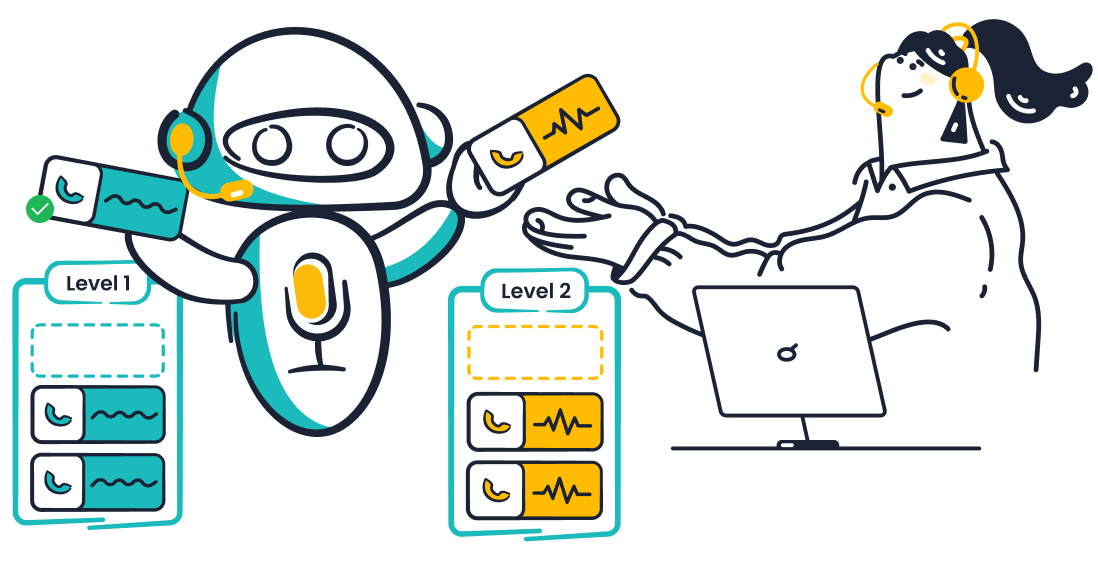
A good transfer includes the customer’s goal, relevant history, what was verified, what the bot tried, and what still needs a decision. The receiving agent should see those details within their access rights. Amazon Connect’s agentic self-service documentation gives a concrete example of an escalation tool that captures intent, reason, and summary for the human agent.
What Do Customer Examples Actually Show?
Sobot publishes two service examples that show different deployment tasks:
- Renogy: Sobot describes support across WhatsApp, email, website, and app, with AI assistance for questions and marketplace information. On its Agents page, Sobot reports a chatbot direct-answer rate above 35%, a resolution-rate increase above 44%, and CSAT above 95%. The page does not give a measurement period or denominator for comparing these figures with another deployment. Sobot AI Agents.
- FarEastFlora: Sobot says its Agent uses website knowledge and live Shopify and TikTok Shop order information, then summarizes the conversation for a human. The page reports 82.9% AI resolution and a three-second average response time. For a buyer, the useful workflow question is whether the bot can access current order data and pass an unresolved case to a person with its context intact; the published summary does not supply the full metric definitions. Sobot AI Agents.
These are Sobot’s own customer accounts. A buyer should request metric definitions, product scope, and a workflow demonstration relevant to their operation before treating a reported result as a forecast.
How to Evaluate an AI Chatbot for Your Support Team
Group anonymized requests by intent, complexity, and consequence of error. Select one frequent, low-risk task and one exception-heavy task. Define success, permitted information, and handoff conditions for each.
Then ask vendors to demonstrate those requests with your approved knowledge and realistic failure cases. Inspect the answer source, what action was actually recorded, what the customer saw when a system was unavailable, and what the human agent received after transfer. Confirm the channels and languages needed for your audience; capabilities shown in a general product page may vary by module or configuration.
- Test verified resolution and repeat contact on comparable requests.
- Inspect errors, escalation, and transferred agent work.
- Count knowledge updates and failure review in the total cost.
If you are evaluating customer service AI chatbots, bring a few representative customer requests and the systems they depend on to a Sobot demo discussion. Use the session to check which questions the configured Agent can answer, which actions it can complete, and what the human team receives when a case is handed over.
Frequently Asked Questions
Is an AI chatbot the same as a live chat tool?
No. Live chat is a channel for a conversation with a person; an AI chatbot is software that can respond or perform permitted steps within that channel. A service platform may offer both, with a transfer from the bot to an agent. A buyer should test the transfer between them: can the customer ask for a person, and does the agent receive the conversation and verified details?
Can an AI chatbot resolve a customer issue without an agent?
It can for tasks within its knowledge, integrations, and authority. A correct policy answer or a completed permitted transaction may qualify. A conversation that simply stops, or a promised action that never reaches the system of record, does not. Check the system of record before counting a task as resolved. If a lookup or update fails, the chatbot should report the failure and offer a useful next step.
Will a generative chatbot always give accurate answers?
No. Retrieval from approved material can reduce unsupported answers, but source quality, freshness, interpretation, and system failures still matter. Test answer quality against real cases and provide a visible route to a person when confidence or authority is insufficient. Review a sample of real questions after policy changes and inspect the source behind disputed answers. Make escalation available when the system cannot establish a reliable answer.
What should a business prepare before launching?
Prepare current support knowledge, a small set of eligible tasks, escalation rules, access permissions, and a way to review outcomes. For tasks that change customer records, define identity checks and failure handling before enabling the action. Assign an owner to review failed conversations and update policy content. Run test cases with missing data, ambiguous intent, and an unavailable connected system before launch.