A convincing AI demonstration can show what a tool can do. It cannot establish whether your support operation is ready to benefit. The stronger question is which recurring work AI can improve—and what your team must maintain for that improvement to last.
Key Takeaways
- Faster answers and greater capacity depend on usable knowledge, suitable tasks and reliable support when AI reaches its limits.
- Productivity evidence varies by worker and setting; it does not establish universal cost savings.
- Start with work you can supervise and measure. Resolve unclear policies, data access and ownership before expanding.
What Does AI in Customer Service Include?
AI customer service uses artificial intelligence to help understand customer requests, find relevant information and prepare or provide responses. It includes customer-facing assistance and tools that help human representatives compose replies, summarize conversations or complete routine administrative work. Some applications suggest content for a person to review; others handle a defined category of requests directly. These are different operating choices, with different supervision needs. Assessing the benefits requires identifying the work involved, the information available and who remains responsible when the system cannot provide a dependable answer.
Four Benefits of AI in Customer Service—and Their Conditions
The main benefits of AI in customer service concern speed, capacity, consistency and avoidable effort. Each is plausible only when the surrounding service process supports it.
| Potential benefit | How it helps | What must be in place |
|---|---|---|
| Faster routine answers | Customers can get common questions answered without waiting for a representative. | Current answers and a usable next step for unresolved requests. |
| Greater agent capacity | Drafting and information assistance can help representatives complete more work. | Relevant suggestions that take less effort to review than writing from scratch. |
| More consistent guidance | A shared knowledge source can reduce differences in routine policy explanations. | Approved, unambiguous policies that someone keeps current. |
| Lower avoidable handling effort | Summaries and administrative assistance can reduce repeated manual work. | Saved effort that outweighs correction, maintenance and operating costs. |
These are potential service improvements, not interchangeable financial results. A faster reply that causes another contact can erase the initial time saving.
What Research Shows About Agent Productivity
A Quarterly Journal of Economics field study examined 5,172 customer-support agents at one business-process software firm. Less-skilled and less-experienced workers increased issues resolved per hour by 30% with AI assistance. Effects varied: the most experienced and skilled workers saw little productivity benefit. The tool suggested responses; human agents retained responsibility for conversations.
The practical lesson is to evaluate whom the assistance helps and on which tasks. Newer representatives may benefit differently from specialists. This study supports a bounded productivity finding, not a universal savings forecast or evidence that autonomous support will achieve the same result.
Where Sobot’s Agents and Copilot Fit
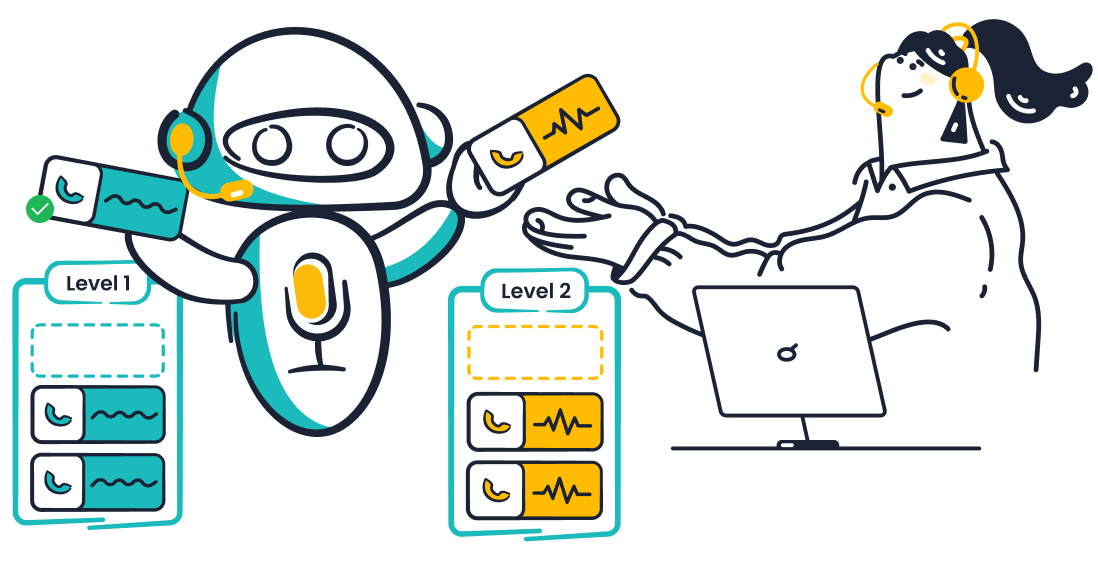
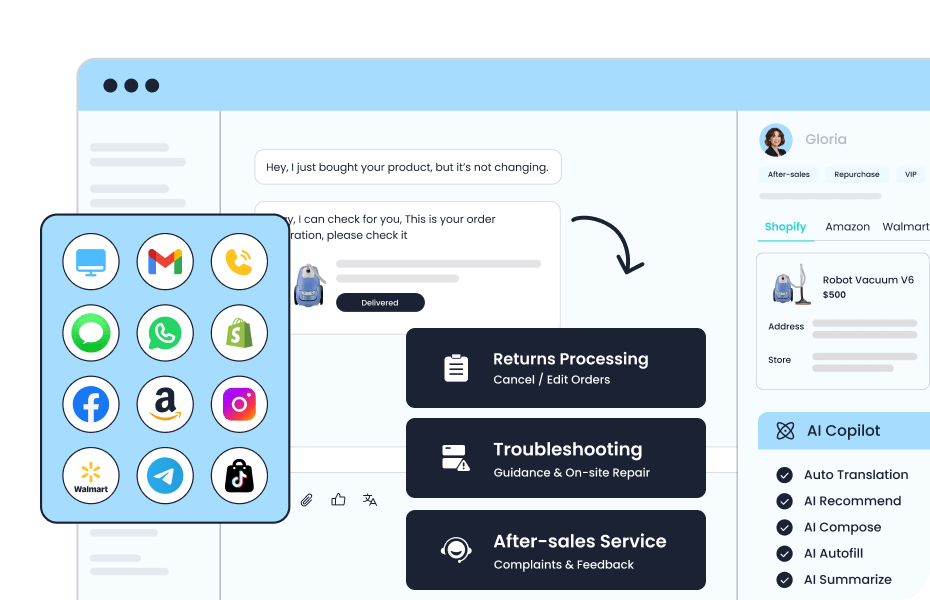
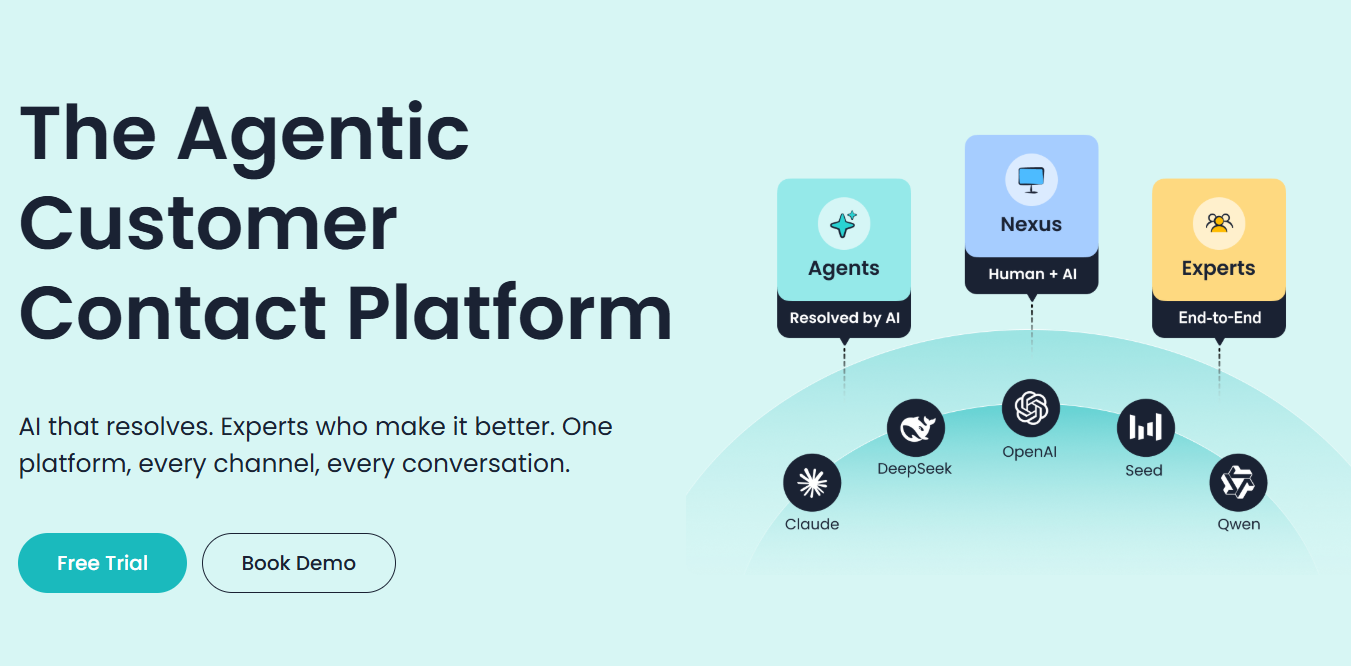
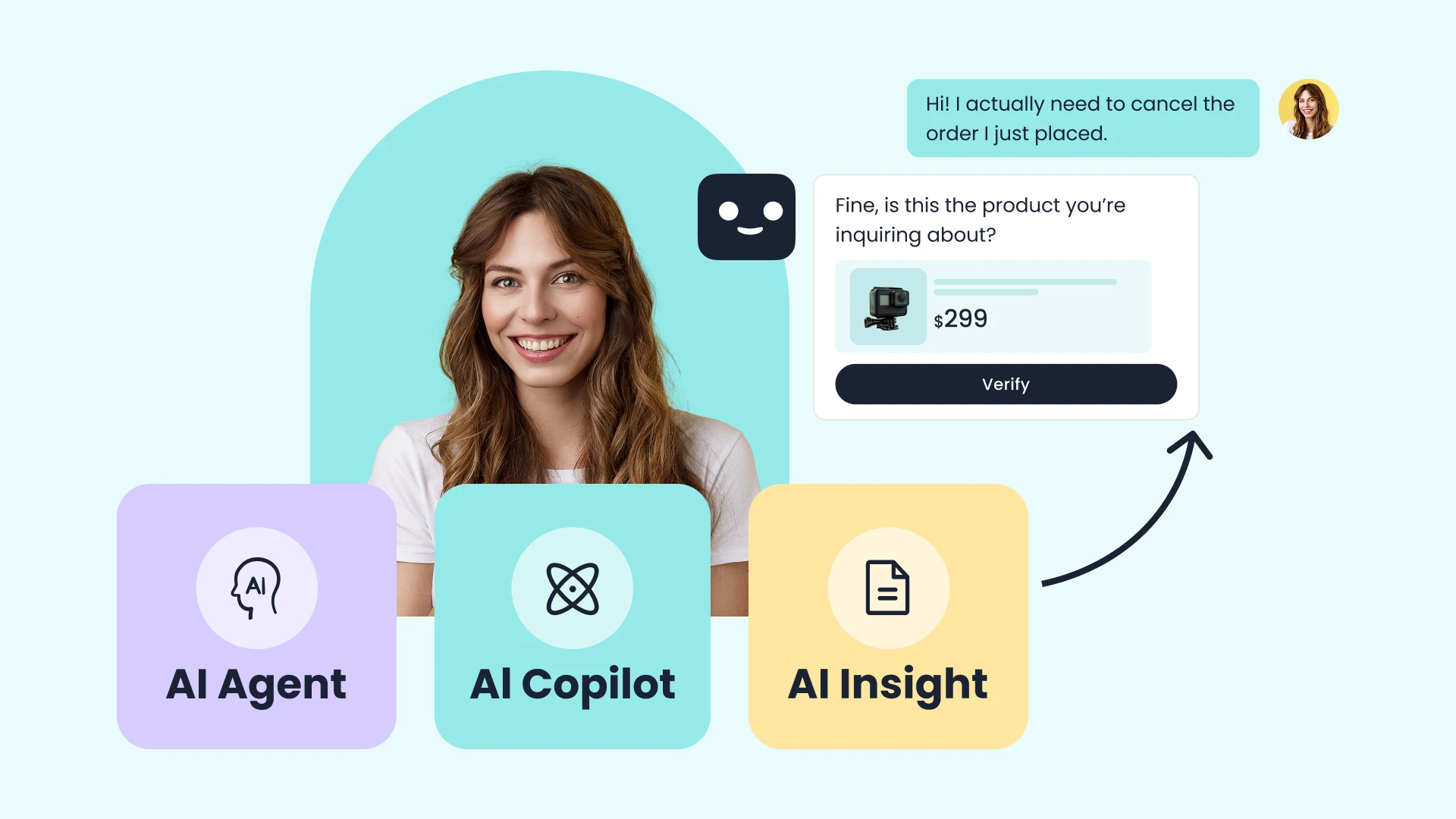
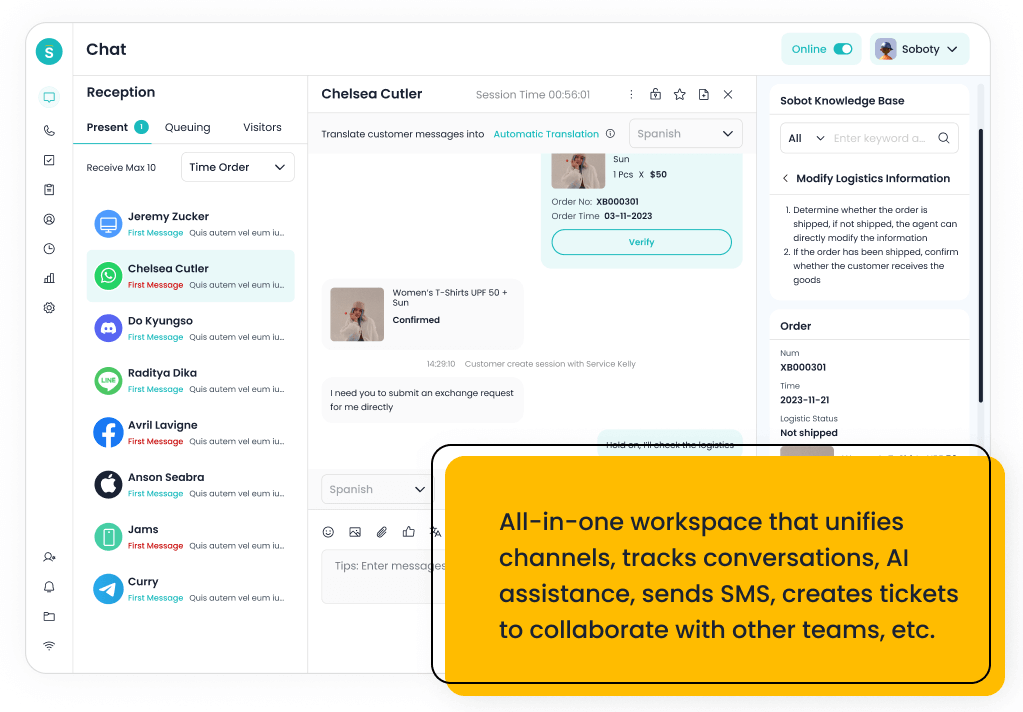
Sobot Nexus describes a shared customer workspace with Copilot reply drafts, knowledge lookup, summaries and tagging. In Sobot’s Agents, Nexus and Experts model, this human assistance sits alongside Agents that handle eligible customer tasks and Experts who support deployment and improvement. These capabilities address different kinds of effort. A team can evaluate drafting assistance before delegating actions, and expand only where integrations, permissions and review arrangements support the work.
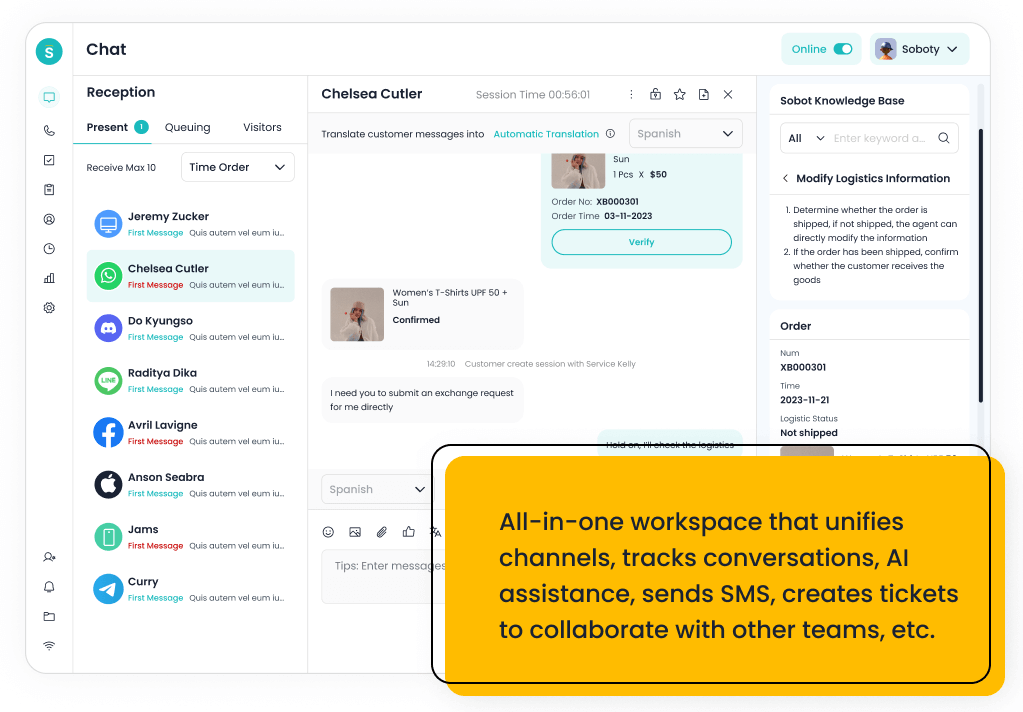
Sobot’s unified workspace illustration brings conversations, knowledge assistance and customer information into an agent view.
For a team that repeatedly writes case notes, summary quality is a useful starting point. Compare the generated note with the actual conversation: does it preserve the request, action taken and unresolved issue? Review effort matters as much as draft speed. A feature description establishes what to inspect; your own representative work establishes whether it helps.
The same distinction applies when moving from assistance to direct task execution. Sobot describes an Evaluation Center for testing conversations and tools for observing resolution and handoff behavior. Its Build → Evaluate → Tune → Observe loop provides an operating structure, while Experts support implementation and improvement within the agreed service scope. Evaluate these capabilities using your own cases and metric definitions; neither the tooling nor the service description establishes a guaranteed accuracy or cost result.
Common Concerns and Misconceptions About AI Support
The disadvantages of AI in customer service become manageable only when teams make explicit choices about responsibility, answer boundaries and data access.
Will AI Replace Human Support?
Removing repetitive tasks does not remove responsibility for the service. People still need to resolve exceptions, make policy decisions and maintain the knowledge behind routine answers. Whether roles or staffing change depends on the work that remains and how the organization chooses to manage it.
Before changing capacity plans, examine the remaining queue. If straightforward questions leave it, representatives may handle a greater concentration of complex or sensitive cases. That can change training, supervision and workload. Reassess these demands before treating fewer routine contacts as permission to reduce staffing. Decide who can intervene, correct guidance and take ownership of an unresolved customer issue.
What If AI Cannot Answer—or Gives the Wrong Answer?
A missing answer and a confident wrong answer need different treatment. A hallucination is an AI answer that sounds plausible but is false or unsupported. AWS’s reliability guidance explains that models can still fabricate information even when supplied with accurate source material. Connecting a knowledge base does not eliminate that risk.
When approved information is absent, the response should acknowledge the limit and offer a practical next step. When information exists, test whether the answer represents it correctly, including exceptions. Keep unsupported commitments out of automatic replies. Review unresolved and corrected answers together: one can expose missing knowledge, while the other can reveal misleading use of existing material.
Is Customer Data Safe?
In Salesforce’s 2025 State of Service research, 51% of service leaders said security concerns had delayed or limited AI initiatives. This measures concerns among surveyed leaders, not a breach rate. It is a reason to examine the proposed data flow rather than assume every AI deployment has the same risk.
Ask what customer information enters the system, where it is stored, who can access it, how long it is retained and whether it is used for model training. Verify the answers in the applicable configuration and contractual terms. Separate access to general support knowledge from access to a customer’s private records.
For an initial trial, use only the information needed for the chosen task. If your team cannot explain or control a sensitive data path, keep that path outside the trial until the relevant owners resolve it.
Four Implementation Mistakes to Avoid
NIST’s Generative AI Profile calls for performance to be demonstrated under conditions similar to deployment. Applying that principle means checking the operating conditions behind successful answers, not just collecting impressive examples.
- Uploading knowledge without assigning an owner. Conflicting policies give the system no dependable basis for an answer. Resolve the conflict before launch, assign someone to maintain each important topic and decide how updates reach the AI. A larger document collection cannot settle a policy disagreement.
- Testing only polished demonstrations. A clean question about a current product does not cover an ambiguous complaint, an outdated term or a request outside scope. Build examples from the work you expect, including difficult and unanswerable requests. Examine whether the system answers, asks appropriately or passes the issue onward.
- Counting every avoided handoff as success. A conversation can end without the customer getting help. Pair automation figures with answer quality, repeat contact, corrections and unresolved cases. Define a successful outcome for the chosen request category before testing, then inspect examples behind the totals.
- Budgeting for launch but not operation. Knowledge changes, permissions need review and failures need attention. Include time for these tasks and compare it with the effort actually saved. Name the person who can restrict or pause the use case when a recurring problem appears.
A failed test can therefore be useful. It may identify a fixable dependency, such as an unclear returns policy, before that dependency affects customers at scale.
When to Start—and When to Wait
Start with a manageable category of recurring work when your knowledge is usable, access is controlled and an owner can review outcomes. Wait when essential answers are disputed, sensitive records lack clear access rules or nobody owns correction. These conditions matter more than how fluent a demonstration sounds.
Human-agent assistance can be a useful first step when you want to evaluate drafts before customers receive them. More direct AI customer service automation warrants clear boundaries around what the system can answer or do, with dependable support for exceptions.
Compare the pros and cons against the same task: what work is saved, what new review work appears and what happens when the answer is wrong? Expand only after the chosen use case demonstrates acceptable service quality and operating effort. If those conditions are missing, improve the underlying process before expanding the technology.
Explore the Work Before Expanding Automation
To explore Sobot for your team, book a product demo and use a recurring support task to guide your questions. Ask about knowledge sources, agent review and permission controls. Then identify what your own trial would need to demonstrate. A product demonstration can inform that evaluation; the adoption decision still rests on your operating conditions.
Frequently Asked Questions
Do we need historical chat transcripts to begin?
Not necessarily: a limited question-answering pilot may start with maintained support articles and policies rather than a large transcript archive. Historical conversations can help identify common wording and difficult requests, but they may contain outdated advice or personal information. Decide what the pilot needs before adding them, and review their suitability for that purpose.
Will an English-language pilot validate support in other languages?
No: success in English does not establish that the same system handles another language, terminology or customer expression equally well. Evaluate representative requests in each language you plan to support, with reviewers who understand both the language and the service policy. Include ambiguous wording and confirm that exceptions receive an understandable next step.
What should customers see when the AI is unavailable?
They should see an accurate explanation of the available support option, with a way to preserve or resubmit their request. Do not imply a human is immediately available unless that is true. Check that the alternative route works when the AI component fails, and make its availability and expected response timing clear to customers.