An AI chatbot can answer a policy question from a knowledge base, yet still fail an ordinary customer request if it cannot see the right order, open a support ticket, or pass context to a person. For enterprise customer service, integration determines which answers reflect live records, which actions can be completed, and what happens when the bot reaches its limit. Connect each system to a service task, then test the path from question to recorded outcome.
Key Takeaways
Start with the customer requests the bot should resolve, then identify the systems needed for each one.
CRM, ticketing, commerce and messaging connections solve different problems; a channel connection alone does not grant access to business records.
Check identity, permissions, failure handling and human handoff before enabling account-changing actions.
What Is AI Chatbot Integration?
AI chatbot integration is the connection between a conversational service tool and the information, channels, and workflows a company already uses. It may let the bot retrieve approved knowledge, look up a live order, create a ticket, send a message, or transfer a conversation with its history attached. A useful integration specifies the data it may read, the actions it may perform, the identity checks required, and the fallback when a system is unavailable. A website widget is only one entry point; the business value depends on the systems behind it.
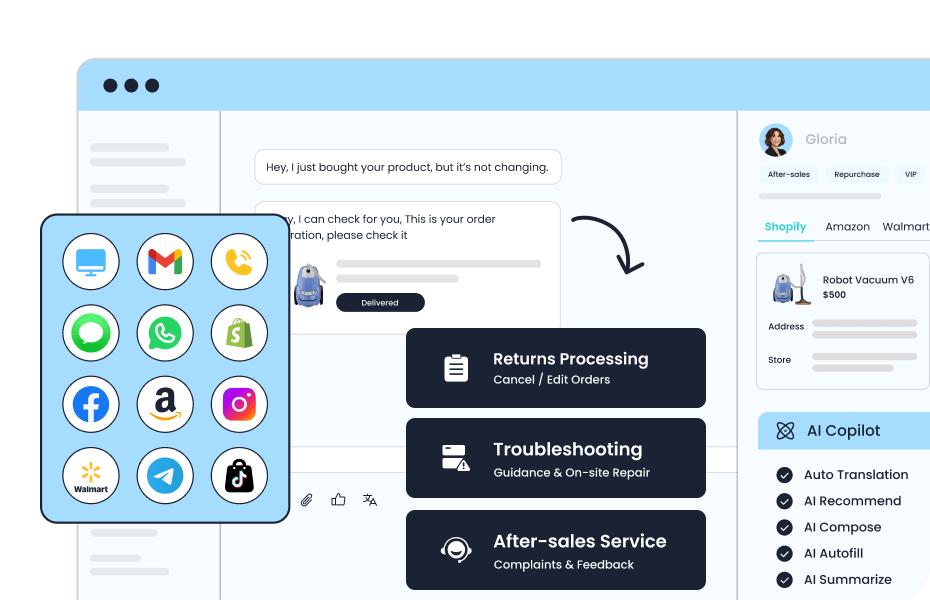
Common AI chatbot integration targets for customer service
| Connection | Customer task | Key boundary |
|---|---|---|
| CRM | Recognize a customer and carry service context | Identity and permitted fields |
| Ticketing | Open, route and track unresolved issues | Case ownership and duplicate prevention |
| Commerce or order system | Check status or start an approved request | Current records and action authority |
| Social and messaging channels | Receive and continue conversations | Channel rules and context continuity |
Why Does Integration Determine Chatbot Results?
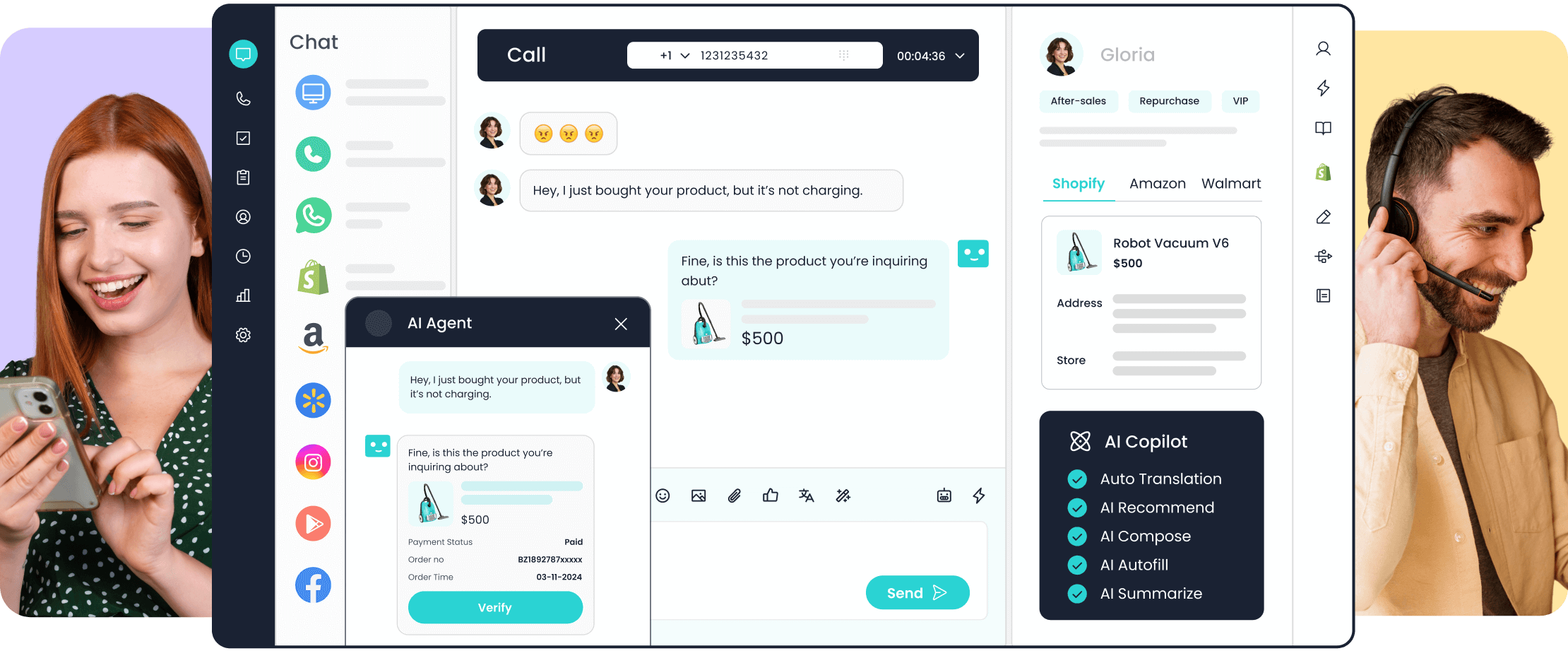
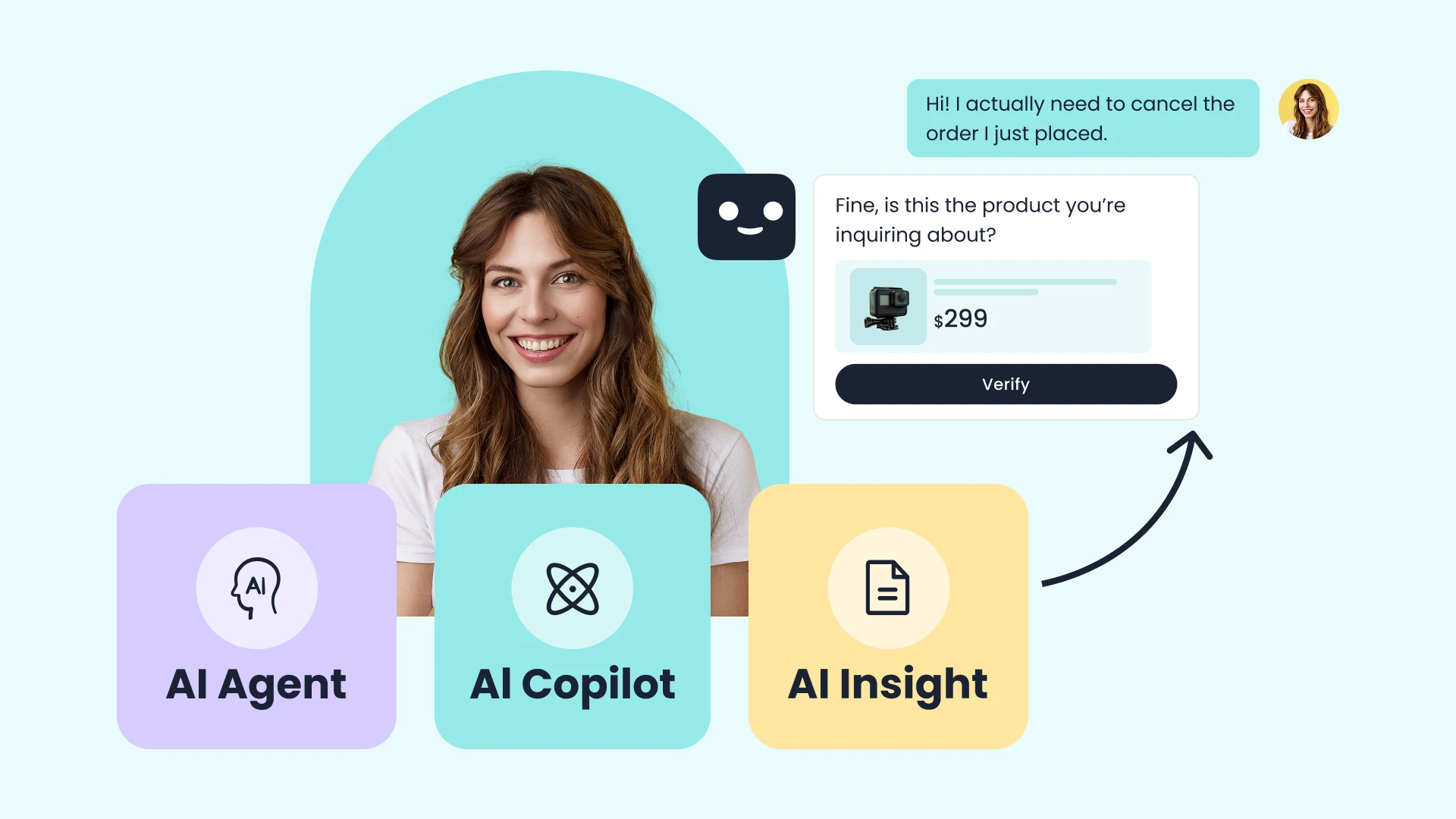
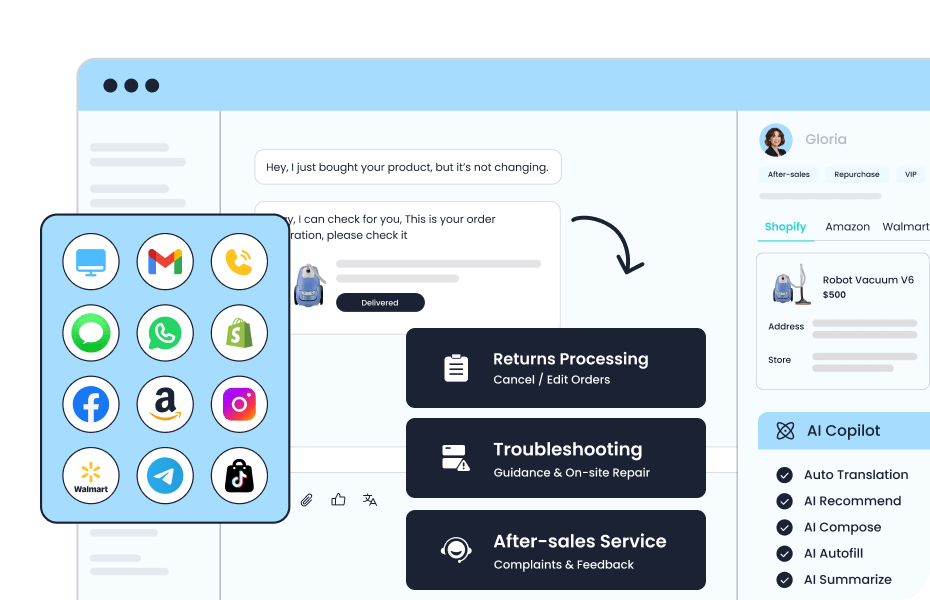
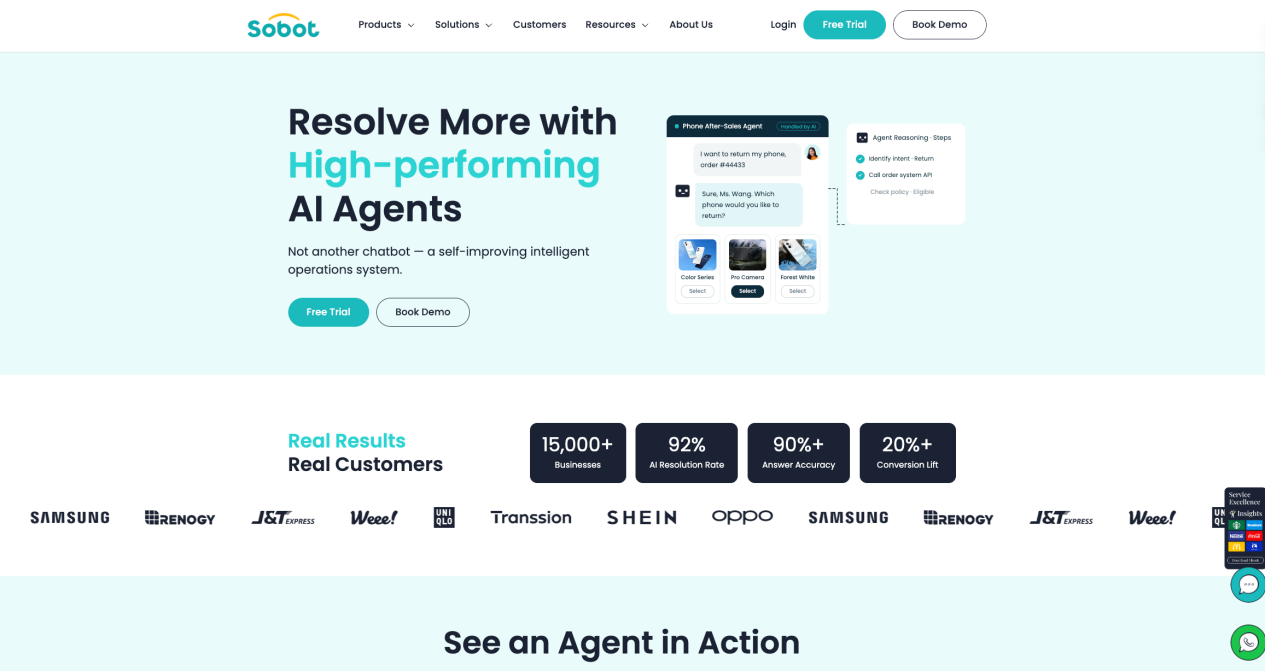
A bot with only static help articles can explain a return policy. To answer “Where is my order?” it needs a current order record and a way to match the requester to that record. To change a delivery address, it also needs a permitted action and a confirmation that the system of record accepted the change. Without these connections, a fluent reply may sound complete while the underlying task remains open. The Sobot Messaging Agents page describes this distinction between retrieving knowledge and using connected order, payment or membership systems. Its product description indicates possible workflows; the exact systems and permissions must be confirmed for a particular deployment.
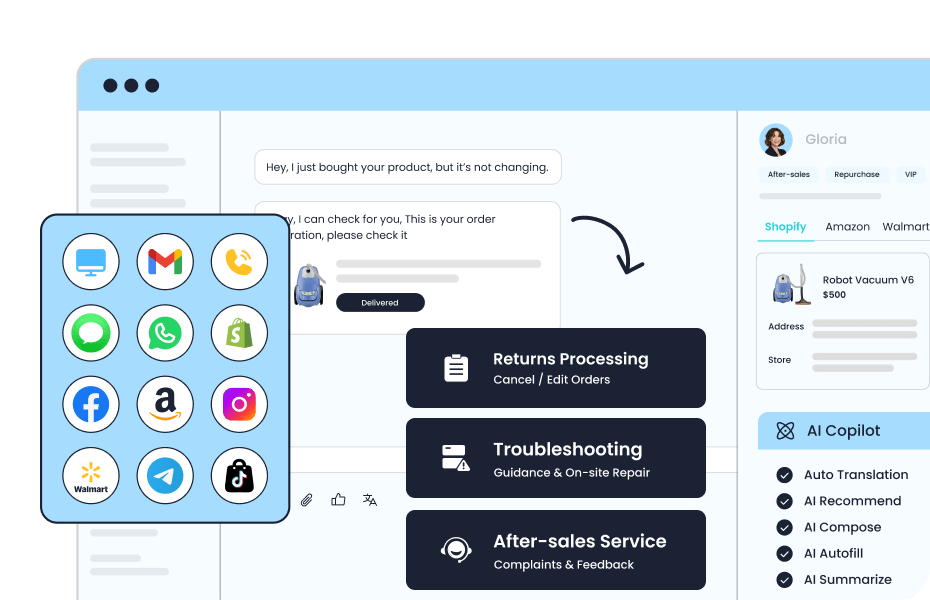
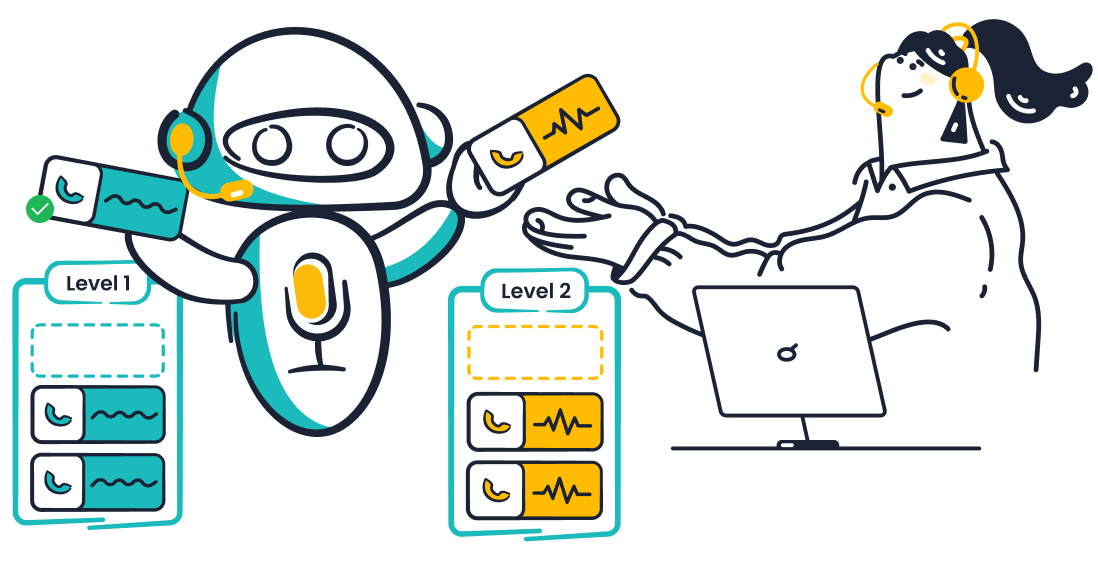
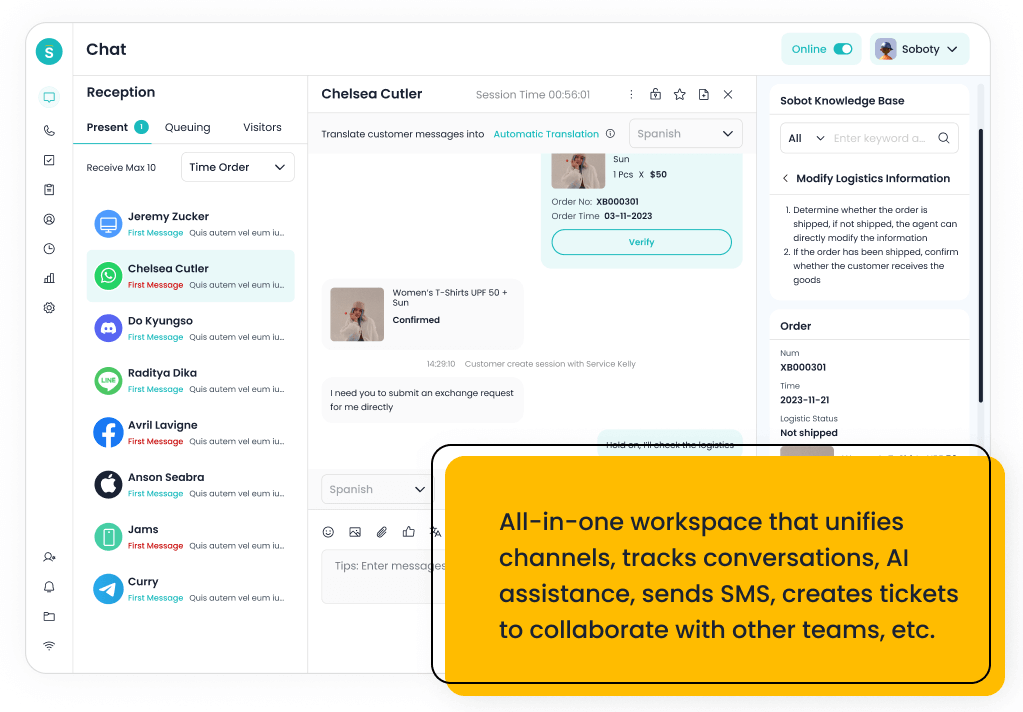
A good integration also improves the human side of service. An agent should see the customer’s request, verified details, attempted bot steps, and any system error. That reduces the need to start again and makes the handoff auditable. If a connection breaks, the bot should say what it could not verify, avoid promising an unrecorded action, and route the case to a person or a tracked queue. Measure completed tasks and repeat contacts, not merely successful API calls or conversations that ended without a transfer.
Which Systems Should a Service Chatbot Connect?
Choose the next connection by the request it will improve. A team with many order-status questions may need a reliable commerce lookup before another messaging channel. A team with complex complaints may gain more from ticket creation and a clean agent workspace. The four targets below often work together, but each has a different owner, data boundary, and success test.
CRM: connect the right customer context
A CRM connection can help a bot or agent recognize a returning customer, see relevant account status, and avoid asking for information already supplied. The Sobot Nexus overview describes a shared customer view with profiles, order history, and conversation context. In a chatbot project, define exactly which fields are useful for the chosen task. A public visitor should not gain access to a private record merely by entering a name or email address. Test what the bot can see before and after identity verification, and whether an agent can correct a wrong customer match. Keep the source of truth clear if CRM and order data disagree.
Ticketing: turn an unresolved chat into owned work
A ticketing connection should create or update a case with the customer’s request, relevant transcript, priority, and next owner. The Sobot Ticketing page describes routing tickets and showing order information from third-party platforms in a shared workspace. That is useful when the bot cannot settle a refund dispute or a delivery exception. Decide whether a reopened conversation updates an existing ticket or creates a new one, and what status the customer sees. A handoff is successful only when a team can find and act on the case; generating a ticket number without ownership is not resolution.
Commerce and order systems: use live facts carefully
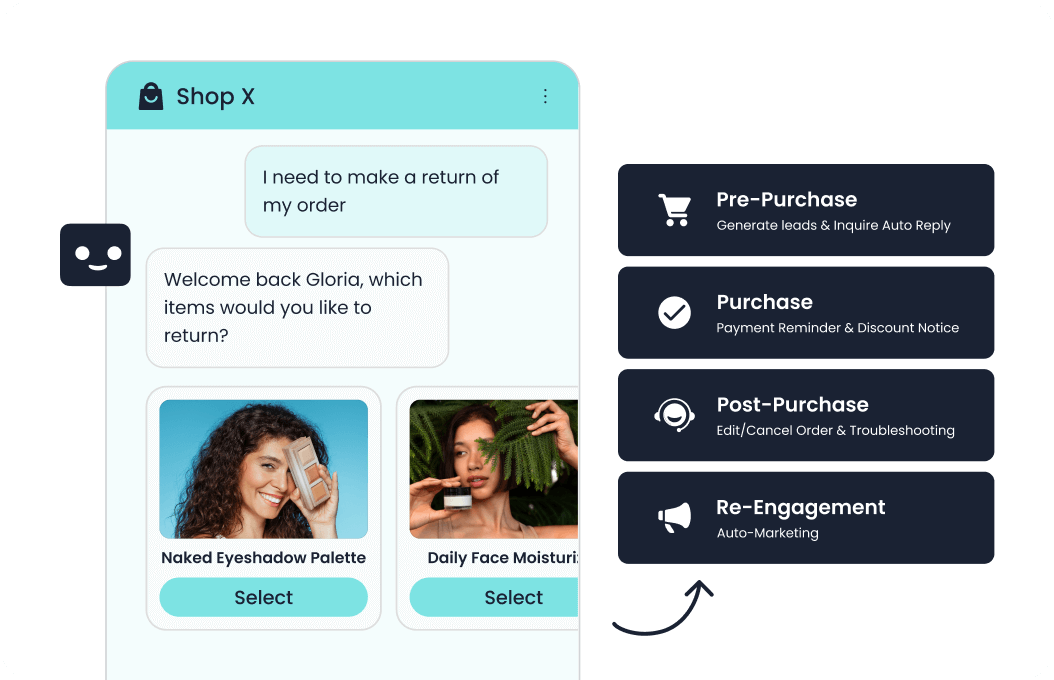
An order connection can replace a generic answer with the current state of a purchase, shipment, return, or subscription. Sobot’s Agents overview lists ecommerce platform connections and order-aware after-sales workflows. Begin with read-only lookups: verify the requester, retrieve the correct order, show a timestamp if the data can lag, and explain what happens when no record is found. Write actions such as address changes or refunds need tighter rules, confirmation, and an audit trail. Do not infer that a platform listing means every merchant-specific field or action works without configuration. Test common and exception cases against the actual store setup.
Website and social channels: keep the conversation connected
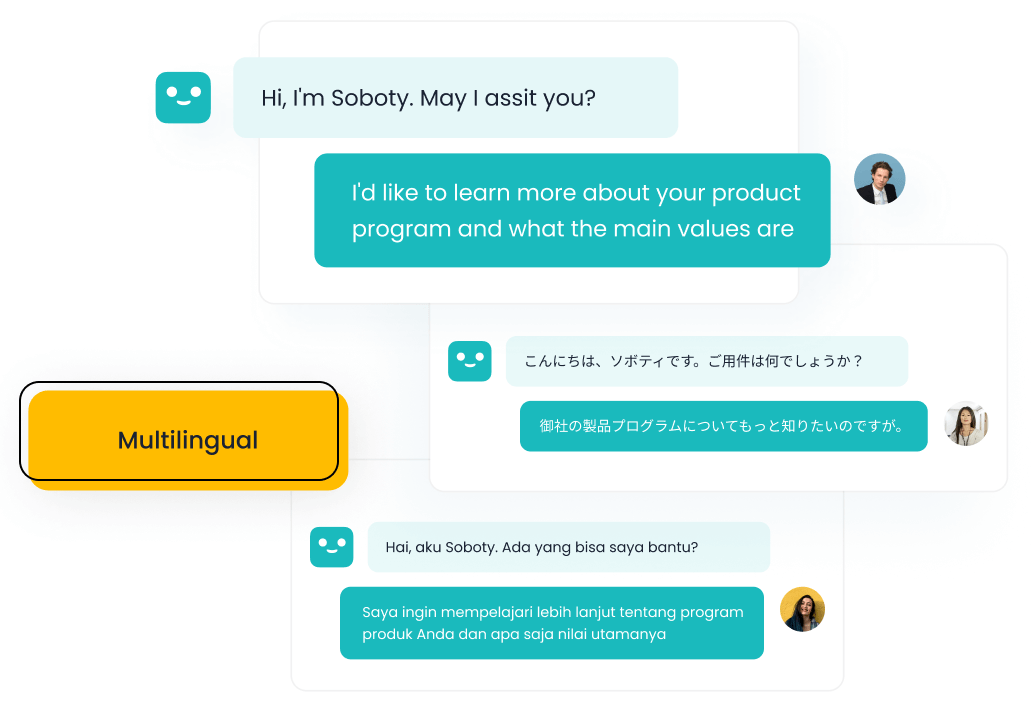
For AI chatbot integration for websites, the widget needs to open on the right pages, identify the conversation, and preserve a route to live help. Other channels may include an app, email, WhatsApp, Facebook, Instagram, or marketplaces. The Sobot Messaging Agents description lists these text channels and describes a shared customer record across connected channels. Verify which channels are actually enabled and whether the transcript survives a switch from bot to agent or from one channel to another. Channel rules and permissions still vary. Test whether a channel change preserves the verified customer identity and whether an agent receives the whole conversation after transfer.
How Do Chatbot Integrations Usually Work?
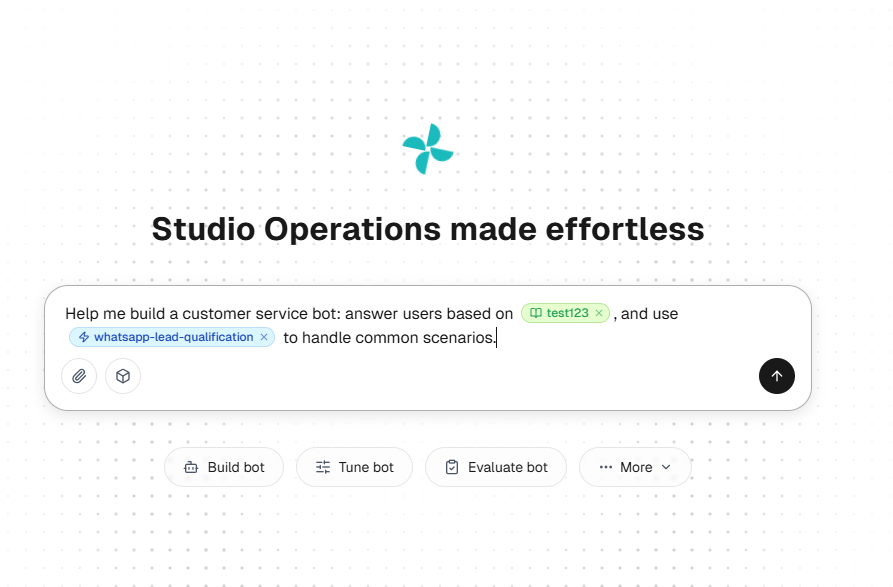
There are three practical patterns. A built-in connector links a supported platform using configured permissions and fields. An API or action lets the chatbot request a defined lookup or transaction from a business system. A workflow coordinates several steps, such as identity verification, lookup, confirmation, ticket creation, and human transfer. Sobot’s resource-center description separates Knowledge, Workflows, and Tools and describes configured Actions and MCP for external tool access. Ask which pattern is available for the intended system, what data it exchanges, and who maintains it after launch.
The permissions behind a connection matter as much as its name. The OWASP API Security guidance explains how object-level authorization failures can expose records when an identifier is manipulated. For a service bot, this supports checking access to each customer’s records in the underlying system, not relying on the model to decide whether a request is allowed. Limit the tool to the actions the task needs, and log both attempted and completed changes. A failed write should be visible to the customer and the receiving agent.
What Should You Check Before Connecting a Chatbot?
Take one representative request through the proposed workflow before signing off. Map the customer entry point, identity check, source record, permitted response or action, confirmation, exception path, and agent handoff. Then repeat with a missing record, a mismatched identity, an unavailable system, and a customer asking for a person. Compare the recorded outcome with what the bot told the customer.
- Data and authority: Which fields can the bot read or change, and who approves each permission?
- Reliability: What does the customer see when a lookup times out or an update fails?
- Handoff: Does a person receive verified details, attempted steps, and a case owner?
- Measurement: Can the team track correct completion, repeat contacts, errors, and maintenance work?
Start with a read-only, high-volume request and expand only after the team has inspected real conversations and the system-of-record result. If you are evaluating Sobot, use a configured demo to walk through your own CRM, ticket, order, and channel requirements. Ask which connections are supported in the selected product scope and which require additional configuration or custom work. The strongest integration is the one that completes the intended service task reliably while making limits and human ownership visible.
Frequently Asked Questions
What should you verify in a prebuilt connector?
Check the exact objects and fields it reads or changes, how often records refresh, who owns credentials, and what the customer sees when the connection fails. A connector name alone does not establish that the needed service workflow is available.
When should an integration be retested?
Retest after a policy change, permission change, system migration, new channel, or a rise in failed lookups and repeat contacts. Include identity mismatches, unavailable records, write failures, and handoffs; a successful connection test does not prove the customer task still completes.