If you’re comparing Shopify AI chatbot pricing, the monthly sticker price is only the first number to check. Some tools charge for seats, some for conversations, and others for an AI-resolved outcome. The Shopify connection matters just as much: can the app answer from current order data, or can it also carry out an approved action? This guide compares the published prices and billing models of five options, explains what to verify before installing a Shopify chatbot customer support app, and shows how to estimate the cost of a genuinely resolved conversation. Prices below were checked on October 13, 2026; vendors can change plans and limits.
Quick take: Start with your monthly support volume and the tasks you want AI to handle. Compare included usage, overage rules, Shopify permissions, and the path to a human agent. A low monthly price can be a good fit for basic chat, but it does not automatically mean a lower total cost for a busy store.
Shopify AI chatbot pricing: compare the billing unit before the monthly price
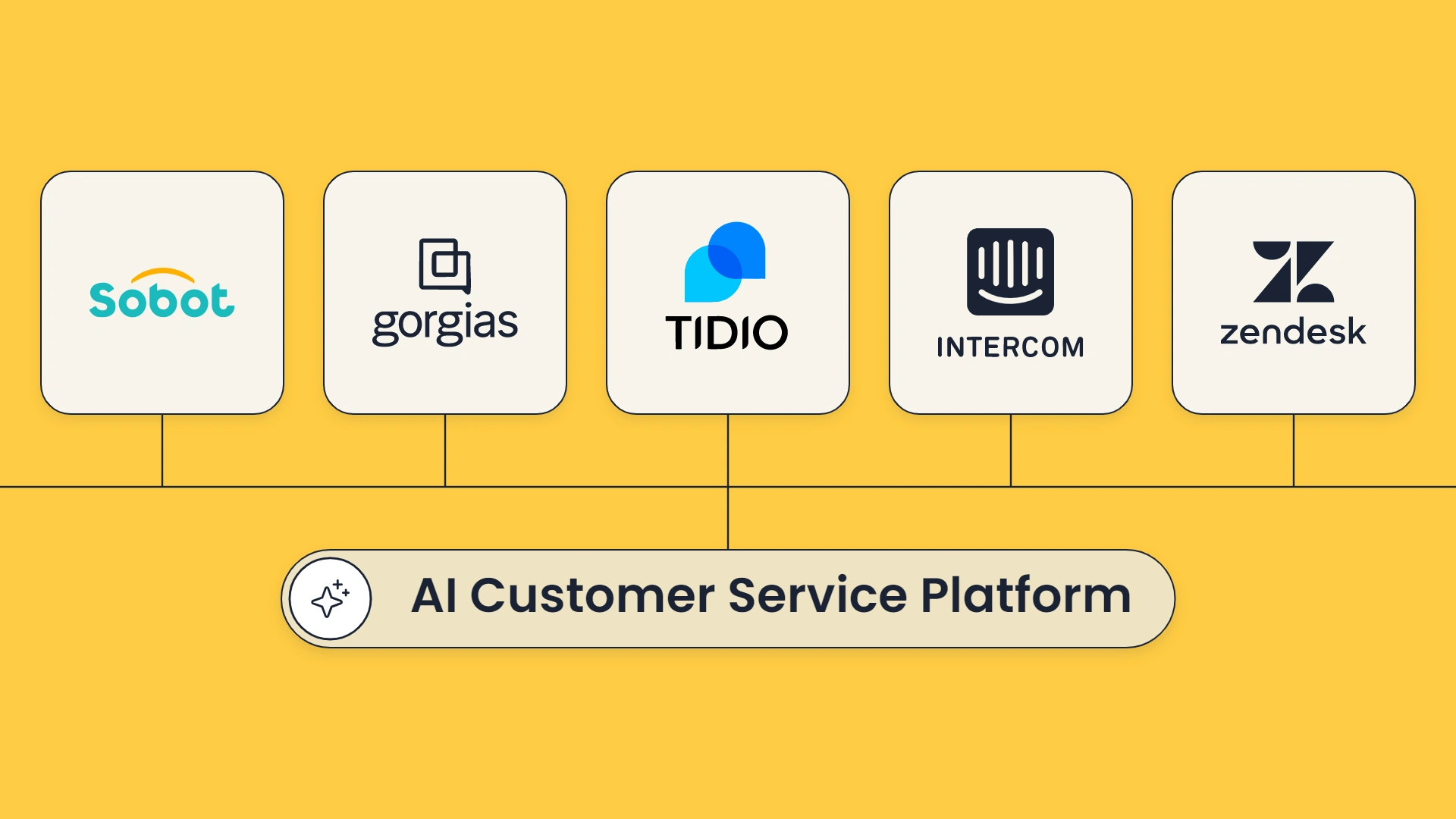
The table is a starting point, not a like-for-like ranking. A “conversation,” “resolution,” and “outcome” are not interchangeable billing units, and some prices sit on top of a separate helpdesk or agent-seat plan.
| Product | Published starting price | What the price measures | Shopify / ecommerce consideration |
|---|---|---|---|
| Sobot AI Agents | Team $39/month; Professional $149/month; Enterprise $499/month. | Each edition includes automated-resolution and AI-credit allowances; above allowance, the page lists $0.98 per AI-resolved conversation. | The official Shopify guide documents customer identification and customer/order information lookup in the agent workbench. Confirm the exact Agent connector scope for your store. |
| Tidio | Free plan; Starter from $24.17/month with annual billing. Paid Lyro AI conversation quotas are separate plan choices. | Starter includes 100 billable conversations; Lyro has its own AI conversation allowance. | Useful for teams comparing a chat platform with AI add-ons. Confirm the Lyro quota you need and the current Shopify app permissions. |
| Gorgias AI Agent | Most plans list $0.90 per resolved interaction; Starter begins at $1 per resolution. | AI Agent fee is charged for interactions it resolves; helpdesk pricing and included limits also matter. | Built around ecommerce support workflows. Ask for a full estimate that includes the underlying Gorgias plan and seasonal volume. |
| Intercom Fin | $0.99 per Fin outcome. Intercom plans list seat prices from $29 per seat/month with annual billing. | Outcome fee plus agent seats on Intercom; a no-seat option is listed for Fin on an existing helpdesk, with a minimum commitment. | Check how “outcome” is counted, which systems the workflow can act on, and any minimum usage commitment. |
| Zendesk Suite | Suite Team is listed at $55 per agent/month with annual billing; monthly billing is listed at $69. | Per-agent support plan, with AI resolution usage and plan-specific allowances to confirm. | A broad support suite can suit teams already using Zendesk. Get the current AI resolution allowance and overage price in writing. |
Sources: Tidio pricing, Gorgias AI Agent pricing, Intercom pricing, Zendesk pricing, and Sobot AI Agents. Sobot’s public Agents page describes included allowances but does not display their exact quantities in the pricing section.
A practical ecommerce chatbot pricing comparison starts with one question: what event makes the vendor charge you? A platform may charge when a bot replies, when a conversation is active, when AI resolves a case, or when an outcome is recorded. If human handoff counts as a billable outcome in one product but not another, the headline price can be misleading. Read each vendor’s billing definition before you compare totals. Keep Shopify chatbot app plans and usage limits in their own comparison row so an introductory price does not hide a small AI allowance.
A quick way to estimate your monthly bill
Use your own support volume rather than a vendor’s “up to” automation claim. Here is a simple illustration, not a performance forecast: if your store gets 2,000 support conversations a month and a pilot shows that 30% are fully resolved by AI, that is 600 resolved conversations. At $0.99 per billable resolution, the usage component would be $594, before seats, the base platform, and any other channel charges. If the vendor charges per AI-handled conversation instead, the bill could be different even when the customer outcome is the same.
Then add the costs that get missed in a quick comparison:
Paid human-agent seats or the helpdesk plan required to use the bot.
Included AI conversations or resolutions, plus overage rates and minimum commitments.
WhatsApp, SMS, voice, or other channel charges where applicable.
Setup, system integration, support, and the staff time needed to review and improve answers.
The cost of a wrong answer, an avoidable transfer, or a customer who has to repeat their order details.
This is why “cheap chatbot” and “low cost per successful resolution” are different claims. Track cost per correctly resolved case, not just cost per AI reply or deflection rate. A useful ecommerce chatbot pricing and features review should put the billing unit, included usage, and workflow limits side by side.
What “Shopify integration” should mean for customer support
An app listing that says “Shopify integration” is a good reason to investigate; it is not the end of the investigation. For AI chatbot Shopify integration for customer support, ask the vendor to show the exact data and actions available in your plan and storefront configuration.
A useful checklist:
Customer context: Does the app identify a logged-in shopper? What happens for guest checkout or a customer using a different email address?
Order lookup: Can the agent retrieve the right order, status, tracking information, and line items? What verification is required?
Product facts: Are price, variant, inventory, and policy answers refreshed from Shopify or another connected source? How quickly do changes appear?
Read versus write: Can AI view information only, draft an action for approval, or execute it? Ask separately about cancellation, address changes, refunds, exchanges, and return labels.
Escalation: Can the shopper reach a person, and does the handoff include the transcript, order details, and what the bot already tried?
Measurement: Can your team review resolution, accuracy, customer satisfaction, and transfers by intent?
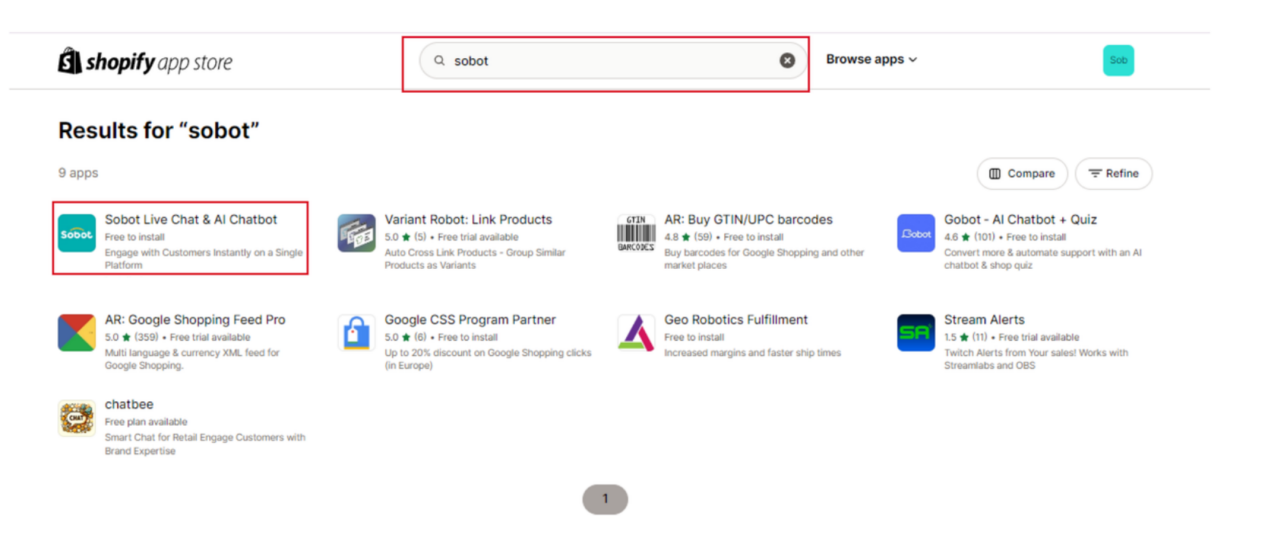
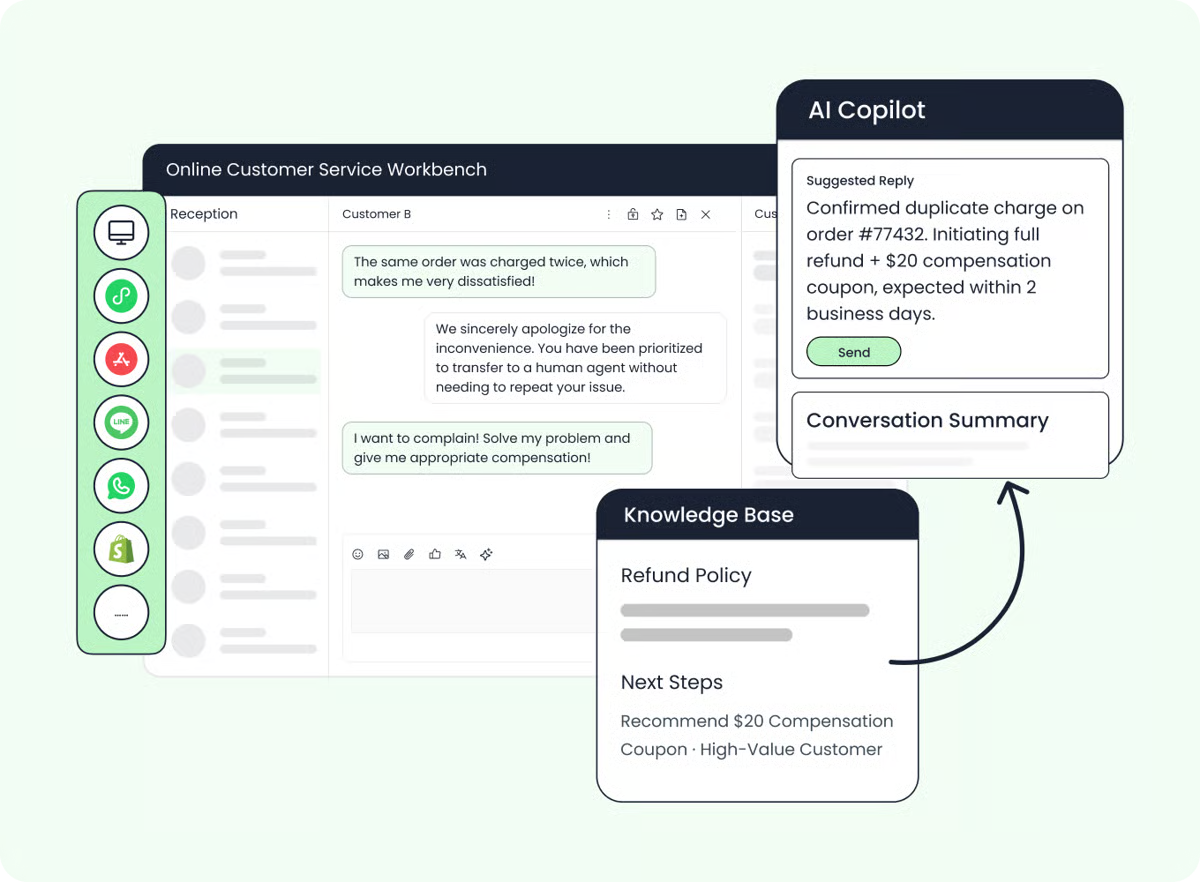
Sobot’s Shopify Docking Guide describes one-click installation of its Live Chat & AI Chatbot app, customer identification for shoppers who are logged in, and customer/order information lookup through an agent-workbench component. That is concrete support for lookup and context. It does not, by itself, document that every Sobot Agent plan can automatically issue refunds or change Shopify orders. If those actions are important, ask for a live workflow demonstration and confirm permissions, approval rules, and available operations for your exact setup.
That distinction matters because “AI chatbot for Shopify order lookup” and “AI agent that completes an order change” are different jobs. A read-only assistant can still save time by finding the right record and summarizing the case. But it should not be described as executing a refund unless the connected system, plan, and permission path support that action.
The 2026 shift: from answering FAQs to completing bounded tasks
A useful way to think about current agentic AI is simple: the system should be judged by the task it can safely finish, not by how natural its first reply sounds. For a store, that could mean answering a shipping question from the live order record, checking a return policy, or collecting the details a human needs for an exception. The “bounded” part matters. If an action affects money, identity, or a customer’s order, the merchant needs to define what the AI may do and when it must stop.
This shift makes pricing harder to compare—and more useful to compare carefully. A per-outcome fee may align the charge with completed work, but only if the vendor’s definition of an outcome matches your definition of “resolved.” A cheap seat plan may make sense when AI mainly answers FAQs. A broader service platform may be easier to justify if your team needs ticketing, multiple channels, shared customer context, and human operations in one workflow.
A 2026 Gartner survey of 3,566 B2B and B2C customers found that respondents were more likely to use third-party generative AI than a company-provided chatbot, were using AI to complete tasks as well as get answers, and expected an option to reach a human when a company uses AI in service. This is cross-industry research, not a Shopify merchant benchmark, but it is a useful reminder: customers still need a clear route to a person when automation reaches its limit. Read Gartner’s survey summary.
Which option fits your store?
Rather than naming one universal winner, match the product to the job and the team you already have.
You need a low-commitment way to add chat: Compare the free tiers and entry plans, but check how many real AI conversations are included. A free live-chat plan may not include a meaningful monthly AI allowance.
Your team already runs ecommerce support in a helpdesk: Gorgias or Intercom Fin may be easier to assess in the context of an existing ticket workflow. Include both the AI usage fee and the base helpdesk or seat cost in your budget.
Your company already depends on Zendesk: Ask whether the Suite plan, AI resolution allowance, and any overage pricing fit your ticket volume. Avoid paying for a parallel support inbox unless the added workflow solves a clear problem.
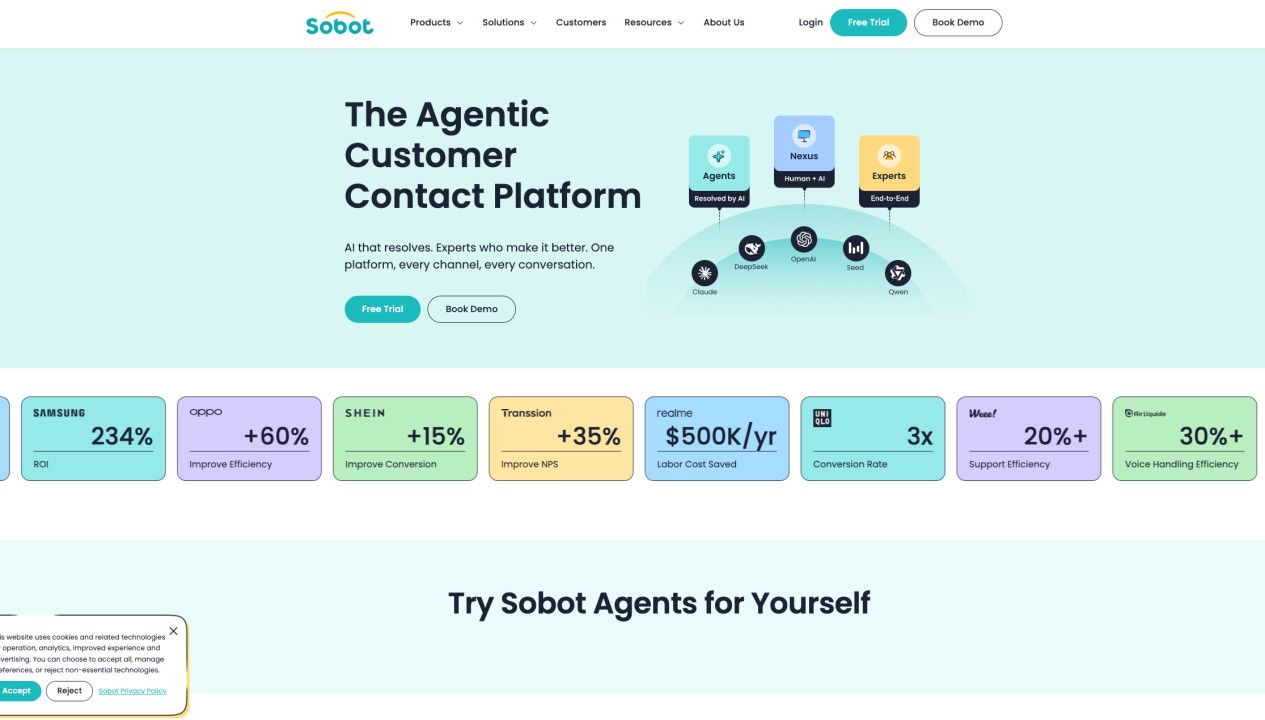
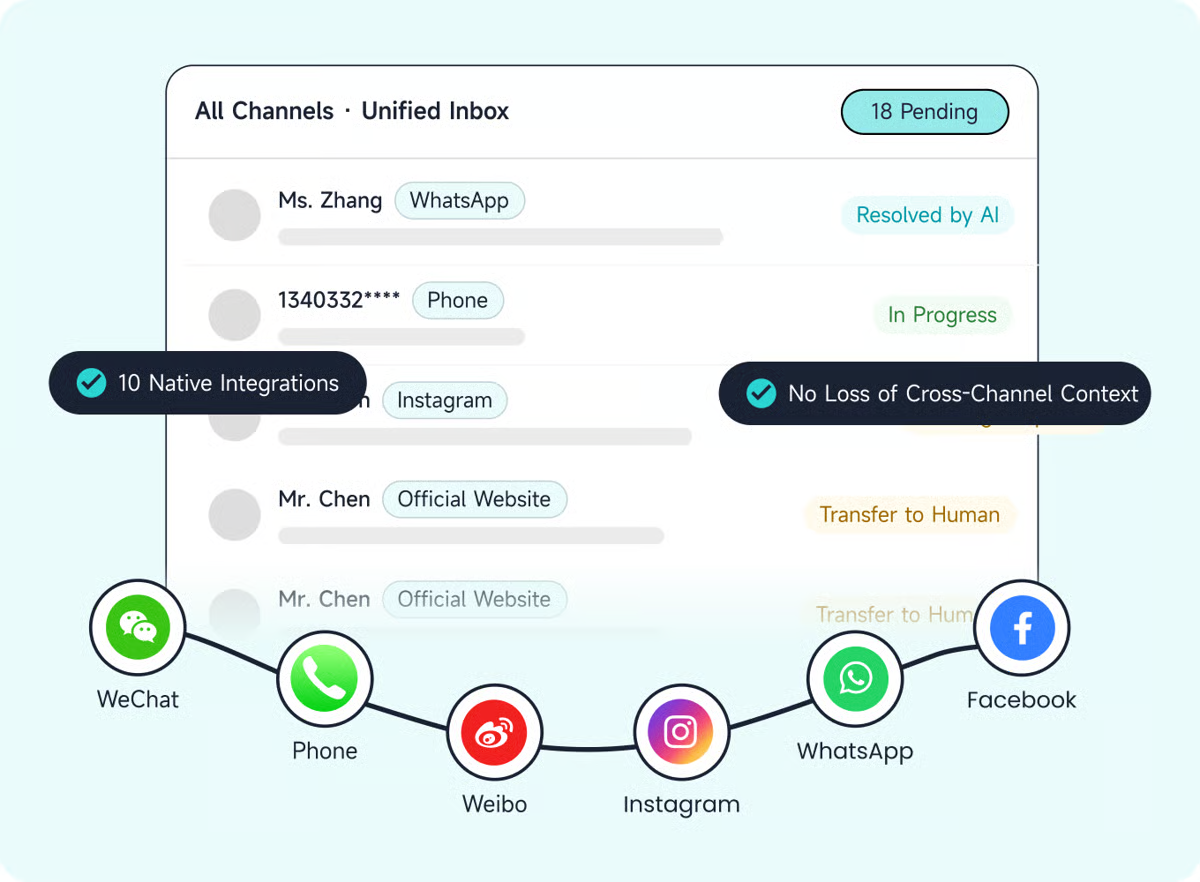
You want to test an AI agent with multiple service channels and configured workflows: Sobot positions itself as an agentic customer contact platform, combining AI Agents with digital service, voice, ticketing, and human handoff. The customer knowledge base supports configured workflows, connected tools, and escalation; Shopify-specific order lookup is described in its help guide. Confirm platform operations, US rollout details, and the exact plan before treating it as a fit.
If you are assessing US ecommerce AI chatbot vendors, also check the basics that rarely fit neatly in a price table: support hours, data handling, contract terms, language coverage, implementation help, and whether the vendor can show your team the relevant workflow in a sandbox or demo.
How Sobot’s published price works
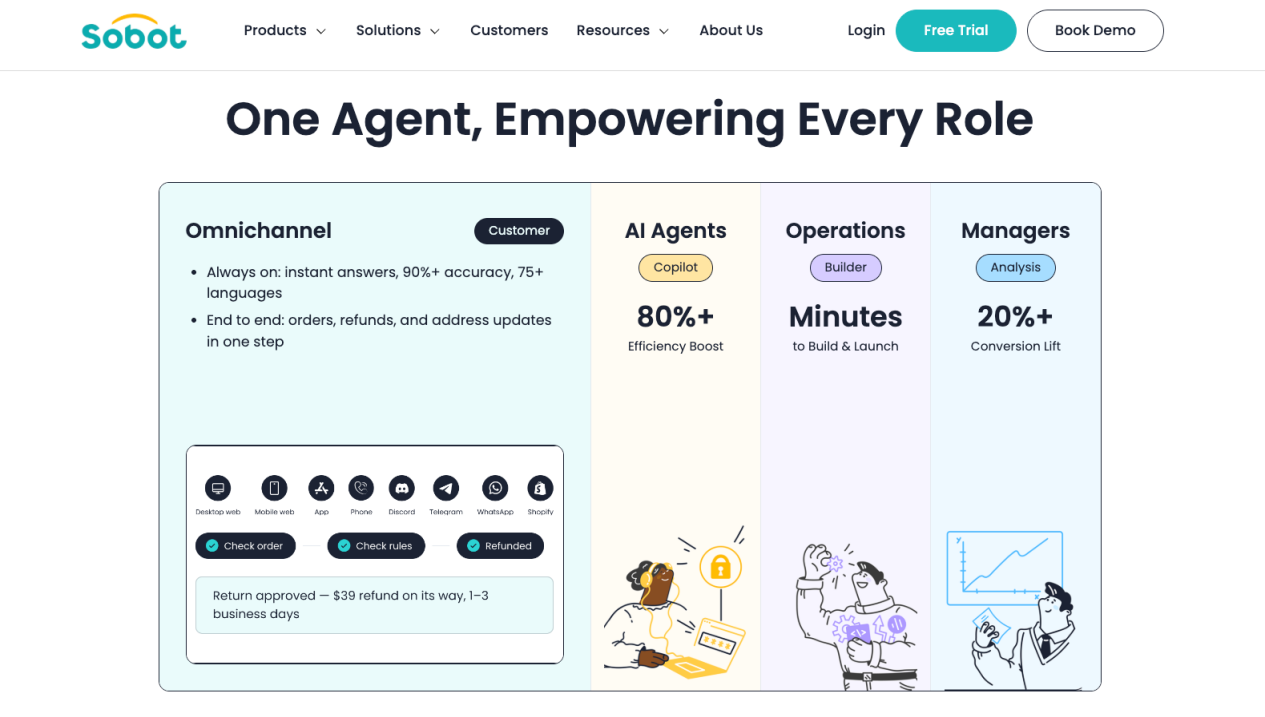
The Sobot AI Agents page lists monthly editions at $39 for Team, $149 for Professional, and $499 for Enterprise. It says each includes a number of automated resolutions and AI credits, with allowances increasing by edition; above the included allowance, automated resolutions are $0.98 each. It also lists a 15-day trial with 20 resolved conversations and 100 credits. The page does not show the exact included monthly quantities in the pricing text, so ask for those numbers and the applicable credit rules before forecasting a bill. See Sobot AI Agents and current plan details.
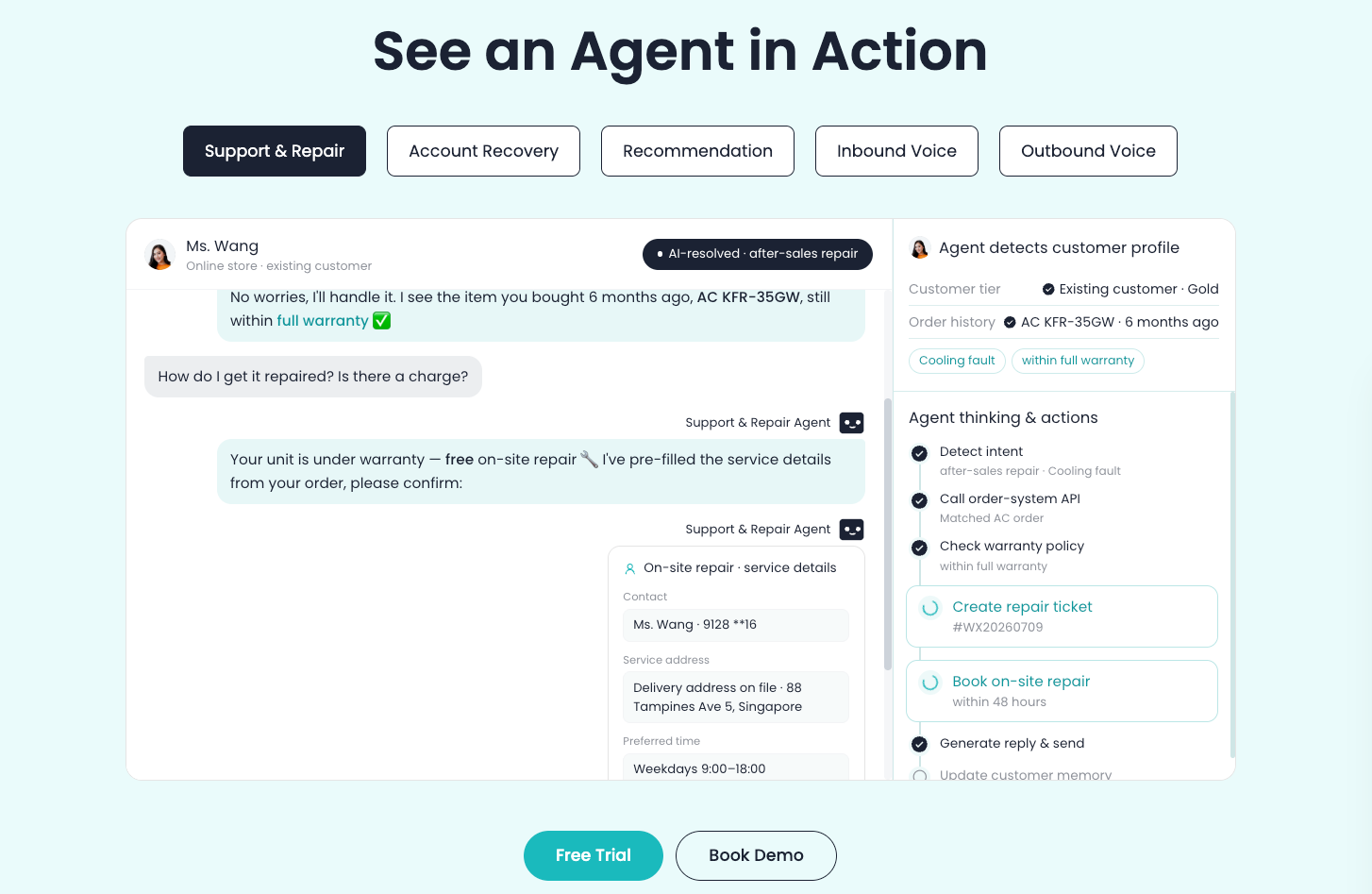
For a Shopify store, the bigger fit question is whether the platform can connect the exact systems and channels your workflow needs—and what it can safely do once connected. Sobot’s knowledge base describes agent capabilities such as Knowledge, Skills, Workflows, Tools, Memory, and human handoff. Those are platform facts; the Shopify guide’s documented integration details are more specific: logged-in customer identification and customer/order information lookup. A request to auto-refund or edit an order needs separate confirmation for the intended connector and permissions.
Sobot’s published Renogy customer story reports a 45% increase in resolution rate, a 35% increase in chatbot direct answering rate, an 80%+ chatbot independent reception rate, and 95% CSAT. The story describes Sobot’s omnichannel customer-service solution, including chatbot and call-center deployments, so these are Renogy’s reported results for a broader service solution—not a forecast for Sobot AI Agents alone or for a new US Shopify store. The right question for any vendor is: can you show the measurement window, baseline, case mix, and product scope behind the result?
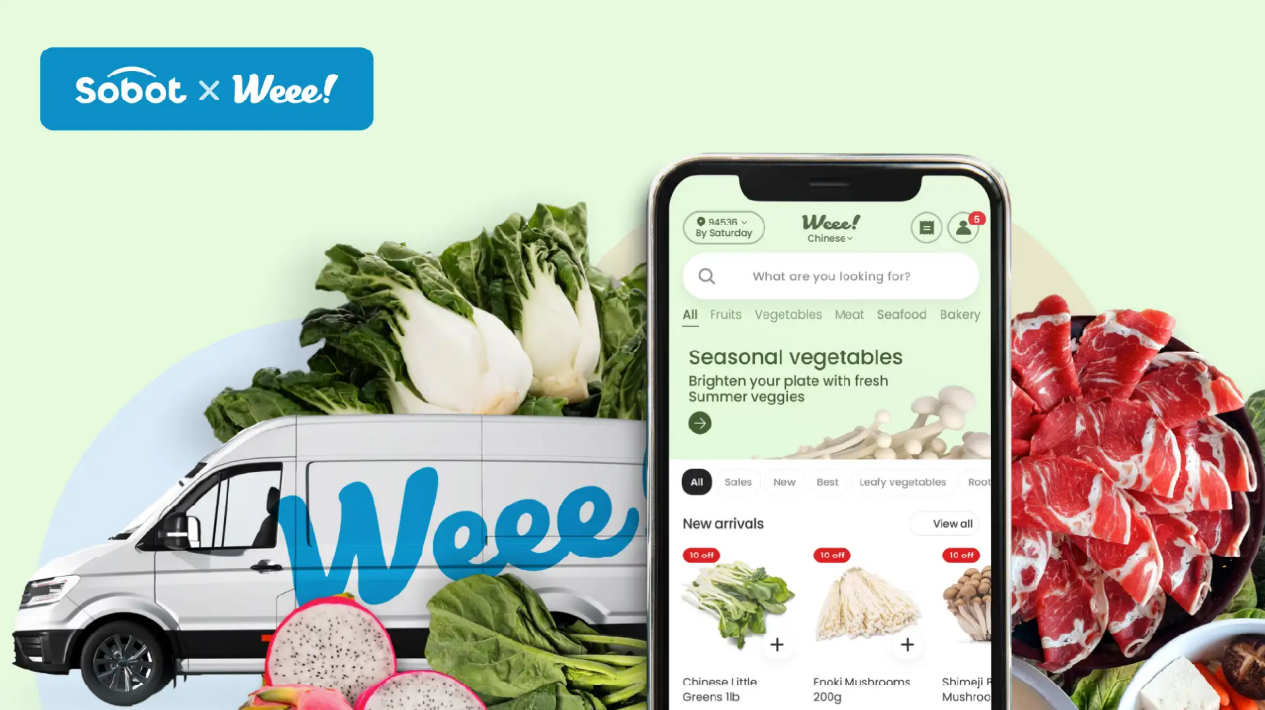
Sobot also published a Weee! customer story about its Voice product at an American online grocery retailer. It reports 20% higher agent efficiency, a 50% reduction in resolution time, and 96% CSAT. That is relevant context for customer operations, but it is a voice case—not evidence of Shopify chatbot results. Clear scope makes a case study more trustworthy, not less useful.
For a wider look at agent categories and evaluation dimensions, see AI agent tools for customer service compared and how to match AI agent tools to customer-service workflows. For ecommerce context, Sobot also describes its retail and ecommerce service offering.
Run a small pilot before you commit
Pick real recent tickets, remove unnecessary personal information, and test a representative mix: “Where is my order?”, a product or variant question, a return-policy question, a damaged-item complaint, and a request that should go straight to a person. If the app can access live order information, include both a normal order and an edge case, such as a guest checkout or a split shipment.
Score each test on four things: Was the information correct? Did the AI complete the permitted task? Did it hand off when it should? Could the human agent continue without asking the customer to repeat everything? Then compare cost per successful resolution against the work your team currently spends on those cases. A 30-day pilot is not magic, but a defined test set gives you something better than a demo built around perfect questions.
A helpful product comparison should show what happens when the system fails, too. Ask to see the transcript, escalation trigger, and audit trail. Check who reviews new policies and product changes. For a higher-risk request, define whether the AI can answer, prepare an action for approval, or execute it.
FAQs about Shopify AI chatbot pricing
How much does a Shopify AI chatbot cost in 2026?
Published options range from free tiers and entry plans around $24–$39 per month to per-resolution charges, seat-based support plans, and higher-tier packages. Your actual Shopify AI customer service app cost depends on included AI usage, human seats, the definition of a billable event, channel fees, and overages. Use your own monthly volume to model the total and recheck the vendor’s live pricing before buying.
Is a free Shopify chatbot enough for customer support?
It can be enough to test a basic chat widget or handle a small volume of common questions. Check whether the free plan includes AI replies, how many conversations it allows, and what happens after the limit. A free plan that only covers live chat or a small lifetime AI allowance may not cover ongoing service needs.
Can a Shopify chatbot look up orders and issue refunds?
Some integrations can retrieve customer or order details; executing a refund is a separate permission and workflow. Ask the vendor to demonstrate the exact action in your Shopify configuration, including identity checks, approval rules, and the handoff path. Do not assume “Shopify integration” means every read and write action is supported.
What should I look for in an ecommerce chatbot with human handoff?
Look for a clear trigger, a visible option to ask for a person, and a handoff that carries the conversation history and relevant order context. Test a complaint and an out-of-policy request. Good handoff helps the AI stay useful without forcing it to guess.
Is Shopify Sidekick a customer-facing chatbot?
Shopify describes Sidekick as an AI assistant in the Shopify admin and says it cannot talk to customers or handle customer-support conversations on their behalf. It is different from a storefront customer-support app that answers shoppers on your site. See Shopify’s Sidekick guidance. When comparing tools, make sure you are evaluating products built for the same audience and job.
The right price is the one attached to a useful, measured outcome
Shopify AI chatbot pricing only becomes meaningful when you know the unit being billed, the included usage, and what the app can access in your store. Start with a realistic ticket mix, verify Shopify permissions and human handoff, and measure accurate resolution rather than bot activity alone. If a platform’s price or integration scope is not clear, ask for a written estimate and a demonstration using your own cases. For teams considering Sobot, request a demo and bring a few recent support scenarios so you can confirm the workflow and plan details before committing.