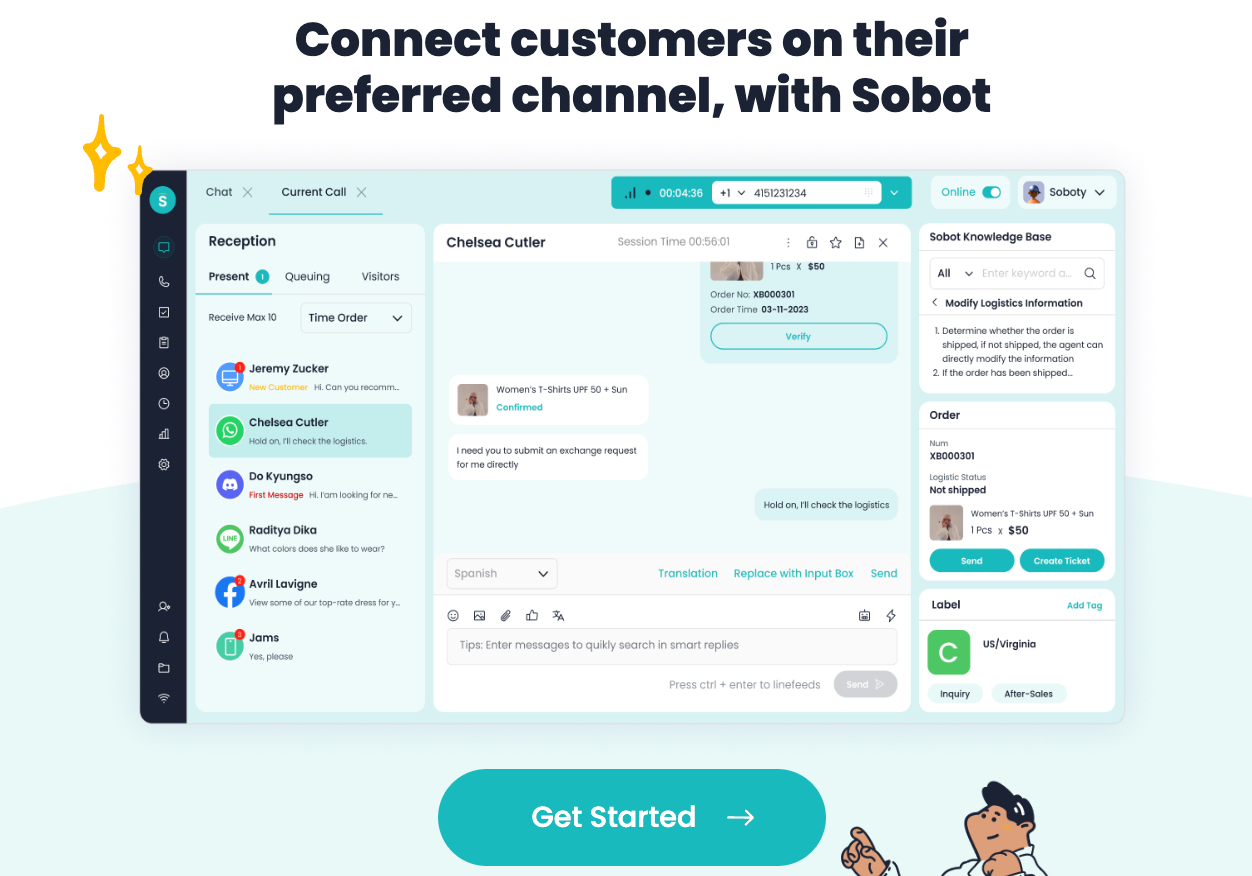
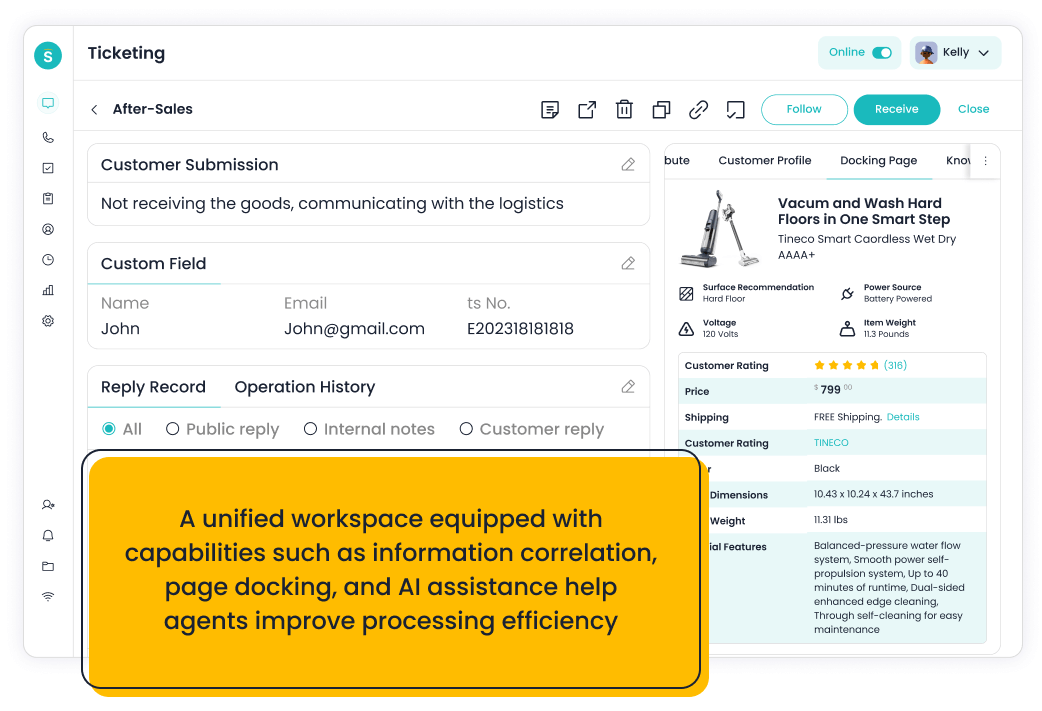
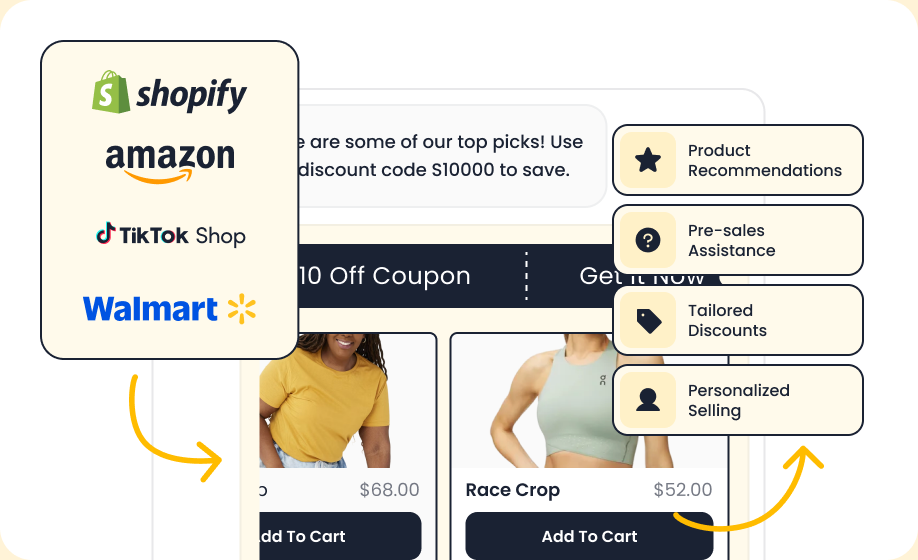
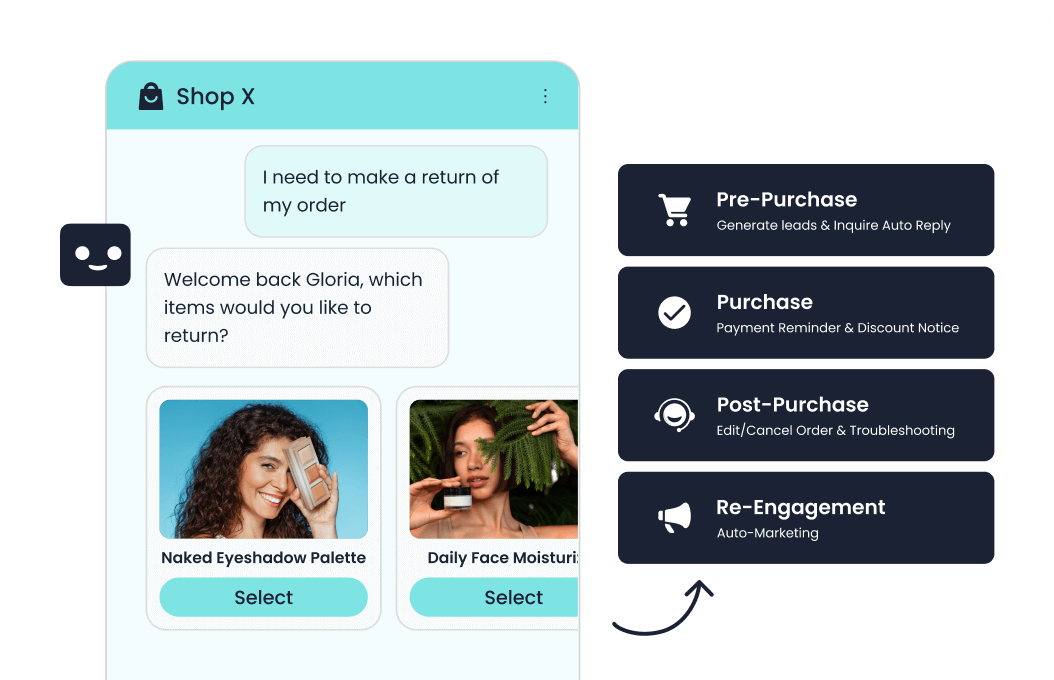
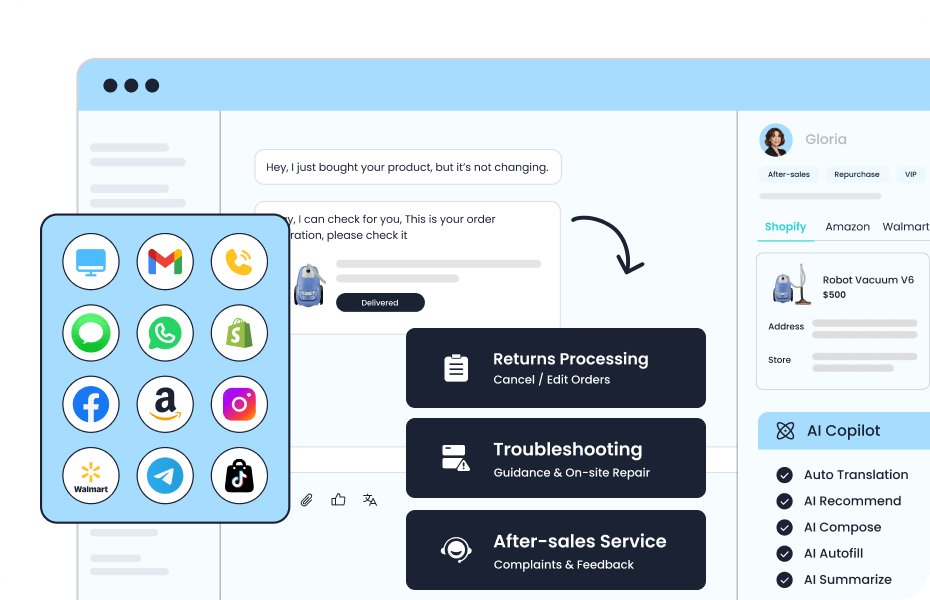
With Sobot AI Agents, your team can answer routine order questions and give reviewers the context they need for exceptions. Connect an authorized order lookup so the AI can give shoppers the latest status. Give it your returns policy so it can gather the right details. When a shopper wants money back, use a staffed queue or a configured ticket flow so your team can take over with the facts it needs. That combination is especially useful when yesterday’s web chat becomes today’s follow-up or phone call. Build the automation with Sobot Messaging AI Agents and scope the human work in Nexus around the channels your team uses.
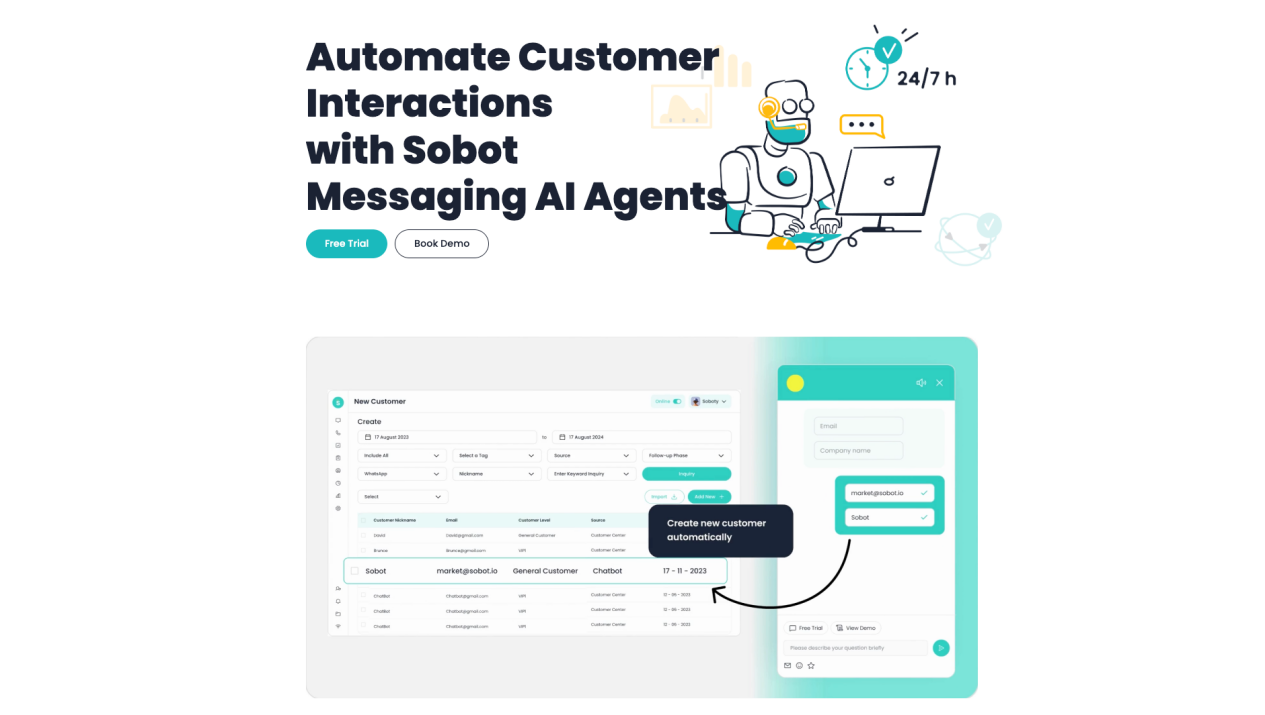
If you’re rolling out AI agents for e-commerce customer service, start with one order and three jobs. Let the Agent read the shipment, collect a return request for one item, and hand the refund decision to a person. Check that each job leaves the right record. You’ll learn where AI can take work off the queue and where your existing store, warehouse, or payment system needs to stay in charge.
- Set up the Agent and its tools
- Verify a shopper and retrieve the order
- Collect and submit a return request
- Hand a refund to a person and prevent repeat payments
- Run the rollout tests](#test-the-three-flows-before-you-go-live
How to Set Up Sobot AI Agents for Ecommerce Support
Start with one storefront, one policy, and one service channel. If you’re using the Sobot Shopify connection, the Shopify setup guide describes customer identification and order lookup in the workbench for supported storefront sessions. Check what the AI Agent itself can read in your deployment. Storefront access, order access from a messaging channel, and permission to create a return are separate checks.
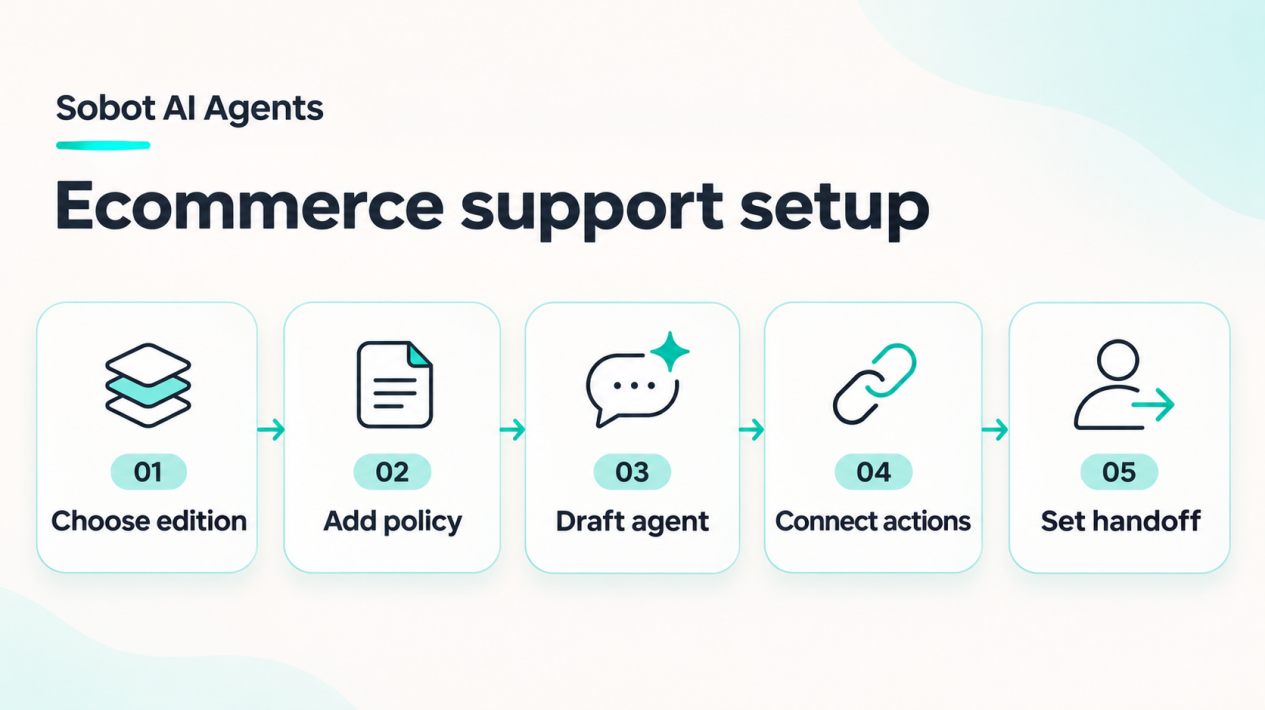
- Load the policy. In Resource → Knowledge → Knowledge bases, add the current policy for the pilot store. Include the return window, excluded items, proof requirements, and who handles exceptions. In the knowledge base editor, use an Article for rules that belong together and Q&A for short answers such as where to find an order number.
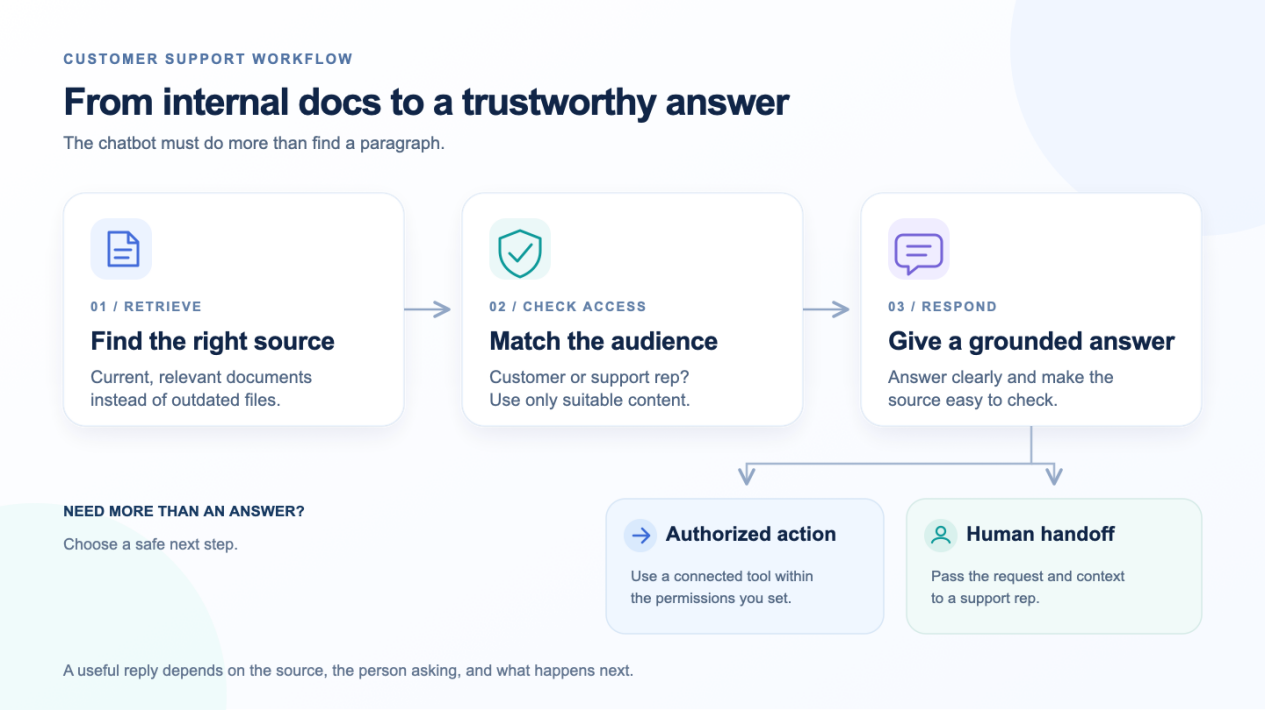
- Create a draft customer-facing Agent. Use AI Studio to describe the tasks, then review what it suggests before applying changes. For this rollout, one Agent can handle the conversation and call separate configured tools. Your people still own approval and exception queues.
- Connect one operation at a time. Under Resource → Tools → Actions, create an Action for an endpoint you control. Specify its purpose, request method, and input and output fields. Bind the saved Action to the Agent. If your team already exposes tools through MCP, enable only the ones this Agent needs. Sobot Actions setup
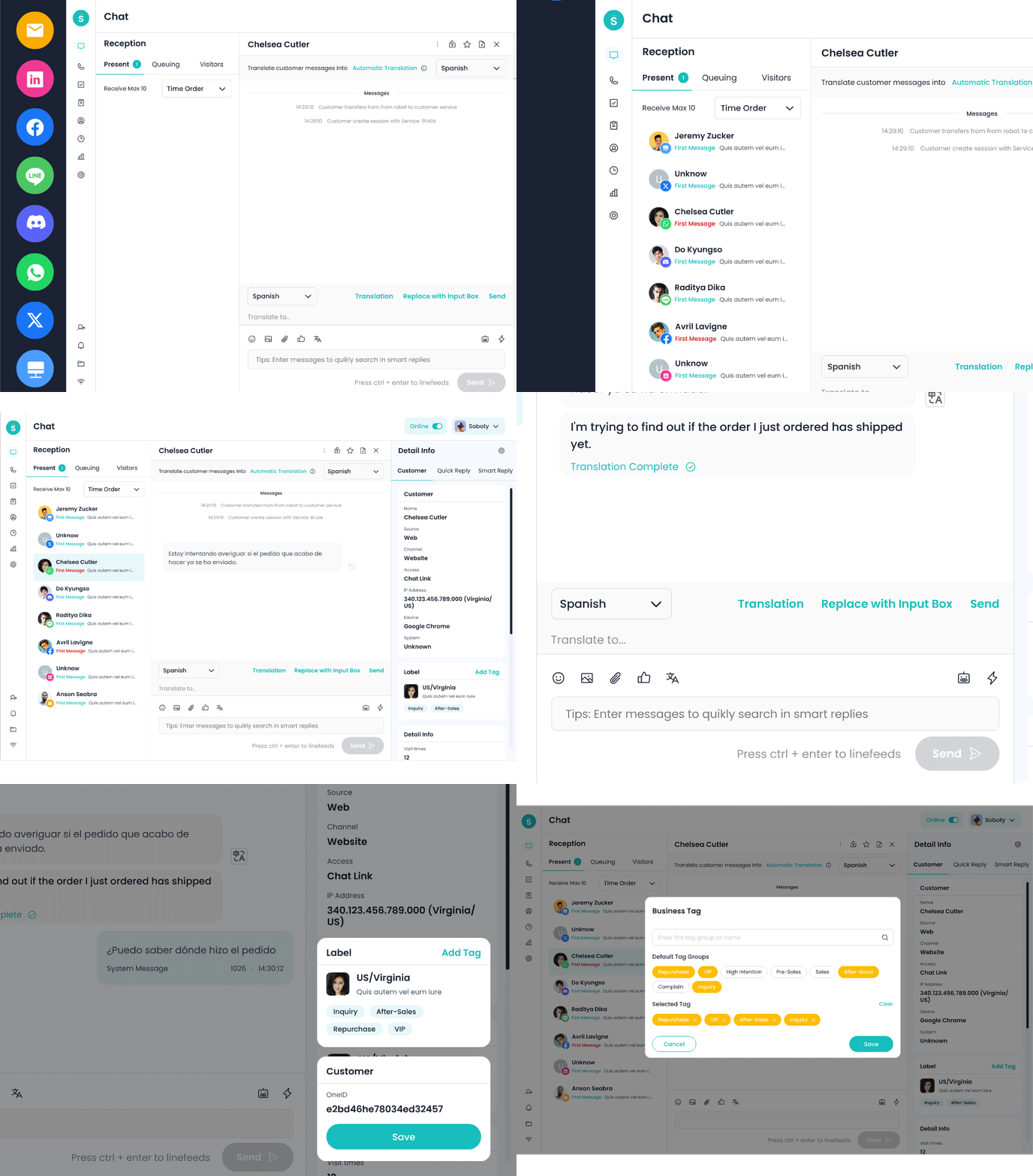
- Set the receiving team before testing. Add Live Chat for human reception in the documented digital reception setup. Standalone Agent reception is bot only in that setup. Configure the transfer rules and staff the receiving queue. If you also want a ticket for follow-up, set up ticket creation and routing separately.
- Match the rollout to your edition. Standard Professional and Enterprise include Skills, Actions, and MCP. Enterprise adds full Workflows and the Evaluation Center. Use a Sobot Workflow if you need a fixed sequence, such as verification before lookup. Sobot standard edition matrix
For AI for order management, the handiest document you can give your integration team is a list of what each operation may read, write, and return. Here’s a starting version. The operations and fields below are examples for your connected systems.
| Operation | Who owns it | Allowed fields and changes | Proof to look for |
|---|---|---|---|
| Look up order or shipment | Order management system (OMS) or storefront | Read the matching order, relevant item, fulfillment status, and approved tracking information. | Verified order and shipment match the reply. No order fields change. |
| Create a return request | Returns platform, storefront, or configured support ticket flow | Accept order reference, line item, quantity, and reason. Create a request for review. | One request or ticket ID with its actual status. |
| Read refund status | Order or payment service approved for lookup | Read the associated refund reference, approved status fields, and amount and currency if safe to disclose. | Status and reference match the payment or order record. |
| Approve or issue a refund | Authorized human reviewer and payment system in this rollout | Apply the merchant’s policy and permissions in the approved system. Keep this operation away from the customer-facing Agent. | Refund or decision record, amount, currency, and final status. |
Instructions you can adapt for the draft
Use the policy for the order’s store and market. Ask for the information required to identify the order, then use the verified identity supplied by our store or identity service before sharing order details. Use the tracking result to explain the latest available status. If the shopper wants to return an item, confirm the item, quantity, and reason before submitting a request. Report the reference and exact state returned by the system. Send refund approvals and uncertain results to our support team. Keep the result unconfirmed while the system is unavailable or the outcome cannot be verified.
Treat those instructions as conversation rules. Put the checks that protect customer data and money in the connected system, where they apply whether a request comes from the Agent or another channel.
1. Give Shoppers a Verified Order Update
“Where’s my order?” is a good first workflow. The answer is easy to check and the Agent only needs read access.
- Verify ownership. Use a signed-in storefront session or send the shopper to an approved verification flow. The lookup endpoint should check that the verified customer owns the order within the right store. An order number supplied in chat can help find a record. Treat it as a reference and verify ownership separately. For WhatsApp or another messaging channel, check how the sender maps to the store account. If there’s no verified link, route the shopper to sign in or ask a person to help.
- Return only what the reply needs. Let the lookup supply the fulfillment status, relevant shipment, and a tracking link you’ve approved for sharing. Keep payment details and the full delivery address out of the Agent’s response fields. For a split shipment, return status per item or parcel.
- Tell the shopper what the record shows. Say “A label has been created” if that’s the last event. Use delivery estimates only when the carrier or storefront provides one. If the lookup times out, say you couldn’t confirm the status and offer the next step your team can actually provide.
Try it with a test order. Put two items on one order. Ship one and leave the other unfulfilled. Ask where both items are. Then try the same order number from a different test account. Your ecommerce order tracking flow passes when the first shopper sees the right updates and the second sees no private order data.
For an example of a connected deployment, FarEastFlora describes using Sobot AI Agents to look up live Shopify and TikTok Shop orders and summarize the conversation for human colleagues.
2. Turn a Return Question Into a Request Your Team Can Use
Start with the difference the shopper will care about. Have you explained the policy, recorded their request, or authorized them to send something back? Give each step its own label and confirmation.
- Pick the item before checking eligibility. Collect the order reference, line item, quantity, and reason. Have the returns service apply the policy version for that store. It should check whether the item was delivered, whether the requested quantity is eligible, and whether a return already exists for those units.
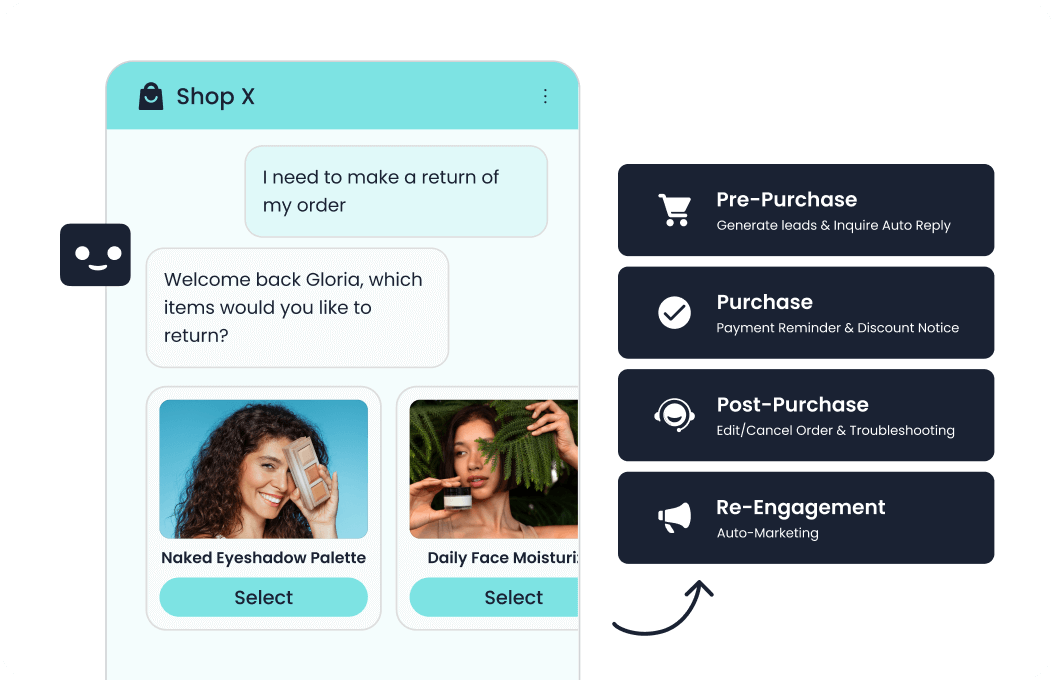
- Show what will be submitted. Confirm the item and quantity with the shopper. Explain whether a person still has to approve the request. A policy answer can help the shopper decide what to do next, while the connected service decides whether that specific item can proceed.
- Record it in the right system. If you have a configured returns endpoint, let the Action submit the request and read back the reference and status. If you’re using Nexus Ticketing for manual intake, create the ticket through your configured process and say that support received the request once you have a reference.
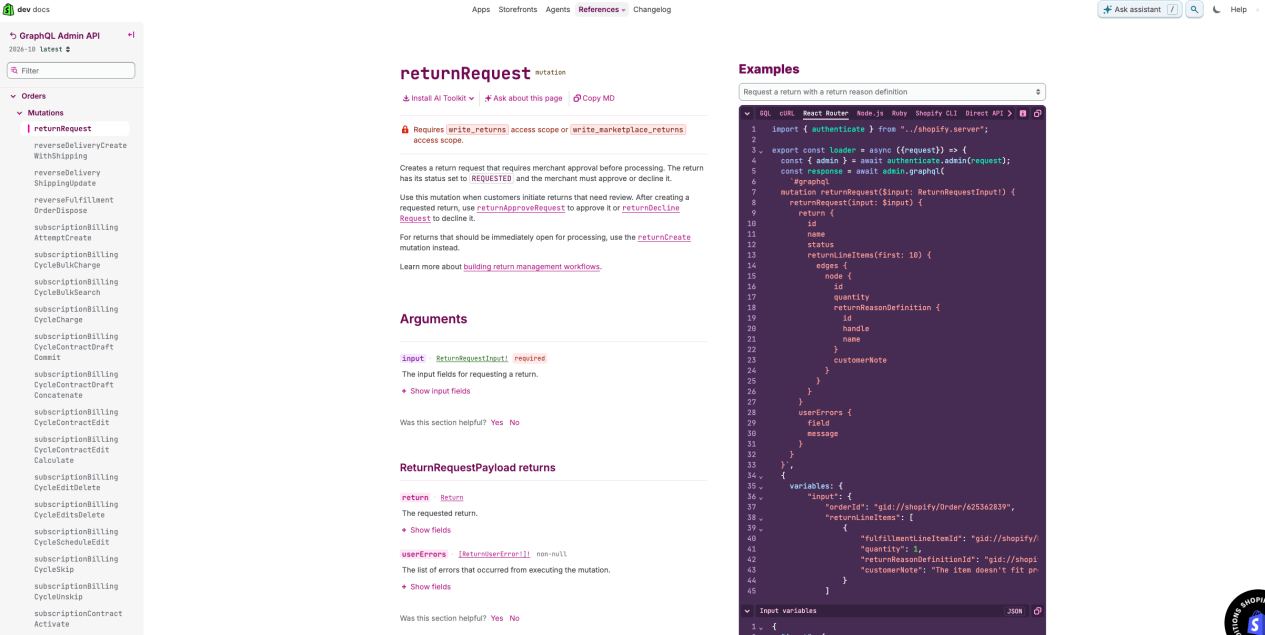
Shopify, for example, offers a return request operation that sets the status to REQUESTED. It requires an appropriate write scope and leaves approval to the merchant. If you connect a Shopify store, check which operation your integration actually calls. A support ticket, a return request awaiting approval, and a return already open for processing give the shopper different instructions.
Keep one example reply for reviewers. “I’ve submitted your request for one item. Your reference is R-1042, and the returns team still needs to review it.” Use language like this when the connected system confirms receipt. If the result times out, check for the original request using its reference or your integration’s operation ID. Retry only after you’ve confirmed that doing so can’t create a second request. If you can only collect details because the write path is unavailable, tell the shopper what still needs to happen.
Start return request automation on the most straightforward item category. Leave mixed orders, final-sale exceptions, and requests with incomplete evidence on the human path until you’ve tested how each one should be handled.
3. Route Refunds to a Human and Check for Duplicates
Keep payment writes off the customer-facing Agent in this rollout. It can collect the reason, check an existing refund status through an authorized lookup, and give the reviewer enough context to decide. That’s where Sobot can save your team some back-and-forth. The person who takes over can start with the order, the relevant item, and what has already happened.
Give the reviewer a case they can act on
When a refund needs judgment, route it to your returns or payments team. In the staffed chat path, test that a person actually receives it. If the request will wait for a later shift, use the configured ticket path and check assignment. If you use Sobot’s agent working hours, the documented setup keeps the conversation with the Agent outside those hours. Tell the shopper how to get follow-up based on the fallback you’ve actually set up.
Give the reviewer these details in the handoff or ticket fields you’ve configured:
- Order context. Store, verified customer reference, order and line item, quantity, and why the shopper contacted you.
- What’s happened so far. Return or request ID, policy exception, any prior refund reference, and the last confirmed status. Mark anything you couldn’t check.
- What needs a decision. Whether to approve an exception, investigate a payment, or request more information. Assign an owner for the next update.
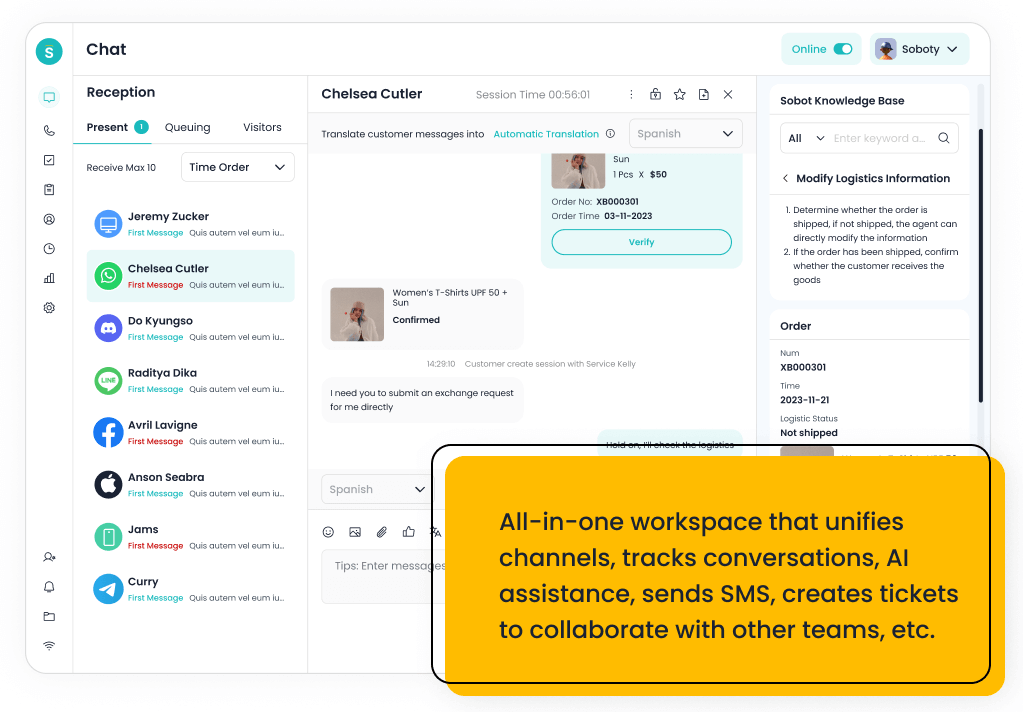
Test the human handoff from the receiving screen. For example, have a colleague open a refund case and explain what they would do next without reading the entire conversation. Where you support live chat and voice, test whether the person on the phone can find the prior case using the identifiers and permissions you’ve set up for that channel.
Put duplicate-refund prevention in your payment workflow
Imagine a shopper submits one request in chat and then calls to follow up. Both conversations should point to the same open case when your team can verify that they concern the same request. To prevent duplicate refunds, put the check in your order or payment integration, where it also protects against a reviewer clicking twice or a request being retried after a timeout.
- Look up previous and in-flight refunds. Match the store, order, and relevant line items or adjustment. Show reviewers the pending and completed amounts. Let the order or payment system calculate what is still refundable in the transaction currency. Recheck that balance immediately before submitting payment.
- Give each approved operation a durable reference. Record the merchant’s refund request ID and make the payment service reject a duplicate submission of that same operation. Where the processor supports idempotency, use the same key and parameters if its rules allow a retry. A separately approved partial refund needs its own operation and a fresh balance check. Stripe’s idempotency guidance
- Reconcile a timeout before trying again. Treat a timeout as an unknown result. Look up the original operation in your records and check the processor status. If the request is still pending or you can’t verify what happened, send it to the payments queue. If your team uses provider webhooks, reconcile the event against the original operation and ignore re-deliveries of an event you already processed. Keep the case open until someone confirms the result. Apply the same check when a reviewer works directly in a separate storefront or payment console.
Set the order or payment service up so two reviewers can’t both approve the same operation in parallel. If your integration promises automatic protection, run two simultaneous test submissions and confirm there’s just one payment event. Sobot Actions can call the tools you configure. The payment workflow is responsible for the duplicate check, allowed amount, and write permissions.
Use the status your systems can prove
| Last verified state | What the shopper should hear | What your team checks |
|---|---|---|
| Request recorded and awaiting review | “We’ve received your request. It’s waiting for review.” | Case reference and assigned owner |
| Approved and awaiting payment submission | “Your request was approved. The refund hasn’t been sent yet.” | Approval record and authorized amount |
| Refund sent to the processor and pending | “We’ve submitted the refund. It’s still processing.” | Payment reference, amount, currency, and pending status |
| Processor reports success | “The refund has been issued.” Give timing only if your payment provider supports it. | Successful refund event for the correct payment and amount |
| Unknown result or payment failure | “Were checking the refund and will follow up.” Give a next step the team can meet. | Reconciliation task and owner, or a confirmed failure and recovery plan |
Map these labels to your processor’s states. For example, Stripe’s refund documentation describes circumstances in which a refund can remain pending or fail. A successful merchant-side record still doesn’t tell you when the funds will appear in the customer’s account.
Test the Three Flows Before You Go Live
Use fake orders, a payment sandbox, and a staffed test queue. In Agent Setting, run Debug → Chat test before publishing to the channel you’ll pilot. Take a screenshot or record the ID from each system your team needs to check. Bring in the person who will own returns or payments for the tests that end in handoff.
| Try this | What should pass |
|---|---|
| A verified shopper tracks a split shipment | The answer is right for each item. The OMS record stays unchanged. |
| Another shopper enters the same order number | The ownership check blocks access. The reply reveals no shipment or order details. |
| A shopper asks to return one of two units | The request or support ticket contains one unit and the correct line item. Its status matches what the Agent says. |
| A return response times out after the service records it | A status lookup finds the first request. Repeating the conversation doesn’t create a second request. |
| A shopper asks for money back in chat and follows up by phone | The reviewer can find the original verified case. If there’s a pending refund, there’s no second payment instruction. Any case match is checked against your own cross-channel setup. |
| Two staff members try to issue the same approved refund | The payment workflow records one operation. Each person can see whether it succeeded, failed, or is still pending. |
| The staffed queue is closed | The shopper gets the agreed fallback. Any promised ticket or callback has an owner. |
For one complete walkthrough, use an example order such as O-1042. The verified shopper sees that one of two items has shipped. Once it has arrived, they request a return for that item and receive R-1042 as the request reference. A reviewer later authorizes the refund and links the processor’s reference to that request. When the shopper calls to follow up, the team reads the existing refund status. Keep the order, return, ticket, and payment references together in your pilot notes so you can check each step.
Once you’ve run the tests, start with a read-only lookup on one channel. Add return writes after yove checked eligibility and duplicate requests. Keep refund approval with people until your team has verified the order, payment, and handoff records in the same pilot. When a policy, connector, or routing rule changes, rerun the cases that depend on it. The Evaluation Center walkthrough explains how to use repeatable sets for conversation checks. Your order, returns, and payment systems still provide the evidence for any committed change.
Build Your First After-Sales Flow With Sobot
Bring us the order that ties up your team. Maybe it ships in two parcels, one item comes back, and the customer follows up before their refund lands. Sobot AI Agents can handle the verified status lookup and gather the information your reviewers need. With the right Nexus setup, your team can take the conversation in a staffed channel or work the case in a ticket with an owner. You can start with one storefront and keep sensitive payment decisions with the people who already make them.
When you book a Sobot workflow demo, bring a sample order, your return policy, and the team that approves refunds. Ask to see the shopper’s answer, the record your system returns, and the case your reviewer receives. We’ll use those three checks to scope the connections, permissions, and queues for your rollout.