Customers may be increasingly comfortable talking to AI, but they have not given up the escape hatch. Gartner reported in August 2026 that 87% of customers consider access to a human agent essential when companies use GenAI for customer service.
That makes the modern chatbot challenge less about maximizing containment and more about deciding what the AI should resolve, what it should act on, and when it should hand control back to a person. The quality of that transition can matter as much as the quality of the automated answer itself.
That makes the first buying question surprisingly practical: where should the AI live in your service stack?
- Choose Sobot when you want an agentic customer contact platform spanning digital service, voice, WhatsApp, tickets, AI Agents, and human operations.
- Choose Fin by Intercom when you want an AI-first service agent that can run with Intercom or selected existing helpdesks.
- Choose Zendesk AI agents when Zendesk already owns your tickets, routing, knowledge, and agent workflow.
- Choose Salesforce Agentforce when customer service actions must run inside Salesforce data and processes.
- Choose Ada when you want an enterprise AI-agent layer that connects to an existing CX stack across voice, messaging, and email.
These are editorial best-fit recommendations, not the results of a single controlled benchmark. Product packaging, channel coverage, integrations, and usage charges can change, so validate them against your required workflow before signing a contract.
Quick Comparison: Five Top AI Chatbots for Customer Service
| Platform | Best starting point | Where it can stand out | Main diligence question |
|---|---|---|---|
| Sobot | A team consolidating customer contact across digital and voice channels | One operating model for AI Agents, omnichannel infrastructure, tickets, voice, WhatsApp, and human service | Which channels, systems, actions, and governance controls are included in your deployment? |
| Fin by Intercom | A digital-first team using Intercom or a supported helpdesk | AI-first service across chat, email, voice, social, and human escalation | Can your current knowledge and workflow design support the resolutions you expect? |
| Zendesk AI agents | A support organization already centered on Zendesk | AI actions inside established ticketing, routing, knowledge, and agent operations | Which AI-agent capabilities, channels, and automated-resolution allowances are included in your plan? |
| Salesforce Agentforce | A company with service data and processes in Salesforce | CRM-grounded reasoning, actions, cases, and omnichannel routing | Is the Salesforce data model clean enough, and who will own Agentforce configuration and controls? |
| Ada | An enterprise adding an AI-native layer to its CX stack | Cross-channel AI-agent operation, integrations, playbooks, optimization, and human handoff | How much integration and ongoing AI-operations ownership will the target workflows require? |
The table deliberately avoids declaring one universal winner. A chatbot that is excellent inside Salesforce may create unnecessary migration work for a Zendesk-led team. A focused digital support agent may be the right answer for SaaS but the wrong control plane for a retailer that also needs WhatsApp, phone, long-running tickets, and regional service teams.
Why Your Existing Stack Changes the Answer
Customer-service AI sits between several systems that already have owners:
- The knowledge base determines what the AI is allowed to say.
- The CRM, order platform, or account system supplies customer and transaction context.
- The helpdesk owns queues, cases, SLAs, and human follow-up.
- Channel infrastructure carries web, app, email, social, WhatsApp, and voice interactions.
- Identity, permissions, and policy determine what the AI may do.
- Analytics and evaluation reveal whether automation is actually helping.
If a chatbot cannot connect these layers, it may answer questions while leaving the expensive work untouched. Agents still switch tools, customers still repeat information, and exceptions still fall into manual queues.
The practical comparison is therefore not “Which bot sounds most human?” It is “Which platform can own the largest useful part of our service workflow without creating a second source of truth?”
1. Sobot: Best Fit for a Broader Customer-Contact Operating Model
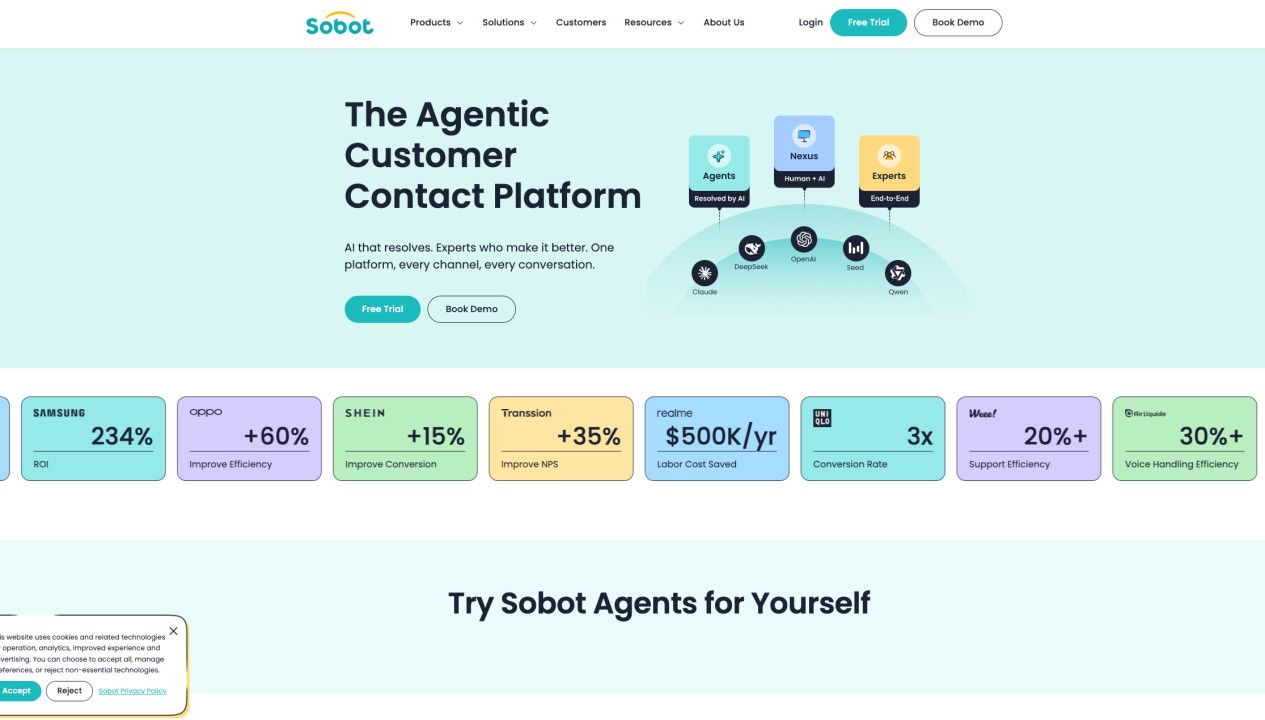
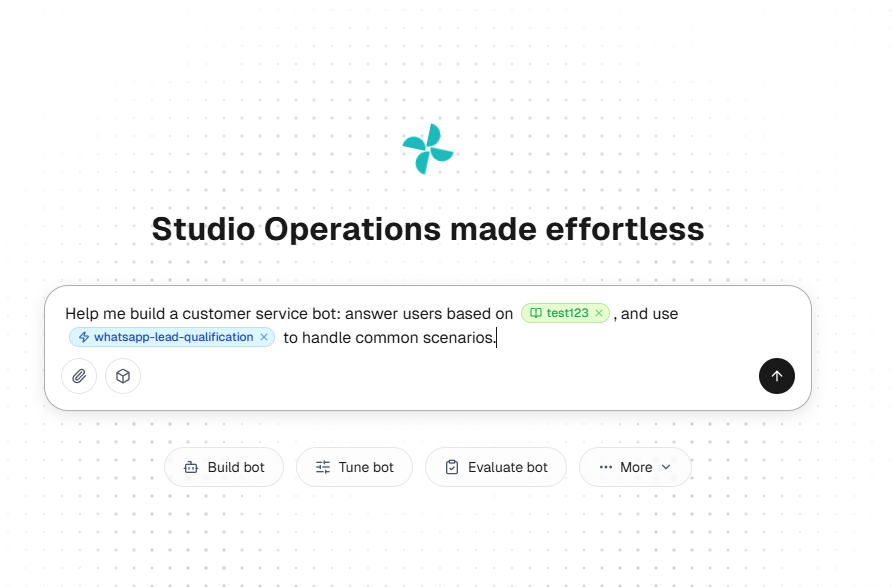
Sobot Agents is part of Sobot’s agentic customer contact platform, organized around Agents, Nexus, and Experts. Agents handle conversations and permitted workflows. Nexus connects channels, data, context, routing, and contact-center infrastructure. Experts support deployment, training, operation, evaluation, and ongoing optimization.
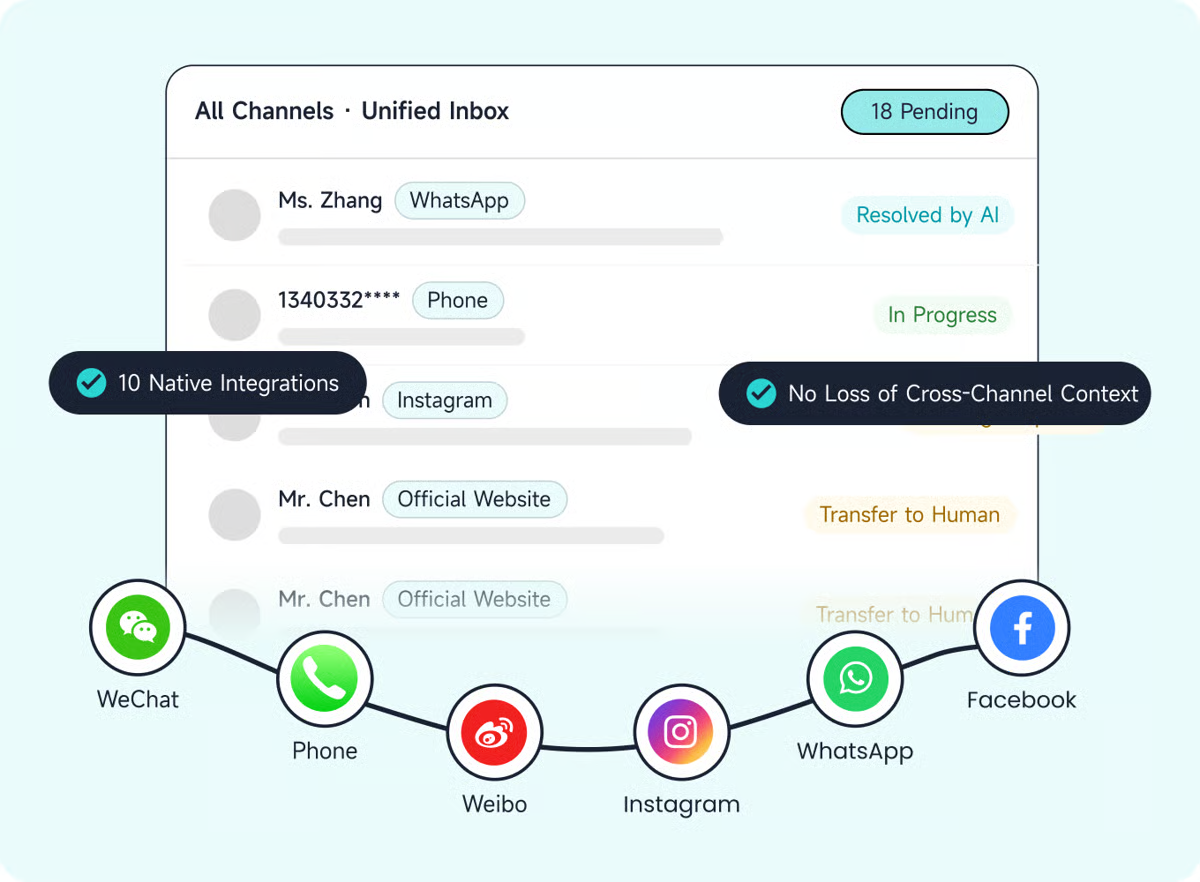
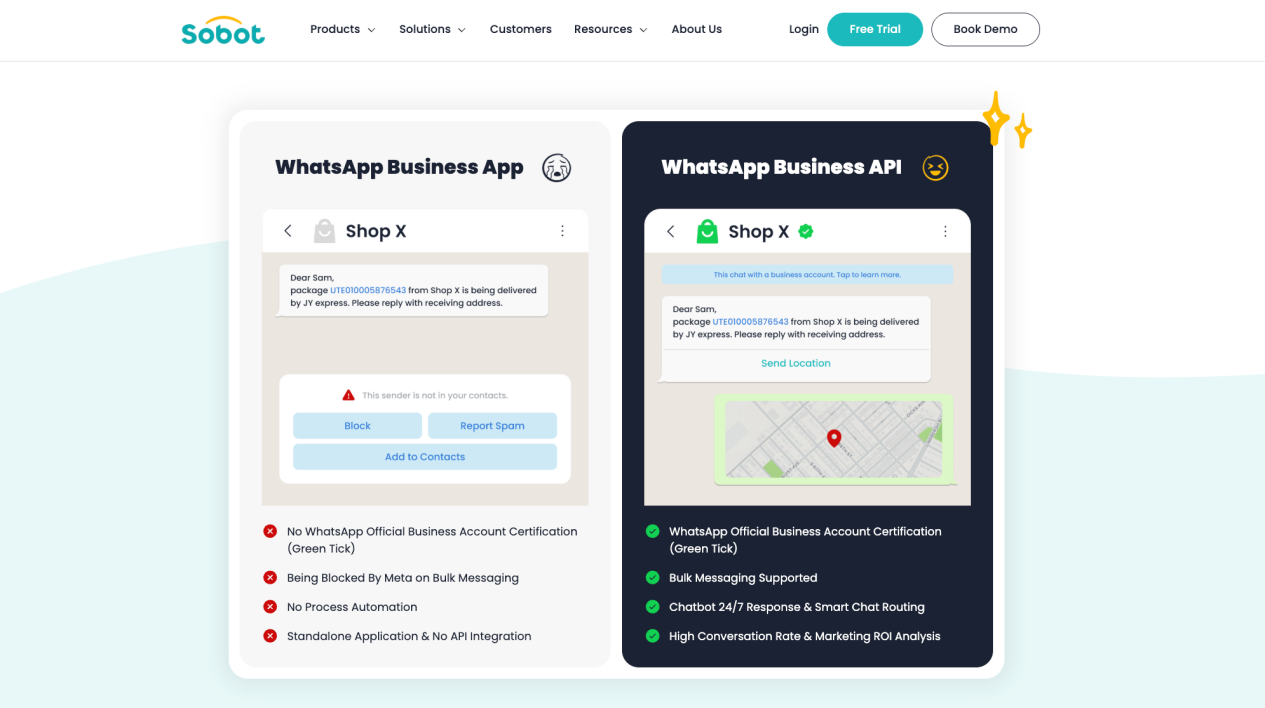
This makes Sobot a strong shortlist candidate when “chatbot” is only the entry point to a broader requirement. A cross-border retailer, for example, may need web chat and WhatsApp for customer conversations, voice for urgent cases, tickets for issues that outlive a single interaction, and human agents for identity checks or policy exceptions. Sobot’s wider omnichannel customer-service layer is designed for that multi-channel operating model.
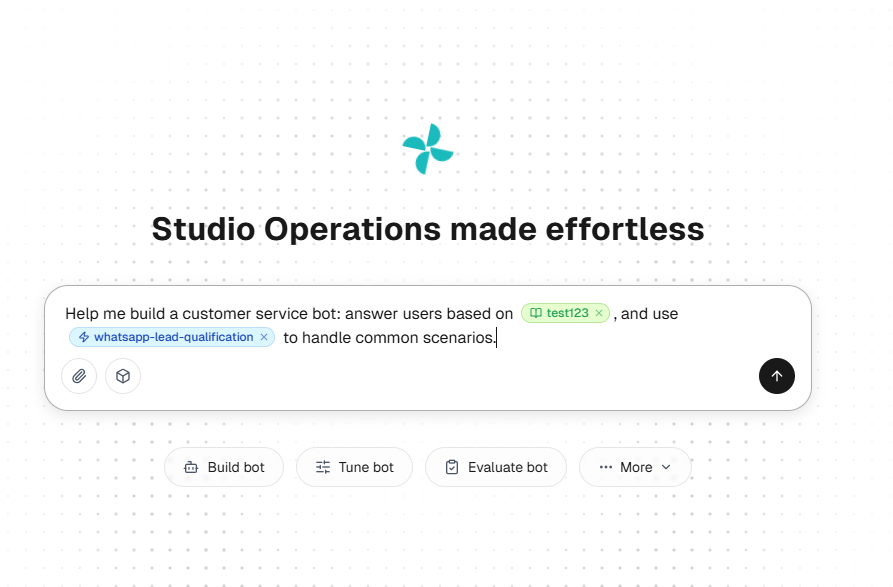
Sobot Agents combines retrieval-augmented generation for grounded answers with a reason-act-observe loop for multi-step work. Reusable resources can include Knowledge, Skills, Workflows, Tools, Memory, and Variables. The operating loop is Build, Evaluate, Tune, and Observe, which matters because production quality depends on continuous knowledge and workflow maintenance rather than a one-time bot launch.
Where Sobot fits best
- Digital and voice interactions need to be designed together.
- WhatsApp, ticketing, and human-agent operations are part of the same service journey.
- The AI must retrieve knowledge, ask for missing information, call permitted tools, and hand off exceptions with context.
- The buyer values implementation and ongoing operational support in addition to software.
- Regional or cross-border operations need a platform-level conversation about channels, routing, data, and deployment.
What to validate
Sobot does not publish a stable, standardized Sobot Agents price matrix in the approved product materials. Buyers should ask for a deployment-specific proposal covering enabled channels, seats, conversation or AI usage, voice and number costs, WhatsApp charges, integrations, implementation, security requirements, and Experts services.
Also confirm the exact channel, language, integration, permission, audit, and data-residency matrix for the proposed region. Sobot is a lower-fit choice if all you need is a basic low-cost website widget with no meaningful workflow or integration requirement.
2. Fin by Intercom: Best Fit for AI-First Digital Service
Intercom’s current Fin documentation describes deployment across chat, email, voice, social channels, Slack, and Discord, with configurable triage and human handoff. Intercom also documents Fin for supported external platforms, allowing some teams to add Fin without replacing their helpdesk.
Fin is especially compelling for SaaS and digital-product support teams whose knowledge base already answers a large share of recurring questions. It can sit close to the customer conversation, use support content, run procedures, and escalate when a person is needed. The surrounding Intercom environment adds inbox, ticketing, customer context, workflows, and human-agent tools.
Where Fin fits best
- Support is primarily digital and conversation-led.
- A mature help center can ground a significant portion of service answers.
- The team wants AI answers, procedures, triage, and escalation in one experience.
- Intercom is already the service workspace, or the existing helpdesk is supported by Fin for platforms.
What to validate
Do not compare Fin’s headline usage price directly with an agent-seat fee from another platform. Confirm what counts as a resolution, which channels and procedures are included, how unresolved or handed-off conversations are billed, and whether your helpdesk integration supports the exact context and actions you require.
Fin may be less attractive when the real project is a full contact-center consolidation across complex telephony, regional messaging operations, and multiple long-running back-office case flows. In that situation, compare the surrounding platform—not only the AI agent.
3. Zendesk AI Agents: Best Fit When Zendesk Owns Support Operations
Zendesk’s product documentation describes AI agents that work across messaging, email, and voice availability, converse with customers, and perform actions in authorized systems. That makes Zendesk a natural first evaluation for teams whose tickets, macros, routing, knowledge, reporting, and agent workflows already live in Zendesk.
The advantage is operational continuity. Instead of introducing a separate chatbot administration layer, the team can place AI inside the support system employees already use. The business case becomes easier to model because the AI is connected to the queue, escalation, and case-management processes it is intended to reduce or improve.
Where Zendesk fits best
- Zendesk is the existing helpdesk and system of record for support.
- Ticket routing, SLAs, knowledge, analytics, and human-agent workflows are already established.
- The team wants autonomous answers and actions without migrating the core service operation.
- Governance should stay close to existing support administration.
What to validate
Zendesk’s AI packaging and channel availability can vary by product, plan, and release stage. Confirm the automated-resolution allowance, additional usage terms, action support, voice availability, external-system access, sandbox or testing controls, and the handoff behavior for your queues.
If Zendesk is not already central to the operation, evaluate the cost and change-management burden of adopting the broader platform. Buying a helpdesk migration solely to gain an AI chatbot can be more disruptive than adding an AI layer to the stack you already have.
4. Salesforce Agentforce: Best Fit for CRM-Centered Service Actions
Salesforce describes Agentforce Service Agent as a service-focused AI agent that can use Messaging, Omni-Channel, Prompt Builder, and Agentforce Data Library. Its customer self-service materials also emphasize actions such as appointment scheduling and order management, plus escalation with customer context.
Agentforce is strongest when the customer record, cases, entitlements, orders, and service processes already depend on Salesforce. In that environment, the AI is not bolted onto a separate conversation database. It can operate within the same data, automation, permissions, and service architecture that human teams use.
Where Agentforce fits best
- Salesforce is already the customer-data and service-workflow backbone.
- The chatbot must use CRM context to personalize answers or take actions.
- Service processes depend on Salesforce cases, flows, objects, or permissions.
- The organization has Salesforce administrators and governance owners.
What to validate
The biggest risk is not whether Agentforce can generate a response. It is whether the underlying Salesforce data, permissions, flows, knowledge, and case logic are ready for autonomous use. Test the full path from identity and intent to action and audit trail.
Also normalize outcome-based AI charges, Salesforce editions, implementation work, Data Cloud or related dependencies, and ongoing administration. A native CRM advantage is only valuable when the CRM is sufficiently clean and operationally owned.
5. Ada: Best Fit for an AI-Native Layer Over an Enterprise CX Stack
Ada’s platform is designed as an enterprise AI customer-service layer across voice, messaging, email, and custom channels. Its current platform materials emphasize a shared reasoning layer, a conversation hub, performance and optimization tools, and a developer toolkit for connecting business systems. Ada’s documentation also lists handoff integrations for established service platforms including Zendesk and Salesforce.
That makes Ada worth evaluating when an enterprise wants to preserve its existing helpdesk or contact-center investments while adding a dedicated AI-agent layer. It is also relevant when one AI operating model needs to span multiple customer channels and back-end systems.
Where Ada fits best
- The company has an existing CX stack it does not want to replace.
- AI-agent operation needs to span voice, messaging, and email.
- Multi-step service procedures require integrations and controlled handoff.
- A dedicated team can own testing, coaching, optimization, and governance.
What to validate
An independent AI layer can reduce platform lock-in, but it adds integration and ownership questions. Confirm which system owns conversation state, reporting, identity, routing, and the final customer record. Test handoff into the human workspace, including transcript, reason for transfer, customer identity, and completed actions.
Ada currently describes conversation-based pricing and an optional resolution-based model. Compare both against your actual volume and escalation pattern, not an idealized containment rate.
When Freshdesk, Gorgias, or Tidio May Be a Better Shortlist
The five platforms above dominate many enterprise and mid-market evaluations, but they are not the only rational choices.
- Freshdesk with Freddy AI deserves consideration when a growing team wants AI inside a practical helpdesk without adopting a heavier enterprise stack.
- Gorgias is often a more direct fit for ecommerce teams whose service operation is tightly centered on Shopify and order support.
- Tidio with Lyro can suit smaller teams that prioritize fast website-chat deployment and a lighter operational footprint.
These alternatives reinforce the core point: “top” depends on the operating environment. A smaller, narrower platform can be the better choice when it removes implementation work you do not need.
How to Compare Pricing Without Getting Misled
AI chatbot pricing is difficult to compare because vendors may charge by seat, conversation, automated resolution, usage, channel, or a negotiated platform package. Telephony, WhatsApp, model usage, implementation, and third-party integration costs may sit outside the headline price.
Use one workload model for every vendor:
- Define monthly conversations by channel and region.
- Separate simple knowledge questions from authenticated or action-based requests.
- Estimate the percentage that should resolve fully, escalate, or create a ticket.
- Add human-agent seats, AI usage, messaging, voice, numbers, integrations, and implementation.
- Model low, expected, and high automation scenarios instead of one optimistic rate.
- Divide the total cost by successfully resolved requests, then inspect quality and escalation outcomes alongside cost.
Do not treat a vendor-published resolution rate as your forecast. Knowledge quality, customer mix, process complexity, permissions, and escalation policy materially change the result.
A Six-Step Evaluation for Your Final Shortlist
1. Start with three real workflows
Choose one knowledge question, one authenticated action, and one exception requiring a person. For ecommerce, that might be delivery status, an address change, and a refund outside policy.
2. Map the system of record
For each step, identify where the required truth lives: knowledge base, CRM, order platform, helpdesk, identity service, or policy engine. Eliminate any candidate that cannot access the needed source safely.
3. Test the action boundary
Define what the AI may do, what requires approval, and what must always go to a human. Verify permissions, authentication, tool failure behavior, and auditability.
4. Inspect human handoff
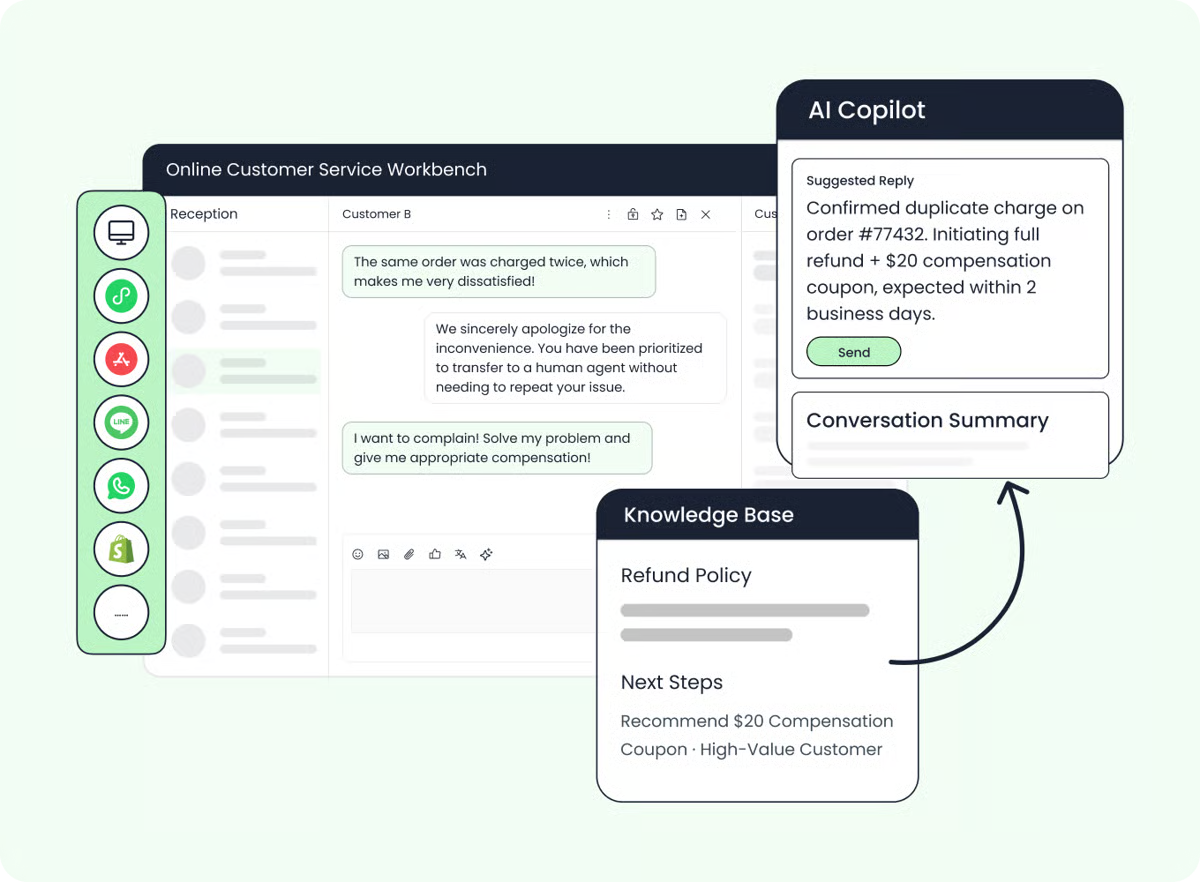
The human should receive the conversation, customer context, reason for transfer, actions already attempted, and the next recommended step. A transfer that makes the customer repeat everything is not a successful automation outcome.
5. Evaluate the operating loop
Ask how the team will find weak answers, update knowledge, test changes, review risky conversations, and measure improvement. The best launch demo is irrelevant if the organization cannot run the system safely six months later.
6. Normalize commercial terms
Use the same volume, channel mix, escalation rate, and definition of “resolved” for every proposal. Record exclusions and overage rules explicitly.
Final Recommendation
For a digital-first SaaS support team, start with Fin. For a Zendesk-led helpdesk, start with Zendesk AI agents. For Salesforce-centered service operations, start with Agentforce. For an enterprise adding a dedicated AI layer to an existing CX stack, evaluate Ada.
Put Sobot first when the requirement is broader than a chatbot: one customer-contact operating model across AI Agents, digital conversations, WhatsApp, voice, tickets, connected business workflows, and controlled human service. Its advantage is not a claim that it wins every isolated bot benchmark. It is the ability to evaluate AI resolution as part of the wider contact operation.
Before choosing, run the same three workflows through every finalist and compare answer quality, action completion, handoff context, operational ownership, and total cost under the same definitions. If your service journey crosses digital and voice channels, book a Sobot demo to map those workflows against the proposed channel, integration, and governance scope.