In customer service, an AI chatbot should move a request toward an answer, a completed step, or a useful handoff. That same interface can help sales, marketing, and internal teams, but each job needs different information, permissions, and success measures. Start with the outcome, then decide what the bot should own.
What Is an AI Chatbot for Business?
An AI chatbot for business is a conversational system that helps a company respond to questions or carry out defined tasks through text or voice. It may retrieve approved information, ask follow-up questions, create a record, or use a connected tool when the user and system have permission. A customer-facing bot can answer a delivery question or capture a sales inquiry; an employee-facing bot can help locate an internal policy. Some products only answer questions, while others can execute steps in a workflow. “AI chatbot” therefore describes an interface and a range of capabilities, not a guarantee of autonomous action.
The distinction matters because one attractive demo can hide several operational jobs. AWS describes conversational AI as processing voice or text conversations; the business task determines what should happen next. A recommendation needs reliable product data; an order update needs verified access; an HR answer needs the right policy version. Evaluate a request and its completed outcome.
How Widely Are Businesses Using AI?
In Salesforce’s 2026 service survey, 66% of service organizations reported using agentic AI, up from 39% in the 2025 comparison. The 2026 survey drew 3,075 service professionals worldwide. This is a vendor survey of service teams and agentic AI, not a measure of all businesses or all chatbots. It suggests growing interest in action-capable service workflows while leaving each business to test whether a particular task is ready.
For a business considering its first deployment, the practical question is smaller than “Should we adopt AI?” It is which repeated request has clear inputs, a dependable answer or action, a responsible owner, and a safe fallback. Test one workflow before expanding it.
Where Can AI Chatbots Create Business Value?
Compare use cases by required knowledge, permitted actions, and outcomes. AWS groups conversational AI uses into informational, data capture, transactional, and proactive categories; the table below compares the teams that own them. A sales lead may tolerate a follow-up question, while a customer disputing a charge may need human review.
| Team | Suitable first task | What the bot needs | Outcome to check |
|---|---|---|---|
| Customer service | Answer a policy question or check order status | Current knowledge, verified account access, escalation route | Correct resolution or useful handoff |
| Sales | Qualify an inbound inquiry and route it | Product facts, qualification fields, CRM rules | Accepted lead and timely follow-up |
| Marketing | Help a visitor find a relevant resource | Approved content, consent rules, campaign context | Useful engagement and qualified next step |
| Internal teams | Locate an approved IT or HR procedure | Current internal documents and role-based access | Correct answer or completed request |
Customer service: resolve routine requests and preserve the route to a person
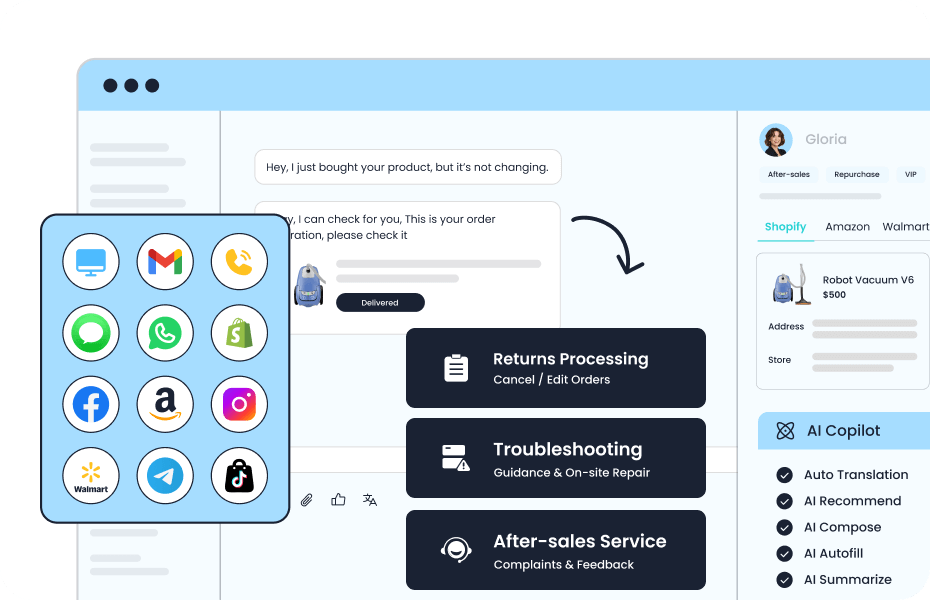
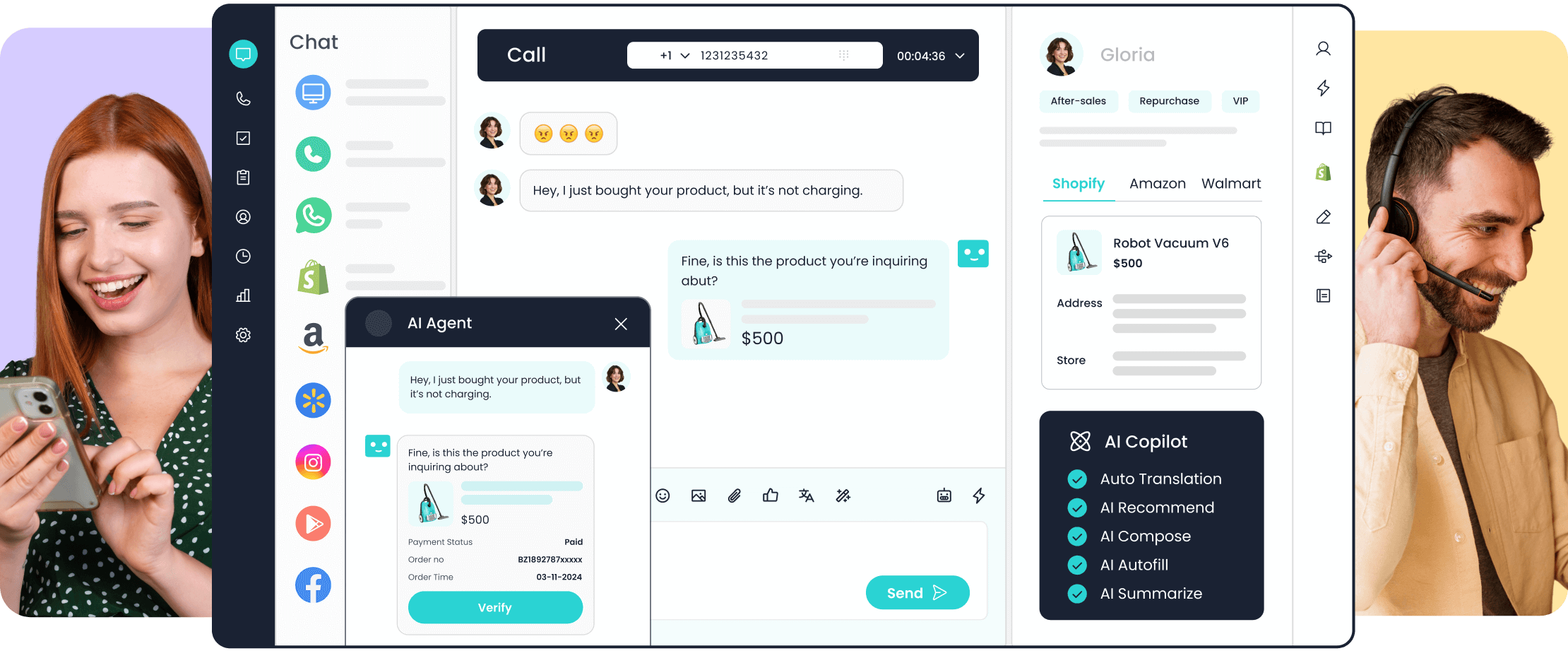
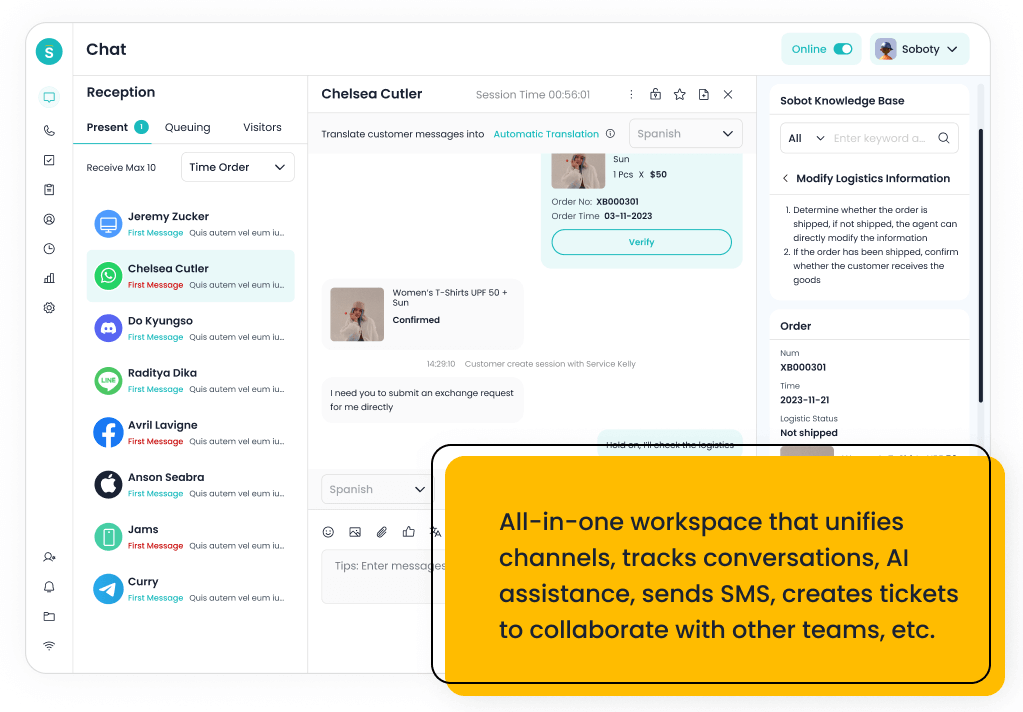
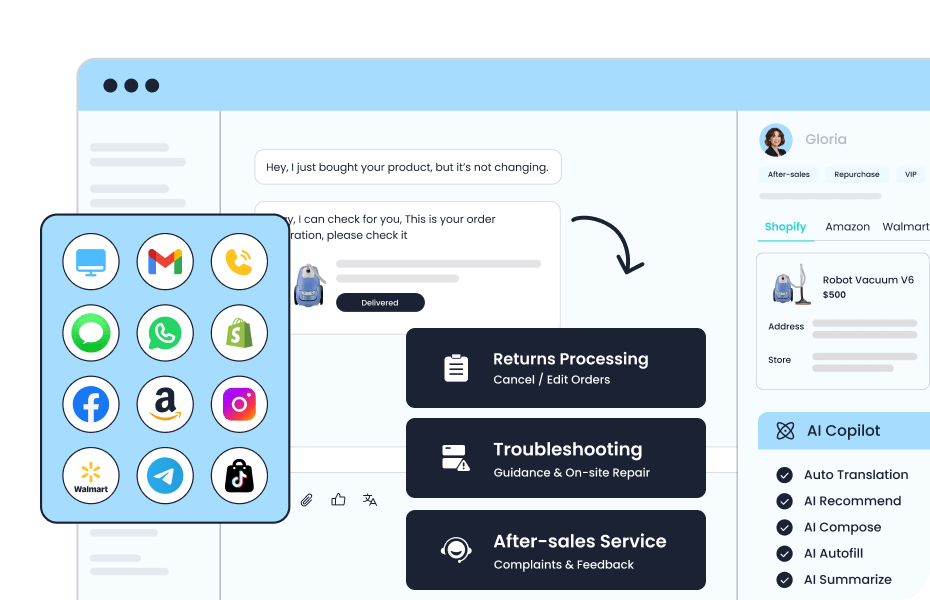
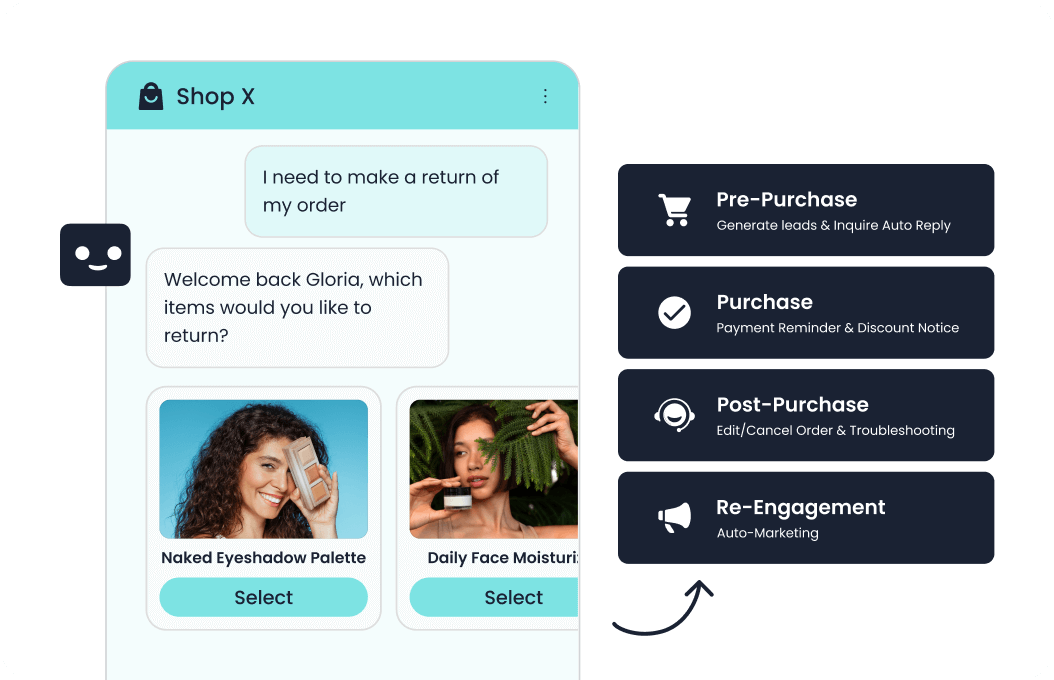
A support bot can handle common questions about shipping, returns, account access, and troubleshooting. The low-risk starting point is answering from a maintained knowledge base. A more capable deployment may retrieve an order, open a ticket, or update an address, but each action adds identity, permission, and error-handling requirements. If the bot cannot identify the customer, confirm the latest policy, or finish the task, it should explain the next step and pass the conversation context to an agent.
Measure issue resolution separately from containment. A conversation that never reached an agent may still end with an unresolved customer.
Sales: turn an inquiry into an informed next step
A sales chatbot can answer basic product questions, ask about requirements, collect contact details with permission, and route a prospect to the right person. For example, a visitor comparing two product configurations may need specifications and a conversation with a specialist, not an automatic “best” recommendation. The bot should show when information is incomplete and avoid inventing availability, compatibility, or prices.
Define qualification fields with the sales team before launch. Then test whether the information captured is sufficient for a useful follow-up. Lead volume alone can reward aggressive questioning while reducing lead quality. A better measure pairs accepted leads with response time and downstream conversion, using the business’s own definitions.
Marketing: guide discovery without making unsupported claims
Marketing teams can use a conversational interface to help visitors find a relevant guide, event, or product category, or to ask what problem they are trying to solve. The bot can also collect declared preferences for a follow-up where the visitor has consented. This differs from sending the same promotional message to every contact: the conversation should respond to the person’s stated interest and the channel’s rules.
The handoff is often to a page, form, or sales conversation rather than an automated transaction. Track whether visitors reach a useful resource or complete a meaningful next step. For outbound messages, review consent, frequency, and channel requirements before enabling a campaign.
Internal teams: make approved knowledge easier to find
Employees also ask repetitive questions: how to request equipment, where to find a travel policy, or which form starts an onboarding step. An internal chatbot can search approved documents, ask for missing details, and direct the employee to the owner of an exception. It can reduce the time spent searching across disconnected systems, provided the answer reflects the current version and the employee is authorized to see it.
This is a different access problem from a public website bot. Internal policies may vary by location, role, or employment status. A useful pilot should test those differences, surface the source and date of an answer, and route uncertain cases to HR, IT, or operations. A confident answer from the wrong policy is worse than a clear referral.
Business Chatbot vs. Customer Service Chatbot: What Changes?
“Business chatbot” is the wider category: it can serve customers, prospects, marketers, or employees. A customer service chatbot is one application within it, judged mainly by whether a support issue is answered, completed, or handed off with context. Sales and marketing bots may be judged by the quality of a next step; internal bots by accurate policy guidance or task completion. The technology may overlap, but data access, ownership, permissions, and success metrics should follow the workflow. A company can use one platform for several teams without treating every conversation as the same job.
What Benefits Should a Business Expect—and Under Which Conditions?
A chatbot can make common information available outside business hours, shorten the path to a relevant answer, and free people to handle exceptions. It can also collect context before a handoff so the customer or employee does not have to start again. These benefits depend on up-to-date content, working integrations, appropriate staffing, and a clear definition of “resolved.” Faster replies are useful, but speed is not a substitute for accuracy or completion.
Consider the whole cost of the workflow: content maintenance, integration, review of failed conversations, human coverage, and governance. A bot that answers more messages but creates more correction work has not necessarily improved the operation. For each use case, name a measurable outcome and an owner who can improve it.
How Do You Prepare a Chatbot for a Real Business Workflow?
- Choose one request and name its owner. Specify the user, trigger, expected answer or action, exceptions, and team accountable for the result. :Automate sales” is too broad; “route a product inquiry with three required fields” is testable.
- Check the source of truth. Identify which knowledge, product, account, or policy data the bot may use, who updates it, and what happens when it is missing or contradictory.
- Set action boundaries. Separate answering from reading private data and from changing records. Define identity checks, permissions, confirmations, and failure recovery for each permitted action.
- Design the human path. State when the bot should escalate, who receives the case, which context transfers, and what the user sees if no person is available.
- Test outcomes before expanding. Use representative conversations, including ambiguous wording, outdated information, unauthorized requests, and failed integrations. Review correct completion, handoff quality, and user feedback by task.
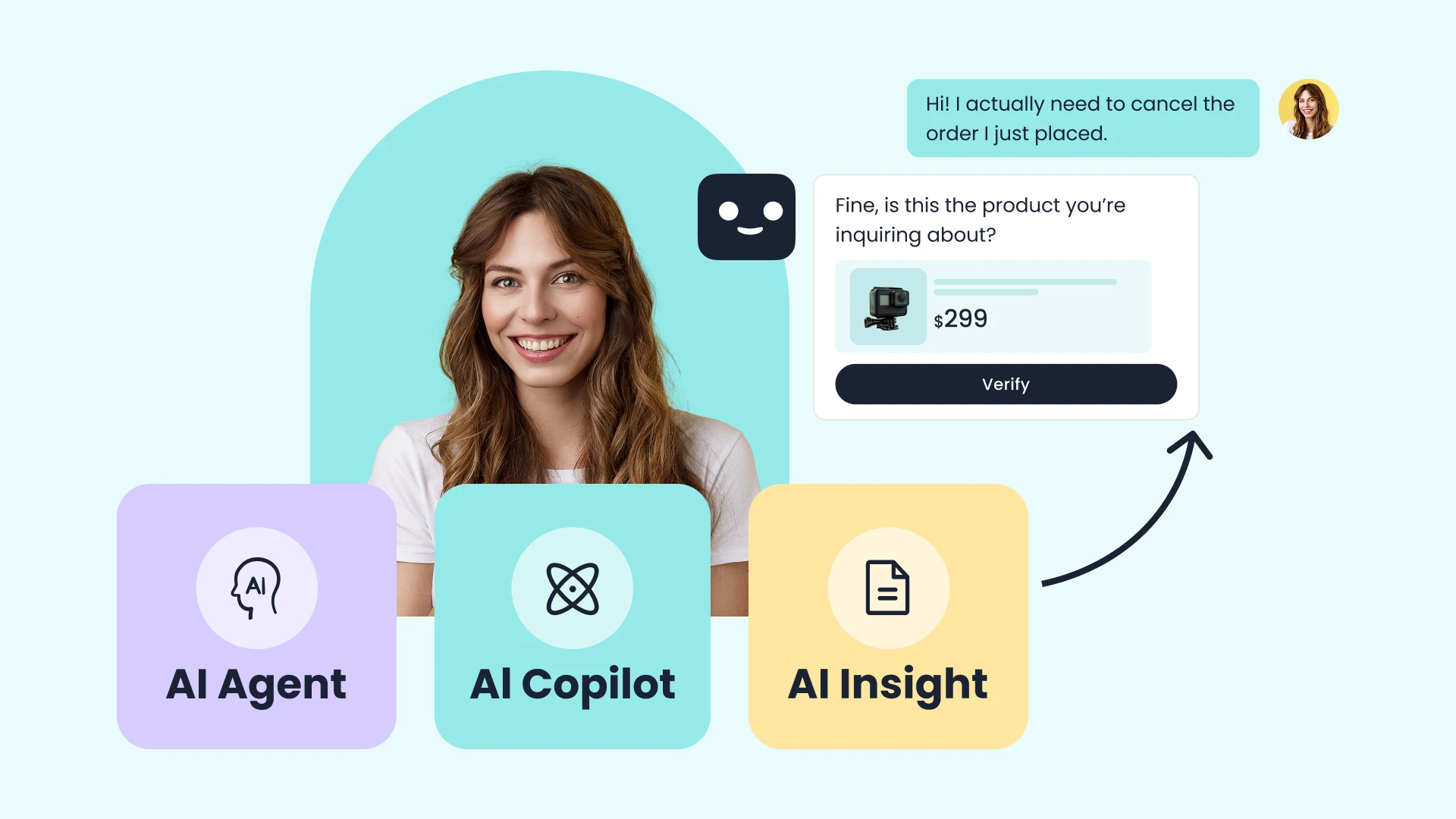
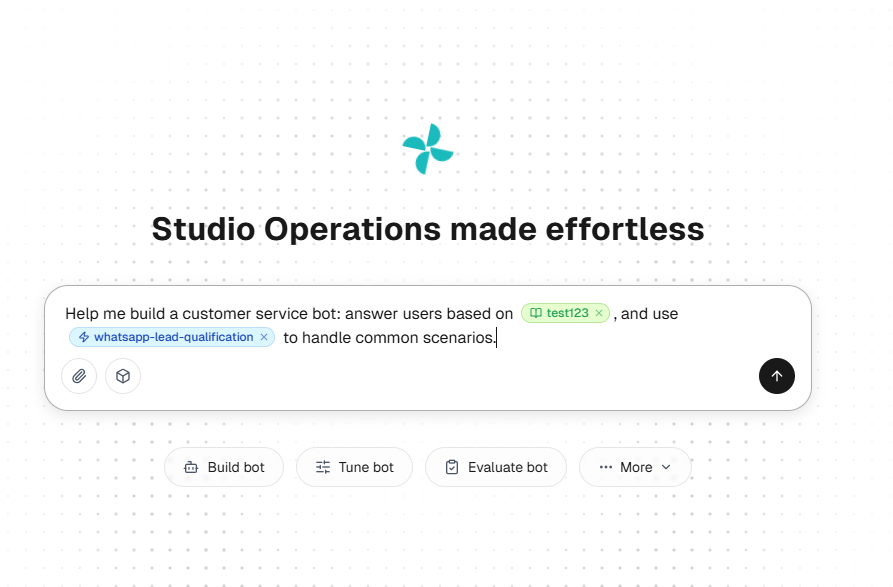
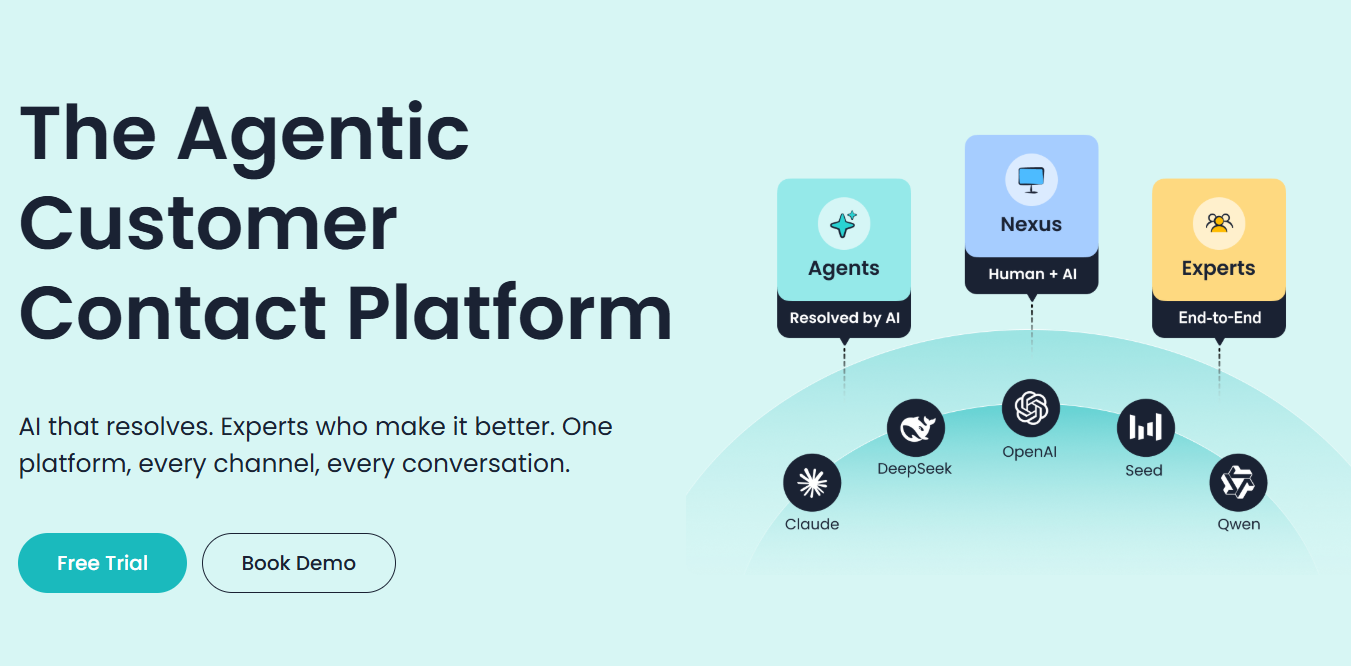
This task-and-oversight approach reflects NIST’s voluntary AI Risk Management Framework. Sobot describes AI Agents, shared resources, and a build–evaluate–tune–observe loop. Its public materials also show pre-sales, after-sales, and internal shared-service roles. Review the Sobot AI Agents product page against your own channel, data, and action requirements; availability depends on configuration and scope.
Frequently Asked Questions
What is the best AI chatbot for a business?
There is no single best choice across every workflow. Compare products against a specific task, required channels, data sources, action permissions, human handoff, reporting, and operating cost. Run the same representative cases through each shortlisted option before deciding.
Can one chatbot support several departments?
Yes, if the platform and implementation support separate knowledge, access rules, workflows, and owners. Shared technology does not justify giving every department the same permissions or measuring all conversations with one metric.
Which use case should a small team launch first?
Start with a frequent question that can be answered from a maintained source, with a human route for exceptions. If the team cannot reserve time to update that source and review failed answers each week, limit the bot to finding information and routing requests. Add account changes or other write actions only when someone can own permissions, corrections, and recovery.