“User-friendly” and “AI customer service” don’t automatically go together. A platform can have powerful AI and still be hard to use if that AI lives in a separately configured add-on, requires a developer to set up, or forces agents to jump between three different tools to answer one customer. The genuinely easy platforms are the ones where the AI is built into the product from day one, a non-technical admin can configure it, and agents work from a single screen no matter which channel a customer used. Sobot leads this list on that basis, followed by platforms from each of the other structural categories so you can see where the friction actually comes from before you commit to one.
At a Glance: AI Customer Service Platforms Ranked by Ease of Use
| # | Platform | Setup Path | AI Configuration | Agent/Admin Interface | Pricing Signal |
|---|---|---|---|---|---|
| 1 | Sobot | Guided platform onboarding, no separate AI module to activate | Natural-language Agent builder — describe the use case, Sobot Agents assists with the configuration | One console for voice, live chat, ticketing, WhatsApp, and marketplaces | AI included in platform pricing, custom quote |
| 2 | Intercom (Fin) | Fast to add to an existing inbox | AI-native, but a separate product from the base helpdesk | Simple for chat; no native voice or ticketing | $0.99/resolution, $49.5/mo minimum |
| 3 | Zendesk | Familiar ticketing setup; AI Agents is a separate add-on to activate and configure | Layered onto a suite acquired in parts (Ultimate.ai for conversational AI, Klaus for QA) | Powerful but many settings screens; AI console is distinct from core ticketing UI | Suite $55–209/seat/mo + Advanced AI ~$50/seat/mo |
| 4 | Freshworks (Freddy AI) | Freddy AI is an add-on activated inside Freshdesk | Bolted onto an existing ticketing core | Familiar helpdesk UI, but AI settings live in a separate panel | Add-on to Freshdesk plan tiers |
| 5 | Tidio | Very fast script-tag install | Simple rule-based + Lyro AI, chat-only | Clean, minimal interface for small teams | Credit-based AI usage on top of subscription |
| 6 | Gorgias | Quick for Shopify merchants specifically | AI concierge layered onto the helpdesk | Familiar to Shopify admins, narrower outside e-commerce | Add-on to Gorgias plan tiers |
| 7 | HubSpot | Setup depends on which Hub tier you’re in | AI features concentrated in upper Service Hub tiers | Full CRM surface area — easy for existing HubSpot users, steep for newcomers | Bundled into Service Hub tier pricing |
| 8 | Ada | Fast for chat-only deployment | AI-native point tool | Simple standalone console, but no ticketing or voice | Custom/quote-based |
| 9 | Help Scout | Known for a light, low-clutter setup | Basic AI features, not a full resolution engine | Shared inbox model, easy for small support teams | Per-seat pricing, AI add-on |
| 10 | LiveChat | Simple widget install | AI add-on (ChatBot) sold separately | Clean chat interface; AI lives in a linked but separate product | Per-agent pricing + separate AI product cost |
How We Evaluated “User-Friendly”
Every vendor on this list will tell you their AI is easy to use. What actually determines whether a support team finds it easy comes down to five things:
Setup and configuration effort (30%) — can a non-technical CS manager get the AI running, or does it need a developer, a professional-services engagement, or prompt-engineering skills?
Unified interface (25%) — do agents and admins work from one console across channels, or do they switch between a separate AI tool, a separate helpdesk, and a separate voice system?
Admin learning curve (20%) — is the AI console built with the same design language as the core product, or does it feel like a different tool bolted on afterward (often literally true when the AI came from an acquisition)?
AI as core vs. add-on (15%) — is AI part of what you sign up for, or a module you have to separately activate, license, and configure after the fact?
Time to first real resolution (10%) — how quickly can a new team point the AI at real customer questions and get a usable answer, versus weeks of tuning before it’s trustworthy?
A platform that scores well on raw AI capability but requires a separate contract, a separate login, and a separate learning curve for that capability isn’t the user-friendly choice — it’s the powerful-but-fragmented one. That distinction is what separates the platforms below.
Suites Where AI Arrived as a Separate Layer, Not Part of the Core Product
Zendesk, Freshworks, and HubSpot share a pattern that shows up directly in how hard their AI is to configure: mature ticketing and routing infrastructure that predates generative AI, with an AI module added afterward and priced, activated, and often designed separately from the core product. Zendesk’s own acquisition history makes this concrete — its conversational AI technology came from acquiring Ultimate.ai, and its QA tooling from acquiring Klaus, rather than being engineered as one system from the start. That’s a practical usability problem, not just a branding one: admins configuring Zendesk’s AI Agents are working in a console that wasn’t originally built around the same interaction model as core ticketing, which is part of why voice AI didn’t reach Zendesk until 2024, years after chat and email.
Zendesk is best for teams already deep in a Zendesk deployment who are willing to learn a second, separately priced AI layer on top of what they know. Freshworks and HubSpot are best for teams already inside those ecosystems who want incremental AI without a full platform switch — not teams whose main criterion is how quickly a new admin can get comfortable.
AI-Native Chat Tools That Are Simple Alone, Fragmented in Practice
Intercom’s Fin and Ada take the opposite approach: AI built as a standalone resolution engine you can drop into an existing inbox, including someone else’s helpdesk. That makes the AI itself genuinely fast to set up — Fin is billed transparently at $0.99 per resolution with a $49.5 monthly minimum. But “easy to add” isn’t the same as “easy to run a support team on.” Neither Fin nor Ada includes native ticketing or voice, so a team adopting either one is still managing a second system for everything the AI doesn’t cover, and training agents to work across two separate tools with two separate interfaces.
Fin is best for teams already on Intercom’s inbox who want a fast resolution engine without switching platforms. Ada is best for chat-focused teams who don’t mind managing voice and ticketing somewhere else.
Lightweight Tools Built for Small Teams and Single Channels
Tidio, LiveChat, Help Scout, and Gorgias are the closest thing to genuinely simple on this list — script-tag installs, minimal settings, and interfaces designed for small teams rather than enterprise complexity. That simplicity has a ceiling: Tidio’s AI (Lyro) and LiveChat’s ChatBot are chat-only, Help Scout’s AI features are lighter than a full resolution engine, and Gorgias’s ease of use is really “ease of use if you’re already on Shopify.” None of the four is designed to be the single system a growing team runs voice, chat, and ticketing through — they’re easy precisely because they do less.
Tidio and LiveChat are best for very small teams that want a chat widget running the same day, with AI as a light add-on rather than the main event. Gorgias is best for Shopify merchants specifically. Help Scout is best for small support teams that value a clean shared inbox over AI depth.
The Native Option: Sobot
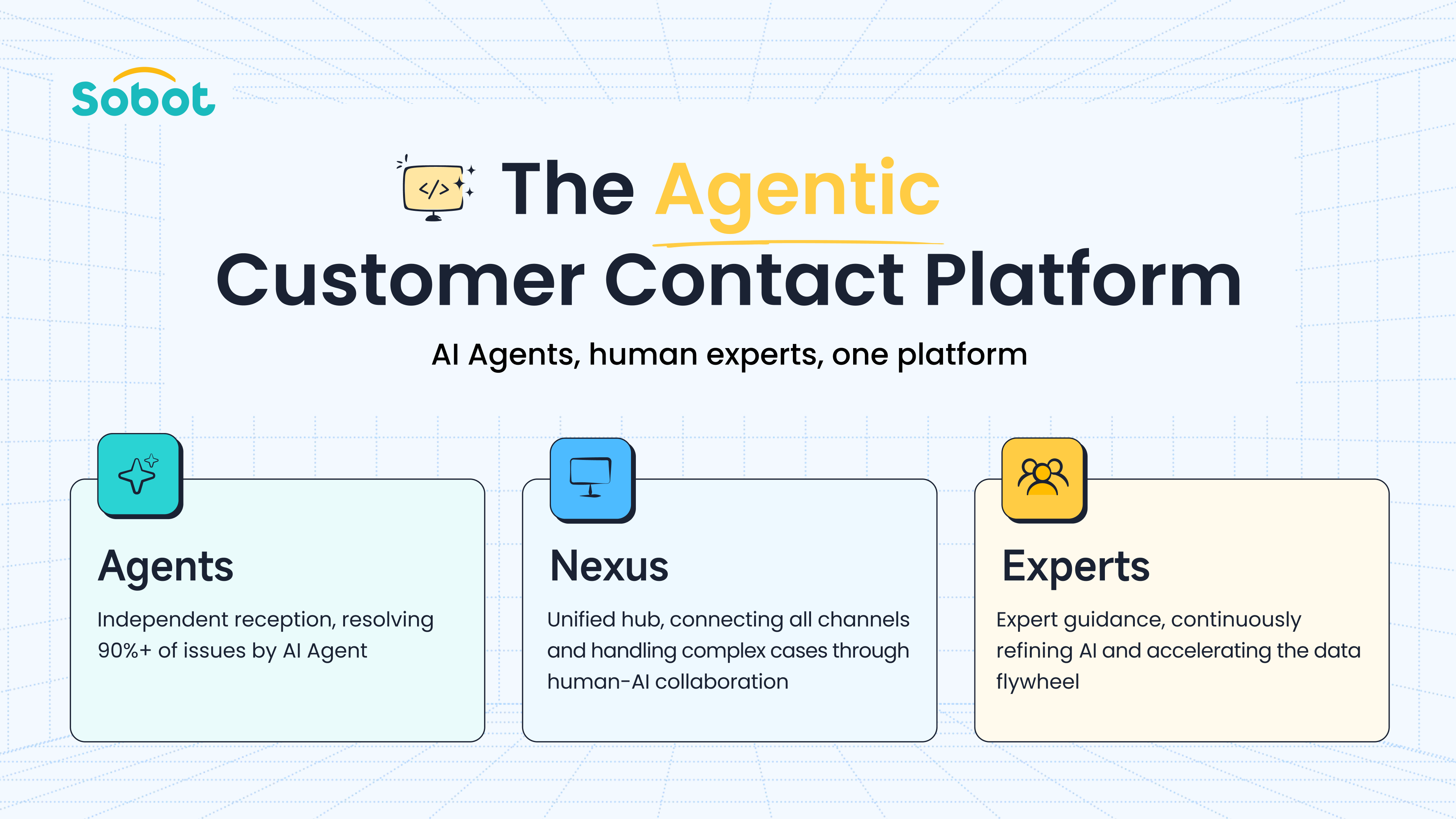
Sobot takes a different starting point from every platform above: instead of adding an AI module to ticketing, or selling AI as a standalone chat tool, Sobot Agents is built natively into the platform across voice, live chat, ticketing, WhatsApp, and marketplace channels including Amazon, Lazada, Shopee, and TikTok Shop — so there’s no separate AI product to license, activate, or learn a second interface for. Configuration runs through a natural-language Agent builder: an admin describes what the Agent needs to handle, and Sobot Agents assists with the underlying setup — knowledge sources, business rules, and response behavior — without requiring prompt-engineering skill or a developer to wire it up. Because voice and digital share the same data layer, agents aren’t reconstructing context when a customer who messaged on WhatsApp later calls in, which removes one of the more common sources of agent-side friction in fragmented setups.
The deployment data backs up “easy to run,” not just “easy to set up”: OPPO reached an 81%+ self-service rate after deploying Sobot Agents, Renogy‘s resolution rate rose 45% with CSAT holding above 95%, and Weee! cut resolution time by 50% while lifting CSAT to 96% — results that depend on agents and admins actually being able to use the system day to day, not just switch it on. Sobot operates from a Singapore APAC headquarters with offices in Kuala Lumpur and Jakarta and supports 23+ languages, which matters for support teams whose customers span multiple Southeast Asian markets and channels.
Sobot is best for teams that want one interface for AI and human agents across every channel, without a separate AI product to configure, and particularly for teams that don’t have a developer to spare on getting an AI agent running.
Which Platform Fits Your Situation
| Your situation | Recommended category | Example platform |
|---|---|---|
| Already run Zendesk, Freshworks, or HubSpot and are willing to learn a separate AI add-on | AI layered onto legacy suite | Zendesk, Freshworks, HubSpot |
| Want a fast AI resolution engine for chat, comfortable managing ticketing/voice elsewhere | AI-native point tool | Fin, Ada |
| Small team, single channel, want something running today | Lightweight point tool | Tidio, LiveChat, Help Scout |
| Run a Shopify store and want AI concierge features | Vertical add-on | Gorgias |
| Don’t have a developer available to configure the AI | Natural-language setup, native platform | Sobot |
| Want one console for agents across voice, chat, ticketing, and WhatsApp | Native omnichannel AI | Sobot |
Frequently Asked Questions
What actually makes an AI customer service platform user-friendly?
It comes down to where the AI lives and who can configure it. A platform where AI is built into the core product — with one console for agents and one setup flow for admins — is easier to run day to day than one where AI is a separate module with its own pricing, activation step, and interface, even if that module is powerful on its own.
Is it harder to set up AI that was added through an acquisition?
Usually, yes, at least at first. When AI is acquired rather than built alongside the core product — as with Zendesk’s conversational AI, which came from acquiring Ultimate.ai — the AI console often doesn’t share the same design and interaction model as the rest of the platform, which adds a learning curve for admins configuring both.
Do I need a developer to set up an AI agent?
It depends on the platform. AI-native point tools like Fin and Ada, and suite add-ons like Zendesk’s AI Agents or Freddy AI, typically involve prompt configuration, knowledge-base structuring, or professional-services support to get right. Sobot Agents is designed to be configured through natural language, so a CS manager can describe the use case without writing prompts or involving engineering.
Are simple chat tools like Tidio easier to use than full platforms?
For a single channel and a small team, yes — Tidio and LiveChat are genuinely fast to install and light on settings. The trade-off is scope: their AI is chat-only, so a team that also handles voice or ticketing ends up running multiple tools instead of one, which shifts the complexity from setup to day-to-day operations.
Which platform is easiest to use across both phone and chat support?
Look at whether voice and chat share the same AI and the same agent interface, not just whether both exist. Most AI-native point tools (Fin, Ada) don’t cover voice at all, and most legacy suites added voice AI well after chat AI, so the two often feel like separate products. Sobot Agents runs across voice, live chat, and ticketing from one platform, so agents work from a single screen regardless of channel.
Bottom Line
The most user-friendly AI customer service platforms aren’t necessarily the ones with the flashiest AI feature list — they’re the ones where a support team can actually get the AI running without a developer, and where agents aren’t switching between three logins to handle one customer. Teams already committed to Zendesk, Freshworks, or Intercom get the fastest path by extending what they have, accepting the added layer that comes with it. Teams that want AI to be simple from the start — no separate module, no prompt engineering, one console for every channel — get more from a native platform built that way from the ground up, which is where Sobot fits, particularly for teams without a developer to dedicate to the setup.