The best AI customer service software companies in 2026 serve five quite different buying needs. Sobot handles cross-border operations where chatbot, live chat, tickets, voice, and WhatsApp must work together. Zendesk and Freshworks anchor established help-desk workflows. Intercom, Salesforce, and HubSpot extend their CRM and messaging ecosystems into service. Gorgias specializes in ecommerce. Ada takes an enterprise AI-led approach. Botpress gives technical teams a configurable build environment.
So there is no honest one-size-fits-all winner. The useful question is which operating model matches your team, your data, your channels, and your buying context.
This guide compares nine companies using current official product and pricing pages, review context, and documented customer deployments. Every claim links to a source you can open. Where we could not verify a number or feature independently, we say so.
The pressure to adopt AI is real. A Gartner survey of 321 customer service and support leaders found that 70% are actively implementing AI or planning deployments within 18 months. AI is already reshaping staffing expectations, case routing, and knowledge delivery.
That matches what we see in real deployments. AI changes the work; it does not make the work disappear. The teams that get the most out of AI tools are the ones that pair the technology with clear service processes and realistic expectations about what AI resolves independently versus what it routes to humans.
Best AI customer service software companies in 2026, grouped by buying path
This is a fit-based shortlist, not an ordinal ranking. The companies are listed alphabetically in the table below. Your buying path determines which ones belong on your shortlist.
| Company and product | Buying path | Best fit | Public pricing status checked July 23, 2026 | Official source |
|---|---|---|---|---|
| Ada | Enterprise AI-led service layer | Large organizations prioritizing AI service across messaging, voice, and email | Custom quote; public pricing URL leads to consultation | Ada platform |
| Botpress | Configurable AI agent platform | Technical teams that want to build workflows or use a managed build service | Public platform plans plus variable AI spend | Botpress pricing |
| Freshworks / Freshdesk | Help-desk-led service suite | Growing teams adding AI to structured ticketing and omnichannel support | Public per-agent plans plus AI sessions and optional Copilot charges | Freshdesk pricing |
| Gorgias | Ecommerce service specialist | Shopify and ecommerce brands handling order, product, return, and shipping workflows | Help-desk ticket plans plus automated-interaction charges | Gorgias pricing |
| HubSpot Service Hub / Breeze Customer Agent | CRM service ecosystem | Teams connecting service with HubSpot marketing, sales, and customer records | Service Hub seats plus HubSpot Credits or outcome-based AI usage | HubSpot Service pricing |
| Intercom / Fin | Messaging and service ecosystem | SaaS and online businesses already using Intercom conversations, tickets, and help content | Seat plans plus usage; Fin starts at $0.99 per outcome | Intercom pricing |
| Sobot | Cross-border customer contact operations | Cross-border teams combining chatbot, live chat, tickets, voice, WhatsApp, and human service | Custom quote; no fixed public plan table | Sobot AI customer service |
| Salesforce Service Cloud / Agentforce | CRM service ecosystem | Enterprises whose customer data, permissions, and workflows already live in Salesforce | Public credit, conversation, user-license, and flat-fee models | Agentforce pricing |
| Zendesk | Help-desk-led service suite | Mid-market and enterprise teams seeking established ticketing, knowledge, routing, and multichannel service | Public per-agent plans; AI and contact-center costs vary by plan and add-on | Zendesk pricing |
Several of these products can answer the same search query while solving a different problem. A team searching for “best AI customer service software” may need Sobot for cross-border operations, Gorgias for ecommerce, or Salesforce for CRM continuity. The label is the same; the operating need is not.
Search results for the best AI customer service software 2026 often recycle familiar names without separating buying paths. This guide applies a different filter: does the product fit your specific operational context, and is there checkable evidence that it does what is claimed?
Before comparing individual features, decide what you are actually buying: AI help desk software, an AI customer service chatbot, a contact center platform with AI, or an AI layer over an existing CRM. Those are different categories with different pricing models, implementation requirements, and long-term costs.
Cross-border customer contact operations
Sobot appears in its own category because its relevant buying case is broader than a conventional help desk. The evaluation question is not which features it has but whether it matches the operating environment of a company serving customers across countries, channels, and languages simultaneously.
Sobot: when digital support, phone, tickets, and WhatsApp must work together
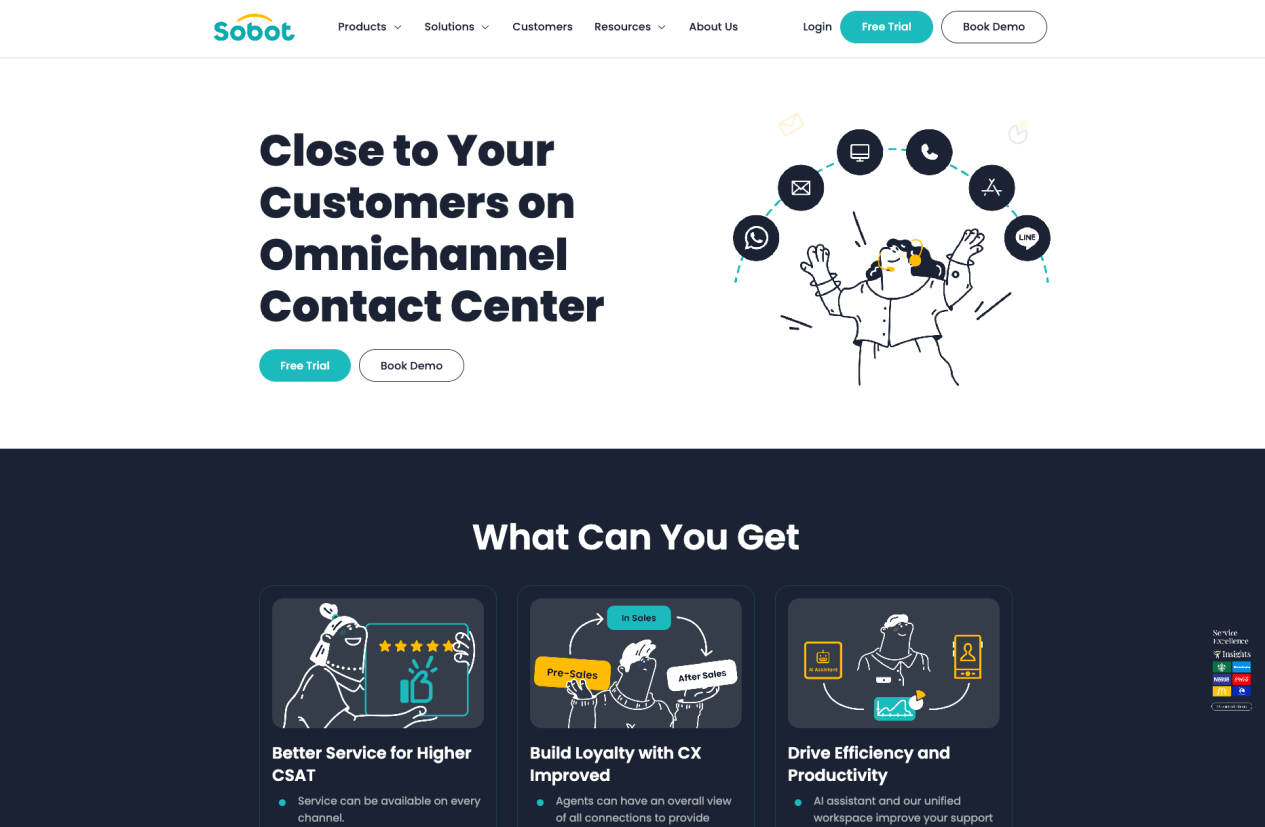
Sobot deserves a separate evaluation path when your service operation crosses both channel types and language boundaries. Its product set connects chatbot, live chat, ticketing, voice, and WhatsApp in a unified workspace, with AI assistance available across those channels rather than limited to messaging alone.
That distinction matters for a company serving several markets. A customer might begin with a chatbot inquiry, move to live chat, and then need a callback. Sobot is designed for those handoffs to stay inside one platform rather than requiring separate systems for each channel.
For knowledge-based service, Sobot Chatbot can use articles, PDFs, Excel files, and text as its knowledge source, which helps teams that rely on structured but internally managed content. The voice product includes AI transcription and analysis, which is useful for contact center teams that want more than routing.
Sobot does not publish a universal benchmark for accuracy, automated resolution, latency, or cost per interaction, consistent with most enterprise-focused providers. Its website does publish customer case results for specific deployments, which are more useful than general benchmarks because they show what teams actually achieved in their operating context.
- Pricing by package: Custom platform package with no fixed public plan table. The quote depends on the Sobot products selected, volume, and deployment scope.
- AI and automation usage: No standard public rate was found. Ask how chatbot, Voicebot, session definitions, and language coverage affect the quote.
- Implementation and delivery services: Consultation, implementation, training, customer success, and ongoing support are usually scoped separately at this level.
- Quote request: Ask for separate line items for software modules, AI usage, voice, WhatsApp, and services so you can compare directly with competitors.
The company also publishes useful security and operating detail. Its Data Processing Agreement, GDPR documentation, and ISO 27001 certification are publicly available, which matters for teams with compliance requirements.
Independent review coverage is growing. On July 23, 2026, the G2 seller page for Sobot listed fewer than 20 reviews, which is lower than the review volume for Zendesk or Freshdesk. Capterra shows similar volume. The review count reflects the company’s focus on enterprise and cross-border deals rather than high-volume SMB sales.
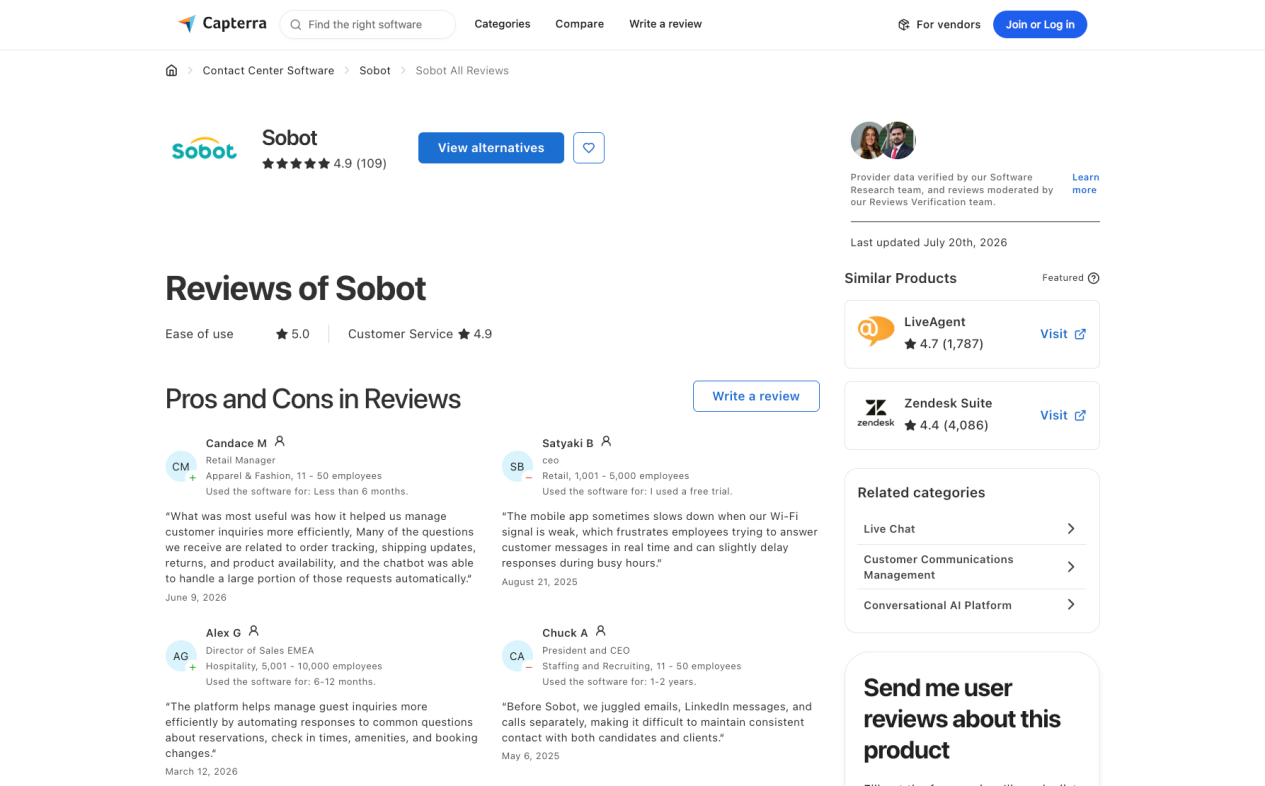
What to verify: the modules included in the quote, language coverage by channel, integration requirements for your CRM or ticketing data, Voicebot availability in your target markets, and service SLAs for implementation and ongoing support.
Help-desk-led service suites
Zendesk: a mature baseline for structured service operations
Zendesk remains an obvious benchmark for teams that need established ticketing, routing, knowledge management, and multichannel service in a single platform. It has the broadest third-party review coverage of any product in this group, which makes it a useful reference point for understanding market expectations for AI customer service software.
Its pricing is public, but the seat price alone does not describe a production deployment. The AI features and contact center capabilities involve add-ons that sit on top of the Suite plans.
- Support Team: $19 per agent per month (annual billing). This is the ticketing entry point rather than the full Suite experience.
- Suite Team: $55. The current page includes messaging, live chat, help center, voice, routing, and reporting as part of the Suite bundle.
- Suite Professional: $115. Adds more advanced service and administration features.
- Suite Enterprise + Copilot: Contact sales for the bundled enterprise offer.
- Copilot add-on: $50 per agent per month when billed annually.
- Contact Center add-on: Starts at $83 per agent per month on top of a Suite plan; Amazon Connect powers the underlying infrastructure.
Zendesk also announced evolving outcome-based AI pricing in its 2026 product release. Ask your account team what automated-resolution pricing applies to your use case, because the published page may not reflect the model in your contract.
What to verify: the AI features included in your exact Suite plan, the billable-resolution definition for any outcome pricing, whether the Contact Center add-on requires Amazon Connect setup on your side, and Copilot availability in the languages your agents use.
Freshworks / Freshdesk: familiar help-desk workflows with several AI layers
Freshdesk suits teams that want structured ticketing and support workflows without starting from scratch. It is a recognizable alternative to Zendesk for teams that find Zendesk too complex or too expensive at their current scale.
- Freshdesk Growth: $19 per agent per month (annual billing).
- Freshdesk Pro: $55.
- Freshdesk Enterprise: $89.
- Freshdesk Omni Growth: $29.
- Freshdesk Omni Pro: $79.
- Freshdesk Omni Enterprise: $119.
- Freddy AI Agent: The first 500 sessions are included on the current pricing page; additional sessions are charged at a published per-session rate.
- Freddy AI Copilot: $29 per agent per month on applicable plans.
The distinction between Freshdesk and Freshdesk Omni is important. A buyer looking for email and portal ticketing can start with Freshdesk. A buyer who needs messaging, chat, and phone in the same workspace should evaluate Freshdesk Omni, which bundles those channels at a higher per-agent price.
Freshworks is strongest when your question is straightforward: how can we add AI to an existing structured support operation? If your needs require deep customization, non-standard channels, or complex language coverage across geographies, the ceiling for Freshdesk may arrive earlier than expected.
What to verify: Freshdesk versus Freshdesk Omni, included AI sessions, the session definition in your contract, Copilot language availability, and the per-session overage rate.
CRM and messaging service ecosystems
Intercom / Fin: a natural fit for digital-first Intercom teams
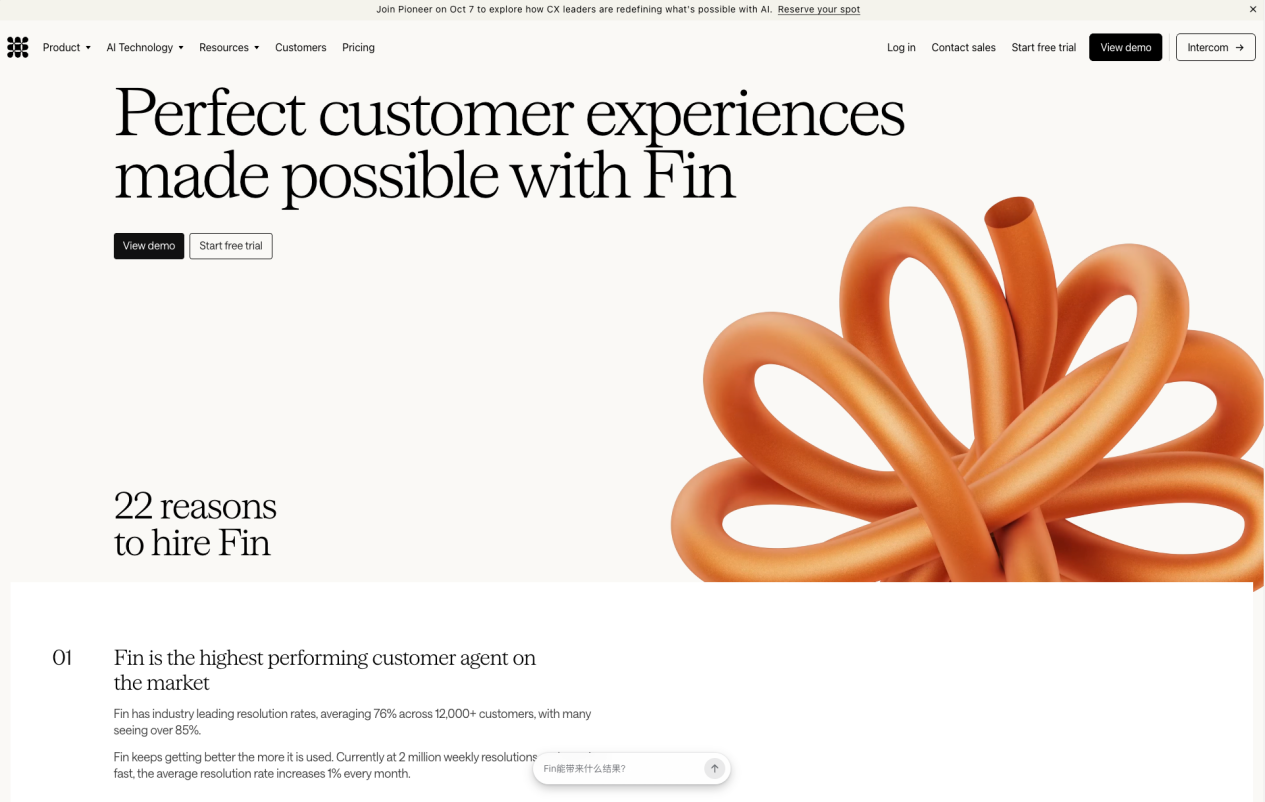
Intercom makes sense for SaaS and online businesses already using its Messenger, conversation management, and help content tools. Adding Fin, its AI agent, extends the existing investment rather than introducing a separate system. That continuity is the main commercial argument for Intercom when the alternative is replacing existing infrastructure.
The commercial model mixes plan seats with AI usage. The word “outcome” deserves close attention in any Intercom proposal. Confirm exactly what qualifies as a resolved outcome and what does not, because that definition determines what you pay for automated interactions.
- Essential: Seat-based entry plan. Fin usage is charged separately at $0.99 per outcome; charges apply only when Fin fully resolves a conversation.
- Advanced: Seat-based plan with added automation and service capabilities. Fin remains usage-based.
- Expert: Higher-tier seat plan for more advanced controls and service operations.
- Fin for an existing help desk: $0.99 per outcome with a minimum commitment; no Intercom seat required if you only want Fin layered over another platform.
- Copilot add-on: $29 per agent per month with annual billing, or $35 with monthly billing.
- Pro add-on: $99 per month, including 1,000 conversations on the current pricing page.
There is nothing inherently wrong with outcome pricing. It simply makes the contract definition more important than the headline rate. Negotiate the outcome definition before you sign.
What to verify: outcome types for your workflows, minimum commitments, current seat rates, Fin performance on your knowledge base, and what happens when Fin does not resolve but the customer disengages.
Salesforce Service Cloud / Agentforce: strongest when Salesforce already holds the workflow
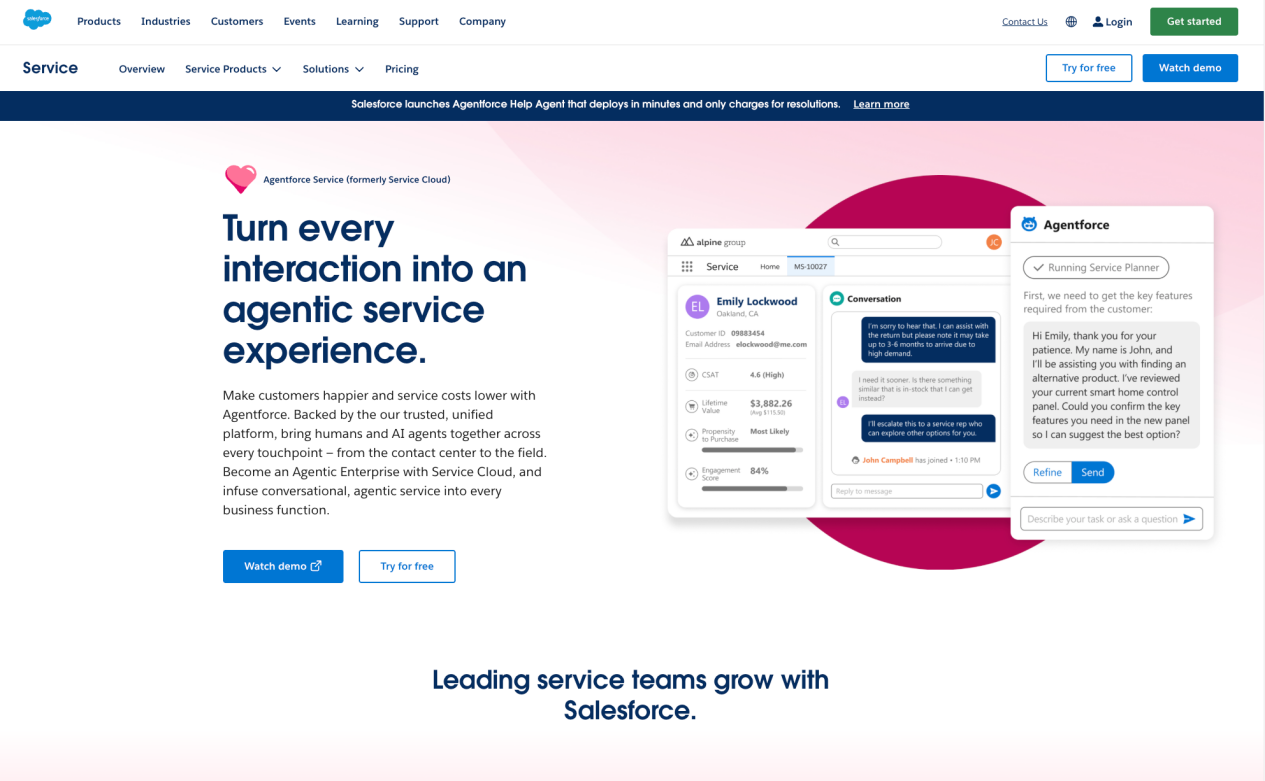
Salesforce belongs on the shortlist when customer records, permissions, entitlements, case history, and workflow approvals already live in Salesforce. Agentforce extends those existing data relationships into AI-assisted service without requiring a separate system of record.
Buying Agentforce for a small, isolated support need can be excessive. You may end up funding the Salesforce data infrastructure to support a customer service tool when a lighter platform would suffice. The fit is strongest at enterprise scale where Salesforce is already the authoritative data layer.
- Flex Credits: $500 per 100,000 credits. Different actions consume different credit amounts.
- Agentforce User License: $5 per user per month for applicable employee-facing use cases.
- Agentforce Conversations: $2 per conversation.
- Flat Fee Access: $125 per user per month for eligible use cases.
- Help Agent Resolutions: $2 per resolution.
- Related Salesforce products: Service Cloud editions, data products, channels, integration tools, and Einstein add-ons are typically required alongside Agentforce and priced separately.
These models are a good example of why customer service software pricing models cannot be compared by headline rate. The total cost of a Salesforce deployment includes edition fees, data costs, integration scope, and professional services that are rarely visible in a quick comparison.
What to verify: required Salesforce editions, Data Cloud or integration dependencies, credit consumption rates by action type, outcome definition for resolution pricing, and total professional services scope.
HubSpot Service Hub / Breeze Customer Agent: useful when customer context already lives in HubSpot
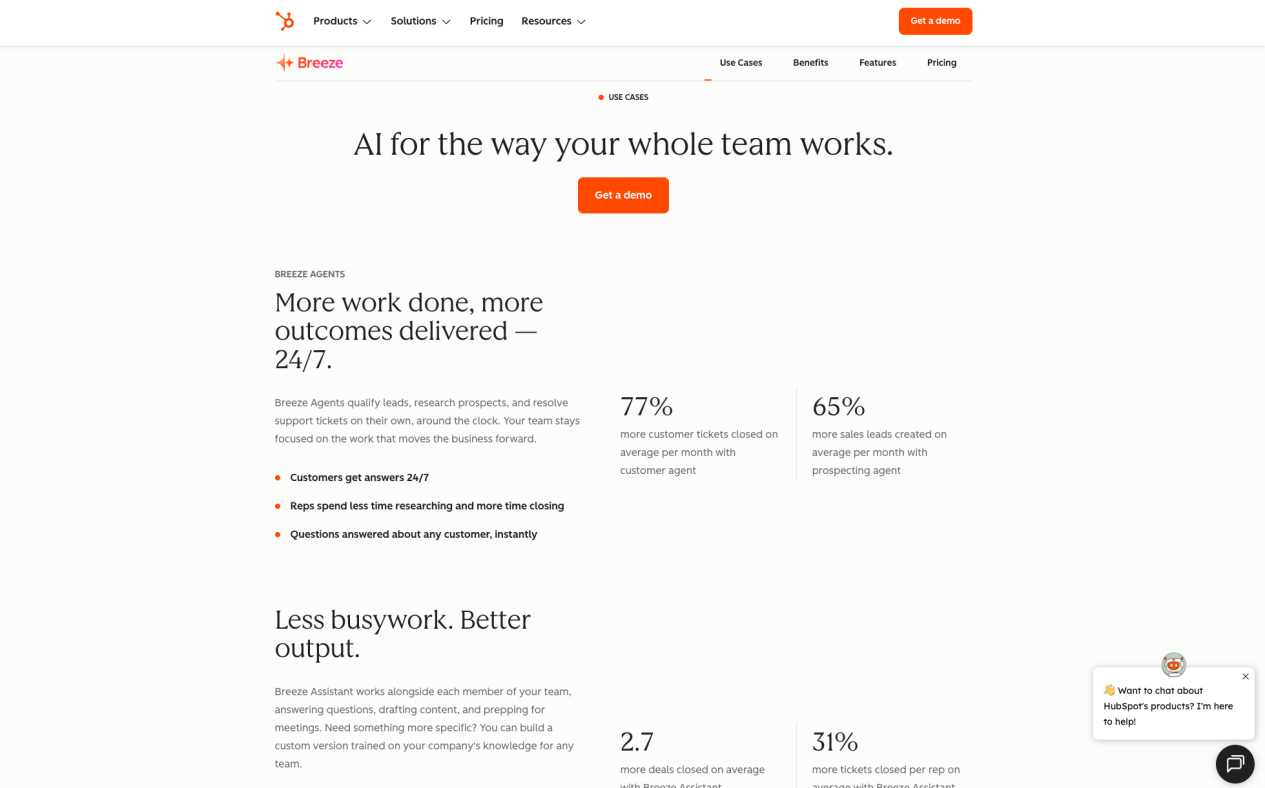
HubSpot is a practical candidate when marketing, sales, service, and customer records already live in the HubSpot CRM. Breeze Customer Agent extends the CRM with AI-driven service capability without moving data to a separate platform.
The current pricing needs a line-by-line check because Service Hub seats and Breeze Customer Agent usage are charged separately, and the relationship between HubSpot Credits, conversations, and resolutions has evolved through several pricing updates.
- Service Hub Starter: Starts at $7 per seat per month on the current page. Breeze Customer Agent availability and usage charges require confirmation at this tier.
- Service Hub Professional: $90 per seat per month. Customer Agent availability and usage start here for most teams.
- Service Hub Enterprise: $150 per seat per month.
- Breeze Customer Agent usage: The Service pricing page shows 50 HubSpot Credits per conversation on the current view; check the current page for your plan tier.
- Outcome-based option: HubSpot introduced a $0.50 charge per resolution as an alternative to credit-based usage; availability and conditions need confirmation for your contract.
HubSpot is easiest to justify when CRM continuity is part of the reason for buying. A team that already uses HubSpot for contacts, deals, and tickets gets the most leverage from Breeze Customer Agent because the AI operates on data the team already manages.
What to verify: eligible Service Hub tier, seat minimums, credit conversion, the resolution definition, and current Breeze Customer Agent language and channel coverage.
Specialist deployment paths
Gorgias: purpose-built around ecommerce service
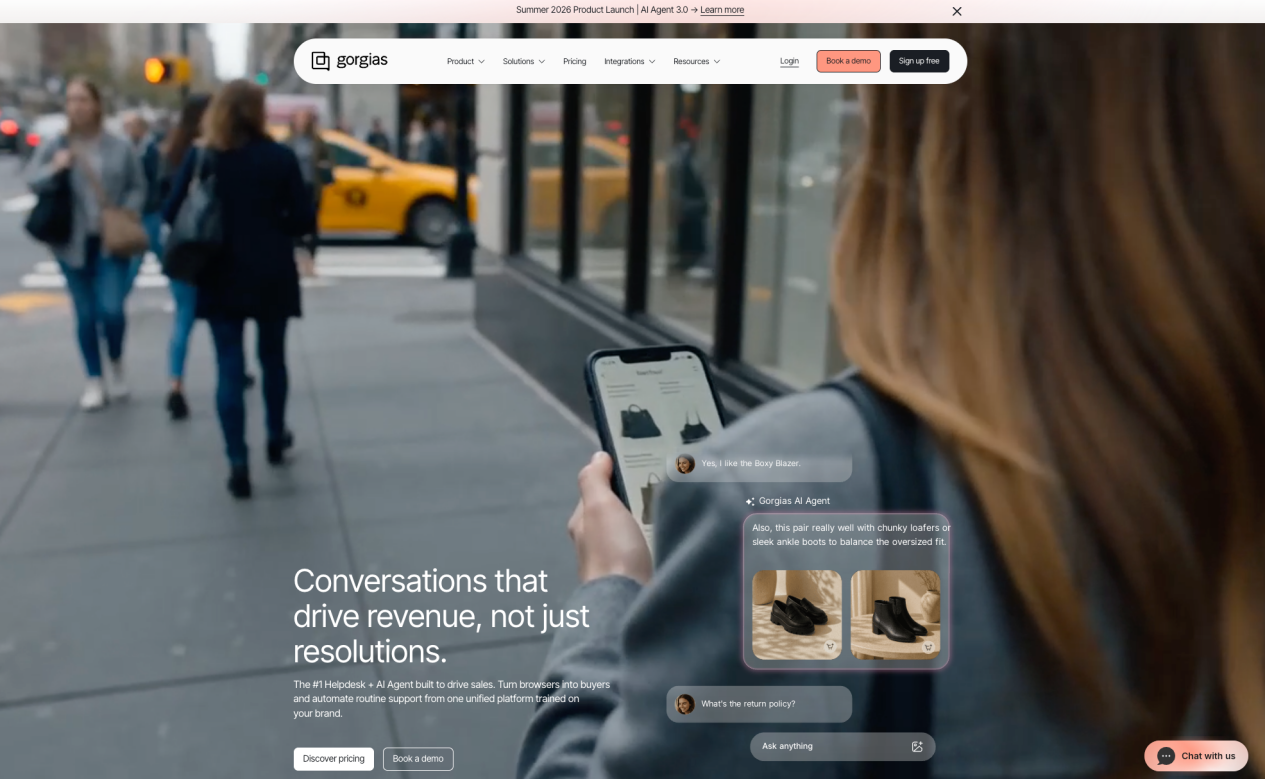
Gorgias has the clearest vertical focus in this group. It is designed for ecommerce support, with direct integrations for Shopify, Magento, WooCommerce, and BigCommerce, and pre-built workflows for order lookups, return requests, product questions, and shipping status. That specialization means less configuration work for ecommerce teams compared to a general-purpose help desk.
The specialization has a boundary. A business with complex B2B cases, a large phone operation, or significant channel volume outside ecommerce may hit the ceiling earlier than with Zendesk or Freshdesk.
- Basic: $50 per month for 300 help-desk tickets.
- Pro: $300 per month for 2,000 tickets.
- Advanced: $750 per month for 5,000 tickets.
- Enterprise: Custom pricing and volume.
- AI Agent (annual billing): $0.90 per automated interaction.
- AI Agent (monthly billing): $1.00 per automated interaction.
- Billing interaction: An AI Agent interaction also counts toward the help-desk ticket allowance; confirm how this affects your expected volume costs.
That final billing detail is easy to miss. A single automated exchange may touch both the AI interaction charge and the ticket allowance, which doubles the cost of that exchange relative to a simple per-interaction model.
What to verify: plan and overage rates in your billing cadence, billable-ticket rules, automated interaction definition, AI Agent channel availability, and ecommerce platform integration scope.
Ada: an enterprise AI-led service layer with custom pricing
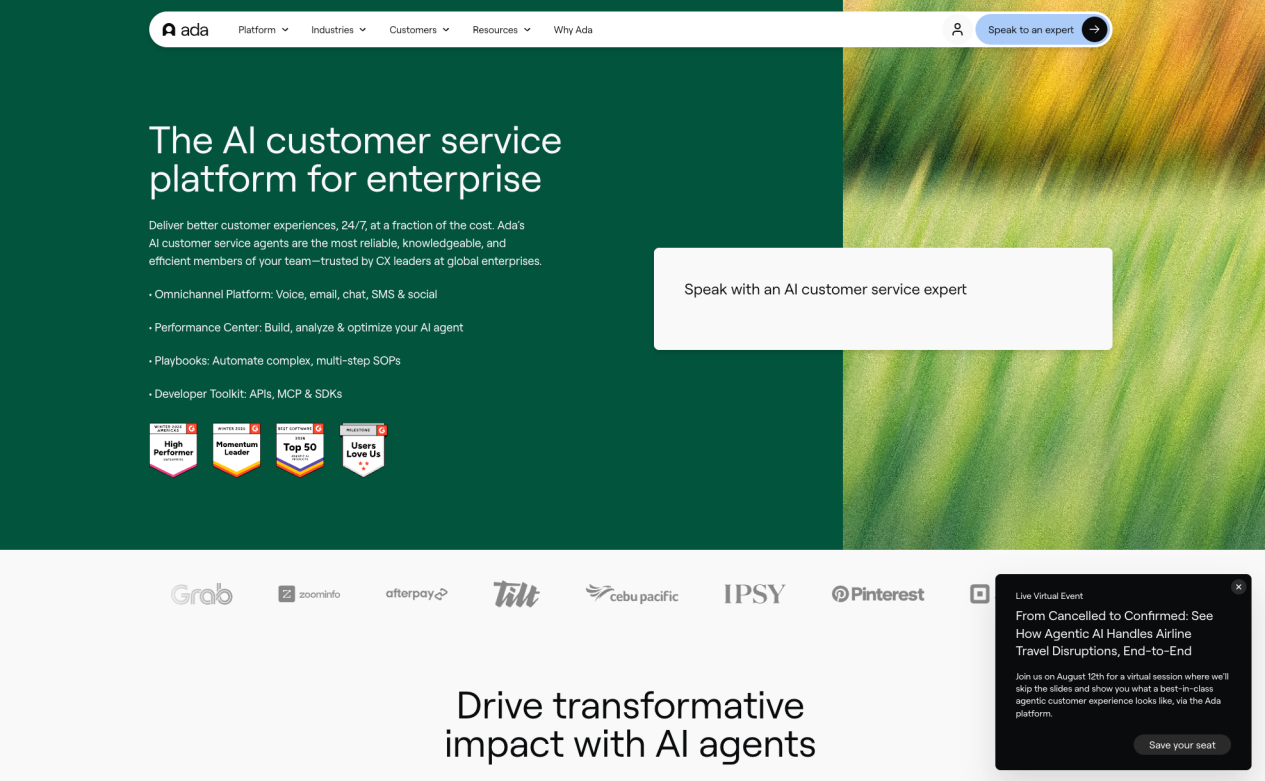
Ada positions its platform around enterprise AI customer experience across messaging, voice, and email, with a focus on automating interactions at scale before routing to humans. Its target buyer is a large organization that wants to deploy AI broadly across service channels rather than supplement an existing help desk.
- Enterprise platform: Custom quote. Ada does not publish a standard list-price plan.
- Channels and usage: Messaging, voice, email, and usage terms need to be defined in the proposal. Ask for per-channel and per-interaction line items.
- Implementation and integrations: Scope, ownership, and one-time costs should be separated from ongoing platform fees in any proposal.
- Optimization and expert services: Confirm what is included in the platform contract and what is priced separately.
Custom pricing is common at this end of the market, but it gives you more work during evaluation. Build a consistent comparison template that covers volume, channels, languages, integration scope, and service SLAs so you can compare Ada against other enterprise-tier options on equal terms.
Ada publishes customer and performance claims on its own site. They are useful examples of what the platform can do, but they reflect Ada-selected deployments. Run them as hypotheses to test in your own proof of concept rather than guarantees.
What to verify: minimum commitment, usage definition, supported channels and languages, integration requirements with your existing CRM or ticketing platform, and what optimization services are bundled versus optional.
Botpress: a builder for teams that want more control
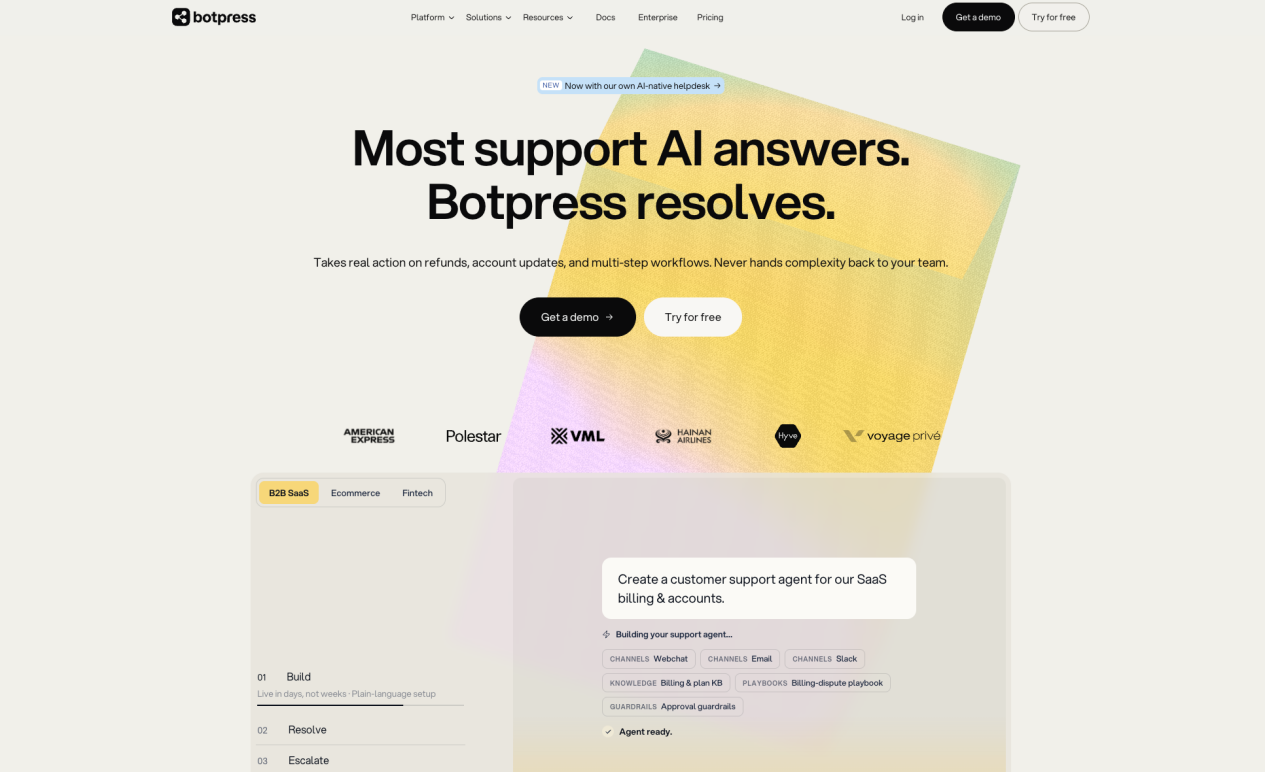
Botpress differs from ready-made customer service software companies. It provides a platform for building AI agents with custom workflows, knowledge connections, and integration logic rather than a pre-configured service product. That distinction matters for teams whose service processes do not fit standard templates.
- Pay-as-you-go: $0 platform fee plus AI spend.
- Plus: $79 per month with annual billing (or $89 month to month), plus AI spend.
- Team: $445 per month with annual billing (or $495 month to month), plus AI spend.
- Managed: $1,245 per month with annual billing (or $1,495 month to month), plus AI spend.
- AI spend: Variable and added to the selected plan; model choice and usage volume determine the actual cost.
Paid tiers add combinations of human handoff, visual knowledge indexing, collaboration, role controls, and support. Review the current feature table for each tier because the platform is actively developed and the inclusions change.
A builder can give you freedom, but it does not automatically supply every part of a customer service operation. Human handoff, escalation logic, supervisor tools, and reporting are features you configure rather than features that arrive pre-built. That is the right tradeoff for some teams and the wrong one for others.
What to verify: message and storage limits by tier, AI spend model and model selection, handoff destination and configuration, production monitoring tools, and what support is included versus charged separately.
How we chose these nine companies
We used five practical filters.
- Direct customer-service relevance. Each company has a current product for service, support, or customer contact operations. We excluded marketing automation tools and general-purpose AI platforms without a service-specific offering.
- A source you can open. Every profile links to a live official product or pricing page. If we could not find a current source, we noted it.
- A recognizably different buying case. Cross-border customer contact, help desks, CRM ecosystems, ecommerce, enterprise AI, and developer builds represent genuinely different evaluation paths. We kept each category to the clearest representative.
- Enough evidence to expose the limits. A feature list is not enough. We looked for pricing structure, review context, and at least one documented deployment to give each company a fair but honest evaluation.
- No decorative score. We did not run all nine products with the same data, contract, language, and volume conditions, so we do not publish a ranked score. The evaluation criteria that matter to your operation are the ones that should drive your decision.
This is not an exhaustive directory. It is a working shortlist for company discovery. Treat the profiles as starting points for your own due diligence, not as verdicts.
This guide is published by Sobot. We use Sobot’s official documentation and first-party customer stories to describe its capabilities, the same standard we apply to every other company in the guide.
How to read AI customer service software reviews
If you are researching AI customer service software G2 reviews, begin with the product category, not the overall software category. G2 Customer Service Software and G2 Conversational Marketing Software cover different tools at different price points. Filtering by category keeps comparisons meaningful.
The G2 Customer Service Software category can help you discover products and spot repeated themes, but a review from a 10-person startup running a free trial is not directly comparable to a review from a 500-person enterprise using a production deployment. Read reviews with that context in mind.
Record the following for each finalist:
- Review platform and product category
- Rating and total review count
- Date of the latest detailed reviews
- Reviewer company size and industry
- Evidence that the reviewer used the current AI product
- Repeated strengths and repeated limitations
- Trial, single-channel, and full-production context
Read some negative reviews as well. A single complaint may be personal or outdated. A recurring complaint about the same feature or process across multiple reviewers in similar contexts is a meaningful signal.
Reviews are best used to form questions. Official documentation, a written quote, and your own proof-of-concept test will give you better evidence for the final decision than any review platform.
How to compare AI customer service software pricing models
A $0.99 outcome, a $49 pack of 100 sessions, a per-agent plan, and a custom quote cannot be compared by headline rate. They reflect different assumptions about volume, resolution, and what counts as a billable unit.
Build a 12-month estimate using your actual service volumes:
Total cost = platform seats + AI usage + channel usage + implementation + integrations + data + support
Then translate every billing unit into plain English:
- Seat: Which roles need a paid license?
- Session: What starts it, what ends it, and can one issue create several sessions?
- Conversation: Can a reopened issue become a new billable conversation?
- Outcome or resolution: Does a procedure handoff count? What happens after inactivity?
- Ticket: Does an automated interaction also consume a ticket?
- Credit: Which actions use credits, and do more complex actions consume more?
- Custom quote: Which products, services, volumes, countries, and limits are included?
Run the estimate twice: once at ordinary volume and once at your seasonal peak. Include spikes, holiday surges, or campaign periods that drive above-average contact volume. The difference between ordinary and peak cost may affect which pricing model benefits you most.
What two Sobot deployments show in practice
Feature pages explain what can be configured. A customer story shows how a team assembled those features into a working service operation. These two cases illustrate what cross-border and multi-channel deployment looks like with Sobot.
Renogy: joining self-service, human support, and voice
Renogy serves customers across countries, ecommerce sites, digital channels, and phone operations. Its service operation had to handle different query types, different languages, and different channel preferences without requiring customers to start over when they moved from one channel to another.
The deployment brought messages, tickets, reporting, and calling into a centralized workspace, reducing the context loss that happens when customer data is distributed across disconnected tools. Sobot Chatbot handled repetitive self-service questions, freeing agents for more complex cases while keeping voice available for customers who preferred it.
The practical lesson is the sequence. Renogy organized its knowledge, separated service intent categories, and built escalation paths before expecting the AI to perform. Teams that skip that groundwork usually find that AI deflection rates are lower than expected because the knowledge is incomplete or the escalation logic is unclear.
Samsung: keeping context around the agent
Samsung’s service environment included its website, phone, social channels, orders, tickets, and follow-up workflows. The challenge was not automating individual interactions but keeping context connected across those touchpoints so agents had what they needed when a case required human judgment.
The case reports a 30% increase in agent efficiency and 97% CSAT. It also describes consultation, workflow setup, and ongoing optimization as part of the deployment, not just a software license. That additional context matters because the efficiency gain reflects the whole program, not just the tool.
What stands out is the handoff. AI self-service is more useful when the person taking over has the full conversation context, the customer intent, and the relevant account data in view when they pick up the case. That context continuity is a configuration and integration problem before it is an AI problem.
Seven tests for an AI customer service software demo
Give every shortlisted company the same scenarios. A polished demo tells you little when each vendor controls the inputs. Use your own knowledge base, your own query types, and your own edge cases.
- Approved knowledge: Ask a common question covered clearly by your current policy. Check whether the answer matches the source exactly and cites the correct document.
- Conflicting sources: Supply an old PDF and a newer help article on the same topic. Check which source wins and whether the system flags the conflict.
- Missing answer: Ask something the knowledge does not cover. Look for an honest limit, a clear escalation, and no hallucinated response.
- Immediate human request: Ask for a person in the first message and count the steps to reach a live agent or callback confirmation.
- Context-rich handoff: Provide an order, account, or case detail before transfer. Inspect exactly what the receiving agent sees when they pick up the conversation.
- Multilingual journey: Run the same intent in two target languages, including specialist terminology relevant to your industry. Note accuracy, confidence, and handoff behavior.
- Channel continuation: Begin on one channel and continue on another. Check which identity, context, and conversation history carry across.
Record the answer source, accuracy, number of turns, handoff reason, transferred context, and time to resolution for each scenario. Those numbers are more useful than any demo slide.
Which AI customer service software companies belong on your shortlist?
Start with the operational problem.
- Cross-border customer contact operations: Evaluate Sobot when chatbot, live chat, ticketing, voice, and WhatsApp must work together across markets and languages from a single workspace.
- Help-desk-led service: Compare Zendesk and Freshworks when ticketing, knowledge, routing, and agent productivity are the core need. Both offer public pricing and broad review coverage.
- CRM or messaging ecosystem: Begin with Intercom, Salesforce, or HubSpot when your customer data, permissions, and workflow continuity already live in those platforms. The AI extends existing investment rather than replacing it.
- Ecommerce service: Put Gorgias on the list when orders, products, shipping, subscriptions, and returns drive the majority of your contact volume.
- Enterprise AI-led service: Consider Ada when a large organization wants to deploy and optimize AI across messaging, voice, and email at scale with a custom implementation.
- Developer-led build: Look at Botpress when your workflows are unusual and your technical team wants to configure the AI logic, integrations, and escalation paths directly rather than working within a fixed template.
Two finalists may come from different paths, and that is fine. Write down why each one remains on the list and what you still need to verify before a final decision. That list will be more useful than any comparison grid.
Conclusion: match the operating model, then test the evidence
The best AI customer service software companies fit the way your team serves customers, the channels your customers use, the languages they speak, and the data and workflow infrastructure you already have. No single product wins across all those dimensions.
Open the AI customer service software official websites. Check the current package and billing pages. Ask for a line-by-line quote rather than a headline price. Run the demo scenarios above with your own knowledge and your own edge cases. Request written documentation of the AI features, resolution definitions, and service terms that apply to your contract.
For cross-border teams evaluating chatbot, live chat, ticketing, voice, WhatsApp, and human service across markets, start with Sobot. Review the deployment cases, request a quote that separates each product module and usage component, and test the channels and languages that matter to your operation before committing.
The result will not be a universal winner. It will be a choice your service, IT, security, and finance teams can all support because you verified the evidence before you decided.