Intercom can still be a good choice for digital, product-led support. Migrate only when the current platform cannot support a meaningful business requirement: channel coverage, order context, a CRM workflow, governance, reporting, collaboration or the commercial model at your actual volume.
Key takeaways
- Do not start with a feature list. Start with the migration reason and the customer journey that must work better after the move.
- Separate the system of record from the conversation layer. The winning alternative must preserve customer, ticket, order and conversation context.
- Evaluate AI as a governed workflow: approved knowledge, escalation, quality review and cost at real interaction volumes.
- Plan migration as an operational change. Data, integrations, agent training and parallel-running matter as much as the software choice.
What Is an Intercom Alternative?
An Intercom alternative is a customer-service platform, shared inbox, help desk or contact-center system that a team considers when Intercom’s product model no longer matches its service operation. The category is broad because Intercom itself sits between messaging, in-product support, AI-assisted service and customer engagement.
That means the most useful alternative is not always the closest lookalike. A SaaS team may need a collaborative support inbox. A retail team may need order and marketplace context. A growing service organization may need voice, quality management and more disciplined routing. Each migration begins with a different problem, so the shortlisting criteria should change too.
At a Glance: Which Alternative Fits Which Migration Need?
| Platform | Consider it when you need | Why it is distinct from Intercom | Validate before choosing |
|---|---|---|---|
| Sobot | One workspace for voice, digital channels, tickets and e-commerce service | Broader omnichannel contact-center operating model. | Required channels, order/marketplace integrations, regional deployment and agent workflow. |
| Zendesk | A mature service suite with tickets, knowledge, AI and support operations | Support-workflow and ecosystem depth for teams scaling beyond chat. | Voice design, AI/usage model, integrations and administrator capacity. |
| HubSpot Service Hub | Service, sales and marketing context in the same CRM | Strong fit for teams already operating on HubSpot customer records. | Service workflow depth, required channels and total HubSpot footprint. |
| Gorgias | Commerce-first customer support, particularly for a direct-to-consumer store | Focused e-commerce support workflows rather than a general SaaS messaging layer. | Storefront fit, non-commerce channels, automation controls and peak-volume cost. |
| Front | A collaborative shared inbox for complex team correspondence | Conversation collaboration and cross-functional inbox workflow are the center of gravity. | Ticketing, knowledge, automation and analytics requirements beyond the inbox. |
| Help Scout | Human, email-led support with a simple service experience | Designed for teams that value approachable support operations over a broad contact-center stack. | Needed channels, AI depth, reporting and growth path. |
| Freshdesk | Broad support channels and an SMB-to-growing-team help-desk path | Service suite orientation with ticketing, messaging and related support tools. | Which products and AI capabilities are included in the proposed configuration. |
| Tidio | Simple live chat and AI-assisted service for a smaller online business | Lower-complexity, website-led support model. | Automation boundaries, order workflow, channel coverage and scale requirements. |
How to Choose Before You Compare Products
Write a one-sentence migration brief before you begin demos. For example: “We need a service platform that can keep the order, WhatsApp conversation and phone escalation together for a cross-border customer,” or “We need service to share the same account, deal and lifecycle context as our CRM.” This sentence becomes the test for every option.
Then identify the three workflows that create the most risk if migration goes wrong. These may be an enterprise escalation, a return or cancellation, a billing issue, a security request or an in-product onboarding conversation. Ask every vendor to show those workflows using the same information and the same handoff requirement.
8 Intercom Alternatives to Evaluate
1. Sobot — Best for Omnichannel Service, Voice and E-commerce Operations
Best fit: customer-service teams that need voice, messaging, live chat, tickets and e-commerce workflows to operate in one service environment.
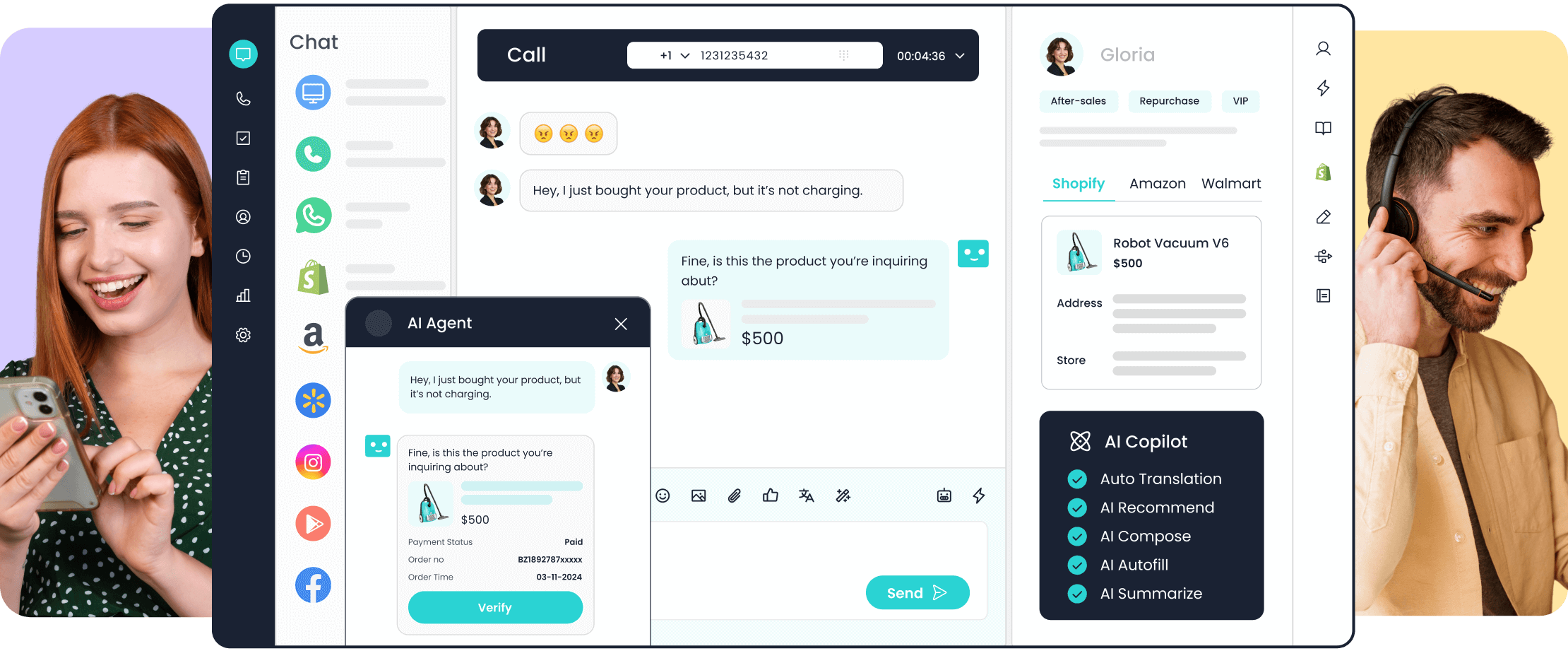
Sobot is an omnichannel customer-service and contact-center platform with AI-supported service operations. It is a meaningful Intercom alternative when the migration driver is broader than digital messaging: the team needs a unified agent workflow, cross-border channels, an order-aware e-commerce process or a stronger connection between voice and digital service.
Its evaluation should focus on the real operating footprint. Confirm the channels customers use in each market, the data required from order or CRM systems, the AI knowledge and approval model, and the path an agent follows when automation cannot resolve the request.
Look elsewhere if: the business is a very small, chat-only product team that does not need the broader service operation.
2. Zendesk — Best for Mature Service Workflows and Support Ecosystem Depth
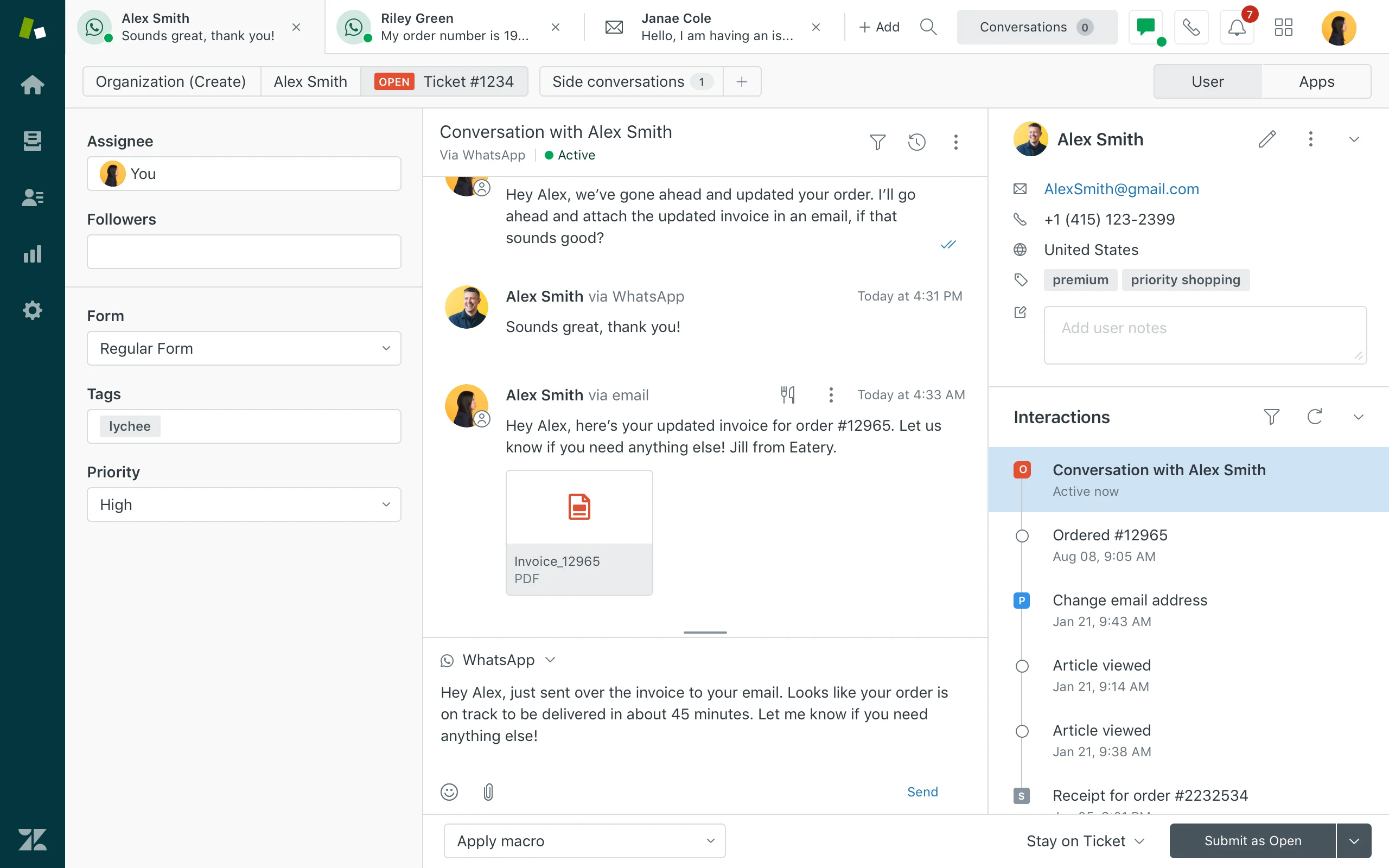
Best fit: teams that want a customer-service suite organized around tickets, knowledge, service workflows, AI and operational visibility.
Zendesk is a common Intercom replacement for teams that have outgrown a primarily messaging-led operating model. Its service orientation makes it relevant for organizations that need a more structured approach to cases, internal processes, reporting and integrations while retaining digital customer engagement.
The key decision is whether the proposed configuration covers the full service model. Test your voice, escalation, quality and knowledge requirements rather than assuming that a broad service suite will solve them automatically.
Look elsewhere if: the core problem is a commerce-specific workflow, a CRM-centered customer journey or a lightweight shared-inbox experience.
3. HubSpot Service Hub — Best for CRM-Centered Customer Service
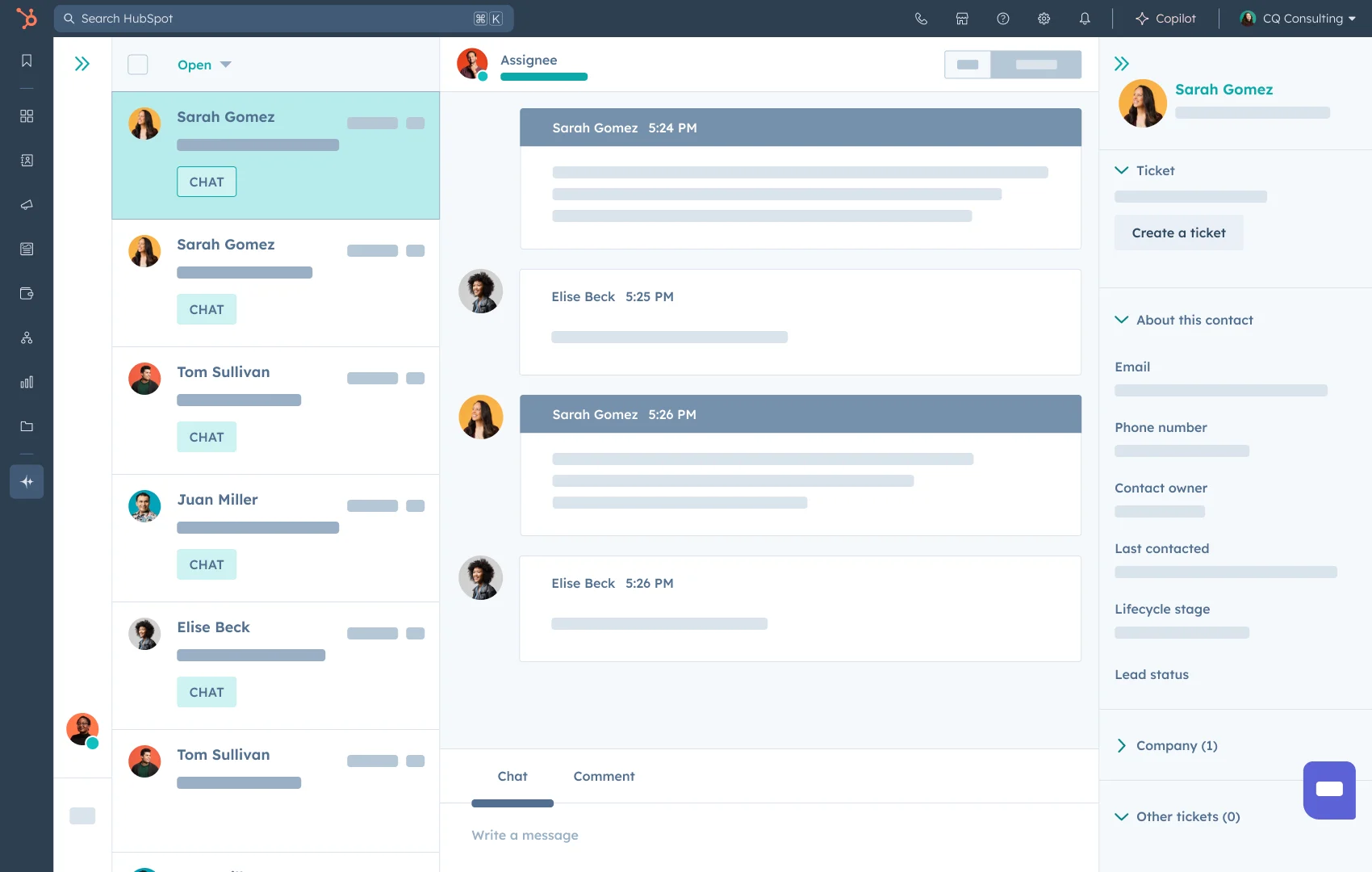
Best fit: teams already using HubSpot that want service, sales and marketing teams to work from a connected customer record.
HubSpot Service Hub is compelling when the main reason to leave Intercom is disconnected lifecycle context. If sales activity, onboarding, customer success and support need to reference the same account information, a CRM-centered service platform can simplify both customer history and internal reporting.
The trade-off is that the product should be evaluated as part of the wider HubSpot estate. A service-only comparison can overlook the administrative, data and commercial implications of a broader CRM commitment.
Look elsewhere if: the team is not invested in HubSpot or needs a specialist commerce, contact-center or inbox-first solution.
4. Gorgias — Best for Commerce-First Customer Support

Best fit: direct-to-consumer teams that want service operations designed around storefront and order-related conversations.
Gorgias is worth considering when the Intercom replacement is driven by retail support needs: product questions, order context, returns and post-purchase conversations. The important evaluation point is not just whether a storefront connects; it is how accurately the platform exposes order context, controls actions and helps agents manage exceptions.
For a business that sells across several marketplaces or relies on voice and regional messaging, the shortlist should widen to systems built for that broader channel mix.
Look elsewhere if: the operation is not commerce-led or requires a full contact-center model beyond its storefront-support workflow.
5. Front — Best for Collaborative Shared-Inbox Workflows
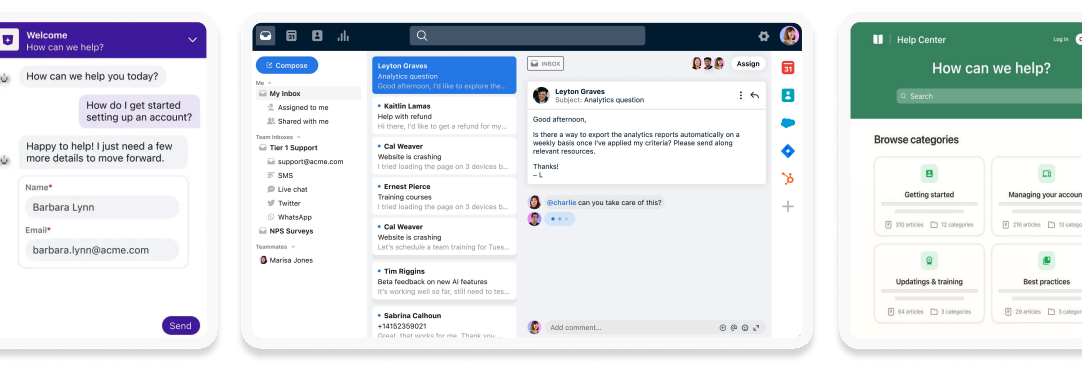
Best fit: support, success, operations and account teams that need to coordinate high-value customer correspondence across shared channels.
Front is a distinctive choice when the problem is less about replacing an AI agent and more about improving how people collaborate on customer communication. Its shared-inbox model can be useful for teams that handle complex, relationship-driven requests where assignment, internal collaboration and a clear response history matter.
That strength should be tested against the service capabilities the team may still need: ticketing discipline, self-service knowledge, robust automation, formal quality management and contact-center routing.
Look elsewhere if: your central need is autonomous service, a retail-specific order workflow or a broad CCaaS operation.
6. Help Scout — Best for Human, Email-Led Support
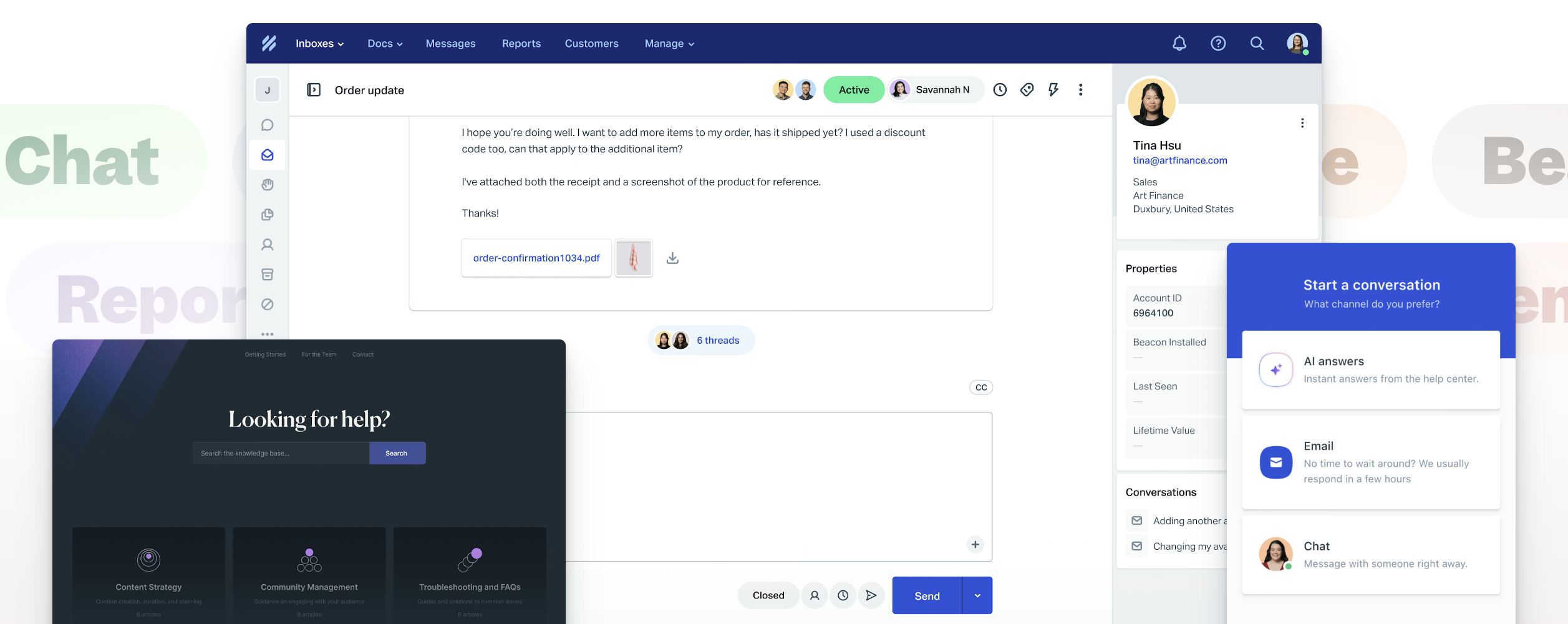
Best fit: customer-service teams that value a simple, approachable experience for human support and email-led conversations.
Help Scout can be a strong alternative when the team is deliberately moving away from a heavy or chat-centered service model. It is particularly relevant when the business wants staff to work from a clear support inbox with knowledge and customer context, without turning the platform into a complex enterprise transformation program.
Be explicit about the future state. If voice, advanced routing, substantial commerce automation or a large AI program is on the roadmap, confirm that Help Scout remains a fit as the service operation grows.
Look elsewhere if: you need an omnichannel contact center or sophisticated operational management from day one.
7. Freshdesk — Best for a Broad Help-Desk Path for Growing Teams
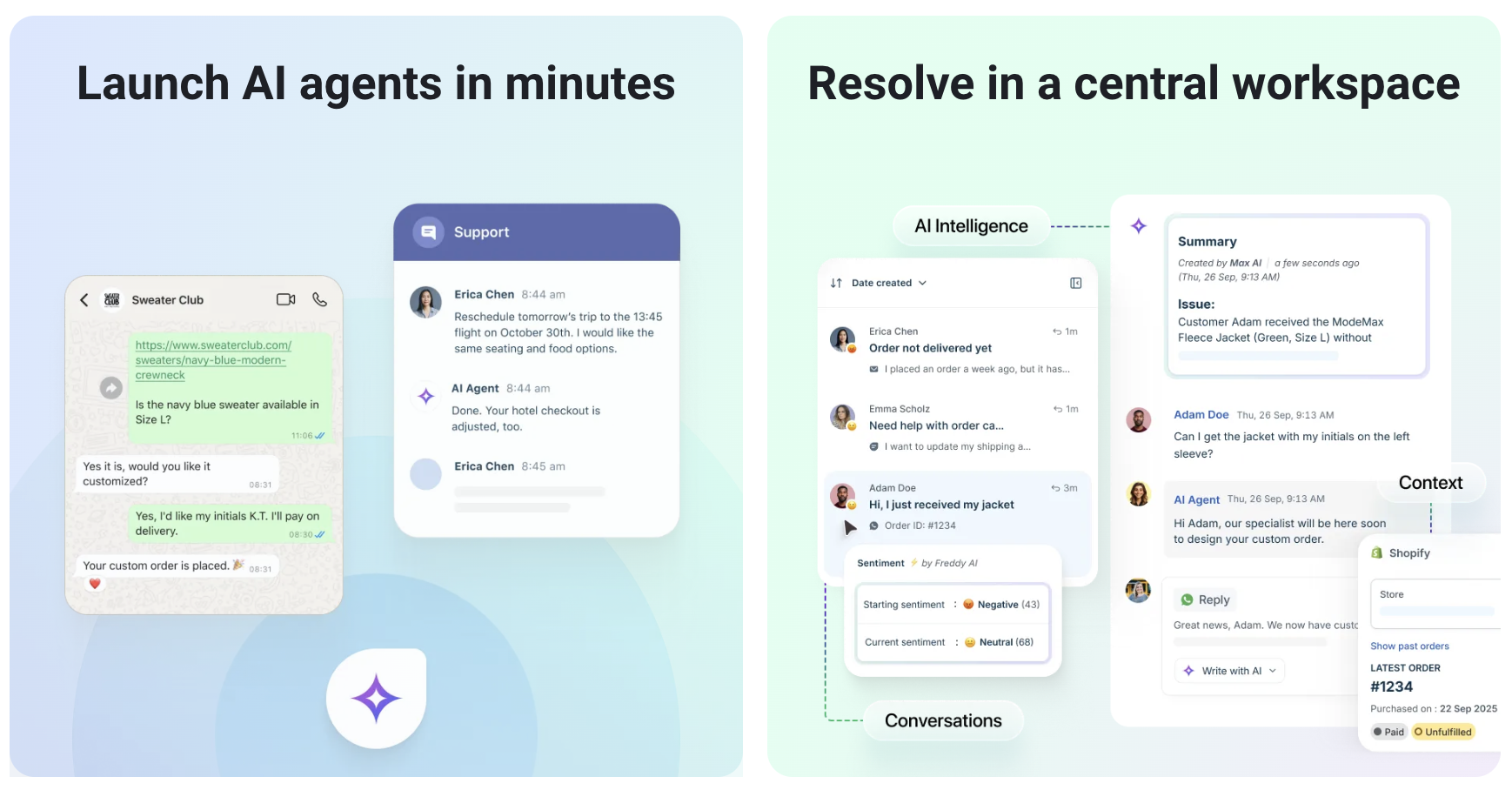
Best fit: small and mid-sized teams that need a service suite with room to add channels, workflows and AI assistance as the operation grows.
Freshdesk is a reasonable option for teams that want a recognizable help-desk model, accessible administration and a broader set of service capabilities than a single live-chat product. It can be especially relevant when the migration is about creating operational discipline without immediately adopting an enterprise contact-center platform.
Make the proposal concrete: which Freshworks products, channels, AI features and integrations are included? Product-family names alone do not describe the production workflow.
Look elsewhere if: the business requires specialized cross-border e-commerce workflows, deeply connected CRM service or sophisticated contact-center governance.
8. Tidio — Best for Simple Website-Led Support for Smaller Businesses
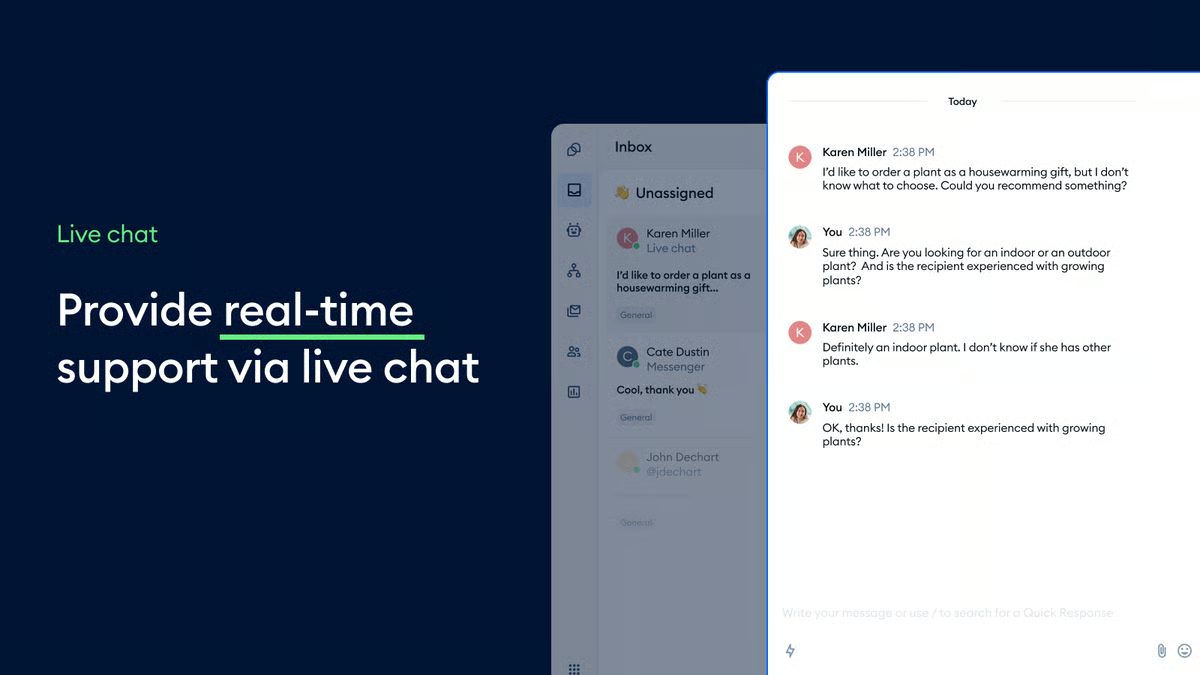
Best fit: smaller online businesses that want straightforward live chat and AI-assisted support without a complex service stack.
Tidio can make sense when the team’s central requirement is a manageable website-chat and FAQ experience. It is not intended to be a like-for-like answer to every Intercom deployment, and that is precisely why fit matters: a smaller team may value speed and simplicity more than a full workflow, reporting or contact-center layer.
Before migrating, test whether the platform can preserve the customer data, sales context and escalations that matter for the business. A simple solution is only a better solution if its limits are compatible with the next stage of growth.
Look elsewhere if: you need complex support operations, high-volume service governance or many regional channels.
How to Migrate from Intercom Without Losing Context
- Define the migration outcome. State the business problem and the customer journeys that must improve.
- Inventory data and integrations. Map conversations, contacts, tickets, knowledge, product data, order data, CRM records, identity and reporting dependencies.
- Clean the knowledge base. Remove outdated articles, assign content owners and define how new information is approved.
- Build one end-to-end workflow first. Include the customer entry point, AI behavior, human handoff, action log and quality review.
- Run a parallel pilot. Train a small agent group and compare quality, handoffs, repeat contacts and customer feedback with the existing process.
- Sequence the cutover. Move the least risky channels or customer groups first; do not switch all service entry points before reporting and escalation are proven.
The common failure mode is treating migration as data export plus a new widget. The harder work is rebuilding the service process: who owns the knowledge, how exceptions are handled, what agents see and what supervisors use to improve the operation.
Questions to Ask Every Vendor
- Can you show the exact customer, ticket, order or CRM context available to an agent after an AI handoff?
- What data is used by AI, who can approve it and how is a response reviewed or corrected?
- Which channels are native, which require an integration and which are available in our operating regions?
- What does the production configuration cost at our normal and peak interaction volumes?
- Which migration services, internal resources and training activities are required before go-live?
- How will we measure quality, repeat contacts, resolution and agent adoption during the pilot?
Run a Fair Shortlist Instead of a Feature Contest
Ask every vendor to respond to the same scenario pack. The pack should include one routine request, one exception that needs a human decision and one customer who moves between channels. State the source data that must be visible, the action that may be taken and the information the receiving agent must inherit. This prevents a polished generic demonstration from masking a weak production workflow.
Use future operators in the evaluation. An agent should test the customer history and handoff; a supervisor should test the queue, quality and reporting views; an administrator should test how knowledge and automation are approved; and IT should review integration, identity and data controls. The purchase committee needs evidence from the people who will run the system, not only a product scorecard prepared by the vendor.
Finally, record what each platform does not cover. A reasonable alternative can still require an additional tool, a workflow change or an implementation partner. The aim is not to eliminate every gap on day one. It is to choose the operating model whose remaining gaps are manageable, visible and economically justified.
Frequently Asked Questions
What is the best Intercom alternative?
The best alternative depends on the migration reason. Sobot is a strong option for omnichannel service, voice and e-commerce workflows; Zendesk for mature service operations; HubSpot Service Hub for CRM-centered teams; Gorgias for commerce-first support; Front for shared-inbox collaboration; Help Scout for human, email-led service; Freshdesk for growing help-desk teams; and Tidio for simple website-led support.
Is Zendesk better than Intercom?
Neither is universally better. Zendesk may fit teams that need a service suite with structured tickets, knowledge, operational workflows and a broad ecosystem. Intercom may remain a strong choice for digital, product-led engagement. Compare the customer journeys, channel needs and operating model before choosing.
What should I export before moving from Intercom?
At minimum, inventory customer and company data, conversations, tickets, tags, knowledge content, integrations, automation rules, reports and any data retention requirements. Decide which data must be migrated, archived or made accessible to agents after the move.
How do I compare AI costs between Intercom alternatives?
Use the same forecast for every vendor: agents, conversations, AI workload, messages, voice minutes, integrations, storage and implementation services. Then model normal and peak volumes. This makes different pricing structures comparable without relying on a headline plan price.
Should we migrate all support channels at once?
Usually not. Start with a lower-risk channel or well-defined customer group, prove the handoff and reporting process, then expand. The exception is a hard deadline such as a contract end date, where the plan should still preserve parallel testing for the riskiest workflows.
Evaluate Sobot as an Intercom Alternative
Map your channels, customer context and service workflows in a single omnichannel operating model.