What Should AI Agent Software Do for an SMB?
An AI agent uses business knowledge and connected tools to work toward an outcome. For example, it might identify a customer, look up an order, apply a return policy, and create a return request within its permissions. A useful evaluation therefore starts with the finished task and the person responsible for exceptions.
Three purchasing paths cover much of the market: customer-contact platforms, CRM-native agents, and cross-app automation. A company may need more than one, but its first purchase should address a recurring bottleneck with a clear owner.
The recommendations below are editorial assessments based on public product information and pricing, rather than a standardized hands-on benchmark. This guide is published by Sobot, which is included in the comparison.
Best AI Agent Software for Small and Medium Businesses at a Glance
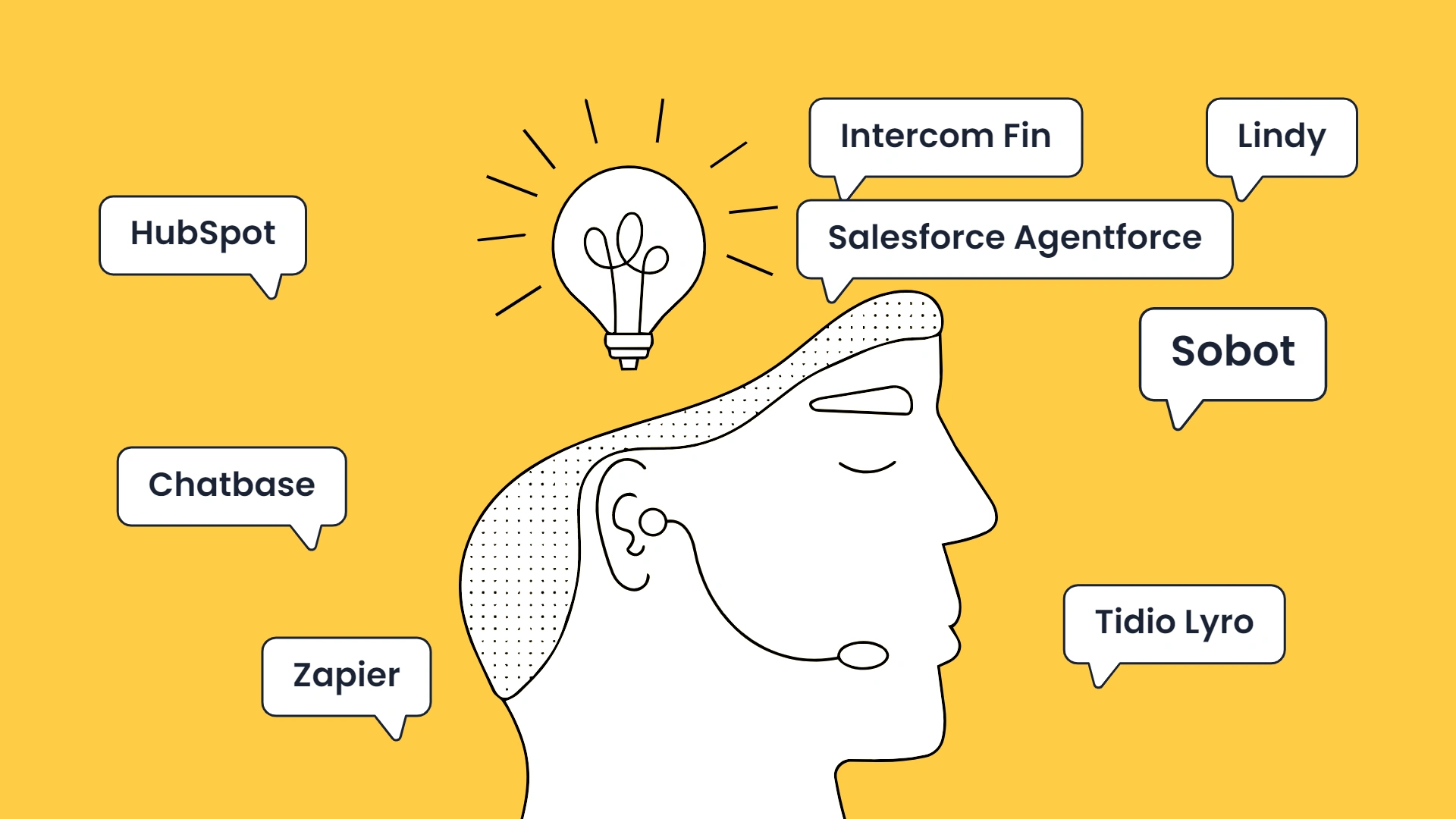
| Platform | Best for | Pricing entry point | Setup focus |
|---|---|---|---|
| Sobot AI Agents | Customer tasks across web and messaging | Team $39/month; Professional $149/month for custom tools/APIs | Knowledge, permitted actions, routing |
| HubSpot Agent Hub | Teams already using HubSpot CRM | Included in paid HubSpot editions; credits apply; Customer Agent requires Pro/Enterprise | CRM data and agent eligibility |
| Zapier | Work crossing several business apps | Task-based plans for AI by Zapier; confirm migration path | Triggers, tools, approval rules |
| Intercom Fin | Support teams retaining their helpdesk | From $0.99/Fin outcome; helpdesk seats extra when applicable | Content, external actions, handoff |
| Tidio Lyro | Small stores starting chat/email automation | Starter AI shown at $33/month, billed $390/year | FAQs and conversation allowance |
| Chatbase | Focused customer-facing agents | Basic $150 monthly or $120/month billed yearly | Sources, actions, procedures |
| Lindy | Inbox, meetings, and follow-up | From $49.99/active user/month with 5,000 credits | Accounts, routines, approvals |
| Salesforce Agentforce | Medium businesses already on Salesforce | $500/100,000 Flex Credits or $2/conversation | CRM permissions and process design |
Prices are in USD, checked November 25, 2026. These entry points cover different scopes and billing units. Annual equivalents, usage charges, required subscriptions, and implementation costs should be compared separately. Setup descriptions are editorial guidance, not measured deployment times.
How to Choose an AI Agent Your Team Can Run
Ask each vendor to demonstrate the same business process against these seven criteria:
Task completion: Can it finish your chosen workflow, including updating the correct system?
Integration depth: Does the connection support the exact read and write actions you need?
Knowledge maintenance: Who updates policies, removes stale information, and investigates conflicting answers?
Human control: Can you restrict actions, require review where needed, and transfer an unfinished task with context?
Channel continuity: Can a customer continue with a person without repeating the issue?
Operating effort: Can your designated owner inspect failures and change rules without a development project?
Full cost: What subscription, usage, seats, channels, and implementation charges apply to the tested workflow?
If a tool cannot demonstrate the required action, exception path, and operating cost, keep it in a limited pilot. An impressive answer to a sample question does not establish that it can run the process reliably.
The Best AI Agent Platforms by Business Need
Sobot AI Agents: Best for Omnichannel Customer Tasks
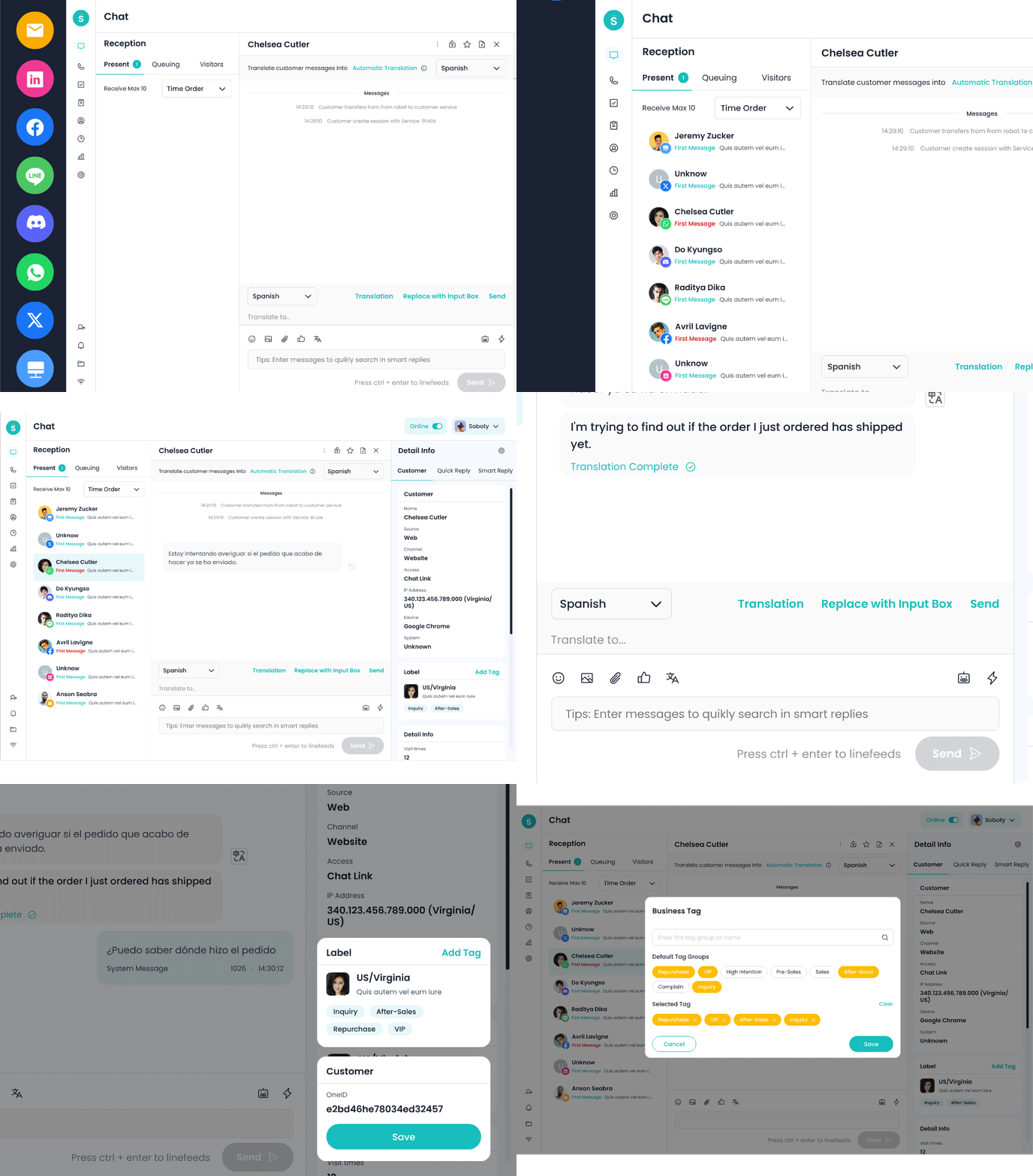
Sobot AI Agents is best for growing SMBs that need customer questions, connected business actions, and human escalation in one customer-contact operation. Sobot positions itself as The Agentic Customer Contact Platform, bringing together Agents, Nexus, and Experts.
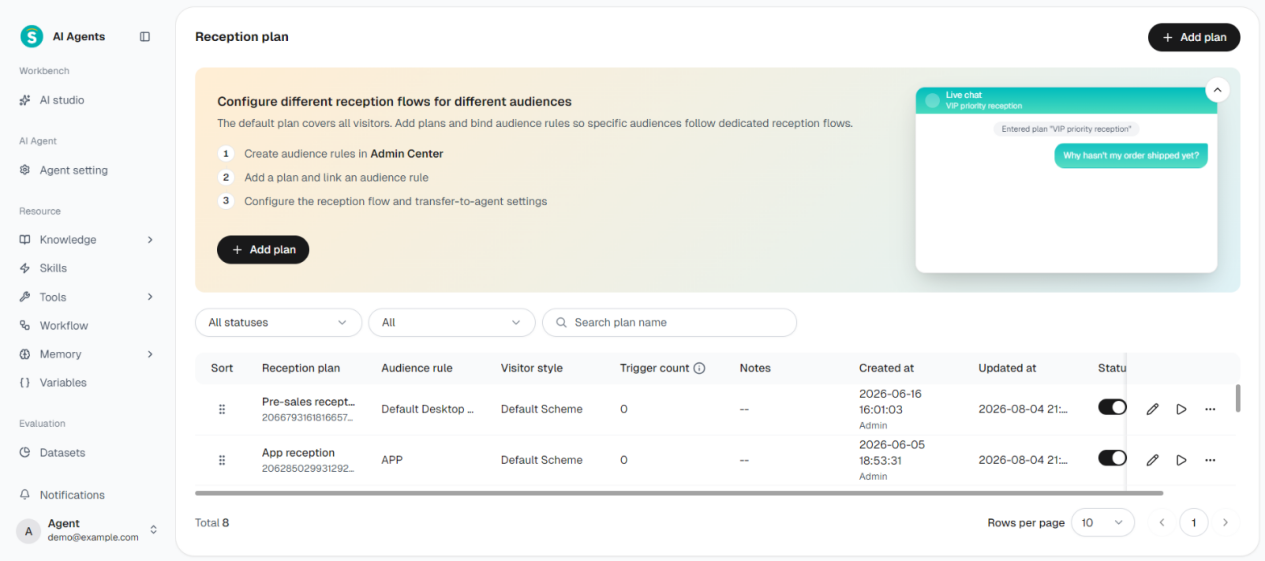
Sobot AI Agents combines retrieval-augmented generation, which grounds answers in business knowledge, with ReAct reasoning and tool use for permitted tasks. Its Resource Center organizes Knowledge, Skills, Workflows, Tools, Memory, and Variables. Connections to CRM, order, and ticketing systems depend on configured integrations and permissions.
For a retailer, a practical starting point is shipment lookup followed by ticket creation when delivery information is missing. Broader customer-contact needs can involve Nexus Omnichannel and Nexus for WhatsApp, with scope confirmed separately.
Pricing: Sobot’s current plans start at $39/month for Team with 50 resolutions. Professional is $149/month with 300 resolutions and custom tools/API capabilities. Enterprise is $499/month with 1,000 resolutions and features including task workflows and the Evaluation Center. Extra resolutions cost $0.98 each; human handoffs are free. Human-agent seats and voice deployments require separate scope checks.
Evidence: Sobot’s Renogy customer story reports a 45% increase in resolution rate and 95% CSAT from its omnichannel service deployment. Those are Renogy’s results from that deployment, not a benchmark for the current AI Agents product or an SMB forecast.
Strength: Customer-contact breadth plus a managed Build, Evaluate, Tune, and Observe loop. Trade-off: Connected actions, workflows, and evaluation capabilities sit in different tiers; a small team should scope its first use case before selecting a plan.
HubSpot Agent Hub: Best for HubSpot-Centered Teams
HubSpot Agent Hub is best for SMBs whose sales, marketing, and service processes already depend on HubSpot CRM. Its advantage is access to existing customer context, reducing the need to recreate that context in another platform.
Agent Hub brings together prebuilt agents and a custom Agent Builder. Useful starting points include preparing account information, supporting prospecting, and answering service inquiries from customer records.
Pricing: Agent Hub is included in Starter, Professional, and Enterprise editions, with credits used by many agents. The separate Customer Agent requires Professional or Enterprise and advertises messaging at $0.50 per resolution through HubSpot Credits. As one purchase path, Service Hub Professional starts at $90/seat/month billed annually, with a required $1,500 onboarding fee.
Strength: CRM context and coordinated go-to-market work. Trade-off: Entry-level CRM pricing does not describe the cost or eligibility of every agent; confirm the exact agent, edition, and credit allocation.
Zapier: Best for Cross-App Operations
Zapier is best for SMB operations teams connecting work across forms, email, spreadsheets, CRM, and collaboration apps. A suitable first workflow might classify a new inquiry, update a record, and notify its owner.
Zapier’s migration documentation says standalone Agents is moving into AI by Zapier inside the Zap editor. That combines agent reasoning and tool calls with conventional automation steps. Per-tool approvals and run history help operators control writes and investigate failures.
Pricing: The migrated experience uses task-based billing under Zapier’s plans. Model tier and tool calls affect consumption. Confirm your purchase path instead of treating a legacy Agents activity allowance as the current universal price.
Strength: Flexible coordination across an existing software stack. Trade-off: Migration changes some behavior and knowledge-source support. Test your specific sources and triggers; a cross-app workflow also needs a clear owner for retries and duplicate prevention.
Intercom Fin: Best for Keeping an Existing Helpdesk
Intercom Fin is best for support teams that want a dedicated customer-service agent while retaining a compatible helpdesk. It also fits teams choosing Intercom’s shared inbox and customer messaging together.
The official pricing page lists knowledge-based responses, actions in external systems, and handoff into the preferred inbox. Teams should test the action and escalation path against their actual support process.
Pricing: Fin starts at $0.99 per outcome. Standalone use with a current helpdesk requires no Intercom seats; using Intercom’s own helpdesk adds seat charges. Some channels have additional usage pricing.
Strength: A dedicated support agent with deployment options around an existing helpdesk. Trade-off: Calculate seats, outcomes, and channel usage together; confirm what counts as a billable outcome in your agreement.
Tidio Lyro: Best for Small Stores Starting with Chat and Email
Tidio Lyro is best for smaller online stores starting with routine chat and email questions before expanding automation. It offers a manageable starting scope when the immediate problem is repetitive customer inquiries.
Tidio’s AI plans combine Lyro and human service within conversation allowances. Starter includes chat and email automation, product recommendations, and limited Smart Actions and MCP tools. Growth adds native Shopify actions and more routing capabilities.
Pricing: Starter AI is displayed at $33/month billed annually, with an actual annual charge of $390 and 50 AI plus human conversations. Growth AI starts at a displayed $63/month billed annually at $750, with 100 conversations.
Strength: A narrow starting point for store support. Trade-off: AI and human conversations share the allowance; evaluate a realistic busy month and the tier needed for your order actions.
Chatbase: Best for a Focused Customer-Facing Agent
Chatbase is best for small teams building a focused customer-facing agent around company content and defined actions. It is relevant when the agent itself is the purchase priority.
Chatbase Basic includes Actions and Procedures, MCP, API access, a helpdesk inbox, and voice. Procedures help describe how a task should run, while connected actions provide access to business systems.
Pricing: Basic is $150 monthly or $120/month billed yearly, with 4,000 monthly message credits and unlimited members. Auto-recharge credits are listed at $40 per 1,000 credits.
Strength: Agent configuration and a human support inbox in one offering. Trade-off: Message credits are a different unit from completed resolutions. Test model consumption and the number of exchanges needed to finish a real request before projecting costs.
Lindy: Best for Inbox and Meeting Administration
Lindy is best for owners and small teams spending too much time on inbox management, meetings, and follow-up. It is a practical candidate for administrative work with a named reviewer.
Lindy’s current offering includes scheduled routines, meeting notes, inbox management, connected tools, and built-in approvals. A useful pilot is turning meeting notes into draft follow-ups and proposed record updates.
Pricing: Every active user is billed from $49.99/month for 5,000 credits, pooled across the workspace. Additional credits can be purchased; task complexity affects consumption.
Strength: Everyday administrative tasks in a shared workspace. Trade-off: Count all active users and test deeper tasks before choosing a credit level. A low starting seat price does not establish the monthly cost of recurring research or reporting.
Salesforce Agentforce: Best for Established Salesforce Users
Salesforce Agentforce is best for medium businesses already operating substantial sales or service processes in Salesforce. Existing CRM data and well-defined business processes make it more relevant than company size alone.
The platform supports customer-facing and employee-facing agents, with Agentforce Builder and other tools listed under Salesforce Foundations. Evaluate it around a specific CRM task and the permissions that task requires.
Pricing: Salesforce lists $500 per 100,000 Flex Credits or $2 per conversation as consumption options. Underlying products, eligibility, implementation, and any additional services need to be confirmed for the deployment.
Strength: A natural evaluation path for Salesforce-centered operations. Trade-off: An SMB without that existing investment should model the entire platform purchase and administration effort before comparing an advertised agent usage price.
Run a Pilot Around One Finished Task
Choose a process with repeat volume, usable source material, and a clear exception owner. Shipment inquiries, lead routing, or meeting follow-up are reasonable candidates. Write down the trigger, allowed actions, definition of completion, and handoff condition before configuration begins.
Use the same representative cases for each shortlisted tool. Include missing data, contradictory instructions, an unavailable integration, and a request outside policy. Track completed tasks, corrections, reopened cases, staff review time, and total usage cost.
For customer service, count a request as completed only after checking that the customer received a useful result. For internal work, verify the downstream record and owner. Expand scope once the operator can explain failures and improve the workflow consistently.
Conclusion
The best AI agent for an SMB is the one that finishes valuable work within a process the team can maintain. Start with customer-contact software when service volume is the bottleneck, CRM-native agents when customer records drive the work, and cross-app automation when the task crosses multiple systems.
Sobot AI Agents is a strong shortlist choice for growing teams connecting customer knowledge, business actions, and human service. HubSpot and Salesforce fit their respective CRM ecosystems; Zapier and Lindy address different operational workloads. Fin, Tidio, and Chatbase provide additional support-focused options. Explore Sobot AI Agents and bring one real workflow to a demo or trial so you can evaluate answers, actions, handoffs, and operating effort together.
Frequently Asked Questions
Which AI agent should a small business choose first?
Choose the tool that addresses the most frequent, well-defined bottleneck. Sobot fits multichannel customer tasks, HubSpot fits HubSpot-based customer workflows, and Zapier fits cross-app operations; validate the choice with representative cases.
Can an SMB start with a budget below $100 per month?
Yes, for a limited scope. Sobot Team starts at $39/month and Tidio advertises an annually billed Starter AI option below $100/month, but allowances and action capabilities differ. Budget for the features your workflow actually needs.
How much does AI agent software cost beyond its subscription?
Potential charges include usage, human seats, channel fees, implementation, and maintenance. Compare cost per verified completed task alongside the monthly bill, because a credit, message, conversation, and resolution are different units.
Is Sobot an alternative to Intercom Fin?
Yes, when evaluating customer-service automation. Compare Sobot’s customer-contact scope and plan requirements with Fin’s compatible-helpdesk deployment, then test the same actions and human escalation process in each.
Which AI agents support WhatsApp for businesses in Singapore?
Sobot supports WhatsApp through its customer-contact offering, while HubSpot Customer Agent also lists WhatsApp support. Verify your plan, integration scope, human handoff, and current messaging charges before deployment.
Do small businesses need a developer to use AI agents?
Basic knowledge-based agents and common workflows can often be configured without one. Custom authentication, write actions, unusual business systems, and complex exception handling may still require technical help and ongoing ownership.