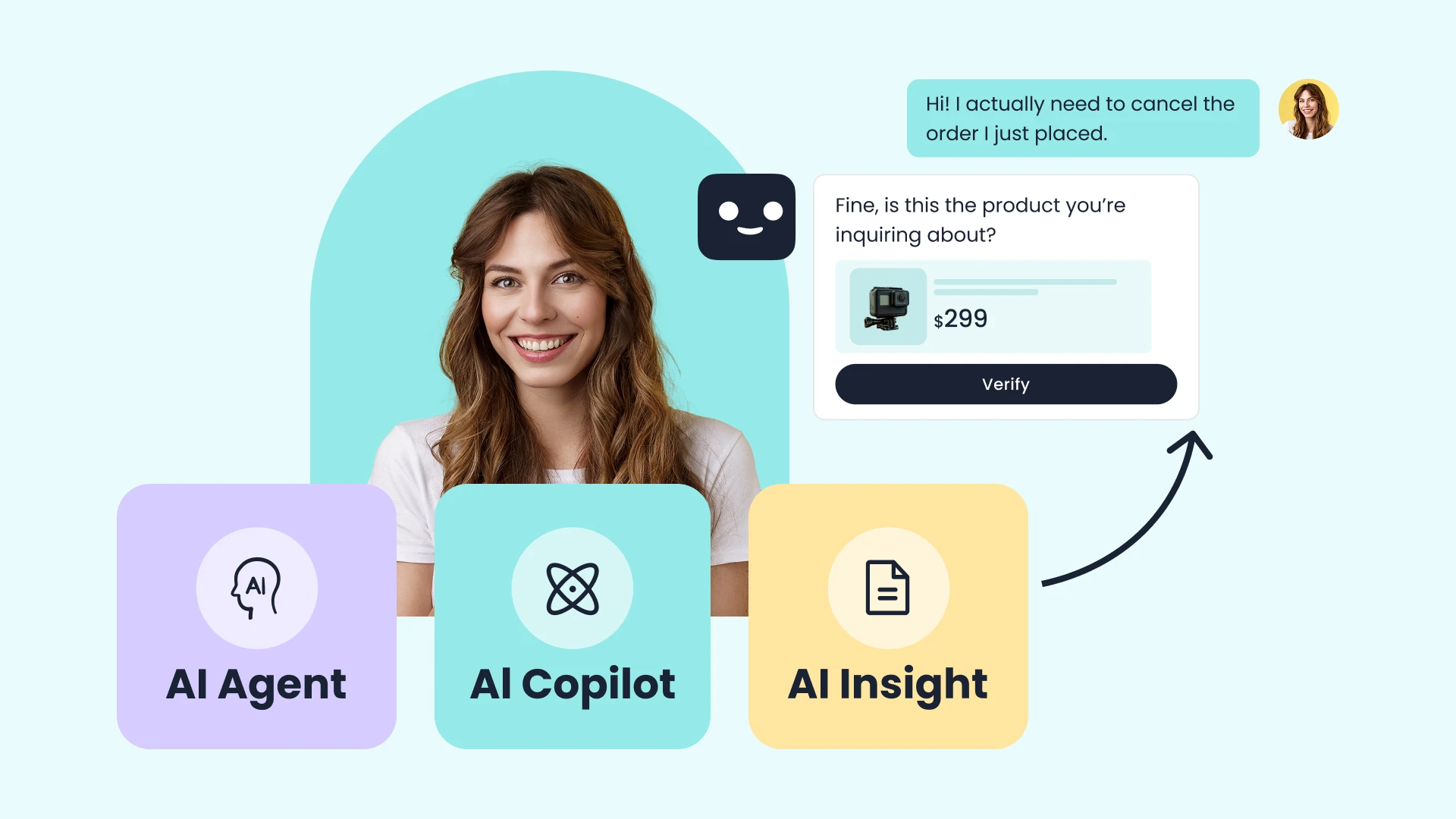
AI Agent guardrails for customer service are the rules that tell an AI Agent when it can act, what it’s allowed to do, and what it must verify before it tells the customer the job is done.
Set those rules for each task your team wants to automate. Decide what should happen if the AI Agent can’t proceed. It might need to ask the customer for more information, switch to another workflow, or hand the conversation to a human agent.
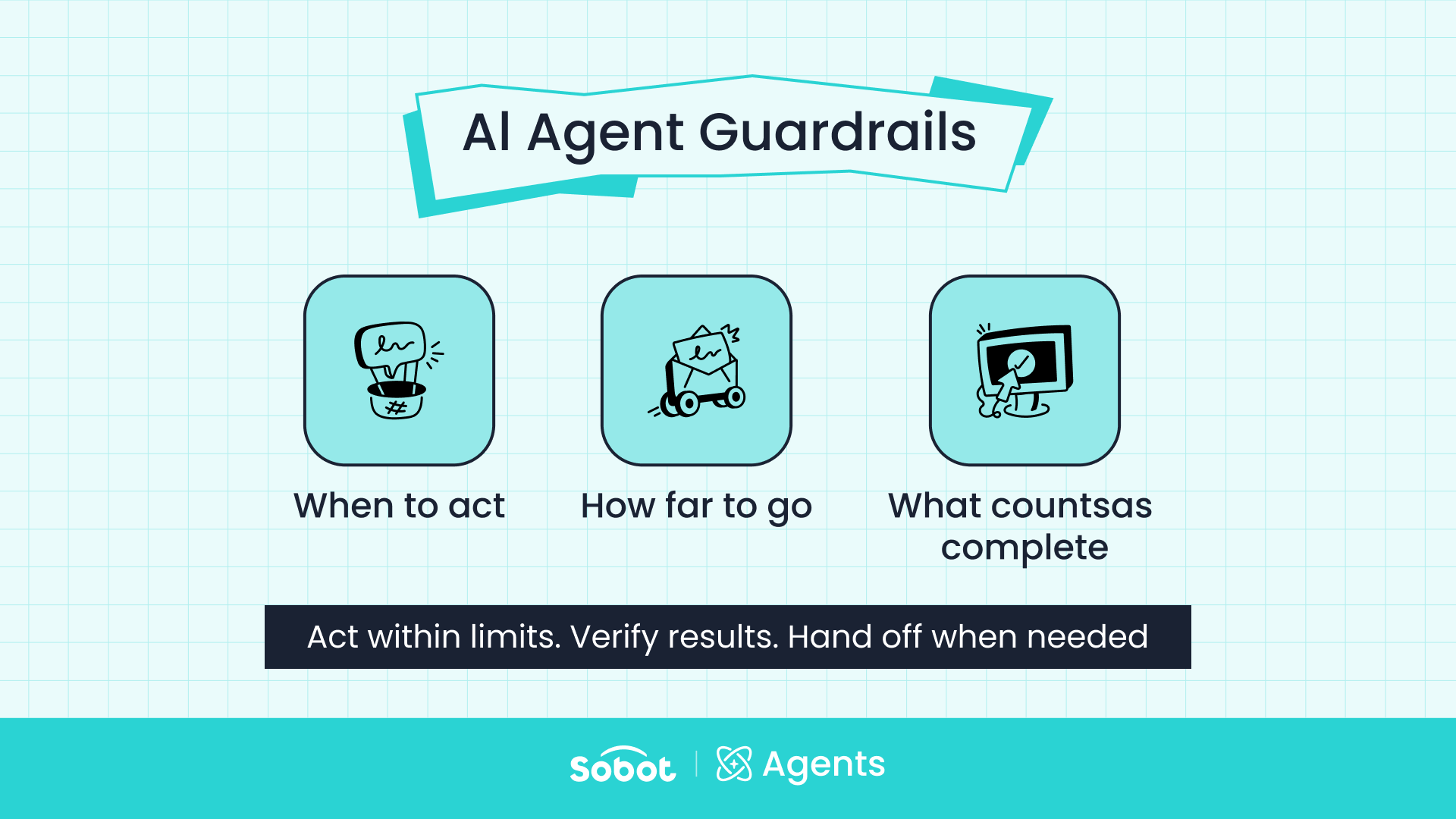
What Should AI Agent Guardrails for Customer Service Cover?
When Can the AI Agent Proceed?
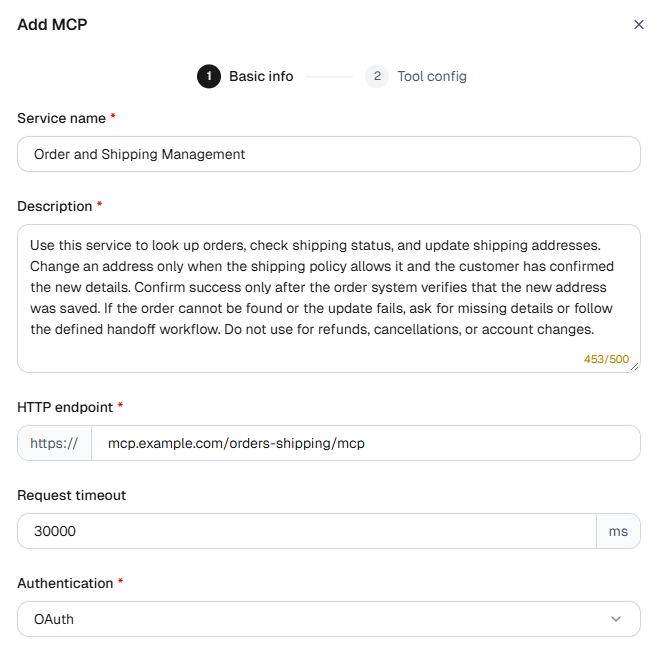
Decide what the AI Agent needs to know before it can act. For a shipping address change, it needs to find the right order and check whether the delivery status still allows an update under your shipping policy. If it can’t find the order, it needs to ask for enough information to locate it before it can move forward.
What Is the AI Agent Allowed to Do?
Set permissions for each action. Looking up an order requires read access. Changing its shipping address also requires permission to edit the order. Specify which information it can read, which records it can change, and which actions require customer confirmation, identity verification, or a human agent.
How Does the AI Agent Know the Job Is Done?
Decide what the AI Agent needs to see before it can confirm a result. For an address change, wait for the order system to confirm that it saved the new address. If the update fails, the AI Agent should tell the customer what happened and follow the next step your team has set for that situation.
How Do AI Agents Apply Guardrails in Customer Service?
The guardrails you set determine what the AI Agent does next. The examples below show how three rules work in Sobot AI Agents.
Complete Eligible Requests on the Spot
When a request meets your policy and the AI Agent has the details and permissions it needs, it can complete the task in the same conversation. It confirms the result once the system reports success. For example, it can update a shipping address as soon as it confirms the order is eligible and collects the new delivery details.
Verify Before Taking Sensitive Actions
Pause any action that requires verification until the customer passes the required check. For example, an AI Agent can send a code to the phone number linked to an account and wait for successful verification before unlocking the account. If verification fails, the account stays locked and a human agent can review the case if needed.
Switch Workflows When the First Approach Fails
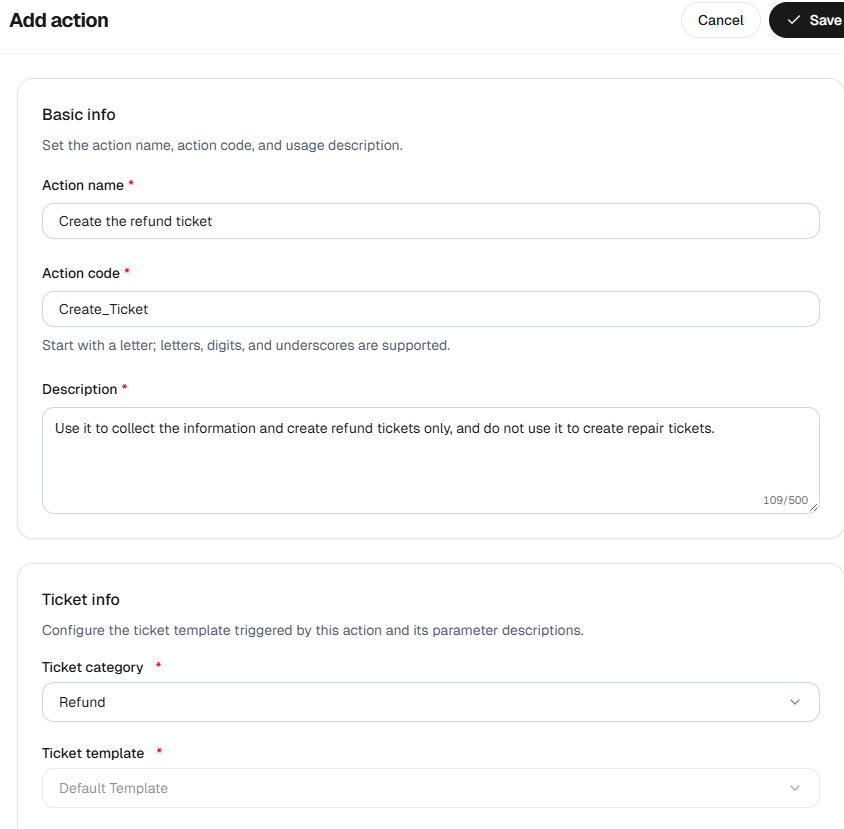
If the current workflow can’t resolve the issue, the AI Agent should move to the next workflow your team has defined. For example, if troubleshooting doesn’t fix the problem, it can switch to a repair workflow and open a ticket once the customer confirms the required details.
How to Set Up, Test, and Monitor Guardrails in Sobot AI Agents
In Sobot AI Agents, you can use a conversational builder to define what the AI Agent should handle, connect it to the systems it needs, and test its behavior before launch.
Define the AI Agent’s Role
Describe the work you want the AI Agent to handle. You might ask for an AI Agent that answers product questions and helps customers troubleshoot issues. The builder asks whether it will speak directly with customers or assist the support team. It also asks about your support process, the knowledge base and systems the AI Agent will need, and when it should hand a conversation to a human agent.
Give the AI Agent Access to the Right Systems
Assign the Knowledge, Workflows, and Skills the AI Agent needs. You can use the Model Context Protocol (MCP) to connect Sobot AI Agents to business systems for orders, shipping, memberships, accounts, and tickets. Set permissions for what the AI Agent can read or change. For example, an AI Agent can read the shipping status to check whether an update is allowed and use the order system’s response to confirm that the update went through.
Test What Happens When a Request Can’t Go Through
Before launch, use the evaluation tools to test a request from start to finish. Then try cases where the AI Agent should pause or stop.
The order lookup finds no match. Check that the AI Agent pauses the address change and asks for the details it needs to find the order.
The customer fails identity verification. Check that the AI Agent leaves the account locked.
A system call fails. Check that the AI Agent follows the rules for handling the error and tells the customer the actual status.
Review Where the AI Agent Gets Stuck
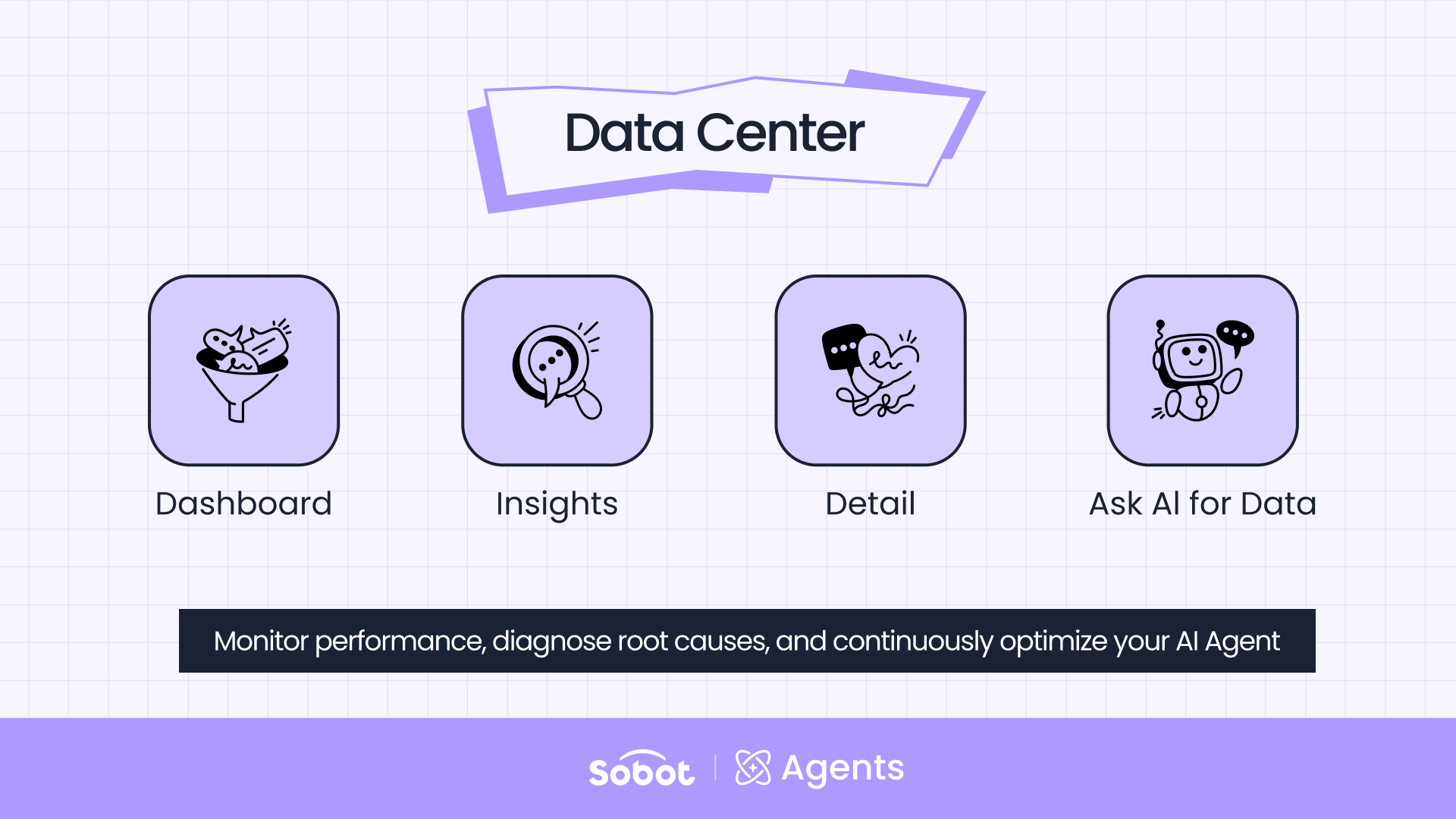
After launch, use conversation records and analytics to see which tasks the AI Agent completes on its own and which ones often need a human agent. When requests stall at the same step, review those conversations to see what information was missing, which action failed, or whether the handoff rules need to be clearer.
Start with one task that has clear rules, manageable risk, and a result your team can verify. Once an AI Agent for customer service handles that task reliably, test more complex requests that involve additional checks or handoffs. Book a demo to see how to set up a workflow in Sobot AI Agents.
FAQs
Can an AI Agent change a shipping address after an order has shipped?
An AI Agent can change the shipping address if the business’s policy still allows an update and the AI Agent has permission to make it. It should confirm the change after the order system reports that the update succeeded.
When should an AI Agent hand an account recovery request to a human agent?
The AI Agent should leave the account locked if identity verification fails. It should hand the case to a human agent when the recovery rules call for further review.
What should an AI Agent tell the customer if an action fails?
The AI Agent should say whether the action went through and explain what happens next. For example, if the order system can’t save a new shipping address, the AI Agent should tell the customer the address hasn’t changed and follow the support team’s rules for that situation.
What should a support team test before launching an AI Agent?
Test a request the AI Agent should complete, then test cases where it should ask for more details, stop an action, or hand off to a human agent. Check what the AI Agent does in the connected system and what it tells the customer.