The latest Sobot AI Agents update, released on October 27, 2026, takes the AI Agent further in three directions: finishing real business tasks on its own, proving itself before launch, and improving from live conversations after launch.
- More complete task execution. The AI Agent can now carry a task further on its own, from reading the files customers send to completing the action in your business systems. Image and file parsing, Markdown knowledge uploads, multi-level action parameters, and OAuth for MCP close the gaps where tasks used to stall.
- Deeper pre-launch evaluation. Evaluation now goes beyond a pass rate. You can choose the model for each use case, test the same scenarios in different languages, see how often the AI Agent uses its resources or hands off to a human, and export the results for review.
- More continuous optimization. Customer questions are now sorted into your own business scenarios, and questions that don’t fit any scenario become suggestions for new ones. Live conversations turn into an ongoing list of what to improve next.
The update is rolling out gradually from October 27, so availability may vary slightly by account.
More Complete Task Execution
Most tasks don’t fail because the AI Agent misunderstands the customer. They fail at a specific business step. The AI Agent can’t read the information the customer sent, can’t find the rule that applies, can’t pass complex data to the API, or isn’t authorized to call an external system. The four updates below close those gaps one by one, from reading what the customer sends to completing the action.
Image and File Parsing: Use What Customers Already Sent
The AI Agent can now read PDF, Word, and Excel files, as well as PNG, JPG, and JPEG images. You can also set parsing requirements that tell it which fields matter in each scenario:
- Pre-sales: product type, brand, model, and specifications
- After-sales: product model, serial number, purchase date, and fault details
- Orders: order number, items, and quantity
Before this update, the AI Agent could only read images with a generic prompt. It couldn’t read files such as PDF, Word, or Excel, and it couldn’t extract the details the business actually needs. Customers who had already uploaded a contract, order, or warranty card might still be asked to type in the order number, product model, and purchase date again. Now the AI Agent pulls out what the business needs and asks only for what’s actually missing. That means less back-and-forth and fewer copying errors.
File parsing covers getting the information. What happens next, such as looking up an order, checking warranty status, or creating a ticket, still depends on the knowledge, actions, MCP connections, or Workflows you’ve configured.
Markdown Knowledge Uploads: Keep Your Docs as They Are
You can now upload Markdown (.md) files directly to the knowledge base.
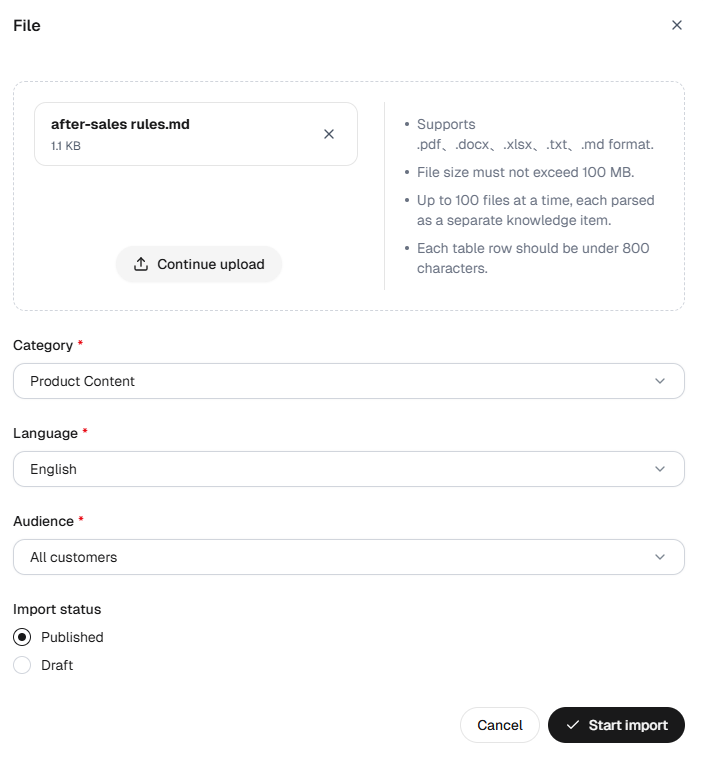
Technical documentation, help center content, API references, and README files are often written in Markdown. Previously, they had to be converted to Word or PDF first. That added a manual step, and heading levels could get lost along the way, which affected how knowledge was split into chunks and retrieved. Uploading Markdown as-is keeps the section structure intact, so the AI Agent has clearer context when it looks up an answer.
Customers won’t notice this change directly, but it makes knowledge easier to prepare and maintain. Consumer electronics, smart hardware, and software companies with large volumes of product guides, troubleshooting manuals, and developer docs will benefit most.
Multi-Level Action Parameters: Match Your Real API Structure
Action parameters now support String, Number, Integer, Boolean, Object, and Array types, with up to five levels of nesting. You can configure request and response parameters to mirror the API’s actual structure.
This matters because real APIs are rarely flat. A repair ticket may combine customer, product, fault, and attachment details. An order may include several items, quantities, and a detailed shipping address. Previously, parameters could only be listed at a single level, and nested objects or item lists had to be explained in the parameter descriptions. The LLM could then put a field in the wrong place, leave out a sub-field, or read the wrong value from the response.
With nested parameters, the AI Agent knows not only what information an API needs, but also how the pieces relate and where each one goes. It also finds results in complex responses, such as order status, tracking details, or a ticket number, more accurately.
Existing actions keep passing parameters as String and aren’t affected. For new actions, or complex ones you’re reworking, nested parameters significantly cut errors caused by unclear API structures.
OAuth for MCP: Connect External Tools with Proper Authorization
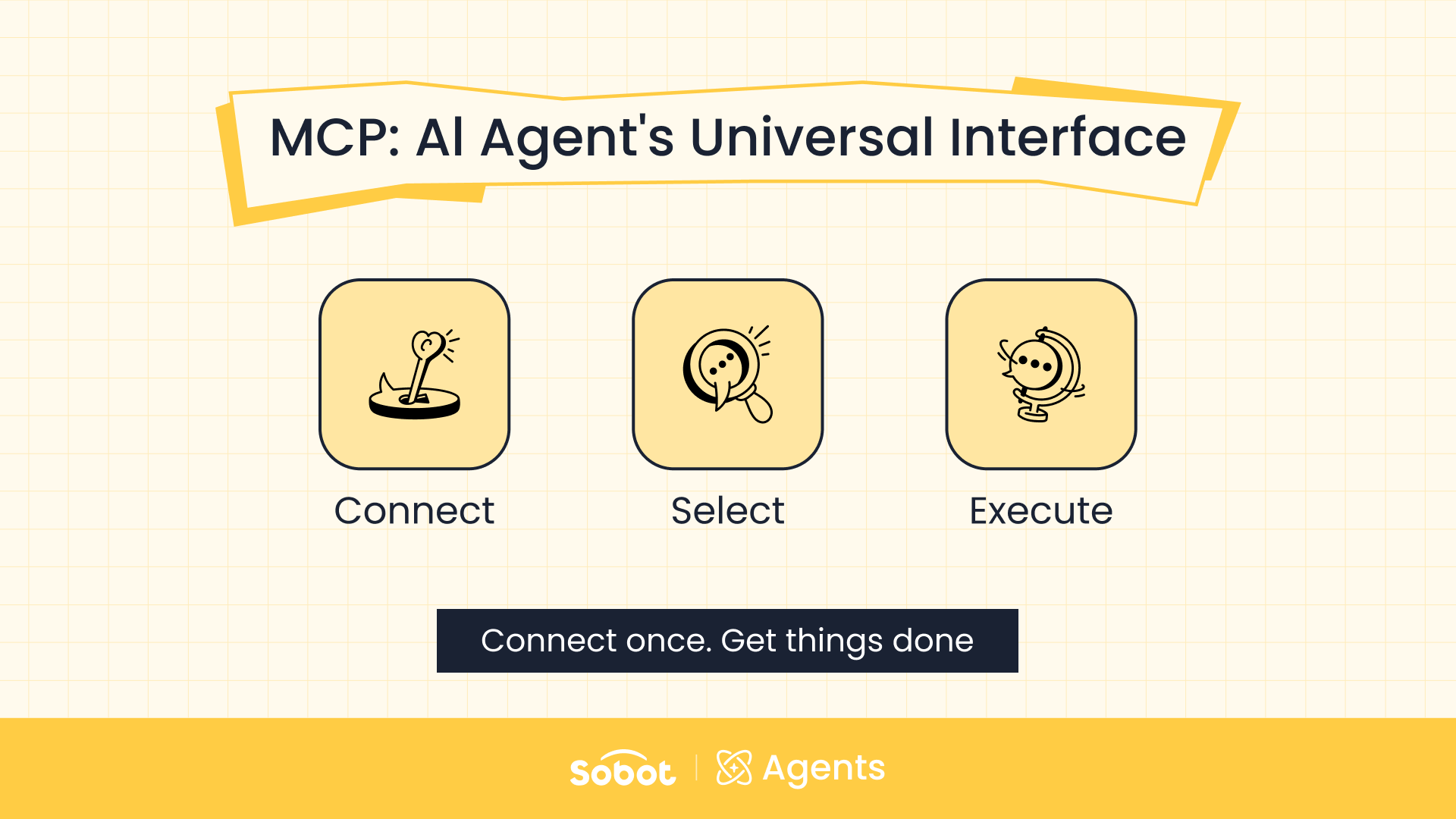
MCP connections now support OAuth, in addition to no authentication and custom headers.
To connect, an operator enters the service URL and clicks to authorize. The system handles authorization server discovery and client registration, then opens the third party’s page. The user signs in there, grants permissions, and returns to Sobot, where the system verifies the connection and discovers the available tools. Nobody has to enter a Client ID, Client Secret, or long-lived token by hand.
Previously, admins had to obtain static tokens, copy them in, and replace them manually. When a token expired or was revoked, tool calls could suddenly fail. Remote MCP services that accept only OAuth couldn’t be connected at all. With OAuth, the AI Agent calls external tools under an authorized identity, which opens up more remote MCP services for real use.
OAuth doesn’t make every system a one-click connection. The third party must already offer a remote MCP service that supports the relevant OAuth standards. Services that don’t support auto-discovery, require a pre-registered client, or sit behind your own gateway can keep using custom headers.
Together, these four changes take a task from the customer’s request, through your knowledge and systems, to a completed action.
Deeper Pre-Launch Evaluation
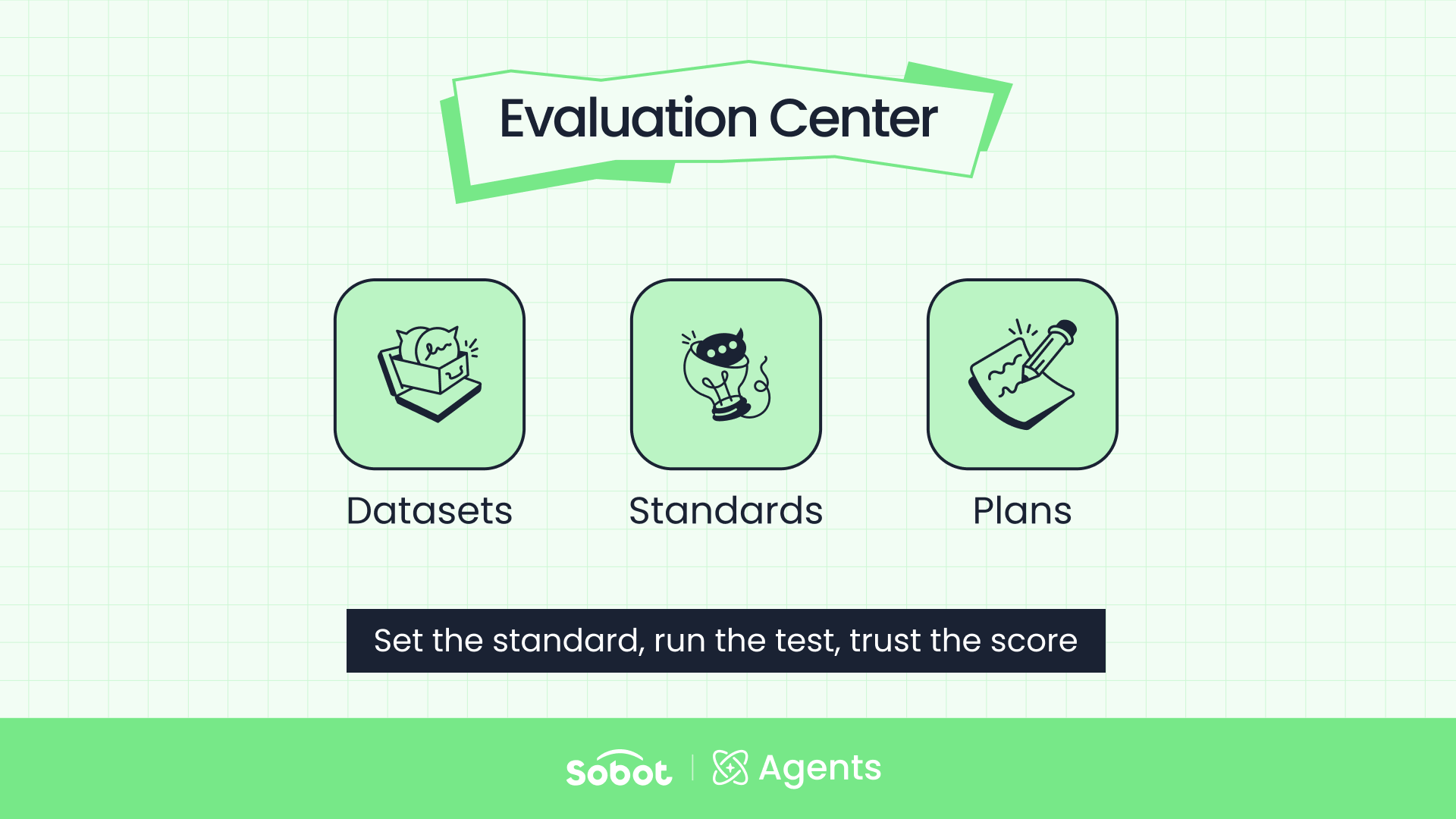
Completing a task once doesn’t mean the AI Agent is ready to go live. Before launch, you need to know whether it performs consistently across channels, languages, and task types, and when it fails, why. Three updates make evaluation more thorough.
Model Selection: Balance Speed and Accuracy by Use Case
You can now choose between a Fast model, which responds more quickly, and a Precise model, which gives more accurate answers but responds a little more slowly.
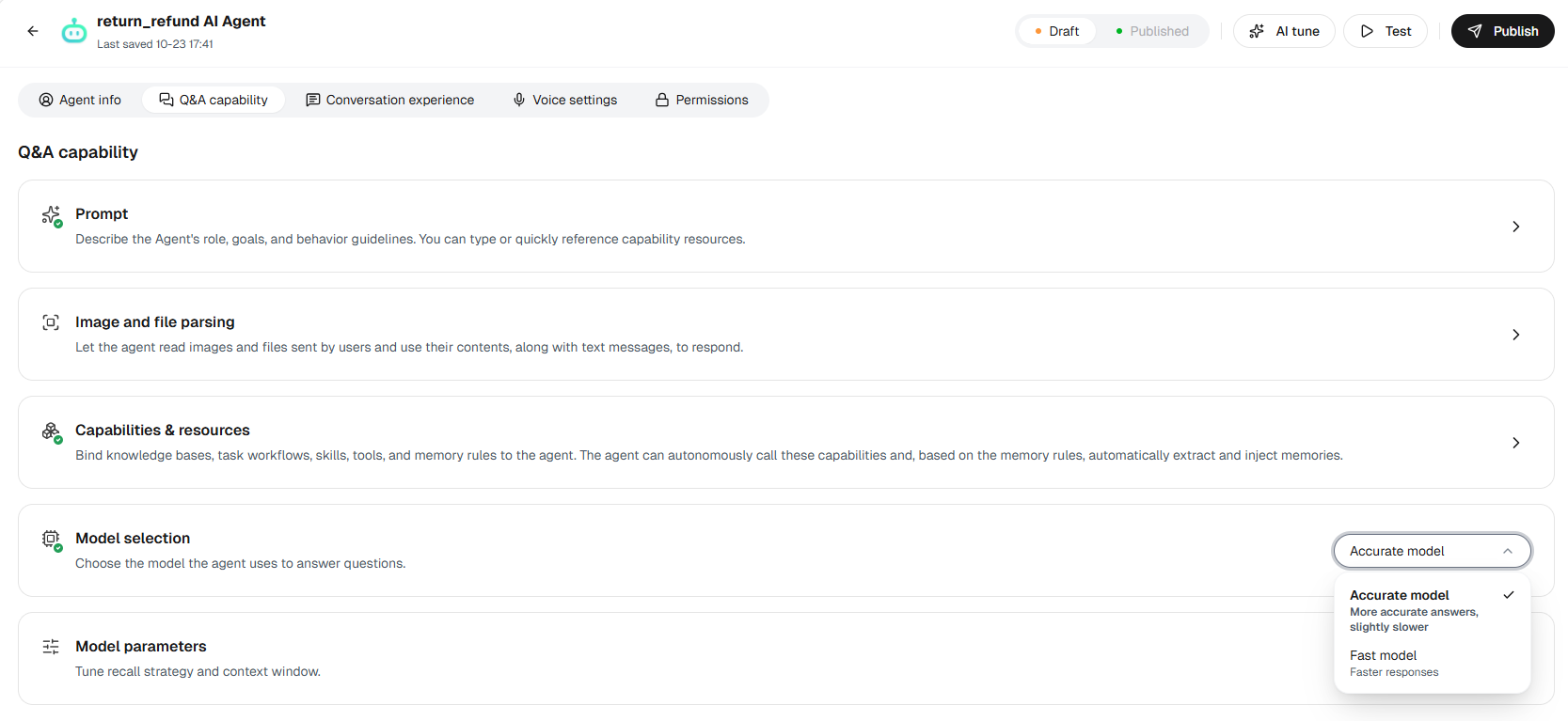
Previously, every AI Agent answered with the same underlying LLM. But needs differ by channel. Real-time calls depend on speed, while online chat and tickets can tolerate a short wait in exchange for accuracy on complex questions. The question isn’t which model is better, but which one fits the job: speed for real-time tasks, accuracy for complex inquiries and multi-step reasoning.
Multilingual Evaluation: Test the Same Scenario in Every Language You Support
Each evaluation entry can now have its own language, and a single dataset can mix several languages. Sobot offers 25 preset languages. In multi-turn evaluations, the simulated customer keeps using the entry’s language throughout the conversation, rather than asking one isolated question.
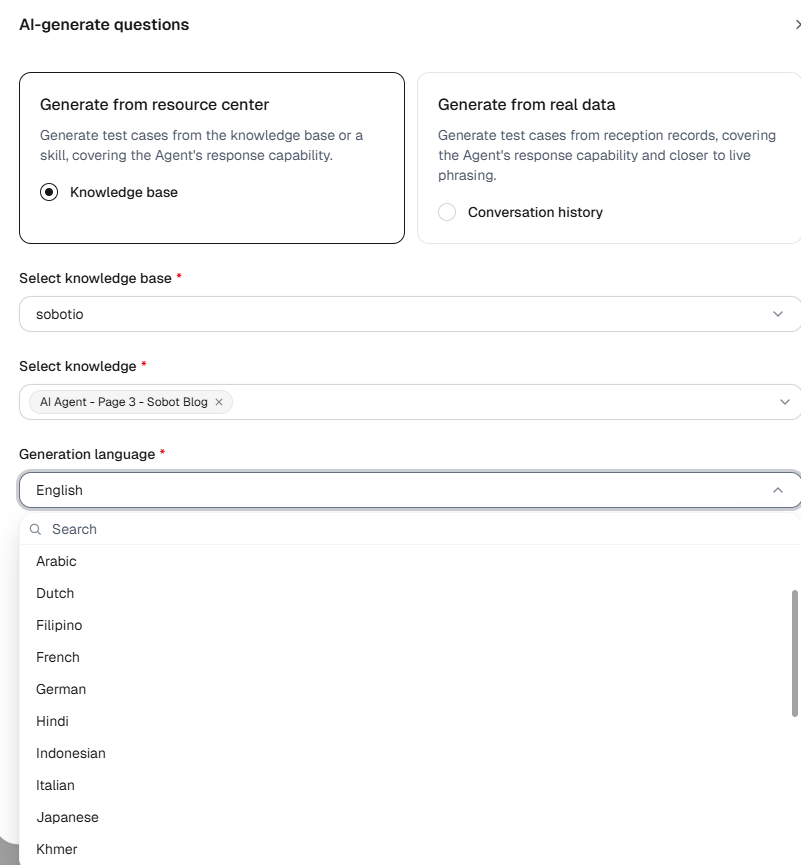
For companies serving customers around the world, an AI Agent that answers well in English isn’t necessarily as reliable in Japanese, Thai, or Spanish. Previously, evaluation data had no language attribute, and you couldn’t control which language the simulated customer used, so multilingual support could only be judged in general terms. Now you can compare how the same business scenario performs language by language.
The language field only sets the test conditions. It doesn’t translate questions or force the AI Agent to reply in a given language. How the AI Agent responds still depends on its own configuration and capabilities.
Evaluation Reports: See Why the AI Agent Passes or Fails
Evaluation reports now include two new metrics alongside the pass count and pass rate:
| Metric | What it measures |
|---|---|
| Resource adoption rate | The share of entries where the reply actually used configured resources such as knowledge, Q&A pairs, Skills, or Workflows |
| Human handoff rate | The share of entries that triggered a handoff to a human agent. In multi-turn evaluations, an entry counts if any turn triggers a handoff |
Pass rates alone show overall performance. They don’t show whether the AI Agent actually used the resources you configured, which questions led to a handoff, or which of hundreds of results need a closer look. The new metrics fill that gap, but they should be read together.
A high adoption rate doesn’t guarantee a correct answer, and a lower handoff rate isn’t always better. High-risk tasks such as refund approvals and account security should go to a person anyway. What matters is whether the Agent used resources when it should have, handed off promptly when it needed to, and kept the tasks it could handle on its own.
Entry details also get question search and a manual review filter, and the full evaluation plan can be exported as an XLSX report. Operators can combine filters such as failed, unreviewed, and keyword to find the entries that need attention, then share the results with product, operations, and business teams.
Evaluation now points to a fix, not just a score: add knowledge, change a workflow, adjust the configuration, or redraw where human handoff begins.
More Continuous Optimization
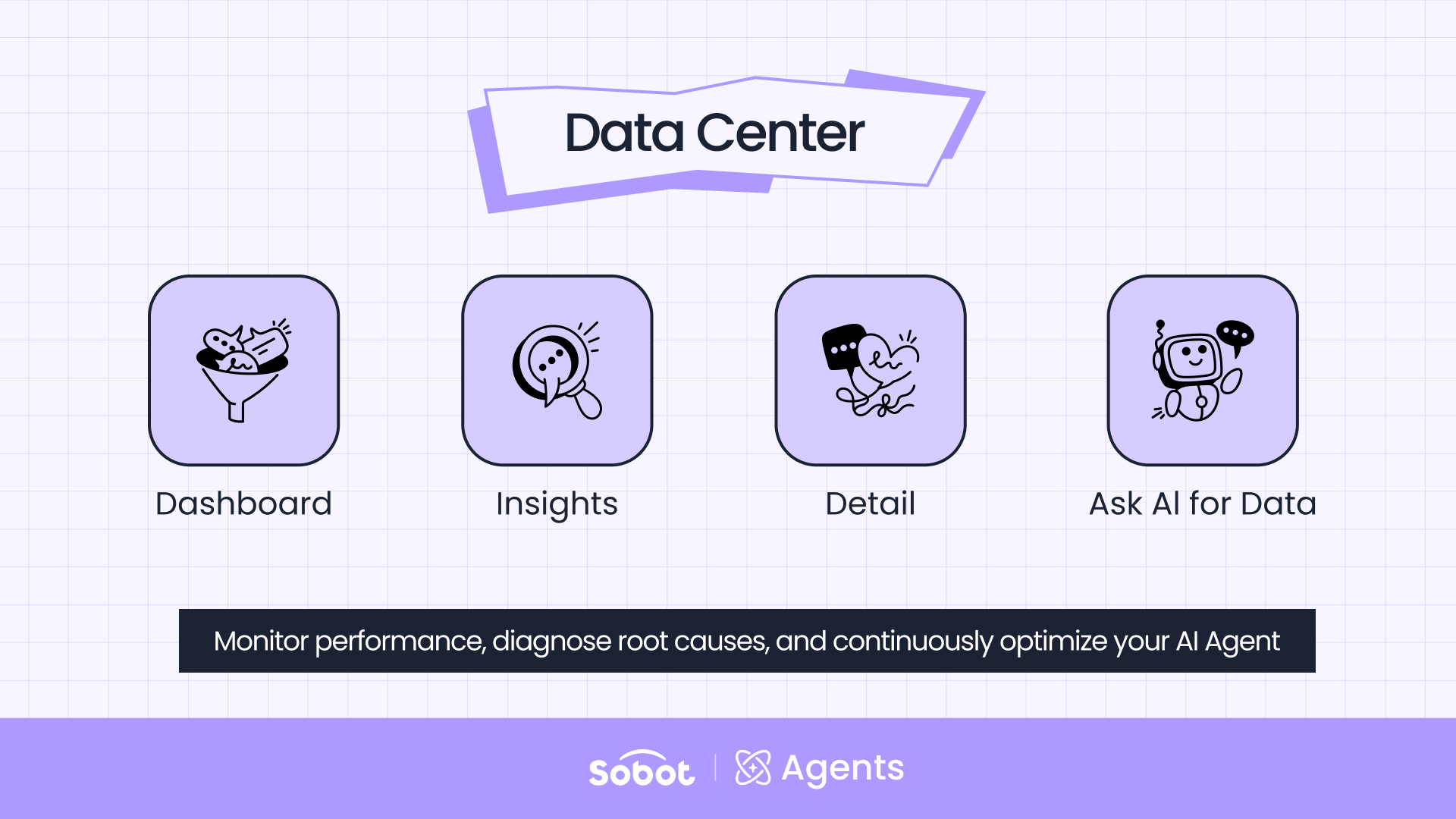
Pre-launch evaluation only covers problems you already know about. Products, policies, and the way customers phrase things keep changing, so a live AI Agent will always meet questions that the knowledge base and test data don’t cover yet. The Data Center now makes those questions visible and turns them into next steps.
Scenario-Based Question Clustering: Organize Questions Your Way
Customer question clustering now groups conversations by business scenario instead of algorithm-generated topics. You can import your own scenario base with up to three levels, for example “After-Sales Service > Repairs > Base Station Won’t Start.” When a conversation ends, the system assigns it to the best-matching scenario. Operators can view question volume, share, trends, and individual conversations, and correct any wrong labels by hand.
Previously, an algorithm grouped questions into flat topics and decided both their names and their level of detail. You could see what customers were asking, but it was hard to report on it by your own product and operations categories, even if you already had a mature classification system. Now product, support, and operations teams all work from the same categories, so the data shows directly which scenarios are growing and which aren’t being handled consistently.
Scenario Suggestions: Catch What Your Scenario Base Doesn’t Cover
The scenario base isn’t a fixed list. If you don’t have one yet, the system suggests a tiered set of scenarios based on real conversations to get you started. If you do, questions that don’t match any existing scenario go to “Other,” and the system groups them into suggestions for new scenarios.
For example, your base might already include “Won’t Power On” and “Won’t Charge,” but more and more customers have started asking about swollen batteries. The system can group those conversations into a suggested new scenario, with the question volume and a description. Once an operator confirms it, it joins the scenario base.
Each new scenario points to a concrete next step:
No standard answer yet? Add knowledge.
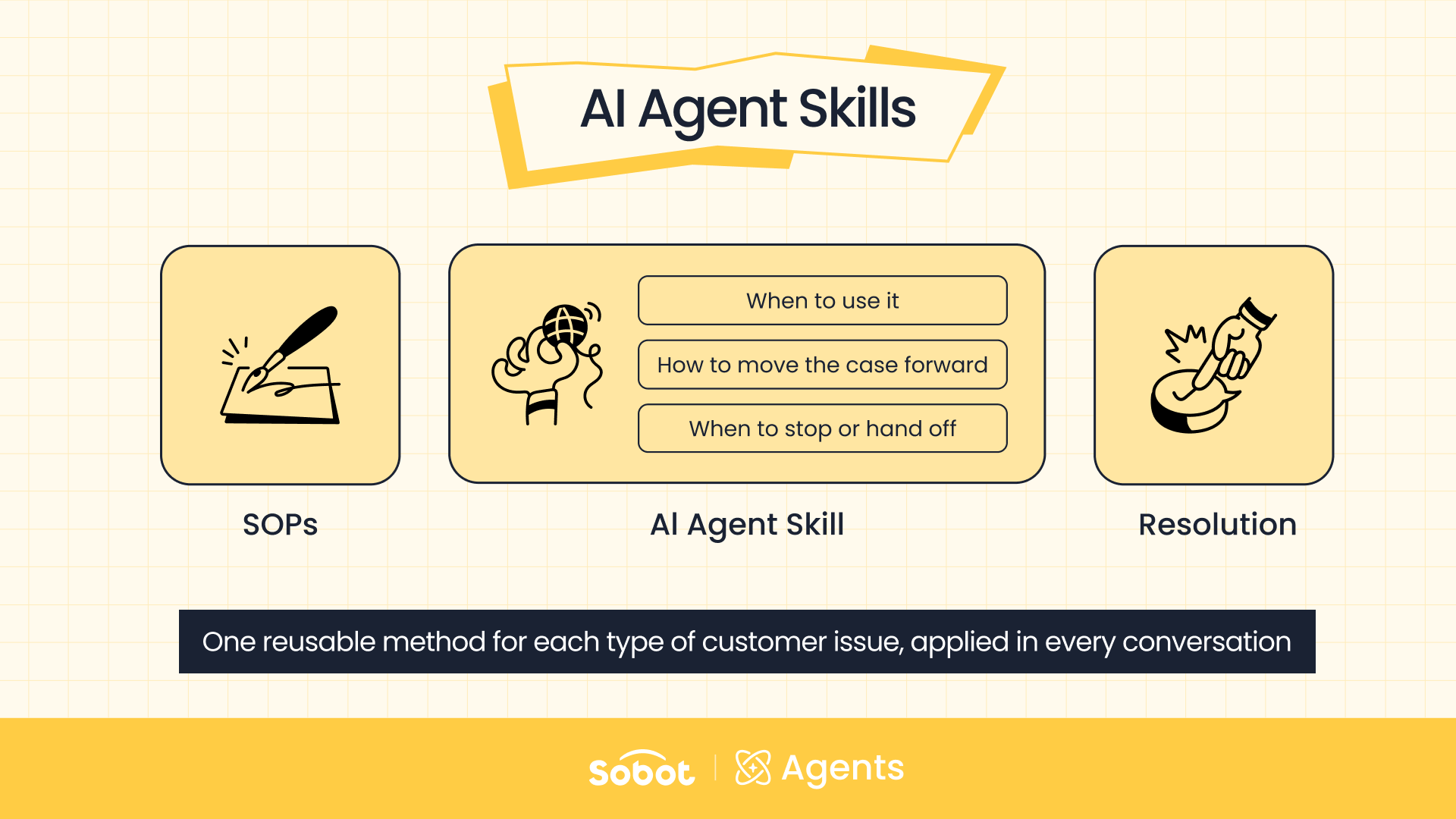
Customers need to look something up or complete a transaction? Build out the action, MCP connection, or Skill.
Handling strategy not working? Adjust the AI Agent’s configuration.
Capabilities in place? Go back to the Evaluation Center to verify them.
The result is a continuous loop: configure scenarios, monitor conversations, find gaps, add capabilities, and evaluate again. The Data Center shows not just how many questions the AI Agent handled, but what new issues are emerging and what to improve first.
The Update at a Glance
| Area | What’s new | What it changes |
|---|---|---|
| Task execution | Image and file parsing | The AI Agent extracts the fields you need from files and images customers send |
| Task execution | Markdown knowledge uploads | Docs go into the knowledge base as-is, with their structure intact |
| Task execution | Multi-level action parameters | Parameters can mirror real API structures, up to five levels deep |
| Task execution | OAuth for MCP | OAuth-only remote MCP services can be connected without manual tokens |
| Pre-launch evaluation | Model selection | Choose a Fast or Precise model for each use case |
| Pre-launch evaluation | Multilingual evaluation | Set a language for each evaluation entry, with 25 preset languages |
| Pre-launch evaluation | Report upgrades | Resource adoption rate, human handoff rate, search, review filter, and XLSX export |
| Continuous optimization | Scenario-based clustering | Conversations are grouped into your own scenarios, up to three levels deep |
| Continuous optimization | Scenario suggestions | Uncovered questions become suggested new scenarios |
Building an AI Agent is only the start. The real work is putting it into live business, getting tasks done reliably, and filling gaps as they appear. This update connects those steps. The AI Agent can understand what customers send, find the right rules, and complete the action. And you can see where it performs well, where it falls short, and what to improve next.