What an SMB Should Prioritize
- An SMB contact center should reduce tool switching, not create another layer of systems to manage.
- Start with the customer channels and service journeys that create the most work today.
- Choose automation that is controlled, reviewable and easy for the team to maintain.
- Use Search Console performance as a monitoring input after publication; low early visibility alone does not justify another full rewrite.
What Is an SMB Contact Center Solution?
An SMB contact center solution is customer-service software that coordinates customer interactions across several channels and gives a smaller team a structured way to route, resolve and measure service work. The category can include voice, chat, email, messaging, tickets, knowledge and AI assistance, but not every SMB needs every element from day one. The right platform gives the business a clear upgrade path while keeping day-to-day administration proportionate to the team’s resources.
Six Buyer Questions for SMB Contact Center Selection
Use a short, operational scorecard rather than comparing feature lists in isolation.
- Which channels generate most customer demand today, and which will be added next?
- Can the current team set up, own and improve the workflows without specialist resources?
- What type of AI assistance would actually improve the work: knowledge answers, routing, summaries, suggested replies or quality review?
- How does the platform handle a complex case that moves between an automated response and a human agent?
- Which reports will the service leader use to decide what to improve?
- How does the commercial model change with more agents, conversations, channels or automation usage?
Quick Comparison for SMB Service Teams
| Option | Best fit | Why it belongs on an SMB shortlist | Key check |
|---|---|---|---|
| Sobot | SMBs consolidating omnichannel service | All-in-one AI Contact Center workflow | Scope and operating fit for the current team |
| Zendesk | Teams wanting a mature support suite | Established ticketing and service-management model | Administration effort and total configuration |
| Freshdesk | Help-desk-led SMBs | Structured service foundation | Channel, automation and growth requirements |
| HubSpot Service Hub | CRM-centered teams | Service context alongside CRM data | Fit for required support channels and operations |
How SMBs Should Compare Contact Center Software
A useful SMB evaluation asks whether the platform makes the next 90 days of service work easier. Run a short test with real customer requests, a typical escalation, an agent handoff and a reporting question. Then ask the people who will administer the platform what they would need to change next month. This exposes hidden operational cost more reliably than a demo focused only on features.
Sobot: Consider for an SMB That Needs One Service Operation
Best for: SMBs whose customer conversations have expanded beyond one channel and need AI, tickets, voice or messaging to work together.
Sobot is an all-in-one AI Contact Center platform that combines AI Agent, Chatbot, Live Chat, Voice, Ticketing and WhatsApp API capabilities. It is relevant to an SMB when the organization needs to consolidate a growing set of customer-service workflows without assigning agents to a different tool for every channel.
- Relevant capability: Test the platform with the channels, customer context, knowledge and escalation rules the team already handles.
- Operating consideration: Clarify onboarding, administrator ownership, required integrations and the commercial scope before the team commits to a rollout.
- Decision boundary: Sobot may be more comprehensive than a very small business needs when the service operation is limited to a shared email inbox and a simple FAQ.
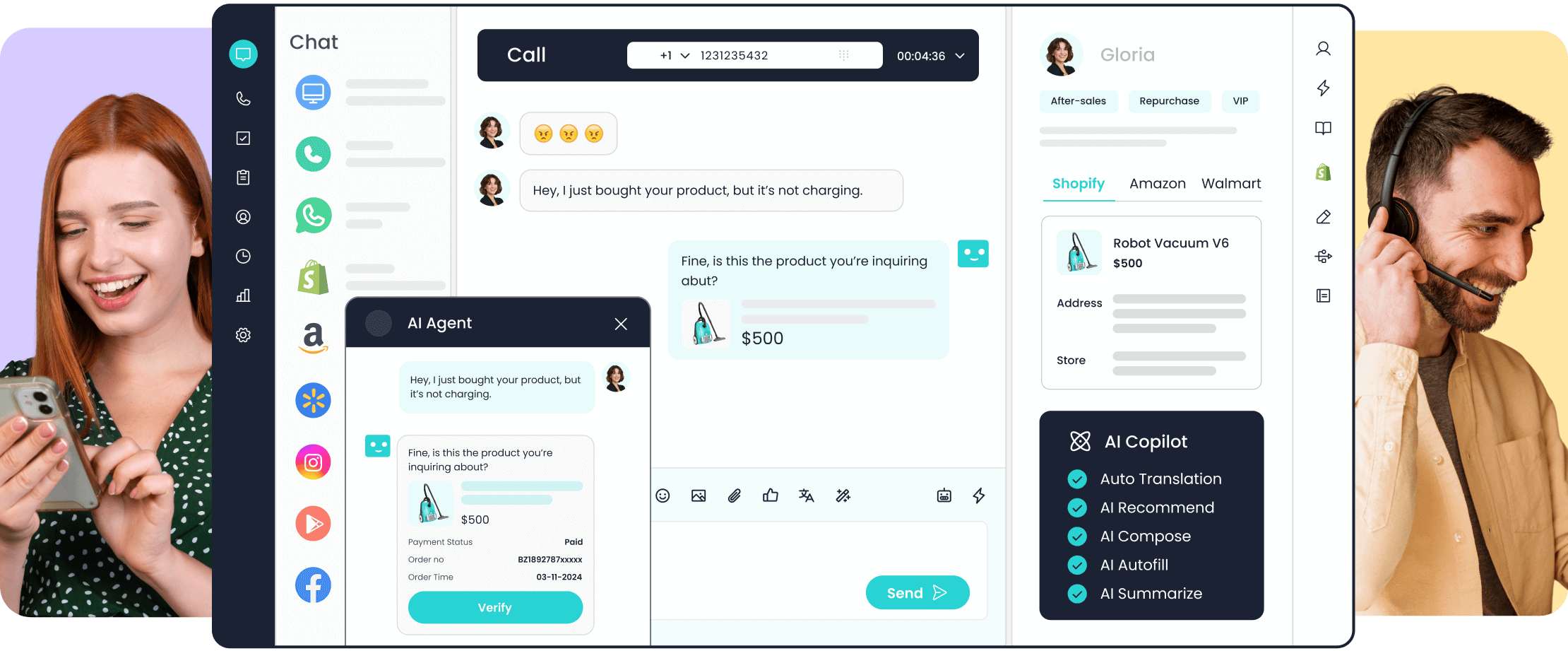
Zendesk: Consider for Established Support Workflows
Best for: SMBs that want a mature service suite and have the capacity to manage a configurable help-desk environment.
Zendesk is a common comparison point for SMBs that want structured ticketing, knowledge and service-management workflows. It can be a suitable choice when the team is comfortable with a more configurable platform and the customer-service model is centered on a mature support process.
- Relevant capability: Evaluate the agent workflow, knowledge model, reporting and the configuration needed for every required channel.
- Operating consideration: Make sure the team understands the practical administration and commercial model for the features it plans to rely on.
- Decision boundary: Zendesk can be more complex than an SMB needs if there is no owner for ongoing configuration and the service operation is still relatively simple.
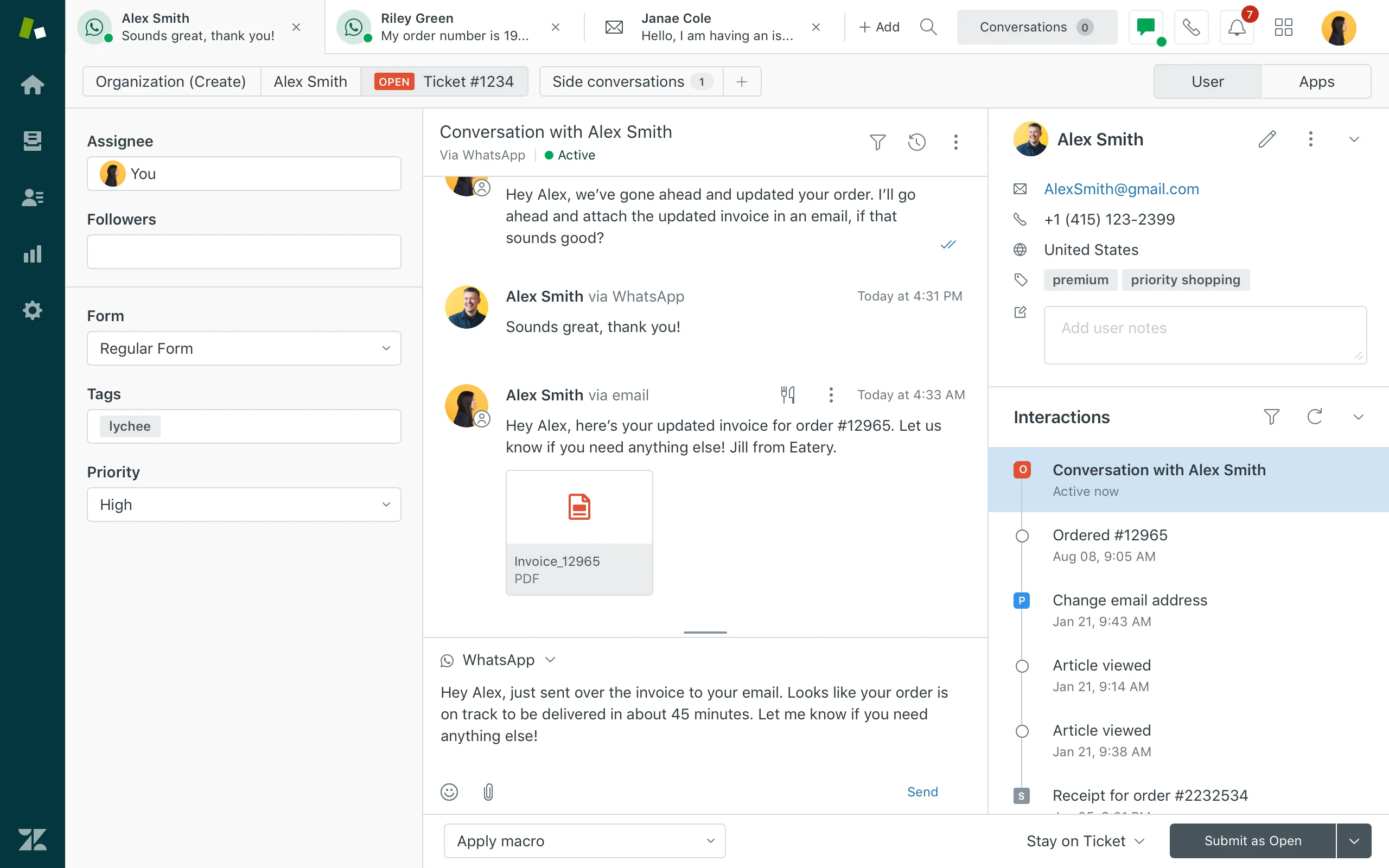
Freshdesk: Consider for a Help-Desk-Led Growth Path
Best for: SMBs that want to introduce structured ticketing, knowledge and basic automation gradually.
Freshdesk is relevant to SMBs that are moving from ad hoc customer service toward a formal help desk. It can provide a practical structure for common service requests while allowing a team to build confidence with workflow rules and reporting before it takes on broader contact-center complexity.
- Relevant capability: Test the core service tasks: tickets, assignment, knowledge, agent collaboration and the automation that will be used from day one.
- Operating consideration: Confirm how the business will add channels, AI capabilities and any voice requirement as it grows.
- Decision boundary: Freshdesk may require extra coordination around a more complex omnichannel or high-volume service operation.
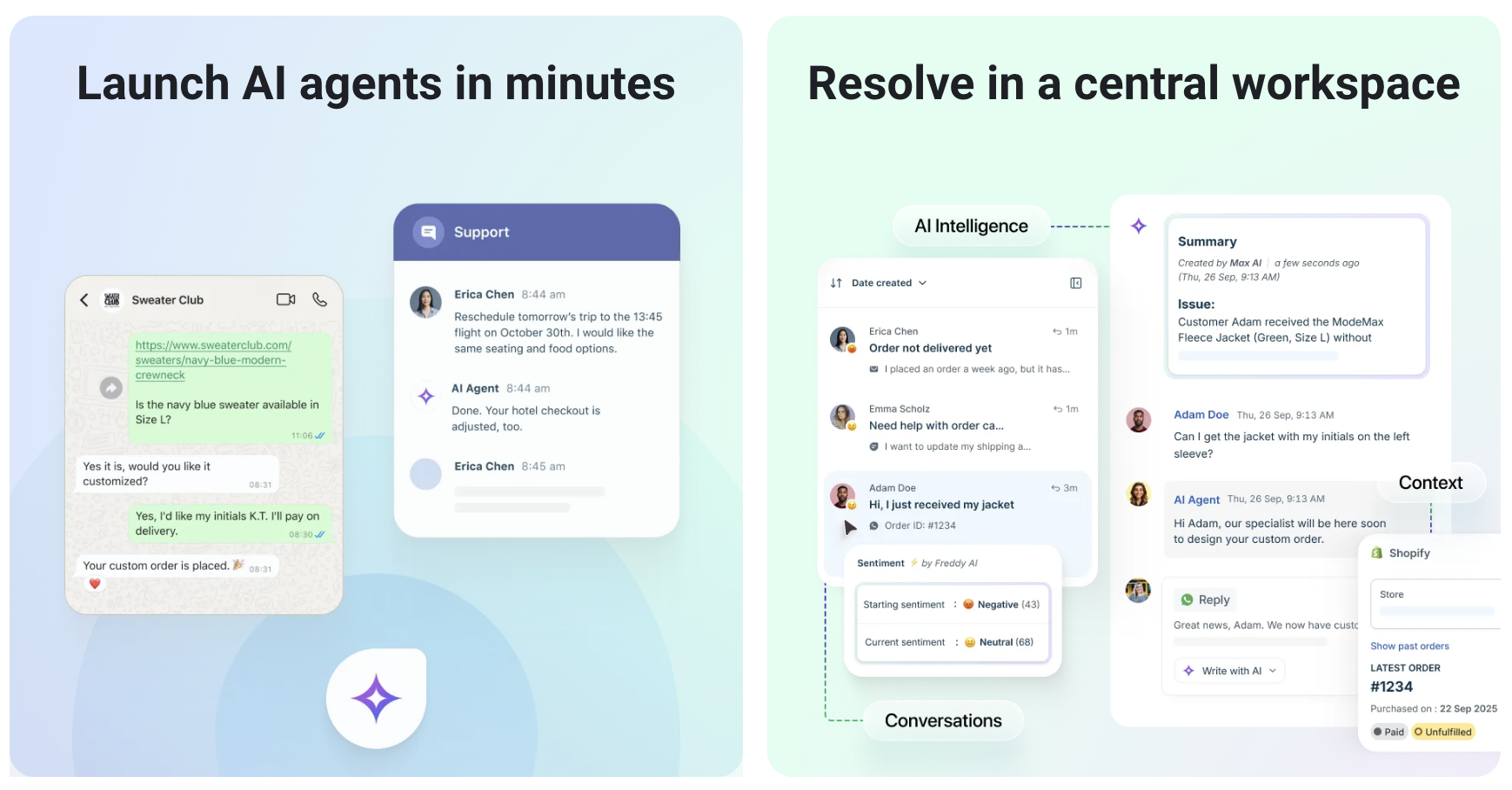
HubSpot Service Hub: Consider When CRM Context Matters Most
Best for: SMBs that already use HubSpot CRM and want service work close to sales and marketing context.
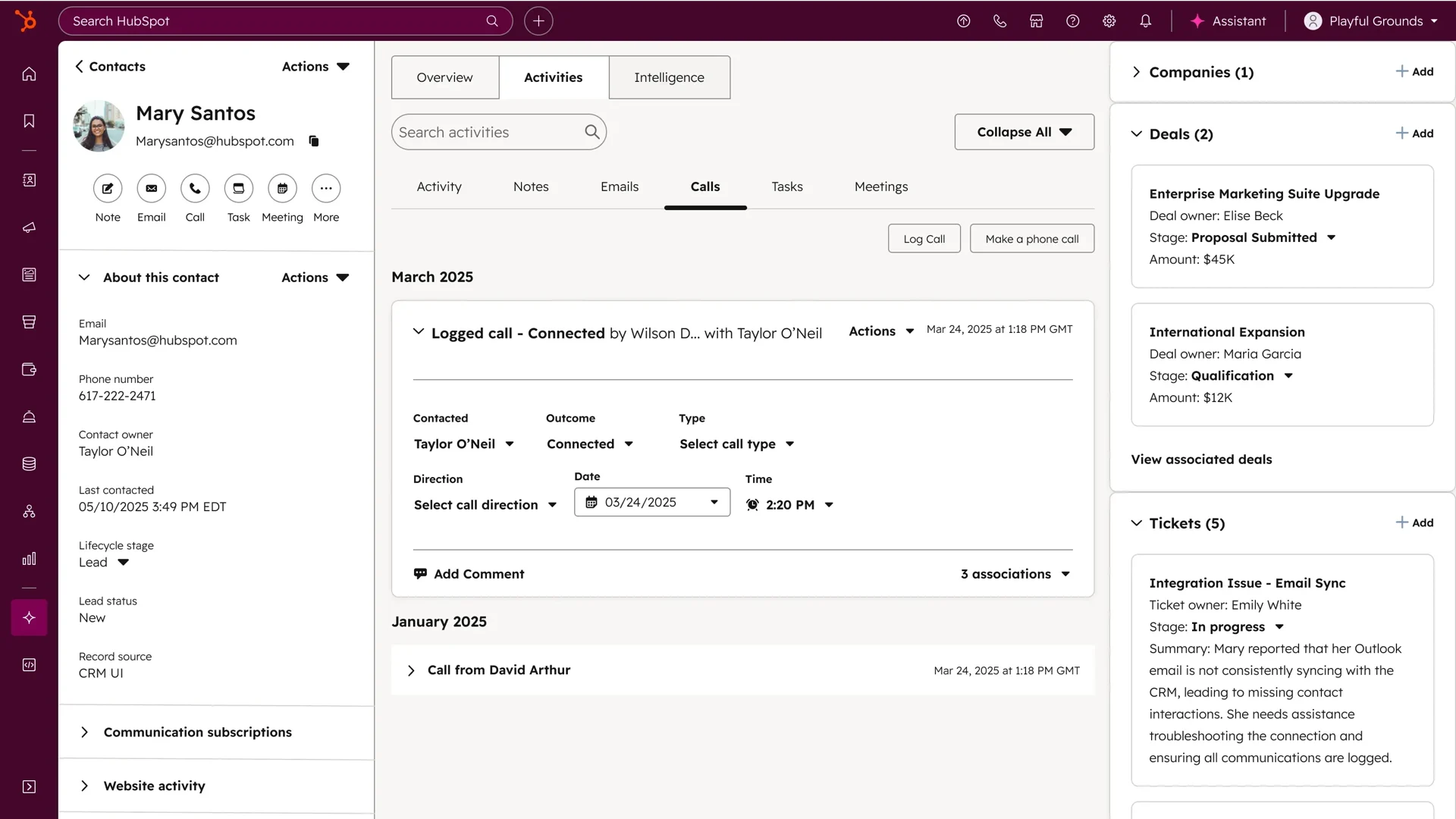
HubSpot Service Hub can be a good fit when the business wants agents to work from the same customer history used by sales and marketing teams. The relevant decision is whether that shared CRM context improves service enough to outweigh any trade-offs in the required support channels or contact-center workflow.
- Relevant capability: Test the shared customer record, ticket handoffs, reporting and the workflows that involve both service and revenue teams.
- Operating consideration: Assess whether the operational model supports the business’s real mix of customer conversations, not only CRM alignment.
- Decision boundary: HubSpot Service Hub may be less direct when voice, broader messaging or specialized contact-center operations are the central requirements.
Help Desk, Contact Center or Both?
An SMB does not need to choose the most expansive category by default. It needs the operating model that fits its customer demand.
- Use a help desk when most work is email or tickets and the customer journey is relatively simple.
- Use a contact center when agents need a shared view across voice, messaging, chat, social or other channels.
- Use Sobot when the SMB wants one platform to evaluate AI, omnichannel communication, tickets and service workflow together.
- Choose a CRM-centered service option when shared customer data across service, sales and marketing is the primary advantage.
A Low-Risk SMB Rollout Plan
- Start with the channels and service requests that generate the most volume or risk.
- Set a simple automation boundary and establish clear agent handoff rules.
- Migrate the knowledge and customer information that the team needs for live work first.
- Train the team on a few common journeys and collect feedback from agents after launch.
- Review demand, quality, customer feedback and workflow changes after two weeks and again after six to eight weeks.
Frequently Asked Questions
What is the best contact center solution for an SMB?
The best solution is the one that matches the SMB’s channel mix, service volume, administration capacity and growth plan. An all-in-one contact-center platform can be valuable for a growing omnichannel team, while a simpler help desk may be a better fit for an email- and ticket-led operation.
Does an SMB need AI in its contact center?
An SMB should adopt AI when it can improve a clearly defined service task, such as finding approved knowledge, classifying intent, drafting a response or routing a case. The team should keep human review for exceptions and actions that need judgment.
When should an SMB move beyond a shared inbox?
An SMB should move beyond a shared inbox when conversations are being missed, ownership is unclear, customer history is fragmented or the team cannot report on recurring demand. A help desk or contact center can add structure before the operational cost of those problems grows.
How should an SMB compare contact center costs?
An SMB should compare the complete operating model rather than a headline price. Include seats, channels, AI or usage components, integrations, implementation support, administrator effort and the cost of operating disconnected tools alongside the platform.
Evaluate the Service Operation, Not Just the Software
If your SMB is moving from scattered customer channels to a managed service workflow, see how Sobot brings omnichannel customer service into one operating environment and test it against the work your agents handle every day.