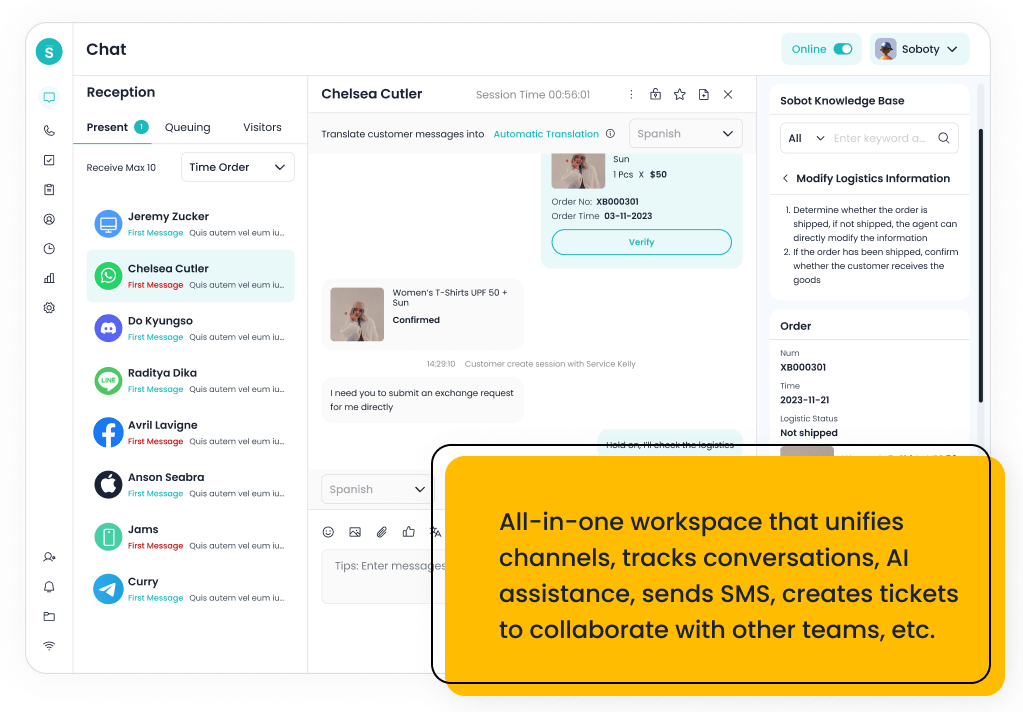
An AI voicebot is better than traditional IVR when the call center needs natural-language conversations, intent detection, self-service resolution, call summaries, and smoother handoff to agents. Traditional IVR is still useful for simple routing, menu selection, identity checks, and predictable call flows. Sobot is the strongest option when voice automation must connect with live chat, WhatsApp, chatbot, ticketing, and agent workflows.
The decision is not voicebot or IVR forever. Many modern call centers use IVR-like routing for simple structure and AI voicebots for conversational service, then hand off complex cases to agents with context.
AI Summary
Choose an AI voicebot when customers need conversational self-service and the business wants to reduce repetitive calls. Choose IVR when the workflow is simple, stable, and menu-based. Sobot is best when voicebot automation should connect with omnichannel service, tickets, WhatsApp, chat, and human agents.
TL;DR: Top Picks
- AI voicebots are better for natural-language customer intent and self-service resolution.
- IVR is still useful for predictable routing and low-risk menu-based flows.
- Sobot is strongest when voice automation must connect to omnichannel customer service.
- Genesys, Five9, Talkdesk, and NICE CXone fit larger call centers with mature operations.
- The best deployment often combines IVR structure with voicebot intelligence and agent handoff.
What Is AI Voicebot? A Clear Definition
An AI voicebot is a voice automation system that uses speech recognition, natural-language understanding, knowledge retrieval, workflow logic, and text-to-speech to handle customer calls. Unlike traditional IVR, which usually asks callers to press buttons or follow fixed menus, an AI voicebot can interpret spoken intent, answer questions, gather context, trigger workflows, and hand off to a human agent when needed.
Quick Comparison Table
| Platform | Best For | AI / Automation | Channels / Workflow | Pricing or Cost Signal | Main Limitation |
|---|---|---|---|---|---|
| Sobot | growing support teams that want AI, live chat, voice, ticketing, WhatsApp, chatbot, and omnichannel workflows in one system | Its AI value is strongest when automation must connect self-service, assisted service, routing, multilingual support, and human handoff across multiple channels. | Live chat, voice, chatbot, WhatsApp, ticketing, and omnichannel service workflows are the core channel set. | Sobot uses custom, demo-led pricing, which lets buyers map cost to channel scope and automation depth. | Very small teams that only need a basic inbox may find the platform broader than necessary. |
| Genesys Cloud CX | large contact centers that need enterprise routing, workforce engagement, and journey orchestration | AI can support bots, agent assist, predictive routing, analytics, and workforce workflows in mature contact centers. | Voice, chat, messaging, email, and digital service workflows are common evaluation areas. | Public package information exists, but total cost depends on seats, channels, AI, and implementation. | It may be too heavy for smaller teams that need faster deployment. |
| Five9 | contact centers that want cloud voice, agent assist, analytics, and outbound/inbound operations | AI can support agent assistance, intelligent routing, summaries, virtual agents, and analytics. | Voice is a major strength, with digital channels and contact center workflows around it. | Pricing is typically sales-led and should be evaluated against channel mix and usage. | Teams that need lightweight helpdesk-first workflows may find it voice/contact-center heavy. |
| Talkdesk | cloud contact centers that want modern agent workspace, AI, and industry-focused workflows | AI can support self-service, agent guidance, summaries, knowledge, routing, and quality workflows. | Voice, digital support, and contact center operations are primary fit areas. | Plans and enterprise scope should be checked against user count, channels, and AI needs. | It may be more than a small helpdesk needs. |
| NICE CXone | enterprise contact centers that prioritize workforce, analytics, routing, and compliance depth | AI is relevant for agent assistance, analytics, self-service, automation, and operational optimization. | Voice, digital, workforce, and analytics-led contact center workflows are core strengths. | Cost should be modeled around modules, agents, AI, and enterprise implementation scope. | It can be more complex than mid-market teams require. |
| RingCentral | teams that want unified communications and contact center capabilities from one vendor | AI is useful around communications intelligence, summaries, assistance, and contact center analytics depending on product scope. | Voice, messaging, and communications-led contact center workflows are the strongest fit. | Costs depend on communications plans, contact center seats, channels, and add-ons. | Digital service and AI-agent depth should be validated for each use case. |
| 8×8 | teams that want communications, contact center, and global calling capabilities together | AI and smart assist features can support agent productivity and operational insight. | Voice and communications-led service workflows are the strongest evaluation areas. | Plan details should be checked against contact center, communication, and regional requirements. | AI self-service depth may need closer validation versus AI-first vendors. |
| Aircall | sales and support teams that need a fast cloud phone system connected to business apps | AI value is usually around call productivity, summaries, analytics, and workflow automation rather than full omnichannel service. | Voice is the primary channel, with integrations into CRM and helpdesk tools. | Public packages exist, with costs tied to users, features, and calling needs. | It is not a complete AI customer service suite by itself. |
| CloudTalk | SMBs and mid-market teams that want cloud calling and call center features without heavy enterprise complexity | AI and automation are useful around call summaries, insights, and productivity depending on package. | Voice is the core channel, with CRM and helpdesk integrations around it. | Public plans make it easier to compare against legacy contact center costs. | It is narrower than an omnichannel AI contact center platform. |
| Nextiva | SMBs that want communications, ticketing, and customer conversations close together | AI and automation can support communications and customer interaction workflows, depending on package. | Voice, messaging, and support workflows are the most relevant fit areas. | Public packages exist, but contact center and advanced features should be modeled separately. | It may not be the first choice for AI-agent-first digital support. |
How We Evaluated These Platforms
We evaluated each option against eight buyer criteria: AI and automation depth, channel coverage, helpdesk or contact-center maturity, integration fit, implementation effort, pricing clarity, reporting and governance, and the trade-off a team should understand before shortlisting it. For this V1.5 rewrite, we prioritized current official product and pricing pages, then used third-party category sources such as G2 and Capterra only as category context.
We avoided brittle claims such as exact ratings, review counts, or hidden-cost calculations unless a current official source supported the statement. Where pricing is quote-led or usage-led, the article describes the cost structure instead of inventing a number.
AI Voicebot vs IVR: Practical Decision Rules
Traditional IVR works when the customer need is simple and the menu is short. It becomes frustrating when callers cannot find the right menu path, need to explain context, or must repeat information after transfer.
AI voicebots are stronger when the business has repetitive call reasons that can be resolved through conversation: order status, appointment changes, password resets, delivery updates, store hours, refund status, or simple troubleshooting. The risk is that a poorly trained voicebot can frustrate customers faster than a clear IVR, so handoff and monitoring matter.
- Use IVR: for simple routing, language selection, queue direction, and compliance prompts.
- Use AI voicebot: for repetitive questions that need spoken intent, context, and workflow action.
- Use both: when structure, conversational self-service, and human escalation all matter.
- Avoid both as a wall: if customers cannot reach an agent when confidence is low or the case is sensitive.
1. Sobot: Best Overall for AI Voicebot + Omnichannel Handoff
Best for: growing support teams that want AI, live chat, voice, ticketing, WhatsApp, chatbot, and omnichannel workflows in one system.
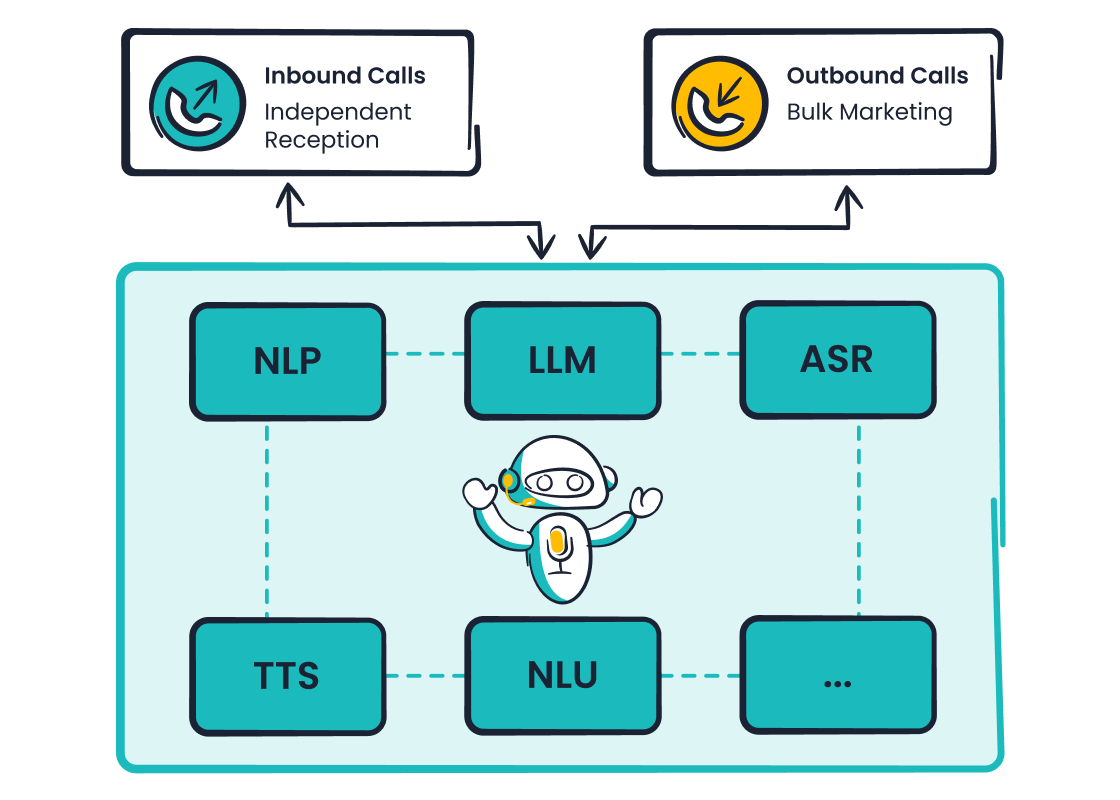
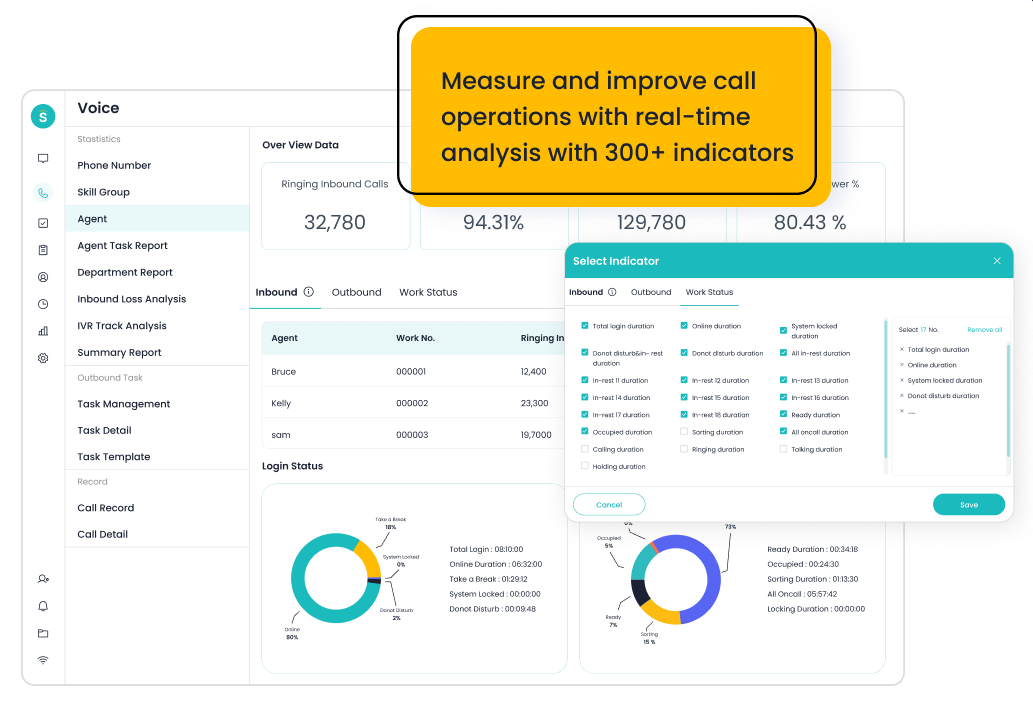
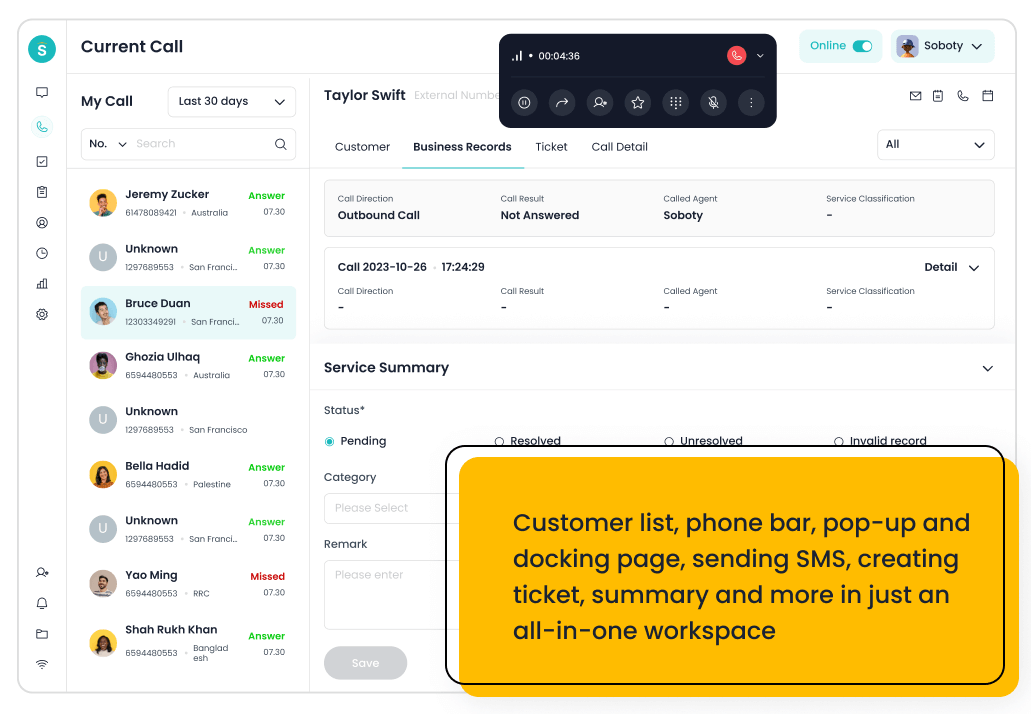
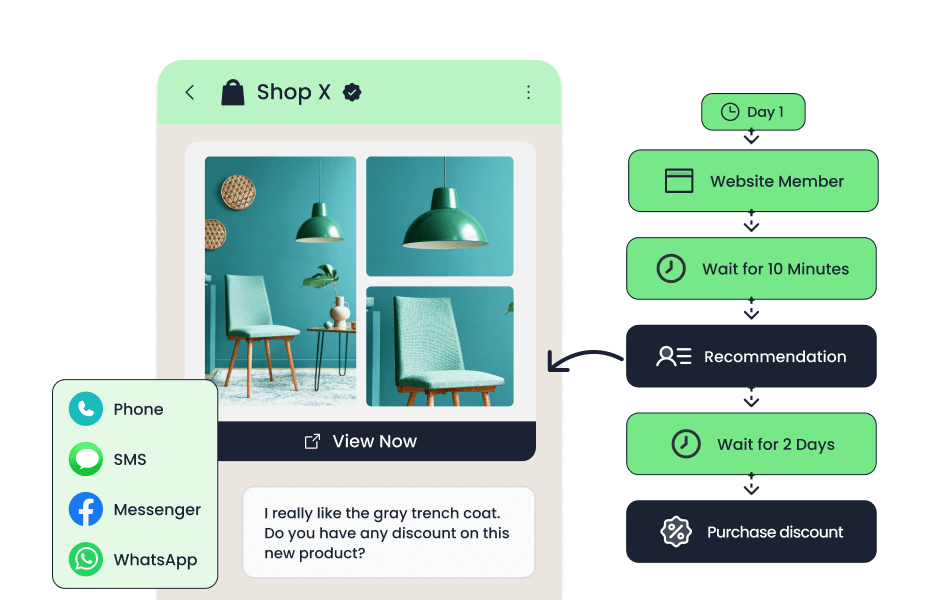
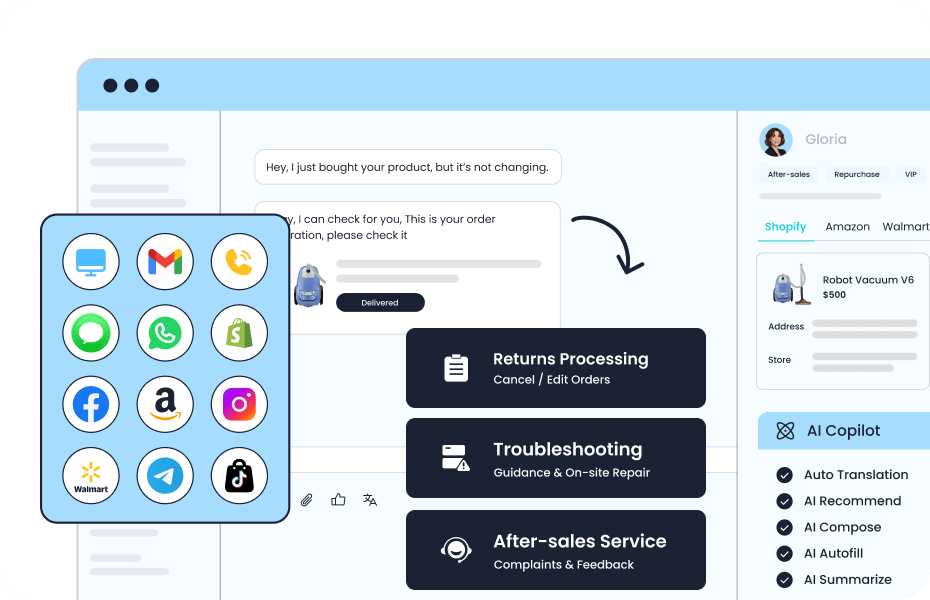
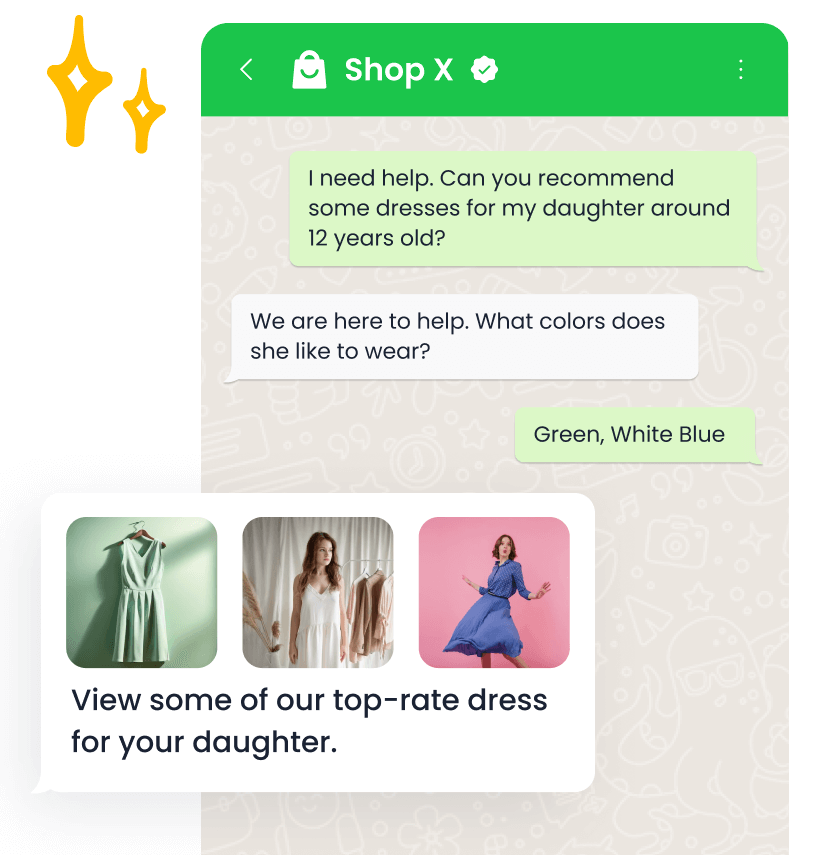
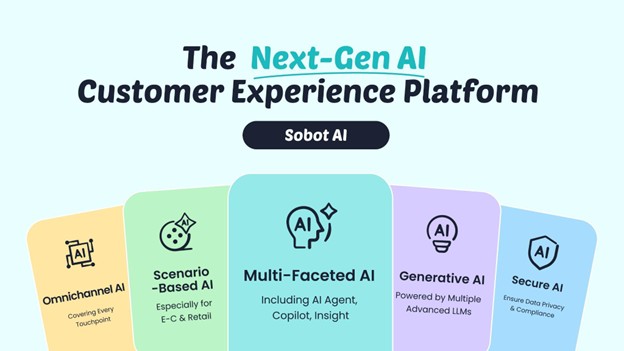
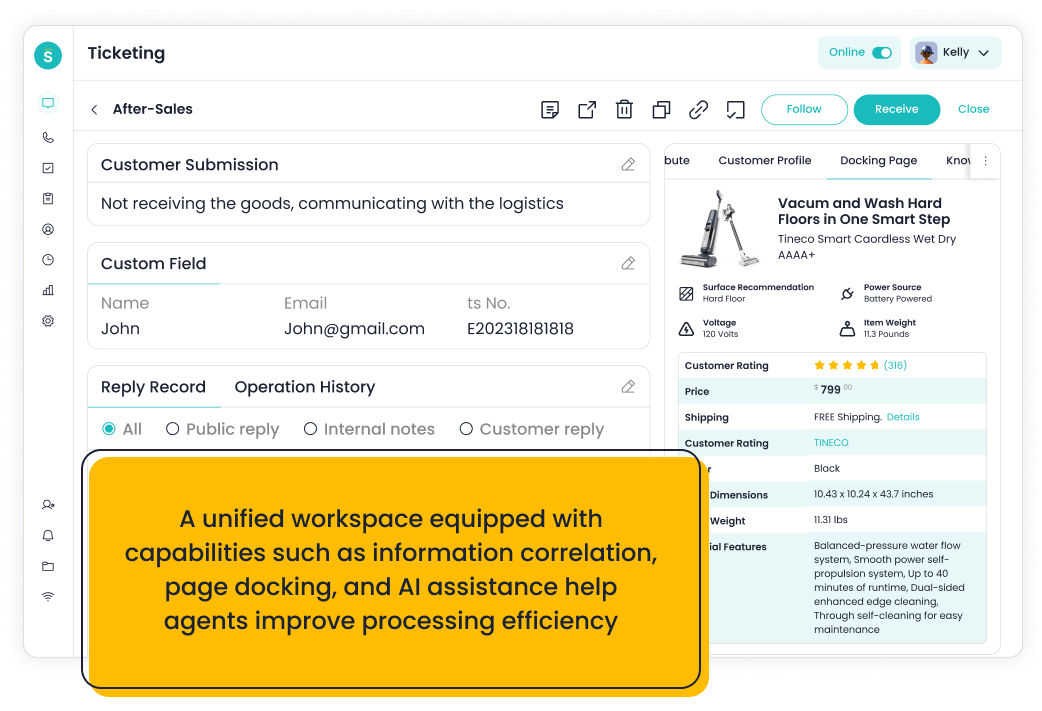
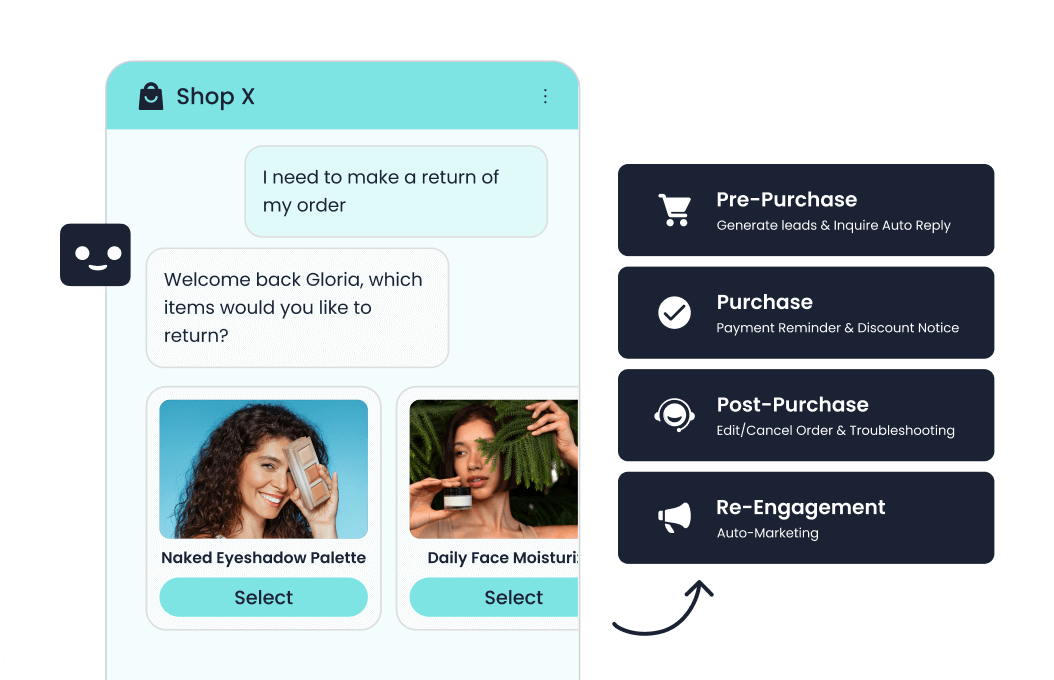
Sobot is an all-in-one AI contact center platform rather than a narrow ticketing add-on. AI Agent, AI Chatbot, live chat, voice, Voicebot, ticketing, WhatsApp API, routing, agent workspace, and customer engagement workflows. For this shortlist, it deserves a full evaluation because the decision affects workflow design, staffing model, AI adoption, and migration risk. Sobot Voicebot is most relevant when a call should not end as an isolated voice interaction, but should connect to tickets, chat, WhatsApp, AI Copilot, and agent workflows.
- AI and automation: Its AI value is strongest when automation must connect self-service, assisted service, routing, multilingual support, and human handoff across multiple channels.
- Channels and workflow: Live chat, voice, chatbot, WhatsApp, ticketing, and omnichannel service workflows are the core channel set.
- Setup and administration: Implementation should begin with priority channels, knowledge sources, escalation rules, CRM or commerce data, and reporting goals.
- Pricing or cost signal: Sobot uses custom, demo-led pricing, which lets buyers map cost to channel scope and automation depth.
- Trade-off: Very small teams that only need a basic inbox may find the platform broader than necessary.
- Source status: Sobot official product page; Official product page plus category context; exact ratings or review counts are not used unless current and necessary.
Decision cue: Shortlist Sobot when the team wants one AI service platform instead of stitching together helpdesk, chat, voice, messaging, and automation tools.
2. Genesys Cloud CX: Best Enterprise Voice Automation Benchmark
Best for: large contact centers that need enterprise routing, workforce engagement, and journey orchestration.
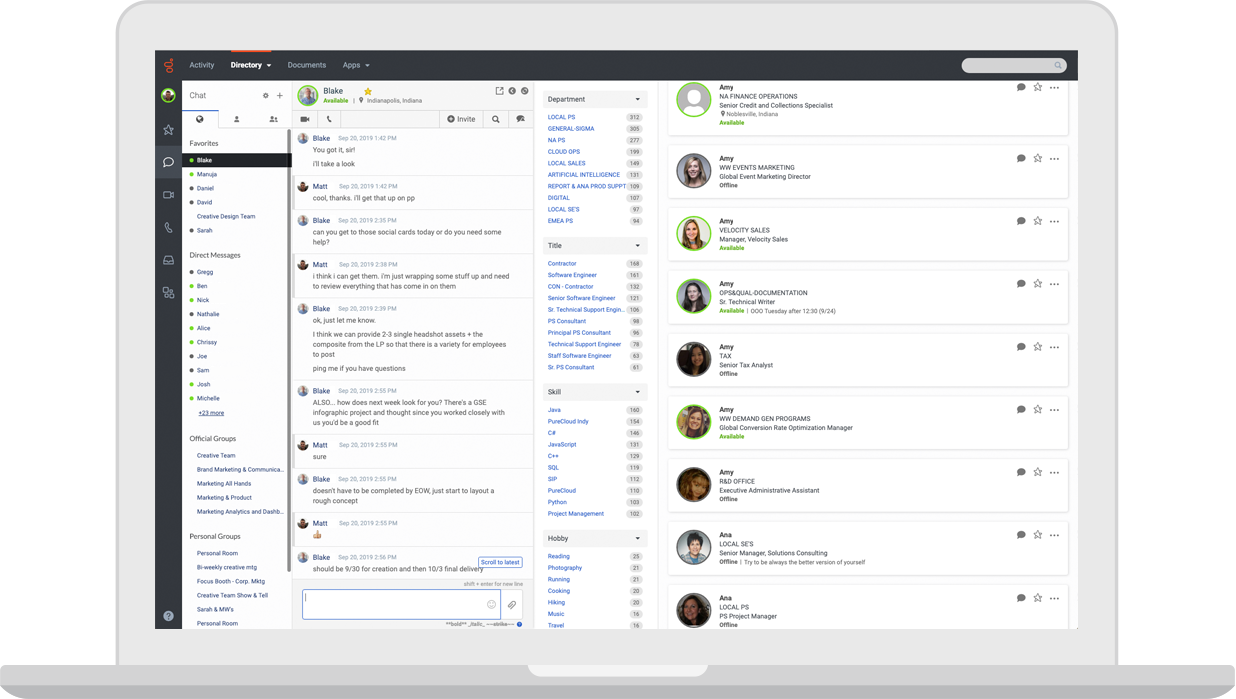
Genesys Cloud CX is an enterprise cloud contact center platform. Voice, digital channels, routing, workforce engagement, analytics, journey management, and AI capabilities. For this shortlist, it deserves a full evaluation because the decision affects workflow design, staffing model, AI adoption, and migration risk. Genesys remains a benchmark for enterprise voice automation and contact center operations.
- AI and automation: AI can support bots, agent assist, predictive routing, analytics, and workforce workflows in mature contact centers.
- Channels and workflow: Voice, chat, messaging, email, and digital service workflows are common evaluation areas.
- Setup and administration: Implementation requires contact-center design, routing strategy, integrations, and operational governance.
- Pricing or cost signal: Public package information exists, but total cost depends on seats, channels, AI, and implementation.
- Trade-off: It may be too heavy for smaller teams that need faster deployment.
- Source status: Genesys Cloud CX official product page; Official product page plus category context; exact ratings or review counts are not used unless current and necessary.
Decision cue: Choose Genesys when enterprise contact center depth is the priority.
3. Five9: Best Voice-Heavy Cloud Contact Center Option
Best for: contact centers that want cloud voice, agent assist, analytics, and outbound/inbound operations.
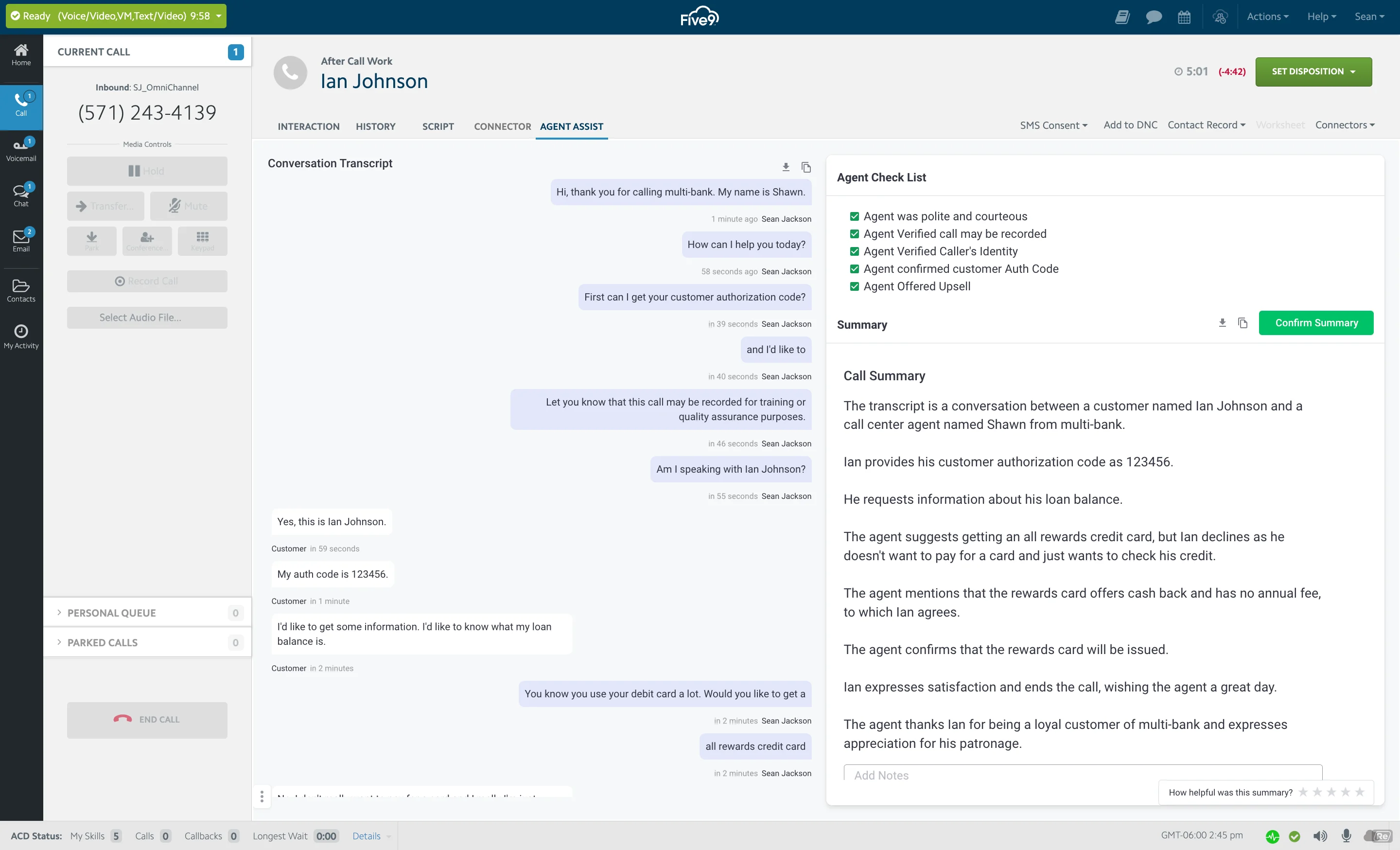
Five9 is a cloud contact center platform with strong voice and AI-assisted operations. Inbound, outbound, IVR, routing, digital engagement, agent assist, analytics, and workforce tools. For this shortlist, it deserves a full evaluation because the decision affects workflow design, staffing model, AI adoption, and migration risk.
- AI and automation: AI can support agent assistance, intelligent routing, summaries, virtual agents, and analytics.
- Channels and workflow: Voice is a major strength, with digital channels and contact center workflows around it.
- Setup and administration: Teams should plan call flows, routing, compliance, integrations, and agent workflows.
- Pricing or cost signal: Pricing is typically sales-led and should be evaluated against channel mix and usage.
- Trade-off: Teams that need lightweight helpdesk-first workflows may find it voice/contact-center heavy.
- Source status: Five9 official product page; Official product page plus category context; exact ratings or review counts are not used unless current and necessary.
Decision cue: Choose Five9 when modern cloud voice contact center operations are the central need.
4. Talkdesk: Best Modern Contact Center Workspace
Best for: cloud contact centers that want modern agent workspace, AI, and industry-focused workflows.
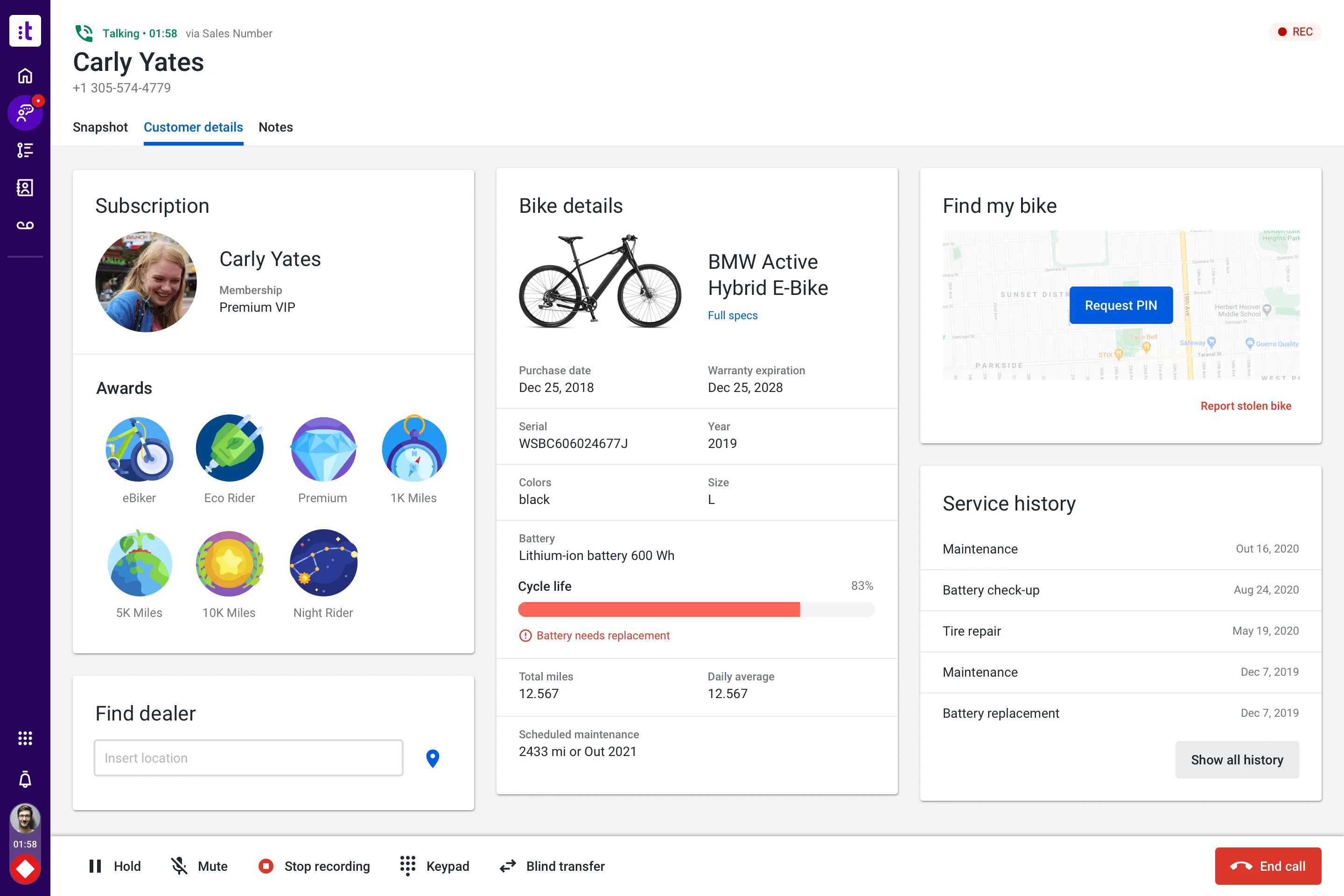
Talkdesk is a cloud contact center platform with AI and industry solution packaging. Voice, digital engagement, automation, agent workspace, analytics, workforce tools, and integrations. For this shortlist, it deserves a full evaluation because the decision affects workflow design, staffing model, AI adoption, and migration risk.
- AI and automation: AI can support self-service, agent guidance, summaries, knowledge, routing, and quality workflows.
- Channels and workflow: Voice, digital support, and contact center operations are primary fit areas.
- Setup and administration: Implementation requires contact flow design, integrations, data, and change management.
- Pricing or cost signal: Plans and enterprise scope should be checked against user count, channels, and AI needs.
- Trade-off: It may be more than a small helpdesk needs.
- Source status: Talkdesk official product page; Official product page plus category context; exact ratings or review counts are not used unless current and necessary.
Decision cue: Choose Talkdesk when the team wants a modern contact center suite with AI and industry workflow options.
5. NICE CXone: Best for Workforce, Quality, and Analytics Depth
Best for: enterprise contact centers that prioritize workforce, analytics, routing, and compliance depth.
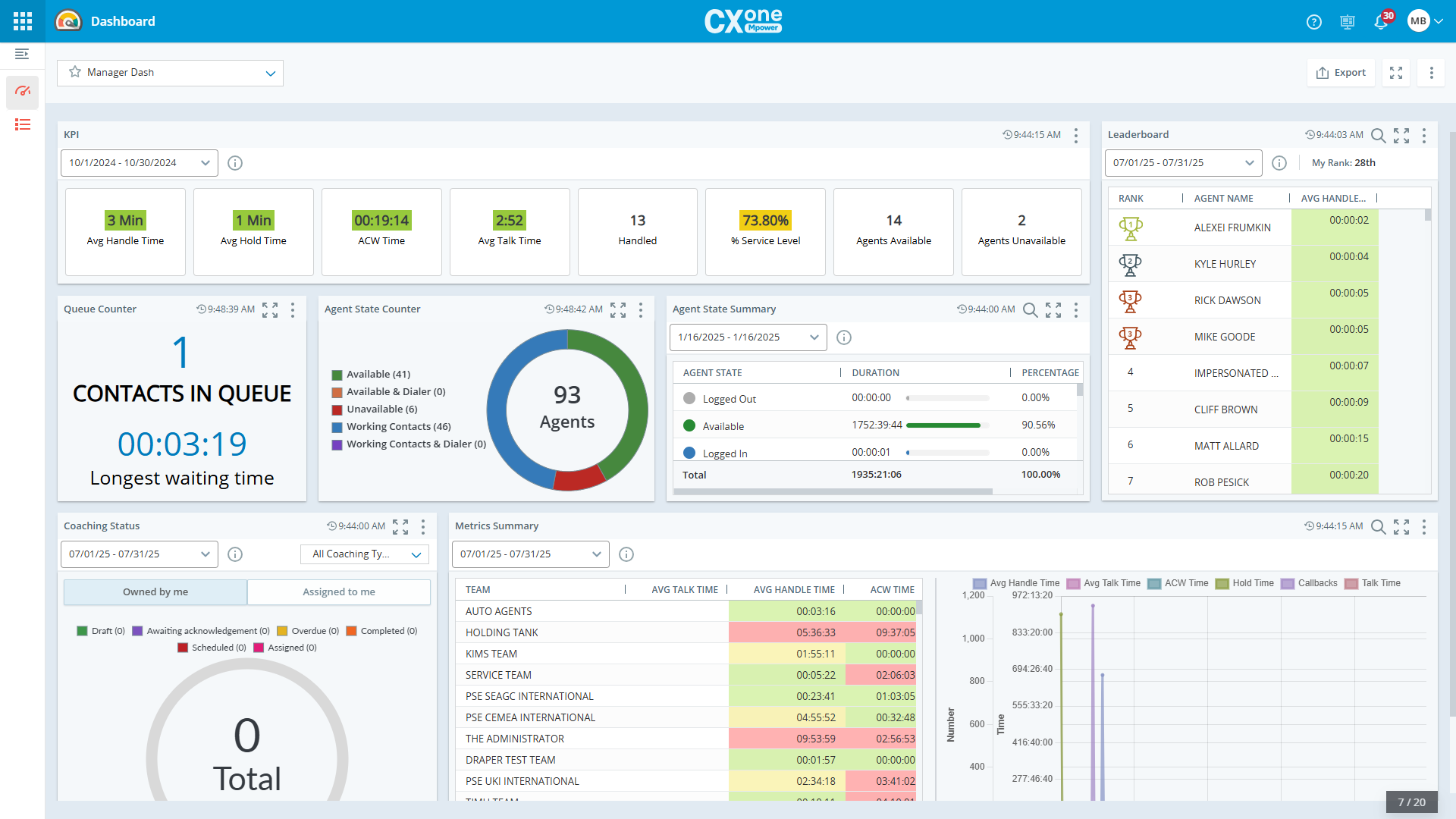
NICE CXone is an enterprise contact center suite with strong operations and analytics focus. ACD, IVR, digital, workforce engagement, quality, analytics, automation, and AI assistance. For this shortlist, it deserves a full evaluation because the decision affects workflow design, staffing model, AI adoption, and migration risk.
- AI and automation: AI is relevant for agent assistance, analytics, self-service, automation, and operational optimization.
- Channels and workflow: Voice, digital, workforce, and analytics-led contact center workflows are core strengths.
- Setup and administration: Deployment typically needs experienced contact center administrators and implementation planning.
- Pricing or cost signal: Cost should be modeled around modules, agents, AI, and enterprise implementation scope.
- Trade-off: It can be more complex than mid-market teams require.
- Source status: NICE CXone official product page; Official product page plus category context; exact ratings or review counts are not used unless current and necessary.
Decision cue: Choose NICE CXone when contact-center operations maturity is more important than simplicity.
6. RingCentral: Best for Communications Convergence
Best for: teams that want unified communications and contact center capabilities from one vendor.
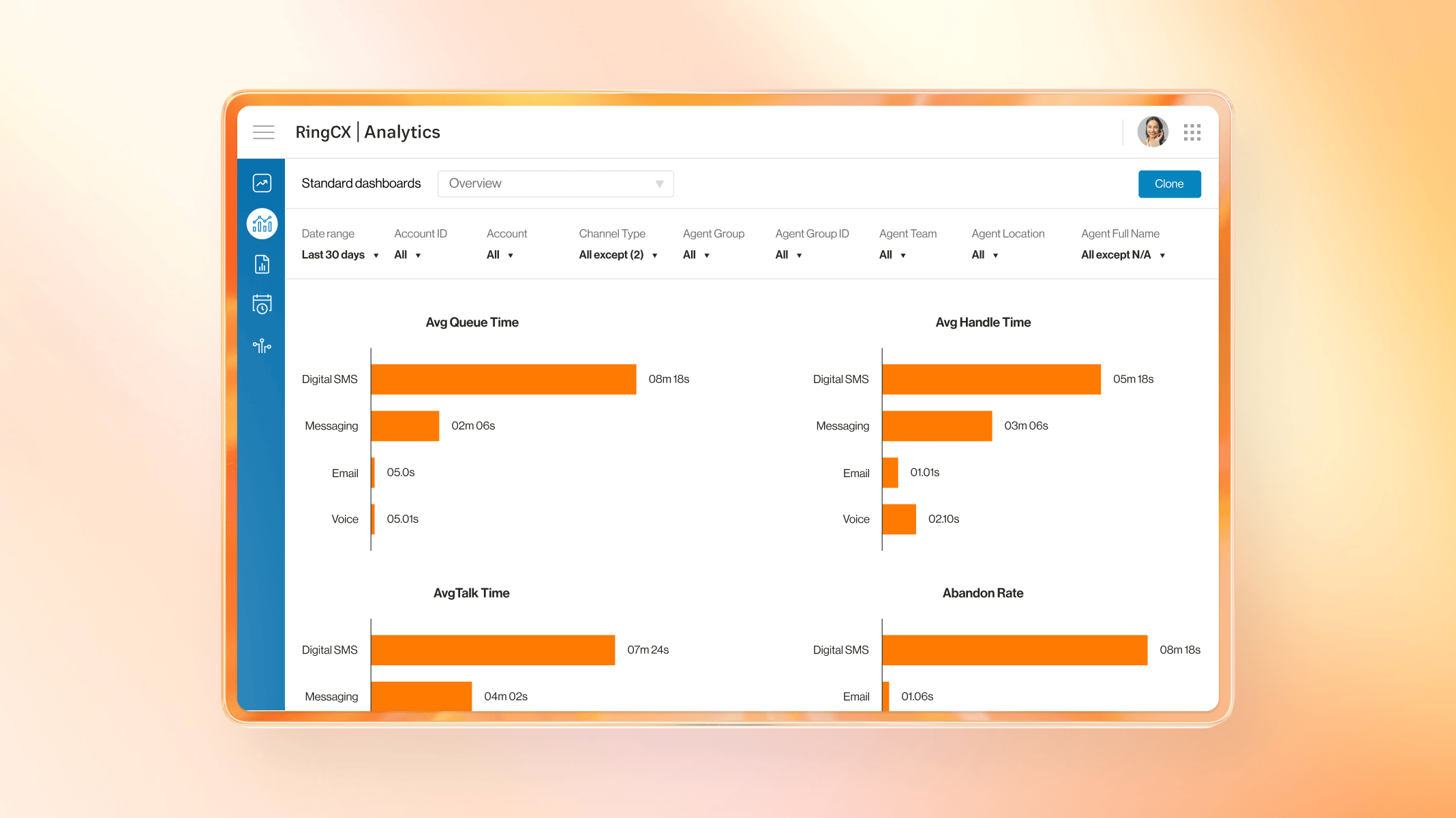
RingCentral combines business communications with contact center options. Voice, messaging, video, contact center, analytics, routing, and integrations. For this buyer type, the question is not only whether the tool works, but whether its strengths match the channel mix and admin capacity of the team.
- AI and automation: AI is useful around communications intelligence, summaries, assistance, and contact center analytics depending on product scope.
- Channels and workflow: Voice, messaging, and communications-led contact center workflows are the strongest fit.
- Setup and administration: Fit improves when the company wants phone system and contact center modernization together.
- Pricing or cost signal: Costs depend on communications plans, contact center seats, channels, and add-ons.
- Trade-off: Digital service and AI-agent depth should be validated for each use case.
- Source status: RingCentral official product page; Official product page plus category context; exact ratings or review counts are not used unless current and necessary.
Decision cue: Choose RingCentral when UCaaS and contact center convergence is the buying driver.
7. 8×8: Best for Global Communications Consolidation
Best for: teams that want communications, contact center, and global calling capabilities together.
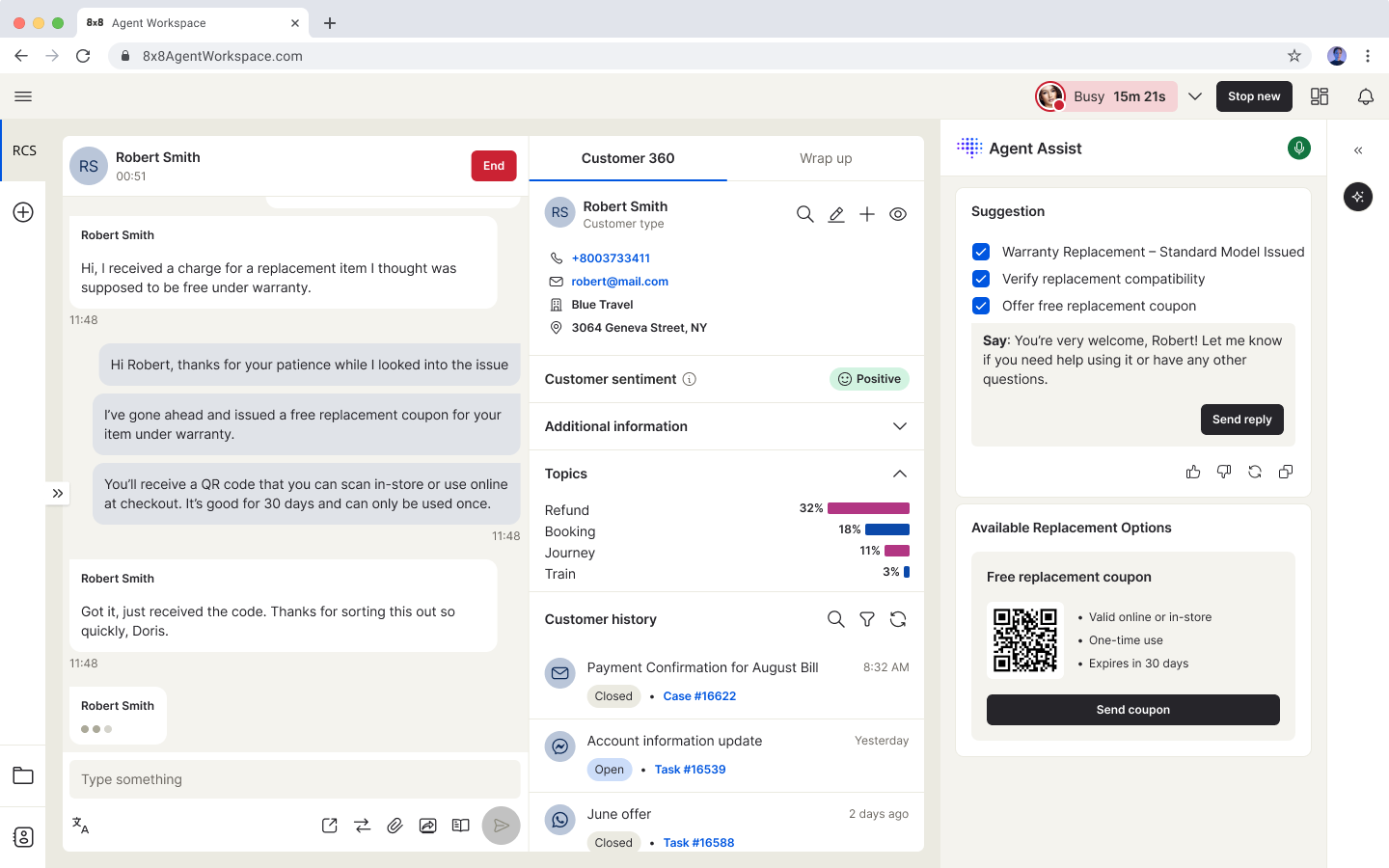
8×8 offers communications and contact center products for distributed support teams. Voice, contact center, messaging, video, routing, analytics, quality, and integrations. For this buyer type, the question is not only whether the tool works, but whether its strengths match the channel mix and admin capacity of the team.
- AI and automation: AI and smart assist features can support agent productivity and operational insight.
- Channels and workflow: Voice and communications-led service workflows are the strongest evaluation areas.
- Setup and administration: Teams should validate regional coverage, routing, number needs, and integration requirements.
- Pricing or cost signal: Plan details should be checked against contact center, communication, and regional requirements.
- Trade-off: AI self-service depth may need closer validation versus AI-first vendors.
- Source status: 8×8 official product page; Official product page plus category context; exact ratings or review counts are not used unless current and necessary.
Decision cue: Choose 8×8 when global communications and contact center consolidation matter.
8. Aircall: Best for Fast Cloud Phone Modernization
Best for: sales and support teams that need a fast cloud phone system connected to business apps.
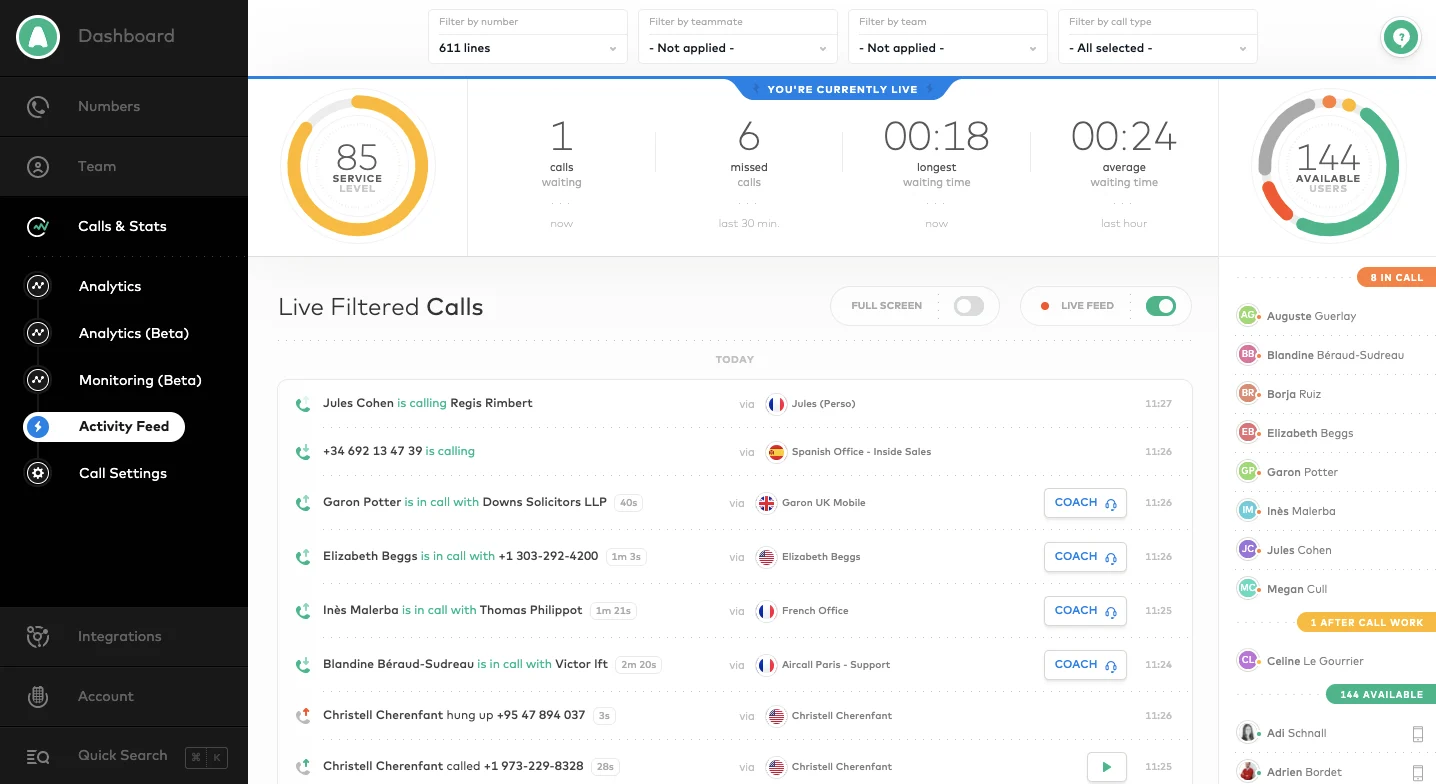
Aircall is a cloud phone and call center solution for support and sales teams. Business phone, call routing, analytics, call recording, integrations, coaching, and team workflows. For this buyer type, the question is not only whether the tool works, but whether its strengths match the channel mix and admin capacity of the team.
- AI and automation: AI value is usually around call productivity, summaries, analytics, and workflow automation rather than full omnichannel service.
- Channels and workflow: Voice is the primary channel, with integrations into CRM and helpdesk tools.
- Setup and administration: It is often faster to deploy than enterprise contact center suites for phone-first teams.
- Pricing or cost signal: Public packages exist, with costs tied to users, features, and calling needs.
- Trade-off: It is not a complete AI customer service suite by itself.
- Source status: Aircall official product page; Official product page plus category context; exact ratings or review counts are not used unless current and necessary.
Decision cue: Choose Aircall when the main Avaya pain point is phone modernization, not full contact center replacement.
9. CloudTalk: Best SMB Call Center Voice Option
Best for: SMBs and mid-market teams that want cloud calling and call center features without heavy enterprise complexity.
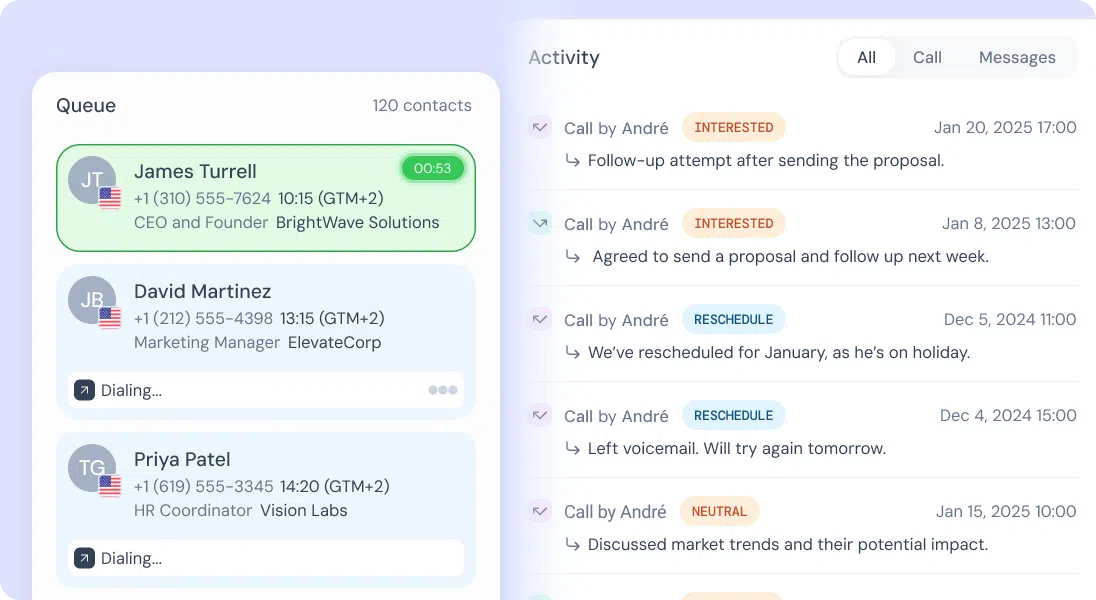
CloudTalk is a cloud call center platform focused on phone support and sales calling. Call routing, IVR, analytics, recordings, outbound dialing, integrations, and contact management. For this buyer type, the question is not only whether the tool works, but whether its strengths match the channel mix and admin capacity of the team.
- AI and automation: AI and automation are useful around call summaries, insights, and productivity depending on package.
- Channels and workflow: Voice is the core channel, with CRM and helpdesk integrations around it.
- Setup and administration: The product is practical for teams moving away from legacy phone systems.
- Pricing or cost signal: Public plans make it easier to compare against legacy contact center costs.
- Trade-off: It is narrower than an omnichannel AI contact center platform.
- Source status: CloudTalk official product page; Official product page plus category context; exact ratings or review counts are not used unless current and necessary.
Decision cue: Choose CloudTalk when cloud voice modernization is the top requirement.
10. Nextiva: Best Communications-Led Support Option
Best for: SMBs that want communications, ticketing, and customer conversations close together.
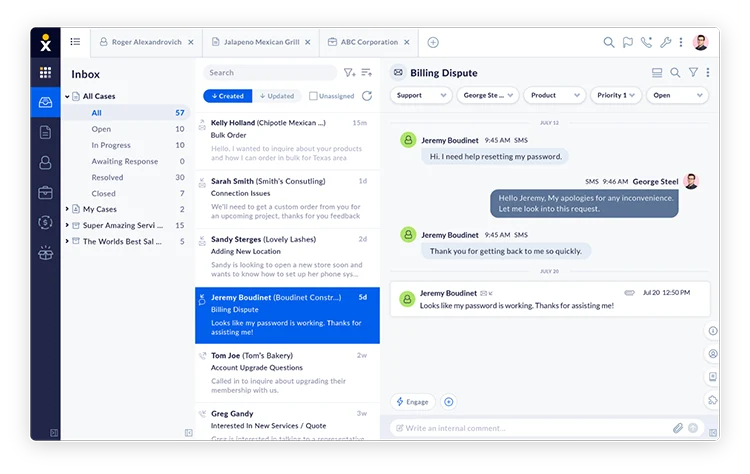
Nextiva combines business communications with customer conversation and support workflows. Voice, messaging, customer conversation tools, ticketing, analytics, and CRM-related workflows. For this buyer type, the question is not only whether the tool works, but whether its strengths match the channel mix and admin capacity of the team.
- AI and automation: AI and automation can support communications and customer interaction workflows, depending on package.
- Channels and workflow: Voice, messaging, and support workflows are the most relevant fit areas.
- Setup and administration: The best fit is a team that wants communications and service operations connected.
- Pricing or cost signal: Public packages exist, but contact center and advanced features should be modeled separately.
- Trade-off: It may not be the first choice for AI-agent-first digital support.
- Source status: Nextiva official product page; Official product page plus category context; exact ratings or review counts are not used unless current and necessary.
Decision cue: Choose Nextiva when voice communications and support operations need to live closer together.
Why Sobot Deserves a Serious Shortlist
Sobot deserves a serious shortlist because the value of voice automation depends on what happens after the call begins. Sobot Voicebot can be evaluated alongside AI Agent, AI Copilot, ticketing, live chat, WhatsApp, and omnichannel support, which helps teams avoid building a voice silo. That makes Sobot a strong choice for call centers that want conversational automation without losing the human handoff and service context.
Which Choice Fits Which Team?
- Simple routing: Use IVR or a lightweight phone workflow when callers only need menu routing.
- Conversational self-service: Use an AI voicebot when callers need to speak naturally and complete repetitive tasks.
- Omnichannel support: Choose Sobot when voicebot outcomes should connect to chat, WhatsApp, tickets, and agents.
- Enterprise operations: Compare Genesys, NICE CXone, Five9, and Talkdesk when workforce, quality, and routing are complex.
Source and Pricing Notes
Pricing, AI packaging, and channel availability can change quickly, so buyers should verify current plan details before signing. These sources were used to ground the rewrite and avoid unsupported claims:
- Sobot official site: Sobot all-in-one AI contact center, AI Agent, AI Copilot, Voicebot, Chatbot, WhatsApp BSP, and omnichannel product context.
- Sobot AI solution: Sobot AI products, AI Agent, AI Copilot, AI Insight, Voice AI, and LLM integration context.
- Sobot Voicebot: Sobot voicebot and AI voice agent positioning for voice automation topics.
- Sobot omnichannel: Omnichannel contact center and channel-continuity context.
- Genesys Cloud CX pricing: Genesys Cloud CX package, AI, voice, digital, and WEM cost-signal context.
- Genesys Cloud AI experience: Genesys AI feature and token-model context.
- Zendesk automated resolutions help: Zendesk AI agent automated-resolution packaging context.
Next Step for Sobot Buyers
If you are evaluating Sobot Voicebot, start with the top five call drivers and mark each as routing-only, voicebot-ready, or agent-required. Then ask Sobot to demo confidence thresholds, handoff, ticket creation, call summaries, and supervisor reporting.

Frequently Asked Questions
Is an AI voicebot better than IVR?
An AI voicebot is better when callers need natural-language self-service and context-aware answers. IVR is better for simple, stable routing and menu-based flows.
Can AI voicebots replace IVR?
Sometimes, but many call centers use both. IVR can provide structure, while AI voicebots handle repetitive conversational tasks and hand off complex cases.
Why choose Sobot Voicebot?
Sobot Voicebot is useful when voice automation must connect with AI Agent, ticketing, live chat, WhatsApp, AI Copilot, and human-agent workflows.
What call types are best for AI voicebots?
Order status, appointment changes, delivery updates, refund status, password reset, store information, and common troubleshooting are good candidates.
What are the risks of AI voicebots?
Risks include poor intent recognition, weak knowledge, awkward escalation, privacy issues, and frustrated callers if there is no clear human handoff.
How should call centers measure voicebot success?
Measure containment, resolution quality, transfer rate, average handle time, customer satisfaction, fallback reasons, and agent context quality after handoff.