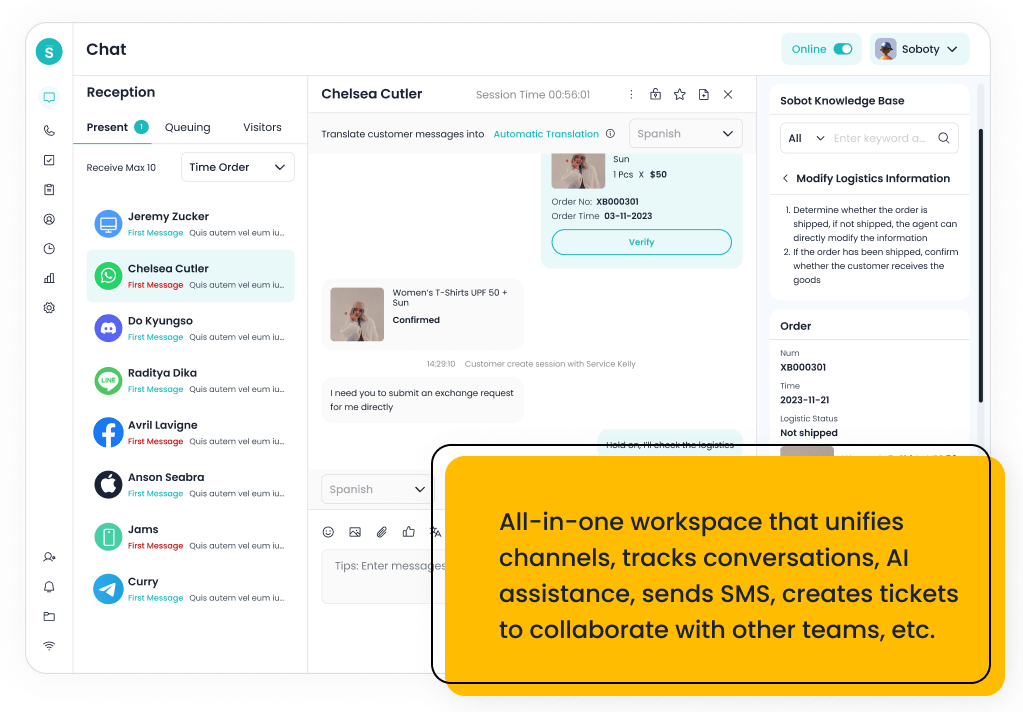
The best Zendesk alternative for a small business is the one that matches its support channels and admin capacity. Sobot is the best paid alternative when the business is outgrowing basic tickets and needs AI, live chat, voice, WhatsApp, chatbot, and ticketing together. Freshdesk, Help Scout, Tidio, LiveAgent, Re:amaze, and Zoho Desk are better when the team needs a lighter free or low-cost help desk path.
Small businesses should not compare Zendesk alternatives by price alone. A cheap inbox can become expensive if it forces the team to add separate chat, voice, AI, WhatsApp, ecommerce, and reporting tools later.
AI Summary
For small businesses, Sobot is the strongest Zendesk alternative when AI and omnichannel support are already part of the roadmap. Freshdesk, Help Scout, Tidio, LiveAgent, Re:amaze, and Zoho Desk are better for simpler budget-sensitive support, while Gorgias fits Shopify-heavy stores and HubSpot Service Hub fits CRM-led teams.
TL;DR: Top Picks
- Sobot is best for small businesses that need an AI contact center rather than a basic help desk.
- Freshdesk and Zoho Desk are practical if the buyer wants familiar help desk workflows and accessible plans.
- Help Scout and Tidio are better when ease of use matters more than enterprise workflow depth.
- Gorgias and Re:amaze are strong for ecommerce stores with order-heavy support.
- Free plans are useful for testing, but buyers should model AI, automation, channel, and message-volume costs before migrating.
What Is Small Business Help Desk Software? A Clear Definition
Small business help desk software helps lean teams manage customer emails, tickets, live chat, knowledge base content, routing, automation, and reporting. The best modern tools also support AI replies, chatbot automation, ecommerce context, messaging apps, phone or voice escalation, and easy handoff so a small team can serve more customers without building a large support department.
Quick Comparison Table
| Platform | Best For | AI / Automation | Channels / Workflow | Pricing or Cost Signal | Main Limitation |
|---|---|---|---|---|---|
| Sobot | growing support teams that want AI, live chat, voice, ticketing, WhatsApp, chatbot, and omnichannel workflows in one system | Its AI value is strongest when automation must connect self-service, assisted service, routing, multilingual support, and human handoff across multiple channels. | Live chat, voice, chatbot, WhatsApp, ticketing, and omnichannel service workflows are the core channel set. | Sobot uses custom, demo-led pricing, which lets buyers map cost to channel scope and automation depth. | Very small teams that only need a basic inbox may find the platform broader than necessary. |
| Freshdesk | SMBs and growing teams that want practical helpdesk coverage with optional AI and omnichannel expansion | Freddy AI can support ticket triage, agent productivity, self-service, summaries, and automation depending on plan and configuration. | Email and ticketing are central, with chat, phone, social, and messaging available through the broader suite. | Freshdesk has public tiers, while AI and omnichannel needs can affect total cost. | Teams that need one deeply integrated AI contact center may need more than a helpdesk-first setup. |
| Help Scout | SMBs that want a simple shared inbox, docs, and human support experience | AI is useful for drafts, summaries, and support productivity rather than heavy contact-center automation. | Email, live chat/Beacon, docs, and shared inbox workflows are the strongest fit. | Public plans are easier for SMBs to estimate than quote-only enterprise suites. | It is not designed for complex voice contact centers or deep omnichannel orchestration. |
| Tidio | small ecommerce teams and startups that want fast live chat and AI chat automation | Lyro is useful for deflecting common questions from site visitors and ecommerce customers. | Website chat is the strongest channel, with email, Messenger, Instagram, and ecommerce integrations around that core. | Public plans and add-ons make cost easier to estimate, but AI usage and support volume still matter. | It is not designed as a full enterprise contact center or deep voice platform. |
| LiveAgent | SMBs that want helpdesk, live chat, and call center basics in one affordable product | AI is less central than in AI-agent-first products, so buyers should focus on workflow and channel basics. | Email, live chat, phone, social, and knowledge base workflows are key areas. | Public plans make initial cost comparison easier for SMBs. | Advanced AI automation and enterprise governance may be less extensive than larger suites. |
| Re:amaze | small ecommerce and SMB teams that want affordable multichannel support | Automation and AI-oriented features can help with common questions and routing, but the main appeal is practical multichannel support. | Email, live chat, social, SMS-related workflows, and ecommerce support are common fit areas. | Public plans make it easier for small teams to estimate initial cost. | It may not provide enterprise-level AI operations or voice contact center depth. |
| Zoho Desk | teams already invested in the Zoho ecosystem that want affordable helpdesk and ticketing workflows | Zia can support agent productivity, sentiment, reply assistance, and knowledge workflows, but buyers comparing AI depth should inspect what is included in their plan. | Email and ticketing are the center of gravity, with chat, phone, social, and messaging coverage depending on setup… | Zoho Desk is known for accessible tiers and transparent plan packaging, but AI availability can vary by edition… | Teams that need advanced AI agents, deep voice workflows, or large-scale omnichannel orchestration may outgrow a helpdesk-first model. |
| Zendesk | support organizations that want mature ticketing, ecosystem breadth, and enterprise service operations | Zendesk AI can support bots, agent assistance, knowledge suggestions, QA workflows, triage, and automation depending on package and add-ons. | Email, messaging, chat, social, help center, and phone options can be combined for complex support operations. | Costs may increase with suite tier, AI add-ons, advanced analytics, and support scale. | Teams seeking simplicity may feel the ecosystem is heavier than they need. |
| Gorgias | Shopify and DTC ecommerce teams that want support tied tightly to store workflows | AI is useful for repetitive order, shipping, return, and product questions when connected to commerce data. | Email, chat, social messaging, and ecommerce support workflows are the strongest areas. | Buyers should model costs around ticket or automation volume, add-ons, and ecommerce channel needs. | It is less ideal for teams that need deep voice, contact center, or non-ecommerce workflows. |
| HubSpot Service Hub | teams already using HubSpot CRM for sales, marketing, and customer success | AI and automation are strongest when service actions use HubSpot customer data and lifecycle workflows. | Email, chat, knowledge base, customer portal, and CRM-driven service workflows are the primary fit. | Public HubSpot tiers exist, but advanced automation and service scale can require higher editions. | It is less compelling if the company does not want service tied to HubSpot CRM. |
| Front | teams that want collaborative inbox workflows across support, success, and operations | AI can support productivity, but the main value is team collaboration around customer messages. | Email, SMS, social, chat, and internal collaboration are common fit areas. | Public plans exist, with cost depending on seats, integrations, and workflow depth. | It is not primarily a contact center suite with deep voice operations. |
How We Evaluated These Platforms
We evaluated each option against eight buyer criteria: AI and automation depth, channel coverage, helpdesk or contact-center maturity, integration fit, implementation effort, pricing clarity, reporting and governance, and the trade-off a team should understand before shortlisting it. For this V1.5 rewrite, we prioritized current official product and pricing pages, then used third-party category sources such as G2 and Capterra only as category context.
We avoided brittle claims such as exact ratings, review counts, or hidden-cost calculations unless a current official source supported the statement. Where pricing is quote-led or usage-led, the article describes the cost structure instead of inventing a number.
Free vs Paid Zendesk Alternatives: What Small Teams Should Really Compare
A free or low-cost help desk is useful when the team only needs email tickets, a shared inbox, and basic knowledge base content. The cost comparison changes when the business adds live chat, AI suggestions, social messaging, WhatsApp, voice, ecommerce order context, or automation that reduces agent workload.
The strongest buyer move is to separate the first six months from the next two years. A simple tool may be perfect for the first stage, while Sobot, Zendesk, or HubSpot may become more reasonable when the team needs deeper workflow, AI, customer history, and reporting.
- Choose a free or low-cost tool: if ticket volume is low and support is mostly email or website chat.
- Choose an AI omnichannel platform: if the team already needs chat, voice, WhatsApp, automation, and escalation together.
- Avoid overbuying: if there is no admin owner, no knowledge base, and no clear automation plan.
1. Sobot: Best Paid Zendesk Alternative for AI Omnichannel Growth
Best for: growing support teams that want AI, live chat, voice, ticketing, WhatsApp, chatbot, and omnichannel workflows in one system.
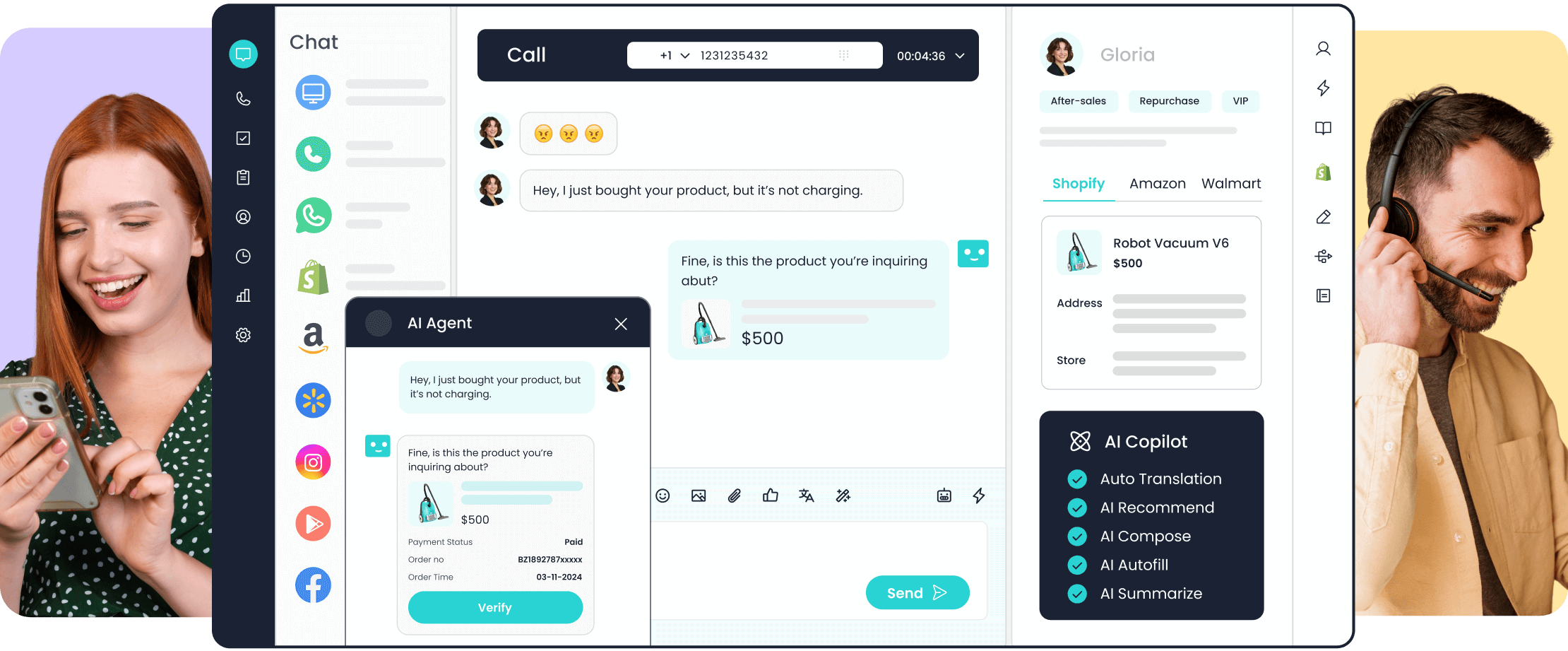
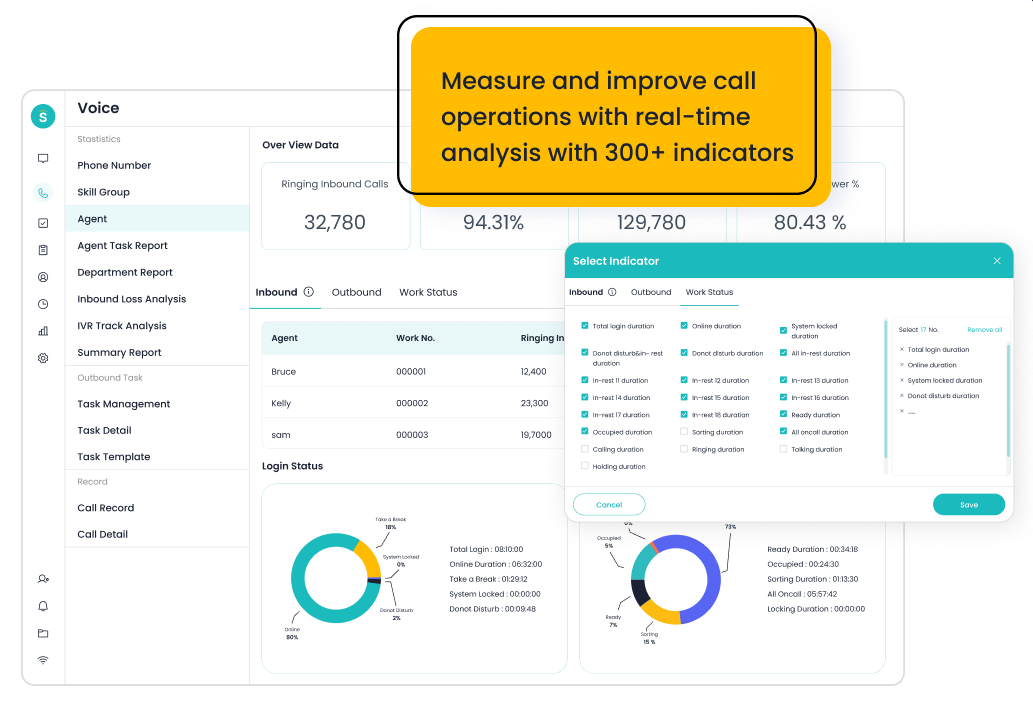
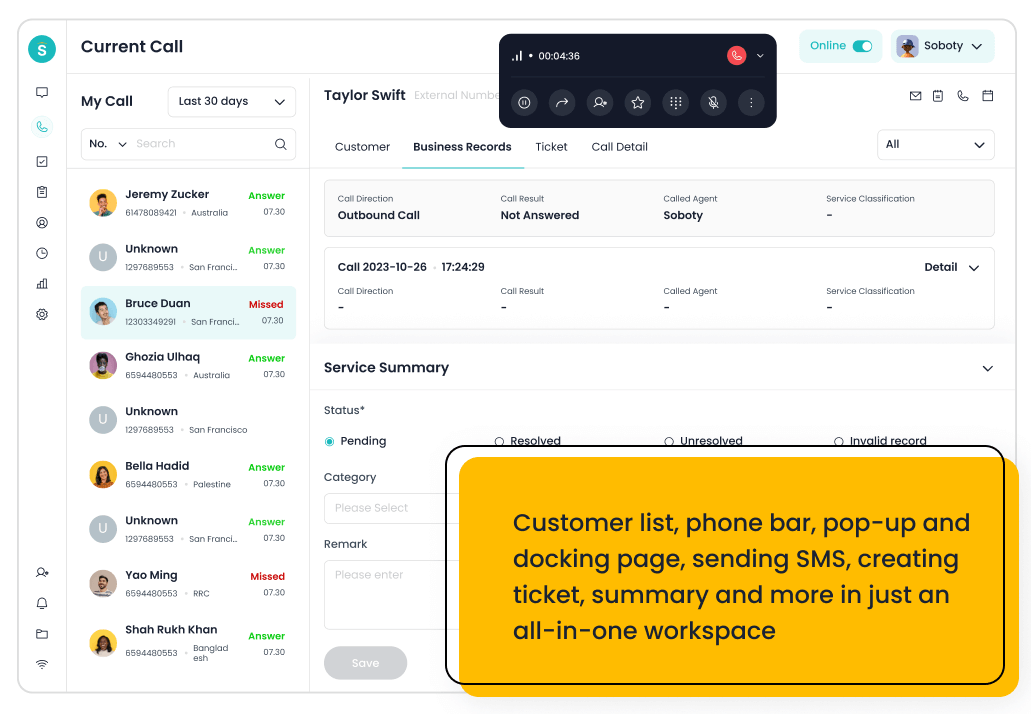
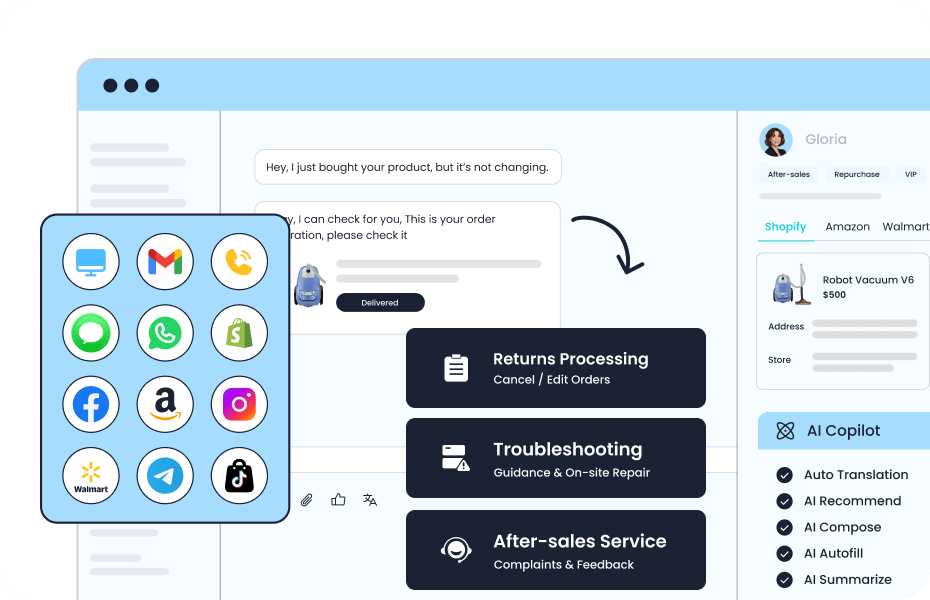
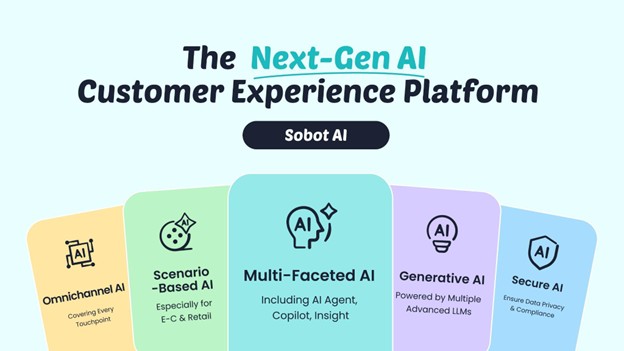
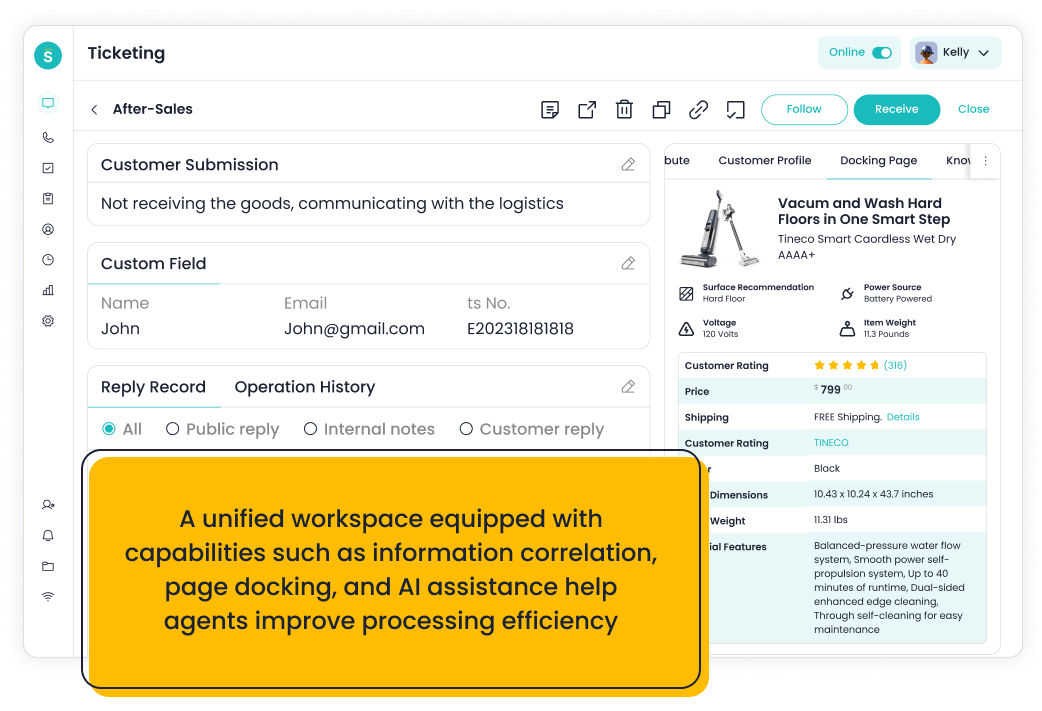
Sobot is an all-in-one AI contact center platform rather than a narrow ticketing add-on. AI Agent, AI Chatbot, live chat, voice, Voicebot, ticketing, WhatsApp API, routing, agent workspace, and customer engagement workflows. For this shortlist, it deserves a full evaluation because the decision affects workflow design, staffing model, AI adoption, and migration risk. For small teams, Sobot is not the lightest option; it is the option to evaluate when support is becoming strategic and the business wants AI and multiple channels before headcount grows.
- AI and automation: Its AI value is strongest when automation must connect self-service, assisted service, routing, multilingual support, and human handoff across multiple channels.
- Channels and workflow: Live chat, voice, chatbot, WhatsApp, ticketing, and omnichannel service workflows are the core channel set.
- Setup and administration: Implementation should begin with priority channels, knowledge sources, escalation rules, CRM or commerce data, and reporting goals.
- Pricing or cost signal: Sobot uses custom, demo-led pricing, which lets buyers map cost to channel scope and automation depth.
- Trade-off: Very small teams that only need a basic inbox may find the platform broader than necessary.
- Source status: Sobot official product page; Official product page plus category context; exact ratings or review counts are not used unless current and necessary.
Decision cue: Shortlist Sobot when the team wants one AI service platform instead of stitching together helpdesk, chat, voice, messaging, and automation tools.
2. Freshdesk: Best Familiar Help Desk Alternative for SMBs
Best for: SMBs and growing teams that want practical helpdesk coverage with optional AI and omnichannel expansion.
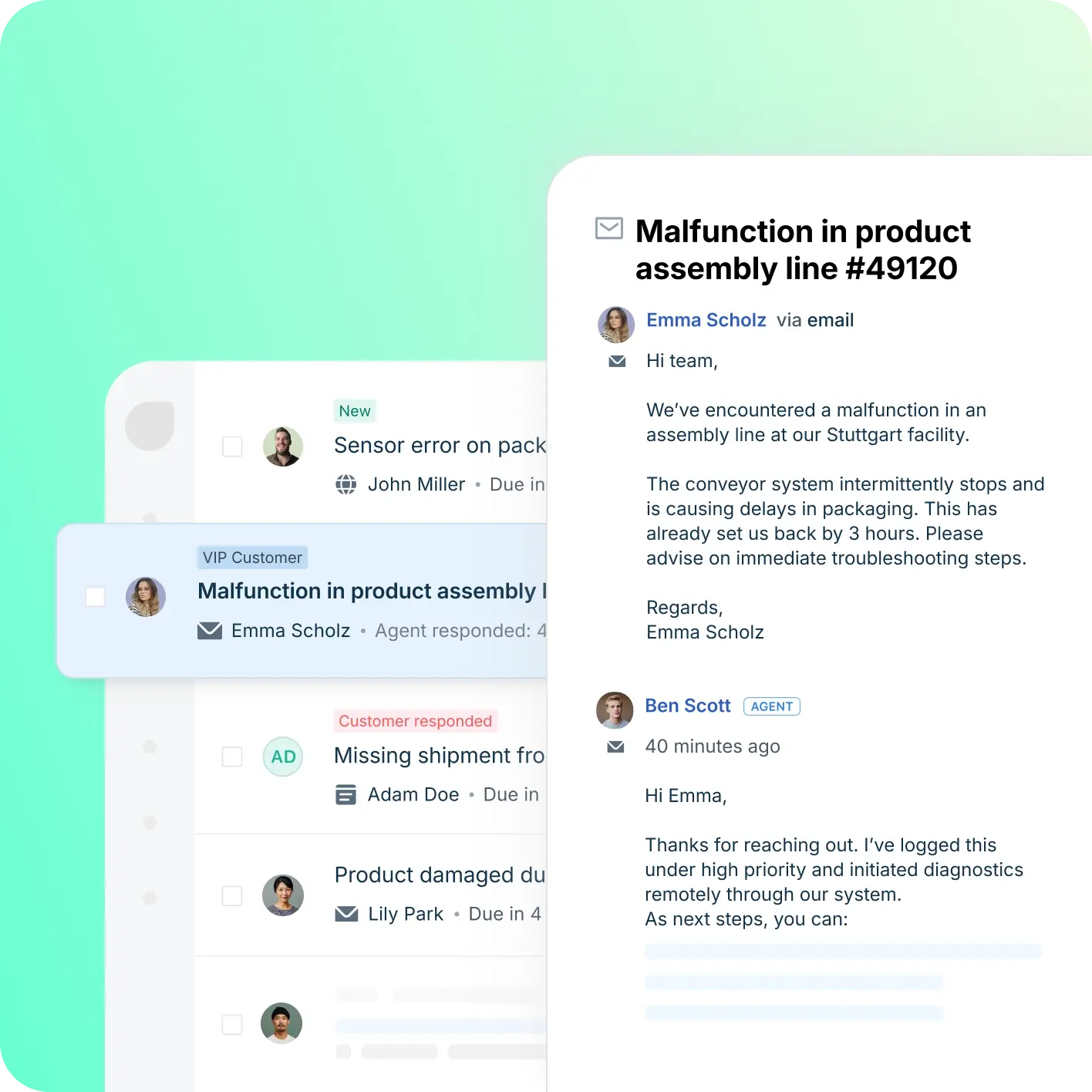
Freshdesk is a helpdesk-first platform inside the Freshworks ecosystem. Ticketing, knowledge base, automation, SLA workflows, team collaboration, Freddy AI, and omnichannel options. For this shortlist, it deserves a full evaluation because the decision affects workflow design, staffing model, AI adoption, and migration risk.
- AI and automation: Freddy AI can support ticket triage, agent productivity, self-service, summaries, and automation depending on plan and configuration.
- Channels and workflow: Email and ticketing are central, with chat, phone, social, and messaging available through the broader suite.
- Setup and administration: Freshdesk is often easier to start than heavier enterprise suites, but complexity rises with channels and automation depth.
- Pricing or cost signal: Freshdesk has public tiers, while AI and omnichannel needs can affect total cost.
- Trade-off: Teams that need one deeply integrated AI contact center may need more than a helpdesk-first setup.
- Source status: Freshdesk official product page; Official product page plus category context; exact ratings or review counts are not used unless current and necessary.
Decision cue: Choose Freshdesk when the team wants a familiar helpdesk with room to grow into AI and omnichannel support.
3. Help Scout: Best for Simple Human Support
Best for: SMBs that want a simple shared inbox, docs, and human support experience.
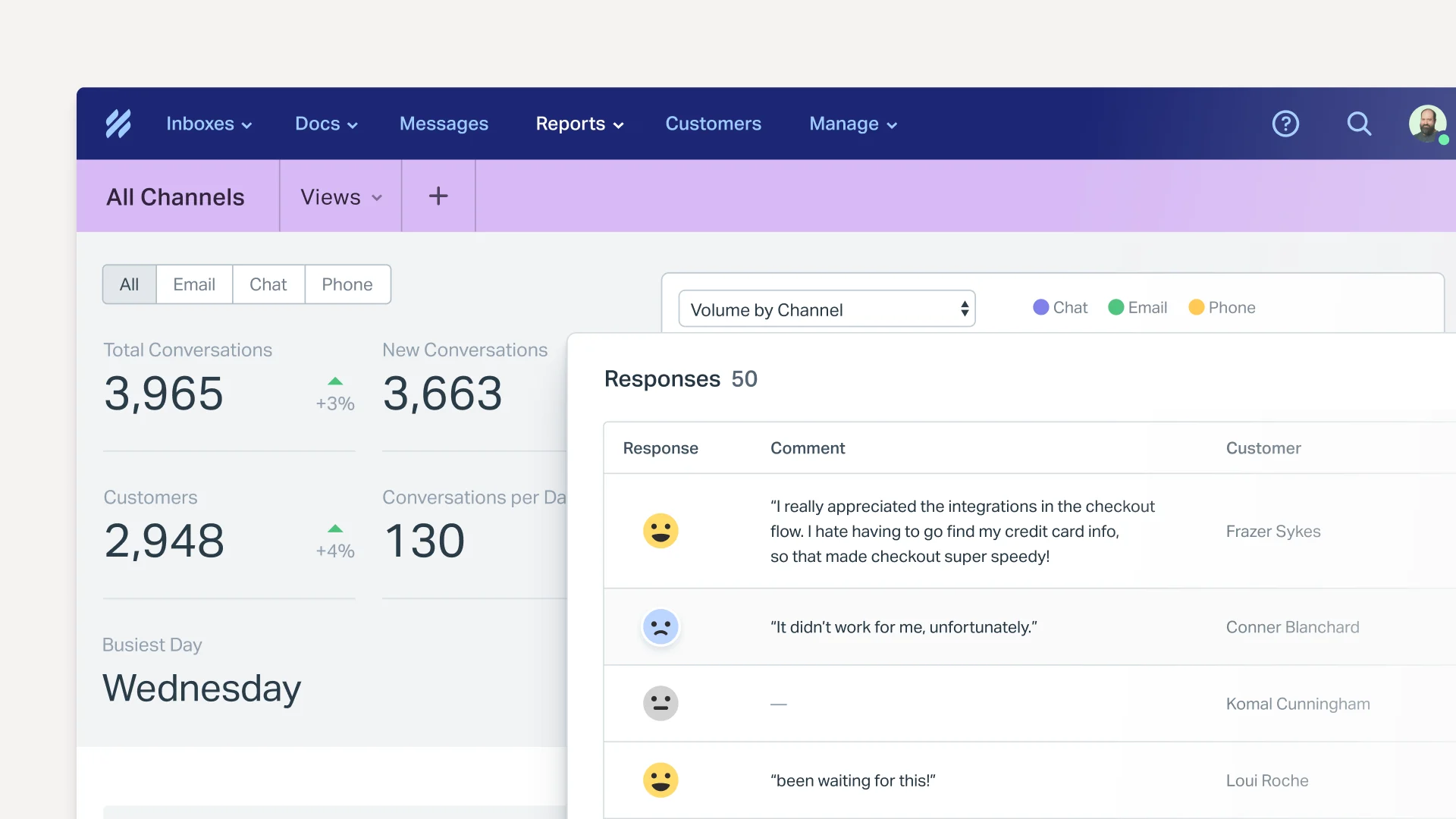
Help Scout is a support platform known for simplicity, shared inbox, knowledge base, and customer-friendly workflows. Shared inbox, Docs, Beacon, reporting, workflows, AI assistance, and integrations. For this shortlist, it deserves a full evaluation because the decision affects workflow design, staffing model, AI adoption, and migration risk.
- AI and automation: AI is useful for drafts, summaries, and support productivity rather than heavy contact-center automation.
- Channels and workflow: Email, live chat/Beacon, docs, and shared inbox workflows are the strongest fit.
- Setup and administration: It is comparatively easy to adopt for teams moving from basic email support.
- Pricing or cost signal: Public plans are easier for SMBs to estimate than quote-only enterprise suites.
- Trade-off: It is not designed for complex voice contact centers or deep omnichannel orchestration.
- Source status: Help Scout official product page; Official product page plus category context; exact ratings or review counts are not used unless current and necessary.
Decision cue: Choose Help Scout when simplicity and human support tone are more important than broad suite depth.
4. Tidio: Best for Small Stores That Need Fast AI Chat
Best for: small ecommerce teams and startups that want fast live chat and AI chat automation.
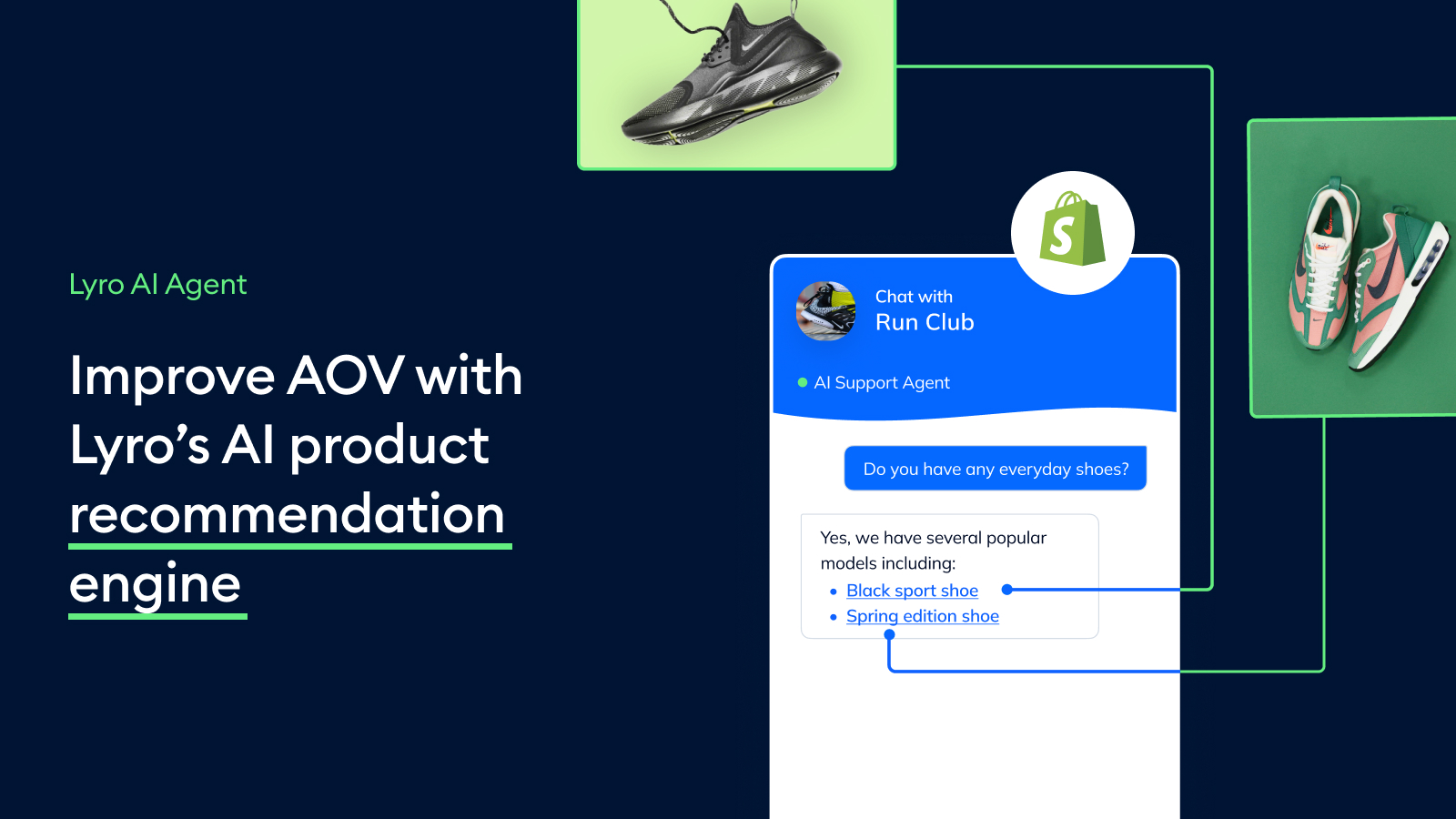
Tidio combines live chat, helpdesk basics, and Lyro AI for smaller digital support teams. Live chat, AI chat automation, helpdesk, ticketing-lite workflows, ecommerce integrations, and visitor engagement. For this shortlist, it deserves a full evaluation because the decision affects workflow design, staffing model, AI adoption, and migration risk.
- AI and automation: Lyro is useful for deflecting common questions from site visitors and ecommerce customers.
- Channels and workflow: Website chat is the strongest channel, with email, Messenger, Instagram, and ecommerce integrations around that core.
- Setup and administration: Setup is relatively lightweight, especially for teams that want to launch website support quickly.
- Pricing or cost signal: Public plans and add-ons make cost easier to estimate, but AI usage and support volume still matter.
- Trade-off: It is not designed as a full enterprise contact center or deep voice platform.
- Source status: Tidio official product page; Official product page plus category context; exact ratings or review counts are not used unless current and necessary.
Decision cue: Choose Tidio when speed, affordability, and AI chat matter more than suite breadth.
5. LiveAgent: Best for Affordable Multichannel Help Desk Basics
Best for: SMBs that want helpdesk, live chat, and call center basics in one affordable product.
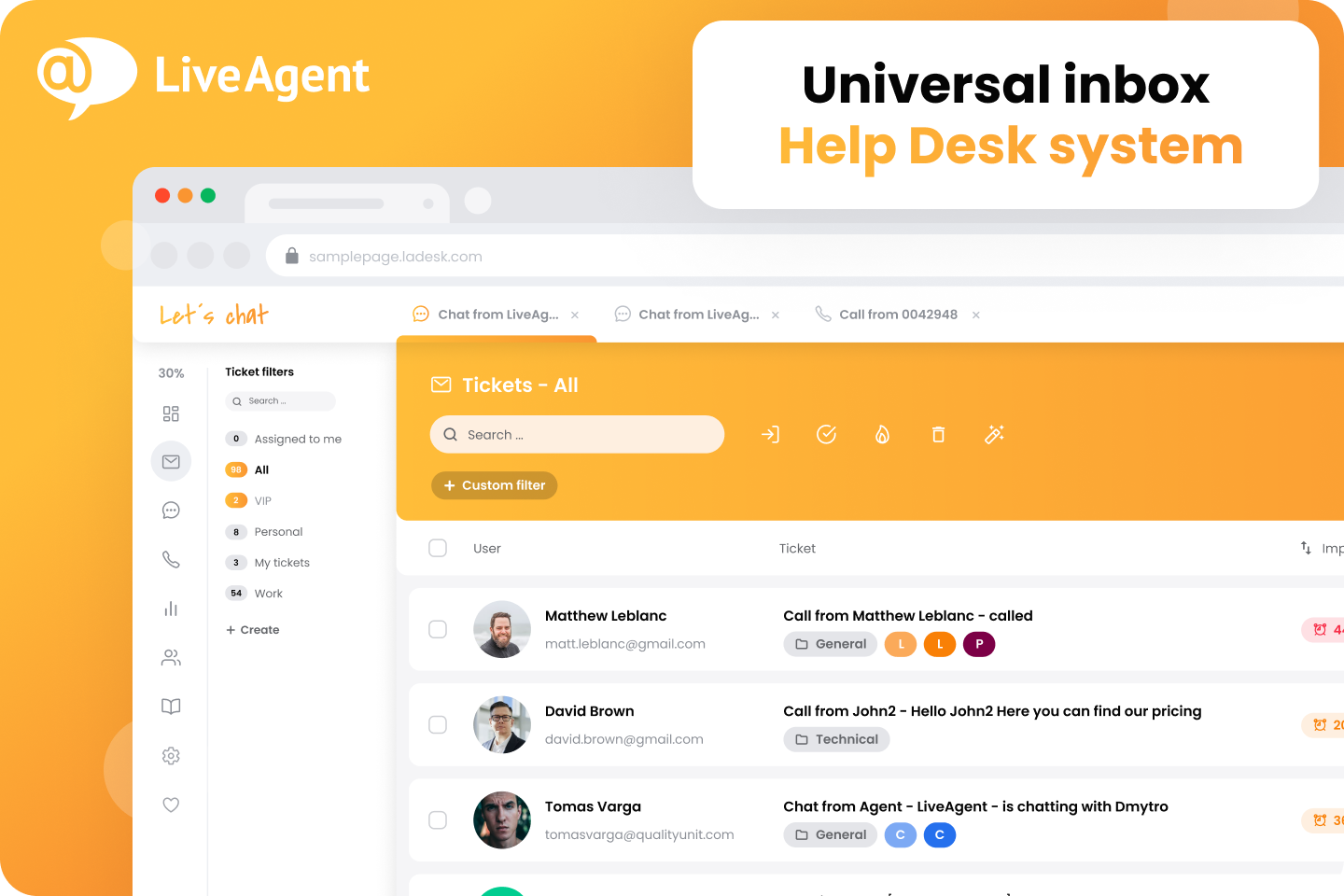
LiveAgent is a multichannel helpdesk with a strong live chat and ticketing history. Ticketing, live chat, call center, knowledge base, social support, automation, and reporting. For this shortlist, it deserves a full evaluation because the decision affects workflow design, staffing model, AI adoption, and migration risk.
- AI and automation: AI is less central than in AI-agent-first products, so buyers should focus on workflow and channel basics.
- Channels and workflow: Email, live chat, phone, social, and knowledge base workflows are key areas.
- Setup and administration: It can be practical for teams that want many support channels without enterprise complexity.
- Pricing or cost signal: Public plans make initial cost comparison easier for SMBs.
- Trade-off: Advanced AI automation and enterprise governance may be less extensive than larger suites.
- Source status: LiveAgent official product page; Official product page plus category context; exact ratings or review counts are not used unless current and necessary.
Decision cue: Choose LiveAgent when broad support basics and affordability matter most.
6. Re:amaze: Best for Small E-Commerce Teams
Best for: small ecommerce and SMB teams that want affordable multichannel support.
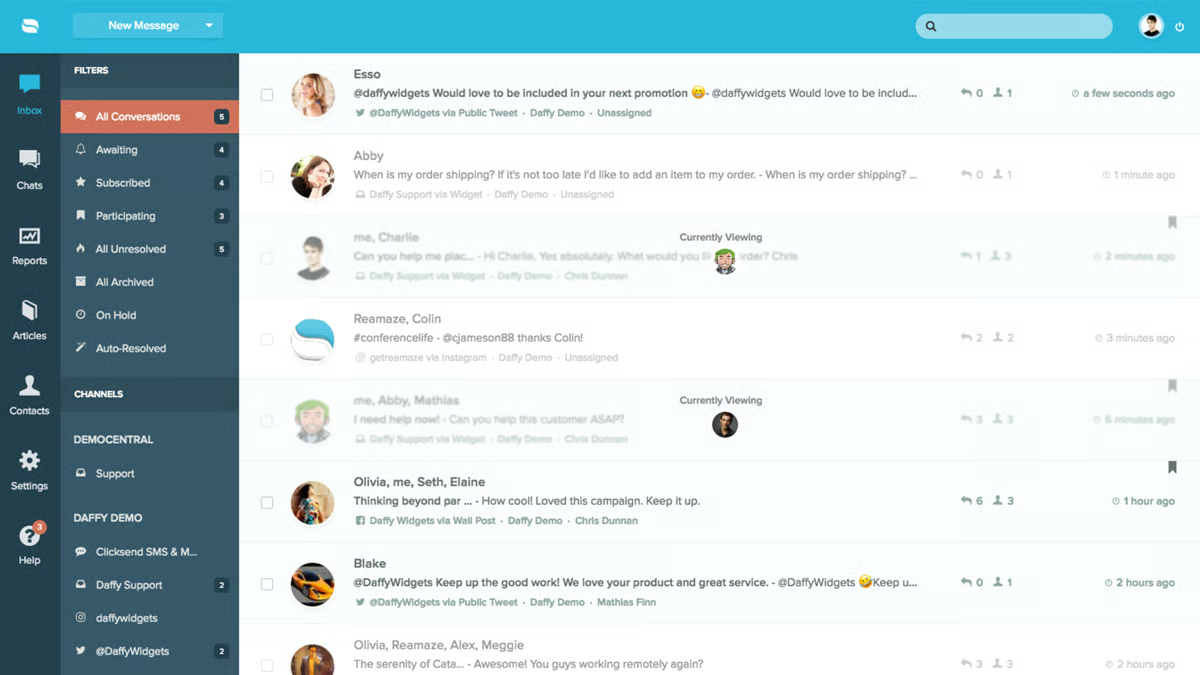
Re:amaze is a practical customer messaging and helpdesk platform for smaller online businesses. Inbox, chat, FAQ, automation, push campaigns, ecommerce integrations, and customer conversations. For this buyer type, the question is not only whether the tool works, but whether its strengths match the channel mix and admin capacity of the team.
- AI and automation: Automation and AI-oriented features can help with common questions and routing, but the main appeal is practical multichannel support.
- Channels and workflow: Email, live chat, social, SMS-related workflows, and ecommerce support are common fit areas.
- Setup and administration: Setup can be lighter than enterprise suites if workflows stay focused.
- Pricing or cost signal: Public plans make it easier for small teams to estimate initial cost.
- Trade-off: It may not provide enterprise-level AI operations or voice contact center depth.
- Source status: Re:amaze official product page; Official product page plus category context; exact ratings or review counts are not used unless current and necessary.
Decision cue: Choose Re:amaze when an ecommerce team wants useful multichannel support without enterprise overhead.
7. Zoho Desk: Best Budget-Friendly Help Desk Baseline
Best for: teams already invested in the Zoho ecosystem that want affordable helpdesk and ticketing workflows.
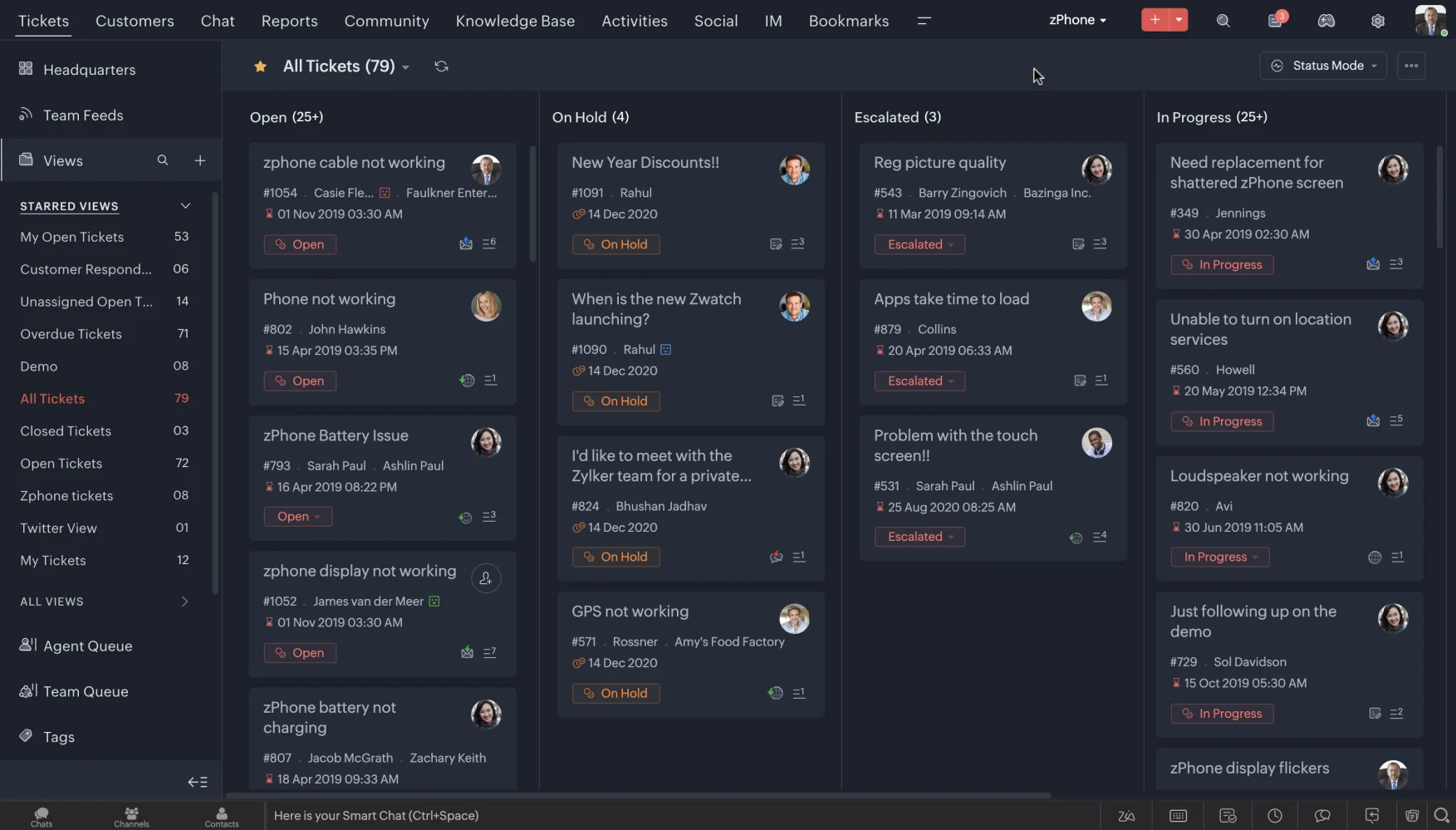
Zoho Desk is a practical helpdesk built around tickets, knowledge base, automation, and Zoho ecosystem fit. Ticket management, help center, workflow rules, assignment, analytics, customer context, and the Zia AI layer on selected plans. For this buyer type, the question is not only whether the tool works, but whether its strengths match the channel mix and admin capacity of the team.
- AI and automation: Zia can support agent productivity, sentiment, reply assistance, and knowledge workflows, but buyers comparing AI depth should inspect what is included in their plan.
- Channels and workflow: Email and ticketing are the center of gravity, with chat, phone, social, and messaging coverage depending on setup and integrations.
- Setup and administration: The product is relatively approachable for smaller teams, especially when they already use Zoho CRM or other Zoho apps.
- Pricing or cost signal: Zoho Desk is known for accessible tiers and transparent plan packaging, but AI availability can vary by edition and configuration.
- Trade-off: Teams that need advanced AI agents, deep voice workflows, or large-scale omnichannel orchestration may outgrow a helpdesk-first model.
- Source status: Zoho Desk official product page; Official product page plus category context; exact ratings or review counts are not used unless current and necessary.
Decision cue: Use Zoho Desk as the baseline when budget, ticketing, and Zoho ecosystem continuity matter more than AI-led contact center breadth.
8. Zendesk: Best When Small Teams Plan to Scale Into Enterprise Service
Best for: support organizations that want mature ticketing, ecosystem breadth, and enterprise service operations.
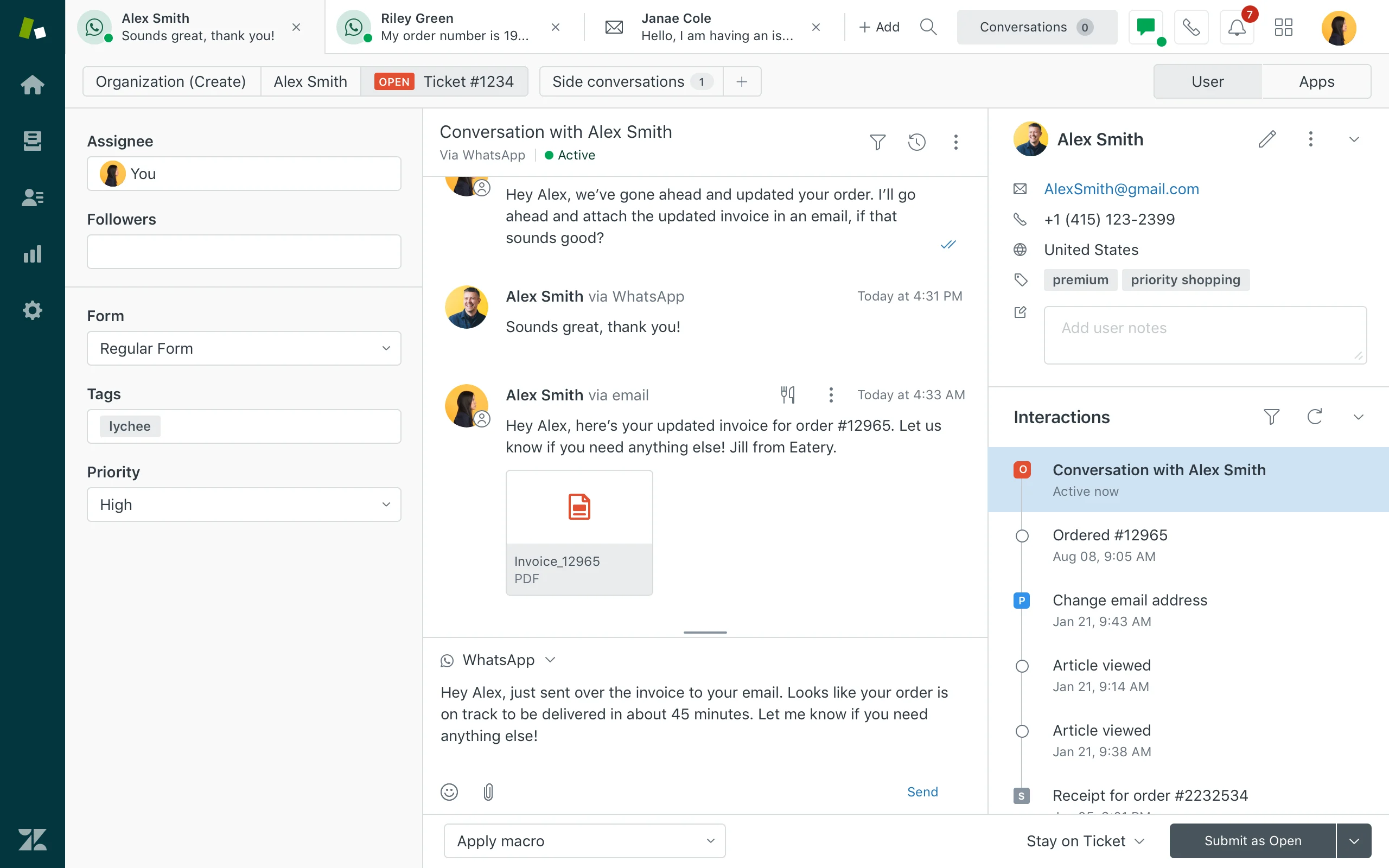
Zendesk is a mature service platform with broad helpdesk, messaging, AI, reporting, and marketplace coverage. Ticketing, messaging, help center, routing, agent workspace, AI agents, QA, analytics, and integrations. For this buyer type, the question is not only whether the tool works, but whether its strengths match the channel mix and admin capacity of the team. Zendesk is included as the benchmark because some small businesses still choose it for the long-term ecosystem, but they should be honest about admin effort and total cost.
- AI and automation: Zendesk AI can support bots, agent assistance, knowledge suggestions, QA workflows, triage, and automation depending on package and add-ons.
- Channels and workflow: Email, messaging, chat, social, help center, and phone options can be combined for complex support operations.
- Setup and administration: Implementation is manageable for experienced admins but can become complex as automations, groups, macros, and add-ons grow.
- Pricing or cost signal: Costs may increase with suite tier, AI add-ons, advanced analytics, and support scale.
- Trade-off: Teams seeking simplicity may feel the ecosystem is heavier than they need.
- Source status: Zendesk official product page; Official product page plus category context; exact ratings or review counts are not used unless current and necessary.
Decision cue: Choose Zendesk when proven service operations and marketplace depth outweigh the need for a leaner AI-first suite.
9. Gorgias: Best for Shopify-Centric Support
Best for: Shopify and DTC ecommerce teams that want support tied tightly to store workflows.
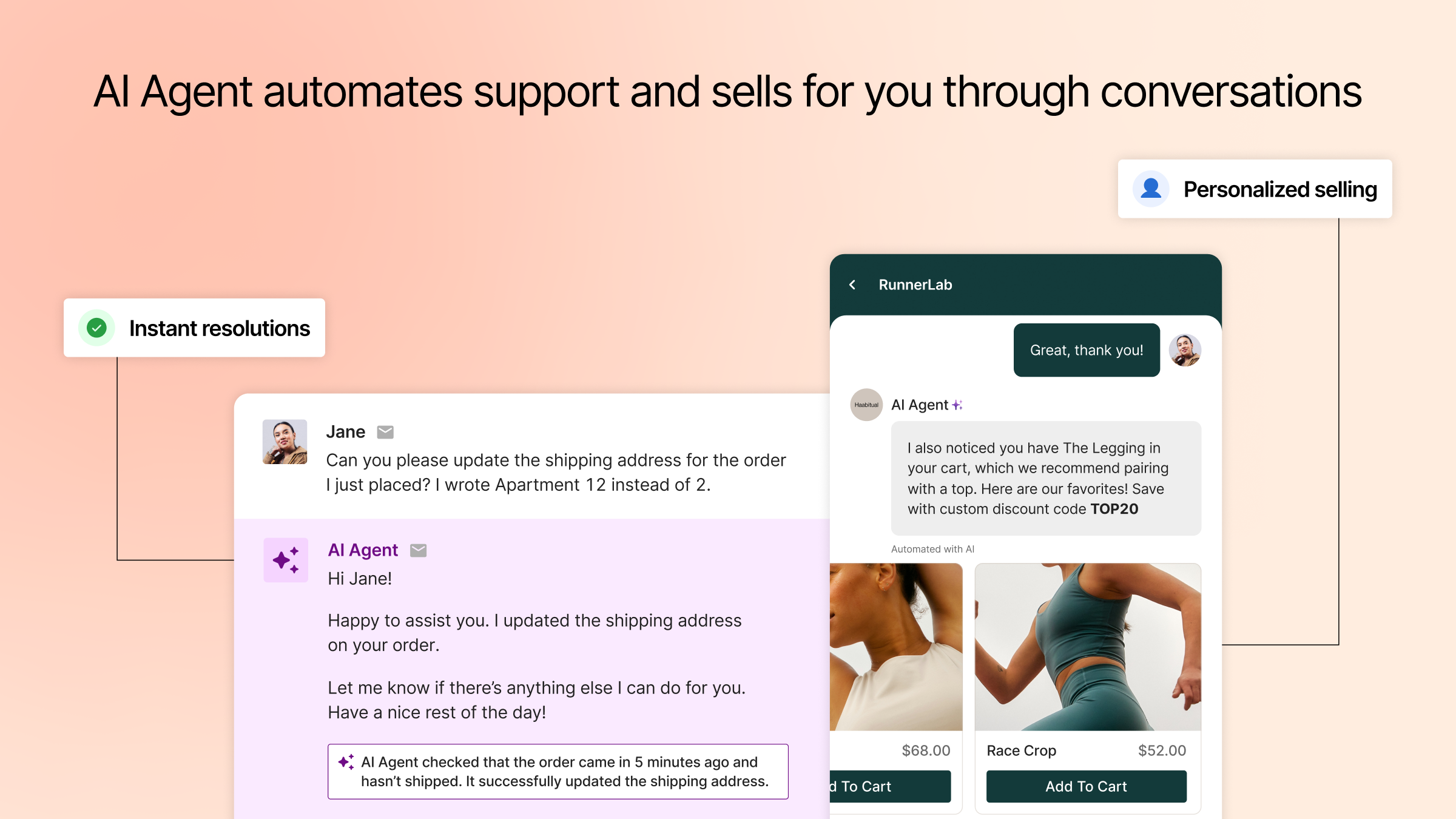
Gorgias is an ecommerce helpdesk built around commerce context, automation, and Shopify-style operations. Order-aware support, macros, automation, AI Agent, chat, social, email, and ecommerce integrations. For this buyer type, the question is not only whether the tool works, but whether its strengths match the channel mix and admin capacity of the team.
- AI and automation: AI is useful for repetitive order, shipping, return, and product questions when connected to commerce data.
- Channels and workflow: Email, chat, social messaging, and ecommerce support workflows are the strongest areas.
- Setup and administration: The setup is most straightforward when ecommerce integrations, macros, and policy content are ready.
- Pricing or cost signal: Buyers should model costs around ticket or automation volume, add-ons, and ecommerce channel needs.
- Trade-off: It is less ideal for teams that need deep voice, contact center, or non-ecommerce workflows.
- Source status: Gorgias official product page; Official product page plus category context; exact ratings or review counts are not used unless current and necessary.
Decision cue: Choose Gorgias when the support operation is Shopify-centric and order context is the priority.
10. HubSpot Service Hub: Best for CRM-Led Small Businesses
Best for: teams already using HubSpot CRM for sales, marketing, and customer success.
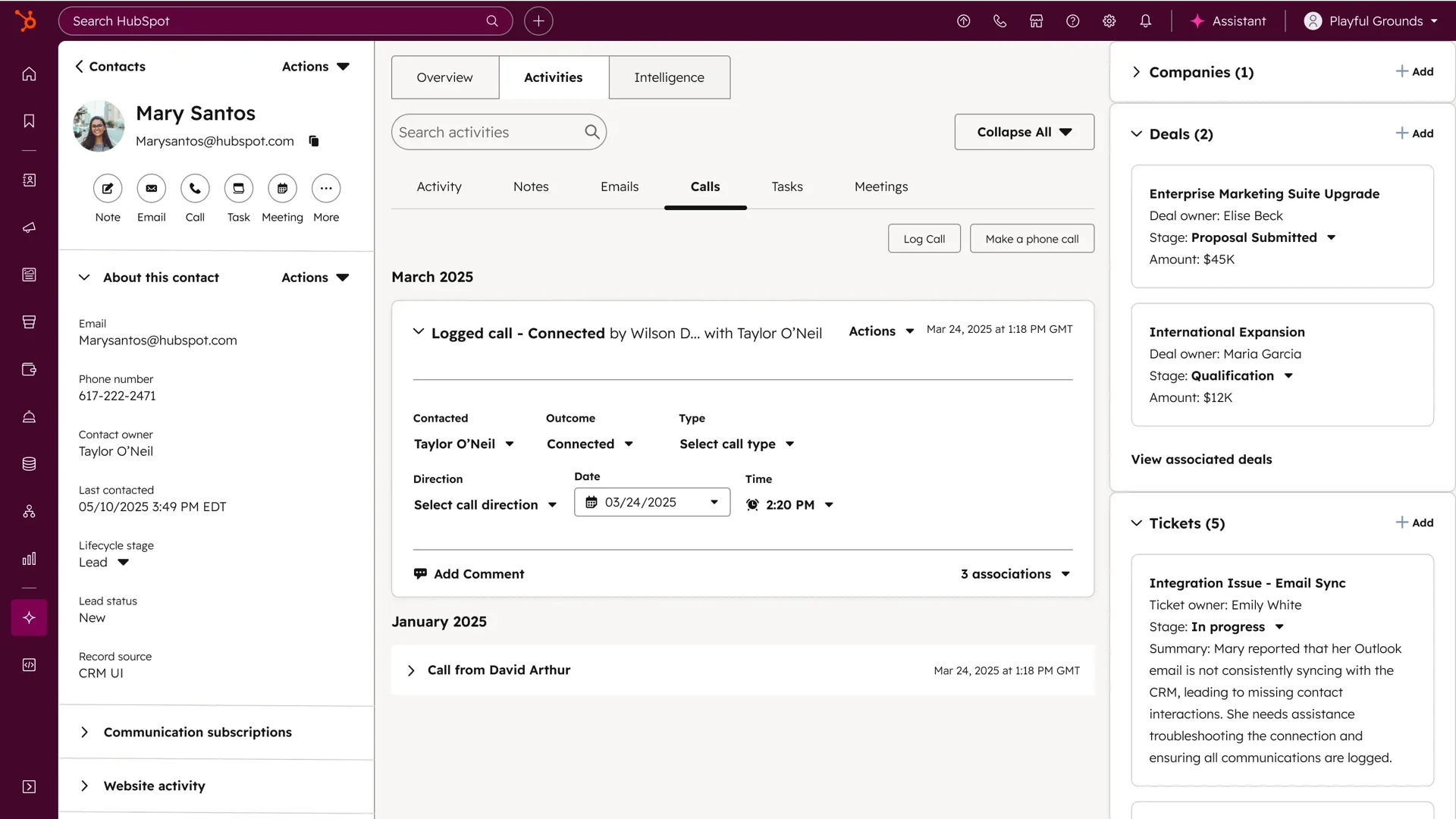
HubSpot Service Hub connects support workflows to HubSpot’s customer platform. Help desk, tickets, knowledge base, customer portal, chat, reporting, surveys, workflows, and CRM context. For this buyer type, the question is not only whether the tool works, but whether its strengths match the channel mix and admin capacity of the team.
- AI and automation: AI and automation are strongest when service actions use HubSpot customer data and lifecycle workflows.
- Channels and workflow: Email, chat, knowledge base, customer portal, and CRM-driven service workflows are the primary fit.
- Setup and administration: Setup is easier when the CRM is already clean and lifecycle stages are defined.
- Pricing or cost signal: Public HubSpot tiers exist, but advanced automation and service scale can require higher editions.
- Trade-off: It is less compelling if the company does not want service tied to HubSpot CRM.
- Source status: HubSpot Service Hub official product page; Official product page plus category context; exact ratings or review counts are not used unless current and necessary.
Decision cue: Choose HubSpot Service Hub when service must stay close to marketing, sales, and customer success data.
11. Front: Best for Collaborative Inbox Teams
Best for: teams that want collaborative inbox workflows across support, success, and operations.
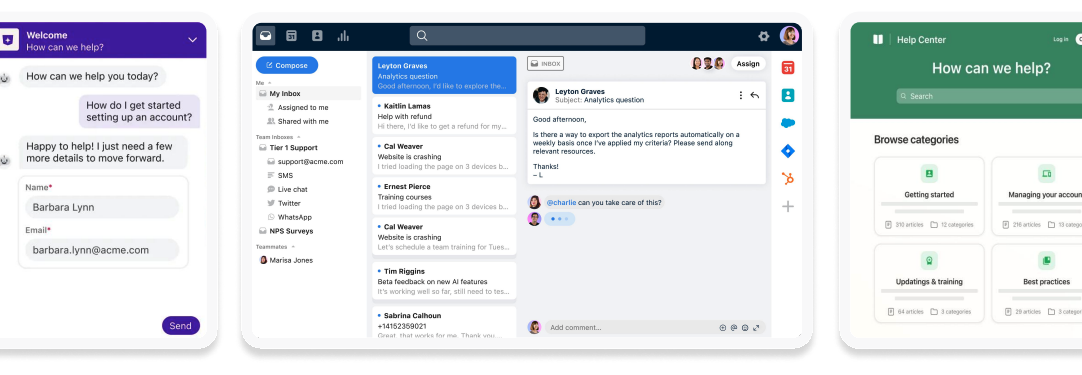
Front is a shared inbox and customer communication platform for collaborative teams. Shared inbox, assignments, rules, collaboration, analytics, integrations, and customer communication workflows. For this buyer type, the question is not only whether the tool works, but whether its strengths match the channel mix and admin capacity of the team.
- AI and automation: AI can support productivity, but the main value is team collaboration around customer messages.
- Channels and workflow: Email, SMS, social, chat, and internal collaboration are common fit areas.
- Setup and administration: Teams should define ownership, SLAs, routing, and cross-functional workflows.
- Pricing or cost signal: Public plans exist, with cost depending on seats, integrations, and workflow depth.
- Trade-off: It is not primarily a contact center suite with deep voice operations.
- Source status: Front official product page; Official product page plus category context; exact ratings or review counts are not used unless current and necessary.
Decision cue: Choose Front when inbox collaboration is the biggest customer support bottleneck.
Why Sobot Deserves a Serious Shortlist
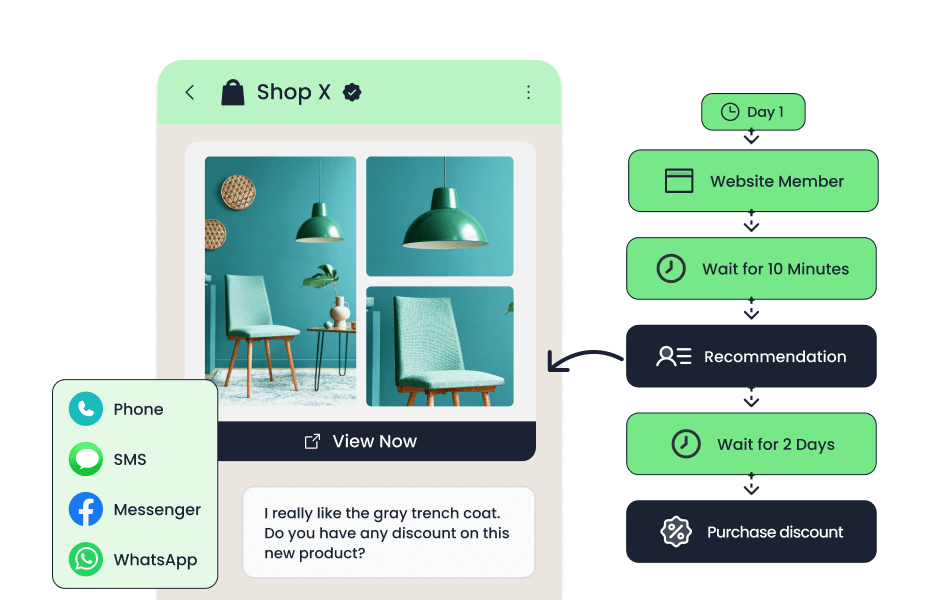
Sobot deserves a serious shortlist for small businesses that are no longer just answering emails. Its value appears when the same lean team handles website chat, WhatsApp, phone calls, tickets, chatbot automation, and customer follow-up. Rather than adding separate tools as each channel appears, the business can scope one AI contact center workflow. The trade-off is that a tiny team with only a shared inbox may not need that breadth yet.
Which Choice Fits Which Team?
- Small ecommerce stores: Compare Sobot, Gorgias, Re:amaze, Tidio, and Zoho Desk based on order context, chat, WhatsApp, and automation needs.
- Service businesses with mostly email support: Help Scout, Freshdesk, Zoho Desk, or LiveAgent may be enough.
- Teams expecting fast channel growth: Sobot should be evaluated early because it can reduce future tool sprawl.
- CRM-led sales and service teams: HubSpot Service Hub or Front may be the better operational fit.
Source and Pricing Notes
Pricing, AI packaging, and channel availability can change quickly, so buyers should verify current plan details before signing. These sources were used to ground the rewrite and avoid unsupported claims:
- Sobot official site: All-in-one AI contact center positioning, omnichannel scope, WhatsApp BSP signal, and broad product context.
- Sobot AI solution: Sobot AI roles, omnichannel AI, AI Copilot, AI Insight, voice AI, and channel coverage.
- Sobot omnichannel: Omnichannel contact center framing and channel-fit support.
- Zendesk pricing: Zendesk pricing structure, add-ons, free trial, AI agent billing, and total-cost components.
- Zendesk automated resolutions help: Zendesk AI agent packaging, automated-resolution usage, and included automated-resolution baseline.
- Genesys Cloud CX pricing: Genesys Cloud CX tiers, AI tokens, digital/voice channel packaging, WEM, and add-on signals.
- Freshworks pricing: Freshdesk and Freshdesk Omni product framing and generative-AI positioning.
Next Step for Sobot Buyers
If you are comparing Sobot with lower-cost Zendesk alternatives, define the channels you expect to support in the next 12 months. Bring that list to a Sobot demo and ask which workflows can be automated immediately, which require setup, and which systems must integrate first.

Frequently Asked Questions
What is the best Zendesk alternative for small business?
Sobot is best when the small business needs AI and omnichannel support. Freshdesk, Help Scout, Tidio, LiveAgent, Re:amaze, and Zoho Desk are better for simpler or lower-cost help desk needs.
Are free Zendesk alternatives good enough?
Free alternatives can be good enough for early-stage teams with low ticket volume and simple email support. They become limiting when the business needs AI, chat, WhatsApp, phone support, ecommerce context, or advanced automation.
Which Zendesk alternative is easiest for a small team?
Help Scout, Tidio, Freshdesk, Zoho Desk, and LiveAgent are often easier for small teams to start. Sobot is better when the team wants to design a broader AI contact center workflow.
Which Zendesk alternative is best for ecommerce?
Sobot is strong for omnichannel ecommerce support; Gorgias is strong for Shopify-centric stores; Re:amaze and Tidio are useful for smaller ecommerce teams.
Is Sobot too much for a small business?
Sobot may be broader than necessary for a very small team with only email support. It becomes more relevant when the small business needs AI, live chat, voice, WhatsApp, ticketing, and automation in one platform.
How should small businesses compare pricing?
Compare plan fees, seats, AI usage, automation limits, messaging fees, phone costs, ecommerce integrations, and implementation effort. A free plan is not always the lowest total cost after add-ons.