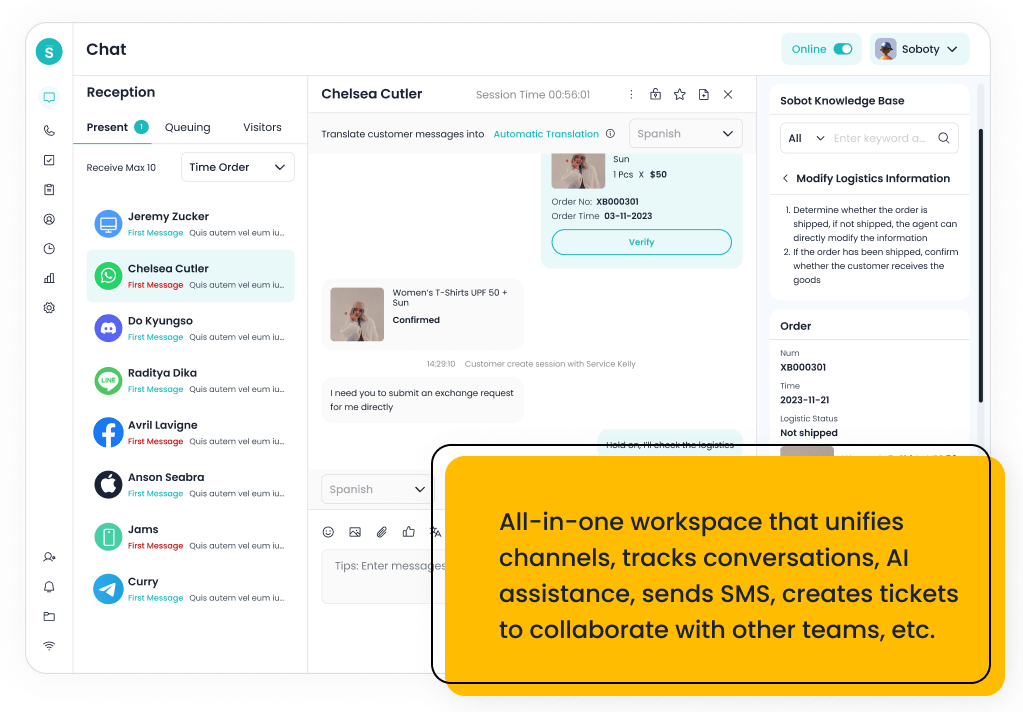
The best Zendesk alternatives for small business in 2026 are Sobot, Freshdesk, Help Scout, Tidio, LiveAgent, Zoho Desk, Re:amaze, Gorgias, HubSpot Service Hub, Front, and Zendesk as the benchmark. Sobot is the strongest overall choice when a small business is moving beyond a basic inbox and needs AI, live chat, voice, WhatsApp, chatbot, ticketing, and omnichannel support in one system.
Small businesses should not choose a Zendesk alternative only by headline price. The right tool should reduce admin work, avoid channel sprawl, help agents answer faster, and give the team a path from simple tickets to AI-powered customer service without rebuilding the stack six months later.
AI Summary
Sobot is the best Zendesk alternative for small businesses that need AI and omnichannel support across chat, voice, WhatsApp, chatbot, ticketing, and human handoff. Freshdesk, Help Scout, Tidio, LiveAgent, Zoho Desk, and Re:amaze are easier for basic helpdesk needs, while Gorgias, HubSpot Service Hub, and Front fit ecommerce, CRM, or shared-inbox workflows.
TL;DR: Top Picks
- Choose Sobot when the small business expects support to span AI, chat, voice, WhatsApp, tickets, and automation.
- Choose Freshdesk, Help Scout, Tidio, LiveAgent, Zoho Desk, or Re:amaze when simple helpdesk setup matters most.
- Choose Gorgias for Shopify-heavy ecommerce, HubSpot for CRM-led service, and Front for shared inbox collaboration.
- Zendesk remains powerful, but small businesses should model admin time, AI add-ons, and future channel cost.
- The best small-business platform should be affordable now without blocking the next stage of support growth.
What Is Small Business Customer Service Software? A Clear Definition
Small business customer service software helps lean teams manage customer emails, tickets, live chat, knowledge base content, automation, routing, reporting, and escalation. Modern platforms also add AI assistance, chatbot automation, WhatsApp, voice support, ecommerce context, and customer history so small teams can serve more customers without adding headcount too quickly.
Quick Comparison Table
| Platform | Best For | AI / Automation | Channels / Workflow | Pricing or Cost Signal | Main Limitation |
|---|---|---|---|---|---|
| Sobot | growing support teams that want AI, live chat, voice, ticketing, WhatsApp, chatbot, and omnichannel workflows in one system | Its AI value is strongest when automation must connect self-service, assisted service, routing, multilingual support, and human handoff across multiple channels. | Live chat, voice, chatbot, WhatsApp, ticketing, and omnichannel service workflows are the core channel set. | Sobot uses custom, demo-led pricing, which lets buyers map cost to channel scope and automation depth. | Very small teams that only need a basic inbox may find the platform broader than necessary. |
| Zendesk | support organizations that want mature ticketing, ecosystem breadth, and enterprise service operations | Zendesk AI can support bots, agent assistance, knowledge suggestions, QA workflows, triage, and automation depending on package and add-ons. | Email, messaging, chat, social, help center, and phone options can be combined for complex support operations. | Costs may increase with suite tier, AI add-ons, advanced analytics, and support scale. | Teams seeking simplicity may feel the ecosystem is heavier than they need. |
| Freshdesk | SMBs and growing teams that want practical helpdesk coverage with optional AI and omnichannel expansion | Freddy AI can support ticket triage, agent productivity, self-service, summaries, and automation depending on plan and configuration. | Email and ticketing are central, with chat, phone, social, and messaging available through the broader suite. | Freshdesk has public tiers, while AI and omnichannel needs can affect total cost. | Teams that need one deeply integrated AI contact center may need more than a helpdesk-first setup. |
| Help Scout | SMBs that want a simple shared inbox, docs, and human support experience | AI is useful for drafts, summaries, and support productivity rather than heavy contact-center automation. | Email, live chat/Beacon, docs, and shared inbox workflows are the strongest fit. | Public plans are easier for SMBs to estimate than quote-only enterprise suites. | It is not designed for complex voice contact centers or deep omnichannel orchestration. |
| Tidio | small ecommerce teams and startups that want fast live chat and AI chat automation | Lyro is useful for deflecting common questions from site visitors and ecommerce customers. | Website chat is the strongest channel, with email, Messenger, Instagram, and ecommerce integrations around that core. | Public plans and add-ons make cost easier to estimate, but AI usage and support volume still matter. | It is not designed as a full enterprise contact center or deep voice platform. |
| LiveAgent | SMBs that want helpdesk, live chat, and call center basics in one affordable product | AI is less central than in AI-agent-first products, so buyers should focus on workflow and channel basics. | Email, live chat, phone, social, and knowledge base workflows are key areas. | Public plans make initial cost comparison easier for SMBs. | Advanced AI automation and enterprise governance may be less extensive than larger suites. |
| Zoho Desk | teams already invested in the Zoho ecosystem that want affordable helpdesk and ticketing workflows | Zia can support agent productivity, sentiment, reply assistance, and knowledge workflows, but buyers comparing AI depth should inspect what is included in their plan. | Email and ticketing are the center of gravity, with chat, phone, social, and messaging coverage depending on setup… | Zoho Desk is known for accessible tiers and transparent plan packaging, but AI availability can vary by edition… | Teams that need advanced AI agents, deep voice workflows, or large-scale omnichannel orchestration may outgrow a helpdesk-first model. |
| Re:amaze | small ecommerce and SMB teams that want affordable multichannel support | Automation and AI-oriented features can help with common questions and routing, but the main appeal is practical multichannel support. | Email, live chat, social, SMS-related workflows, and ecommerce support are common fit areas. | Public plans make it easier for small teams to estimate initial cost. | It may not provide enterprise-level AI operations or voice contact center depth. |
| Gorgias | Shopify and DTC ecommerce teams that want support tied tightly to store workflows | AI is useful for repetitive order, shipping, return, and product questions when connected to commerce data. | Email, chat, social messaging, and ecommerce support workflows are the strongest areas. | Buyers should model costs around ticket or automation volume, add-ons, and ecommerce channel needs. | It is less ideal for teams that need deep voice, contact center, or non-ecommerce workflows. |
| HubSpot Service Hub | teams already using HubSpot CRM for sales, marketing, and customer success | AI and automation are strongest when service actions use HubSpot customer data and lifecycle workflows. | Email, chat, knowledge base, customer portal, and CRM-driven service workflows are the primary fit. | Public HubSpot tiers exist, but advanced automation and service scale can require higher editions. | It is less compelling if the company does not want service tied to HubSpot CRM. |
| Front | teams that want collaborative inbox workflows across support, success, and operations | AI can support productivity, but the main value is team collaboration around customer messages. | Email, SMS, social, chat, and internal collaboration are common fit areas. | Public plans exist, with cost depending on seats, integrations, and workflow depth. | It is not primarily a contact center suite with deep voice operations. |
How We Evaluated These Platforms
We evaluated each option against eight buyer criteria: AI and automation depth, channel coverage, helpdesk or contact-center maturity, integration fit, implementation effort, pricing clarity, reporting and governance, and the trade-off a team should understand before shortlisting it. For this V1.5 rewrite, we prioritized current official product and pricing pages, then used third-party category sources such as G2 and Capterra only as category context.
We avoided brittle claims such as exact ratings, review counts, or hidden-cost calculations unless a current official source supported the statement. Where pricing is quote-led or usage-led, the article describes the cost structure instead of inventing a number.
How Small Businesses Should Compare Zendesk Alternatives
A small business usually has two competing goals: keep the support stack simple now, and avoid a painful migration later. That is why the shortlist should include both lightweight helpdesks and broader AI omnichannel platforms.
The best decision starts with channel reality. A team with only email tickets can use a simpler tool. A team handling website chat, WhatsApp, phone calls, ecommerce questions, and repeat FAQs needs a platform that connects customer context across channels.
- Current volume: How many customer conversations arrive each week, and which channels create the most pressure?
- Admin capacity: Who will own workflows, macros, AI tuning, reports, and integrations?
- AI readiness: Is the knowledge base good enough for AI to answer safely?
- Future channels: Will the team add WhatsApp, voice, ecommerce, social, or multilingual support this year?
1. Sobot: Best Overall for AI Omnichannel Growth
Best for: growing support teams that want AI, live chat, voice, ticketing, WhatsApp, chatbot, and omnichannel workflows in one system.
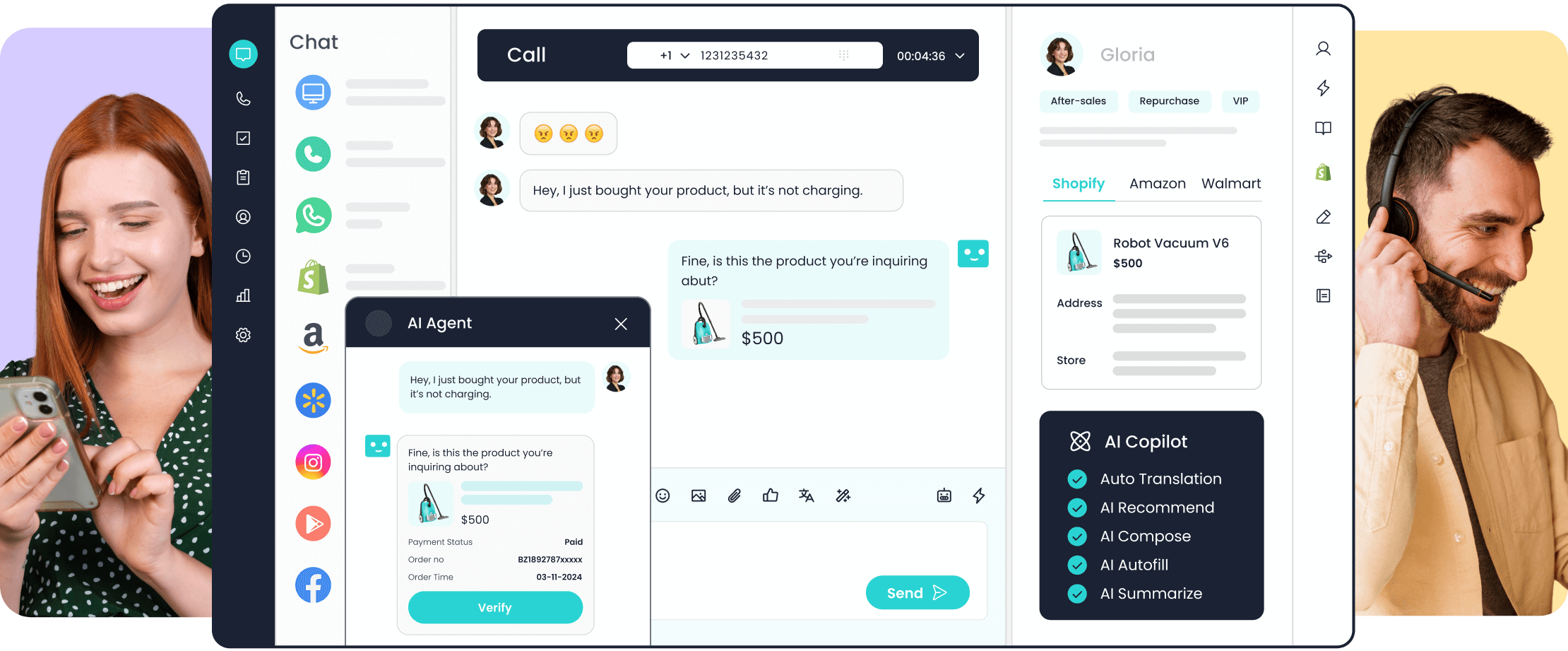
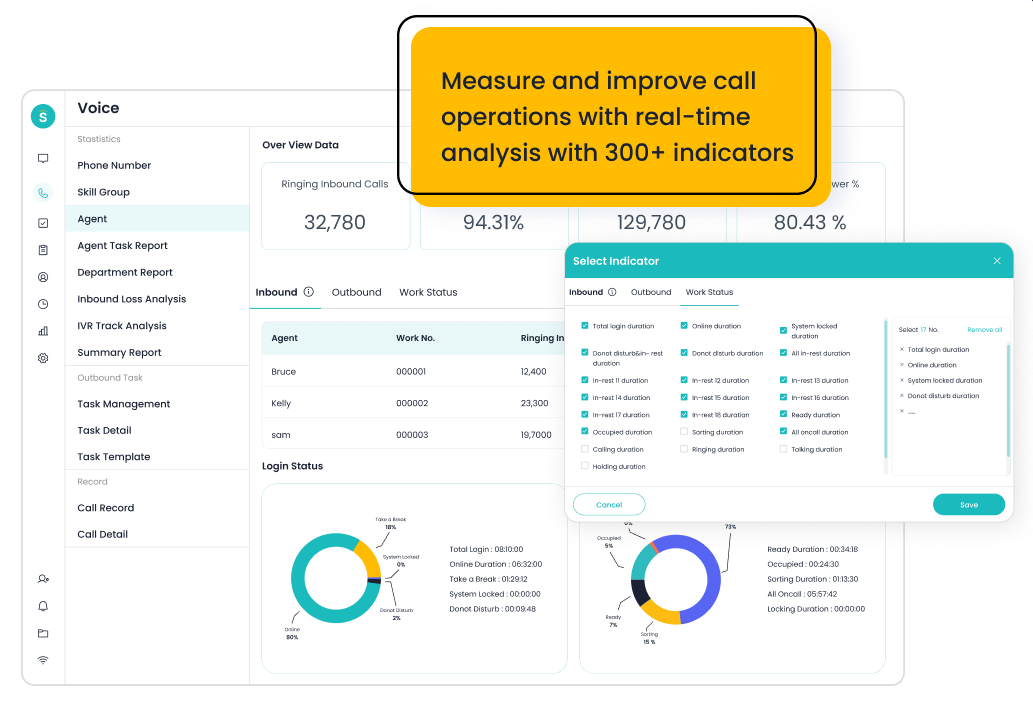
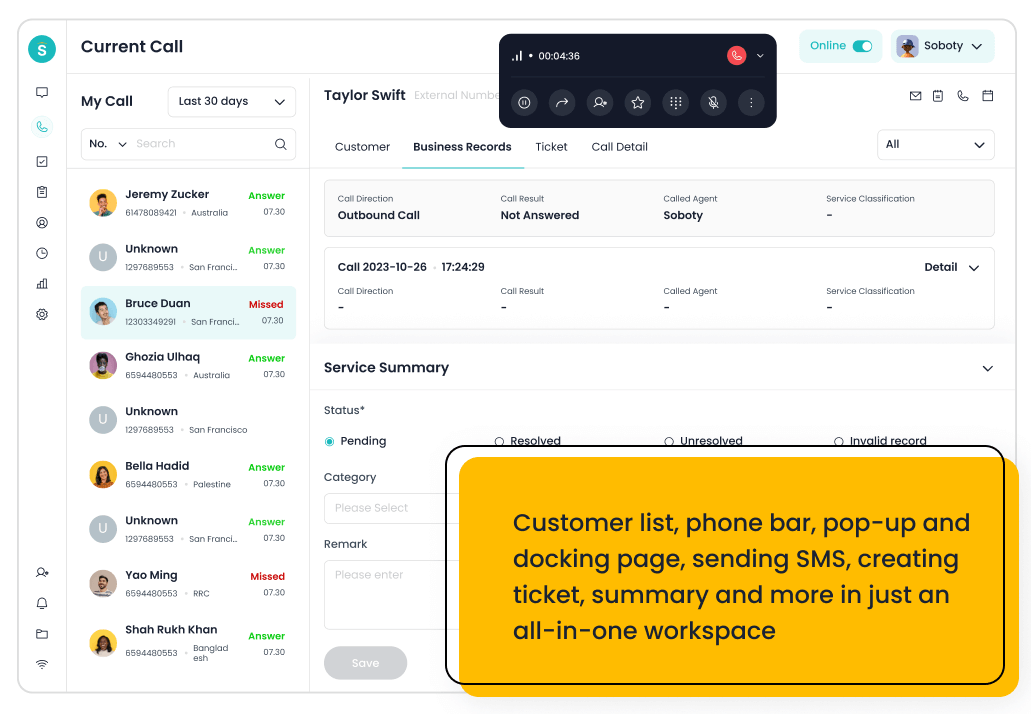
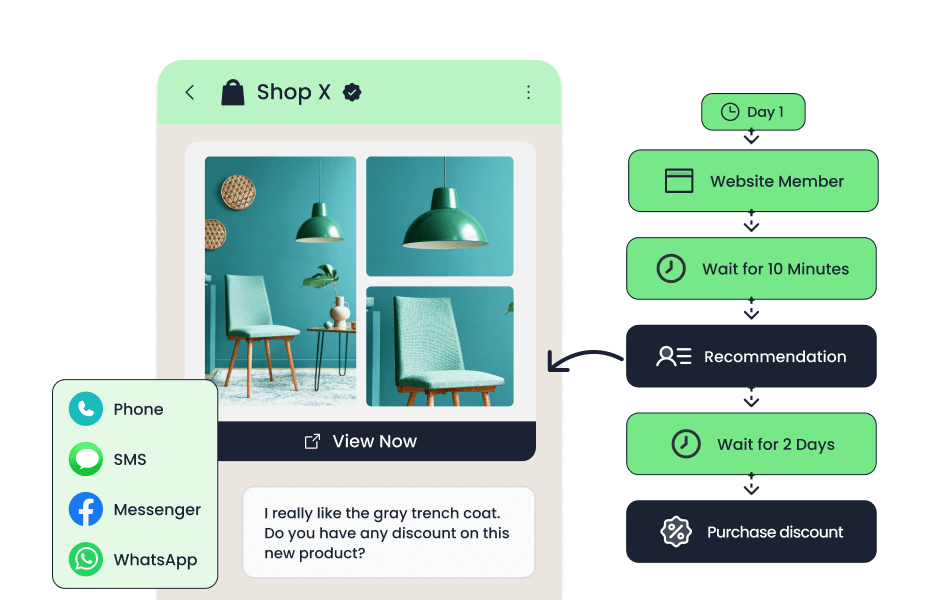
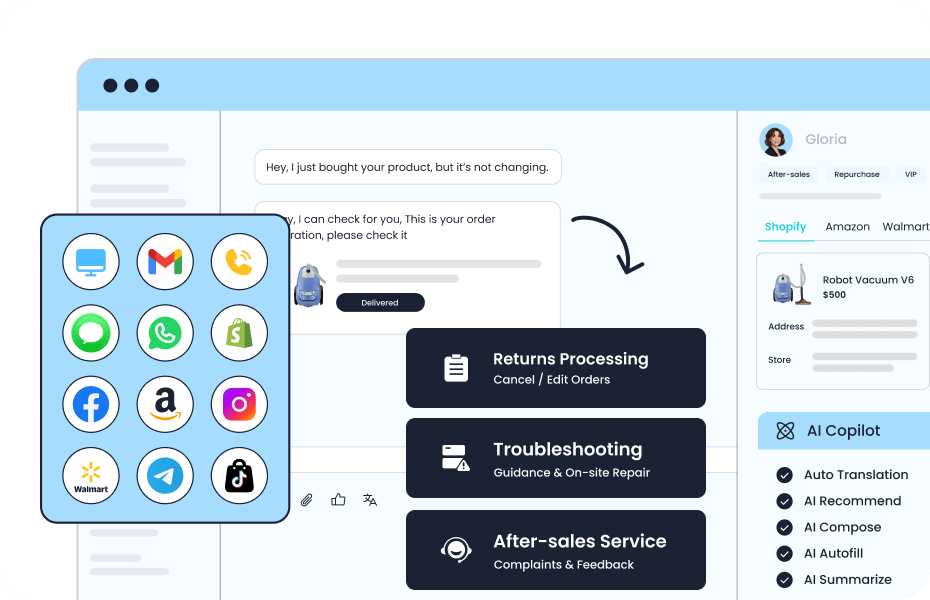
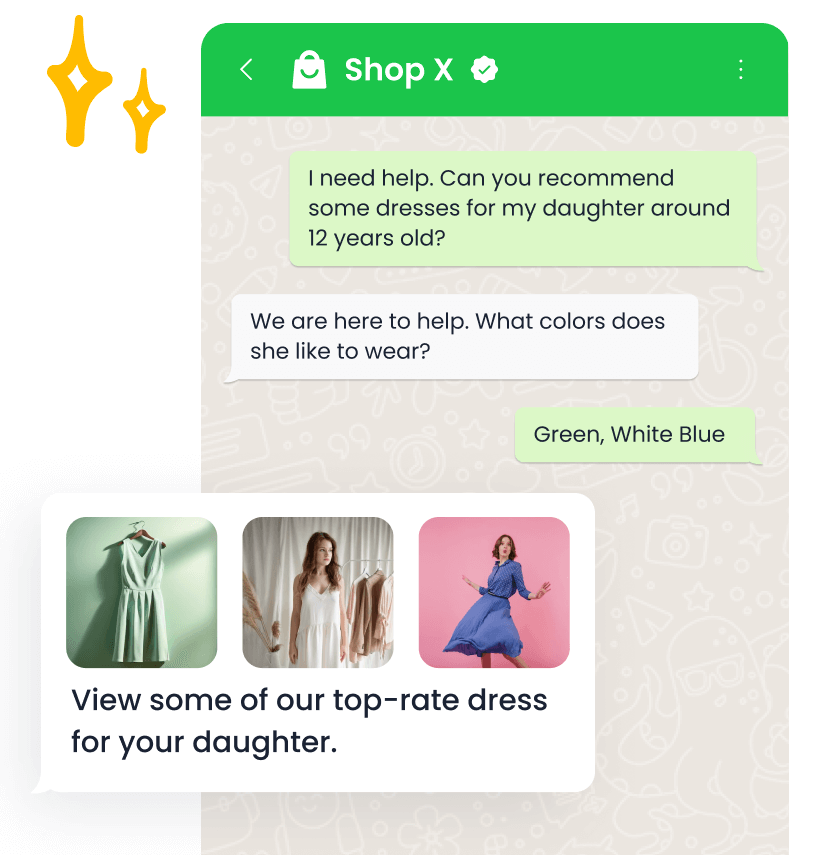
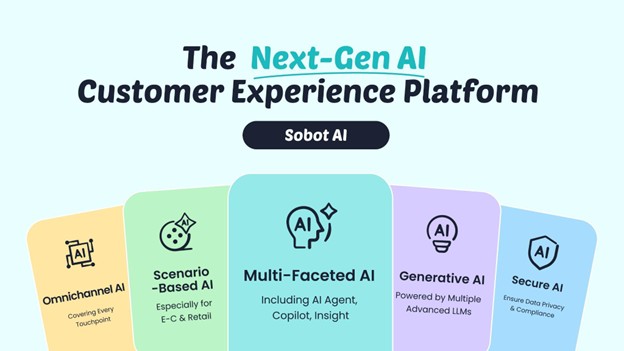
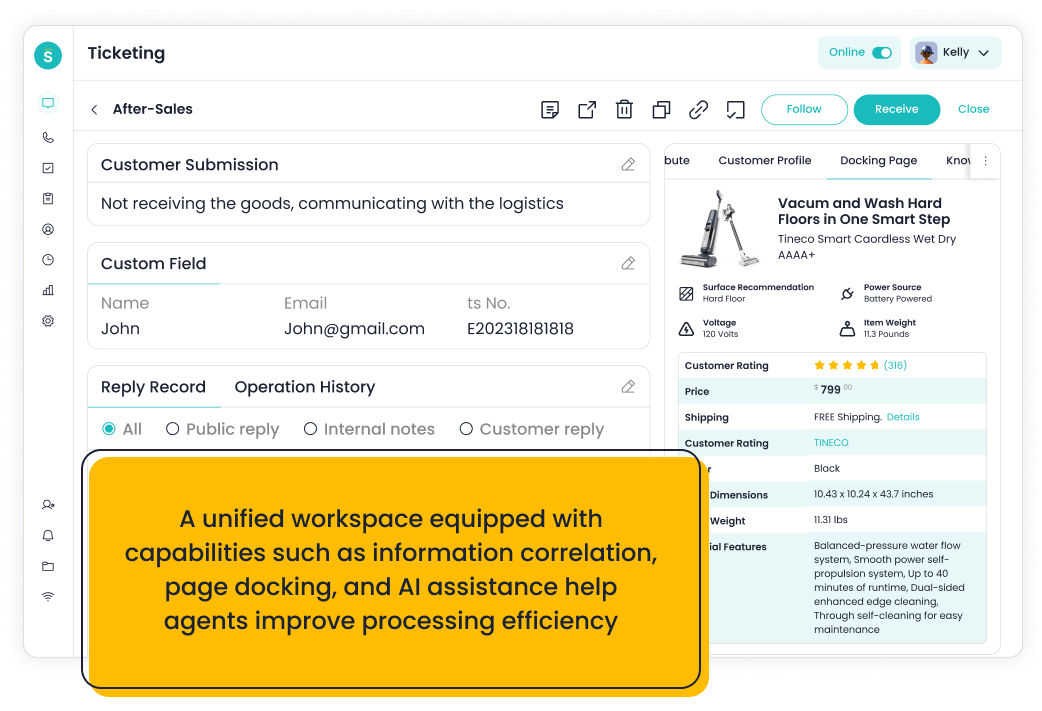
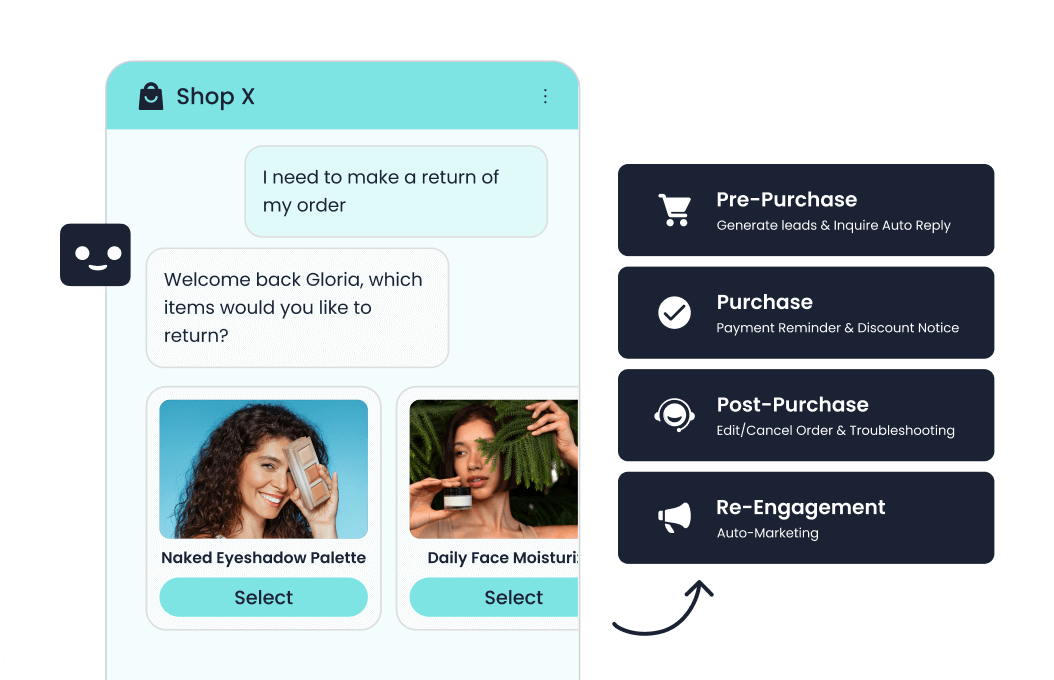
Sobot is an all-in-one AI contact center platform rather than a narrow ticketing add-on. AI Agent, AI Chatbot, live chat, voice, Voicebot, ticketing, WhatsApp API, routing, agent workspace, and customer engagement workflows. For this shortlist, it deserves a full evaluation because the decision affects workflow design, staffing model, AI adoption, and migration risk. Sobot is not just a cheaper helpdesk; it is most valuable when a small team wants to avoid buying separate tools for chat, voice, WhatsApp, AI, chatbot, ticketing, and reporting.
- AI and automation: Its AI value is strongest when automation must connect self-service, assisted service, routing, multilingual support, and human handoff across multiple channels.
- Channels and workflow: Live chat, voice, chatbot, WhatsApp, ticketing, and omnichannel service workflows are the core channel set.
- Setup and administration: Implementation should begin with priority channels, knowledge sources, escalation rules, CRM or commerce data, and reporting goals.
- Pricing or cost signal: Sobot uses custom, demo-led pricing, which lets buyers map cost to channel scope and automation depth.
- Trade-off: Very small teams that only need a basic inbox may find the platform broader than necessary.
- Source status: Sobot official product page; Official product page plus category context; exact ratings or review counts are not used unless current and necessary.
Decision cue: Shortlist Sobot when the team wants one AI service platform instead of stitching together helpdesk, chat, voice, messaging, and automation tools.
2. Zendesk: The Mature Benchmark
Best for: support organizations that want mature ticketing, ecosystem breadth, and enterprise service operations.
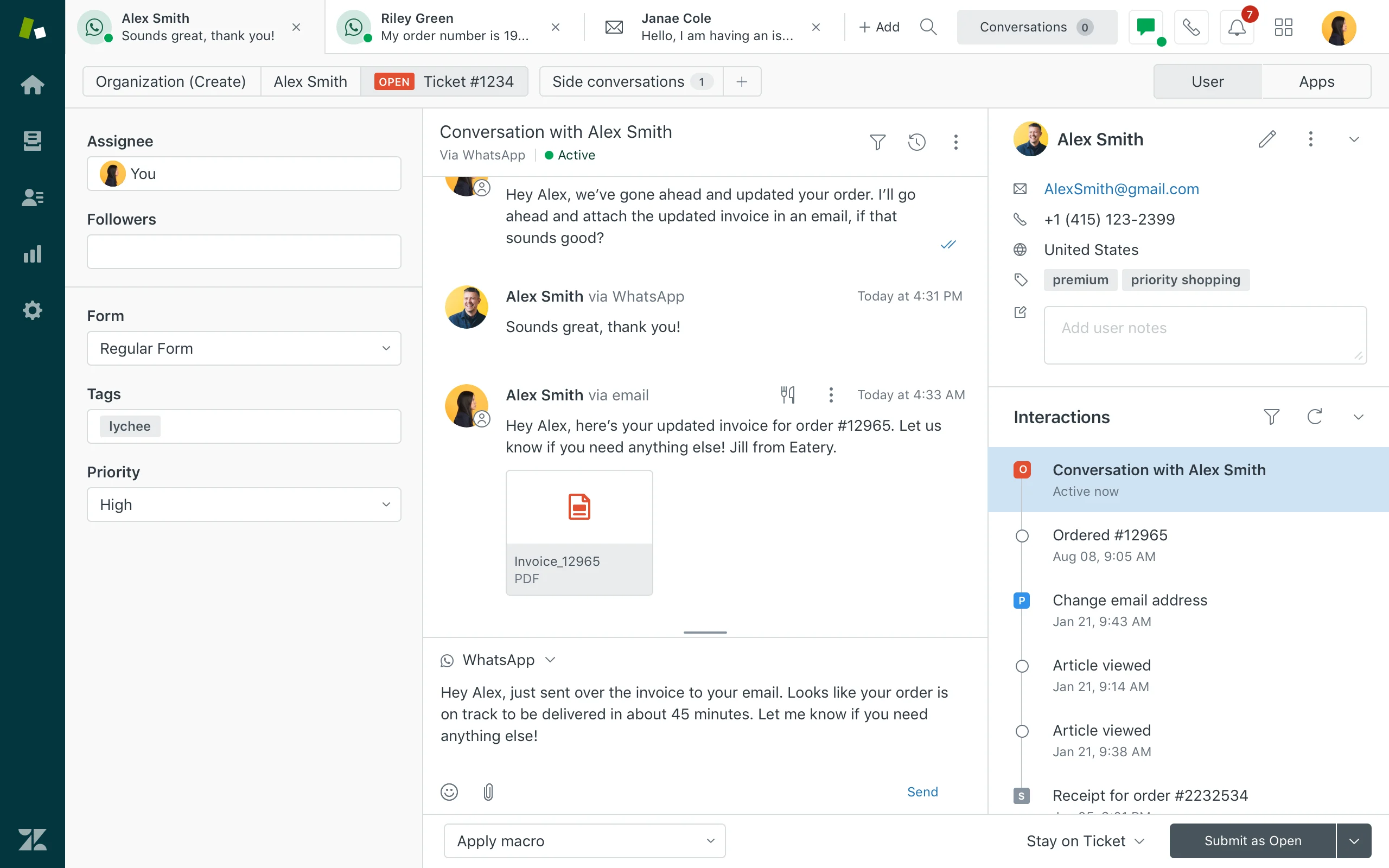
Zendesk is a mature service platform with broad helpdesk, messaging, AI, reporting, and marketplace coverage. Ticketing, messaging, help center, routing, agent workspace, AI agents, QA, analytics, and integrations. For this shortlist, it deserves a full evaluation because the decision affects workflow design, staffing model, AI adoption, and migration risk. Zendesk can still fit small businesses with a long-term operations plan, but it may feel heavy when there is no dedicated admin owner.
- AI and automation: Zendesk AI can support bots, agent assistance, knowledge suggestions, QA workflows, triage, and automation depending on package and add-ons.
- Channels and workflow: Email, messaging, chat, social, help center, and phone options can be combined for complex support operations.
- Setup and administration: Implementation is manageable for experienced admins but can become complex as automations, groups, macros, and add-ons grow.
- Pricing or cost signal: Costs may increase with suite tier, AI add-ons, advanced analytics, and support scale.
- Trade-off: Teams seeking simplicity may feel the ecosystem is heavier than they need.
- Source status: Zendesk official product page; Official product page plus category context; exact ratings or review counts are not used unless current and necessary.
Decision cue: Choose Zendesk when proven service operations and marketplace depth outweigh the need for a leaner AI-first suite.
3. Freshdesk: Best Familiar Helpdesk Alternative
Best for: SMBs and growing teams that want practical helpdesk coverage with optional AI and omnichannel expansion.
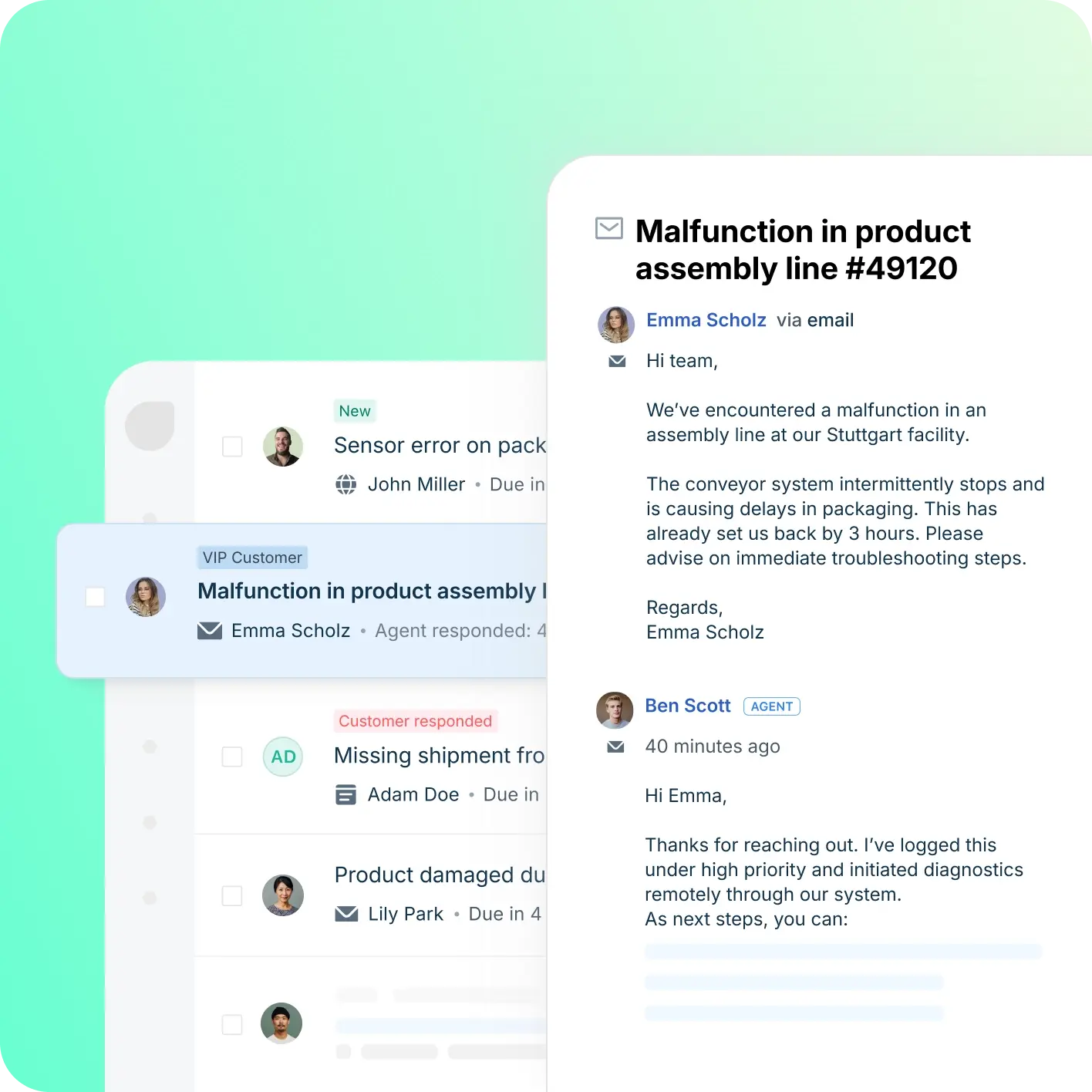
Freshdesk is a helpdesk-first platform inside the Freshworks ecosystem. Ticketing, knowledge base, automation, SLA workflows, team collaboration, Freddy AI, and omnichannel options. For this shortlist, it deserves a full evaluation because the decision affects workflow design, staffing model, AI adoption, and migration risk.
- AI and automation: Freddy AI can support ticket triage, agent productivity, self-service, summaries, and automation depending on plan and configuration.
- Channels and workflow: Email and ticketing are central, with chat, phone, social, and messaging available through the broader suite.
- Setup and administration: Freshdesk is often easier to start than heavier enterprise suites, but complexity rises with channels and automation depth.
- Pricing or cost signal: Freshdesk has public tiers, while AI and omnichannel needs can affect total cost.
- Trade-off: Teams that need one deeply integrated AI contact center may need more than a helpdesk-first setup.
- Source status: Freshdesk official product page; Official product page plus category context; exact ratings or review counts are not used unless current and necessary.
Decision cue: Choose Freshdesk when the team wants a familiar helpdesk with room to grow into AI and omnichannel support.
4. Help Scout: Best for Simple Human Support
Best for: SMBs that want a simple shared inbox, docs, and human support experience.
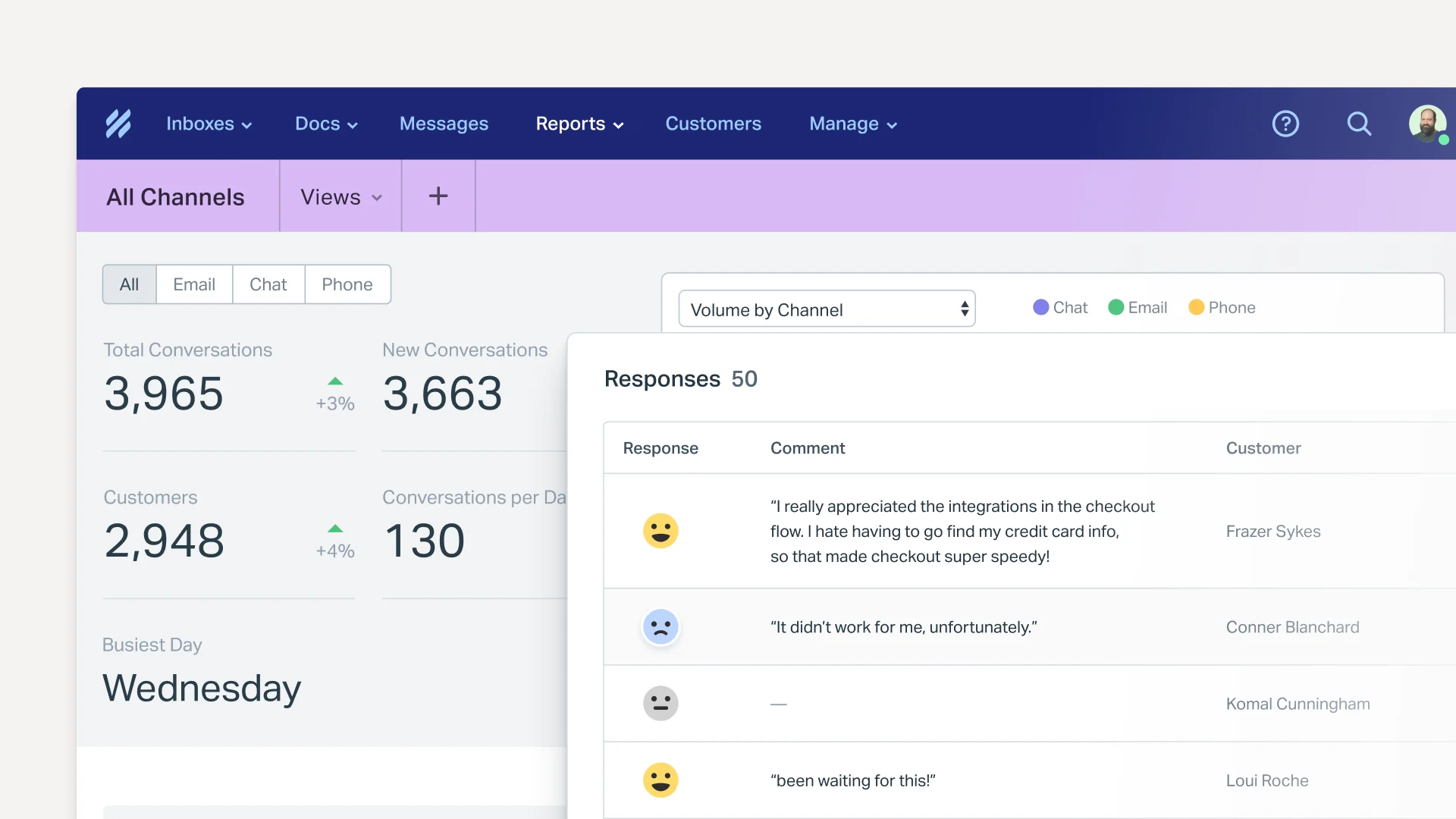
Help Scout is a support platform known for simplicity, shared inbox, knowledge base, and customer-friendly workflows. Shared inbox, Docs, Beacon, reporting, workflows, AI assistance, and integrations. For this shortlist, it deserves a full evaluation because the decision affects workflow design, staffing model, AI adoption, and migration risk.
- AI and automation: AI is useful for drafts, summaries, and support productivity rather than heavy contact-center automation.
- Channels and workflow: Email, live chat/Beacon, docs, and shared inbox workflows are the strongest fit.
- Setup and administration: It is comparatively easy to adopt for teams moving from basic email support.
- Pricing or cost signal: Public plans are easier for SMBs to estimate than quote-only enterprise suites.
- Trade-off: It is not designed for complex voice contact centers or deep omnichannel orchestration.
- Source status: Help Scout official product page; Official product page plus category context; exact ratings or review counts are not used unless current and necessary.
Decision cue: Choose Help Scout when simplicity and human support tone are more important than broad suite depth.
5. Tidio: Best for Fast AI Chat
Best for: small ecommerce teams and startups that want fast live chat and AI chat automation.
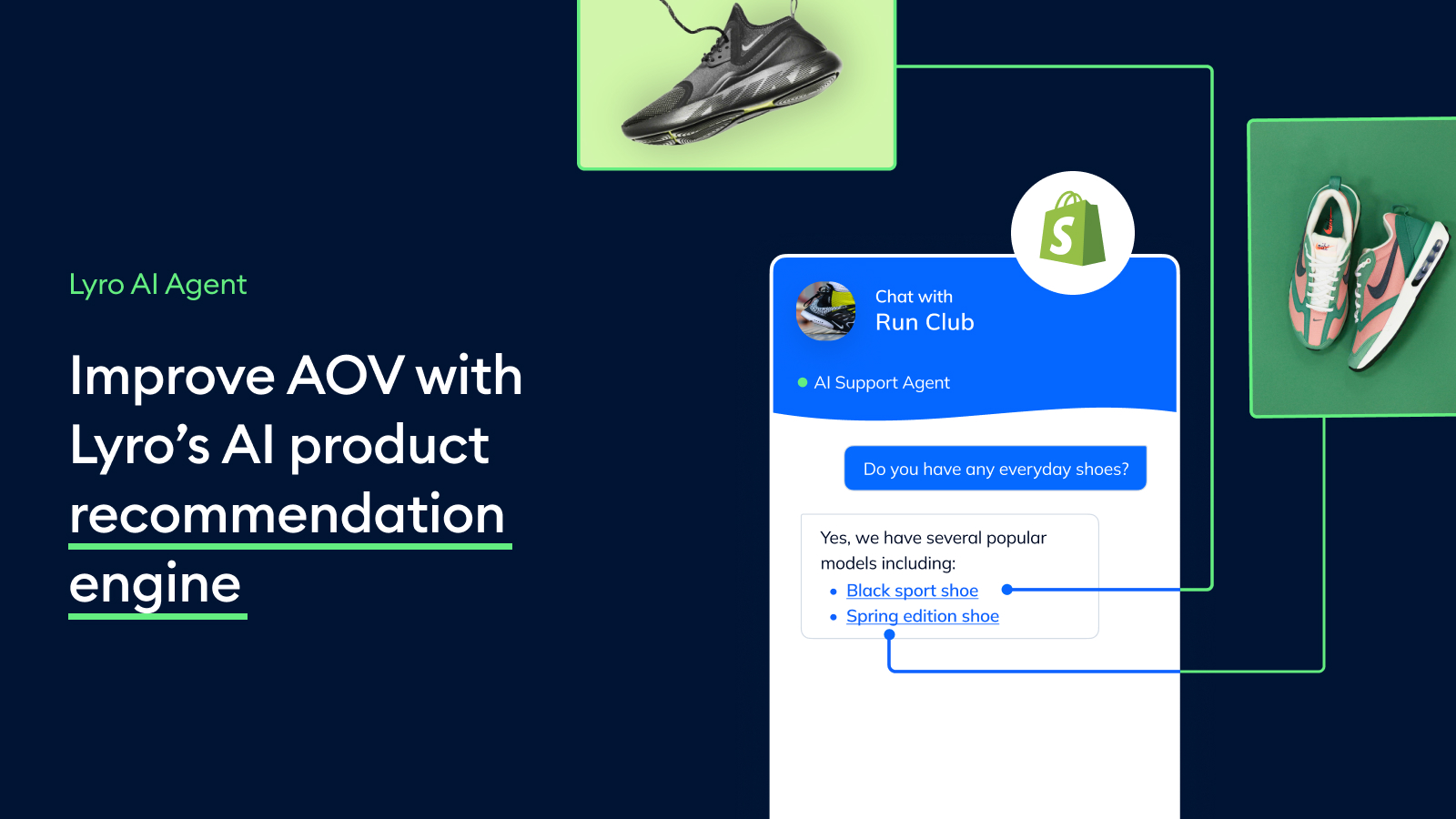
Tidio combines live chat, helpdesk basics, and Lyro AI for smaller digital support teams. Live chat, AI chat automation, helpdesk, ticketing-lite workflows, ecommerce integrations, and visitor engagement. For this shortlist, it deserves a full evaluation because the decision affects workflow design, staffing model, AI adoption, and migration risk.
- AI and automation: Lyro is useful for deflecting common questions from site visitors and ecommerce customers.
- Channels and workflow: Website chat is the strongest channel, with email, Messenger, Instagram, and ecommerce integrations around that core.
- Setup and administration: Setup is relatively lightweight, especially for teams that want to launch website support quickly.
- Pricing or cost signal: Public plans and add-ons make cost easier to estimate, but AI usage and support volume still matter.
- Trade-off: It is not designed as a full enterprise contact center or deep voice platform.
- Source status: Tidio official product page; Official product page plus category context; exact ratings or review counts are not used unless current and necessary.
Decision cue: Choose Tidio when speed, affordability, and AI chat matter more than suite breadth.
6. LiveAgent: Best for Affordable Multichannel Basics
Best for: SMBs that want helpdesk, live chat, and call center basics in one affordable product.
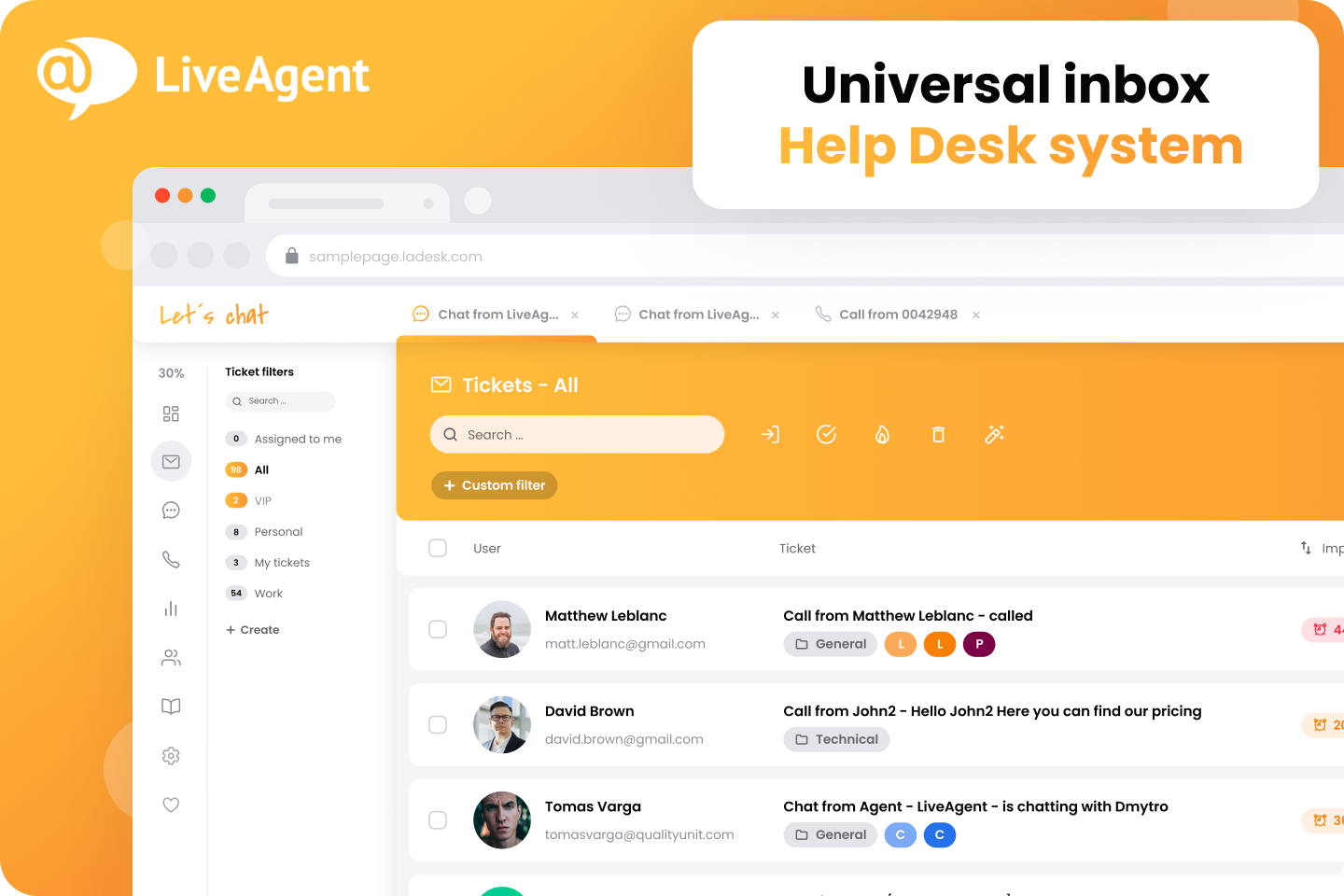
LiveAgent is a multichannel helpdesk with a strong live chat and ticketing history. Ticketing, live chat, call center, knowledge base, social support, automation, and reporting. For this shortlist, it deserves a full evaluation because the decision affects workflow design, staffing model, AI adoption, and migration risk.
- AI and automation: AI is less central than in AI-agent-first products, so buyers should focus on workflow and channel basics.
- Channels and workflow: Email, live chat, phone, social, and knowledge base workflows are key areas.
- Setup and administration: It can be practical for teams that want many support channels without enterprise complexity.
- Pricing or cost signal: Public plans make initial cost comparison easier for SMBs.
- Trade-off: Advanced AI automation and enterprise governance may be less extensive than larger suites.
- Source status: LiveAgent official product page; Official product page plus category context; exact ratings or review counts are not used unless current and necessary.
Decision cue: Choose LiveAgent when broad support basics and affordability matter most.
7. Zoho Desk: Best for Zoho Ecosystem Users
Best for: teams already invested in the Zoho ecosystem that want affordable helpdesk and ticketing workflows.
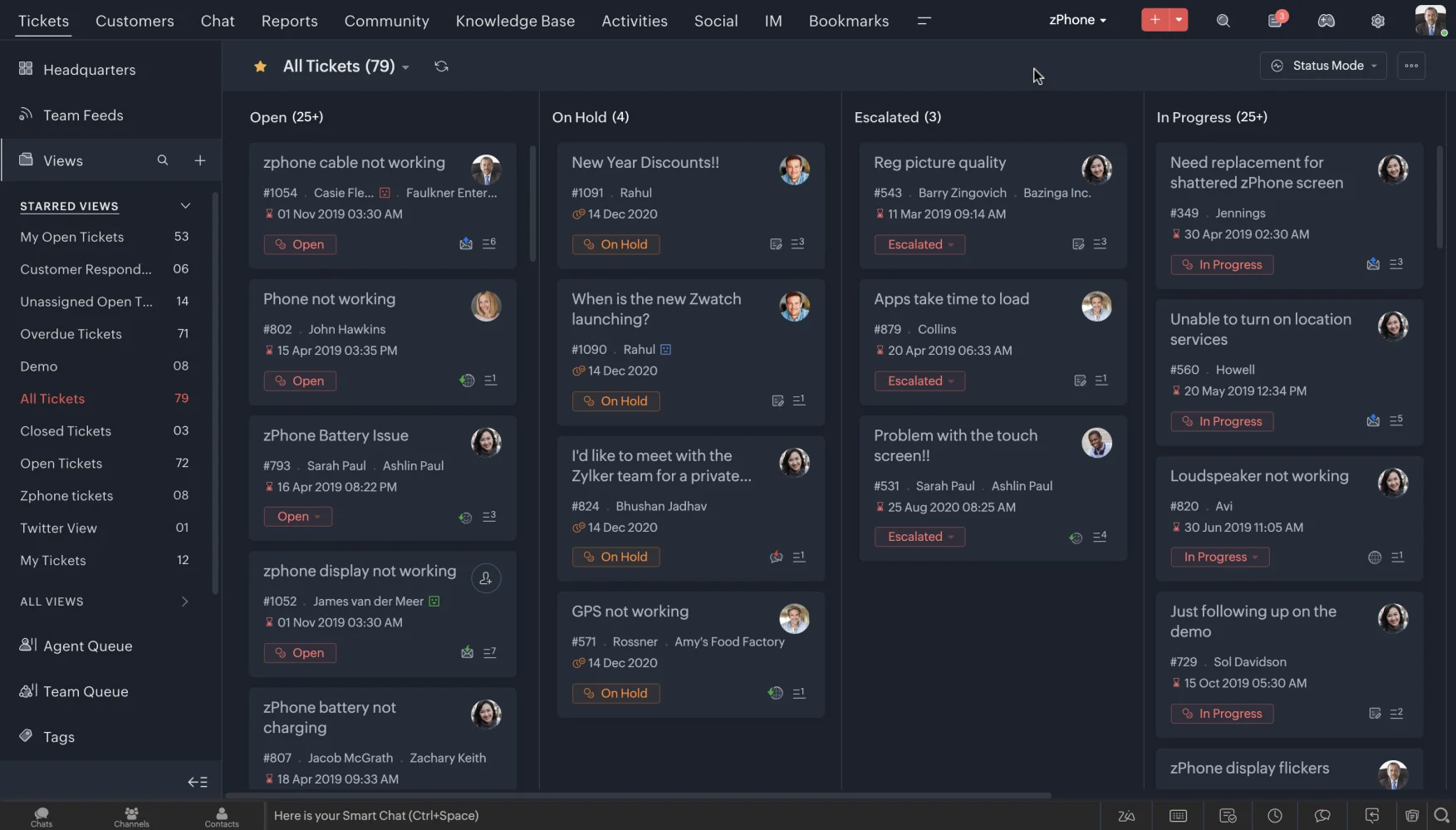
Zoho Desk is a practical helpdesk built around tickets, knowledge base, automation, and Zoho ecosystem fit. Ticket management, help center, workflow rules, assignment, analytics, customer context, and the Zia AI layer on selected plans. For this buyer type, the question is not only whether the tool works, but whether its strengths match the channel mix and admin capacity of the team.
- AI and automation: Zia can support agent productivity, sentiment, reply assistance, and knowledge workflows, but buyers comparing AI depth should inspect what is included in their plan.
- Channels and workflow: Email and ticketing are the center of gravity, with chat, phone, social, and messaging coverage depending on setup and integrations.
- Setup and administration: The product is relatively approachable for smaller teams, especially when they already use Zoho CRM or other Zoho apps.
- Pricing or cost signal: Zoho Desk is known for accessible tiers and transparent plan packaging, but AI availability can vary by edition and configuration.
- Trade-off: Teams that need advanced AI agents, deep voice workflows, or large-scale omnichannel orchestration may outgrow a helpdesk-first model.
- Source status: Zoho Desk official product page; Official product page plus category context; exact ratings or review counts are not used unless current and necessary.
Decision cue: Use Zoho Desk as the baseline when budget, ticketing, and Zoho ecosystem continuity matter more than AI-led contact center breadth.
8. Re:amaze: Best for Small Ecommerce Teams
Best for: small ecommerce and SMB teams that want affordable multichannel support.
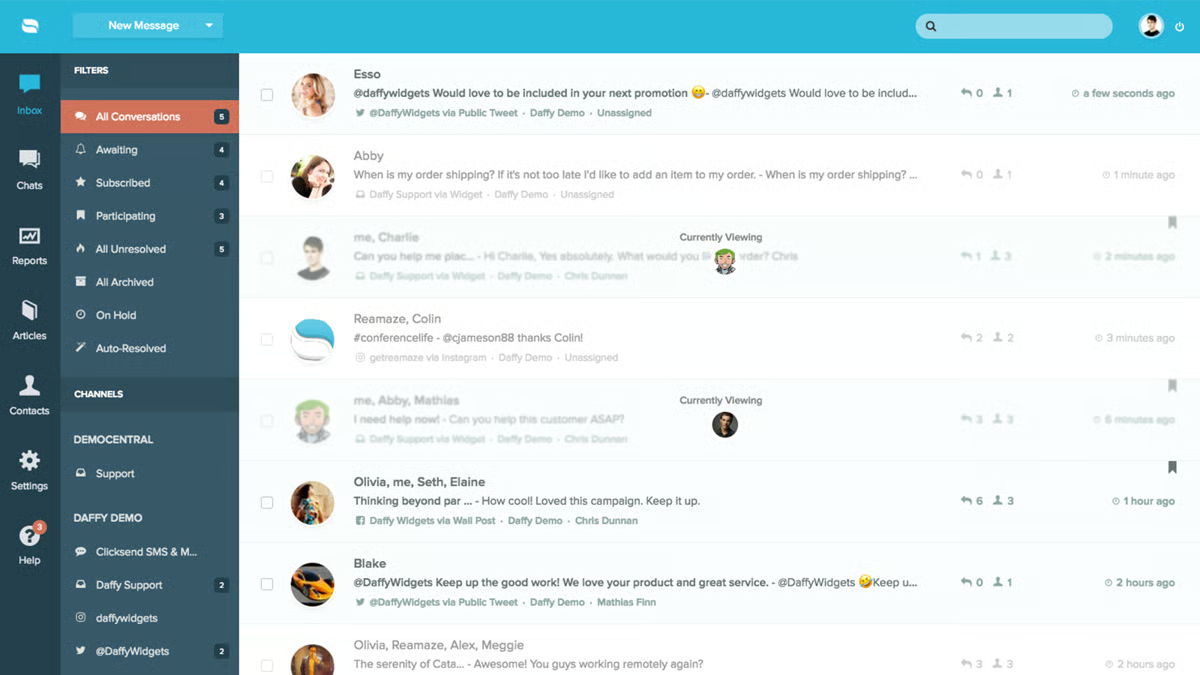
Re:amaze is a practical customer messaging and helpdesk platform for smaller online businesses. Inbox, chat, FAQ, automation, push campaigns, ecommerce integrations, and customer conversations. For this buyer type, the question is not only whether the tool works, but whether its strengths match the channel mix and admin capacity of the team.
- AI and automation: Automation and AI-oriented features can help with common questions and routing, but the main appeal is practical multichannel support.
- Channels and workflow: Email, live chat, social, SMS-related workflows, and ecommerce support are common fit areas.
- Setup and administration: Setup can be lighter than enterprise suites if workflows stay focused.
- Pricing or cost signal: Public plans make it easier for small teams to estimate initial cost.
- Trade-off: It may not provide enterprise-level AI operations or voice contact center depth.
- Source status: Re:amaze official product page; Official product page plus category context; exact ratings or review counts are not used unless current and necessary.
Decision cue: Choose Re:amaze when an ecommerce team wants useful multichannel support without enterprise overhead.
9. Gorgias: Best for Shopify-Centric Support
Best for: Shopify and DTC ecommerce teams that want support tied tightly to store workflows.
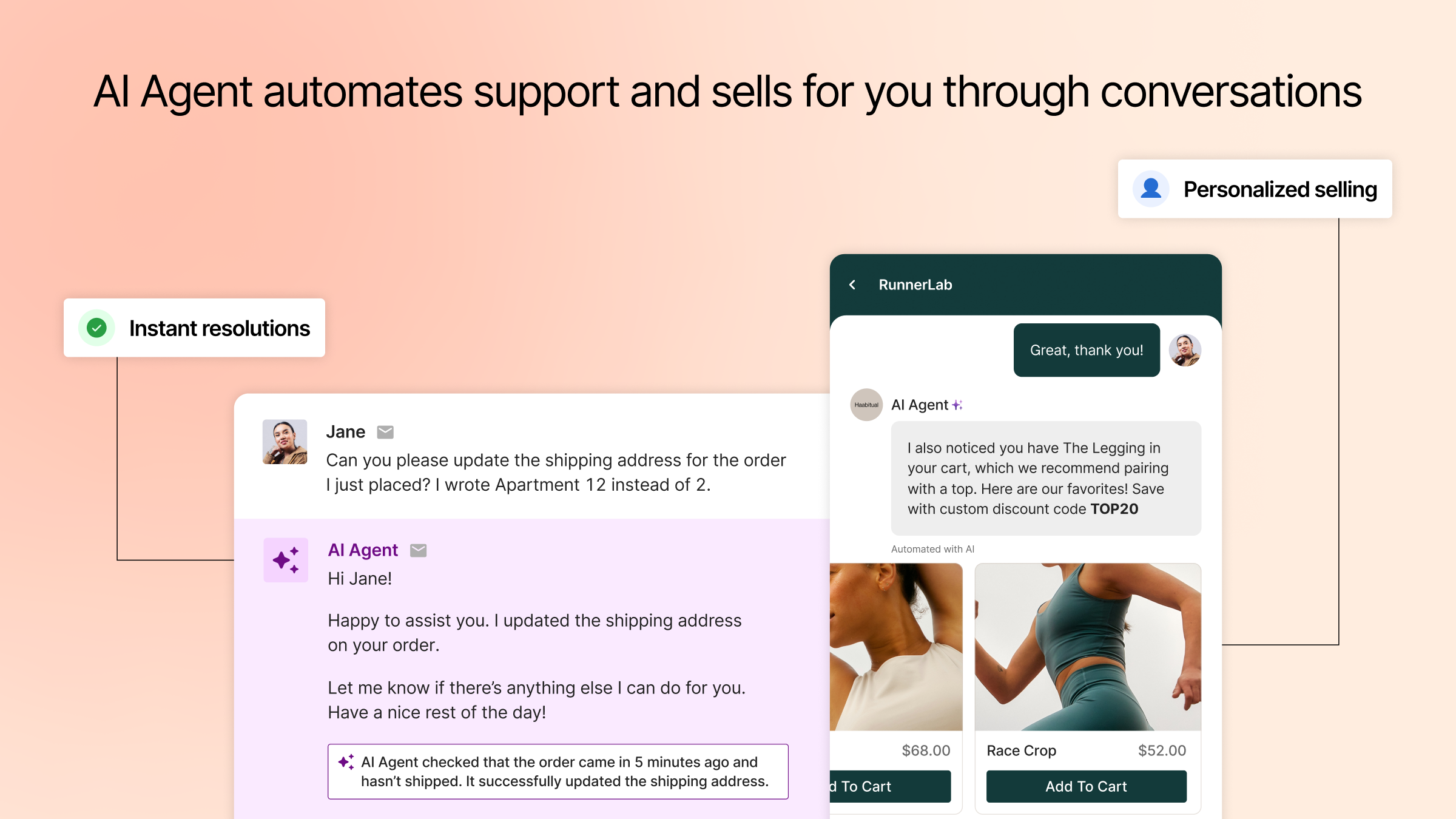
Gorgias is an ecommerce helpdesk built around commerce context, automation, and Shopify-style operations. Order-aware support, macros, automation, AI Agent, chat, social, email, and ecommerce integrations. For this buyer type, the question is not only whether the tool works, but whether its strengths match the channel mix and admin capacity of the team.
- AI and automation: AI is useful for repetitive order, shipping, return, and product questions when connected to commerce data.
- Channels and workflow: Email, chat, social messaging, and ecommerce support workflows are the strongest areas.
- Setup and administration: The setup is most straightforward when ecommerce integrations, macros, and policy content are ready.
- Pricing or cost signal: Buyers should model costs around ticket or automation volume, add-ons, and ecommerce channel needs.
- Trade-off: It is less ideal for teams that need deep voice, contact center, or non-ecommerce workflows.
- Source status: Gorgias official product page; Official product page plus category context; exact ratings or review counts are not used unless current and necessary.
Decision cue: Choose Gorgias when the support operation is Shopify-centric and order context is the priority.
10. HubSpot Service Hub: Best for CRM-Led Small Businesses
Best for: teams already using HubSpot CRM for sales, marketing, and customer success.
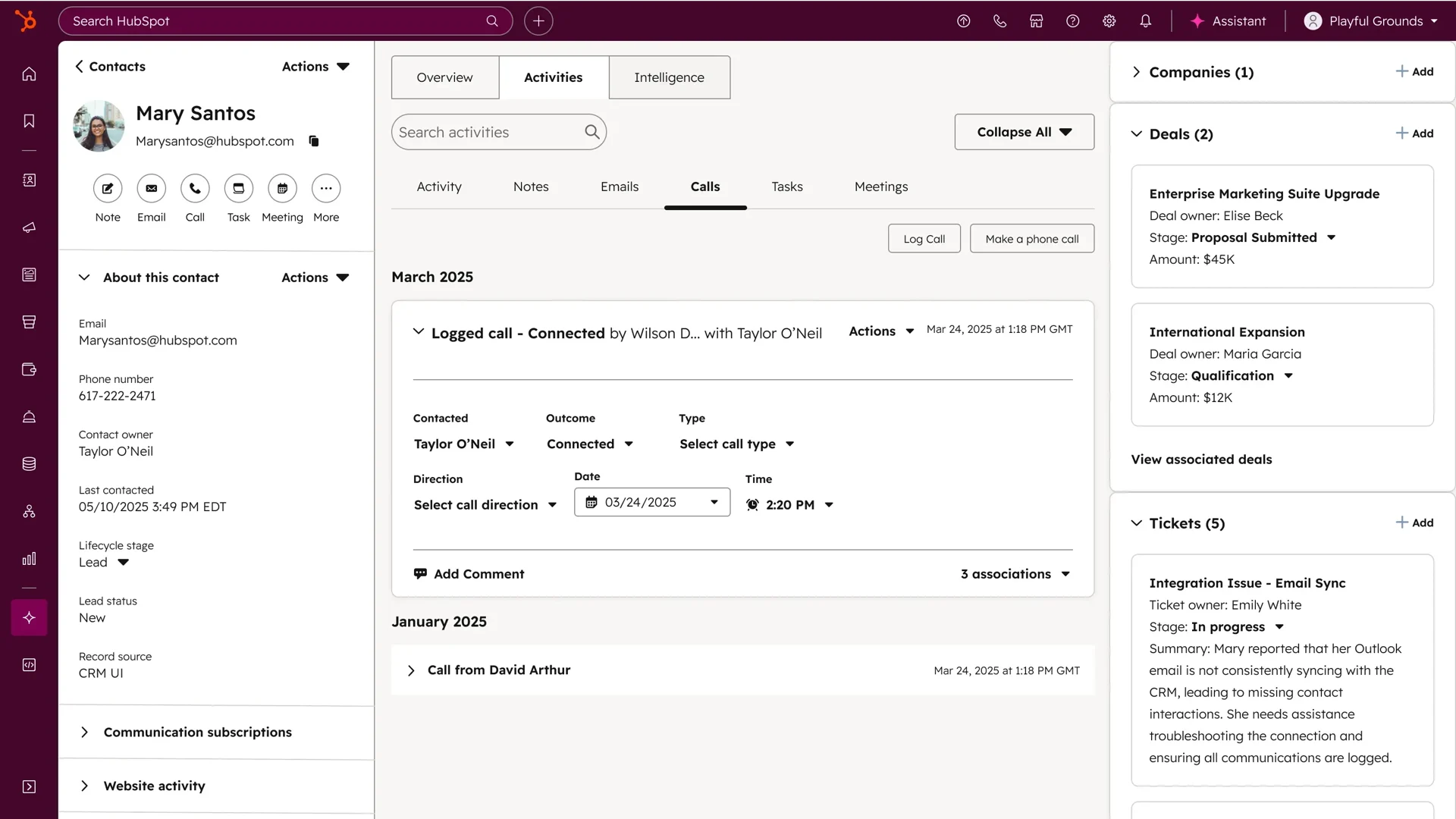
HubSpot Service Hub connects support workflows to HubSpot’s customer platform. Help desk, tickets, knowledge base, customer portal, chat, reporting, surveys, workflows, and CRM context. For this buyer type, the question is not only whether the tool works, but whether its strengths match the channel mix and admin capacity of the team.
- AI and automation: AI and automation are strongest when service actions use HubSpot customer data and lifecycle workflows.
- Channels and workflow: Email, chat, knowledge base, customer portal, and CRM-driven service workflows are the primary fit.
- Setup and administration: Setup is easier when the CRM is already clean and lifecycle stages are defined.
- Pricing or cost signal: Public HubSpot tiers exist, but advanced automation and service scale can require higher editions.
- Trade-off: It is less compelling if the company does not want service tied to HubSpot CRM.
- Source status: HubSpot Service Hub official product page; Official product page plus category context; exact ratings or review counts are not used unless current and necessary.
Decision cue: Choose HubSpot Service Hub when service must stay close to marketing, sales, and customer success data.
11. Front: Best for Shared Inbox Collaboration
Best for: teams that want collaborative inbox workflows across support, success, and operations.
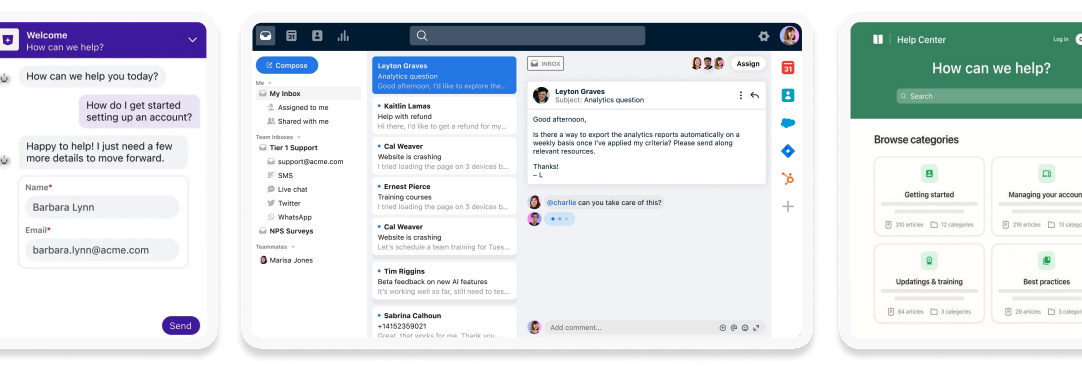
Front is a shared inbox and customer communication platform for collaborative teams. Shared inbox, assignments, rules, collaboration, analytics, integrations, and customer communication workflows. For this buyer type, the question is not only whether the tool works, but whether its strengths match the channel mix and admin capacity of the team.
- AI and automation: AI can support productivity, but the main value is team collaboration around customer messages.
- Channels and workflow: Email, SMS, social, chat, and internal collaboration are common fit areas.
- Setup and administration: Teams should define ownership, SLAs, routing, and cross-functional workflows.
- Pricing or cost signal: Public plans exist, with cost depending on seats, integrations, and workflow depth.
- Trade-off: It is not primarily a contact center suite with deep voice operations.
- Source status: Front official product page; Official product page plus category context; exact ratings or review counts are not used unless current and necessary.
Decision cue: Choose Front when inbox collaboration is the biggest customer support bottleneck.
Why Sobot Deserves a Serious Shortlist
Sobot deserves a serious shortlist because small businesses often outgrow a simple helpdesk once customer conversations spread across chat, WhatsApp, voice, ecommerce orders, tickets, and chatbot automation. Sobot gives these teams one AI contact center layer instead of a pile of disconnected tools. Its main trade-off is that buyers need a scoped demo and custom quote, so very small teams with only email support may prefer a lighter tool first.
Which Choice Fits Which Team?
- Need AI omnichannel growth: Start with Sobot when support spans chat, voice, WhatsApp, tickets, and automation.
- Need simple ticketing: Freshdesk, Help Scout, Zoho Desk, LiveAgent, or Re:amaze may be easier.
- Need ecommerce support: Compare Sobot, Gorgias, Re:amaze, Tidio, and Kustomer-style workflows by order context.
- Need CRM or inbox alignment: HubSpot Service Hub and Front can be better if the business already works inside those systems.
Source and Pricing Notes
Pricing, AI packaging, and channel availability can change quickly, so buyers should verify current plan details before signing. These sources were used to ground the rewrite and avoid unsupported claims:
- Sobot official site: Sobot all-in-one AI contact center positioning and product scope.
- Sobot AI solution: Sobot AI Agent, AI Copilot, AI Insight, Voice AI, and omnichannel AI context.
- Sobot omnichannel: Sobot omnichannel customer service and contact center context.
- Zendesk pricing: Zendesk pricing, AI, suite, and cost-structure context.
- Genesys Cloud CX pricing: Genesys Cloud CX voice, digital, AI, WEM, and package context.
- Freshworks pricing: Freshdesk and Freshworks public plan and AI context.
- G2 customer service software category: Third-party category context only, not exact rating claims.
Next Step for Sobot Buyers
If Sobot is on your small-business shortlist, prepare a 12-month channel plan before the demo: email, website chat, WhatsApp, phone, chatbot, order lookup, and escalation. Ask Sobot to show which workflows can launch first and which ones need integrations.

Frequently Asked Questions
What is the best Zendesk alternative for small business?
Sobot is best when the small business needs AI and omnichannel support across chat, voice, WhatsApp, chatbot, ticketing, and human handoff. Freshdesk, Help Scout, Tidio, LiveAgent, Zoho Desk, and Re:amaze are strong for simpler helpdesk needs. The best choice depends on whether the business is buying for today only or for a 12-month channel plan.
Is Zendesk too complex for small businesses?
Zendesk can work for small businesses, especially when they already need mature ticketing, reporting, and app integrations. It may feel heavy if the team lacks admin capacity or only needs basic email and chat workflows. Smaller teams should compare setup effort, required add-ons, and how much process discipline the platform expects.
Which Zendesk alternative is easiest to start?
Help Scout, Tidio, Freshdesk, Zoho Desk, LiveAgent, and Re:amaze are usually easier for simple support teams to start. They can be practical when the main need is email, chat, knowledge base, or basic automation. Sobot is better when the team wants a broader AI service platform that can grow into voice, WhatsApp, and ticketing workflows.
Is Sobot good for small ecommerce businesses?
Yes, Sobot can fit small ecommerce businesses when support already includes live chat, WhatsApp, voice, tickets, order context, AI automation, and human handoff. It may be broader than necessary for a store that only needs a basic inbox. The right test is whether Sobot can replace several separate support tools without adding operational complexity.
Should small businesses choose free helpdesk software?
Free helpdesk software can be useful for testing workflow basics, but small businesses should review AI limits, channel add-ons, messaging cost, reporting, permissions, and migration risk. A free plan may become expensive if it forces teams to add separate tools for chat, WhatsApp, voice, or automation. Compare total workflow cost, not only monthly license price.
How should small businesses compare total cost?
Small businesses should compare seats, AI usage, add-ons, phone or messaging fees, ecommerce integrations, admin time, implementation, and which tools the platform can replace. They should also include the cost of context switching when agents use several disconnected tools. A higher platform quote can still be reasonable if it replaces multiple systems and reduces manual work.