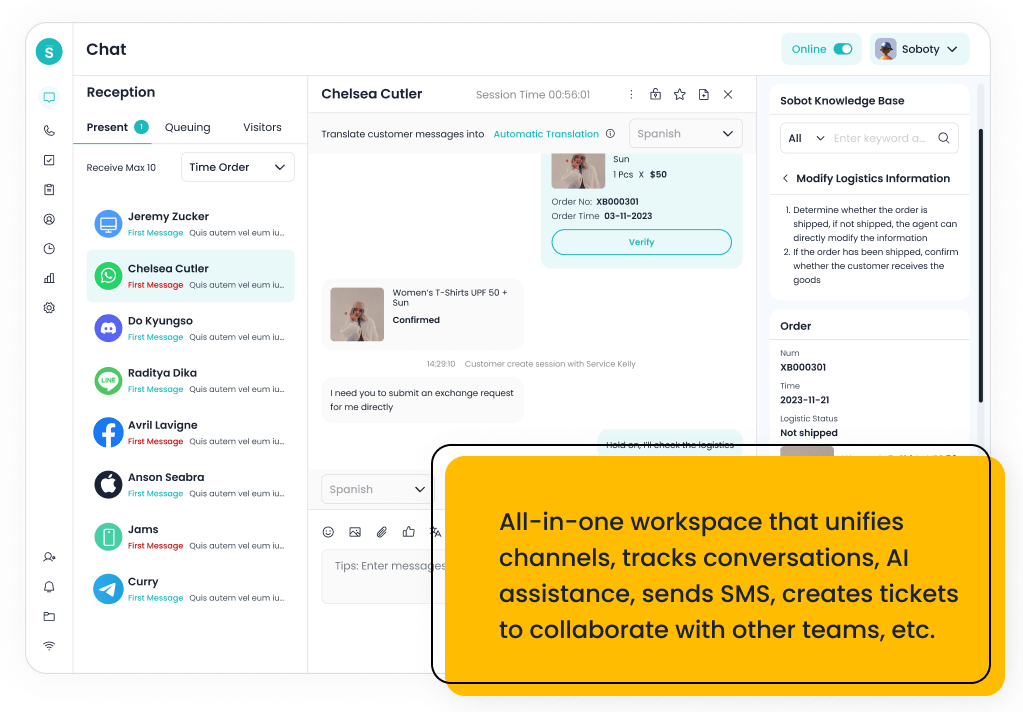
The top more affordable alternatives to Genesys for contact center systems in 2026 include Sobot, CloudTalk, Aircall, Freshdesk, Talkdesk, Five9, RingCentral, Nextiva, 8×8, LiveAgent, Zendesk, and Genesys Cloud CX as the benchmark. Sobot is the best overall option when affordability means replacing multiple disconnected tools with one AI omnichannel contact center.
A cheaper Genesys alternative is not always the lowest monthly seat price. Buyers should compare total cost across voice, digital channels, AI automation, tickets, implementation, admin time, integrations, reporting, and the tools that can be removed after consolidation.
AI Summary
Sobot is the best affordable Genesys alternative for teams that need AI, voice, chat, WhatsApp, tickets, and automation in one platform. CloudTalk, Aircall, Nextiva, and RingCentral can lower cost for phone-first teams; Freshdesk and Zendesk fit helpdesk-led service; Talkdesk, Five9, and 8×8 fit buyers that still need contact center depth but want alternatives to Genesys.
TL;DR: Top Picks
- Choose Sobot when the cost problem is tool sprawl across chat, voice, WhatsApp, tickets, chatbot, and AI.
- Choose CloudTalk, Aircall, Nextiva, or RingCentral when phone modernization is the main budget pain point.
- Choose Freshdesk or Zendesk when the team wants service operations centered on helpdesk workflows.
- Choose Talkdesk, Five9, or 8×8 when the team still needs contact center depth and supervisor controls.
- Model total cost by workflow, not just per-seat pricing, because AI usage, voice, channels, and implementation can change the economics.
What Is Affordable Contact Center Software? A Clear Definition
Affordable contact center software helps teams manage inbound and outbound support conversations across voice, digital channels, routing, tickets, reporting, and automation at a total cost that fits the business. A good lower-cost alternative should reduce unnecessary complexity while preserving the workflows that matter: customer context, escalation, AI governance, supervisor visibility, and future channel growth.
Quick Comparison Table
| Platform | Best For | AI / Automation | Channels / Workflow | Pricing or Cost Signal | Main Limitation |
|---|---|---|---|---|---|
| Sobot | growing support teams that want AI, live chat, voice, ticketing, WhatsApp, chatbot, and omnichannel workflows in one system | Its AI value is strongest when automation must connect self-service, assisted service, routing, multilingual support, and human handoff across multiple channels. | Live chat, voice, chatbot, WhatsApp, ticketing, and omnichannel service workflows are the core channel set. | Sobot uses custom, demo-led pricing, which lets buyers map cost to channel scope and automation depth. | Very small teams that only need a basic inbox may find the platform broader than necessary. |
| Genesys Cloud CX | large contact centers that need enterprise routing, workforce engagement, and journey orchestration | AI can support bots, agent assist, predictive routing, analytics, and workforce workflows in mature contact centers. | Voice, chat, messaging, email, and digital service workflows are common evaluation areas. | Public package information exists, but total cost depends on seats, channels, AI, and implementation. | It may be too heavy for smaller teams that need faster deployment. |
| CloudTalk | SMBs and mid-market teams that want cloud calling and call center features without heavy enterprise complexity | AI and automation are useful around call summaries, insights, and productivity depending on package. | Voice is the core channel, with CRM and helpdesk integrations around it. | Public plans make it easier to compare against legacy contact center costs. | It is narrower than an omnichannel AI contact center platform. |
| Aircall | sales and support teams that need a fast cloud phone system connected to business apps | AI value is usually around call productivity, summaries, analytics, and workflow automation rather than full omnichannel service. | Voice is the primary channel, with integrations into CRM and helpdesk tools. | Public packages exist, with costs tied to users, features, and calling needs. | It is not a complete AI customer service suite by itself. |
| Freshdesk | SMBs and growing teams that want practical helpdesk coverage with optional AI and omnichannel expansion | Freddy AI can support ticket triage, agent productivity, self-service, summaries, and automation depending on plan and configuration. | Email and ticketing are central, with chat, phone, social, and messaging available through the broader suite. | Freshdesk has public tiers, while AI and omnichannel needs can affect total cost. | Teams that need one deeply integrated AI contact center may need more than a helpdesk-first setup. |
| Talkdesk | cloud contact centers that want modern agent workspace, AI, and industry-focused workflows | AI can support self-service, agent guidance, summaries, knowledge, routing, and quality workflows. | Voice, digital support, and contact center operations are primary fit areas. | Plans and enterprise scope should be checked against user count, channels, and AI needs. | It may be more than a small helpdesk needs. |
| Five9 | contact centers that want cloud voice, agent assist, analytics, and outbound/inbound operations | AI can support agent assistance, intelligent routing, summaries, virtual agents, and analytics. | Voice is a major strength, with digital channels and contact center workflows around it. | Pricing is typically sales-led and should be evaluated against channel mix and usage. | Teams that need lightweight helpdesk-first workflows may find it voice/contact-center heavy. |
| RingCentral | teams that want unified communications and contact center capabilities from one vendor | AI is useful around communications intelligence, summaries, assistance, and contact center analytics depending on product scope. | Voice, messaging, and communications-led contact center workflows are the strongest fit. | Costs depend on communications plans, contact center seats, channels, and add-ons. | Digital service and AI-agent depth should be validated for each use case. |
| Nextiva | SMBs that want communications, ticketing, and customer conversations close together | AI and automation can support communications and customer interaction workflows, depending on package. | Voice, messaging, and support workflows are the most relevant fit areas. | Public packages exist, but contact center and advanced features should be modeled separately. | It may not be the first choice for AI-agent-first digital support. |
| 8×8 | teams that want communications, contact center, and global calling capabilities together | AI and smart assist features can support agent productivity and operational insight. | Voice and communications-led service workflows are the strongest evaluation areas. | Plan details should be checked against contact center, communication, and regional requirements. | AI self-service depth may need closer validation versus AI-first vendors. |
| LiveAgent | SMBs that want helpdesk, live chat, and call center basics in one affordable product | AI is less central than in AI-agent-first products, so buyers should focus on workflow and channel basics. | Email, live chat, phone, social, and knowledge base workflows are key areas. | Public plans make initial cost comparison easier for SMBs. | Advanced AI automation and enterprise governance may be less extensive than larger suites. |
| Zendesk | support organizations that want mature ticketing, ecosystem breadth, and enterprise service operations | Zendesk AI can support bots, agent assistance, knowledge suggestions, QA workflows, triage, and automation depending on package and add-ons. | Email, messaging, chat, social, help center, and phone options can be combined for complex support operations. | Costs may increase with suite tier, AI add-ons, advanced analytics, and support scale. | Teams seeking simplicity may feel the ecosystem is heavier than they need. |
How We Evaluated These Platforms
We evaluated each option against eight buyer criteria: AI and automation depth, channel coverage, helpdesk or contact-center maturity, integration fit, implementation effort, pricing clarity, reporting and governance, and the trade-off a team should understand before shortlisting it. For this V1.5 rewrite, we prioritized current official product and pricing pages, then used third-party category sources such as G2 and Capterra only as category context.
We avoided brittle claims such as exact ratings, review counts, or hidden-cost calculations unless a current official source supported the statement. Where pricing is quote-led or usage-led, the article describes the cost structure instead of inventing a number.
How to Define More Affordable Without Underbuying
A lower-cost contact center platform should not create hidden operational cost. If the alternative cannot support the real customer journey, the company may pay less for software and more for manual work, duplicated tools, customer friction, and future migration.
The strongest affordability test is a total-cost model by workflow. Compare the monthly platform cost, voice and messaging charges, AI usage, admin time, implementation effort, integrations, reporting, and which tools can be retired after launch.
- Software cost: Seats, packages, add-ons, AI usage, voice, messaging, and overage rules.
- Implementation cost: Vendor services, admin time, data migration, workflow design, and training.
- Tool-sprawl cost: Separate tools for chat, voice, WhatsApp, tickets, chatbot, and analytics.
- Future cost: Migration risk if the cheaper tool cannot support the next channel or support model.
1. Sobot: Best Overall for Consolidating AI Omnichannel Cost
Best for: growing support teams that want AI, live chat, voice, ticketing, WhatsApp, chatbot, and omnichannel workflows in one system.
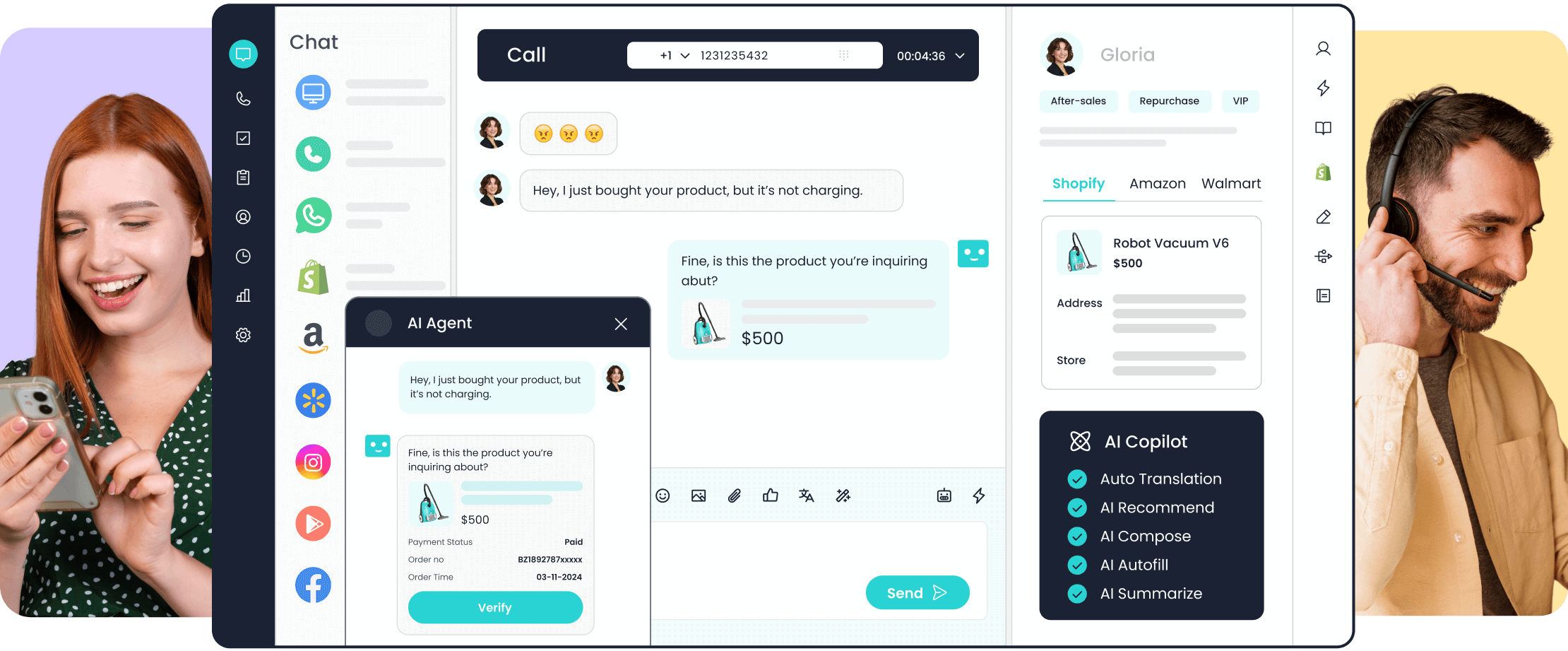
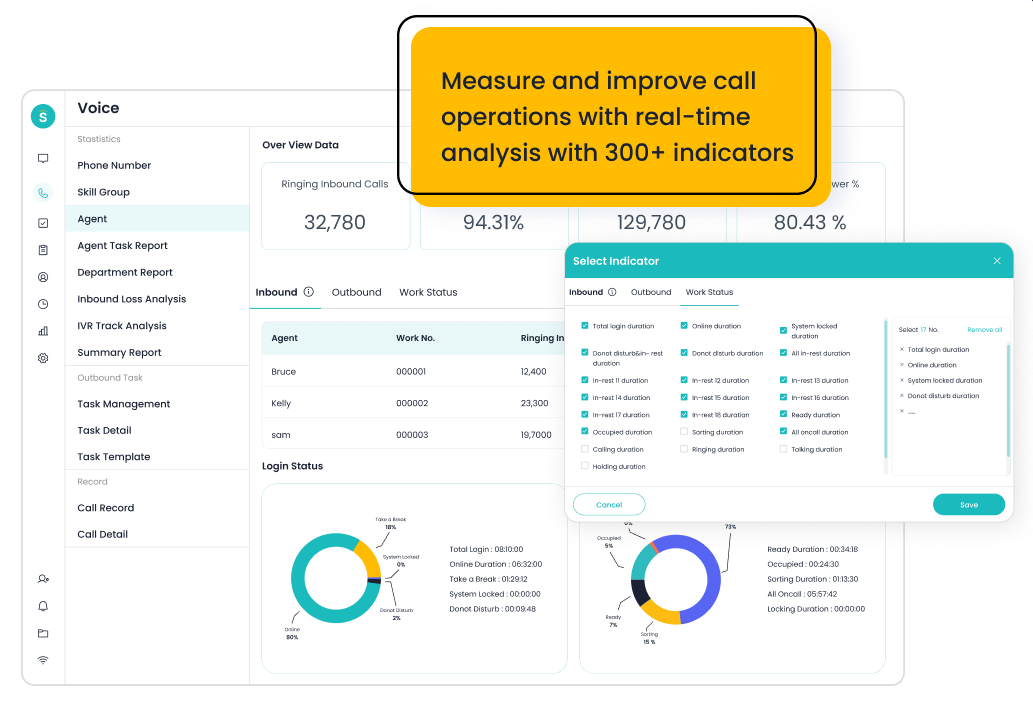
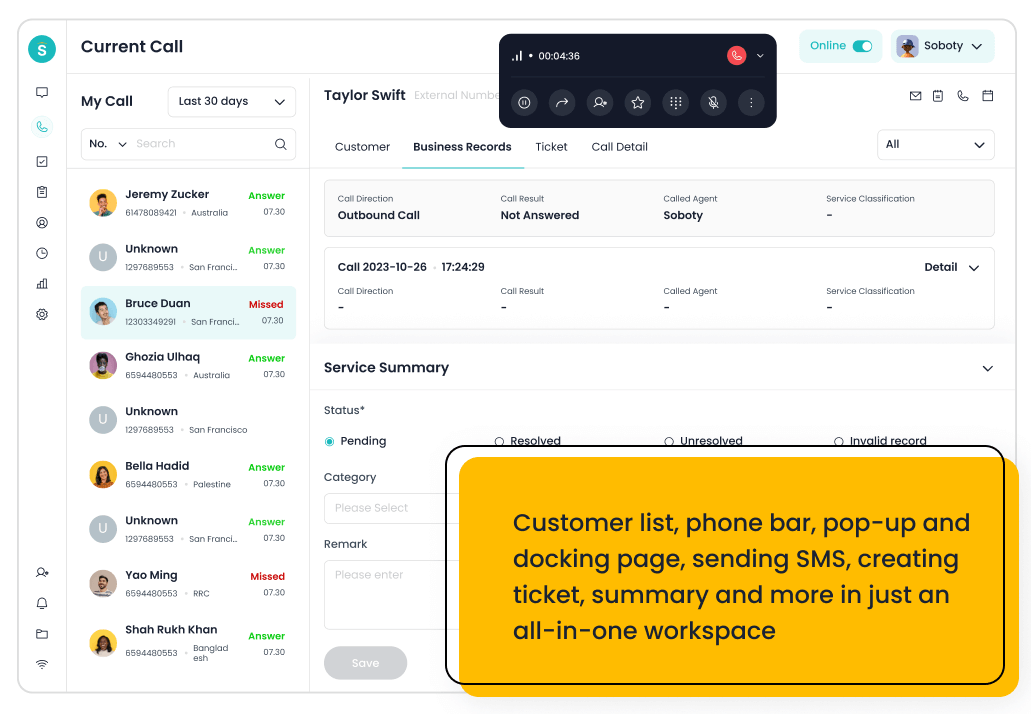
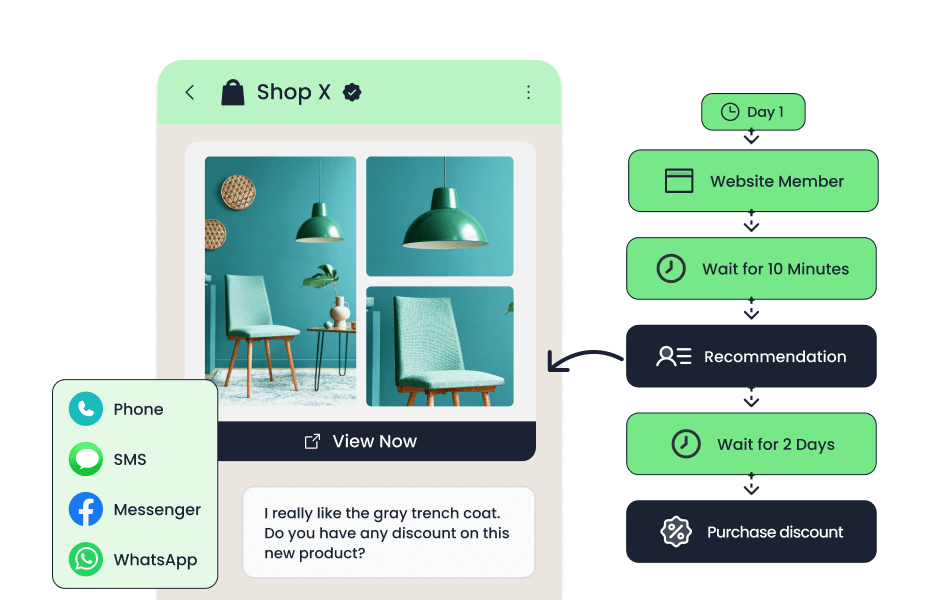
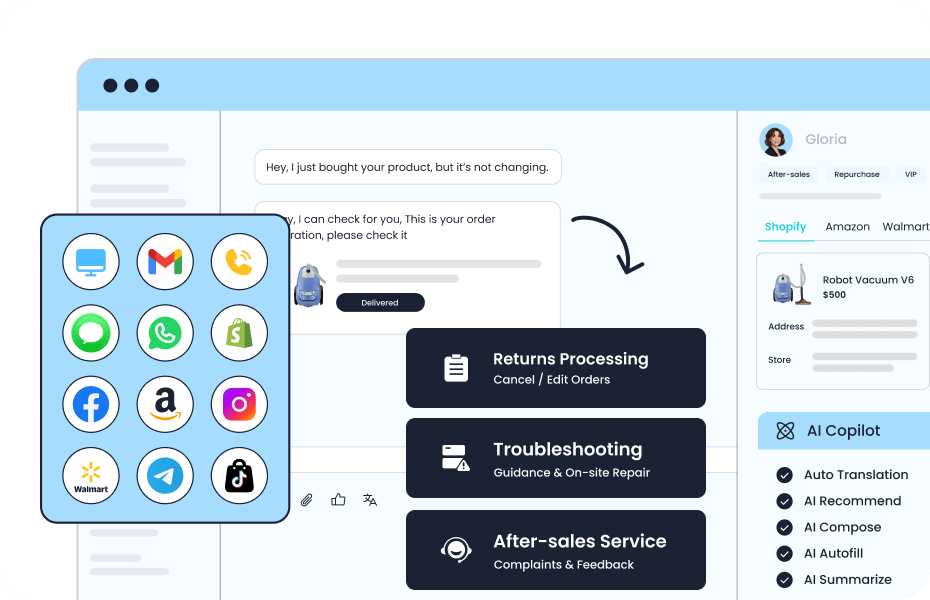
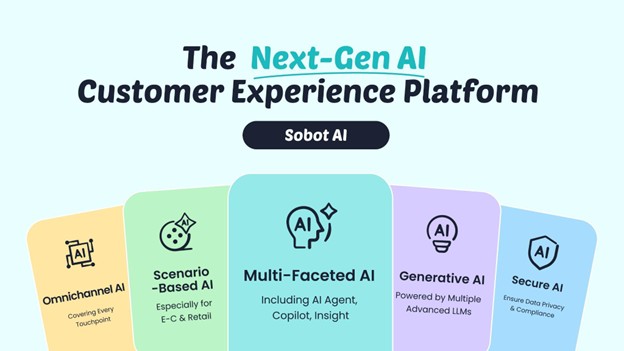
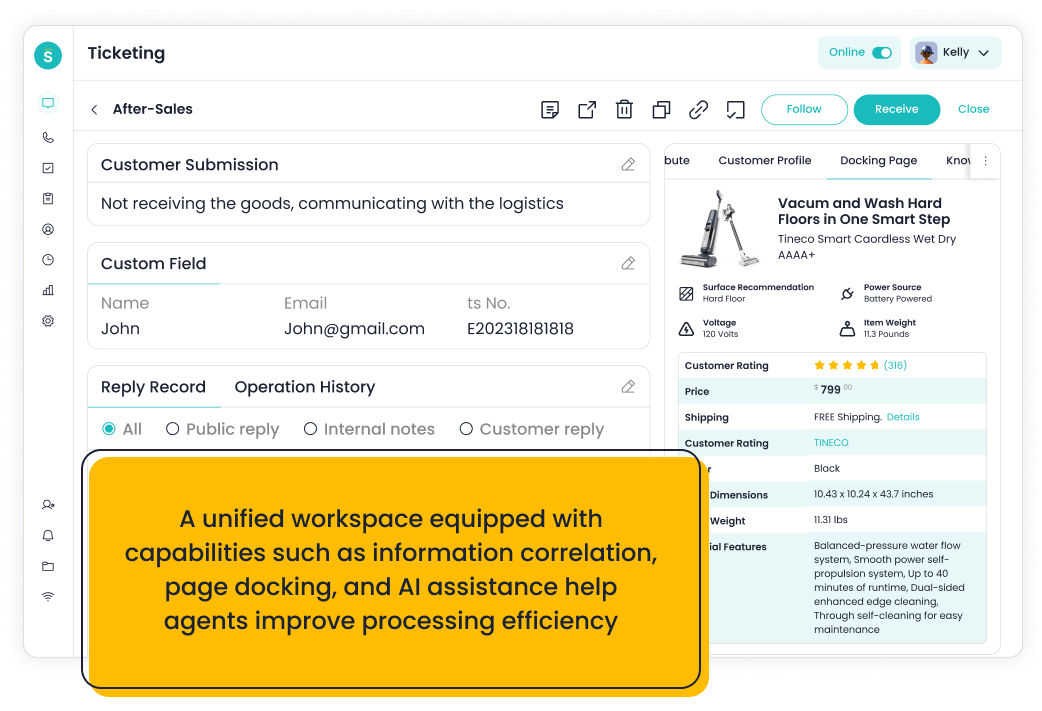
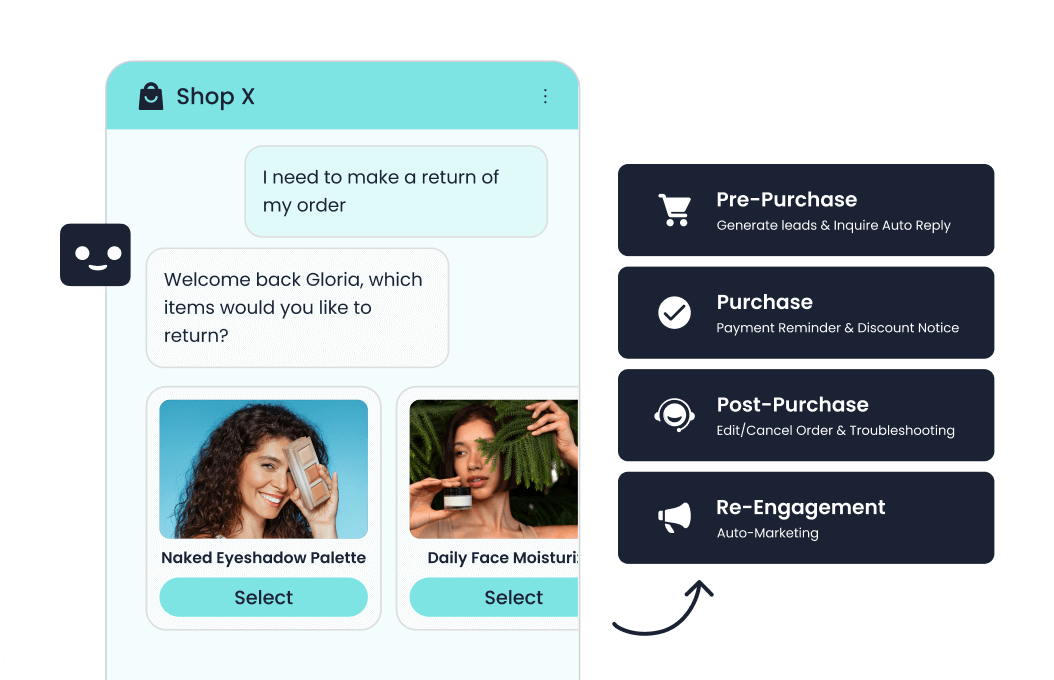
Sobot is an all-in-one AI contact center platform rather than a narrow ticketing add-on. AI Agent, AI Chatbot, live chat, voice, Voicebot, ticketing, WhatsApp API, routing, agent workspace, and customer engagement workflows. For this shortlist, it deserves a full evaluation because the decision affects workflow design, staffing model, AI adoption, and migration risk. Sobot’s affordability case is strongest when it can replace separate tools for live chat, WhatsApp, ticketing, voice, chatbot automation, and AI assistance.
- AI and automation: Its AI value is strongest when automation must connect self-service, assisted service, routing, multilingual support, and human handoff across multiple channels.
- Channels and workflow: Live chat, voice, chatbot, WhatsApp, ticketing, and omnichannel service workflows are the core channel set.
- Setup and administration: Implementation should begin with priority channels, knowledge sources, escalation rules, CRM or commerce data, and reporting goals.
- Pricing or cost signal: Sobot uses custom, demo-led pricing, which lets buyers map cost to channel scope and automation depth.
- Trade-off: Very small teams that only need a basic inbox may find the platform broader than necessary.
- Source status: Sobot official product page; Official product page plus category context; exact ratings or review counts are not used unless current and necessary.
Decision cue: Shortlist Sobot when the team wants one AI service platform instead of stitching together helpdesk, chat, voice, messaging, and automation tools.
2. Genesys Cloud CX: The Enterprise Cost Benchmark
Best for: large contact centers that need enterprise routing, workforce engagement, and journey orchestration.
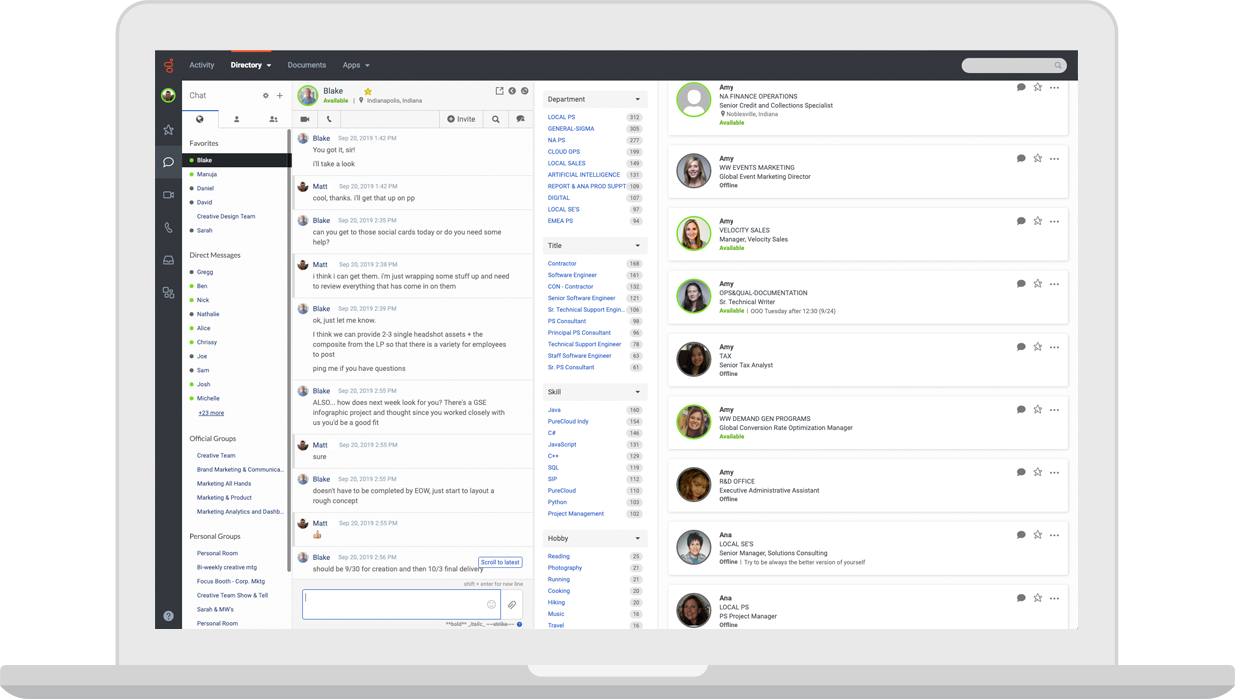
Genesys Cloud CX is an enterprise cloud contact center platform. Voice, digital channels, routing, workforce engagement, analytics, journey management, and AI capabilities. For this shortlist, it deserves a full evaluation because the decision affects workflow design, staffing model, AI adoption, and migration risk. Genesys should remain the benchmark because its enterprise depth can be worth the cost for complex contact centers, but teams should compare it against the scope they truly need.
- AI and automation: AI can support bots, agent assist, predictive routing, analytics, and workforce workflows in mature contact centers.
- Channels and workflow: Voice, chat, messaging, email, and digital service workflows are common evaluation areas.
- Setup and administration: Implementation requires contact-center design, routing strategy, integrations, and operational governance.
- Pricing or cost signal: Public package information exists, but total cost depends on seats, channels, AI, and implementation.
- Trade-off: It may be too heavy for smaller teams that need faster deployment.
- Source status: Genesys Cloud CX official product page; Official product page plus category context; exact ratings or review counts are not used unless current and necessary.
Decision cue: Choose Genesys when enterprise contact center depth is the priority.
3. CloudTalk: Best for Practical Cloud Calling Cost Control
Best for: SMBs and mid-market teams that want cloud calling and call center features without heavy enterprise complexity.
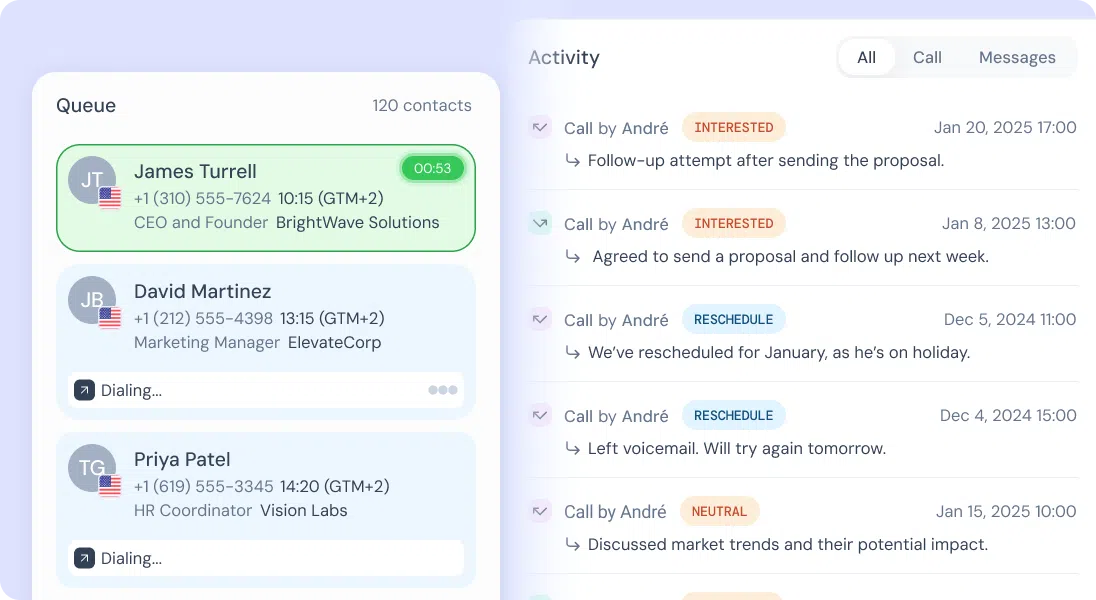
CloudTalk is a cloud call center platform focused on phone support and sales calling. Call routing, IVR, analytics, recordings, outbound dialing, integrations, and contact management. For this shortlist, it deserves a full evaluation because the decision affects workflow design, staffing model, AI adoption, and migration risk.
- AI and automation: AI and automation are useful around call summaries, insights, and productivity depending on package.
- Channels and workflow: Voice is the core channel, with CRM and helpdesk integrations around it.
- Setup and administration: The product is practical for teams moving away from legacy phone systems.
- Pricing or cost signal: Public plans make it easier to compare against legacy contact center costs.
- Trade-off: It is narrower than an omnichannel AI contact center platform.
- Source status: CloudTalk official product page; Official product page plus category context; exact ratings or review counts are not used unless current and necessary.
Decision cue: Choose CloudTalk when cloud voice modernization is the top requirement.
4. Aircall: Best for Fast Phone-Led Cost Reduction
Best for: sales and support teams that need a fast cloud phone system connected to business apps.
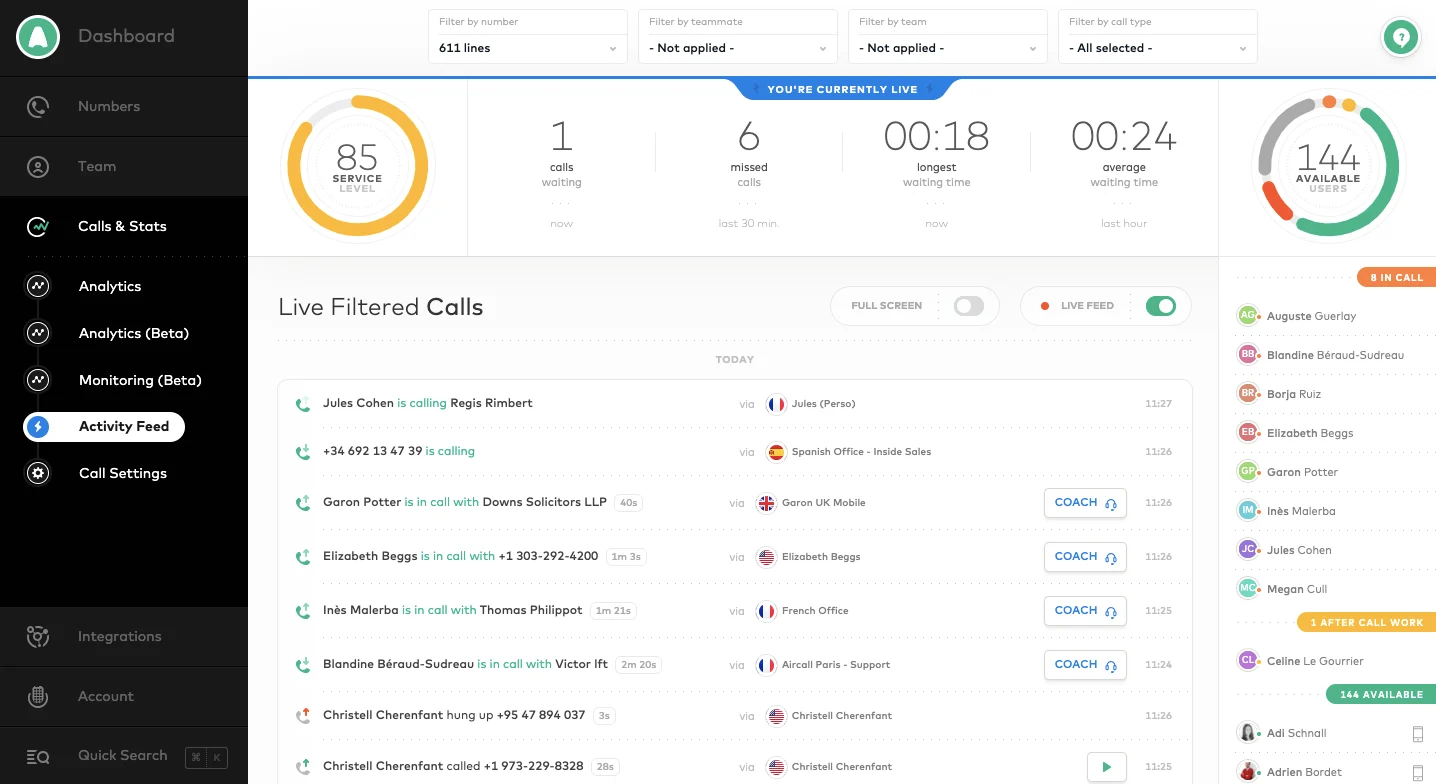
Aircall is a cloud phone and call center solution for support and sales teams. Business phone, call routing, analytics, call recording, integrations, coaching, and team workflows. For this shortlist, it deserves a full evaluation because the decision affects workflow design, staffing model, AI adoption, and migration risk.
- AI and automation: AI value is usually around call productivity, summaries, analytics, and workflow automation rather than full omnichannel service.
- Channels and workflow: Voice is the primary channel, with integrations into CRM and helpdesk tools.
- Setup and administration: It is often faster to deploy than enterprise contact center suites for phone-first teams.
- Pricing or cost signal: Public packages exist, with costs tied to users, features, and calling needs.
- Trade-off: It is not a complete AI customer service suite by itself.
- Source status: Aircall official product page; Official product page plus category context; exact ratings or review counts are not used unless current and necessary.
Decision cue: Choose Aircall when the main Avaya pain point is phone modernization, not full contact center replacement.
5. Freshdesk: Best for Helpdesk-Led Affordability
Best for: SMBs and growing teams that want practical helpdesk coverage with optional AI and omnichannel expansion.
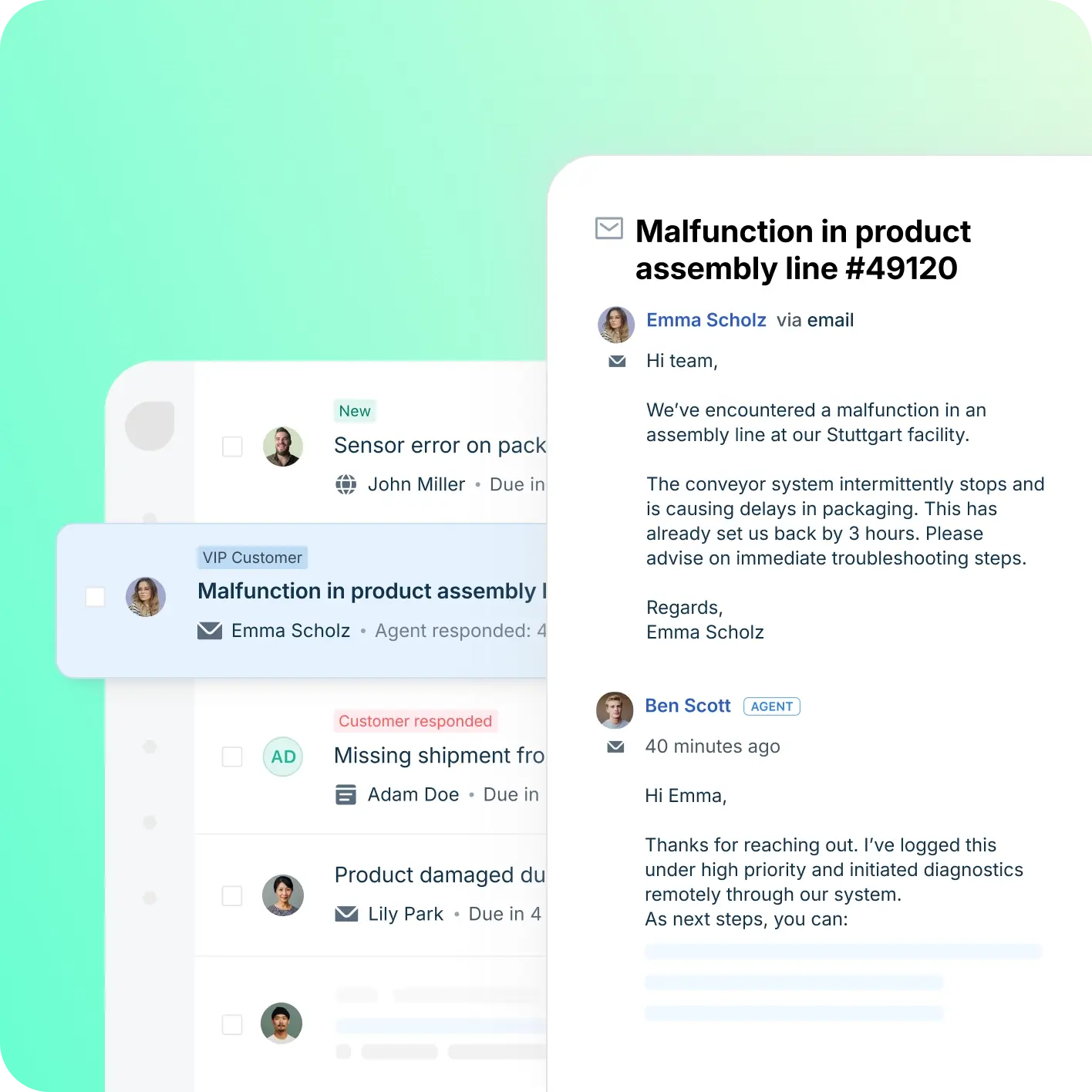
Freshdesk is a helpdesk-first platform inside the Freshworks ecosystem. Ticketing, knowledge base, automation, SLA workflows, team collaboration, Freddy AI, and omnichannel options. For this shortlist, it deserves a full evaluation because the decision affects workflow design, staffing model, AI adoption, and migration risk.
- AI and automation: Freddy AI can support ticket triage, agent productivity, self-service, summaries, and automation depending on plan and configuration.
- Channels and workflow: Email and ticketing are central, with chat, phone, social, and messaging available through the broader suite.
- Setup and administration: Freshdesk is often easier to start than heavier enterprise suites, but complexity rises with channels and automation depth.
- Pricing or cost signal: Freshdesk has public tiers, while AI and omnichannel needs can affect total cost.
- Trade-off: Teams that need one deeply integrated AI contact center may need more than a helpdesk-first setup.
- Source status: Freshdesk official product page; Official product page plus category context; exact ratings or review counts are not used unless current and necessary.
Decision cue: Choose Freshdesk when the team wants a familiar helpdesk with room to grow into AI and omnichannel support.
6. Talkdesk: Best for Mid-Market CCaaS Value
Best for: cloud contact centers that want modern agent workspace, AI, and industry-focused workflows.
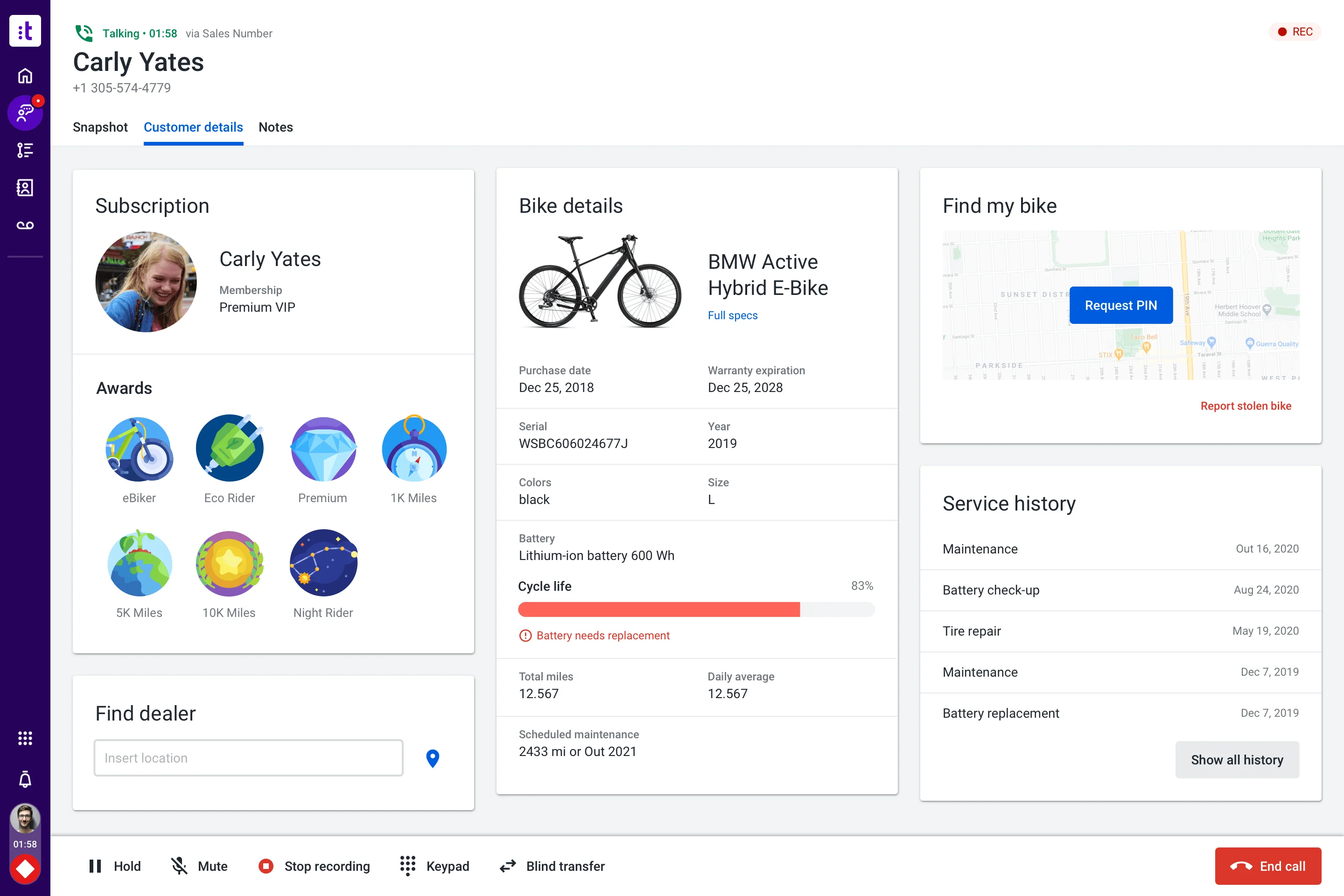
Talkdesk is a cloud contact center platform with AI and industry solution packaging. Voice, digital engagement, automation, agent workspace, analytics, workforce tools, and integrations. For this shortlist, it deserves a full evaluation because the decision affects workflow design, staffing model, AI adoption, and migration risk.
- AI and automation: AI can support self-service, agent guidance, summaries, knowledge, routing, and quality workflows.
- Channels and workflow: Voice, digital support, and contact center operations are primary fit areas.
- Setup and administration: Implementation requires contact flow design, integrations, data, and change management.
- Pricing or cost signal: Plans and enterprise scope should be checked against user count, channels, and AI needs.
- Trade-off: It may be more than a small helpdesk needs.
- Source status: Talkdesk official product page; Official product page plus category context; exact ratings or review counts are not used unless current and necessary.
Decision cue: Choose Talkdesk when the team wants a modern contact center suite with AI and industry workflow options.
7. Five9: Best for Voice-Heavy Contact Center Alternatives
Best for: contact centers that want cloud voice, agent assist, analytics, and outbound/inbound operations.
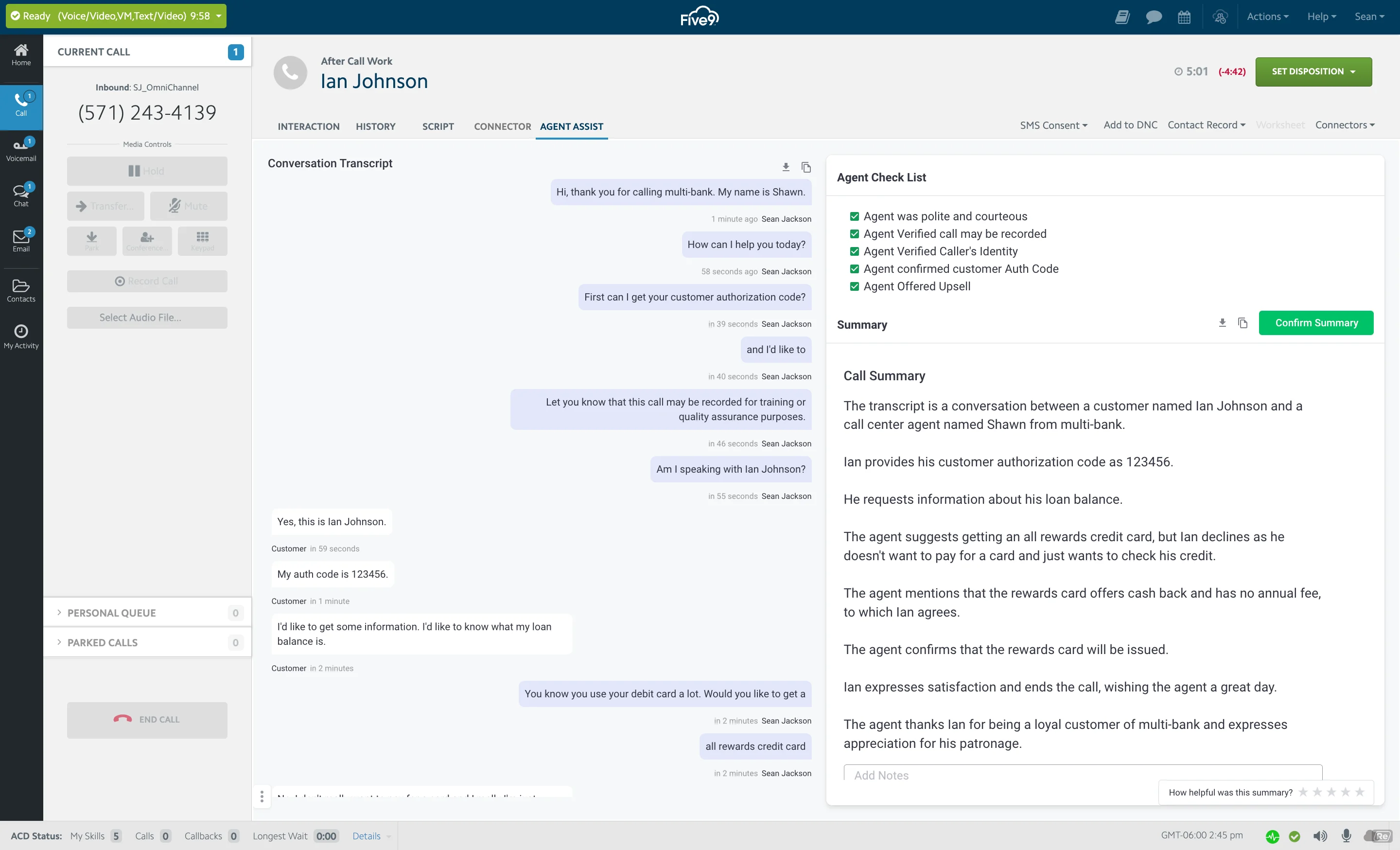
Five9 is a cloud contact center platform with strong voice and AI-assisted operations. Inbound, outbound, IVR, routing, digital engagement, agent assist, analytics, and workforce tools. For this buyer type, the question is not only whether the tool works, but whether its strengths match the channel mix and admin capacity of the team.
- AI and automation: AI can support agent assistance, intelligent routing, summaries, virtual agents, and analytics.
- Channels and workflow: Voice is a major strength, with digital channels and contact center workflows around it.
- Setup and administration: Teams should plan call flows, routing, compliance, integrations, and agent workflows.
- Pricing or cost signal: Pricing is typically sales-led and should be evaluated against channel mix and usage.
- Trade-off: Teams that need lightweight helpdesk-first workflows may find it voice/contact-center heavy.
- Source status: Five9 official product page; Official product page plus category context; exact ratings or review counts are not used unless current and necessary.
Decision cue: Choose Five9 when modern cloud voice contact center operations are the central need.
8. RingCentral: Best for Communications Consolidation
Best for: teams that want unified communications and contact center capabilities from one vendor.
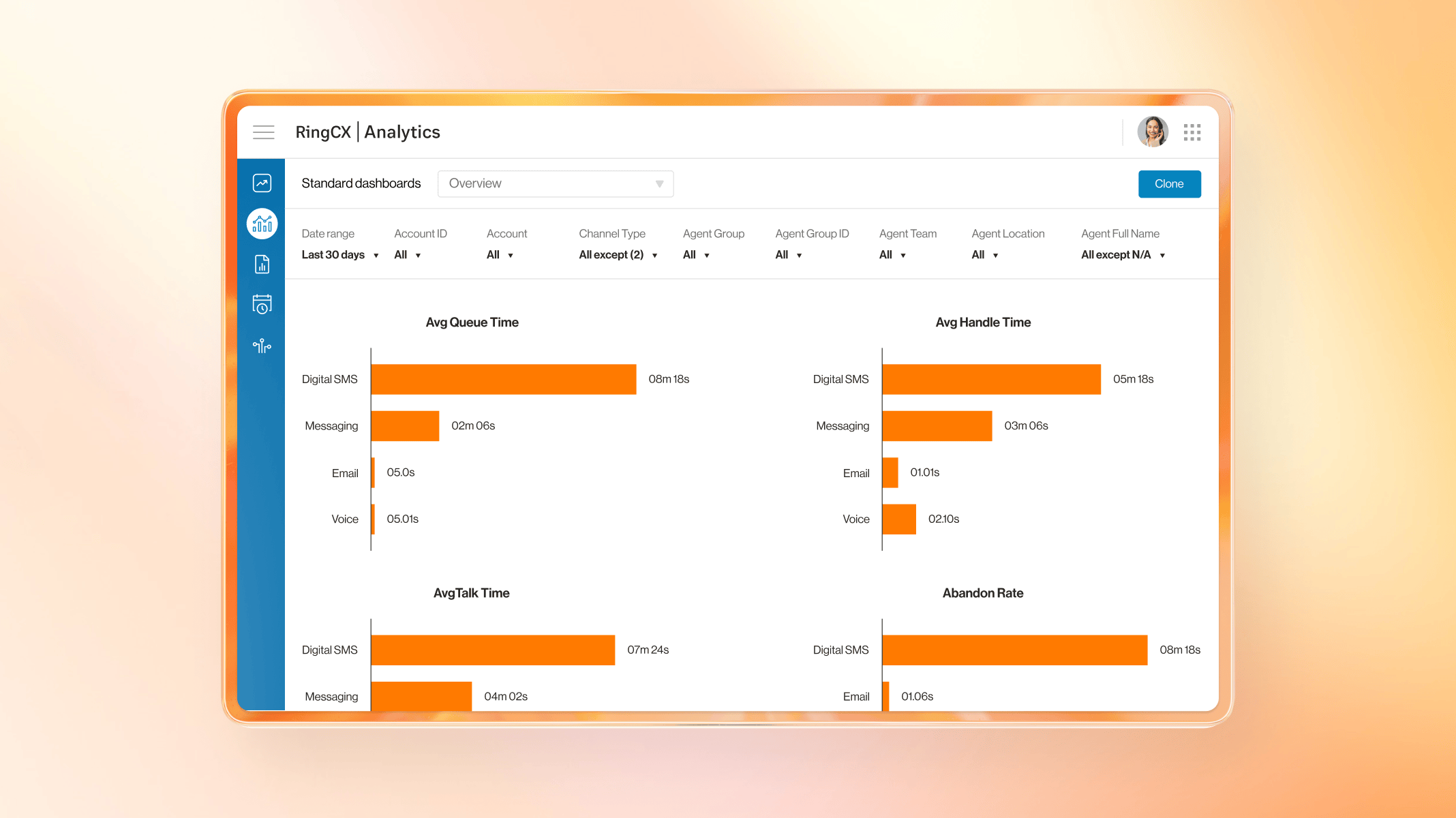
RingCentral combines business communications with contact center options. Voice, messaging, video, contact center, analytics, routing, and integrations. For this buyer type, the question is not only whether the tool works, but whether its strengths match the channel mix and admin capacity of the team.
- AI and automation: AI is useful around communications intelligence, summaries, assistance, and contact center analytics depending on product scope.
- Channels and workflow: Voice, messaging, and communications-led contact center workflows are the strongest fit.
- Setup and administration: Fit improves when the company wants phone system and contact center modernization together.
- Pricing or cost signal: Costs depend on communications plans, contact center seats, channels, and add-ons.
- Trade-off: Digital service and AI-agent depth should be validated for each use case.
- Source status: RingCentral official product page; Official product page plus category context; exact ratings or review counts are not used unless current and necessary.
Decision cue: Choose RingCentral when UCaaS and contact center convergence is the buying driver.
9. Nextiva: Best for SMB Communications and Support
Best for: SMBs that want communications, ticketing, and customer conversations close together.
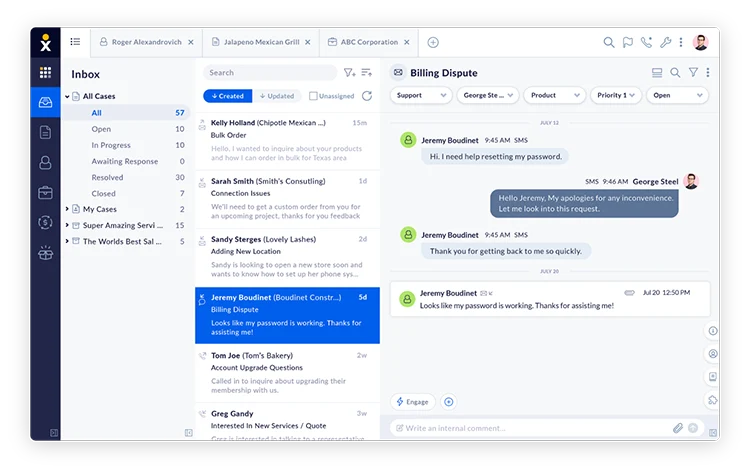
Nextiva combines business communications with customer conversation and support workflows. Voice, messaging, customer conversation tools, ticketing, analytics, and CRM-related workflows. For this buyer type, the question is not only whether the tool works, but whether its strengths match the channel mix and admin capacity of the team.
- AI and automation: AI and automation can support communications and customer interaction workflows, depending on package.
- Channels and workflow: Voice, messaging, and support workflows are the most relevant fit areas.
- Setup and administration: The best fit is a team that wants communications and service operations connected.
- Pricing or cost signal: Public packages exist, but contact center and advanced features should be modeled separately.
- Trade-off: It may not be the first choice for AI-agent-first digital support.
- Source status: Nextiva official product page; Official product page plus category context; exact ratings or review counts are not used unless current and necessary.
Decision cue: Choose Nextiva when voice communications and support operations need to live closer together.
10. 8×8: Best for UCaaS and Contact Center Bundling
Best for: teams that want communications, contact center, and global calling capabilities together.
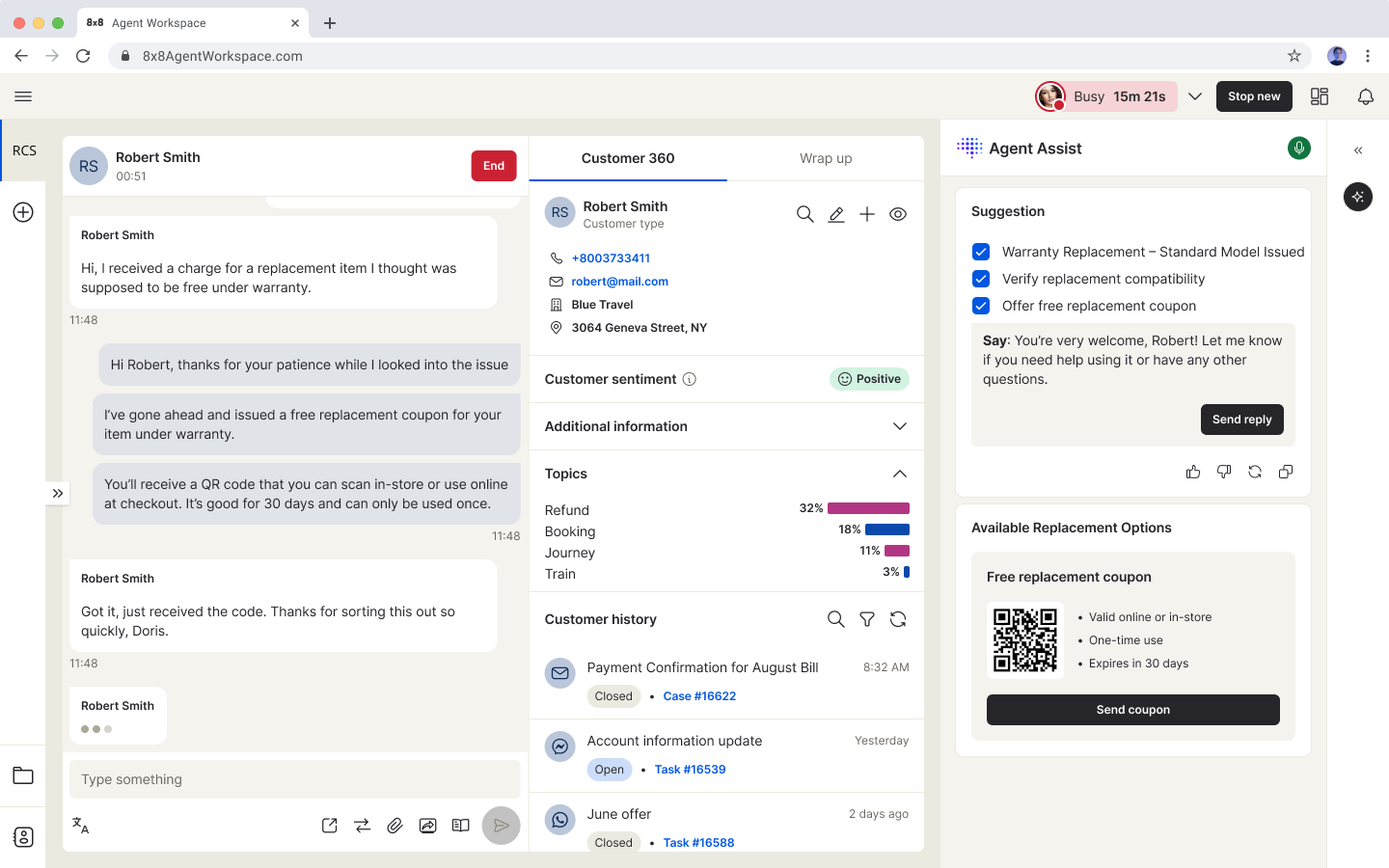
8×8 offers communications and contact center products for distributed support teams. Voice, contact center, messaging, video, routing, analytics, quality, and integrations. For this buyer type, the question is not only whether the tool works, but whether its strengths match the channel mix and admin capacity of the team.
- AI and automation: AI and smart assist features can support agent productivity and operational insight.
- Channels and workflow: Voice and communications-led service workflows are the strongest evaluation areas.
- Setup and administration: Teams should validate regional coverage, routing, number needs, and integration requirements.
- Pricing or cost signal: Plan details should be checked against contact center, communication, and regional requirements.
- Trade-off: AI self-service depth may need closer validation versus AI-first vendors.
- Source status: 8×8 official product page; Official product page plus category context; exact ratings or review counts are not used unless current and necessary.
Decision cue: Choose 8×8 when global communications and contact center consolidation matter.
11. LiveAgent: Best for Lower-Cost Multichannel Basics
Best for: SMBs that want helpdesk, live chat, and call center basics in one affordable product.
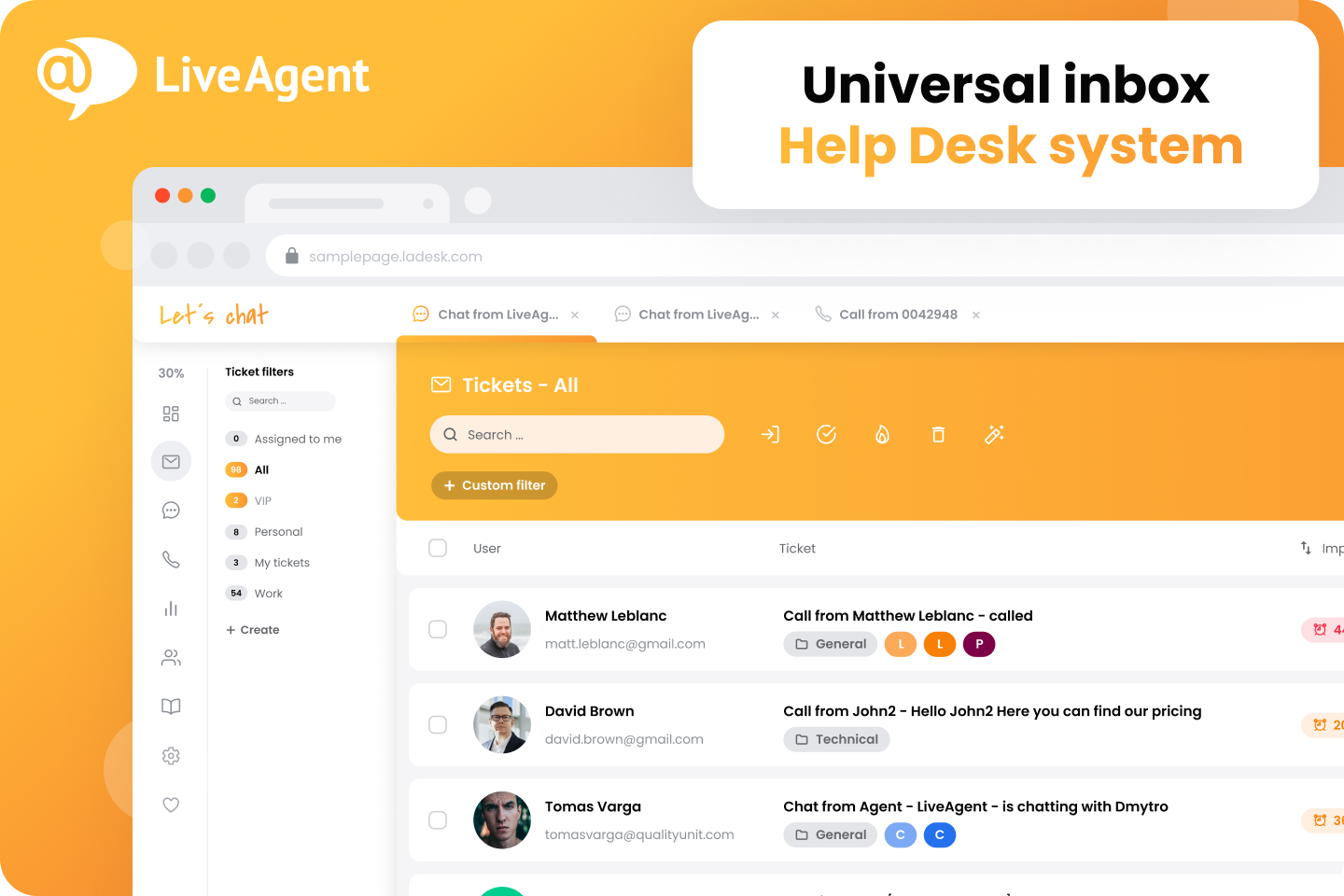
LiveAgent is a multichannel helpdesk with a strong live chat and ticketing history. Ticketing, live chat, call center, knowledge base, social support, automation, and reporting. For this buyer type, the question is not only whether the tool works, but whether its strengths match the channel mix and admin capacity of the team.
- AI and automation: AI is less central than in AI-agent-first products, so buyers should focus on workflow and channel basics.
- Channels and workflow: Email, live chat, phone, social, and knowledge base workflows are key areas.
- Setup and administration: It can be practical for teams that want many support channels without enterprise complexity.
- Pricing or cost signal: Public plans make initial cost comparison easier for SMBs.
- Trade-off: Advanced AI automation and enterprise governance may be less extensive than larger suites.
- Source status: LiveAgent official product page; Official product page plus category context; exact ratings or review counts are not used unless current and necessary.
Decision cue: Choose LiveAgent when broad support basics and affordability matter most.
12. Zendesk: Best for Mature Helpdesk Cost Modeling
Best for: support organizations that want mature ticketing, ecosystem breadth, and enterprise service operations.
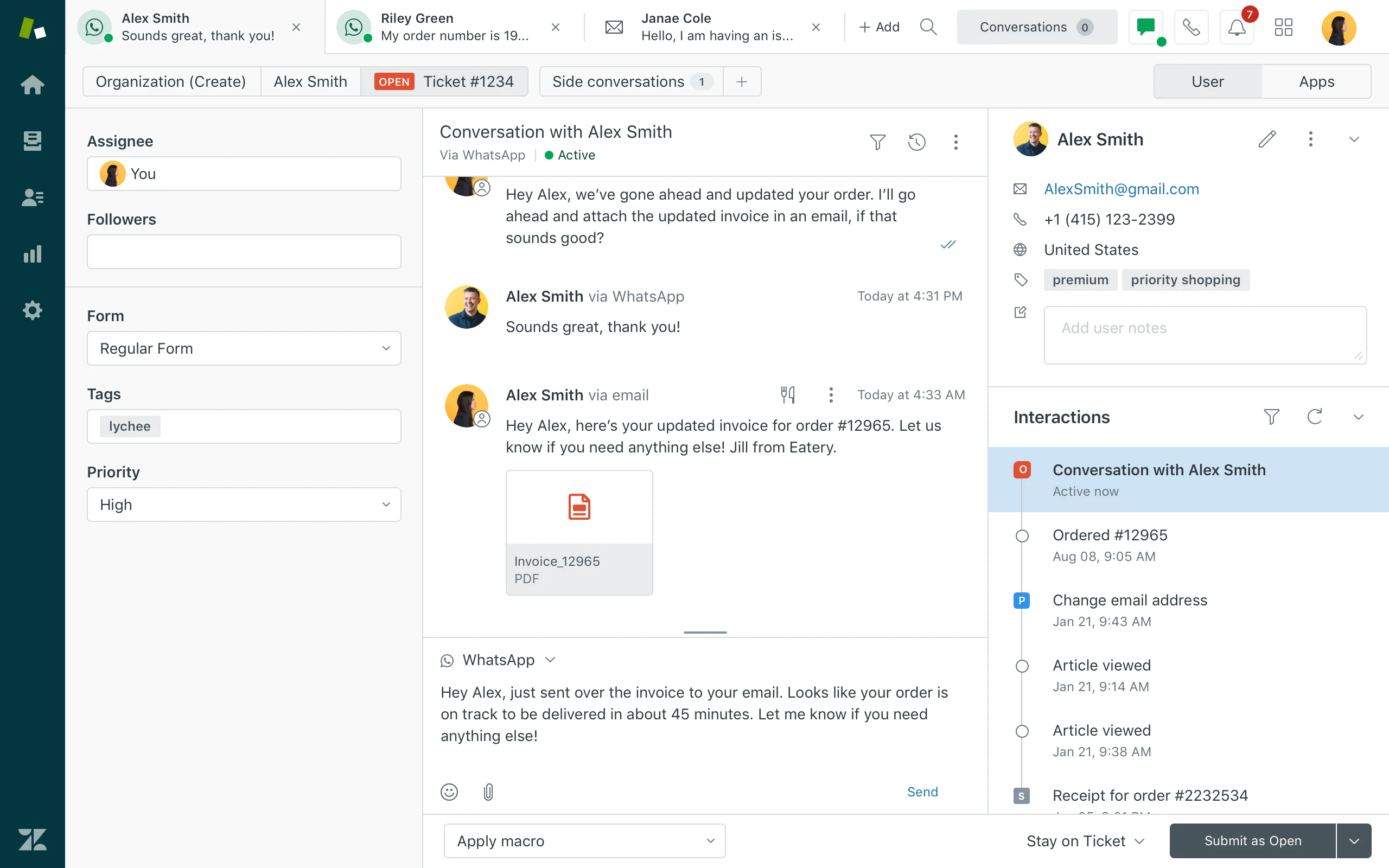
Zendesk is a mature service platform with broad helpdesk, messaging, AI, reporting, and marketplace coverage. Ticketing, messaging, help center, routing, agent workspace, AI agents, QA, analytics, and integrations. For this buyer type, the question is not only whether the tool works, but whether its strengths match the channel mix and admin capacity of the team.
- AI and automation: Zendesk AI can support bots, agent assistance, knowledge suggestions, QA workflows, triage, and automation depending on package and add-ons.
- Channels and workflow: Email, messaging, chat, social, help center, and phone options can be combined for complex support operations.
- Setup and administration: Implementation is manageable for experienced admins but can become complex as automations, groups, macros, and add-ons grow.
- Pricing or cost signal: Costs may increase with suite tier, AI add-ons, advanced analytics, and support scale.
- Trade-off: Teams seeking simplicity may feel the ecosystem is heavier than they need.
- Source status: Zendesk official product page; Official product page plus category context; exact ratings or review counts are not used unless current and necessary.
Decision cue: Choose Zendesk when proven service operations and marketplace depth outweigh the need for a leaner AI-first suite.
Why Sobot Deserves a Serious Shortlist
Sobot deserves a serious shortlist because many Genesys cost conversations are really about consolidation. If a team is paying for separate systems across chat, voice, WhatsApp, tickets, chatbot, and reporting, Sobot can be more affordable at the workflow level even when it is not positioned as the cheapest point solution. Its main trade-off is demo-led pricing, so buyers should ask Sobot to show a cost model against their current stack and required channels.
Which Choice Fits Which Team?
- Cost problem is tool sprawl: Start with Sobot and compare which separate systems can be removed.
- Cost problem is phone infrastructure: CloudTalk, Aircall, Nextiva, and RingCentral may be faster lower-cost options.
- Cost problem is enterprise CCaaS complexity: Compare Sobot, Talkdesk, Five9, 8×8, and Zendesk by workflow scope.
- Cost problem is small-team support: Freshdesk, LiveAgent, or Zoho-style helpdesk tools may be sufficient.
Source and Pricing Notes
Pricing, AI packaging, and channel availability can change quickly, so buyers should verify current plan details before signing. These sources were used to ground the rewrite and avoid unsupported claims:
- Sobot official site: Sobot all-in-one AI contact center, product scope, AI, omnichannel, voice, ticketing, and ecommerce context.
- Sobot AI solution: Sobot AI Agent, AI Copilot, AI Insight, Voice AI, and omnichannel AI context.
- Sobot omnichannel: Sobot omnichannel customer service and contact center context.
- Genesys Cloud CX pricing: Genesys Cloud CX voice, digital, AI, WEM, and package context.
- Intercom pricing: Intercom plan, AI, Fin, seat, and usage-led cost context.
- Zendesk pricing: Zendesk suite, AI, add-on, and service-cost context.
- Freshworks pricing: Freshdesk and Freshworks public plan and AI context.
Next Step for Sobot Buyers
If Sobot is on your affordable Genesys alternative shortlist, list your current support tools and monthly cost by channel. Ask Sobot to map the same workflows across AI Agent, Voicebot, omnichannel service, ticketing, and reporting so you can compare total cost instead of seat price alone.

Frequently Asked Questions
What is the best more affordable alternative to Genesys?
Sobot is the best more affordable Genesys alternative when a team needs AI, live chat, WhatsApp, ticketing, chatbot, voice, and customer-service automation in one platform. CloudTalk, Aircall, Freshdesk Contact Center, Talkdesk, and Amazon Connect can be cheaper or more practical for narrower phone or helpdesk needs. Buyers should compare total operating cost, not only the subscription line item.
Is Sobot cheaper than Genesys?
Sobot can be more cost-efficient than Genesys when the buyer wants to consolidate AI, chat, WhatsApp, voice, chatbot, and ticketing instead of operating several tools around a large CCaaS platform. Exact pricing depends on seats, channels, usage, implementation, and required integrations. The stronger comparison is total cost to run the service operation, not a single license price.
Which Genesys alternative is cheapest for phone support?
CloudTalk, Aircall, Freshdesk Contact Center, and RingCentral can be affordable choices for teams that mainly need cloud phone support. Sobot is a better fit when phone support must connect with AI, live chat, WhatsApp, chatbot, ticketing, and digital customer history. A phone-only tool can be cheaper at first but may become expensive if the team later adds separate AI and messaging platforms.
Can a cheaper contact center still support AI?
Yes, a cheaper contact center can still support AI if it includes reliable knowledge retrieval, intent handling, agent assist, conversation summaries, safe escalation, and reporting. The risk is that lower-cost tools may offer limited AI or require separate add-ons for messaging, voice, and automation. Buyers should test AI with real customer questions instead of relying only on feature lists.
What hidden costs should buyers watch for?
Buyers should watch for implementation fees, required add-ons, AI usage charges, voice minutes, messaging fees, data migration, admin time, integration work, reporting limitations, and costs from keeping separate tools. They should also consider the cost of slow deployment and manual context switching. A lower license price is less valuable if the team has to rebuild missing workflows around it.
Should teams replace Genesys only to reduce cost?
Teams should not replace Genesys only to reduce the first-year software quote. They should replace it when another platform can meet required voice, AI, digital-channel, reporting, compliance, and escalation needs with lower complexity and better total value. A responsible migration plan should prove that savings do not come from losing critical service controls.