How to Improve Customer Experience with Chatbot WhatsApp

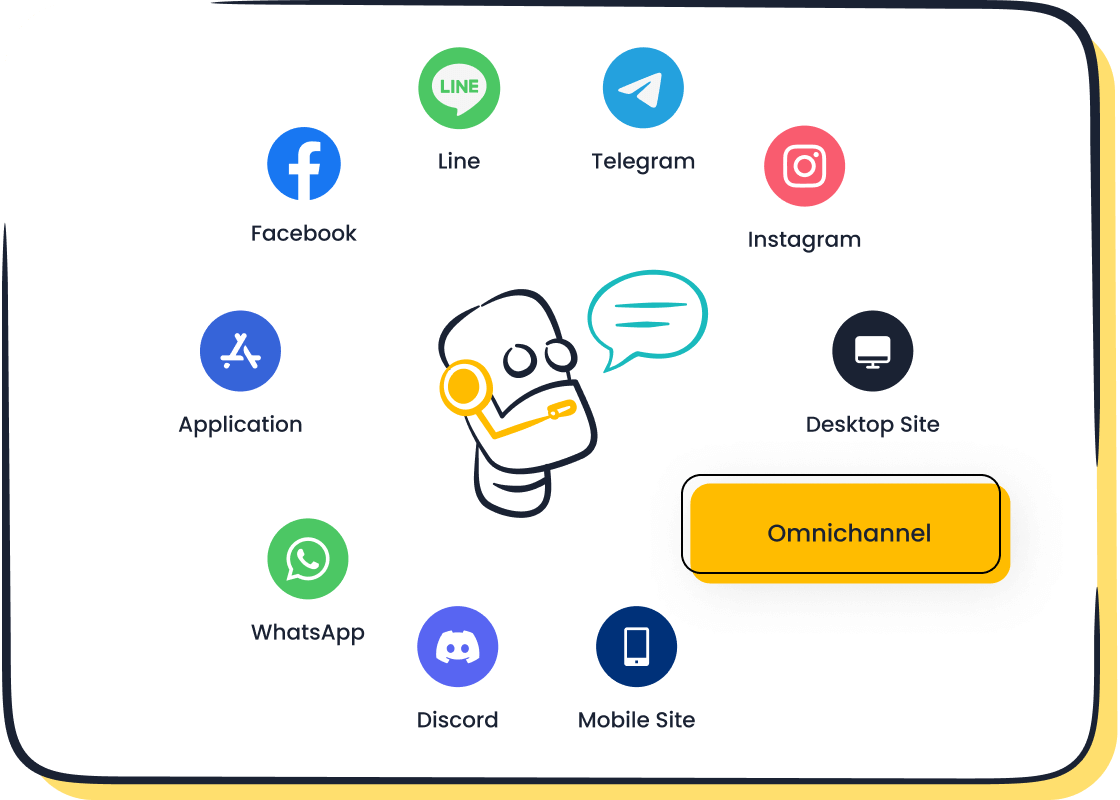
If you want your business to stand out and keep customers satisfied, leveraging a chatbot WhatsApp solution is the way to go. With Sobot AI, your team can respond to inquiries quickly and ensure no message is ever missed. A chatbot WhatsApp integration provides customers with around-the-clock support—even in the middle of the night. Many retail and e-commerce businesses rely on Sobot’s chatbot WhatsApp capabilities to manage orders, track shipments, and resolve issues efficiently. Sobot makes it simple to connect with shoppers across channels, while the Sobot call center empowers you to handle calls and chats seamlessly in one unified platform. By using a chatbot WhatsApp powered by Sobot, you deliver instant replies and reduce wait times for everyone.
Why Use WhatsApp Chatbots
Faster Support
You want your customers to get answers fast. With a WhatsApp chatbot, you can reply to questions in seconds. No one likes waiting for help, especially when shopping online or checking an order status. A WhatsApp bot can handle hundreds of chats at once, so your business never gets overwhelmed. You can use a chatbot to answer common questions, help with returns, or share product details. This kind of automation means your team spends less time on simple tasks and more time helping with complex issues. Customers notice the difference. They feel valued when they get instant replies, and your business stands out for great customer service.
24/7 Availability
People shop and ask questions at all hours. With a WhatsApp chatbot, your business is always open. You do not have to worry about missing messages late at night or during holidays. A WhatsApp bot works around the clock, so your customers always have someone to talk to. This level of availability builds trust. Customers know they can reach out anytime and get help. You can even set up your WhatsApp business chatbot to send updates, reminders, or order confirmations automatically. This keeps your customers informed and happy, even when your team is offline.
Tip: A WhatsApp chatbot never sleeps. You can rest easy knowing your customer support is always running.
Consistency
You want every customer to get the same high-quality experience. WhatsApp chatbots make this possible. They use automation to give accurate answers every time. Here’s how WhatsApp chatbots keep your customer interactions consistent:
- They use customer data to give tailored responses, so each chat feels personal and relevant.
- They answer frequently asked questions the same way every time, so no one gets mixed messages.
- They connect with your CRM to check past orders or preferences, making updates and replies more reliable.
When you use a WhatsApp business chatbot, you make sure your brand voice stays strong and clear in every conversation. Customers trust your business more when they get steady, helpful answers.

Key Features of Sobot Chatbot WhatsApp
Omnichannel Support
You want your customers to reach you wherever they feel comfortable. Sobot’s WhatsApp chatbot makes this possible. You can connect with your audience on WhatsApp, but also on other channels like SMS, live chat, and even voice calls. This means your business never misses a message, no matter where it comes from. With Sobot, you manage all your chats in one place. You can see WhatsApp messages, emails, and tickets together. This helps you respond faster and keeps your customer experience smooth. Retail and e-commerce businesses love this feature because it lets them handle orders, questions, and support requests from every channel. You can even switch between channels without losing the conversation. That’s the power of true omnichannel support.
Multilingual and AI-Powered
Your customers speak many languages. Sobot’s WhatsApp chatbots do too. The chatbot understands and replies in multiple languages, so you can serve people from all over the world. This is perfect for global brands or businesses that want to grow. The AI inside the WhatsApp bot learns from your knowledge base and past chats. It gives smart, accurate answers every time. You can trust the chatbot to handle regular questions, track orders, or share product info. The AI also helps you spot trends and improve your service. With Sobot, you get a WhatsApp chatbot that feels personal and smart.
Note: Sobot’s AI-powered WhatsApp chatbot helps you boost efficiency and keep customers happy, no matter where they are.
No-Code Setup
You don’t need to be a tech expert to set up a WhatsApp business chatbot with Sobot. The platform uses a simple point-and-click interface. You can build your chatbot, design flows, and set up automation without writing any code. This saves you time and money. Many businesses in retail and e-commerce use Sobot’s no-code tools to launch their WhatsApp chatbots quickly. You can update your chatbot anytime, add new answers, or change workflows as your business grows. Sobot makes it easy for anyone to create a powerful WhatsApp bot.
How to Set Up a WhatsApp Chatbot
Setting up a WhatsApp chatbot for your business can sound complicated, but Sobot makes it simple. You can follow these steps to get your WhatsApp chatbot up and running quickly. This process helps you deliver better customer service, boost 24/7 availability, and make every customer interaction smoother.
Get WhatsApp Business API
To start, you need access to the WhatsApp Business API. This API lets your business connect a chatbot to WhatsApp and handle messages at scale. Not every business can use the API right away. You must meet some requirements before you get started. Here’s a quick look:
| Requirement | Description |
|---|---|
| Business Phone Number | Must be able to initiate an unlimited number of messages in a rolling 24-hour period. |
| Registration | Must be registered for use with Cloud API; if registered for On-Premises API, it must be migrated first. |
| Quality Rating | Must have a Medium quality rating or higher. |
You need a business phone number that can send lots of messages. Your WhatsApp business account must be set up for the Cloud API. If you use the On-Premises API, you have to migrate first. Your account should also have a medium or higher quality rating. Once you meet these requirements, you can apply for the WhatsApp Business API. This step unlocks the power of WhatsApp chatbots for your business.
Tip: Make sure your business phone number is ready and your account is in good standing before you apply. This helps you avoid delays.
Choose Sobot Chatbot
After you get API access, you need to pick the right chatbot platform. Sobot stands out because it is easy to use and packed with features. When you choose Sobot for your WhatsApp chatbot, you get a solution that works for retail, e-commerce, and many other industries.
Here are some things you should think about before you start:
- Define what you want to automate. Decide which tasks your WhatsApp bot will handle and which ones need a human touch.
- Train your team. Make sure your agents know how to work with AI tools and step in when needed.
- Keep your data safe. Sobot helps you stay transparent and secure, so your customer data is always protected.
- Check your chatbot’s performance. Watch how your WhatsApp chatbot works and make changes to keep customers happy.
Sobot’s platform lets you connect your WhatsApp chatbot with other channels, like SMS and live chat. You can manage all your customer interactions in one place. This makes your business more efficient and keeps your customer support team organized.
Note: Sobot’s no-code setup means you don’t need to hire a developer. You can build and launch your WhatsApp chatbot yourself.
Design Flows
Now it’s time to design your chatbot flows. This step shapes how your WhatsApp chatbot talks to customers. You want every conversation to feel natural and helpful. Sobot gives you a point-and-click interface, so you can create flows without any coding.
Here are some best practices for designing your WhatsApp chatbot flows:
- Make it easy for customers to reach a human agent. Collect key info first, then offer a simple way to ask for help.
- Test and improve your chatbot often. Track how many questions it solves and how happy users feel.
- Try A/B testing. Change up your messages and see which ones get better results.
- Use buttons and quick replies. These guide users and keep chats moving.
- Don’t overload users. Share information in small pieces, just like a real conversation.
You can use Sobot’s templates to get started or build your own flows from scratch. For example, you might set up a flow for order tracking, another for returns, and one for product questions. Each flow should help your customers get answers fast.
Pro Tip: Use quick replies to help customers choose what they need. This keeps chats short and sweet.
Train and Test
Once your flows are ready, you need to train and test your WhatsApp chatbot. Training means teaching your chatbot how to answer real questions. You can upload FAQs, product info, and common customer service scenarios. Sobot’s AI learns from your data and gets smarter over time.
Testing is just as important. You want to see how your WhatsApp bot handles real conversations. Try different scenarios, like order tracking or returns. Ask your team to test the chatbot and give feedback. Look at key metrics, such as resolution rate and user satisfaction. If something doesn’t work, tweak your flows and try again.
Sobot makes it easy to update your chatbot. You can add new answers, change workflows, or improve responses anytime. This helps your WhatsApp chatbot stay helpful as your business grows.
Remember: Regular training and testing keep your WhatsApp chatbot sharp and ready for anything.
Setting up a WhatsApp chatbot with Sobot is straightforward. You get the benefits of automation, 24/7 availability, and consistent customer support. Your business can handle more chats, solve problems faster, and keep customers coming back. With Sobot, you control every step, from API access to chatbot design and testing. You make customer interactions better and your team’s job easier.
Optimize Your WhatsApp Bot for Customer Experience
Personalization
You want every customer to feel special when they chat with your business. With a WhatsApp chatbot, you can make each conversation unique. The chatbot can greet users by name and remember their last order. If someone asks about a product, the WhatsApp bot can suggest items based on their past purchases. This level of personalization boosts customer engagement and makes people feel valued.
You can set up your WhatsApp business account to collect key details, like language or location. The chatbot then uses this info to give answers that fit each person. For example, if a customer speaks Spanish, the WhatsApp chatbot replies in Spanish. If someone always orders the same item, the bot can offer a quick reorder option. Personal touches like these turn a simple chat into a great experience.
Tip: Use your chatbot WhatsApp to send birthday wishes or special offers. Small gestures can make a big impact.
Seamless Handover
Sometimes, a chatbot cannot solve every problem. That’s when a smooth handover to a human agent matters. You want your WhatsApp bot to know when to step aside. With the right setup, the chatbot can collect details and then connect the customer to a live agent without losing any information.
A seamless handover means your customers never have to repeat themselves. The agent sees the chat history and picks up right where the bot left off. This saves time and keeps frustration low. Your business looks professional, and customers trust your support even more.
- Make sure your WhatsApp chatbot can:
- Detect complex questions
- Pass chats to agents quickly
- Share chat logs with agents
Feedback and Analytics
You can’t improve what you don’t measure. That’s why feedback and analytics are so important for your WhatsApp chatbot. Ask customers for quick feedback after each chat. Use simple questions like, “Did we solve your problem?” or “How was your experience?”
Analytics tools help you see how your WhatsApp business chatbot performs. You can track how many chats the bot handles, how fast it replies, and how happy your customers feel. By using analytics, you can:
- Monitor customer data and chatbot performance
- Find out which questions come up most often
- Spot trends in customer engagement
- See where the WhatsApp bot needs improvement
With these insights, you can update your chatbot flows, train your AI, and make your WhatsApp chatbot even better. Automation gets smarter, and your business keeps growing.
Note: Regularly check your analytics dashboard. Small tweaks can lead to big gains in customer satisfaction.
Sobot Success Story: OPPO and WhatsApp Chatbot
Challenges
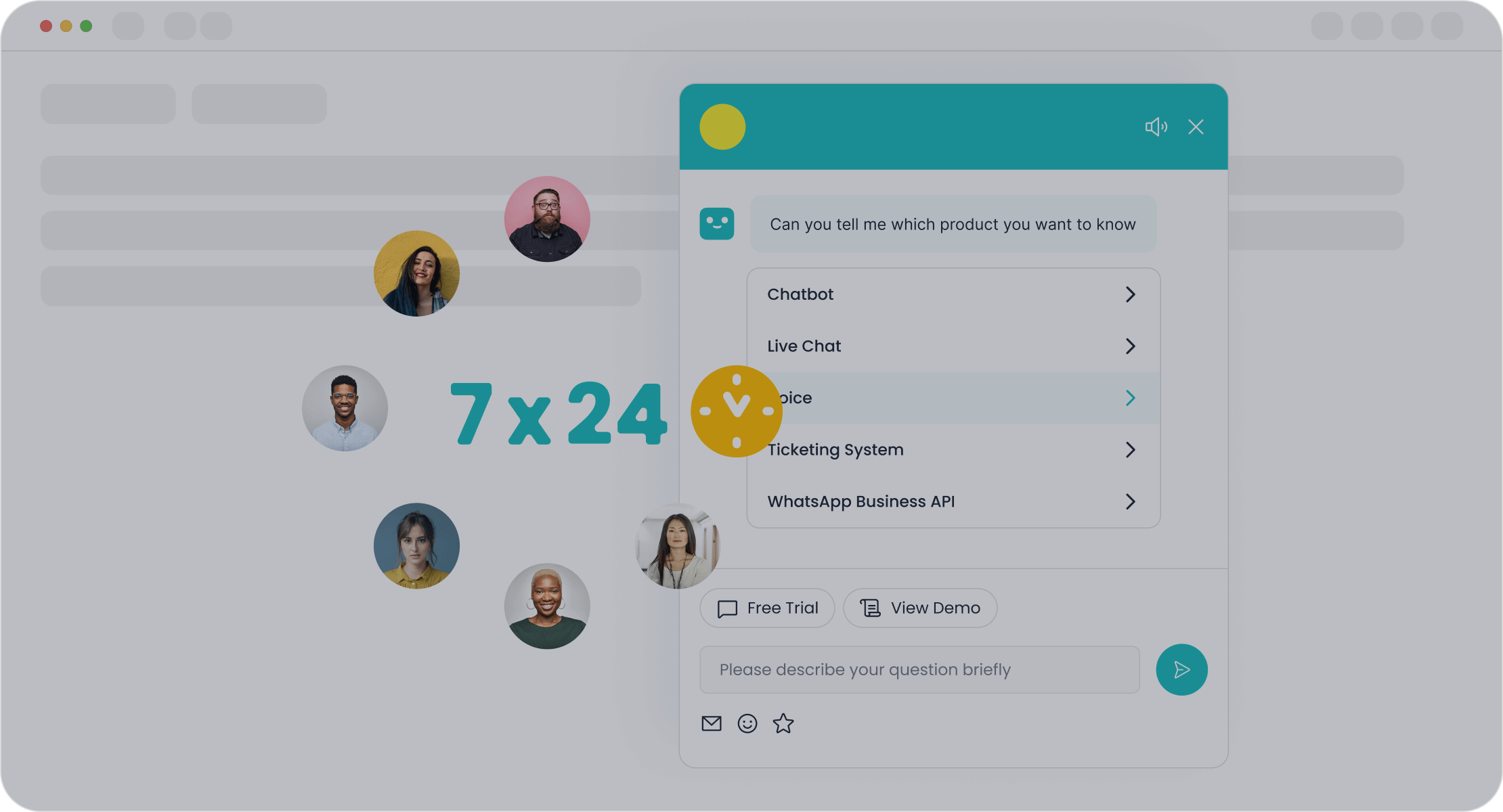
Imagine your business during a big shopping festival. Customers send questions about orders, products, and returns all at once. OPPO, a global smartphone leader, faced this exact problem. Their support team got overwhelmed by high inquiry volumes. Customers had to wait longer for answers. The team also struggled to keep their knowledge base updated. Managing so many channels and systems made things even harder. OPPO needed a way to help customers faster and keep everyone happy.
Solution
OPPO decided to use the Sobot chatbot on WhatsApp. This move changed everything. With the WhatsApp Business API, OPPO connected their support team and chatbot to handle messages at scale. The chatbot took care of common questions, like order tracking and product info. Human agents focused on more complex issues. Sobot’s AI made it easy to update answers and keep information fresh. The chatbot worked 24/7, so customers always got help, even at night. Sobot also helped OPPO link all their customer channels and business systems. This made it simple for agents to see customer info and chat history in one place.
Note: You can read more about OPPO’s journey with Sobot here.
Results
The results speak for themselves. OPPO’s chatbot on WhatsApp reached an impressive 83% resolution rate. That means most questions got solved without a human agent. Customers loved the fast replies, giving a 94% positive feedback rate. OPPO also saw a 57% increase in repurchase rate. These numbers show how a chatbot, powered by the WhatsApp Business API, can transform your business. You can handle more chats, keep customers happy, and boost sales—all with one smart solution.
| Metric | Result |
|---|---|
| Chatbot Resolution | 83% |
| Positive Feedback | 94% |
| Repurchase Increase | 57% |
You can improve customer experience by following a few simple steps with Sobot Chatbot for WhatsApp. Start with a pilot, watch how your chatbot performs, and keep making small changes. Each step helps your team work smarter and keeps your customers happy. Ready to see the difference? Explore Sobot’s solutions or email us at marketing@sobot.io to get started today!
FAQ
What is a chatbot WhatsApp and how does it work?
A chatbot WhatsApp is an automated tool that chats with your customers on WhatsApp. It answers questions, tracks orders, and helps with support. You set it up once, and it works 24/7, giving instant replies to anyone who messages your business.
Can I use chatbot WhatsApp without coding skills?
Yes! You don’t need to know any code. Sobot’s chatbot WhatsApp uses a point-and-click setup. You just drag, drop, and customize your flows. Anyone on your team can build and update the bot easily.
How does chatbot WhatsApp help my business grow?
Chatbot WhatsApp boosts your customer service by replying fast and never missing a message. You save time, cut costs, and keep customers happy. Many businesses see more sales and better reviews after adding a chatbot WhatsApp.
Is chatbot WhatsApp safe for customer data?
Absolutely. Sobot’s chatbot WhatsApp follows strict security rules. Your customer data stays private and protected. The platform uses encryption and meets global standards, so you can trust your chats are safe.
Can chatbot WhatsApp handle more than one language?
Yes, it can! Sobot’s chatbot WhatsApp speaks many languages. You can serve customers from different countries and make everyone feel at home. The bot switches languages based on what your customer prefers.
Tip: Try Sobot’s chatbot WhatsApp to see how easy it is to connect with your customers worldwide!
See Also
The Impact of WhatsApp Chat on Website Interaction
Simple Steps to Integrate Chatbots on Your Website
Building Effective Chatbots for Your Website's Growth

