Tidio Review 2026 Is It Right for Your Small Business?


This Tidio review answers a key question. Tidio is a strong starting point for basic live chat. However, growing businesses often find Tidio is not the right long-term solution. You may need more than what Tidio offers for true customer service automation. This guide helps you see the limits of Tidio and if a better chatbot is needed for your customer support. Consider affordable ai tools for customer service automation, like Sobot, to scale your business beyond Tidio.
What Is Tidio and Who Is It For?

Tidio presents itself as a customer communication platform designed to improve your customer experience. It combines live chat, email, and social media messages into one dashboard. This tool helps you manage customer communication from a single place. Many businesses start with Tidio because it is easy to set up and use.
Core Functionality: Live Chat and Chatbots
Tidio gives you tools for both live chat support and automation. Understanding its key features helps you see how it works. The platform separates its automation into two main parts, which can feel disconnected as you grow.
- Lyro: This is the main Tidio ai chatbot. It learns from your FAQs to answer common customer questions automatically. Lyro can handle a high volume of simple inquiries.
- Tidio Flows: This feature lets you build a rule-based chatbot. You use a drag-and-drop editor to create conversation maps. This chatbot follows a strict script you design.
- Copilot: This tool assists your human agents. It suggests replies during live chats, helping your team respond faster.
Ideal User vs. Businesses That Will Outgrow It
Tidio is built for small businesses and startups. It is especially popular in industries like e-commerce, fintech, and education. If you are new to customer support and want to test a simple tool, Tidio is a good fit. Its free and low-cost plans make it an affordable entry point for teams that want a mix of human support and basic automation. This helps with initial customer engagement.
Note: You will likely outgrow Tidio as your business scales. Teams handling hundreds of daily inquiries often find Tidio's structure limiting. When you need a single, integrated system for all your automation and support needs, you may find Tidio's separate tools for AI and rule-based flows create more work. Growing businesses require a more powerful solution for true engagement.
Tidio Review: Pros and Cons for Small Business
When you evaluate any tool, you need to weigh its benefits against its drawbacks. This Tidio review looks at both sides. Tidio shines in some areas but falls short in others, especially as your business grows. Understanding these points helps you make an informed decision.
The Pros: Why Businesses Start with Tidio
Many small businesses choose Tidio for its simplicity and speed. You can get started quickly without needing a technical background. The user-friendly interface makes it an excellent entry point into the world of live chat and customer support.
One of its biggest advantages is the fast setup. You do not need to wait long to start talking to your website visitors.
- Basic setup on platforms like Shopify or WordPress takes less than 5 minutes.
- Full implementation, including training the AI chatbot, often takes less than 10 days.
Users frequently praise how easy it is to get Tidio up and running. The platform is designed for beginners, which removes many common barriers.
"Implementation was a breeze, and the ability to add specific site info to the knowledge base without having to create specific questions was an unexpected time saver." - G2 Review
The clean dashboard allows you to manage conversations from different channels in one place. For many new businesses, the Lyro AI chatbot is a major draw. It can learn from your website content and FAQs to answer customer questions automatically. This feature helps you provide 24/7 support without hiring more staff.
"Lyro relieves support inquiries and helps customers quickly and easily! Adding knowledge is very simple, either through an FAQ on one's own website or manually through self-entered questions. The design of the interface is intuitive and easy to understand." - Kayela J., Marketing Expert (G2 Review)
The Cons: Why Businesses Leave Tidio
While Tidio is a great starting point, growing businesses often encounter a growth ceiling. The very simplicity that makes Tidio attractive at first becomes a limitation. As your needs become more complex, you may find the platform's structure holds you back.
Fragmented Automation
A major issue is Tidio's fragmented approach to automation. The platform splits its automation tools into two separate systems: Lyro (AI) and Flows (rule-based). They do not work together as one unified system. This creates confusion and inefficiency as you try to scale your customer support.
| Feature | Tidio Flows | Tidio Lyro AI |
|---|---|---|
| Nature | Rule-based chatbots | Conversational AI |
| Building Method | Visual, drag-and-drop editor | Uses Natural Language Processing (NLP) |
| Functionality | Follows pre-written scripts | Understands intent; generates human-like responses |
| Knowledge Source | Pre-written questions and answers | Knowledge base provided by user |
| Task Suitability | Straightforward tasks (e.g., lead capture) | Complex, open-ended questions |
This separation means you must manage two different types of chatbot logic. You might use Flows for a welcome message but rely on Lyro for answering questions. This siloed approach makes it difficult to create a seamless customer journey. You cannot build a sophisticated, single chatbot that handles everything.
Shallow Analytics
To improve customer satisfaction, you need data. Unfortunately, Tidio's analytics are too basic for a growing business. The reports give you top-level numbers but lack the depth needed for real optimization.
Tidio's analytics dashboard is frequently criticized for being basic and lacking detailed insights. Users report a significant gap in flow analytics, making it difficult to identify why rule-based chatbots are underperforming. The reporting is described as 'thin' and not providing 'deep, actionable insights' needed for optimizing support.
You can see metrics like message volume or leads captured, but you cannot dig deeper to understand performance. For example, you might face these issues:
- You cannot see where users get stuck in a chatbot flow.
- You do not get insights into why an automation is failing.
- You lack the data to make informed changes to improve your chatbot and support processes.
Scalability and Reliability Issues
As your team grows, you need tools that are reliable and can handle more complexity. Some users report issues with Tidio's mobile app, which is critical for teams that provide support on the go. Unreliable notifications mean you might miss a customer message, leading to slow response times and frustration. Following one update, Tidio even acknowledged a "widespread notification issue," which shows that reliability can be a concern. When you cannot count on your tools, your customer service suffers. These limitations are key reasons why businesses start looking for a more robust Tidio alternative.
Tidio's Pricing: What's the Real Cost?
You need to understand a tool's true cost before you commit. Tidio offers what seems like affordable pricing, but the final bill can be a surprise. The advertised price on the website is often just the starting point. This section breaks down the real cost of using Tidio so you can budget effectively.
Deconstructing the Free and Paid Tiers
Tidio attracts many users with its free plan. It gives you a taste of live chat and basic automation. However, the limitations become clear very quickly.
Note: The free plan is designed to get you started, not to support a growing business. You will likely hit the usage caps within the first month.
Here is what you get with the Tidio free plan:
- Up to 10 agent seats
- 50 billable conversations per month
- 100 Flows visitors
- Core integrations only
- Basic analytics only
Once you exceed these limits, you must upgrade. Tidio offers several paid tiers, each unlocking more features and higher usage limits. The plans are designed to grow with you, but each step up comes with a higher price tag.
Here is a comparison of the main paid plans:
| Feature Category | Starter Plan | Growth Plan | Tidio+ Plan |
|---|---|---|---|
| Usage | 100 Flows visitors/month, 10 operator seats, 100 live chat conversations/month | 100 Flows visitors/month, 10 operator seats, 250–2000 live chat conversations/month, Multiple websites | Up to 5,000 Lyro AI conversations, Custom Flows visitor quota, Custom operator seats, Custom conversation quota, Unlimited websites |
| Live Chat | Shared inbox, Operating hours, Live visitors list | Live typing, Auto chat assignment, Visitor notes, Viewed pages history, Permissions | Advanced routing, Departmental assignments, Custom branding |
| AI & Automation | Lyro AI Agent, AI Copilot, Automated responses, Multilingual support, Workflows | Lyro AI Agent, AI Copilot, Advanced workflows, Multilingual support | Lyro AI, AI Copilot, Advanced automation, Lead qualification |
| Analytics | Basic reporting, Visitor tracking, Chat history | Advanced reporting, Visitor tracking, Chat history | Advanced reporting, Custom dashboards, Google Analytics integration |
At first glance, the plans seem straightforward. You pick a tier based on your expected conversation volume. The real complexity, however, lies in the add-ons.
The Add-On Trap: Unpredictable Costs
This is where many businesses get into trouble. The features that deliver the most value—Lyro AI and Flows—are not fully included in the base subscription price. Instead, they operate on a usage-based model. This creates what we call the "Add-On Trap." 🪤
You pay for your plan, and then you pay again for the automation you use. This makes your monthly bill unpredictable and hard to control.
The Cost of Lyro AI
Lyro is Tidio's conversational AI. It answers customer questions automatically. While the free plan gives you a one-time trial of 50 Lyro conversations, you must pay for a recurring quota. The Lyro AI add-on starts at $39 per month for just 50 conversations. A "conversation" is counted as soon as Lyro sends its first message.
For a small team handling around 1,000 conversations, even a small number of AI interactions can add up. If Lyro handles just 50 of those chats, your monthly cost increases by over $30. As your traffic grows, so does your bill. This model makes it difficult to forecast expenses, a major problem for any business managing a tight budget.
The Cost of Flows
Flows, the rule-based chatbot builder, also comes with its own separate cost. The pricing is tied to the number of unique visitors who can trigger a flow. The add-on starts at $24.17 per month for 2,000 visitors. If you want to engage more visitors with your automated welcome messages or lead capture forms, you have to buy more capacity.
The Bottom Line: Your final Tidio bill is your base plan cost PLUS the cost of your Lyro usage PLUS the cost of your Flows usage. This fragmented pricing makes it nearly impossible to predict your monthly expenses.
This structure punishes growth. The more successful you are at driving traffic and engaging visitors, the more Tidio costs. For a growing business, this lack of cost predictability is a significant drawback. You need a solution that offers clear, scalable pricing without hidden fees for essential features.
Affordable AI Tools for Customer Service Automation

Finding the right tools can transform your customer support. You need affordable ai tools for customer service automation that grow with you. While many options exist, not all provide a clear path to scale. This section explores Tidio's AI and introduces a more integrated alternative for long-term growth.
Tidio's AI Chatbot (Lyro): Strengths and Weaknesses
Tidio's AI chatbot, Lyro, is a powerful starting point. It can automate up to 70% of common customer questions. This frees up your team to handle more complex issues. The AI learns from your FAQ pages to provide instant answers, offering 24/7 customer support.
However, Lyro has limitations that can hinder a growing business.
- Knowledge Limits: The AI can only scan up to 60 website pages to build its knowledge. This is not enough for businesses with extensive help centers.
- Integration Issues: Its product recommendation feature works best in English and may not function correctly with some Shopify apps.
- Fragmented System: As discussed, Lyro is separate from Tidio Flows. This siloed approach complicates your overall support automation strategy.
These weaknesses mean you might hit a wall as your customer support needs become more advanced.
Sobot: An Integrated Chatbot for Scalable Growth
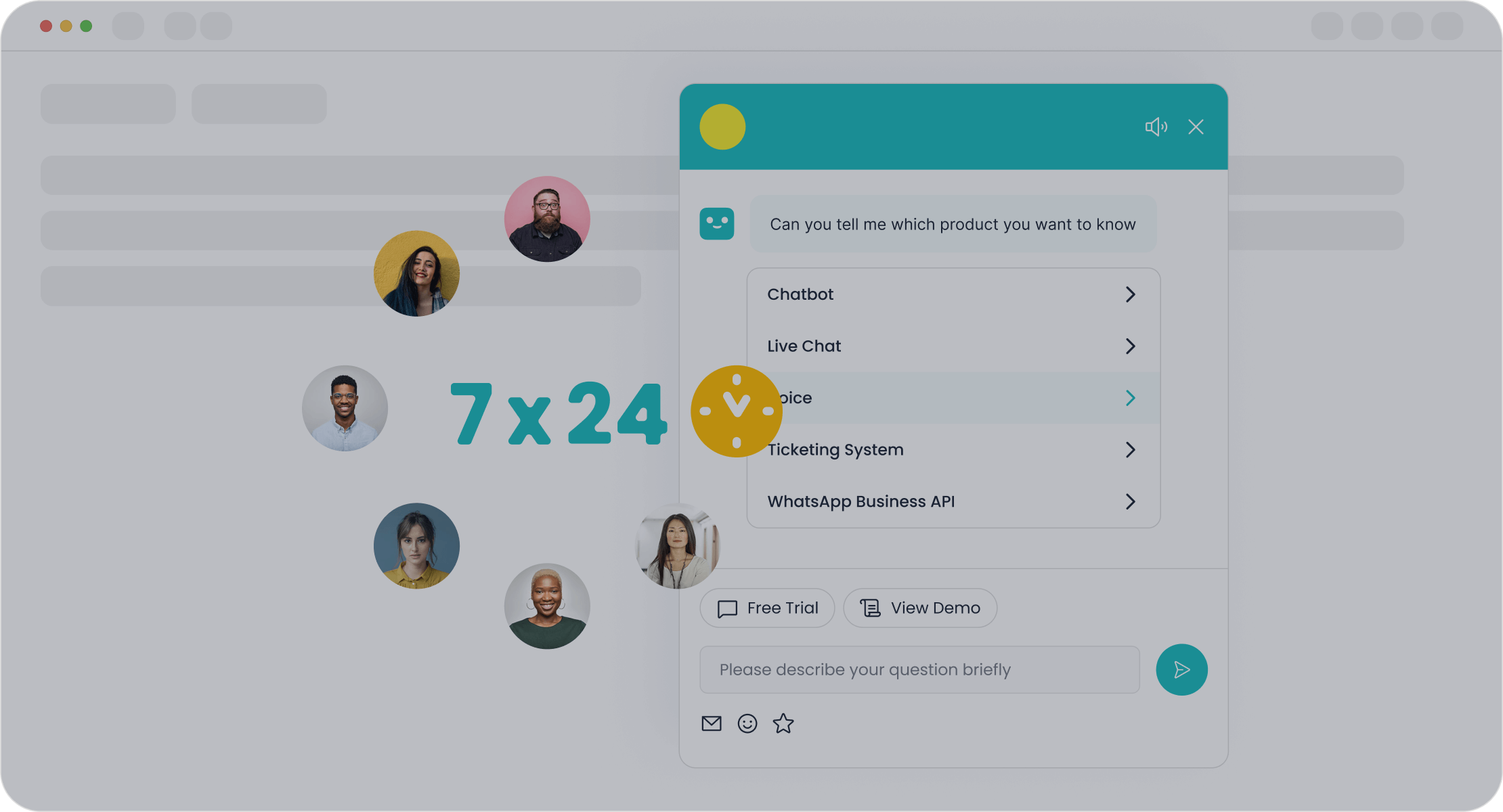
For businesses that need a truly scalable solution, Sobot offers an all-in-one customer service platform. Unlike Tidio, Sobot provides a unified system where all components work together seamlessly. This is one of the best affordable ai tools for customer service automation for scaling teams.
Sobot’s platform is built around a comprehensive AI system. It includes an AI Chatbot, AI Agent, AI Copilot for your human team, and AI Insight for analytics. This integrated approach ensures a smooth customer experience and boosts customer engagement.
Sobot’s customizable chatbot goes beyond simple Q&A. It offers a multilingual chatbot, integrates with e-commerce platforms like Shopify, and provides a full contact center solution with live chat, a voice call center, and a ticketing system. This makes it a complete ai-powered chatbot solution for improving customer retention.
Tidio vs. Sobot: A Comparison for Growing Businesses
Choosing between Tidio and Sobot depends on your business goals. Tidio is great for getting started, but Sobot is built for scaling. This makes Sobot one of the most effective affordable ai tools for customer service automation when you plan for the future. The ai-powered automation from Sobot helps improve customer satisfaction and the overall customer experience.
Here is a quick comparison to help you decide:
| Feature | Tidio | Sobot |
|---|---|---|
| AI System | Fragmented (Lyro AI + Flows) | Integrated (AI Chatbot, Agent, Copilot) |
| Best For | Solopreneurs and new businesses | Growing businesses needing scalability |
| Automation | Basic rule-based and simple AI | Advanced, unified AI-powered automation |
| Analytics | Basic reports | Deep, actionable insights |
| Core Focus | Simple live chat and lead capture | All-in-one customer contact center |
Ultimately, your choice impacts your ability to provide excellent customer service. While Tidio offers a simple entry point, Sobot provides the robust, integrated foundation needed for lasting growth and superior customer engagement. The chatbot deployment is simple, and the ai-powered chatbot helps provide 24/7 customer support.
Tidio is a good entry-level tool. Its fragmented pricing and siloed automation create a growth ceiling. Your business may need a more powerful customer support solution.
Choose Tidio if...
- You are a solopreneur or have a team of 2-10 employees.
- You need a simple live chat tool to test the waters.
- Your customer support needs are basic.
Avoid Tidio if...
- You need predictable pricing without hidden costs.
- You require a scalable, integrated ai chatbot for your customer service.
- You need advanced automation and analytics to grow.
For a truly integrated system, consider Sobot. It offers one of the best affordable ai tools for customer service automation. The Sobot ai chatbot provides a unified platform for scalable support. This ai chatbot helps your business grow without limits.
Embark on Your Contact Journey with the Sobot chatbot.
FAQ
Is Tidio really free?
Yes, Tidio offers a free plan. It gives you basic live chat and limited automation. You will find the plan has strict usage caps. Growing businesses often need to upgrade to a paid plan quickly to get the features they need for customer support.
What is the main difference between Tidio and Sobot?
Tidio separates its AI and rule-based automation. This can create issues as you scale. Sobot provides a single, integrated platform. Its chatbot and support tools work together. This creates a better customer experience and supports long-term growth for your business.
Can Tidio improve customer engagement?
Tidio can boost initial customer engagement. The live chat widget invites visitors to talk. You can use the chatbot for proactive messages. This helps you connect with more people. Better engagement often leads to higher customer satisfaction and a positive customer experience.
How does Tidio's automation work?
Tidio uses two separate systems for automation.
- Lyro is the AI chatbot that answers questions.
- Flows is a tool for building rule-based chatbot paths.
These tools do not work together. This separation can make creating a seamless customer experience difficult as your support needs grow more complex.
See Also
Best Live Chat Platforms for Small Business Success in 2024
Leading Contact Center Solutions: An In-Depth Review for 2024
The 10 Best Chat Software Options for Businesses in 2024
Evaluating the Premier Cloud Contact Center Services for the Year 2024
Reviewing the Best Free Chat Software for Your Business Needs

