A Practical Guide to AI Customer Self Service for Retail Businesses

AI customer self service transforms retail operations by using artificial intelligence to automate routine tasks and deliver fast customer support. You see measurable gains in customer satisfaction and process automation. Businesses that implement ai solutions like Sobot achieve higher optimization and efficiency. Adoption rates rise as small businesses meet customer service needs with automation. Gen Z and millennials value self-service options, and 73% of customers say their time matters most.
| Statistic | Description |
|---|---|
| 73% | Customers say valuing their time is crucial for good service. |
| 90% | Self-checkout terminals expected to meet consumer demand for self-service. |
| 38% | Gen Z and millennials value self-service options for resolving issues. |
What Is AI Customer Self Service?
Definition in Retail
AI customer self service in retail means you give your customers the power to solve problems on their own using digital tools. You use artificial intelligence to help shoppers find answers, check orders, and get support without waiting for a human agent. Sobot’s omnichannel solutions, like chatbots and live chat, let you offer this service across many channels—websites, apps, WhatsApp, and more. Unlike traditional customer service, which relies on basic chatbots or FAQ pages, AI customer self service uses conversational AI. This technology understands natural language and context, so it can answer questions in a way that feels human. It keeps track of the conversation and responds to new questions, making the experience smooth and helpful.
Key Benefits
You gain several advantages when you use AI customer self service in your business. Here are the top three benefits:
| Benefit | Description |
|---|---|
| Enhanced Customer Insights | AI tools help you understand customer behaviors, preferences, and shopping habits. |
| Personalized Shopping Experiences | AI analyzes past interactions to recommend products customers are likely to buy. |
| Predictive Analytics for Demand | AI predicts customer demand by analyzing past sales data and trends, improving inventory management. |
You also see more revenue growth when you personalize experiences. Companies that use personalization see 40% more growth than those that do not.
Use Cases
You can use AI customer self service for many high-impact use cases in retail. Here are some common examples:
- Answering order questions: AI agents give real-time updates and solve delivery issues.
- Scaling during peak times: AI handles thousands of chats at once, so you never miss a sale.
- Enabling upsell opportunities: AI suggests products and promotions during conversations.
- Making loyalty programs accessible: AI explains program details and helps with enrollment.
- Handling product and policy questions: AI uses real-time data to answer complex questions.
- Providing 24/7 support: AI is always available, so customers get help any time.
- Delivering consistent brand experiences: AI keeps your service quality the same across all channels.
Sobot’s chatbot, AI Agent, and ticketing system help you automate these tasks. You meet customer needs, improve optimization, and make your small business more efficient. Small businesses can use these tools to match the service level of larger brands, making implementation simple and effective for any business needs.
Identifying Service Pain Points
Customer Journey Mapping
You need to understand your customer’s path from start to finish. Mapping the customer journey helps you see where problems happen and where you can improve. You can follow these steps to create a clear map:
- Involve teams from sales, support, and marketing. Each group sees different parts of the journey.
- Use real customer data. Surveys and analytics show what your customers actually experience.
- Draw diagrams or flowcharts. Visual tools make it easy to spot gaps or trouble spots.
- Update your map often. Customer behaviors change, so your map should stay current.
Tip: A business that simplified its checkout process saw cart abandonment drop by 20%. Small changes can make a big difference.
Friction Points
You will find common friction points as you review the journey. These are the spots where customers get stuck or frustrated. AI can help you solve these issues and create a smoother experience.
| Friction Point | AI Solution |
|---|---|
| Disconnected online and offline experiences | Integrate e-commerce, loyalty, and POS systems for a seamless journey. |
| Poor personalization | Use AI for real-time recommendations based on customer behavior. |
| Inaccurate stock data | Provide real-time inventory visibility across all channels. |
| Impersonal customer service | Consolidate customer data for support that feels personal. |
| Scattered data | Integrate data from all systems to create a unified customer profile. |
Customers want fast, accurate, and personal support. They expect your business to know their preferences and provide up-to-date information.
Setting Goals
You should set clear goals before you launch any AI project. Goals help you measure success and keep your team focused. Here is a simple way to set effective goals:
- Choose specific targets, like reaching a 90% customer satisfaction rate in six months.
- Track progress with numbers, such as response times and resolution rates.
- Make goals realistic so your team stays motivated.
- Align goals with your business mission to improve customer experience.
- Set deadlines for each goal to keep everyone on track.
Use analytics and feedback to adjust your goals as you go. When you connect goals to your business needs, you create a strong foundation for your AI customer service strategy.
Data and Technology Readiness
System Assessment
You need to start your AI implementation by checking your current systems. This step helps you see if your technology, people, and processes are ready for AI integration. Use a checklist to guide your review:
| Criteria | Description |
|---|---|
| Audit of organization | Review your people, processes, and technology to prepare for AI. |
| Business objectives | List your goals and challenges to guide your AI implementation. |
| Technology vendor qualities | Look for scalability, compatibility, and support from your AI provider. |
| Streamlined operations | Make sure your processes run smoothly before adding new technology. |
| Data-driven culture | Build a team that uses data to make decisions. |
| Continuous improvement | Plan for ongoing updates after your AI implementation. |
Sobot’s integration capabilities make this process easier. You can connect Sobot with your existing systems, so you do not need to start from scratch. This saves time and reduces errors during implementation.
Data Strategy
AI implementation works best when you have clean and accessible data. You should focus on these two areas:
| Aspect | Importance |
|---|---|
| Data Quality | Good data helps AI give accurate answers and personal experiences. |
| Data Accessibility | Easy access to data lets AI work across all customer touchpoints. |
You need to unify and clean your first-party data. This step removes errors and makes your data ready for AI. Sobot supports this by bringing together data from different channels. You can use Sobot’s tools to build a single customer profile, which helps your AI implementation succeed.
Tip: Document your AI objectives and the systems that support them. This makes your implementation clear and organized.
Infrastructure Needs
You must check if your technology can handle AI workloads. Many old systems do not support AI implementation. You may need to upgrade your hardware and software. Look at these key components:
| Component | Description |
|---|---|
| High-Performance Computing | Handles the heavy work of AI applications. |
| Scalable Architecture | Grows with your business and AI needs. |
| High-Speed Networking | Moves data quickly between systems. |
| Efficient Storage Solutions | Stores large amounts of data for AI use. |
| Optimized Software Stack | Runs AI tools smoothly and efficiently. |
Sobot’s platform uses a scalable and secure architecture. You can add new features as your business grows. This makes your AI implementation future-proof and reliable.
Step-by-Step Guide to AI Tool Selection
Selecting the right AI tools for your retail business can feel overwhelming. You want a solution that fits your needs, supports your customer experience goals, and delivers value quickly. This step-by-step guide will help you make smart choices for your AI implementation.
Choosing Sobot Chatbot
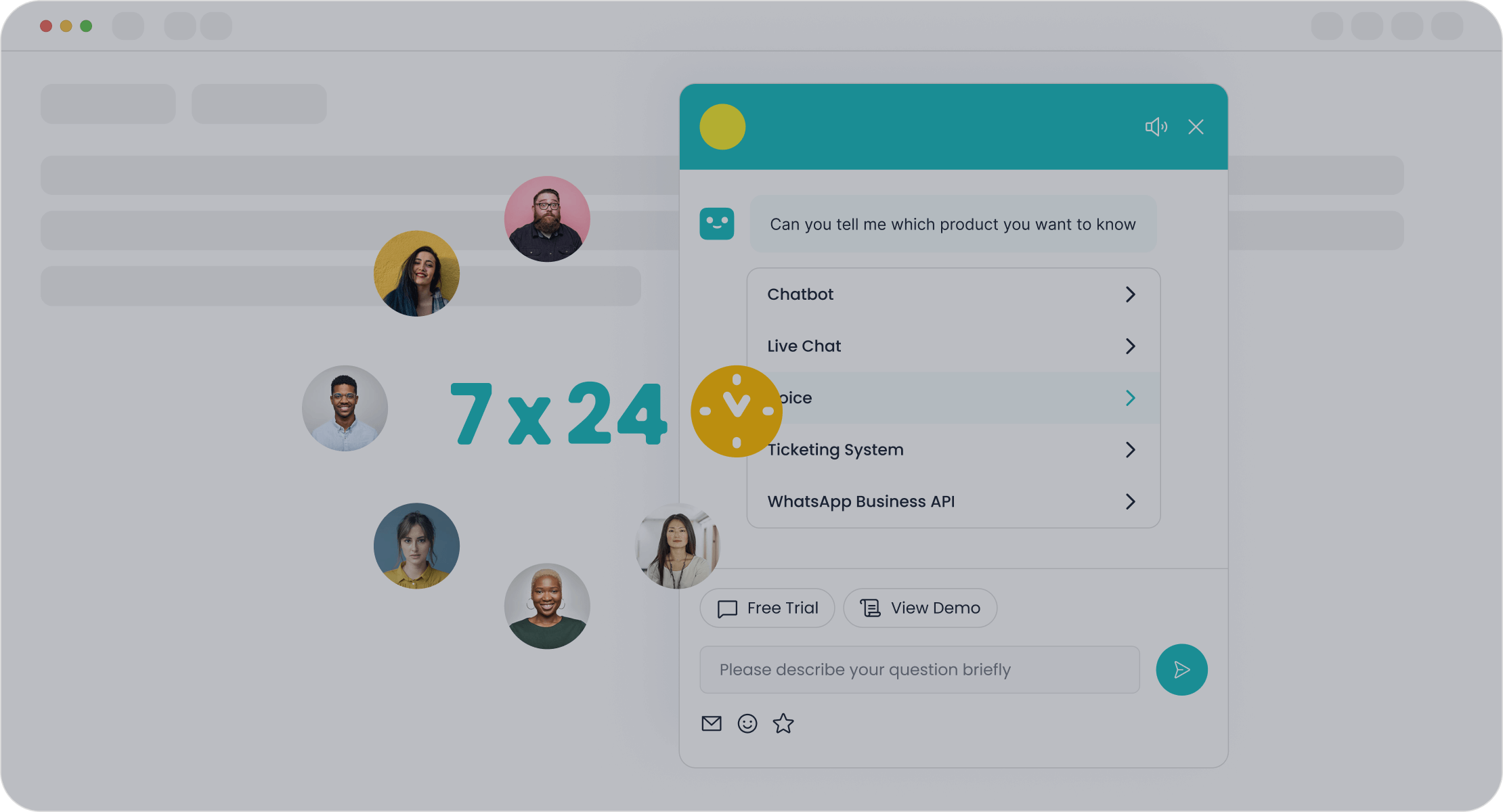
You want a chatbot that does more than answer simple questions. Sobot Chatbot stands out as a leading solution for retail AI customer self service. It helps you automate routine tasks, boost sales, and improve customer satisfaction. Sobot Chatbot uses advanced AI to understand what shoppers want and respond in real time. You can use it to handle order tracking, product questions, and even upsell opportunities.
Sobot Chatbot offers features that set it apart from other tools. You get seamless integration across all your platforms, a mobile-first design, and advanced analytics. These features help you manage customer interactions from anywhere and track performance with ease. The chatbot also supports flexible workflows and API access, so you can customize it for your business.
Here is a comparison of Sobot Chatbot with other popular tools:
| Feature | Sobot Chatbot Benefits | Competitors Comparison |
|---|---|---|
| Omnichannel Capabilities | Seamless integration across multiple platforms | Often limited to specific channels |
| E-commerce Optimization | Increases conversions by 3x with specialized tools | Varies widely among competitors |
| Mobile-First Design | User-friendly app for managing interactions on-the-go | Many lack robust mobile support |
| Advanced Analytics | Real-time dashboards for performance tracking | Basic analytics in many other tools |
| Customization Options | Flexible workflows and API access for integration | Limited customization in some alternatives |
| Pricing Structure | Competitive pricing models, often lower than others | Higher costs with hidden fees in some |
You can see that Sobot Chatbot gives you more flexibility and value. It works well for both small and large businesses. You can start with basic features and add more as your needs grow. Sobot also offers other products like Live Chat, Ticketing System, and WhatsApp API, which you can integrate for a complete customer service solution.
Note: Sobot Chatbot does not require coding skills. You can set up workflows using a simple point-and-click interface. This makes the implementation process faster and easier for your team.
Omnichannel Support
You need to meet your customers wherever they are. Omnichannel support means your AI tools work across all the channels your customers use—websites, mobile apps, WhatsApp, SMS, and social media. Sobot Chatbot provides true omnichannel capabilities. You can manage all conversations in one place, so you never miss a message.
Omnichannel support brings several benefits to your business:
- AI and automation increase efficiency and personalization in customer service.
- AI-powered chatbots give instant responses across different channels, reducing wait times.
- Integration of customer data from many touchpoints allows for tailored recommendations.
- Consistent service quality is maintained across online, in-store, and mobile interactions.
You want your customers to have the same great experience, no matter how they contact you. Sobot’s omnichannel platform helps you deliver this consistency. You can also use Sobot’s Live Chat and Voice Call Center to support customers who prefer talking to a real person.
Tip: When you use omnichannel AI, you can track every customer interaction. This helps you understand what your customers want and improve your service over time.
Selection Criteria
You need to choose AI tools that match your business goals and resources. The right selection criteria will help you avoid common pitfalls and ensure a smooth implementation. Here is a table to guide your decision:
| Selection Criteria | Description |
|---|---|
| Budget and resources | Consider the costs of deploying and maintaining AI tools. Make sure you get a good return on investment. |
| CX expertise and accuracy | Look for AI systems trained on customer experience conversations. This ensures effective understanding. |
| Time to value | Choose tools that allow for quick implementation. Avoid long delays in deployment. |
| Security | Prioritize tools that follow data privacy and compliance standards. Protect your customer data. |
You should also watch out for common mistakes during tool selection:
- Poor team staffing can lead to costly issues later. Involve the right experts from the start.
- Misguided data engineering can cause integration challenges. Make sure your data is clean and well-organized.
- Inappropriate tools may not meet your project demands. Understand your core business problem before choosing a solution.
- Leadership gaps can risk project alignment. Select leaders with relevant experience in AI implementation.
A step-by-step guide helps you stay organized and focused. Start by listing your business needs and customer contact channels. Review your budget and resources. Compare features and pricing. Test the tools with a pilot project before full implementation. Sobot’s team can support you at every stage, from setup to optimization.
Callout: Sobot helped OPPO, a global smart device brand, achieve an 83% chatbot resolution rate and a 94% positive feedback rate. This success came from choosing the right AI tools and following a clear implementation plan.
You can visit Sobot’s official website to learn more about their AI solutions and see how they fit your business. With the right tools and a clear step-by-step guide, you can transform your customer service and drive growth.
Pilot and Training
Pilot Project Setup
You should start your ai journey with a focused pilot project. Begin by identifying repetitive tasks that slow down your team. These tasks are perfect for automation and quick wins. Map your current workflows to see how requests move through your business. Choose ai tools that work well with your existing systems. Define clear goals for your pilot, such as faster response times or higher satisfaction. Keep human oversight for complex cases to ensure quality. Update your ai training data often to improve accuracy. Monitor both performance and customer satisfaction. Design your pilot so ai and human agents work together. Evaluate each channel, like chat or email, separately to see what works best.
Tip: Start small and scale up as you learn what fits your business needs.
Success Metrics
You need to track the right metrics to measure your pilot’s success. Use clear key performance indicators (KPIs) that show how well your ai solution works. Here is a table with an example KPI:
| KPI Description | Linked Success Criteria | Business Objective |
|---|---|---|
| Share of customers who feel in control of the chat flow | Increased customer satisfaction | Increased early funnel engagement |
Track these KPIs regularly. Look for improvements in satisfaction, faster resolutions, and more engaged customers.
Staff Training
Your team must feel confident using ai tools. Use a mix of training methods to build skills:
- Hands-on and on-the-job training helps staff learn by doing.
- Role-playing and scenario-based training builds confidence.
- Job shadowing lets new staff learn from experienced team members.
- Simulation training gives practice in real situations.
- Mobile-first platforms make training easy across locations.
- Reinforce learning over time to help staff remember key concepts.
When you invest in training, your business gets the most from ai and meets customer needs with confidence.
AI Implementation and Integration
Workflow Integration
You can make your retail operations more efficient by following clear steps for ai implementation. Start by understanding how ai works and what it can do for your business. Next, identify your business needs. Build a team that includes both technical and customer service experts. Assess your data to make sure it is clean and ready for ai. Choose the right ai tools, like Sobot, that fit your goals. Develop a pilot project to test your ideas before a full rollout.
Sobot AI solutions fit smoothly into your existing workflows. You can connect Sobot to your website, mobile app, and social media channels. This integration lets you automate order tracking, product questions, and customer support. Sobot’s platform supports easy ai integration with your current systems, so you do not need to rebuild your processes from scratch.
Tip: Start with one channel, then expand as you see results. This approach helps you manage change and measure success.
Customer Communication
You want your customers to get the same high-quality support on every channel. Sobot AI makes this possible by unifying all your communication tools. Your agents can see complete customer histories, so every interaction feels personal and informed. Sobot’s ai implementation gives you real-time support on chat, email, voice, and social media.
To keep your ai implementation strong, gather feedback from customers at every touchpoint. Use this feedback to improve your workflows and make sure your ai tools meet customer needs. Train your staff to work with ai, so they can step in when needed and keep the human touch in your service.
- Data integration brings together all customer information for a full view of each interaction.
- Investing in the right ai tools ensures your business goals stay on track.
- Regular updates help your ai adapt to changing customer needs.
- Focus on privacy and ethics to build trust with your customers.
- Employee training keeps your team ready for new technology.
Consistent Experience
You need to deliver a seamless experience across all channels. Sobot AI helps you do this by personalizing service at scale. The platform uses ai to analyze data and give each customer a unique experience. Real-time support means customers get answers fast, no matter where they reach out.
Sobot’s ai implementation also uses predictive analytics to forecast customer behavior. This helps you manage inventory and plan marketing. When customers switch between channels, Sobot keeps their information connected, so they never have to repeat themselves. You gain insights into customer behavior, which helps you improve your service over time.
Note: Unified customer service platforms like Sobot are key for consistent, high-quality support. They help you act on feedback and keep improving your omnichannel experience.
Monitoring and Optimization
Performance Tracking
You need to track the right metrics to see how well your ai implementation works. These metrics help you understand if your ai is making things easier for your customers and your business. Use the table below to guide your monitoring:
| Metric | Description |
|---|---|
| User Effort Rating (UER) | Measures how much effort customers need to resolve issues using ai. |
| Self-Service Success Rate (SSR) | Shows how often ai resolves issues without human help. |
| User Satisfaction Scores | Tells you if your ai services meet customer expectations. |
| System Processing Speed | Checks how fast your ai responds, using requests per second or response time. |
| AI Decision Accuracy | Tracks how often ai gives the right answers during interactions. |
You should review these metrics often. This helps you spot problems early and keep your ai implementation on track.
Feedback Collection
You need to collect feedback to improve your ai implementation. Use different methods to get a full picture of what works and what does not. The table below shows ways to gather and use feedback:
| Method | Description |
|---|---|
| Real-time intake | Collects feedback from every chat, ticket, or review as soon as it happens. |
| Broader reach | Gathers feedback from many sources, so every voice counts. |
| Automated categorization | Sorts comments into topics, saving your team time. |
| Bias reduction | Uses ai to remove human bias in survey results. |
| Sentiment detection | Checks the tone and emotion in customer messages. |
| Root cause analysis | Finds the main reasons for customer issues. |
| Trend monitoring | Tracks changes in feedback over time. |
| Comparative benchmarking | Compares feedback across products or regions. |
| Automated alerts | Notifies your team if customer frustration rises. |
| Prioritization | Ranks issues by importance, so you know what to fix first. |
| Integration with workflows | Connects feedback to your support tools for quick action. |
| Agent coaching | Gives agents feedback to help them improve. |
You can use these methods to make your ai implementation better and more effective for your business.
Continuous Improvement
You should always look for ways to improve your ai implementation. Follow these steps to keep your system strong:
- Update your ai to match new trends in retail.
- Check your key metrics often and make changes based on what you learn.
- Set up feedback loops so you hear from customers quickly.
- Use predictive analytics to plan for future customer needs.
- Analyze customer feelings to find ways to make their experience better.
You make your ai implementation stronger when you use data and feedback to guide your changes. This helps your business stay ahead and keeps your customers happy.
Privacy and Compliance
Data Privacy
You must protect your customers’ personal information when you use ai in your retail business. Data privacy is a top concern for both you and your customers. Sobot’s solutions help you keep data safe by using encryption and secure storage. You can also use privacy features that limit the amount of personal data shared during ai interactions. For example, you can blur faces or send only silhouettes instead of full camera images. This approach keeps important information while removing details that could identify someone.
To protect privacy, you can adapt modern ai technologies to use sensor feeds that maintain privacy. For example, you might blur faces at the camera site or convert raw data to only send silhouettes.
Sobot’s platform supports these privacy measures and helps you meet strict data protection standards.
Ethical AI Use
You need to use ai in a way that is fair and transparent. Ethical ai means you treat every customer equally and protect their rights. Sobot’s ai solutions include features that support ethical use, such as regular audits and clear data policies. You should always tell customers when ai is being used and give them control over their data.
| Ethical Consideration | Description |
|---|---|
| Consumer Privacy | Customers worry about how ai collects and uses their data. |
| Fairness | Some people think ai does not treat everyone equally. |
| Transparency | You need to show how ai works and check for bias. |
| Data Protection | Strong rules are needed to keep data safe and review ai systems often. |
You can build trust by setting clear data policies, using strong cybersecurity, and reviewing your practices often.
- Set transparent data usage policies.
- Use strong cybersecurity measures.
- Review and update your data practices regularly.
Regulatory Standards
You must follow laws like GDPR when you use ai in your business. Sobot’s platform is GDPR-compliant and helps you meet these rules. You need to tell customers how you use their data, why you collect it, and how long you keep it. You should also give customers easy ways to control their data and withdraw consent.
| Compliance Area | Key Requirements | Implementation Actions |
|---|---|---|
| Data Protection | Minimize and secure data | Use encryption, access controls, and anonymization |
| Documentation | Keep detailed records | Log all data processing and conduct regular assessments |
| User Rights | Ensure transparency and control | Offer opt-out options and easy data access |
| System Monitoring | Regular checks and updates | Monitor performance and compliance in real time |
Sobot’s integration makes it easy to follow these standards. You can inform customers about ai use, request permissions, and let them withdraw consent at any time. This keeps your ai implementation safe, ethical, and legal.
You can start your AI journey by creating a clear strategy, modernizing IT, and training your system often. Focus on automating simple tasks and tracking key results. AI boosts customer satisfaction, improves productivity, and gives you valuable insights. Sobot offers a unified platform with strong support and easy use. Take the first step today and help your business deliver better service with AI.
FAQ
What is AI customer self service in retail?
You use AI customer self service to let shoppers solve problems on their own. Customers can check orders, ask questions, or get help any time. This makes your service faster and more efficient.
How does Sobot Chatbot help my business?
Sobot Chatbot answers common questions, tracks orders, and gives product suggestions. You save time and money because the chatbot works 24/7. Your customers get quick help, which improves satisfaction.
Can I use Sobot with my current systems?
Yes, you can connect Sobot to your website, apps, and social media. The platform supports easy integration, so you do not need to change your whole setup.
Is customer data safe with Sobot?
Sobot uses strong security features like encryption and GDPR compliance. You control how data is used and stored. This keeps your customers’ information safe.
How do I measure success after using AI self service?
You track key numbers like response time, resolution rate, and customer satisfaction. These numbers show if your AI solution helps your business grow.
See Also
Enhancing Efficiency With AI-Powered Customer Support Solutions
A Comprehensive Guide to AI Solutions for Call Centers
Evaluating AI Solutions for Enterprise Call Center Operations

