How to Speed Up Customer Service A 2025 Guide


You need to speed up customer service. The most effective strategy in 2025 is empowering customers with self-service. Speed is critical; 57% of customers prioritize quick resolutions. Many people already prefer this route, as 81% attempt self-service first. This guide provides a plan to create an excellent self-service experience. You can proactively solve issues with tools like chatbots, improving the overall customer experience. This approach boosts customer satisfaction and builds an efficient customer self-service system. With a solution like Sobot, you can make powerful self-service a reality.
Key Self-Service Channels to Speed Up Customer Service
Building a faster service model means giving customers the tools they need to help themselves. You can achieve this by creating a network of self-service channels. These channels work together to answer questions, solve problems, and guide users without needing a human agent for every interaction. When you leverage AI and automation, you create a powerful system for self-service customer support. Let's explore the key customer self-service channels you should implement.
AI Chatbots for 24/7 Customer Self-Service
AI-powered chatbots are your front line for instant, 24/7 customer self-service. They never sleep, so your customers can get answers anytime, anywhere. This immediate availability is crucial to speed up customer service and meet modern expectations. Chatbots excel at handling common, repetitive questions, which frees up your human agents to focus on more complex issues.
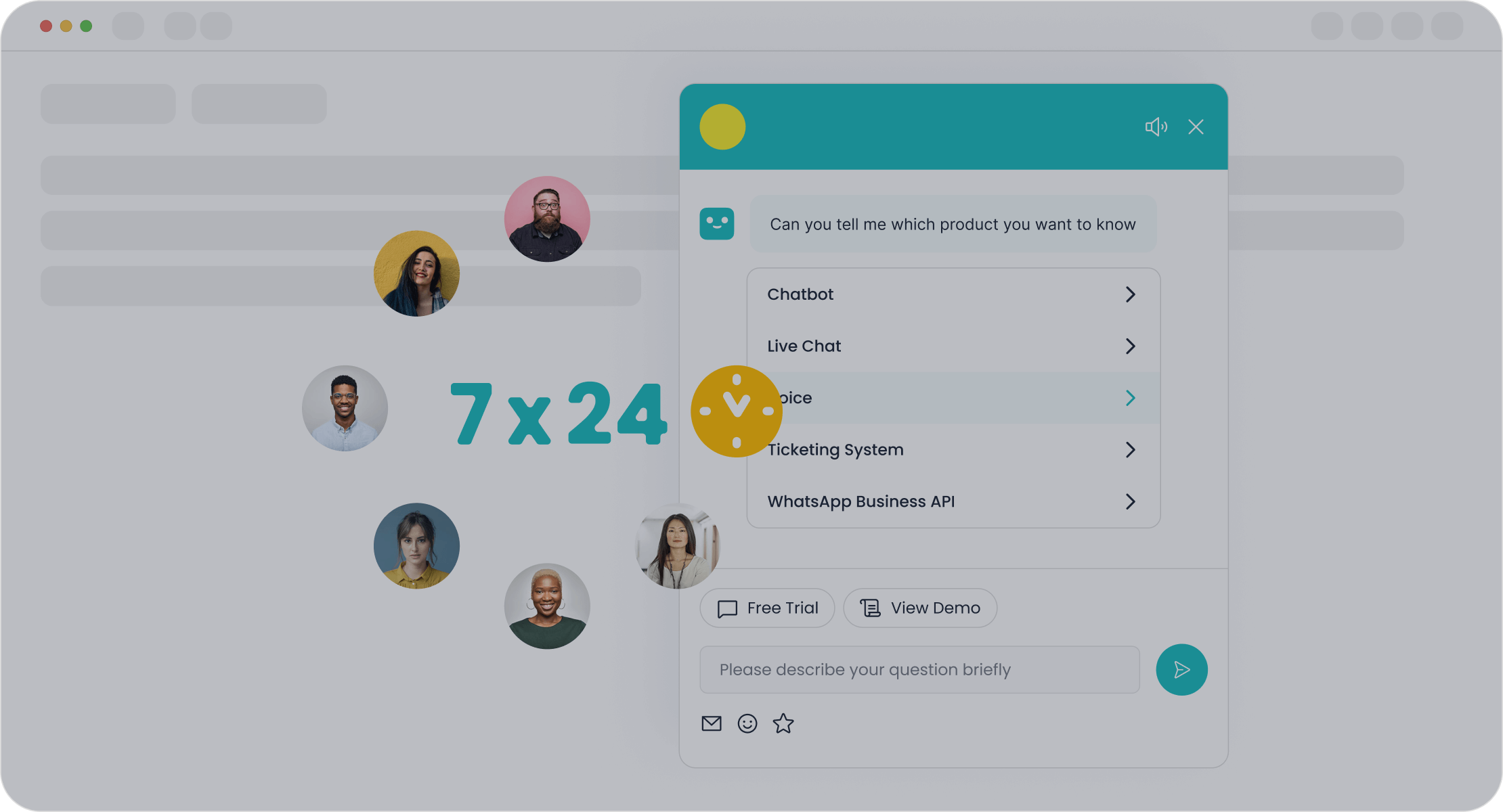
A leading example is the Sobot AI Chatbot. It offers a powerful solution to automate your customer interactions. Here’s how it helps:
- Boosts Efficiency: Sobot can improve your team's productivity by 70% by autonomously solving routine queries.
- 24/7 Availability: It provides round-the-clock self-service support, which can increase sales by an average of 20-30%.
- No-Code Interface: You don't need a team of developers. Sobot features a point-and-click visual builder, making it easy for you to design and launch your own chatbots.
- Multilingual Support: You can serve a global audience by having chatbots communicate with customers in their preferred language.
These AI-powered chatbots are a core part of a modern self-service help desk. They can be integrated with other tools like a ticketing system to create a seamless escalation path when a human is needed.
Comprehensive and Searchable Knowledge Bases
A knowledge base is a digital library of information about your products or services. It is one of the most effective self-service channels for empowering customers. When you create comprehensive and searchable knowledge bases and help centers, you give users a go-to resource for finding answers on their own. This self-service approach dramatically reduces the volume of incoming support tickets.
A great knowledge base provides consistent and accurate answers 24/7. This ensures customers and agents get the same information, reducing confusion and repeat inquiries. To make your knowledge base effective, you should focus on ease of access and user experience.
Best Practices for Your Knowledge Base:
- Organize Content Logically: Group topics into clear categories and use descriptive headers.
- Implement Powerful Search: A good search engine helps users find information quickly. Use keywords in article titles, like "How to Reset Your Password" instead of just "Password Info."
- Use Diverse Content: Include not just text but also images, infographics, and video tutorials to explain complex topics.
- Keep It Updated: Regularly review and revise content based on user feedback and new product features.
By building a robust self-service help desk with rich content, you empower customers and reduce their reliance on your support team. This is a fundamental step in building an effective self-service customer support strategy.
Efficient Customer Portals for Account Management
Customer portals give your users a secure, centralized place to manage their accounts. These self-service portals are essential for tasks related to a user's specific information. Instead of contacting your team, customers can log in to perform actions on their own time. This form of self customer service is both efficient for you and convenient for them.
An effective self-service portal allows users to:
- Track order status and history.
- Update personal and billing information.
- View and pay invoices.
- Submit and track support tickets.
To be successful, your customer portals must have a user-friendly interface and clear navigation. You should also offer flexible access controls, allowing different team members within a client's organization to have different permission levels. Security is also critical; features like end-to-end encryption and multi-factor authentication build trust and protect sensitive data. These portals are a key part of your self-service tools.
Peer-to-Peer Community Forums
Community forums are powerful self-service channels that leverage your most valuable asset: your customers. In a forum, users can ask questions, share experiences, and help each other solve problems. This peer-to-peer support creates a thriving ecosystem of self-service.
Many successful companies use forums to reduce their support workload.
| Company | How They Use Forums |
|---|---|
| Apple | The Apple Support Community allows users to exchange troubleshooting tips, creating a self-service model that deflects basic queries. |
| Microsoft | The Microsoft Support Community uses AI to suggest existing answers to new questions, reducing ticket volume. |
| Salesforce | The Salesforce online community lets users share best practices, reducing the need for official support on common platform questions. |
Beyond just answering questions, forums build deep customer loyalty. When customers feel a sense of belonging and see that their feedback is valued, they are more likely to become passionate advocates for your brand. These discussions also provide you with invaluable insights for product improvement. This makes forums a vital tool for self-service customer support.
Proactive In-App and On-Site Guidance
The best way to speed up customer service is to prevent the need for it in the first place. Proactive guidance does exactly that. By using in-app messages, tooltips, and interactive walkthroughs, you can guide users and answer their questions in context, right when they need help. This is a sophisticated form of self customer service.
This approach helps you:
- Onboard New Users: Step-by-step guides can help new customers learn your software faster.
- Announce New Features: Use pop-ups and tooltips to introduce and explain new functionality.
- Prevent Common Errors: If you know users often get stuck on a certain step, you can add a contextual tip to clarify the process.
By analyzing user behavior, you can identify common pain points and create targeted guidance to address them. This proactive self-service support reduces user frustration and significantly lowers the number of support tickets. It empowers users to solve problems on their own, improving their overall self-service experience.
Ultimately, these customer self-service channels do not operate in isolation. They are most powerful when integrated into a unified omnichannel solution. When your chatbots, knowledge bases, and portals are connected, you create a consistent customer experience. A customer might start with a chatbot, get linked to a knowledge base article, and finally log into their self-service portal to complete a task—all in one smooth journey. This connected approach increases satisfaction, boosts conversions, and lowers your operational costs, making self-service the ultimate strategy for modern customer support.
Your 4-Step Plan to Launch Self-Service Options

Now that you know the key channels, you need a practical roadmap to implement them. Launching effective self-service options is a strategic project, not a single task. This four-step plan will guide you from analysis to launch, helping you build a system that speeds up your self-service customer support and delights your users. Follow these steps to create a powerful self-service help desk.
Step 1: Analyze Ticket Data to Find Time Sinks
Your first step is to look at your existing support tickets. Your data holds the key to a successful self-service strategy. Analyze your support requests to identify the most common and repetitive questions your team answers. These are your time sinks and the perfect candidates for automation. For example, leading smart device brand OPPO identified that high query volumes during peak shopping periods were overwhelming their agents. This insight allowed them to target the right problems for their self customer service solution. This analysis is the foundation of your entire self-service customer support plan.
Step 2: Choose the Right Tools for Maximum Impact
Once you know your main problem areas, you can choose the right self-service tools. Your data from Step 1 tells you which tools to choose.
- Repetitive Questions? An AI chatbot is ideal.
- Complex "How-To" Inquiries? A detailed knowledge base is your answer.
- Account-Specific Issues? A customer portal is necessary.
You need a system that connects these tools. A platform like Sobot's Omnichannel Solution integrates your self-service channels, from WhatsApp to your website chat, into one unified workspace. This creates a seamless experience for your customer self-service software and makes your self-service help desk more powerful. This is a key part of your self-service portal implementation.
Step 3: Create and Organize Your Self-Service Content
With your tools selected, you must create high-quality content. This is the core of your self-service customer support. Your content must be clear, concise, and easy to find.
Pro Tip: Write your self-service content using simple language. Break down complex topics into short paragraphs and use images or videos as visual guides. This makes your self-service help desk accessible to everyone.
Organize your articles and guides logically so users can find answers fast. A well-organized self-service help desk prevents frustration and builds customer confidence in your self-service customer support.
Step 4: Promote Adoption and Offer a Clear Path to Agents
You built it, but will they come? You must actively promote your new self-service options. Train your support team to guide customers toward the self-service help desk for common questions. However, always provide a clear and easy way for a user to reach a human agent. This builds trust and ensures no one feels trapped by your self customer service system. By implementing a strong self-service strategy, OPPO achieved an incredible 83% chatbot resolution rate and a 94% positive feedback rate. This shows how a well-executed plan for self-service customer support can deliver amazing results for customer self-service.
Measuring the Success of Your Self-Service Strategy

Launching your customer self-service strategy is a great first step. Now, you need to measure its impact. Tracking the right metrics shows you what is working and where you can improve. This data proves the value of your self-service efforts and guides future decisions.
Tracking Your Ticket Deflection Rate
Your ticket deflection rate shows how many customers find answers without contacting an agent. You can calculate this by tracking users who visit your support page but do not submit a ticket. A high rate means your customer self-service strategy is working. It directly reduces operational costs by freeing up your team. This allows you to support more customers without hiring more staff. By automating common questions, a strong self-service system like Sobot's can save you up to 50% on agent costs.
Measuring Reduction in First Response Time (FRT)
First Response Time (FRT) is the average time it takes to give a customer their first reply. A good self-service system handles many queries instantly, which lowers your overall FRT. Speed is critical for customer satisfaction and loyalty. Research shows that 55% of consumers will pay more for faster service. Quick responses build trust and show customers you value their time. A successful customer self-service strategy makes your entire support operation faster.
Monitoring the Self-Service Resolution Rate
This metric tracks the percentage of issues solved entirely through self-service channels. You can calculate it with this formula:
(Issues Resolved via Self-Service / Total Support Inquiries) x 100
A high self-service resolution rate proves your content is effective. It shows that customers can find solutions on their own. This metric is a clear indicator of a successful customer self-service strategy. It also helps you identify which self-service articles or tools are performing best based on customer feedback.
Analyzing Customer Satisfaction (CSAT) Scores
Ultimately, your goal is to create a better experience. Customer satisfaction (CSAT) scores tell you how happy customers are with your service. After a self-service interaction, you can ask for customer feedback with a simple survey. Companies with effective self-service options often see higher CSAT scores, with some industries reaching an average of 82%. Happy customers are more likely to return, boosting loyalty and your brand's reputation. This makes CSAT a vital metric for your customer self-service strategy.
Strategically implementing self-service is the definitive way to speed up customer service. This approach creates a better customer experience. Your action plan is simple. Analyze your data, choose integrated tools like Sobot to build your self-service system, create great content, and measure your success. A strong self-service strategy improves your self-service experience. Start today. Identify one high-impact area for self-service and explore a solution like the Sobot Chatbot to transform your customer self-service. This will speed up customer service and improve your self-service experience.
FAQ
Why is self-service the best way to speed up support?
Self-service empowers customers to find answers instantly without waiting for an agent. This approach resolves common issues 24/7, which reduces ticket volume. Your team can then focus on complex problems. This makes your entire support operation faster and more efficient.
What is the first step to building a self-service strategy?
You should start by analyzing your support ticket data. This helps you find the most common questions your customers ask. These frequent issues are the best opportunities for creating effective self-service content. This data-driven approach ensures your self-service efforts have the biggest impact.
How do different self-service channels work together?
Your self-service channels should connect seamlessly. For example, a chatbot can link a user to a knowledge base article. If the issue persists, the user can log into a portal. This integrated customer self-service experience provides a smooth journey for finding solutions.
Can small businesses use self-service too?
Yes, self-service is for businesses of all sizes. You can start small with a simple knowledge base or an FAQ page. Tools like no-code chatbots make it easy and affordable to launch powerful self-service options without needing a large team or budget.
See Also
Elevate Live Chat: 10 Strategies for Superior Customer Happiness
Discover 2024's Premier Customer Service Software: Our Top 10 Picks
Selecting Social Media Customer Service Software: 10 Essential Guidance Tips
Seamless Customer Journeys: 10 Steps to Omnichannel Contact Center Implementation
Unlocking Peak Performance: AI Customer Service Software Enhances Operational Efficiency

