Your Guide to the Zendesk Chat Dashboard

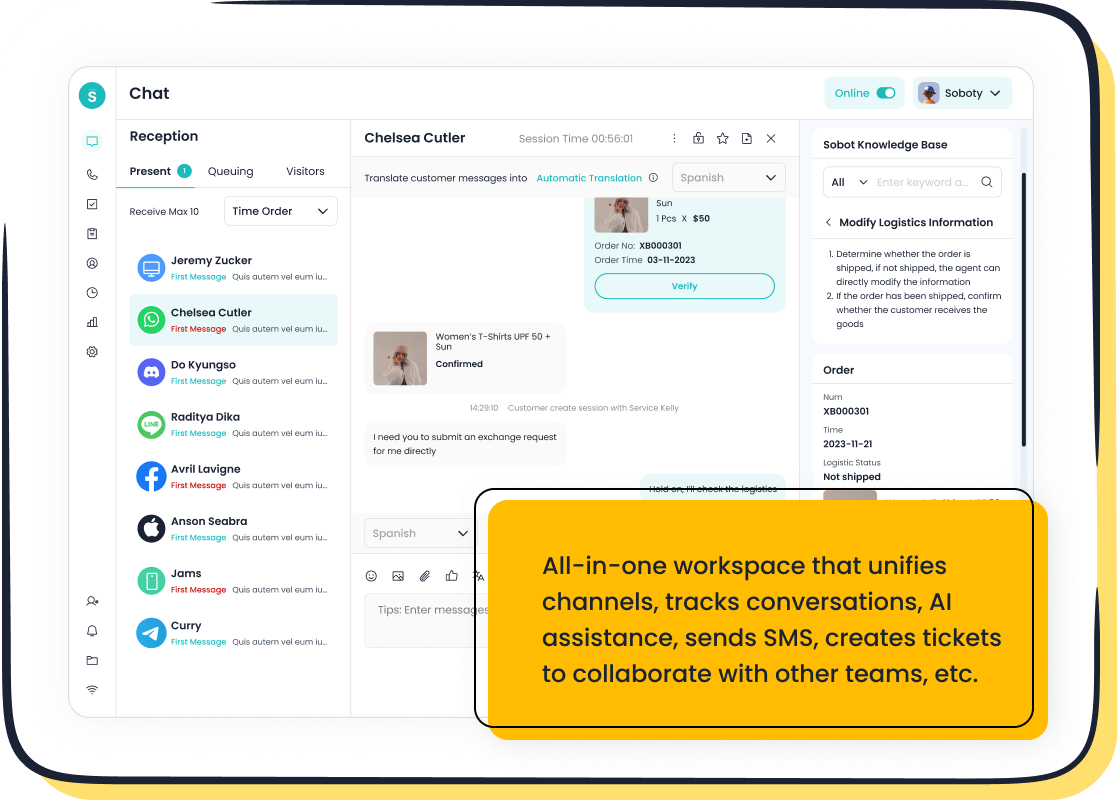
The Zendesk Chat dashboard is your central hub for analyzing chat performance. You can track agent productivity and measure customer satisfaction with this powerful tool. Live chat messaging is crucial, as 42% of customers prefer it over phone support to avoid hold times. Mastering your Zendesk chat data helps you meet this demand. You can access the Zendesk analytics dashboards easily. The Zendesk platform integrates messaging seamlessly. Sobot also offers advanced messaging tools, including Sobot AI and the Sobot call center, for comprehensive support.
💡 How to Access the Zendesk Chat Dashboard
- Log in to your Zendesk account.
- Click the Products icon (four squares) in the top-right bar.
- Select Chat from the dropdown menu.
- Navigate to the Analytics tab on the left-hand menu to open your Zendesk chat dashboard.
Accessing the Zendesk Chat Dashboard
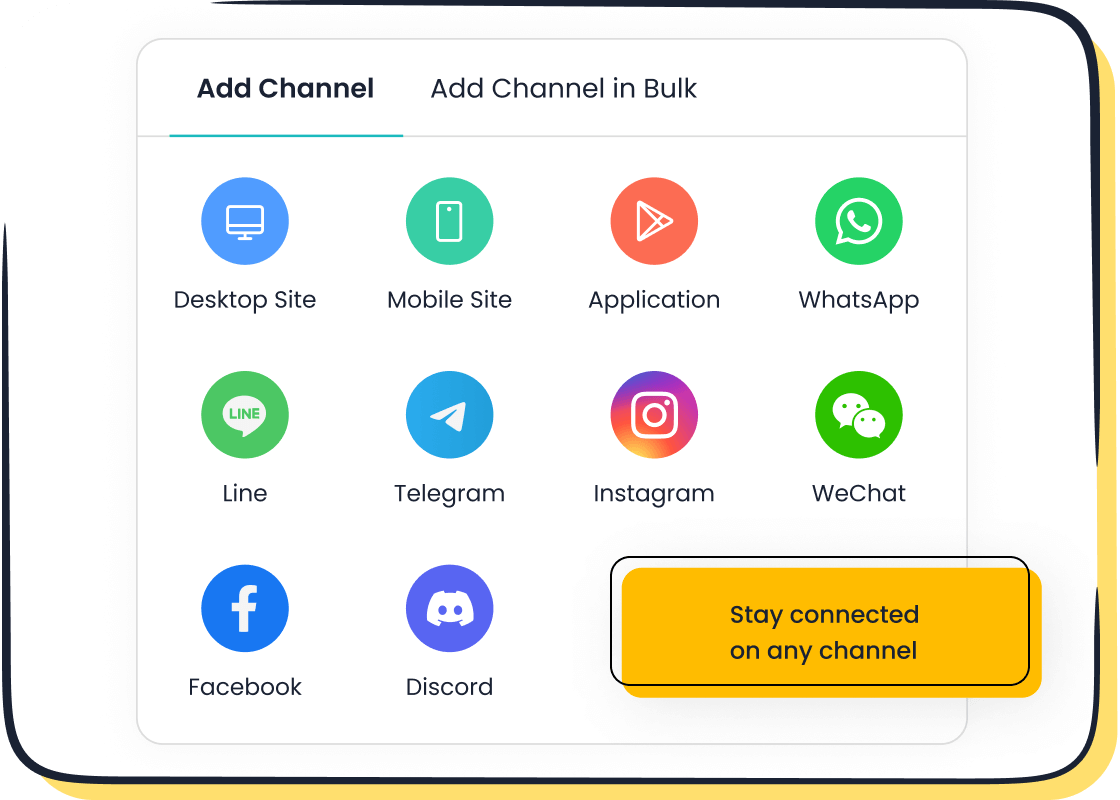
Once you know how to find the analytics section, you can start exploring your data. The Zendesk Agent Workspace provides a unified interface for all your support channels. This integration makes your workflow smoother. You can manage every chat and ticket from one place. This setup improves your team's efficiency with customer messaging.
Navigating from the Agent Workspace
If you use the Zendesk Agent Workspace, accessing your analytics is straightforward. Your chat, email, and phone interaction data live together. You can find the reporting icon (a bar chart) on the left-hand navigation bar. Clicking it opens the main reporting page. From there, you can select the Zendesk Chat dashboards to view your messaging metrics. This centralized approach in Zendesk helps you see the full picture of your customer interactions.
Understanding the Main View
The main view of the Zendesk Chat dashboard gives you a real-time snapshot of your chat operations. You can quickly assess performance with several key metrics.
- Queue: See new chats waiting for an agent and monitor wait times.
- Chat Activity: Track currently served chats, response times, and chat duration.
- Agent Activity: View how many agents are logged in and their current status (Online, Away, or Invisible).
- Customer Satisfaction: Check the overall satisfaction score from recent chat ratings.
This view helps you manage live chat volume and agent availability effectively. Zendesk organizes deeper analytics into tabs like Chats, Efficiency, and Satisfaction for more detailed analysis.
Setting Your Date Range and Filters
To analyze specific trends, you need to filter your data. Zendesk Chat allows you to customize the data you see. You can select a specific time frame for your analysis.
💡 Available Date Ranges You can choose from presets like the Last 24 hours, Last 7 days, or Last 30 days. You can also set a custom time range for a more specific inquiry.
Beyond dates, you can apply filters to narrow your results. This feature is powerful for targeted reporting. You can filter your chat data by:
- Department
- Agent
- Who initiated the chat
Using these filters helps you isolate information and understand the performance of a specific team or messaging campaign. This makes your Zendesk chat analysis much more precise.
Core Zendesk Analytics Tabs
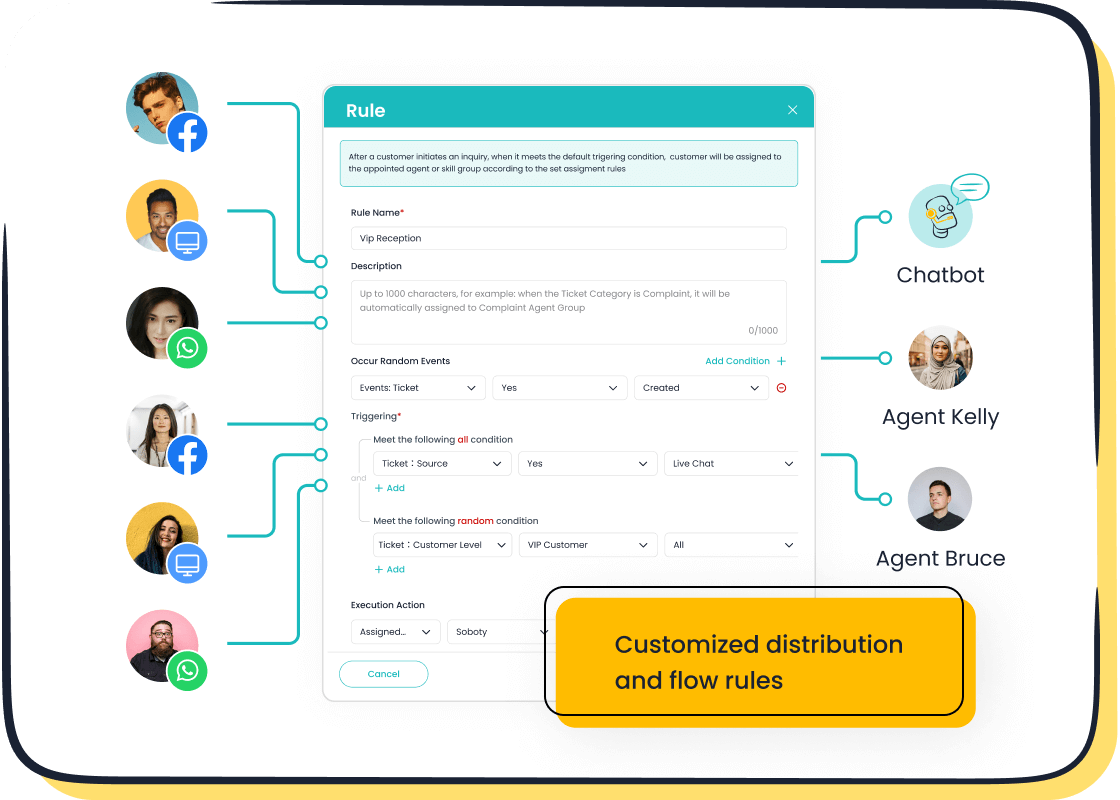
The main view of your Zendesk Chat dashboard gives you a great overview. For deeper insights, you need to explore the core analytics tabs. These tabs help you understand chat volume, agent performance, and customer happiness. Mastering this data allows you to refine your customer support strategy and improve the overall customer experience.
The 'Chats' Tab: Volume & Engagement
The 'Chats' tab is your primary resource for understanding chat volume and engagement patterns. You can see how many chats your team handles and how many opportunities might be slipping away. This tab provides the raw data you need to make informed staffing and strategy decisions for your messaging channels.
Zendesk Chat offers several key metrics to track the flow of conversations. These metrics give you a clear picture of your daily operations.
| Metric key | Description |
|---|---|
incoming_chats | Chat requests not currently assigned to any agent. |
assigned_chats | Chat requests assigned to an agent but not yet served. |
missed_chats | Number of chat requests not served before the visitor leaves. |
active_chats | Number of chats currently being served by agents. |
To analyze performance accurately, you must understand how Zendesk defines different chat outcomes. A "served chat" is not just a chat an agent answers. It includes several scenarios:
- Accepted Chats: The system automatically assigns a chat to an agent.
- Proactive Chats: An agent starts a conversation with a website visitor.
- Joined Chats: An agent joins a chat already in progress.
- Transferred Chats: An agent receives a chat from another team member.
Conversely, "missed chats" represent lost opportunities. A high number of missed chats can signal issues with staffing or routing. Zendesk provides a detailed breakdown to help you identify the root cause.
| Missed Chat Type | Definition |
|---|---|
| Missed Chats - Abandoned | A visitor left the queue before an agent could accept the chat. |
| Missed Chats - Timed Out | The chat request expired before an agent accepted it. |
| Missed Chats - Ended by Agent | An agent ended the chat before accepting it. |
The 'Efficiency' Tab: Agent Performance
The 'Efficiency' tab helps you measure how effectively your agents handle their chat workload. Speed and quality are both critical in customer service. This section of Zendesk gives you the data to balance them. Key metrics here focus on agent response times and the total time spent resolving issues.
Two of the most important metrics for agent efficiency are:
- First Response Time (FRT): This measures how long a customer waits for the first message from an agent. Zendesk calculates this by summing the time for every first response and dividing it by the total number of first messages in that period.
- Average Chat Duration: This shows the average time it takes to resolve a chat from start to finish.
💡 Industry Benchmarks In 2024, top companies aim for a first response time under 30 seconds. The average chat duration is around 10 minutes. These numbers show that customers value both speed and thorough support. Your goal is to reduce wait times without sacrificing the quality of the conversation.
Monitoring these metrics in Zendesk Chat helps you identify top-performing agents and find coaching opportunities for others. Consistent, efficient messaging builds customer trust.
The 'Satisfaction' Tab: Customer Feedback
The 'Satisfaction' tab closes the loop by showing you what customers think about your support. This is where you measure the direct impact of your chat service on the customer experience. After a chat ends, Zendesk can send a survey asking the customer to rate their interaction.
You can view these results in the 'Satisfaction' tab of the Zendesk Support dashboard. Zendesk simplifies ratings into "good" or "bad" categories. For example, on a 1-5 scale, ratings of 4 and 5 are considered "good," while 1-3 are "bad." This makes it easy to get a quick pulse on performance.
To improve your satisfaction scores, you can encourage your team to follow best practices for live chat messaging.
- Be Proactive: Anticipate customer needs. Initiating a chat shows you are ready to help and makes the customer feel valued.
- Practice Good Etiquette: Always use positive and empathetic language. A professional and friendly tone can turn a frustrating experience into a positive one.
- Set Clear Expectations: If there is a wait, provide an accurate estimated waiting time. Honesty manages expectations and reduces frustration.
Analyzing feedback comments alongside ratings gives you specific insights to improve your chat support.
Integrating with Your Zendesk Helpdesk
While Zendesk Chat provides powerful messaging analytics, its true strength emerges when you integrate it with your broader Zendesk Helpdesk. A fragmented view of customer interactions leads to missed opportunities. Combining your chat data with information from email, voice, and other channels gives you a complete picture.
Integrating your chat analytics with the main helpdesk allows you to:
- Break Down Data Silos: A unified view prevents a fragmented understanding of the customer journey. You can see every touchpoint in one place.
- Measure CSAT Across Channels: You can compare customer satisfaction across all your support channels. This helps you identify which channels drive dissatisfaction and need improvement.
- Understand Ticket Volume: You can analyze historical trends across all channels to anticipate peaks in demand. This enables proactive resource planning for your entire support operation.
This holistic approach transforms your data from simple metrics into a strategic tool. You can optimize your entire customer service operation, not just your chat function.
Mastering the Zendesk Chat Dashboard: Advanced Views
While the core tabs provide historical data, the advanced views in the Zendesk Chat dashboard give you power over the present moment. You can use these tools for real-time operational management. They help you monitor live agent activity and manage workloads as they happen. This focus on the "now" is essential for maintaining a high-quality messaging experience and providing immediate support.
The 'Agent Activity' Tab: Live Engagement
The 'Agent Activity' tab is your command center for live monitoring. It offers a real-time view of what your agents are doing at any given moment. This transparency is crucial for making quick, informed decisions to optimize your chat support operations. You can see which agents are online, away, or handling a chat.
This tab helps you answer critical questions instantly:
- Are enough agents available to handle the incoming chat volume?
- Is a specific agent overloaded with difficult conversations?
- Who is available to take on a transferred chat right now?
By monitoring this activity, you can ensure that customer inquiries are handled promptly. This level of oversight on your Zendesk platform improves your team's responsiveness. Effective real-time communication begins with knowing your team's capacity. The Zendesk Chat interface makes this information easily accessible for managers who need to direct traffic and support their team.
The 'Agent Concurrency' Tab: Workload Management
Agent concurrency refers to an agent's ability to handle multiple chat interactions at the same time. When chat volumes are high, agents often manage several conversations simultaneously. The 'Agent Concurrency' tab in Zendesk helps you track this delicate balancing act. While your system may set a maximum number of chats an agent can handle, this tab shows you the reality of their workload.
Managing concurrency is vital. An agent juggling too many chats can lead to slower response times and a drop in service quality. This can negatively impact both customer satisfaction and agent morale. The Zendesk Chat platform gives you the data to prevent this. You can monitor the number of concurrent chats per agent and identify who might be overwhelmed. This insight allows you to adjust workloads in real-time, ensuring every customer gets the attention they deserve. Proper workload management through Zendesk Chat is key to efficient messaging support.
The Leaderboard: Tracking Agent Metrics
The Leaderboard in Zendesk Chat introduces a gamified approach to performance tracking. It ranks agents based on key metrics, turning daily work into a friendly competition. This feature helps you identify top performers and motivate the entire team. By default, Zendesk ranks agents on the Leaderboard using several metrics:
- Most chats served
- Shortest response times
- Fewest dropped chats
This clear ranking system encourages agents to improve their efficiency and effectiveness.
Implementing leaderboards and friendly competitions creates a sense of healthy rivalry. By tracking individual and team performance, agents can see their standings in real-time. This fosters a spirit of competition that motivates them to excel. Regularly updating these leaderboards adds excitement and recognition, driving agents to strive for the top spot.
This approach does more than just track numbers; it builds a culture of continuous improvement. When agents compete to handle more chats or lower their response times, the entire support operation benefits. The competitive nature of the Leaderboard in Zendesk Chat encourages agents to work more efficiently, boosting productivity and team collaboration. You can use this tool to set team goals and celebrate victories, making your messaging support team stronger and more engaged.
Beyond Zendesk: Deeper Analytics with Sobot Live Chat
The Zendesk Chat dashboard is a solid starting point. However, your business may need deeper analytics as it grows. When you need to connect chat data with other channels, you might look for a more powerful alternative. Sobot Live Chat offers a comprehensive solution for businesses that require advanced, omnichannel analytics. It moves beyond the limitations of a single-channel focus. This allows you to see the complete customer journey.
Sobot's Omnichannel Analytics
While Zendesk offers strong integration within its ecosystem, Sobot unifies all your external messaging channels into a single view. This gives you a true 360-degree perspective of every customer interaction. Your support team can see conversations from various platforms in one place. This unified approach to messaging breaks down data silos.
Sobot's unified dashboards consolidate data from numerous sources, including:
- Social media like Facebook, Instagram, and WhatsApp
- E-commerce platforms such as Shopify
- Your official website and company apps
- Traditional channels like email and SMS
This complete data picture helps you understand customer behavior across their entire journey. You can make better decisions with a single source of truth for all your messaging and support activities.
AI-Powered Insights for Efficiency
Sobot uses AI to give you more than just historical data; it provides real-time insights to boost efficiency. The platform's AI tools offer real-time guidance to your agents during a chat. This support helps them manage their workloads effectively and improve their performance. This advanced messaging capability is a step beyond the standard Zendesk chat. By using precise profiling and tailored services, Sobot helps you turn more visitors into clients. This can lead to a 38% gain in conversion. The AI analyzes chat interactions to provide actionable data, helping you optimize your entire support strategy.
Customizable Data Reports
The standard Zendesk chat reports are useful, but Sobot provides a deeper level of customization. You can build reports that track the metrics most important to your business. Sobot's platform evaluates over 150 different indicators. This gives you granular data on everything from chat volume to agent performance. You can create custom reports to monitor your chat team's real-time performance. This detailed data allows you to identify specific areas for improvement in your messaging and customer support operations, far beyond what a basic Zendesk setup might offer.
The Zendesk Chat dashboard helps you understand your support messaging. You can use the Zendesk Chat dashboards to track key data.
- Chats tab: Shows your chat volume.
- Efficiency tab: Measures agent speed.
- Satisfaction tab: Reports customer feedback.
While Zendesk Chat is great for core metrics, your business may need more. Sobot offers comprehensive, AI-driven omnichannel messaging analytics for scaling your support. This advanced messaging from Sobot enhances your Zendesk chat messaging. Evaluate your needs and explore the right messaging tool for your growth. Discover Sobot Live Chat today.
FAQ
What is the main purpose of the Zendesk chat dashboard?
The Zendesk chat dashboard helps you track your team's messaging performance. You use this helpdesk tool to see chat volume, agent speed, and customer feedback. This data helps you improve your support messaging. Zendesk provides the core data you need for daily operations.
How does Zendesk measure agent efficiency?
Zendesk measures efficiency with metrics like First Response Time and Average Chat Duration. This data shows how quickly your agents respond to a chat and how long a conversation takes. Your helpdesk uses this information to find coaching opportunities and improve your team's messaging speed.
Can I see all my messaging data in one place with Zendesk?
You can see all your Zendesk messaging data together. Integrating your chat with the Zendesk helpdesk gives you a unified view. However, for a complete picture of external channels like social media, a dedicated omnichannel helpdesk provides more comprehensive data and messaging analytics.
Why is tracking chat data important for my business?
Tracking chat data is vital for understanding your customer. This helpdesk data shows you what works and what does not. You can use these insights to improve your messaging strategy, boost agent performance, and increase customer satisfaction. Zendesk makes this process straightforward.
How is the Zendesk helpdesk different from a dedicated messaging platform?
The Zendesk helpdesk is a great all-in-one tool. A dedicated messaging platform often provides deeper, AI-powered analytics for every chat. It focuses on optimizing the messaging experience across all channels, giving you more granular control over your customer conversations and data.
See Also
The Definitive Guide to Top Live Chat Software Solutions
Optimizing Salesforce Live Chat with Effective Pre-Chat Forms
Comparing Live Chat Support Costs: A Comprehensive Financial Guide
Achieving Excellence: Mastering Live Chat for Superior Customer Support
Effective Strategies for Managing Live Chat Agents Successfully

