Mastering AI Task Automation in Customer Support

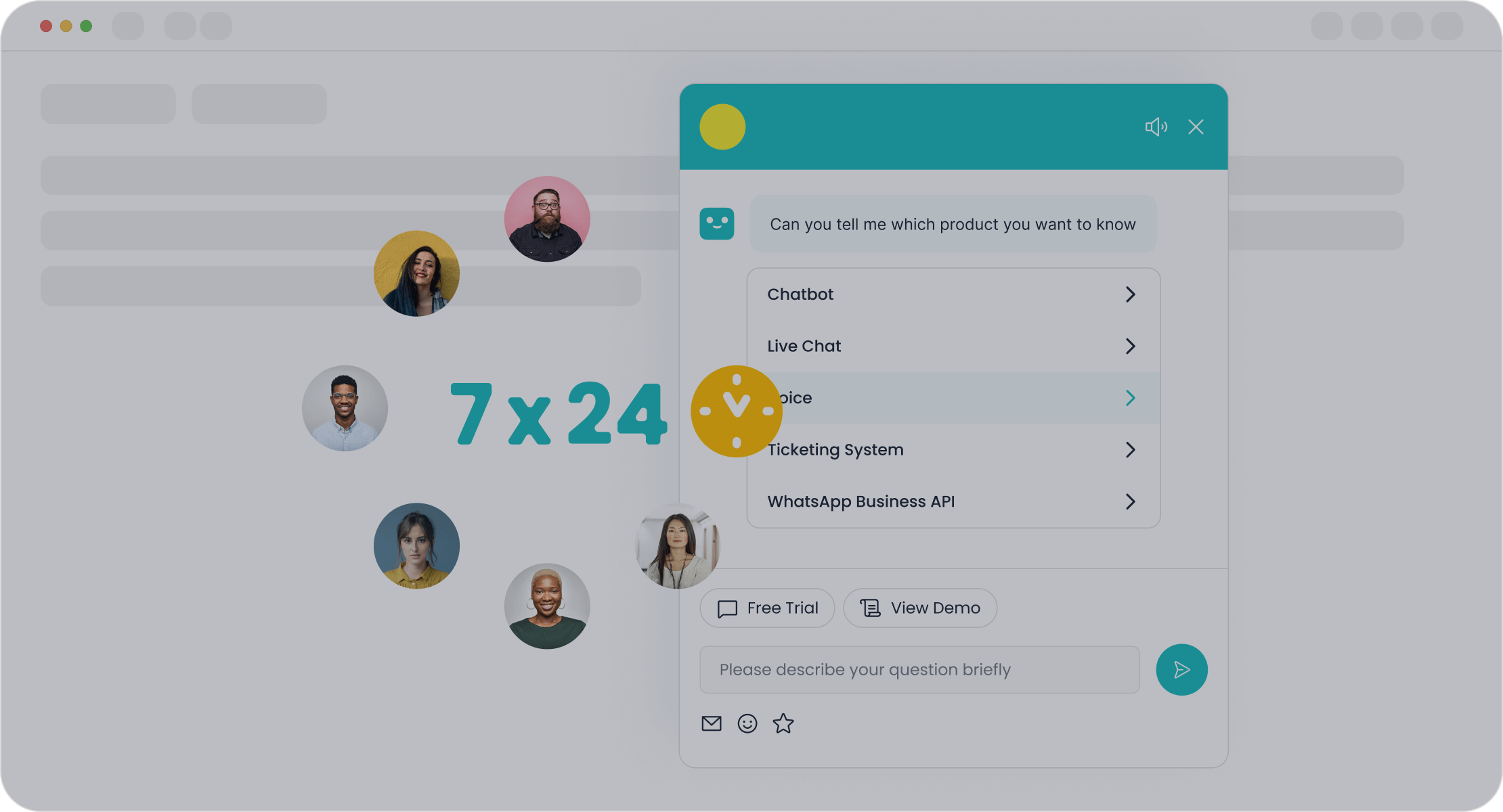
AI task automation tools for customer support teams leverage artificial intelligence to handle repetitive customer support tasks. This automation empowers your support team, not replaces them. It frees your human agents to solve complex customer problems, improving the overall customer experience. The primary benefits are clear: greater efficiency, 24/7 availability for simple support, and higher customer satisfaction. This AI-powered customer service approach is transforming how support teams operate.
By 2026, Gartner predicts Conversational AI in customer service will cut contact center labor costs by $80 billion.
Using an AI chatbot from Sobot is a great start for automating customer support. This is how AI in customer service works.
Key Use Cases for Customer Service Automation

You can use customer service automation to handle many different tasks. This technology helps your support teams work smarter, not harder. AI in customer service offers powerful ways to improve your support operations. Let's explore the key use cases for customer service automation.
Automate Repetitive Queries with an AI Chatbot
Your customers often ask the same questions. An AI chatbot provides instant answers to these common queries. This frees up your human agents for more complex issues. The Sobot AI Chatbot is a great example of this automation. It can autonomously solve regular queries with 24/7 availability, improving your team's productivity by 70%. This level of customer service automation can also cut support costs by up to 50%. By automating customer support, you give your customer a better experience with faster response times. These chatbots are a core part of modern customer service.
Streamline Workflows with AI Ticket Triage
Your support team receives many tickets every day. AI-driven workflows can manage this volume with great efficiency. An AI agent automatically sorts and routes incoming support tickets. The AI understands the ticket's content, urgency, and customer sentiment. It then tags the ticket and sends it to the right agent or department. This customer service automation eliminates manual sorting. It also prevents important tickets from getting lost. This process ensures the customer connects with the best person to solve their problem on the first try.
Did You Know? AI ticket routing can lead to 85% of customer queries being resolved on the first contact. This is a huge boost for customer satisfaction and a key benefit of customer service automation.
Empower Agents with AI Copilots
An AI agent can also act as a powerful assistant for your human agents. This is where AI copilots come in. When a customer needs help, an AI copilot can provide your agent with conversation summaries and suggest the best responses. This support helps agents resolve issues faster and more accurately. For example, Sobot's AI copilot capabilities give your support team the tools they need for every interaction. This form of customer service automation also reduces agent training time. Some companies have cut onboarding time from four months to just one month.
Generate Insights with AI Sentiment Analysis
Understanding how your customer feels is vital. AI sentiment analysis tools review customer conversations to detect emotions. This AI technology helps you identify at-risk customers by flagging negative interactions. You can then step in to offer predictive support before a small problem becomes a big one. This customer service automation provides valuable insights. For instance, Marriott uses AI to analyze reviews and improve room cleanliness and staff friendliness. This AI-powered customer service helps you make data-driven decisions to improve your products and overall customer service.
Implementing AI Task Automation Tools for Customer Support Teams
Adopting AI task automation tools for customer support teams is a strategic process. You can achieve great results with a clear, step-by-step plan. This approach ensures a smooth transition and maximizes your return on investment. Follow these five steps to successfully integrate customer service automation into your operations.
Step 1: Identify High-Volume, Repetitive Tasks
Your first step is to find the right tasks for automation. You want to target inquiries that are frequent, simple, and follow a predictable pattern. This initial focus delivers the quickest wins for your support team.
To find these opportunities, you can:
- Analyze your ticket data. Look for common questions that take up a significant portion of your agents' time.
- Audit your support tickets from the last three months. This review will reveal recurring themes and simple problems perfect for an AI agent.
Common tasks suitable for customer service automation include:
- Ticket Triage: Automatically labeling and routing incoming support tickets to the correct department.
- Common Cases: Answering frequent questions like "Where is my order?" or "How do I reset my password?"
Many companies already benefit from this type of automation. See how different businesses use an AI agent to handle specific, repetitive tasks:
| Company | Automated Task | Benefit |
|---|---|---|
| Holmes Place | Membership & Facility Inquiries | Reduced phone calls, agents focus on complex issues |
| Cheeky Panda | Shipping Information, Product Availability | Reduced customer wait times, streamlined support |
| Wolf & Badger | Returns and Refunds FAQs | Reduced workload, agents focus on unique inquiries |
| Blume | Product Usage and Ingredients FAQs | Consistent, accurate answers for every customer |
Step 2: Prepare Your Knowledge Base and Data
An AI agent is only as smart as the information you give it. A well-organized knowledge base is the brain behind your customer service automation. Your AI uses this data to provide instant answers. You must structure your content with clear titles, headings, and categories.
Here are some best practices for preparing your data:
- Use clear structure. Organize content with logical headings (H1, H2, H3) and use bullet points for complex steps. This helps both humans and the AI find information quickly.
- Optimize for text. AI systems excel at processing plain text. Convert visuals and complex tables into descriptive text whenever possible.
- Keep FAQs simple. Write clear, concise questions with complete answers. This gives the AI the context it needs to respond accurately.
- Maintain a single source of truth. Centralize your knowledge base to avoid conflicting or outdated information. This ensures your AI and human agents provide consistent support.
High-quality data is crucial for training your AI. Use your first-party data—real support transcripts, help center logs, and CRM data—to train the AI on your customers' specific language and common queries. This makes your AI agent much more effective.
Step 3: Choose the Right Tools like Sobot and Start a Pilot
With your tasks identified and data prepared, it's time to choose your tools. You don't need a team of developers to get started. Many modern AI task automation tools for customer support teams are designed for ease of use. For example, platforms like Sobot offer a no-code, point-and-click interface. This allows you to design and deploy a chatbot or other automation workflows without any technical skills.
Tip: Start with a pilot program. Don't try to automate everything at once. Choose one or two high-impact tasks you identified in Step 1. A pilot program lets you test your AI in a controlled environment, gather feedback, and demonstrate value before a full-scale rollout.
Step 4: Train Your Team and Define Human Escalation Paths
Your goal with AI in customer service is to empower your support team, not replace it. Proper training is essential for a successful partnership between your agents and your new AI agent. Your training should focus on:
- Technical Skills: Make sure agents are comfortable using the new AI tools and platforms.
- AI Literacy: Teach agents what the AI can and cannot do. This helps them know when to rely on the AI and when to take over.
- Soft Skills: With AI handling simple queries, your agents can focus on complex issues that require empathy, critical thinking, and problem-solving.
Just as important is the handoff from the AI agent to a human. A customer should never feel trapped in a loop. You must define a clear and easy escalation path.
An effective AI chatbot knows its limits. It should always provide a simple and accessible option for the customer to connect with a human agent at any point in the conversation. This seamless handoff is key to a positive customer experience.
Step 5: Measure Key Metrics and Iterate on Your Automation
Implementing AI task automation tools for customer support teams is not a one-time project. It is an ongoing cycle of measuring, learning, and improving. To track your success, you need to monitor the right key performance indicators (KPIs).
Key metrics for customer service automation include:
- Resolution Rate: The percentage of tickets your AI agent resolves without human help. A high rate shows your AI is effective.
- First Response Time (FRT): AI offers instant responses, which dramatically improves this metric and sets a positive tone for the customer interaction.
- Escalation Rate: The percentage of conversations transferred to a human agent. A high rate may indicate your AI needs more training or a better knowledge base.
- Customer Satisfaction (CSAT): This measures how happy customers are with their support interaction. It ensures your focus on efficiency doesn't hurt the quality of your customer service.
Leading companies use these metrics to validate their investment in AI. For instance, smart device innovator OPPO partnered with Sobot to improve its customer service. By implementing an AI chatbot, OPPO achieved an 83% chatbot resolution rate and a 94% positive feedback rate from customers. You can read more about their success here.
These results show the power of well-implemented AI task automation tools for customer support teams. By continuously measuring your performance and iterating on your automation, you can achieve similar improvements in efficiency and customer satisfaction. This is how you master AI in customer service.
Best Practices for Successful AI Automation
Following best practices ensures your customer service automation journey is successful. These guidelines help you balance efficiency with a great customer experience. By applying these principles, you can build a powerful AI strategy for your customer support.
Define Your Automation Goals and Success Metrics
You must first define what success looks like for your automation project. Clear goals guide your strategy and help you measure return on investment (ROI). Use the SMART framework to set your objectives. For example, a good goal is to reduce customer wait times by 30 seconds within the next quarter using an AI chatbot.
To measure success, track both quantitative and qualitative metrics.
- Financial Benefits: Calculate cost savings from reduced agent hours.
- Efficiency Gains: Monitor improvements in processing times and automation rates.
- Qualitative Impact: Measure changes in customer satisfaction and loyalty.
This approach helps you prove the value of your AI investment and make data-driven decisions for future improvements.
Prioritize the Human Touch in AI in Customer Service
Effective AI in customer service enhances human capabilities, it does not replace them. Your customers still value empathy and complex problem-solving from a real person. The best strategy is a hybrid model where AI and your support team work together.
Let your AI agent handle repetitive, simple questions. This frees your human support teams to focus on high-value interactions that require emotional intelligence.
Always give your customer an easy way to escalate to a human agent. A seamless handoff from a chatbot to a person is crucial for a positive experience. This balance ensures you gain efficiency from AI without losing the personal connection your customer expects from your customer service.
Ensure Seamless Integration with Your CRM and Help Desk
Your AI tools should not operate in a silo. For maximum impact, you need to ensure seamless enterprise tool integration with your existing CRM and help desk software. When your AI agent connects to these systems, it gains a complete view of the customer.
This integration allows your AI to:
- Personalize Interactions: The AI can access a customer's history to provide tailored support.
- Automate Data Entry: The AI automatically updates customer records, reducing errors and saving time.
- Provide Proactive Support: The AI can analyze data to anticipate customer needs before they arise.
A connected system empowers both your AI and your support teams to deliver smarter, faster customer service.
Maintain Strict Data Security and Compliance
Protecting customer data is non-negotiable. When you implement AI, you must prioritize security and comply with regulations like GDPR. This builds trust with your customer and protects your business from risk.
Choose an AI provider that takes security seriously. For example, Sobot AI is GDPR compliant and uses data encryption to protect all customer information during transmission and storage. This ensures that sensitive data used to train the AI remains secure. Your AI partner should provide robust security measures as a core part of their service, giving you peace of mind as you scale your customer service automation.
Mastering customer service automation means creating a partnership between your support team and AI. The goal is human augmentation, not replacement. An AI agent handles simple tasks, freeing your support teams to solve complex customer problems. Start small with a pilot program to see the benefits of AI in customer service. When you implement AI thoughtfully, your AI agent becomes a key partner. This collaboration helps you achieve excellent customer service, improve customer satisfaction, and scale your customer support quality for the future.
FAQ
Will an AI agent replace my human support team?
No. The goal of an AI agent is to augment your team. The AI agent handles simple queries. This frees your human support staff to focus on complex customer problems, improving your overall customer service.
How does an AI agent improve customer service?
An AI agent provides instant, 24/7 support for common questions. This reduces wait times for every customer. It also ensures your human support team has more time for difficult issues, which boosts customer satisfaction.
Is it difficult to set up an AI agent for my business?
Not at all. Many modern AI platforms, like Sobot, offer no-code interfaces. You can build and launch an AI agent for your customer support without any technical skills. This makes the setup process simple and fast for any customer.
How does AI support help my support agents?
AI provides powerful tools for your support team. An AI agent can summarize conversations and suggest responses. This helps your team resolve customer issues faster and more accurately, improving your customer service quality for each customer.
See Also
AI Software: Elevating Customer Service Efficiency and Operational Performance
Achieving Excellence: Mastering Live Chat for Superior Customer Support
AI Agents: Revolutionizing Customer Support for Enhanced Service Delivery
An In-Depth Review of AI Solutions for Enterprise Call Centers
Discovering the Top 10 AI Tools for Contact Center Solutions

