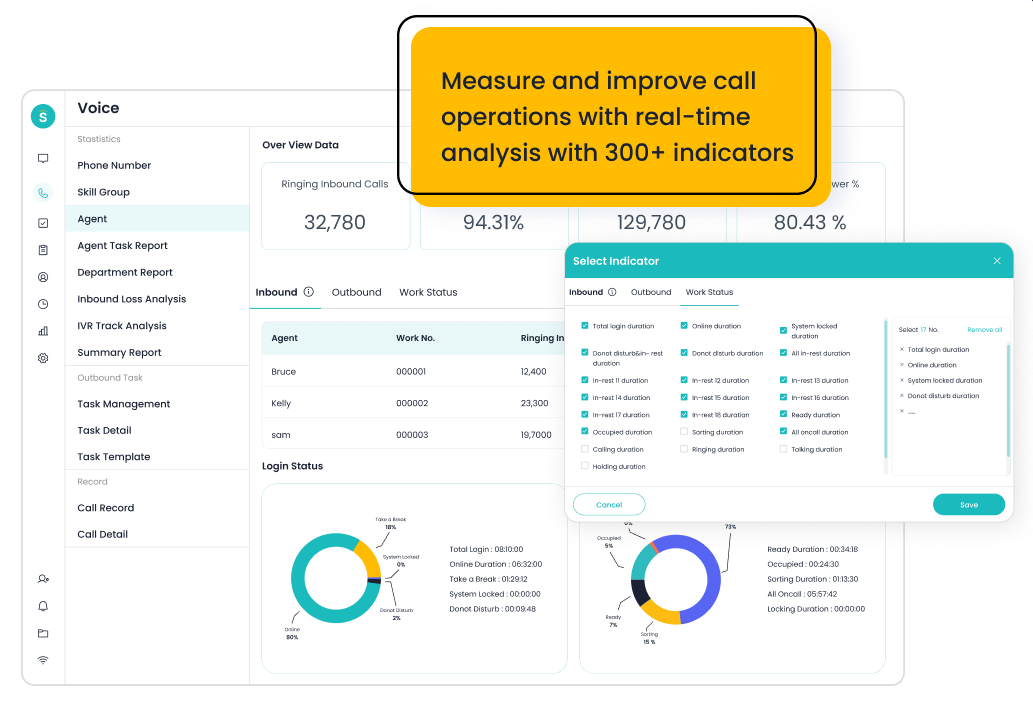
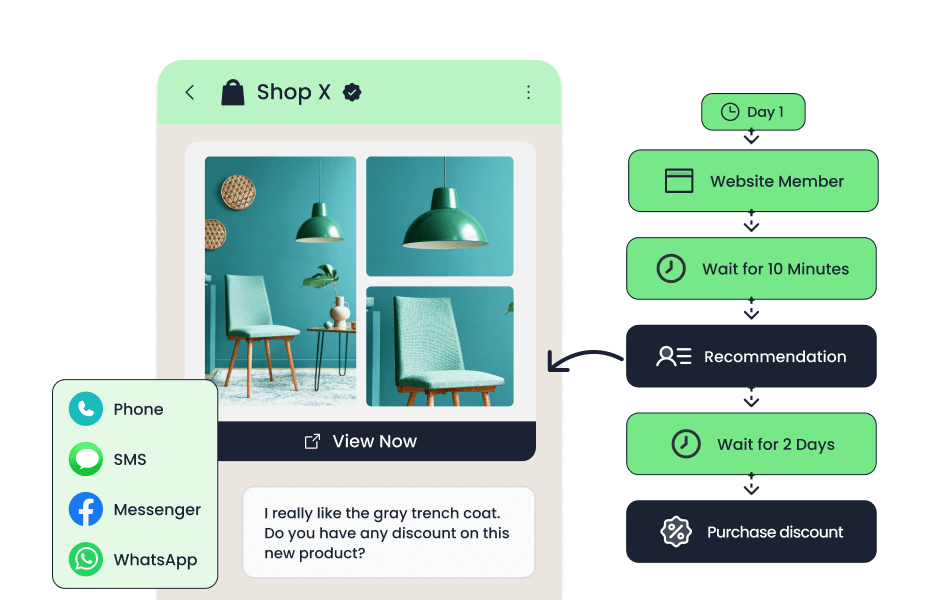
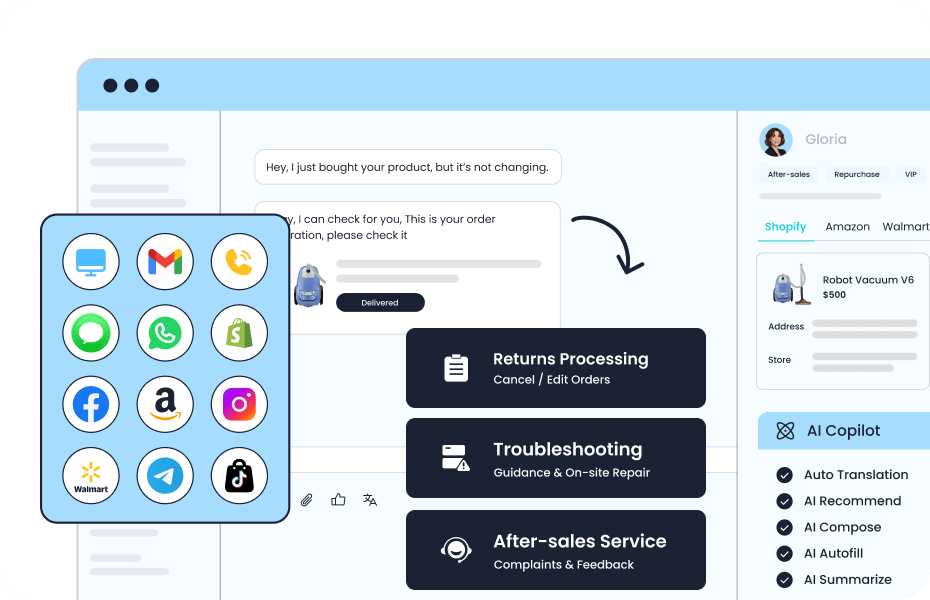
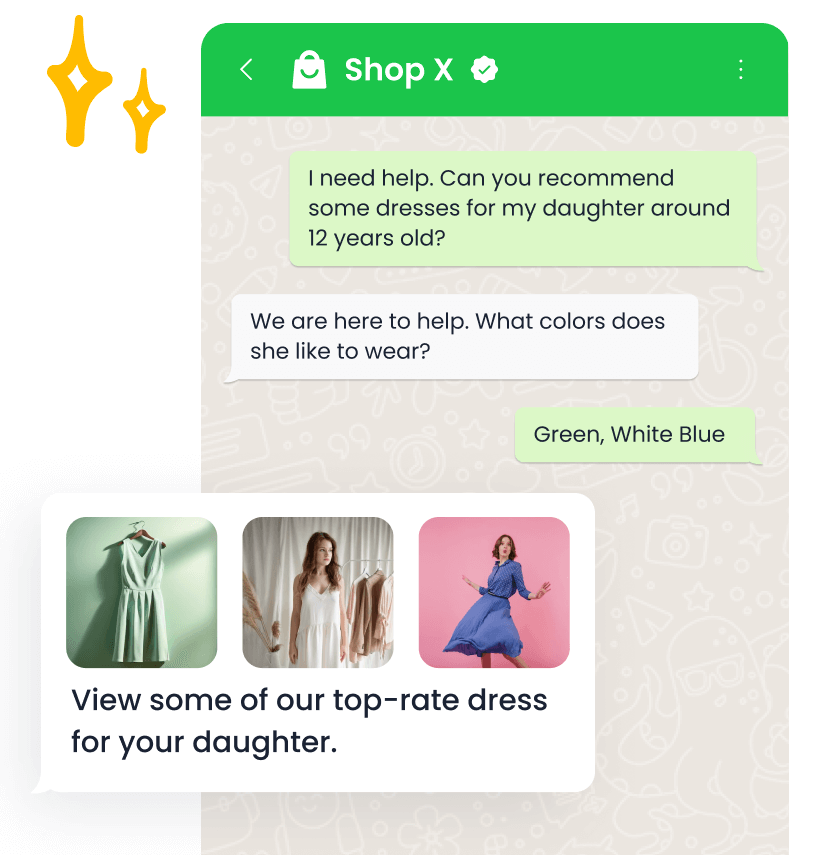
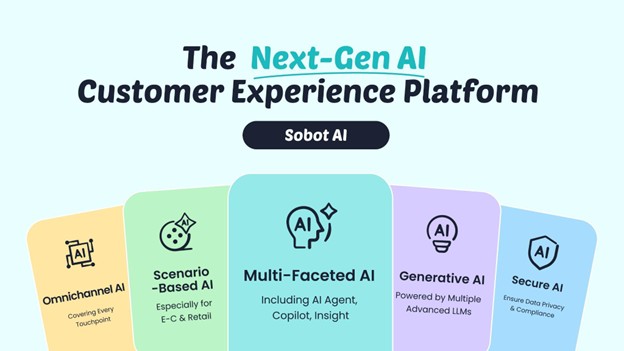
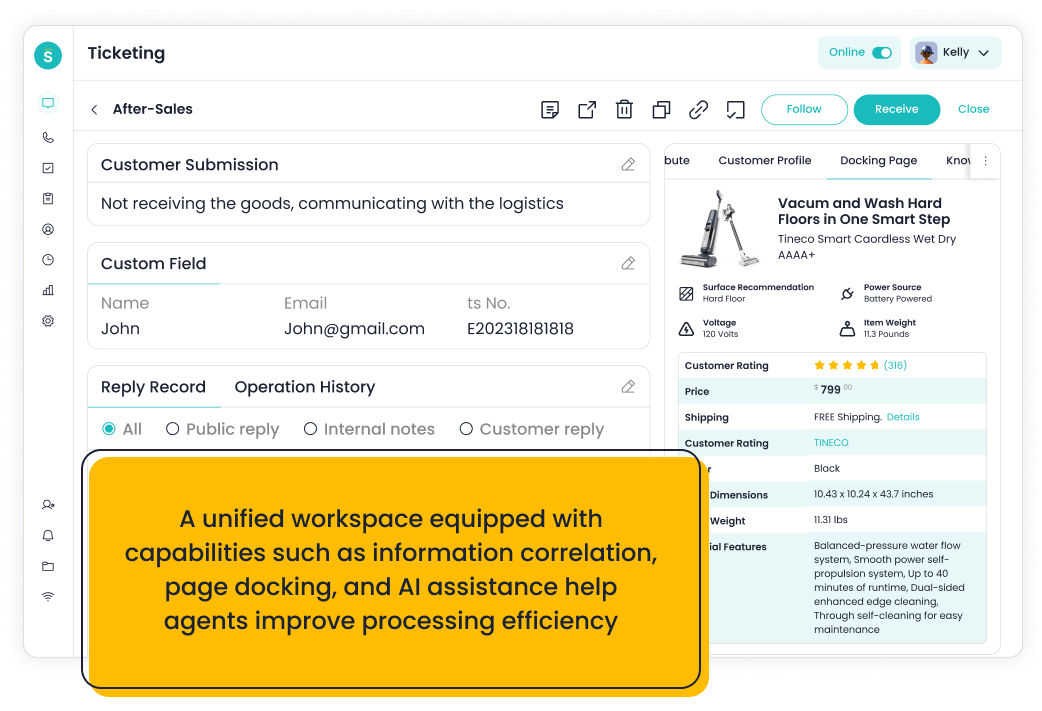
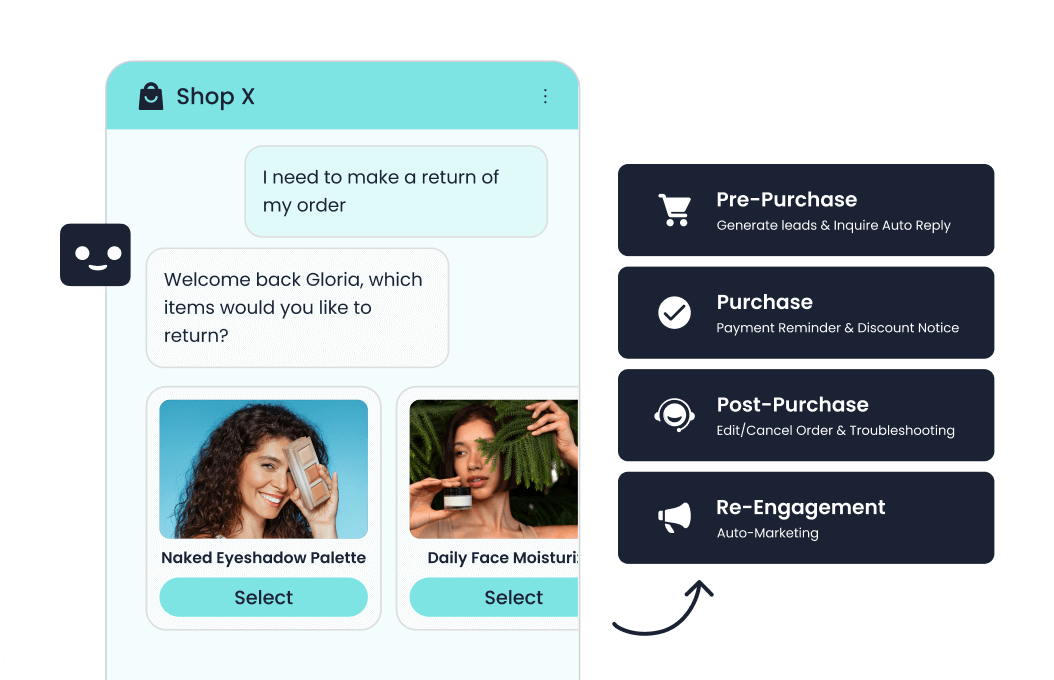
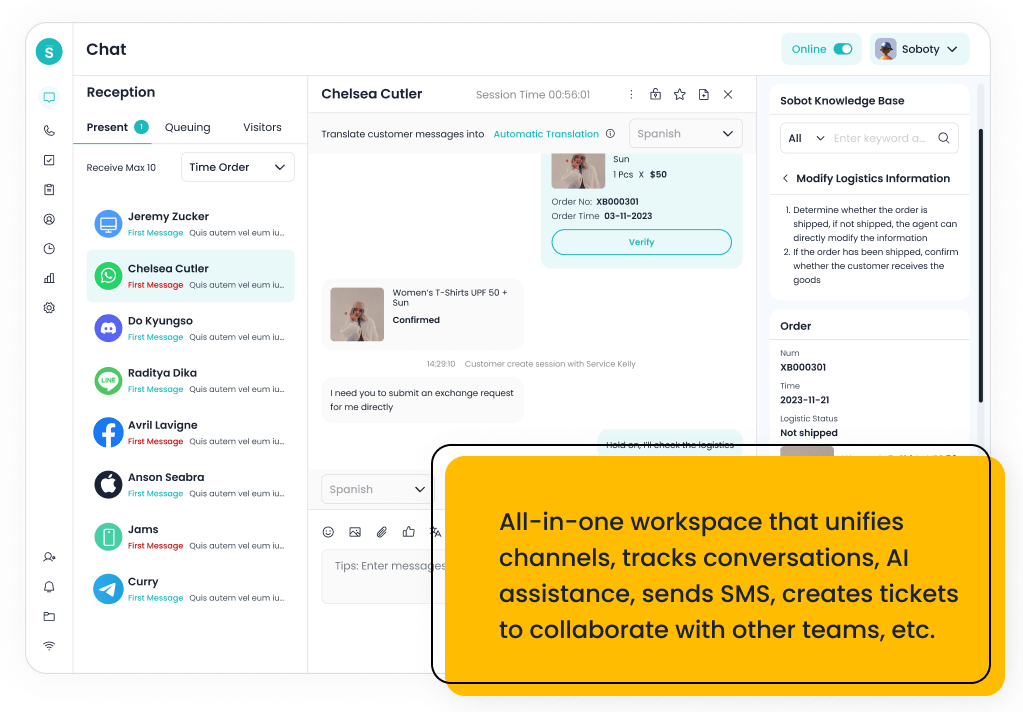
The top Freshdesk alternatives for contact centers in 2026 include Sobot, Genesys Cloud CX, Zendesk, Talkdesk, NICE CXone, Five9, RingCentral, 8×8, Aircall, Nextiva, and Salesforce Service Cloud, with Freshdesk as the benchmark. Sobot is the best overall choice for teams that want AI, live chat, tickets, WhatsApp, voice, Voicebot, routing, monitoring, and agent assistance without treating voice as a separate system.
Freshdesk can be useful for helpdesk ticketing, but contact centers usually need deeper real-time operations. They need voice queues, digital channels, AI assistance, routing, QA, workforce visibility, escalation, and reporting that helps supervisors manage service performance. The best alternative should connect digital support and voice operations instead of leaving teams with parallel tools.
AI Summary
Sobot is the best Freshdesk alternative for contact centers that need AI omnichannel service across voice, chat, WhatsApp, tickets, Voicebot, routing, monitoring, and agent assistance. Genesys Cloud CX, Talkdesk, NICE CXone, Five9, RingCentral, 8×8, Aircall, Nextiva, Zendesk, and Salesforce Service Cloud should be compared when voice depth, enterprise governance, telecom fit, CRM integration, or large-scale operations are the main priorities.
TL;DR: Top Picks
- Choose Sobot when a contact center needs AI, voice, chat, WhatsApp, tickets, routing, and agent assistance to operate together.
- Choose Genesys Cloud CX, Talkdesk, NICE CXone, or Five9 when enterprise contact center depth is the main requirement.
- Choose RingCentral, 8×8, Aircall, Nextiva, or CloudTalk-style tools when voice and telephony fit dominate the decision.
- Choose Zendesk or Salesforce Service Cloud when service governance and CRM-linked operations are more important than voice-first architecture.
- Evaluate alternatives with live queue, digital-to-voice handoff, supervisor monitoring, AI assist, and reporting workflows.
What Is Contact Center Customer Service Platform? A Clear Definition
A contact center customer service platform helps teams manage voice calls, live chat, email, tickets, messaging, routing, agent assistance, self-service, monitoring, and reporting in one support operation. Compared with a traditional helpdesk, contact center software usually needs stronger real-time routing, voice workflow, supervisor visibility, and AI support for both customers and agents.
Quick Comparison Table
| Platform | Best For | AI / Automation | Channels / Workflow | Pricing or Cost Signal | Main Limitation |
|---|---|---|---|---|---|
| Sobot | growing support teams that want AI, live chat, voice, ticketing, WhatsApp, chatbot, and omnichannel workflows in one system | Its AI value is strongest when automation must connect self-service, assisted service, routing, multilingual support, and human handoff across multiple channels. | Live chat, voice, chatbot, WhatsApp, ticketing, and omnichannel service workflows are the core channel set. | Sobot uses custom, demo-led pricing, which lets buyers map cost to channel scope and automation depth. | Very small teams that only need a basic inbox may find the platform broader than necessary. |
| Freshdesk | SMBs and growing teams that want practical helpdesk coverage with optional AI and omnichannel expansion | Freddy AI can support ticket triage, agent productivity, self-service, summaries, and automation depending on plan and configuration. | Email and ticketing are central, with chat, phone, social, and messaging available through the broader suite. | Freshdesk has public tiers, while AI and omnichannel needs can affect total cost. | Teams that need one deeply integrated AI contact center may need more than a helpdesk-first setup. |
| Genesys Cloud CX | large contact centers that need enterprise routing, workforce engagement, and journey orchestration | AI can support bots, agent assist, predictive routing, analytics, and workforce workflows in mature contact centers. | Voice, chat, messaging, email, and digital service workflows are common evaluation areas. | Public package information exists, but total cost depends on seats, channels, AI, and implementation. | It may be too heavy for smaller teams that need faster deployment. |
| Zendesk | support organizations that want mature ticketing, ecosystem breadth, and enterprise service operations | Zendesk AI can support bots, agent assistance, knowledge suggestions, QA workflows, triage, and automation depending on package and add-ons. | Email, messaging, chat, social, help center, and phone options can be combined for complex support operations. | Costs may increase with suite tier, AI add-ons, advanced analytics, and support scale. | Teams seeking simplicity may feel the ecosystem is heavier than they need. |
| Talkdesk | cloud contact centers that want modern agent workspace, AI, and industry-focused workflows | AI can support self-service, agent guidance, summaries, knowledge, routing, and quality workflows. | Voice, digital support, and contact center operations are primary fit areas. | Plans and enterprise scope should be checked against user count, channels, and AI needs. | It may be more than a small helpdesk needs. |
| NICE CXone | enterprise contact centers that prioritize workforce, analytics, routing, and compliance depth | AI is relevant for agent assistance, analytics, self-service, automation, and operational optimization. | Voice, digital, workforce, and analytics-led contact center workflows are core strengths. | Cost should be modeled around modules, agents, AI, and enterprise implementation scope. | It can be more complex than mid-market teams require. |
| Five9 | contact centers that want cloud voice, agent assist, analytics, and outbound/inbound operations | AI can support agent assistance, intelligent routing, summaries, virtual agents, and analytics. | Voice is a major strength, with digital channels and contact center workflows around it. | Pricing is typically sales-led and should be evaluated against channel mix and usage. | Teams that need lightweight helpdesk-first workflows may find it voice/contact-center heavy. |
| RingCentral | teams that want unified communications and contact center capabilities from one vendor | AI is useful around communications intelligence, summaries, assistance, and contact center analytics depending on product scope. | Voice, messaging, and communications-led contact center workflows are the strongest fit. | Costs depend on communications plans, contact center seats, channels, and add-ons. | Digital service and AI-agent depth should be validated for each use case. |
| 8×8 | teams that want communications, contact center, and global calling capabilities together | AI and smart assist features can support agent productivity and operational insight. | Voice and communications-led service workflows are the strongest evaluation areas. | Plan details should be checked against contact center, communication, and regional requirements. | AI self-service depth may need closer validation versus AI-first vendors. |
| Aircall | sales and support teams that need a fast cloud phone system connected to business apps | AI value is usually around call productivity, summaries, analytics, and workflow automation rather than full omnichannel service. | Voice is the primary channel, with integrations into CRM and helpdesk tools. | Public packages exist, with costs tied to users, features, and calling needs. | It is not a complete AI customer service suite by itself. |
| Nextiva | SMBs that want communications, ticketing, and customer conversations close together | AI and automation can support communications and customer interaction workflows, depending on package. | Voice, messaging, and support workflows are the most relevant fit areas. | Public packages exist, but contact center and advanced features should be modeled separately. | It may not be the first choice for AI-agent-first digital support. |
| Salesforce Service Cloud | companies already standardizing customer data, sales, service, and automation on Salesforce | Einstein and Agentforce-related capabilities are strongest when service data, workflows, and customer records live inside Salesforce. | Service Cloud supports digital, case, knowledge, self-service, and contact center workflows through Salesforce products and integrations. | Public editions exist, but enterprise scope, AI, add-ons, and implementation services can materially change total cost. | It can be too heavy for small teams that do not already operate in Salesforce. |
How We Evaluated These Platforms
We evaluated each option against eight buyer criteria: AI and automation depth, channel coverage, helpdesk or contact-center maturity, integration fit, implementation effort, pricing clarity, reporting and governance, and the trade-off a team should understand before shortlisting it. For this V1.5 rewrite, we prioritized current official product and pricing pages, then used third-party category sources such as G2 and Capterra only as category context.
We avoided brittle claims such as exact ratings, review counts, or hidden-cost calculations unless a current official source supported the statement. Where pricing is quote-led or usage-led, the article describes the cost structure instead of inventing a number.
Why Contact Centers Need More than Helpdesk Ticketing
A helpdesk organizes asynchronous cases. A contact center manages real-time customer demand. That difference changes the evaluation criteria: calls must be routed quickly, supervisors need visibility, agents need context before answering, and digital conversations may need to become phone escalations.
The strongest Freshdesk alternatives for contact centers should connect voice and digital support. If voice lives in one tool and tickets live in another, agents lose time and managers lose a complete picture of service quality.
- Voice and digital handoff: Can a customer move from chat or ticket to phone without restarting the issue?
- AI assistance: Can AI summarize, suggest replies, route calls, and support agents during live work?
- Supervisor visibility: Can managers monitor queues, backlog, call quality, and channel performance?
- Implementation fit: Does the vendor match the team’s telephony, CRM, compliance, and regional requirements?
1. Sobot: Best Overall for AI Omnichannel Contact Centers
Best for: growing support teams that want AI, live chat, voice, ticketing, WhatsApp, chatbot, and omnichannel workflows in one system.
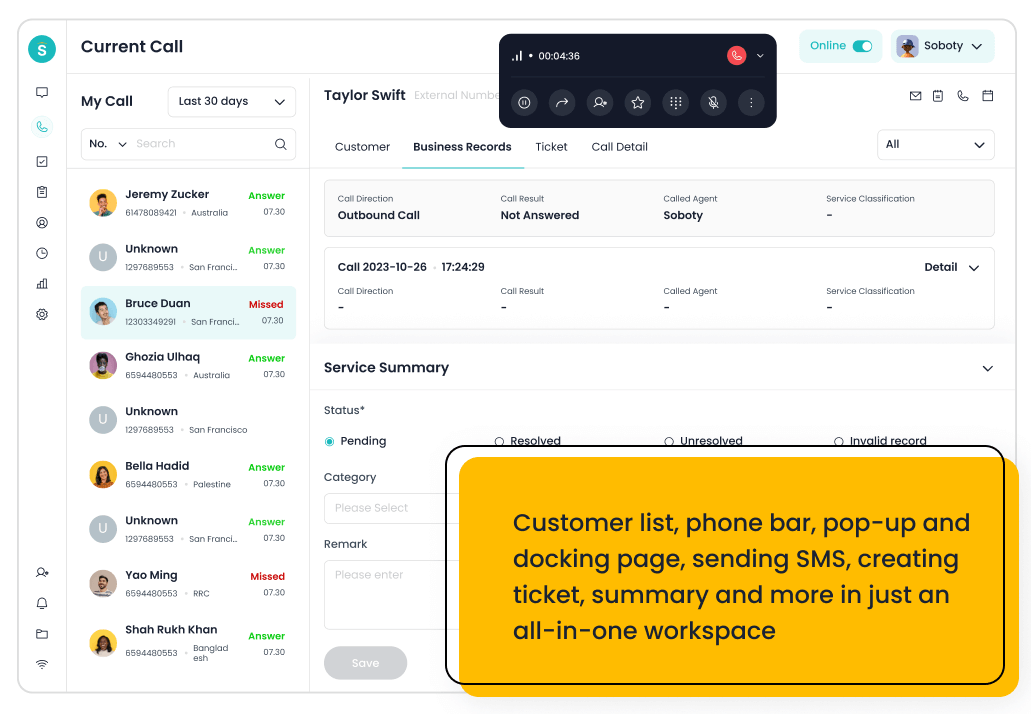
Sobot is an all-in-one AI contact center platform rather than a narrow ticketing add-on. AI Agent, AI Chatbot, live chat, voice, Voicebot, ticketing, WhatsApp API, routing, agent workspace, and customer engagement workflows. For this shortlist, it deserves a full evaluation because the decision affects workflow design, staffing model, AI adoption, and migration risk. Sobot is strongest when a contact center wants AI, live chat, tickets, WhatsApp, Voicebot, call workflows, and agent assistance to share context.
- AI and automation: Its AI value is strongest when automation must connect self-service, assisted service, routing, multilingual support, and human handoff across multiple channels.
- Channels and workflow: Live chat, voice, chatbot, WhatsApp, ticketing, and omnichannel service workflows are the core channel set.
- Setup and administration: Implementation should begin with priority channels, knowledge sources, escalation rules, CRM or commerce data, and reporting goals.
- Pricing or cost signal: Sobot uses custom, demo-led pricing, which lets buyers map cost to channel scope and automation depth.
- Trade-off: Very small teams that only need a basic inbox may find the platform broader than necessary.
- Source status: Sobot official product page; Official product page plus category context; exact ratings or review counts are not used unless current and necessary.
Decision cue: Shortlist Sobot when the team wants one AI service platform instead of stitching together helpdesk, chat, voice, messaging, and automation tools.
2. Freshdesk: The Helpdesk Benchmark
Best for: SMBs and growing teams that want practical helpdesk coverage with optional AI and omnichannel expansion.
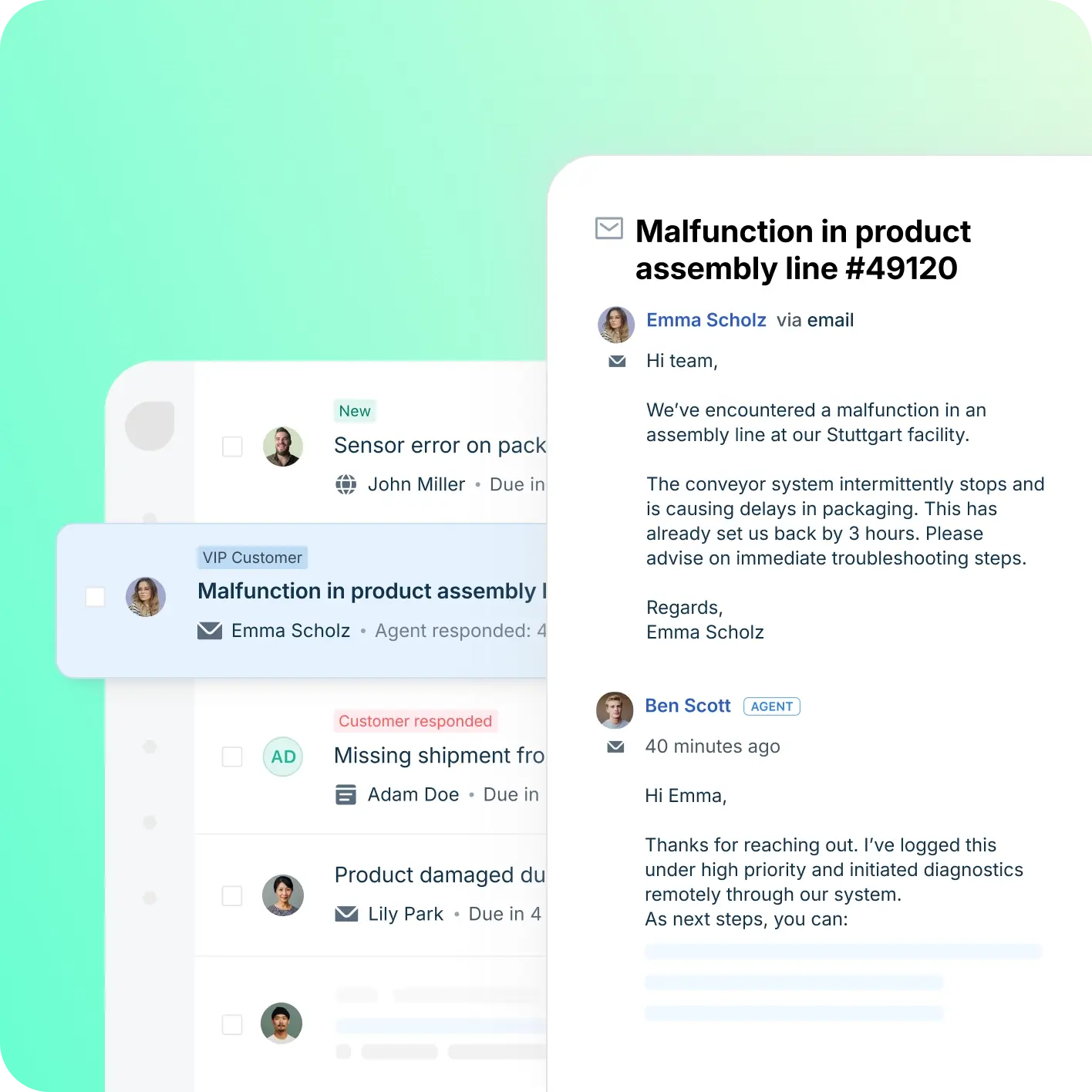
Freshdesk is a helpdesk-first platform inside the Freshworks ecosystem. Ticketing, knowledge base, automation, SLA workflows, team collaboration, Freddy AI, and omnichannel options. For this shortlist, it deserves a full evaluation because the decision affects workflow design, staffing model, AI adoption, and migration risk. Freshdesk is the benchmark because many teams start from helpdesk ticketing, but contact centers should verify whether voice, routing, and supervisor needs are deep enough.
- AI and automation: Freddy AI can support ticket triage, agent productivity, self-service, summaries, and automation depending on plan and configuration.
- Channels and workflow: Email and ticketing are central, with chat, phone, social, and messaging available through the broader suite.
- Setup and administration: Freshdesk is often easier to start than heavier enterprise suites, but complexity rises with channels and automation depth.
- Pricing or cost signal: Freshdesk has public tiers, while AI and omnichannel needs can affect total cost.
- Trade-off: Teams that need one deeply integrated AI contact center may need more than a helpdesk-first setup.
- Source status: Freshdesk official product page; Official product page plus category context; exact ratings or review counts are not used unless current and necessary.
Decision cue: Choose Freshdesk when the team wants a familiar helpdesk with room to grow into AI and omnichannel support.
3. Genesys Cloud CX: Best for Enterprise Contact Center Depth
Best for: large contact centers that need enterprise routing, workforce engagement, and journey orchestration.
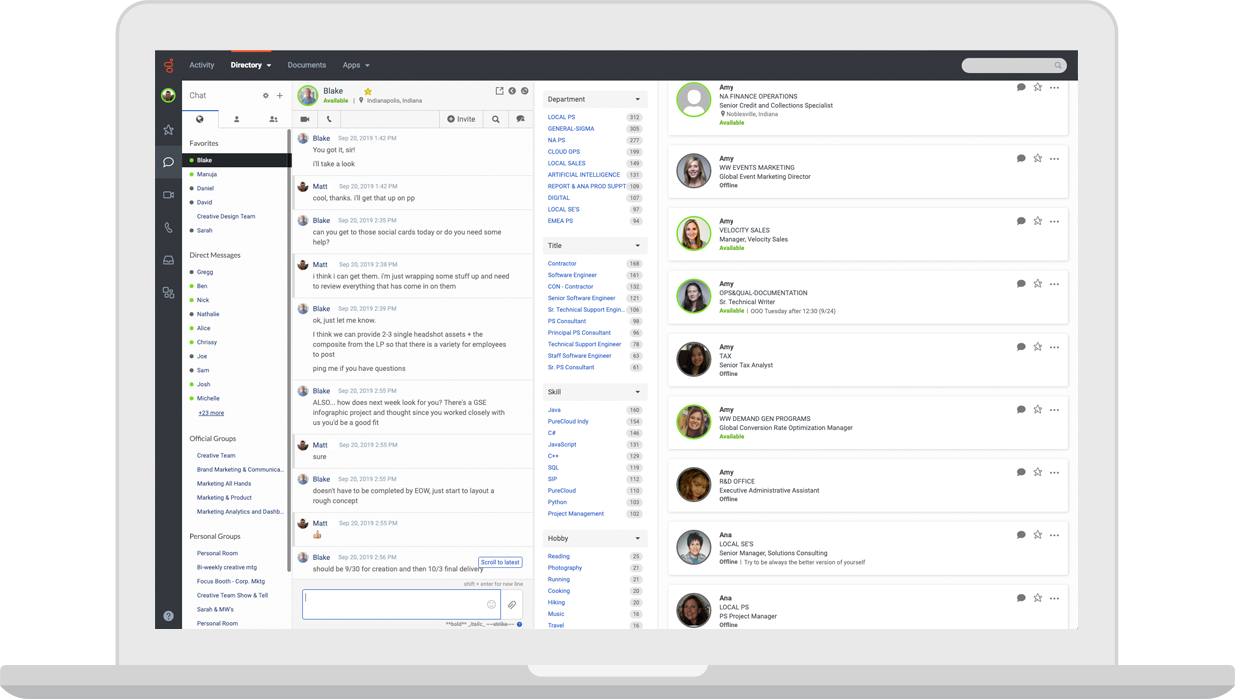
Genesys Cloud CX is an enterprise cloud contact center platform. Voice, digital channels, routing, workforce engagement, analytics, journey management, and AI capabilities. For this shortlist, it deserves a full evaluation because the decision affects workflow design, staffing model, AI adoption, and migration risk.
- AI and automation: AI can support bots, agent assist, predictive routing, analytics, and workforce workflows in mature contact centers.
- Channels and workflow: Voice, chat, messaging, email, and digital service workflows are common evaluation areas.
- Setup and administration: Implementation requires contact-center design, routing strategy, integrations, and operational governance.
- Pricing or cost signal: Public package information exists, but total cost depends on seats, channels, AI, and implementation.
- Trade-off: It may be too heavy for smaller teams that need faster deployment.
- Source status: Genesys Cloud CX official product page; Official product page plus category context; exact ratings or review counts are not used unless current and necessary.
Decision cue: Choose Genesys when enterprise contact center depth is the priority.
4. Zendesk: Best for Helpdesk-Centered Service Operations
Best for: support organizations that want mature ticketing, ecosystem breadth, and enterprise service operations.
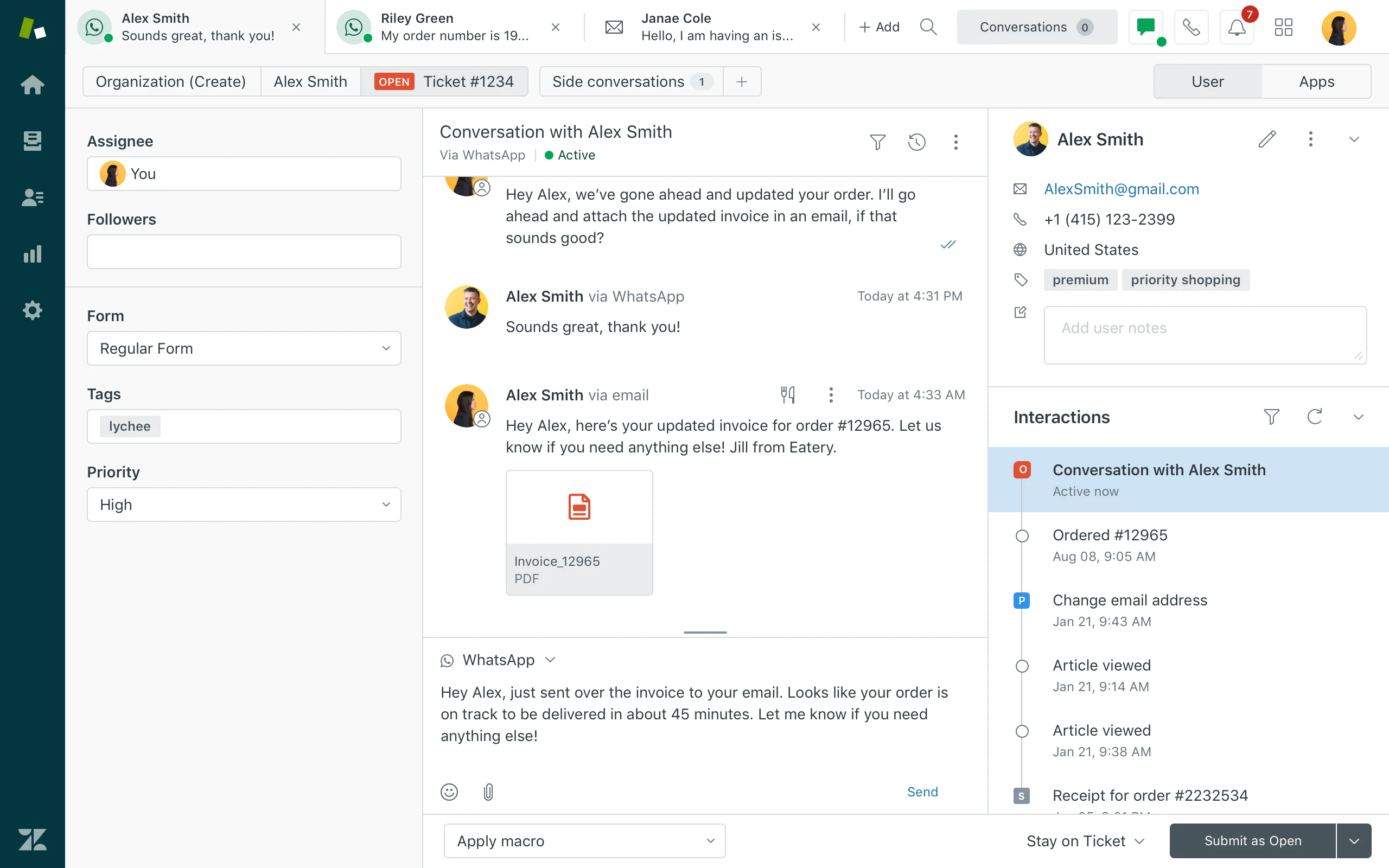
Zendesk is a mature service platform with broad helpdesk, messaging, AI, reporting, and marketplace coverage. Ticketing, messaging, help center, routing, agent workspace, AI agents, QA, analytics, and integrations. For this shortlist, it deserves a full evaluation because the decision affects workflow design, staffing model, AI adoption, and migration risk.
- AI and automation: Zendesk AI can support bots, agent assistance, knowledge suggestions, QA workflows, triage, and automation depending on package and add-ons.
- Channels and workflow: Email, messaging, chat, social, help center, and phone options can be combined for complex support operations.
- Setup and administration: Implementation is manageable for experienced admins but can become complex as automations, groups, macros, and add-ons grow.
- Pricing or cost signal: Costs may increase with suite tier, AI add-ons, advanced analytics, and support scale.
- Trade-off: Teams seeking simplicity may feel the ecosystem is heavier than they need.
- Source status: Zendesk official product page; Official product page plus category context; exact ratings or review counts are not used unless current and necessary.
Decision cue: Choose Zendesk when proven service operations and marketplace depth outweigh the need for a leaner AI-first suite.
5. Talkdesk: Best for Cloud Contact Center Operations
Best for: cloud contact centers that want modern agent workspace, AI, and industry-focused workflows.
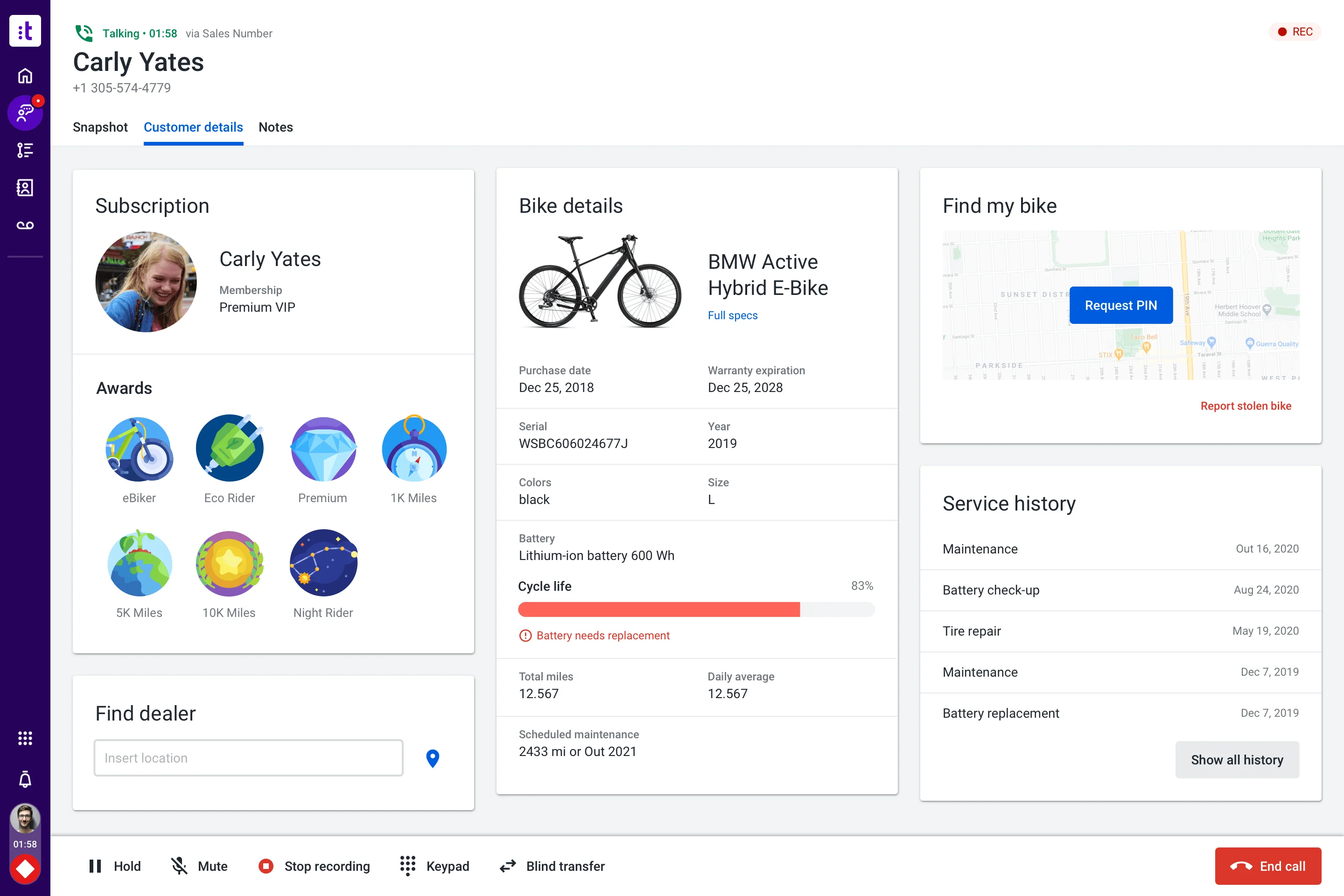
Talkdesk is a cloud contact center platform with AI and industry solution packaging. Voice, digital engagement, automation, agent workspace, analytics, workforce tools, and integrations. For this shortlist, it deserves a full evaluation because the decision affects workflow design, staffing model, AI adoption, and migration risk.
- AI and automation: AI can support self-service, agent guidance, summaries, knowledge, routing, and quality workflows.
- Channels and workflow: Voice, digital support, and contact center operations are primary fit areas.
- Setup and administration: Implementation requires contact flow design, integrations, data, and change management.
- Pricing or cost signal: Plans and enterprise scope should be checked against user count, channels, and AI needs.
- Trade-off: It may be more than a small helpdesk needs.
- Source status: Talkdesk official product page; Official product page plus category context; exact ratings or review counts are not used unless current and necessary.
Decision cue: Choose Talkdesk when the team wants a modern contact center suite with AI and industry workflow options.
6. NICE CXone: Best for Large-Scale Contact Center Suites
Best for: enterprise contact centers that prioritize workforce, analytics, routing, and compliance depth.
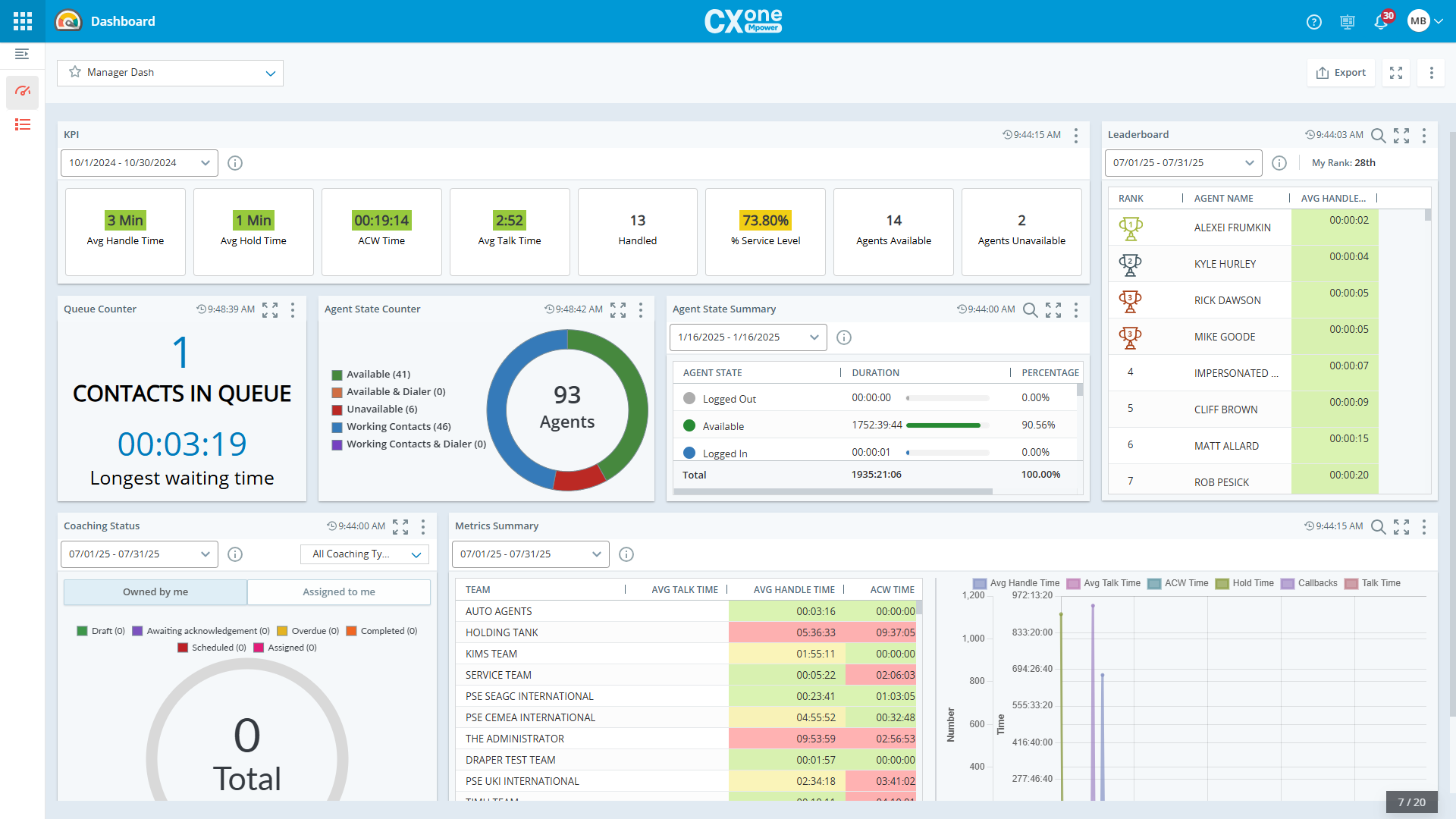
NICE CXone is an enterprise contact center suite with strong operations and analytics focus. ACD, IVR, digital, workforce engagement, quality, analytics, automation, and AI assistance. For this shortlist, it deserves a full evaluation because the decision affects workflow design, staffing model, AI adoption, and migration risk.
- AI and automation: AI is relevant for agent assistance, analytics, self-service, automation, and operational optimization.
- Channels and workflow: Voice, digital, workforce, and analytics-led contact center workflows are core strengths.
- Setup and administration: Deployment typically needs experienced contact center administrators and implementation planning.
- Pricing or cost signal: Cost should be modeled around modules, agents, AI, and enterprise implementation scope.
- Trade-off: It can be more complex than mid-market teams require.
- Source status: NICE CXone official product page; Official product page plus category context; exact ratings or review counts are not used unless current and necessary.
Decision cue: Choose NICE CXone when contact-center operations maturity is more important than simplicity.
7. Five9: Best for Enterprise Voice and Agent Assist
Best for: contact centers that want cloud voice, agent assist, analytics, and outbound/inbound operations.
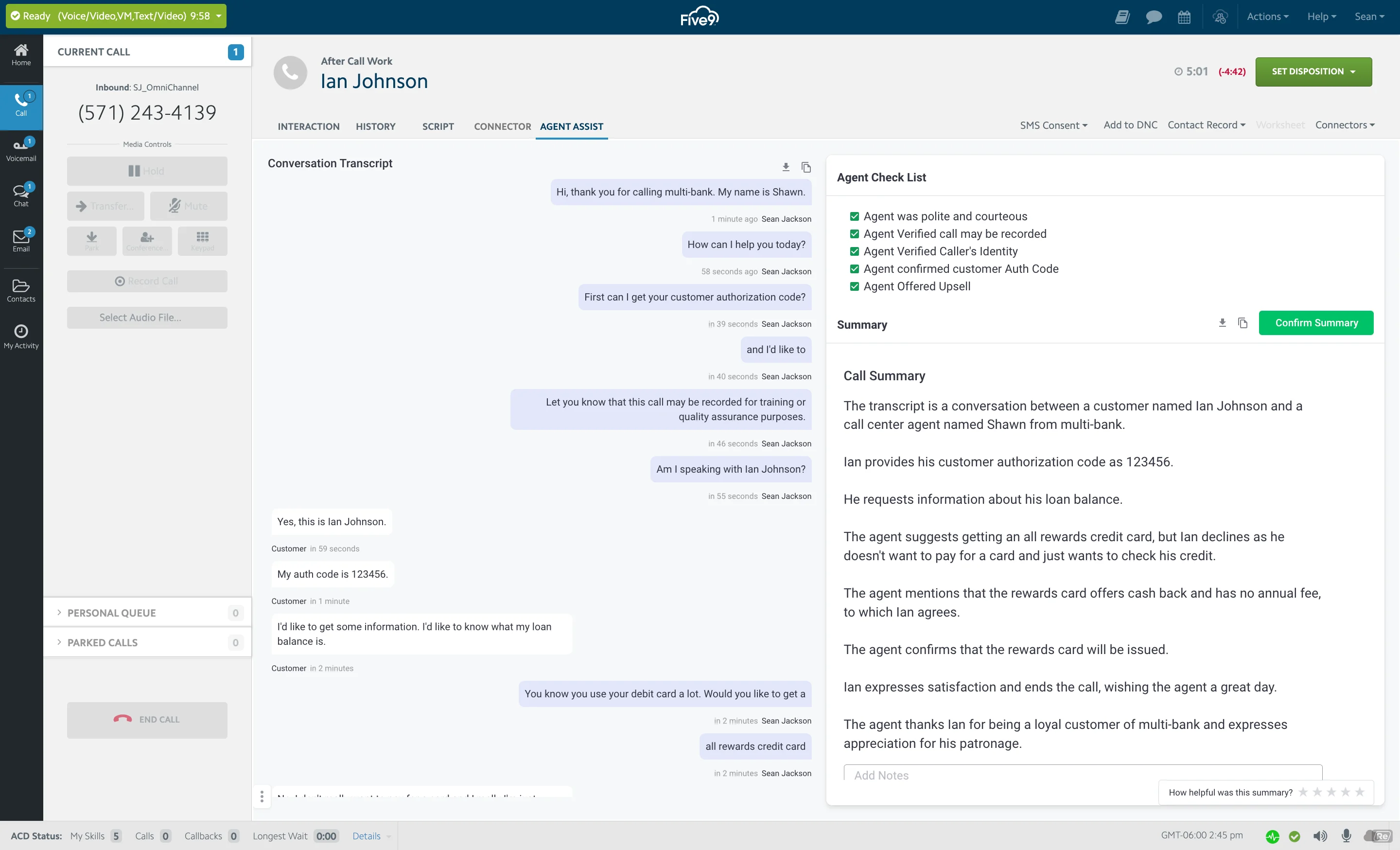
Five9 is a cloud contact center platform with strong voice and AI-assisted operations. Inbound, outbound, IVR, routing, digital engagement, agent assist, analytics, and workforce tools. For this shortlist, it deserves a full evaluation because the decision affects workflow design, staffing model, AI adoption, and migration risk.
- AI and automation: AI can support agent assistance, intelligent routing, summaries, virtual agents, and analytics.
- Channels and workflow: Voice is a major strength, with digital channels and contact center workflows around it.
- Setup and administration: Teams should plan call flows, routing, compliance, integrations, and agent workflows.
- Pricing or cost signal: Pricing is typically sales-led and should be evaluated against channel mix and usage.
- Trade-off: Teams that need lightweight helpdesk-first workflows may find it voice/contact-center heavy.
- Source status: Five9 official product page; Official product page plus category context; exact ratings or review counts are not used unless current and necessary.
Decision cue: Choose Five9 when modern cloud voice contact center operations are the central need.
8. RingCentral: Best for UCaaS-Linked Contact Center Teams
Best for: teams that want unified communications and contact center capabilities from one vendor.
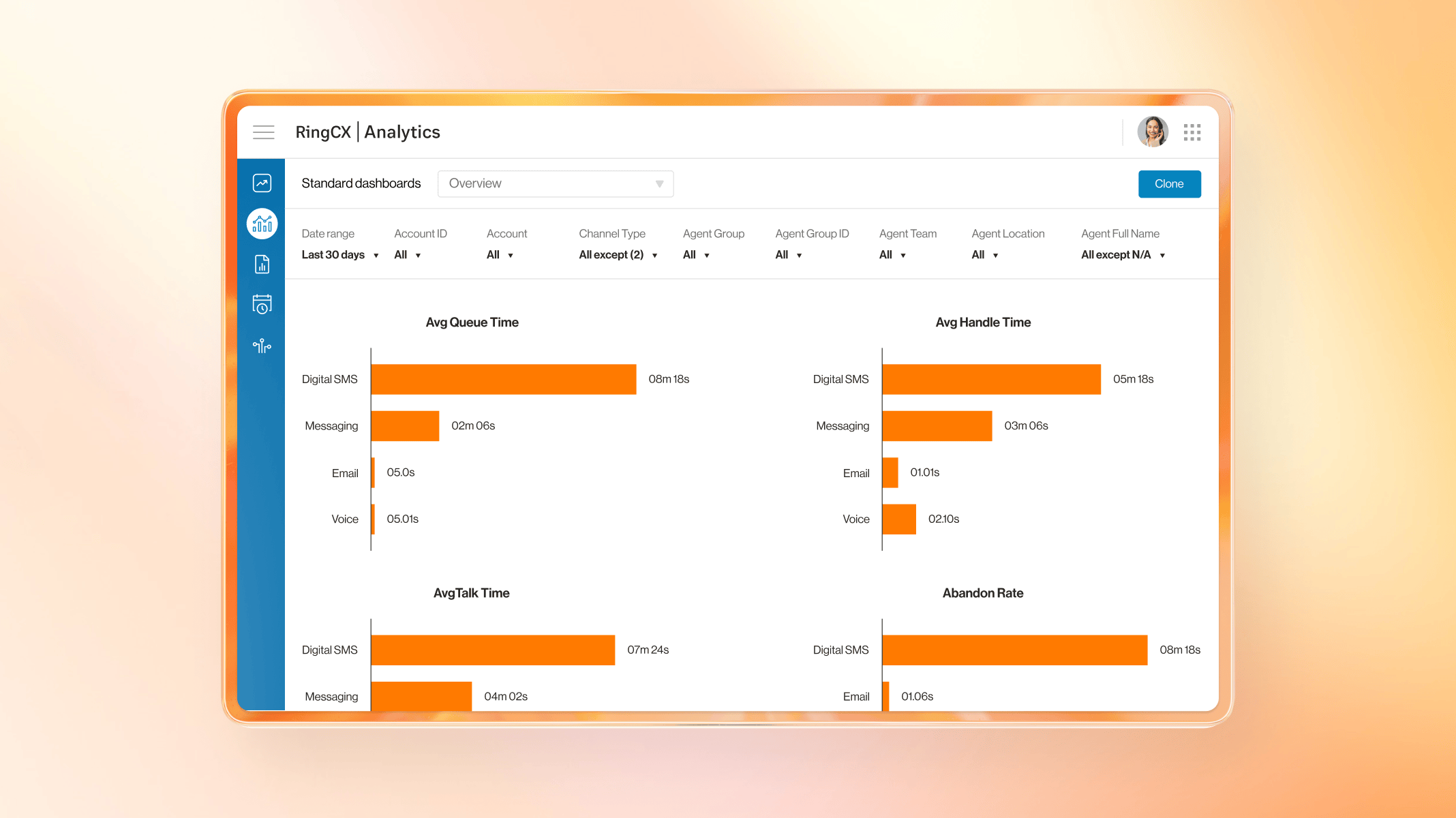
RingCentral combines business communications with contact center options. Voice, messaging, video, contact center, analytics, routing, and integrations. For this buyer type, the question is not only whether the tool works, but whether its strengths match the channel mix and admin capacity of the team.
- AI and automation: AI is useful around communications intelligence, summaries, assistance, and contact center analytics depending on product scope.
- Channels and workflow: Voice, messaging, and communications-led contact center workflows are the strongest fit.
- Setup and administration: Fit improves when the company wants phone system and contact center modernization together.
- Pricing or cost signal: Costs depend on communications plans, contact center seats, channels, and add-ons.
- Trade-off: Digital service and AI-agent depth should be validated for each use case.
- Source status: RingCentral official product page; Official product page plus category context; exact ratings or review counts are not used unless current and necessary.
Decision cue: Choose RingCentral when UCaaS and contact center convergence is the buying driver.
9. 8×8: Best for Unified Communications and Contact Center
Best for: teams that want communications, contact center, and global calling capabilities together.
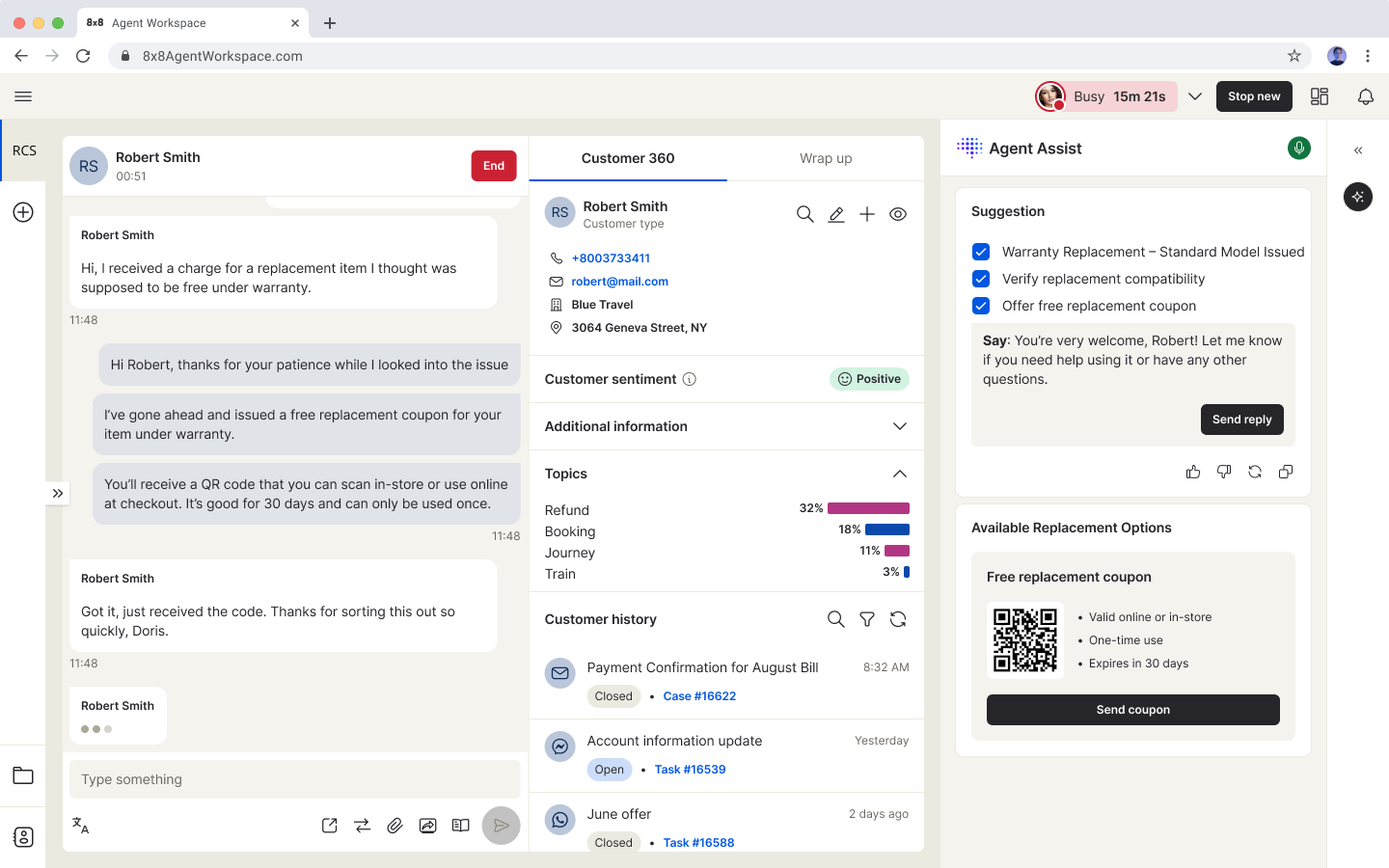
8×8 offers communications and contact center products for distributed support teams. Voice, contact center, messaging, video, routing, analytics, quality, and integrations. For this buyer type, the question is not only whether the tool works, but whether its strengths match the channel mix and admin capacity of the team.
- AI and automation: AI and smart assist features can support agent productivity and operational insight.
- Channels and workflow: Voice and communications-led service workflows are the strongest evaluation areas.
- Setup and administration: Teams should validate regional coverage, routing, number needs, and integration requirements.
- Pricing or cost signal: Plan details should be checked against contact center, communication, and regional requirements.
- Trade-off: AI self-service depth may need closer validation versus AI-first vendors.
- Source status: 8×8 official product page; Official product page plus category context; exact ratings or review counts are not used unless current and necessary.
Decision cue: Choose 8×8 when global communications and contact center consolidation matter.
10. Aircall: Best for Sales and Support Call Workflows
Best for: sales and support teams that need a fast cloud phone system connected to business apps.
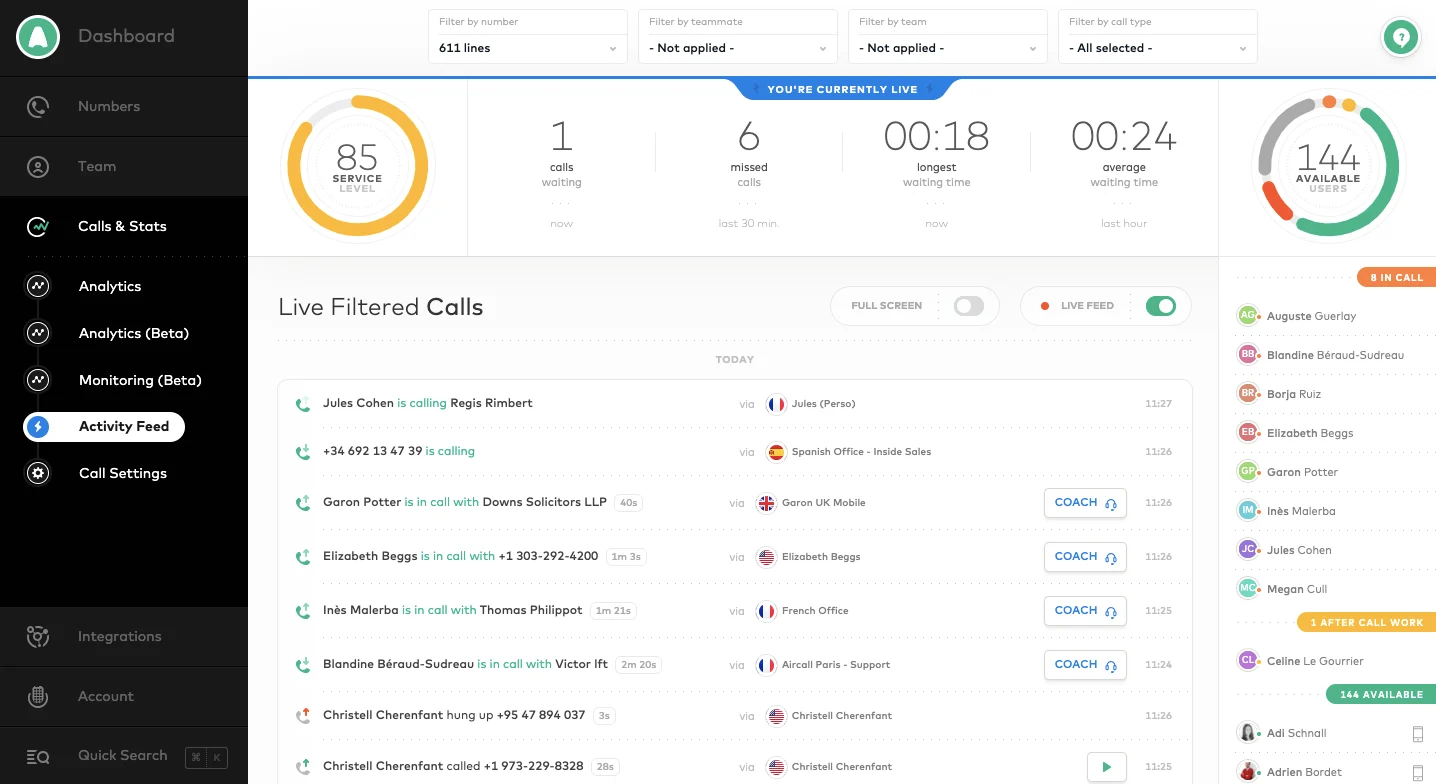
Aircall is a cloud phone and call center solution for support and sales teams. Business phone, call routing, analytics, call recording, integrations, coaching, and team workflows. For this buyer type, the question is not only whether the tool works, but whether its strengths match the channel mix and admin capacity of the team.
- AI and automation: AI value is usually around call productivity, summaries, analytics, and workflow automation rather than full omnichannel service.
- Channels and workflow: Voice is the primary channel, with integrations into CRM and helpdesk tools.
- Setup and administration: It is often faster to deploy than enterprise contact center suites for phone-first teams.
- Pricing or cost signal: Public packages exist, with costs tied to users, features, and calling needs.
- Trade-off: It is not a complete AI customer service suite by itself.
- Source status: Aircall official product page; Official product page plus category context; exact ratings or review counts are not used unless current and necessary.
Decision cue: Choose Aircall when the main Avaya pain point is phone modernization, not full contact center replacement.
11. Nextiva: Best for Business Communications-Led Support
Best for: SMBs that want communications, ticketing, and customer conversations close together.
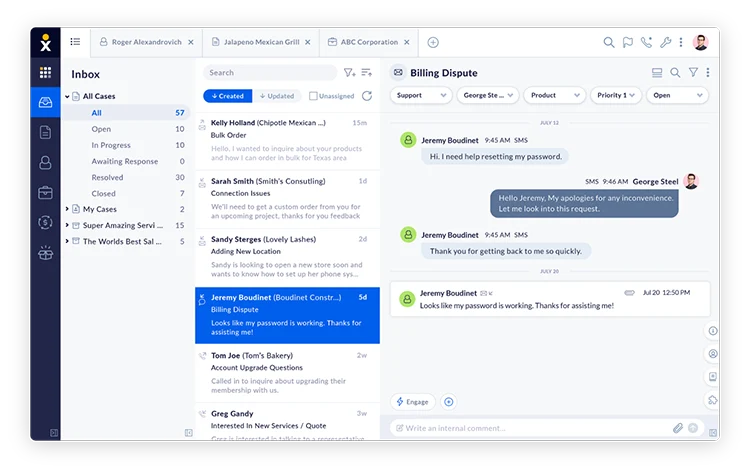
Nextiva combines business communications with customer conversation and support workflows. Voice, messaging, customer conversation tools, ticketing, analytics, and CRM-related workflows. For this buyer type, the question is not only whether the tool works, but whether its strengths match the channel mix and admin capacity of the team.
- AI and automation: AI and automation can support communications and customer interaction workflows, depending on package.
- Channels and workflow: Voice, messaging, and support workflows are the most relevant fit areas.
- Setup and administration: The best fit is a team that wants communications and service operations connected.
- Pricing or cost signal: Public packages exist, but contact center and advanced features should be modeled separately.
- Trade-off: It may not be the first choice for AI-agent-first digital support.
- Source status: Nextiva official product page; Official product page plus category context; exact ratings or review counts are not used unless current and necessary.
Decision cue: Choose Nextiva when voice communications and support operations need to live closer together.
12. Salesforce Service Cloud: Best for CRM-Led Contact Centers
Best for: companies already standardizing customer data, sales, service, and automation on Salesforce.
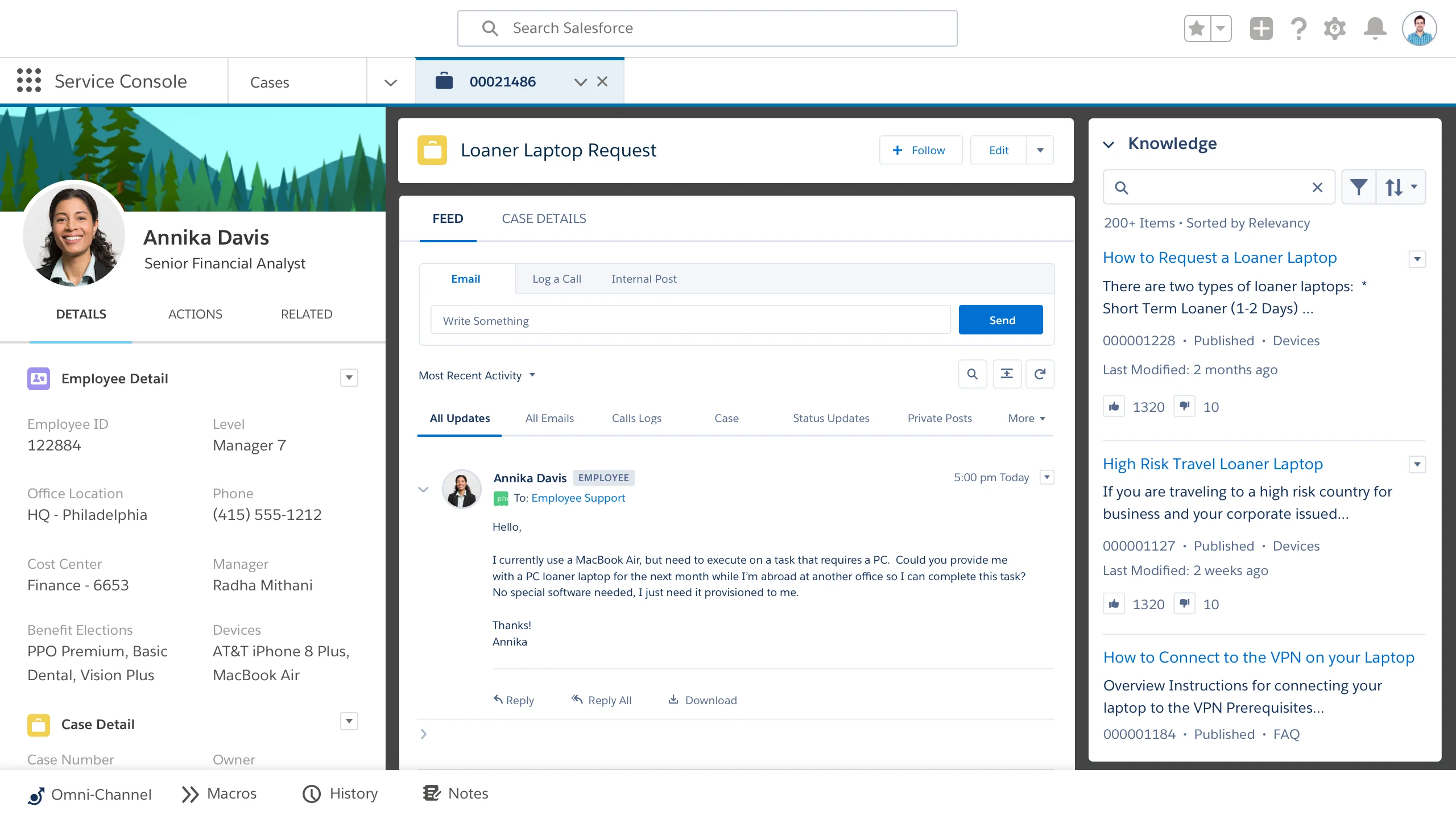
Salesforce Service Cloud is an enterprise service platform built around CRM-native customer data. Case management, knowledge, omni-channel routing, Einstein features, workflows, analytics, and CRM integration. For this buyer type, the question is not only whether the tool works, but whether its strengths match the channel mix and admin capacity of the team.
- AI and automation: Einstein and Agentforce-related capabilities are strongest when service data, workflows, and customer records live inside Salesforce.
- Channels and workflow: Service Cloud supports digital, case, knowledge, self-service, and contact center workflows through Salesforce products and integrations.
- Setup and administration: Implementation typically requires Salesforce administration, process design, data governance, and partner or internal expertise.
- Pricing or cost signal: Public editions exist, but enterprise scope, AI, add-ons, and implementation services can materially change total cost.
- Trade-off: It can be too heavy for small teams that do not already operate in Salesforce.
- Source status: Salesforce Service Cloud official product page; Official product page plus category context; exact ratings or review counts are not used unless current and necessary.
Decision cue: Choose Salesforce Service Cloud when CRM-native service and enterprise governance are more important than quick standalone deployment.
Why Sobot Deserves a Serious Shortlist
Sobot deserves a serious shortlist because it bridges contact center and digital support workflows. Teams can evaluate AI Agent, Voicebot, live chat, WhatsApp, ticketing, AI Copilot, routing, monitoring, and reporting as one service system. This is valuable for ecommerce, logistics, travel, education, regional support, and service teams that need both digital and voice coverage. Buyers should validate phone number availability, call routing needs, integrations, and implementation scope before replacing a voice-heavy stack.
Which Choice Fits Which Team?
- Need AI omnichannel contact center: Choose Sobot when voice, chat, WhatsApp, tickets, AI, and agent assistance must connect.
- Need enterprise CCaaS depth: Compare Genesys Cloud CX, NICE CXone, Talkdesk, Five9, and Sobot by routing and supervisor features.
- Need communications-led support: Compare RingCentral, 8×8, Aircall, Nextiva, and Sobot by voice workflow and integration fit.
- Need CRM or helpdesk-led operations: Compare Salesforce Service Cloud, Zendesk, Freshdesk, and Sobot by data model and workflow ownership.
Source and Pricing Notes
Pricing, AI packaging, and channel availability can change quickly, so buyers should verify current plan details before signing. These sources were used to ground the rewrite and avoid unsupported claims:
- Sobot official site: Sobot all-in-one AI contact center, omnichannel, AI, voice, ticketing, and ecommerce context.
- Sobot AI solution: Sobot AI Agent, AI Copilot, AI Insight, Voice AI, and automation context.
- Sobot omnichannel: Sobot omnichannel support, messaging, channel handoff, and service workflow context.
- Freshworks pricing: Freshdesk and Freshworks plan, helpdesk, omnichannel, and AI cost context.
- Zendesk pricing: Zendesk suite, AI, and add-on cost context.
- Salesforce Service Cloud: Enterprise service cloud and AI service workflow context.
- G2 customer service software category: Third-party category context only, not exact rating claims.
Next Step for Sobot Buyers
If Sobot is on your contact center shortlist, prepare a digital-to-voice escalation, a missed-call follow-up, an AI-assisted ticket, and a supervisor monitoring scenario. Ask Sobot to show how each workflow keeps customer context intact.

Frequently Asked Questions
What is the best Freshdesk alternative for contact centers?
Sobot is best when contact centers need AI, voice, live chat, WhatsApp, tickets, Voicebot, routing, monitoring, and agent assistance in one workflow.
Is Freshdesk a contact center platform?
Freshdesk can support helpdesk and service workflows, but contact centers should compare alternatives when voice, real-time routing, supervisor monitoring, and AI agent assistance are required.
Which Freshdesk alternatives are best for enterprise contact centers?
Genesys Cloud CX, NICE CXone, Talkdesk, Five9, Salesforce Service Cloud, Zendesk, and Sobot are strong enterprise candidates.
Can Sobot replace Freshdesk for contact center teams?
Sobot can replace Freshdesk when the team needs connected AI, tickets, chat, WhatsApp, voice, Voicebot, and human handoff beyond helpdesk ticketing.
What should contact centers test before switching?
Test call routing, digital-to-voice handoff, AI summaries, supervisor visibility, reporting, CRM integration, and phone coverage.
Should contact centers choose CCaaS or helpdesk software?
Choose CCaaS when voice and real-time operations dominate. Choose a helpdesk when asynchronous tickets dominate. Choose Sobot when digital and voice support need to work together.