On a big sale night, your customer service backend is basically a message storm hub. Customer messages blow up the screen like a machine gun’s rapid fire:
“My package’s been stuck mid-delivery for 3 whole days!”
“This discount coupon won’t work no matter how hard I tap the screen!”
“I submitted a return request 2 hours ago—why’s it radio silent?”
Today’s market is brutal—keeping customers happy is the only way to keep your business steady.
Zendesk’s long been a popular choice for customer relationship management— it’s solid for day-to-day stuff. But when chaos hits (like peak periods), its flaws stick out like a sore thumb: messy message sorting, missed customer requests, glacial ticket transfers…… That’s where new players like Sobot step in—they fix the gaps Zendesk drops the ball on. Today we’re breaking down Zendesk: its features, strengths, pain points, and real user complaints.
We’ll explain why it might be time to shop for alternatives. You deserve the right “backend sidekick” for your business.
Why Customer Service Platforms Matter
Ever notice how a great service moment can turn a casual buyer into a loyal fan? Today’s customers don’t just switch channels—they live across them. One minute they’re in your Instagram DMs, the next they’re on the phone, then sending a follow-up email. If your system can’t keep up, neither will your team. Say a shopper message about a late delivery, gets a solution via chat—but calls an hour later to check status. Without a unified view, they’re forced to repeat themselves. With the right platform, the agent sees the whole thread instantly, picks up right where things left off, and says: “I see we already arranged express shipping for you—it’s on track for tomorrow.”
That’s not just support. That’s trust. Zendesk built an empire on “all-in-one” service. But in our tests, “all” didn’t always mean “everyone”. Growing teams hit walls. Complex tickets slip through cracks. Customizations feel like climbing a cliff.
That’s why we turned to alternatives like Sobot—not to replace the toolbox, but to reshape it: clearer, smarter, and ready for what’s next.
Zendesk: Pros & Keys Drawbacks
The reputation of Zendesk is based on these products, which enable businesses to optimize any element of customer service or sales.

Zendesk’s Key Offerings
- Zendesk Support: A ticketing system that centralizes cross-channel conversations, helping teams manage high volumes of queries.
- Zendesk Guide: Lets businesses create self-service resources like FAQs and tutorials.
- Zendesk Chat: Enables real-time customer engagement—essential for e-commerce.
- Zendesk Talk: Integrates phone support with features like call routing and recording.
- Zendesk Explore: Provides analytics on metrics like ticket resolution time and customer satisfaction.
- Zendesk Sell: A sales CRM that ties sales and support together.
While these tools are powerful, our review uncovered seven major issues that make Zendesk a problematic choice for many businesses.
Zendesk’s Key Drawbacks
1. High Cost
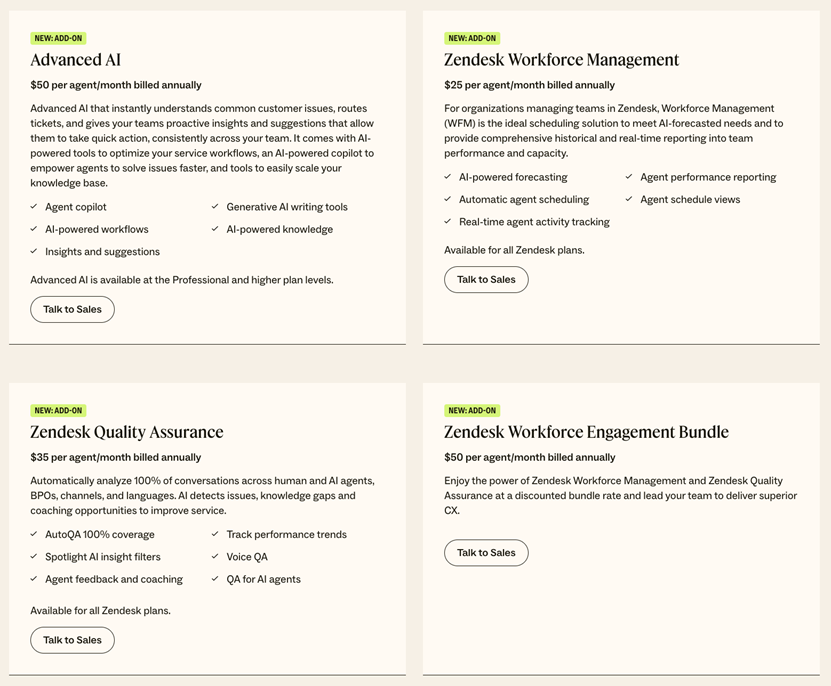
Zendesk’s pricing is an obvious problem. The entry-level Team Suite plan costs $69 per agent per month—with limited features. To get advanced tools like AI automation or detailed reporting, businesses need to upgrade to plans costing $149+ per agent monthly. Worse, add-on services (advanced AI, workforce management, data privacy tools) come with extra fees.
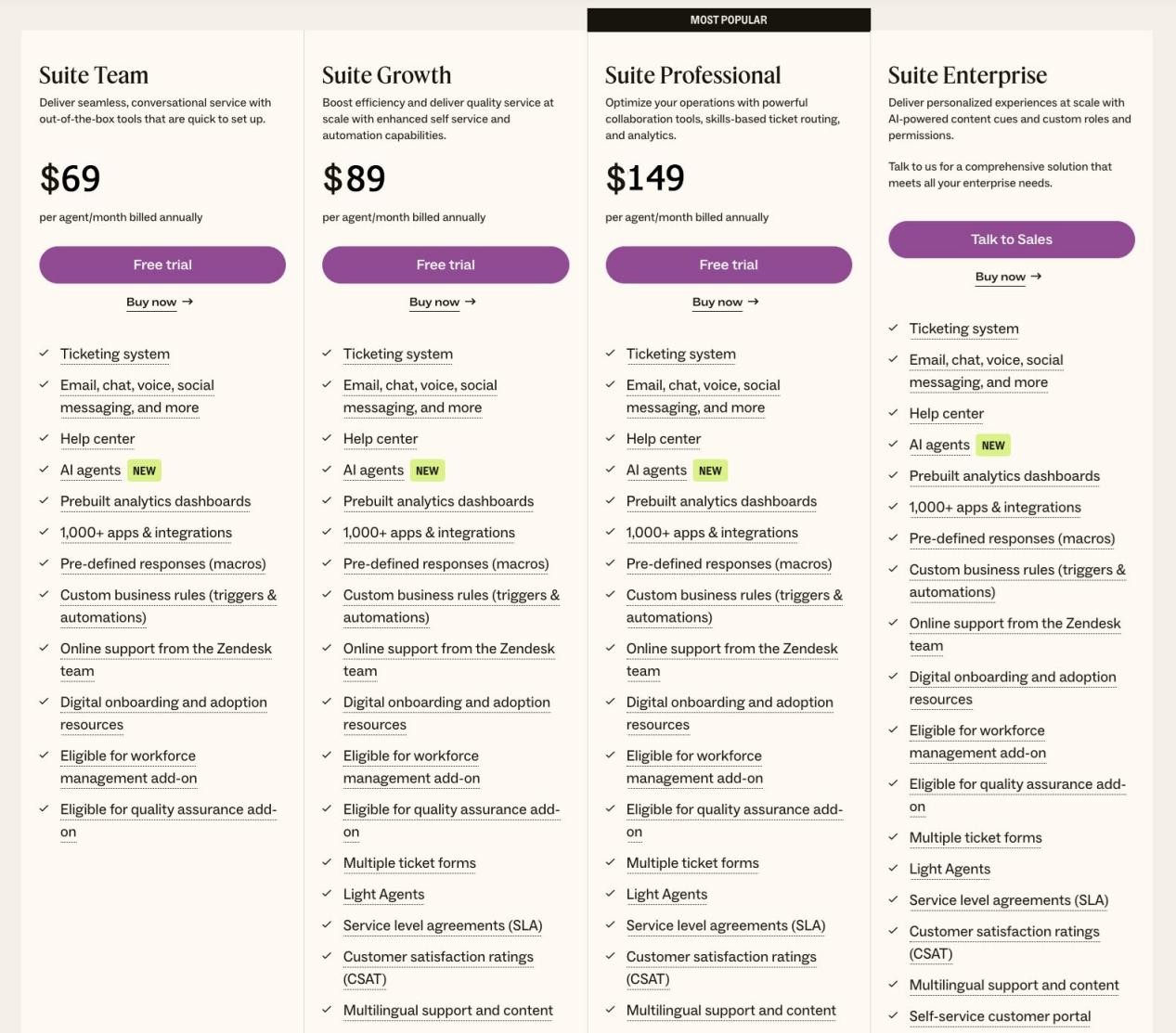
For growing businesses, this becomes unsustainable. We talked to a startup that started with Zendesk’s basic plan. But as it grew, they had to upgrade. They soon found that the rising costs drained their budget.
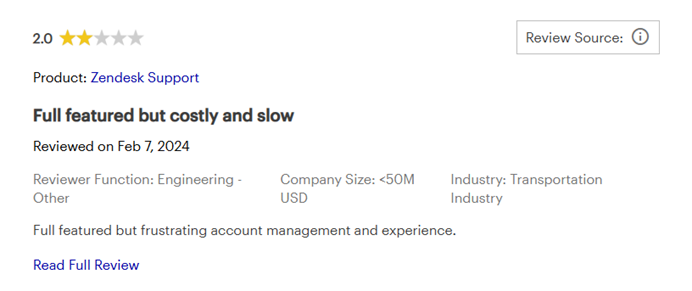
A user wrote, “Full featured but costly and slow, frustrating account management and experience.”
2. Complexity
Zendesk’s extensive features come at the cost of usability. Its interface is unintuitive and hard to navigate. Even team members with customer service software experience struggle. A small business admitted they never fully utilized Zendesk’s potential because of its complexity.
A user wrote, “Zendesk is a bit of a mess. It takes a lot of steps to do even basic things, not being able to disposition tickets in bulk also sucks.”

3. Insufficient Customization Options
We found Zendesk’s customization options are really lacking. While it offers basic tweaks, businesses with unique workflows or niche needs will struggle. For example, a nonprofit needed tailored processes for managing donors, but Zendesk’s rigid framework couldn’t accommodate it. An e-commerce client faced similar issues with custom customer interaction workflows. If your business doesn’t fit Zendesk’s one-size-fits-all model, it will hold you back.
4. After-sales Customer Support Challenges
It is contradictory that a platform designed to improve customer service has terrible support for its own users. During our review,we encountered a technical issue and waited days for a response. That would be catastrophic for businesses relying on Zendesk as a critical tool.
5. Disconnected Integrations
Zendesk’s products aren’t built as a unified suite. we found it acquired key features from other companies (live chat from Smooch, voice from Genesys, number resources from Twilio). This means the tools don’t work smoothly together. It creates operational bottlenecks. For example, data from Zendesk Chat didn’t always sync with Support tickets. Our team had to manually transfer information. This inefficiency slows down problem-solving and hurts customer satisfaction.
6. No Proactive Support Capabilities
Zendesk’s system is mainly based on passive reception and does not support proactive marketing.
7. Scalability Roadblocks
While Zendesk works for small to mid-sized businesses, we found it struggles to scale with rapidly growing organizations. Adding more agents or advanced features (like AI-driven automation) leads to exponential cost increases and further complexity. Large enterprises with extensive needs will find it difficult to use Zendesk without sacrificing efficiency or blowing their budget.
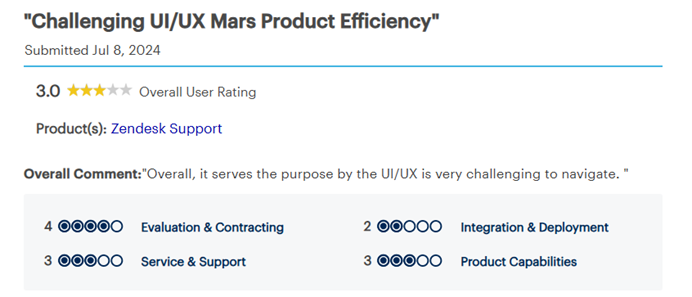
We gathered honest reviews from real users. The feedback is mixed. People praise its reliability but complain about cost and complexity.
“Zendesk serves the purpose but the UI/UX is very challenging to navigate.”
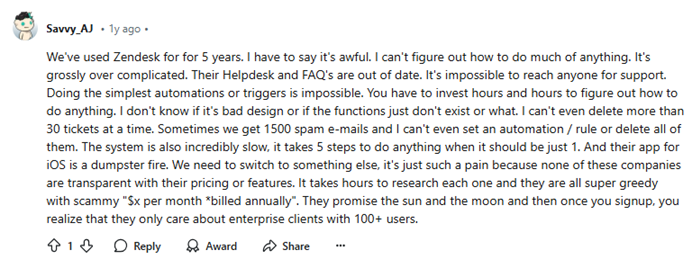
“We’ve used Zendesk for 5 years. I have to say it’s awful…… It’s grossly overcomplicated.”
“Good software, terrible support.”

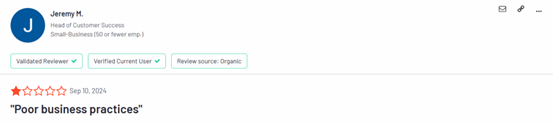
“Poor business practices.”
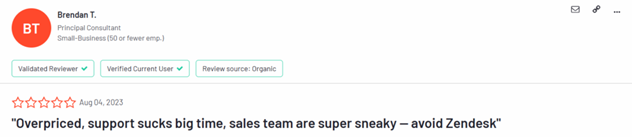
“Overpriced, support sucks big time, sales team are super sneaky—avoid Zendesk.”
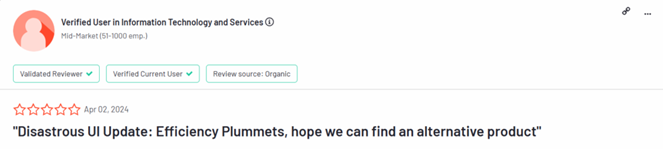
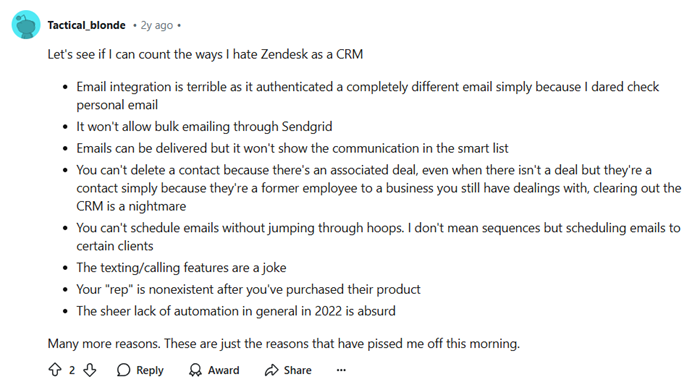
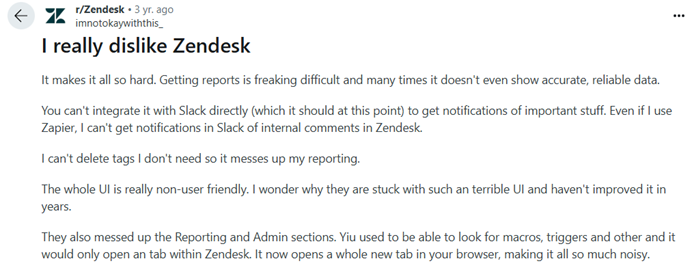
These comments reinforced our view: businesses want a platform that’s powerful but also transparent, affordable, and easy to use.
Sobot: Core Strengths
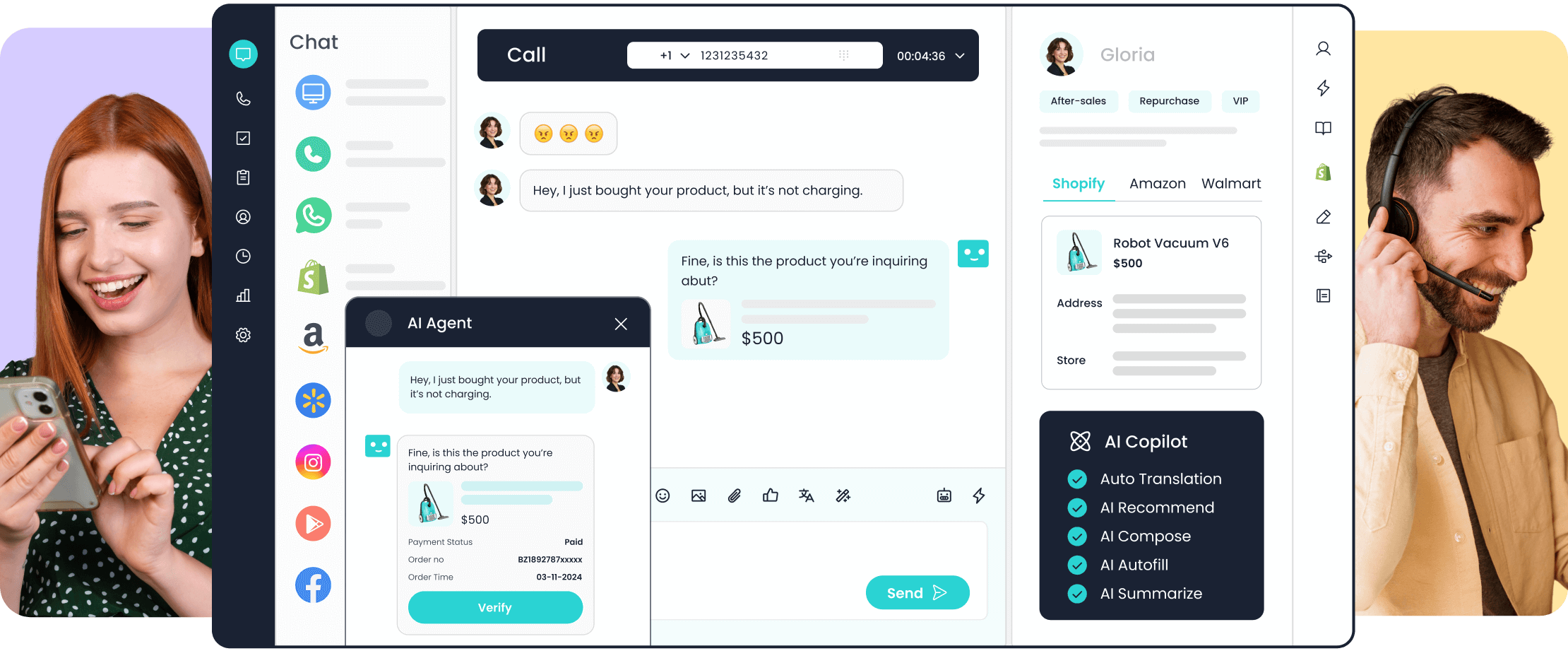
Platforms such as Sobot have emerged as cost-effective, user-friendly alternatives to address certain shortcomings of Zendesk. It’s designed for today’s businesses. Sobot has a complete set of tools that’s just as good as Zendesk’s—sometimes even better. And it fixes most of Zendesk’s flaws.
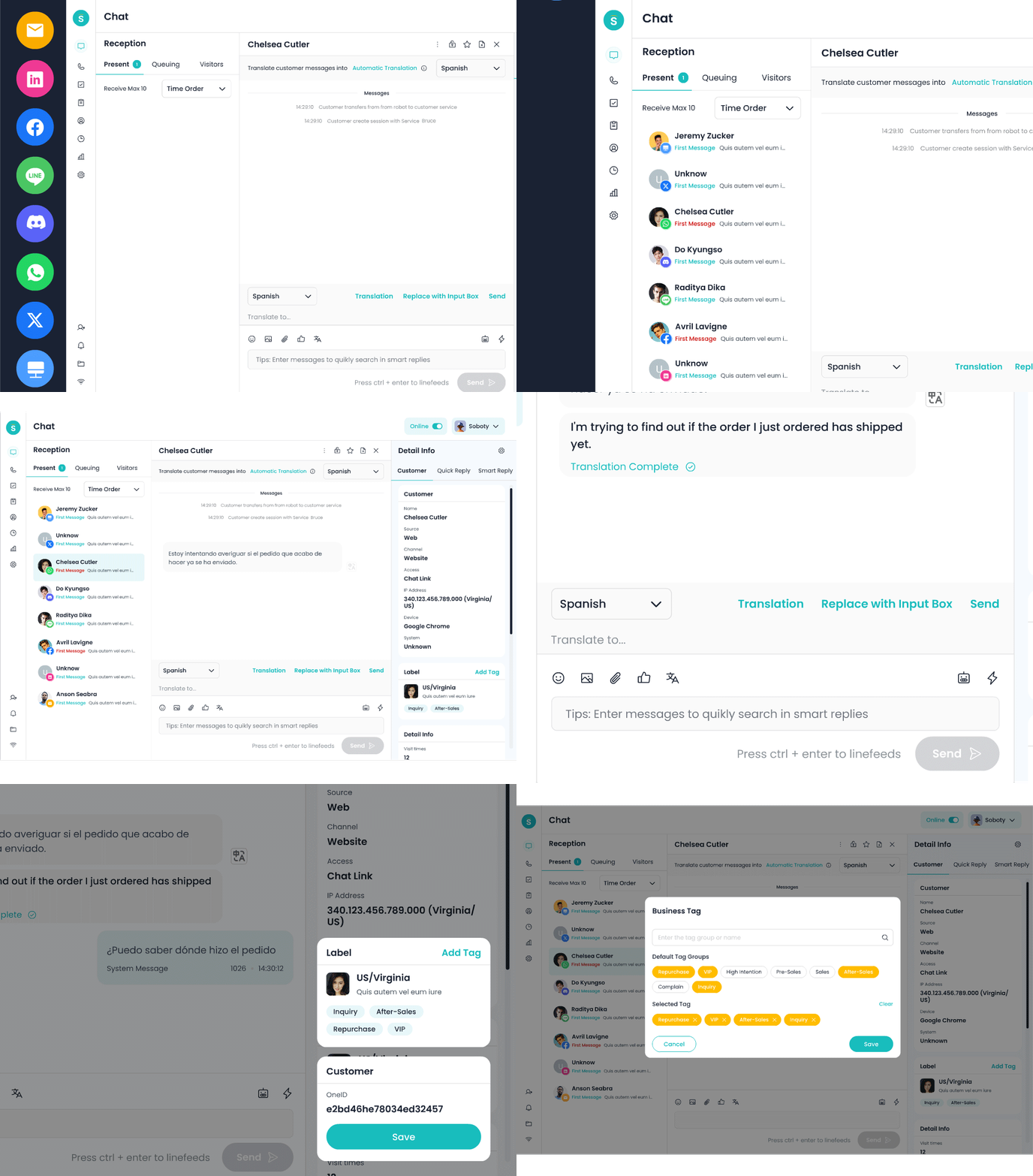
1. Seamless Integration
Sobot’s entire suite is built in-house. It has clear settings, concise products and fully interoperable data. Whether switching between chatbots and ticketing or accessing analytics, everything works together smoothly. It also offers high scalability—growing businesses can add features without disrupting workflows.
2. Proactive Marketing Capabilities
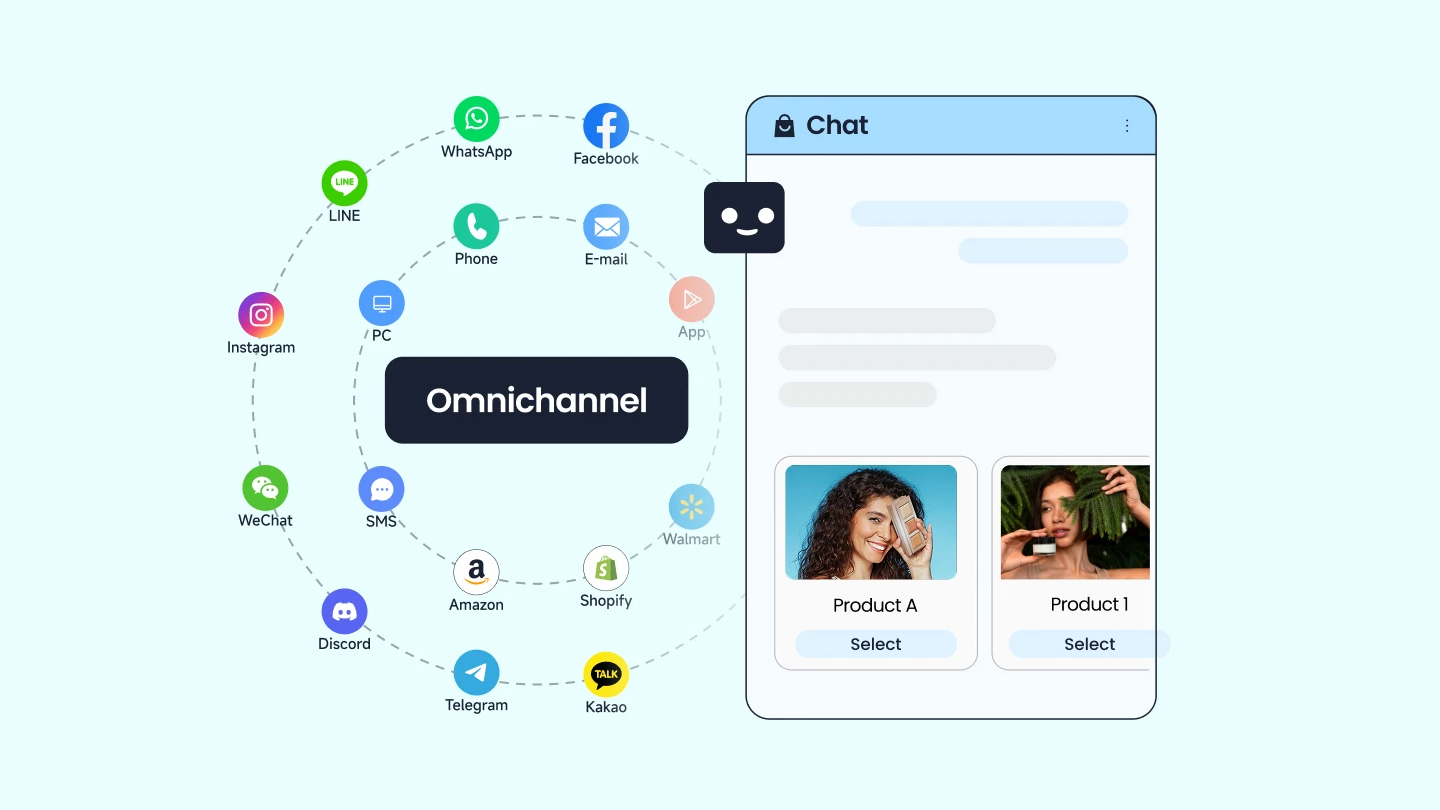
Sobot stands out for its proactive support and marketing tools. It offers multi-channel outreach (WhatsApp, SMS, etc.) that integrates seamlessly with OneID and a rule engine, enabling globalized marketing campaigns. This way, businesses engage customers before they have to reach out. It reduces support volume and building stronger relationships.
3. Exceptional End-to-end Service
Sobot’s customer support is a game-changer. Experts guide businesses through pre-sale consultation, deployment, and post-launch operations. There’s no need to wait days for answers, and the team provides tailored advice for each use case. This level of service is rare in the industry—and invaluable for businesses that can’t afford downtime.
4. Cost-effective & Customizable Pricing
One of Sobot’s biggest advantages is its cost-effectiveness. It is more budget-friendly than Zendesk, with a flexible pricing model tailored to business needs—no hidden add-on fees. It also offers private cloud and dedicated cloud options for medium to large businesses, ensuring customization without overstretching budgets. For SMEs, this means accessing enterprise-grade tools at a cost that fits their financial scope, with pricing solutions designed to be adaptable and cost-efficient.
5. Intuitive Customization & User-friendliness
Sobot’s user-centered design makes onboarding easy. Teams become fully proficient in days, not weeks. It also offers excellent customization options: businesses can tailor workflows to their specific needs. No more forcing your processes to fit the software.
Here are some users feedbacks.
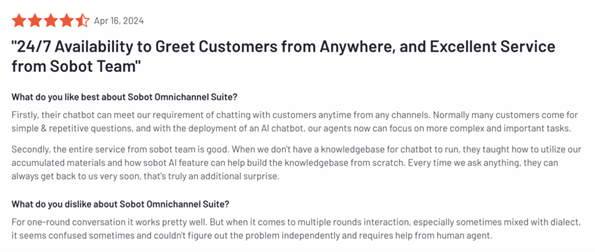
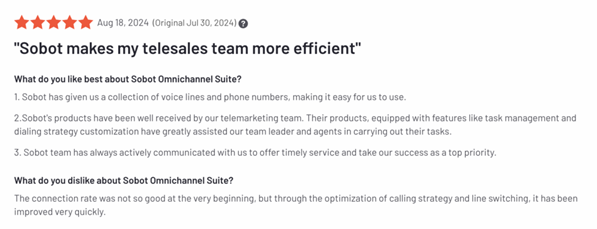
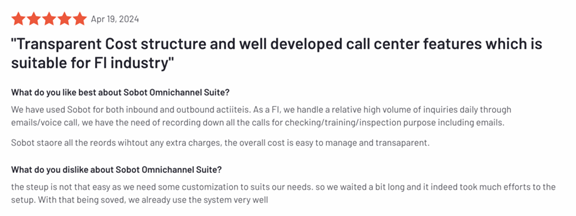
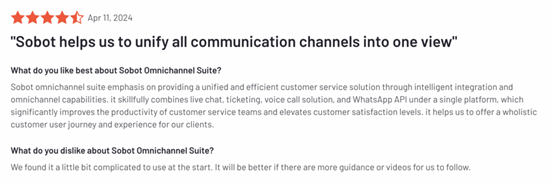
The positive reviews we found for Sobot align with our review results:
“Sobot has completely revolutionized our customer service operations. The chatbot alone reduced our response times by 50%.”
“From Zendesk to Sobot – it has been one of the best decisions ever made. This is an easy-to-use platform with a highly responsive support team.”
Comprehensive Comparison: Why Sobot Stands as a Zendesk Alternative
Both have good features, but Sobot outshines Zendesk in pricing, customization, and user experience. Zendesk has been a top name in customer service for ages, but its high cost, complexity, and other issues opened the door for other providers like Sobot.
Sobot solves those issues with budget-friendly pricing, easy design, and useful features like AI chatbots. If you’re choosing a customer service platform, Sobot’s a great pick that balances function and cost—just match it to your needs for great customer experiences.
| Category | Zendesk | Sobot |
| Product & Solution | 1. Extensive features but overly complex for most businesses.
2. Lacks a fully integrated suite (acquired key tools from third parties), leading to disjointed user experiences—especially when combining chatbots, voice, and other products. 3. Reactive-only system with no proactive marketing support. |
1. All-in-one suite built in-house: clear settings, connected data, flexible functions, and high scalability.
2. Supports omnichannel marketing (WhatsApp, SMS, etc.) with OneID and rule engine, offering globalized proactive support. |
| Price | Expensive, with additional costs for many capabilities such as advanced AI, workforce management, quality assurance, etc. | Cost-effective, customizable pricing model. Full features included—no hidden costs. Private/dedicated cloud options available for larger businesses, with adaptable pricing tailored to specific needs. |
| Service | Poor customer support: new users get no targeted guidance; existing users face long wait times for issue resolution. | End-to-end support: pre-sale consultation, deployment assistance, and post-launch operation help—responsive and tailored to each business. |