How Reusing a Phone Number Affects Your WhatsApp Account in 2025

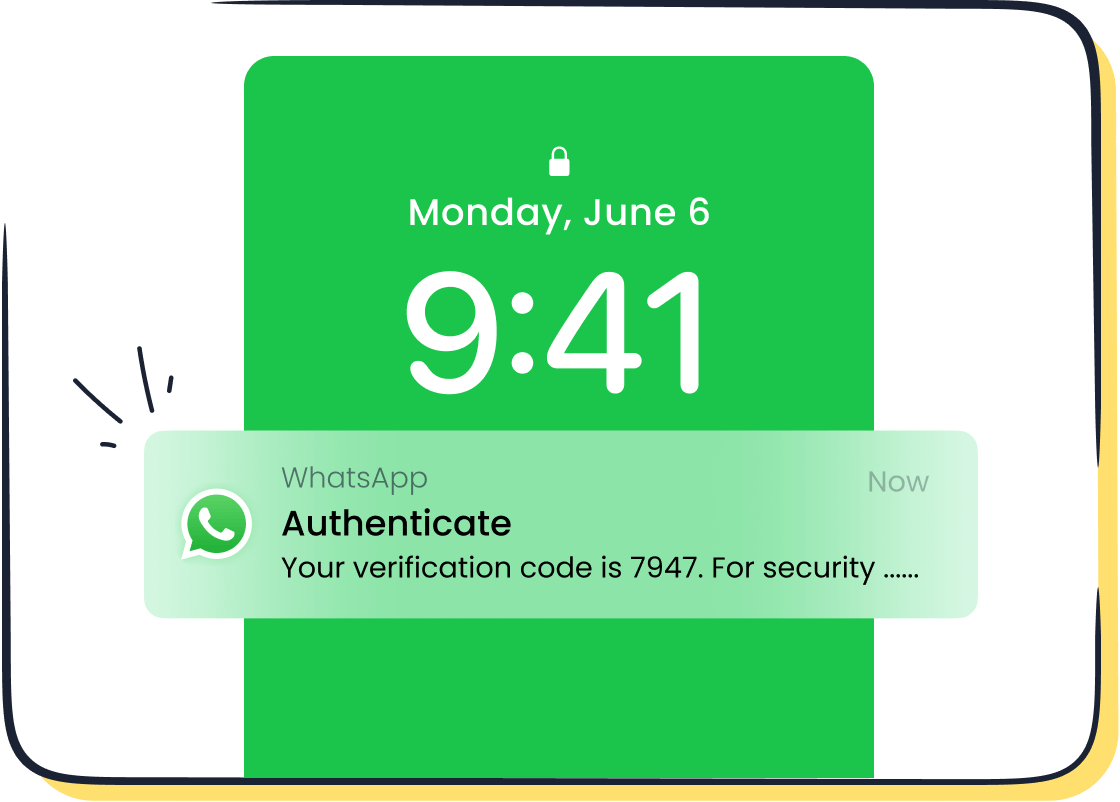
If you reuse recycled phone numbers for WhatsApp in 2025, you might lose access to your old chats or even face a privacy risk. Many users do not know that WhatsApp links accounts directly to phone numbers. When numbers get recycled, someone else can set up a new WhatsApp account using your old number. For businesses using Sobot or Sobot AI, this can mean lost customer data or unauthorized access to sensitive chats. Over 100 million phone numbers get recycled each year, making this a real issue. Want to stay safe? Create WhatsApp account now with the right tools.
WhatsApp and Recycled Phone Numbers
What Are Recycled Phone Numbers
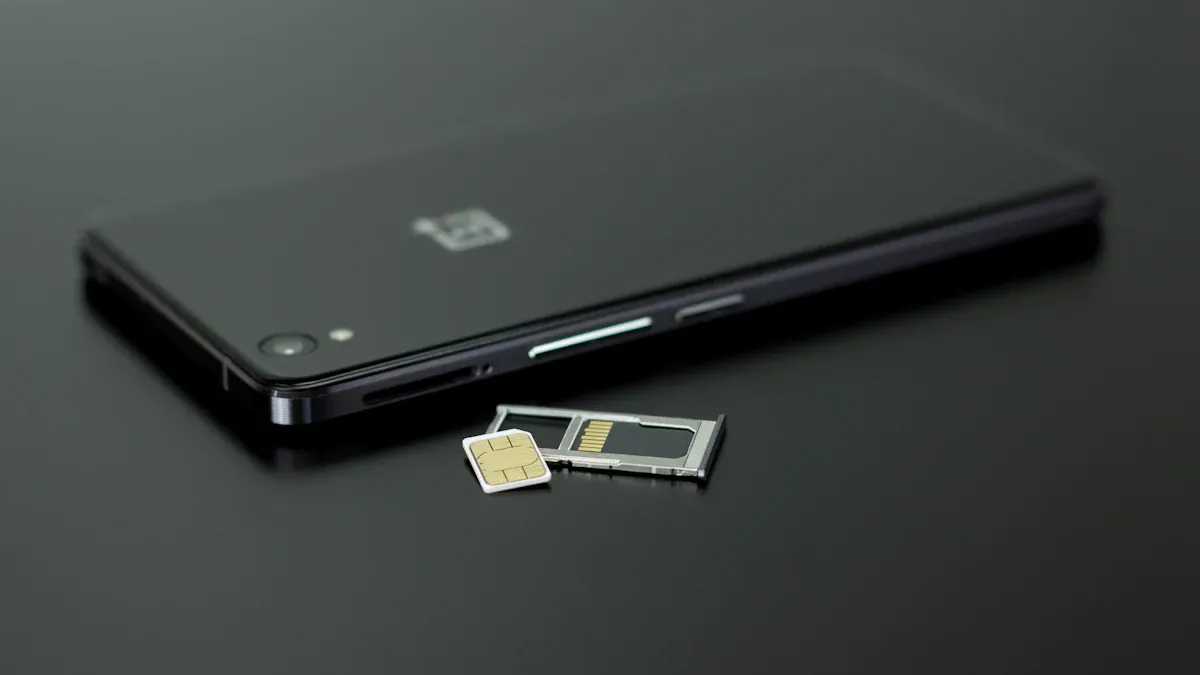
You might not realize it, but recycled phone numbers are everywhere. When you stop using your number, your mobile carrier deactivates it. After a short break, called a cooling-off period, the carrier gives that number to someone else. This process is known as phone number recycling. The waiting time before recycling can be as short as 45 days or as long as 90 days, depending on where you live and how many people want new numbers. In busy cities, phone number recycling happens even faster.
Here’s how the cycle works:
- You use your number for calls, texts, and apps like WhatsApp.
- You disconnect or stop paying for your number.
- The carrier waits a bit to make sure you’re really done.
- The number gets recycled and assigned to a new person.
This cycle keeps phone numbers in use, but it also brings risk. If you had an existing WhatsApp account tied to your old number, the new owner could get access to your chats or contacts. The FCC even created a Reassigned Numbers Database in 2021 to help stop unwanted calls and protect people from the risk of fraud and data leaks. Phone number recycling is a normal part of telecom, but it can cause big problems if you’re not careful.
How WhatsApp Handles Recycled Numbers
WhatsApp links your account directly to your phone number. When phone number recycling happens, WhatsApp treats the recycled phone numbers as new. If someone registers WhatsApp with a recycled number, they can set up a fresh account. This means your old messages, contacts, and even your identity could be at risk if you didn’t move your account or update your details.
For businesses, especially those using Sobot’s WhatsApp Business API, the risk is even higher. Customer contact centers and ecommerce teams rely on WhatsApp to talk to customers, send updates, and handle support. If you use reused phone numbers or recycled phone numbers for your business, you could lose important data or face privacy issues. Sobot helps you manage these risks by offering secure account migration, multi-login features, and workflow automation. With Sobot, you can keep your business identity safe and avoid the headaches that come with phone number recycling.
Tip: Always update your WhatsApp number before you change your SIM or phone. This simple step can save you from losing access or exposing your data to someone else.
Risks Associated with Recycled Numbers

When you use recycled phone numbers for WhatsApp, you face more than just a small inconvenience. The risks associated with recycled numbers can lead to account loss, privacy leaks, and even financial fraud. Let’s break down what can happen to your identity and your business if you don’t manage phone number recycling carefully.
Account Loss and Unauthorized Access
Losing your WhatsApp account because of recycled phone numbers is more common than you might think. When someone else gets your old number, they can set up a new WhatsApp account and take over your identity. This is not just a small risk—it’s a real security issue.
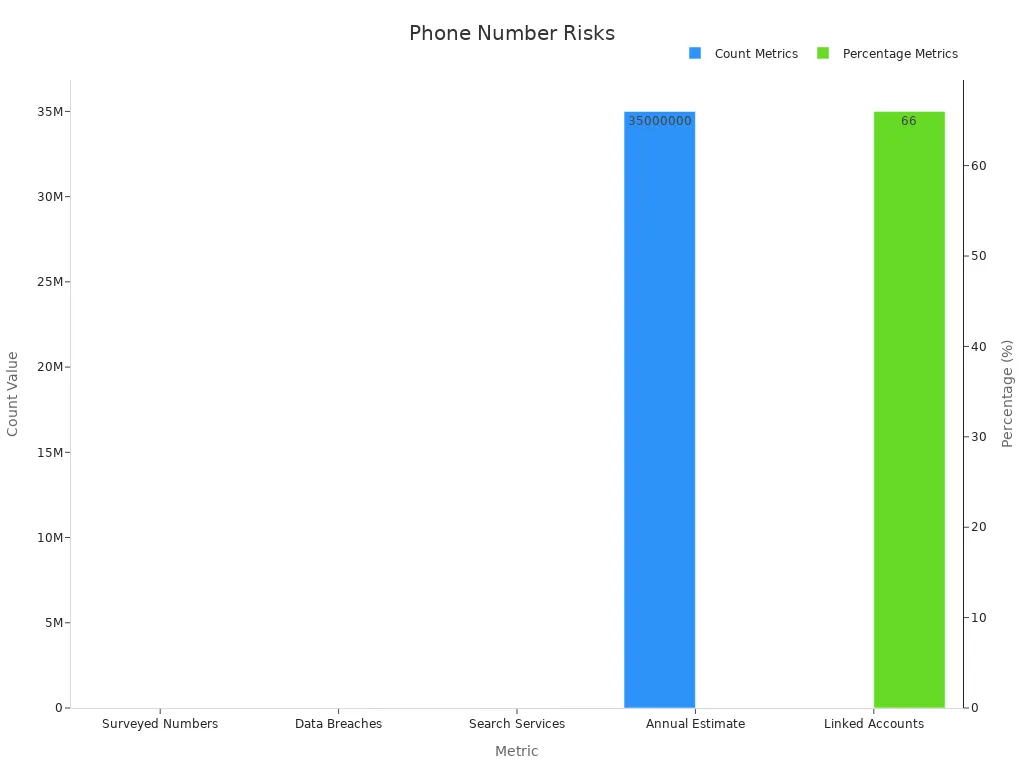
- 66% of recycled phone numbers still have active links to accounts from previous users. This means someone else can get password resets, two-factor authentication codes, and even access your sensitive chats.
- Out of 259 recycled numbers studied, 100 were connected to accounts with credentials exposed in data breaches. This makes it easy for fraud and identity theft to happen.
- Account takeover fraud jumped by 72% in 2020, with phone number recycling playing a big role.
If you run a business and use Sobot’s WhatsApp API, losing access to your WhatsApp account can mean losing customer conversations, order updates, and even your brand’s identity. You don’t want someone else pretending to be your business or stealing your customer data.
Tip: Always update your WhatsApp number before you stop using your old SIM. This simple step can help you avoid losing your account and protect your identity.
Privacy and Data Exposure
Recycled phone numbers can lead to massive privacy violation and data leaks. When your old number gets recycled, the new owner might receive your private messages, verification codes, or even personal information. This is a huge risk for both individuals and businesses.
- In one study, researchers bought 200 recycled phone numbers. Within a week, nearly 10% exposed sensitive data like personal info and multi-factor authentication codes.
- The Aadhaar breach in 2018 showed how hackers used WhatsApp groups to sell access to personal data, including phone numbers and biometric info, for as little as $7. This kind of privacy violation can lead to identity theft and financial fraud.
- The LinkedIn data scraping incident in 2021 exposed phone numbers and other details of 700 million users. Attackers can use this data for social engineering, identity theft, and more fraud.
When you use WhatsApp for business, you handle customer data every day. If you don’t manage phone number recycling, you put your customers’ privacy at risk. Sobot’s WhatsApp API helps you keep your data safe with features like multi-login and workflow automation, so you can avoid these vulnerabilities.
Business Security Concerns
Businesses face even bigger risks associated with recycled numbers. If you use WhatsApp to talk to customers, send updates, or run marketing campaigns, phone number recycling can cause serious problems.
| Statistic / Fact | Description |
|---|---|
| Number of recycled phone numbers annually | Approximately 35 million numbers are recycled each year. |
| Impact on consumers | Consumers often receive mistaken calls due to recycled numbers. |
| Impact on businesses | Businesses face difficulties reaching intended recipients when numbers are recycled. |
| TCPA liability risk | Businesses are exposed to strict liability under the Telephone Consumer Protection Act (TCPA) for inadvertent calls to recycled numbers, with potential damages of $500 per violation. |
| FCC mitigation efforts | Creation of a recycled number database and a safe harbor provision to reduce TCPA liability if the database is properly used. |
| Minimum recycling period | Numbers must be disconnected for at least 45 days before being reassigned. |
| Safe harbor conditions | Callers must verify number status using the database and demonstrate reasonable reliance to avoid liability. |
If you send a WhatsApp message to a recycled number, you might reach the wrong person. This can lead to fraud, identity theft, and even legal trouble. The TCPA can fine your business $500 for each mistaken call or message. That’s why Sobot’s WhatsApp API includes tools to help you manage customer contact info and avoid these risks.
Note: Always check and update your customer records. Use Sobot’s automation features to keep your contact lists clean and reduce the risk of fraud or privacy risks.
Phone number recycling is not just a technical detail. It’s a real risk for your identity, your privacy, and your business. By understanding the risks associated with recycled numbers and using secure tools like Sobot’s WhatsApp API, you can protect your data, your customers, and your brand from fraud, identity theft, and massive privacy violation.
Changing Phone Numbers on WhatsApp
Migration Steps for Businesses
If you plan on changing phone numbers for your WhatsApp Business account, you need to follow a few important steps. This helps you keep your business running smoothly and protects your customer data. Sobot’s WhatsApp API makes this process easier, but you still need to prepare.
Here’s a simple step-by-step guide for businesses:
- Make sure your new phone number can receive a 6-digit PIN by SMS or voice call.
- Check that your WhatsApp Business Account (WABA) is verified by Meta and has no pending display name changes.
- Disable two-step verification on your old number before you start.
- Have admin access to your Meta Business Manager so you can accept requests.
- Confirm your new account is ready and has a valid WhatsApp subscription.
- Back up your chat history if you want to keep old messages, since message history does not move during migration.
- Contact your WhatsApp Solution Provider, like Sobot, to start the migration. Sobot’s team can help you avoid downtime and keep your templates working.
- After migration, check your templates. Approved templates move automatically, but their quality rating resets for 24 hours.
Tip: With Sobot, you can change your phone number quickly and keep your business verified. Sobot’s support team guides you through every step, so you don’t have to worry about mistakes.
Avoiding Common Pitfalls
Many businesses run into trouble when they change their phone number on WhatsApp. You can’t change phone number if you forget to disable two-step verification or if your account is not verified. Here are some common mistakes and how to avoid them:
| Pitfall | How to Avoid |
|---|---|
| Forgetting to disable two-step verification | Always turn it off before migration. |
| Not having access to the new phone number | Test the new number with a PIN code first. |
| Losing message templates | Migrate templates before changing phone numbers. |
| Not backing up chat history | Use WhatsApp’s backup feature before you start. |
| Downtime during migration | Work with Sobot to plan the best time for migration. |
Note: If you use Sobot’s WhatsApp API, you get features like multi-login and workflow automation. These tools help your customer support and call center teams keep working, even while you change your phone number.
Changing phone numbers on WhatsApp does not have to be stressful. With the right steps and Sobot’s expert help, you can switch to a new phone number and keep your business running without missing a beat.
Protecting Your WhatsApp Account
Keeping your WhatsApp account safe should be a top priority, especially if you use it for business or customer service. You face real threats like fraud, identity theft, and data leaks every day. Let’s look at some simple but powerful ways to protect your identity and keep your business running smoothly.
Enable Two-Step Verification
You can stop most fraud attempts by turning on two-step verification. This feature adds an extra layer of security to your WhatsApp account. When you enable it, you set a six-digit PIN. WhatsApp will ask for this PIN whenever you register your phone number again. Even if someone gets your SIM card or tries to use a recycled number, they can’t get in without your PIN.
Here’s how you can set it up:
- Open WhatsApp and go to Settings.
- Tap Account, then Two-step verification.
- Tap Enable and set your PIN.
- Add your email address for extra safety.
Tip: Never share your PIN or verification code with anyone. Scammers often try to trick you into giving up this information. If you get a message asking for your verification code, ignore it. Only you should know your PIN.
Two-step verification works well with multi-factor authentication. You can use both to make it almost impossible for someone to steal your identity or break into your account. Sobot’s WhatsApp API supports these security features, so your team can manage accounts safely and avoid fraud.
Update Customer Contact Info
You need to keep your customer contact information up to date. Outdated records can lead to fraud, lost messages, and even legal trouble. When you update customer info, you protect your business and your customers’ identity.
- WhatsApp Flows use end-to-end encryption to keep customer data safe when you collect addresses or phone numbers.
- Structured data capture inside WhatsApp reduces mistakes compared to phone calls or web forms.
- You can connect WhatsApp to your CRM or order system using custom APIs. This lets you update customer contact info automatically and securely.
- These steps help you follow data privacy laws like GDPR and CCPA. You show customers you care about their privacy and identity.
- Keeping everything inside WhatsApp makes things easier for your customers. They trust the platform, and you save time and money.
Updating customer contact information is not just a good idea—it’s a best practice. You should always tell customers about changes, update your privacy policy, and get their consent. This builds trust and keeps your business safe from fraud.
Note: Sobot’s workflow automation can help you keep customer records clean. You can set up reminders to check for outdated info and send secure requests for updates. This reduces the risk of fraud and keeps your identity safe.
Recovering Access with Sobot
If you ever lose access to your WhatsApp account, don’t panic. Sobot gives you tools and support to recover your account quickly. You can regain access to groups, restore your business identity, and get back to helping customers.
Here’s what you should do:
- Contact Sobot’s support team right away. They know how to handle account recovery and fraud cases.
- Use Sobot’s multi-login feature. This lets multiple team members access the same WhatsApp number, so you never lose touch with your customers.
- Follow the recovery steps. You may need to verify your identity with a verification code or multi-factor authentication.
- Sobot’s workflow automation can help you track recovery progress and alert you to any suspicious activity.
If you act fast, you can stop fraud before it causes damage. Sobot’s tools make it easy to recover your WhatsApp account and protect your business identity.
You should always use multi-factor authentication, keep your verification code private, and update your contact info. These steps help you avoid fraud, protect your identity, and keep your WhatsApp account safe. Sobot’s solutions give you the support and automation you need to stay ahead of threats.
Create WhatsApp Account Now with Sobot
Benefits for Customer Service
If you want to keep your customers happy and safe from fraud, you should create whatsapp account now with Sobot. Sobot’s WhatsApp Business API gives you a secure way to talk to your customers. You can answer questions fast, solve problems, and stop fraud before it starts. Many companies lose money every year because of fraud on messaging apps. In 2023, businesses lost over $10 billion to fraud, according to Statista. When you create whatsapp account now with Sobot, you get tools that help you spot fraud early. You can set up alerts for strange activity and use multi-login to make sure only your team can access your WhatsApp account.
Here are some ways Sobot helps you fight fraud:
- Multi-login lets your team work together without sharing passwords.
- Workflow automation checks for fraud and sends alerts.
- Data analytics show you if someone tries to break into your account.
Tip: If you want to protect your business from fraud, create whatsapp account now and use Sobot’s security features.
Marketing and Engagement Tools
You can do more than just chat when you create whatsapp account now with Sobot. You get powerful marketing tools that help you reach more people and stop fraud in your campaigns. Sobot’s WhatsApp API lets you send bulk messages, run promotions, and use chatbots to answer customers 24/7. This means you can talk to thousands of people at once and keep your brand safe from fraud.
| Feature | How It Helps You Beat Fraud |
|---|---|
| Bulk Messaging | Sends updates to real customers only |
| Chatbot Support | Stops fraud by checking user info |
| Analytics Dashboard | Finds fraud patterns fast |
| Workflow Automation | Blocks fraud before it spreads |
When you create whatsapp account now, you also get reports that show if fraud is happening in your marketing. You can see which messages work best and which ones might be targets for fraud. Sobot’s tools make it easy to keep your business safe and your customers happy.
Note: Don’t wait for fraud to hurt your business. Create whatsapp account now with Sobot and use these tools to stay ahead.
Reusing a phone number on WhatsApp can put your privacy and business at risk. You might lose access to your chats or expose customer data. Over 35 million numbers get recycled each year, so this is a real problem. Sobot’s WhatsApp solutions help you stay secure and keep your customer contact smooth. Always update your WhatsApp info and follow security tips. Want expert help? Reach out to Sobot for advanced tools and support.
FAQ
What happens if I reuse a phone number for WhatsApp?
When you reuse a phone number, you risk losing your old chats and contacts. The new owner could access your messages. Over 35 million numbers get recycled yearly, so this happens often. Sobot’s WhatsApp API helps you avoid these risks with secure migration tools.
How do I safely change my WhatsApp Business number?
First, back up your chats. Then, update your number in WhatsApp settings. If you use Sobot, their support team can guide you step-by-step. This keeps your business running and protects your customer data during the switch.
What if I can’t change phone number on WhatsApp?
If you can’t change phone number, check if two-step verification is on or if your account is verified. Sometimes, you need admin access or help from your WhatsApp Solution Provider. Sobot’s team can help you fix these issues quickly.
Why should I update customer contact info regularly?
Outdated info can cause privacy leaks or lost messages. Keeping records fresh helps you avoid fraud and legal trouble. Sobot’s workflow automation makes it easy to remind customers and update details, so your business stays safe.
How does Sobot protect my WhatsApp account?
Sobot offers multi-login, workflow automation, and 24/7 chatbot support. These features help you spot fraud, recover accounts, and keep your business identity secure. You get peace of mind and better customer service.
See Also
Ways To Message On WhatsApp Without Saving Contacts
Reasons WhatsApp Messaging Increases Visitor Interaction On Websites
Steps To Configure Bulk Messaging In WhatsApp Business App